Page 26 of 44
AUDIO
257
21G018
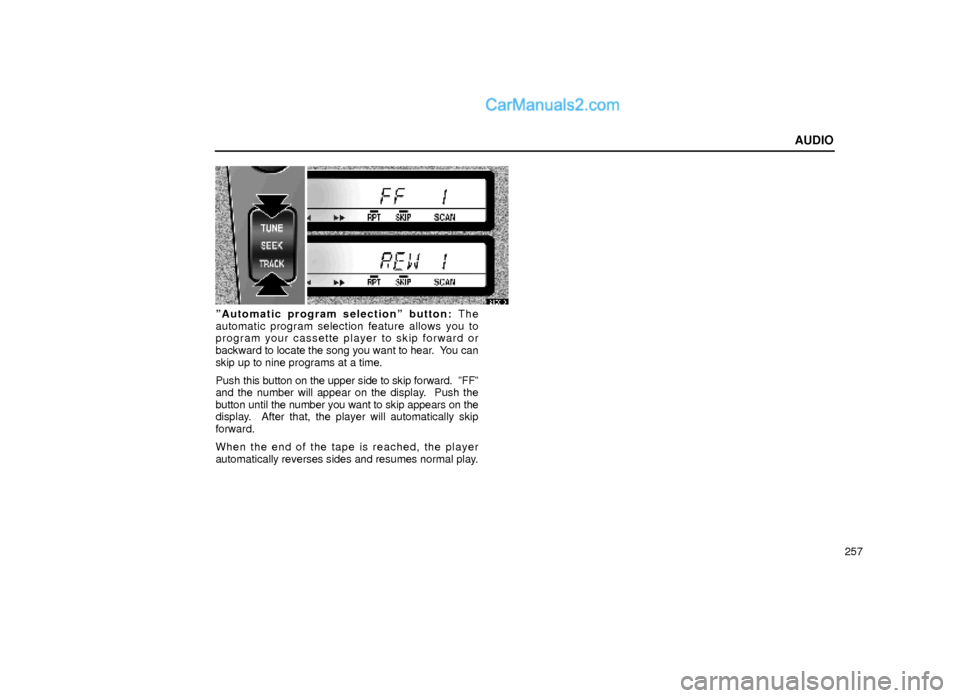
ºAutomatic program selectionº button: The
automatic program selection feature allows you to
program your cassette player to skip forward or
backward to locate the song you want to hear. You can
skip up to nine programs at a time.
Push this button on the upper side to skip forward. ºFFº
and the number will appear on the display. Push the
button until the number you want to skip appears on the
display. After that, the player will automatically skip
forward.
When the end of the tape is reached, the player
automatically reverses sides and resumes normal play.
Page 27 of 44
AUDIO
258Push this button on the lower side to skip backward.
Push the button until ºREWº and the number you want
to skip appear on the display.
�If you set ºREW 1º, the player will rewind to the
beginning of the current program.
�When counting the number of programs you want to
rewind, remember to count the current program as
well. For example, if you want to rewind to a song that
is two before the song you are listening to, push this
button until ºREW 3º appears on the display.
When the beginning of the tape is reached, the player
automatically resumes normal play.
There must be at least 5 seconds of blank space
between programs for this feature to work correctly.
ºRPTº, ºSKIPº or ºAutomatic program selectionº
features: These features may not work well with some
spoken word, live or classical recordings.
Compact disc player operation
The compact disc player is an optional accessory that
your vehicle is pre±wired to accept. Although your audio
system has a CD button, your vehicle may or may not be
equipped with a CD player. Please contact your dealer
for additional details if you would like to have the optional
CD player installed.
(a) Inserting compact discs
Page 30 of 44
AUDIO
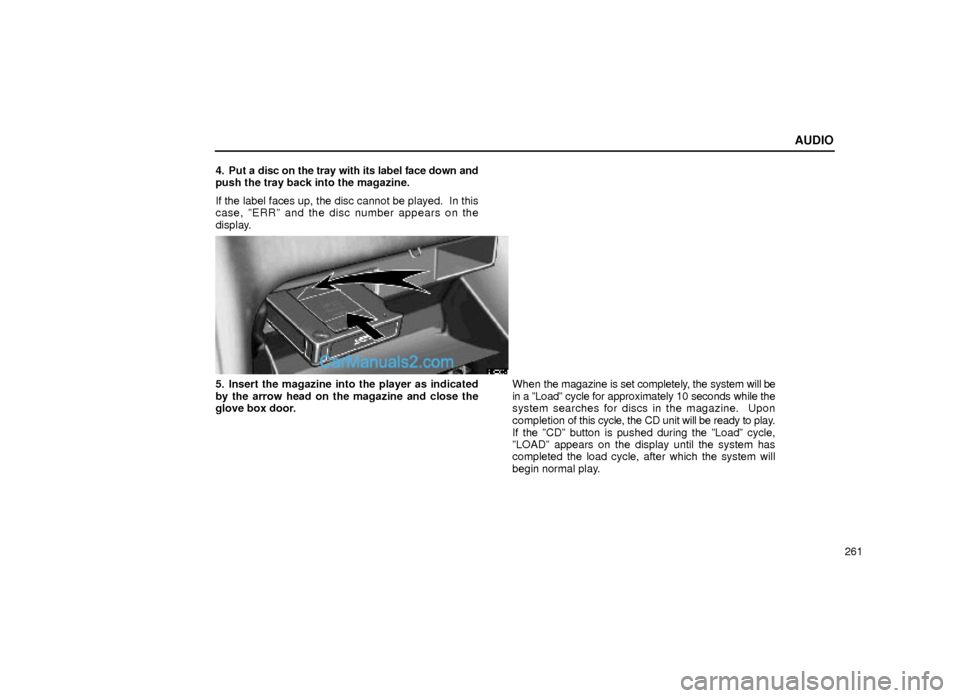
261 4. Put a disc on the tray with its label face down and
push the tray back into the magazine.
If the label faces up, the disc cannot be played. In this
case, ºERRº and the disc number appears on the
display.
21G003±1
5. Insert the magazine into the player as indicated
by the arrow head on the magazine and close the
glove box door.When the magazine is set completely, the system will be
in a ºLoadº cycle for approximately 10 seconds while the
system searches for discs in the magazine. Upon
completion of this cycle, the CD unit will be ready to play.
If the ºCDº button is pushed during the ºLoadº cycle,
ºLOADº appears on the display until the system has
completed the load cycle, after which the system will
begin normal play.
Page 32 of 44
AUDIO
263 (b) Playing a compact disc
21G084
�Type A�Type B
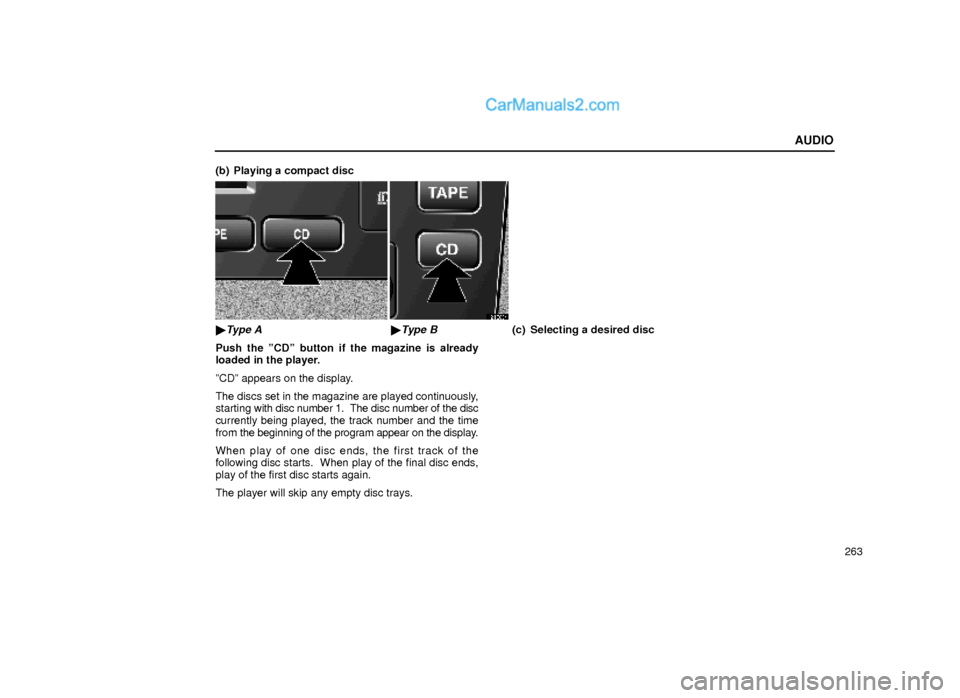
Push the ºCDº button if the magazine is already
loaded in the player.
ºCDº appears on the display.
The discs set in the magazine are played continuously,
starting with disc number 1. The disc number of the disc
currently being played, the track number and the time
from the beginning of the program appear on the display.
When play of one disc ends, the first track of the
following disc starts. When play of the final disc ends,
play of the first disc starts again.
The player will skip any empty disc trays.(c) Selecting a desired disc
Page 33 of 44
AUDIO
264
21G020
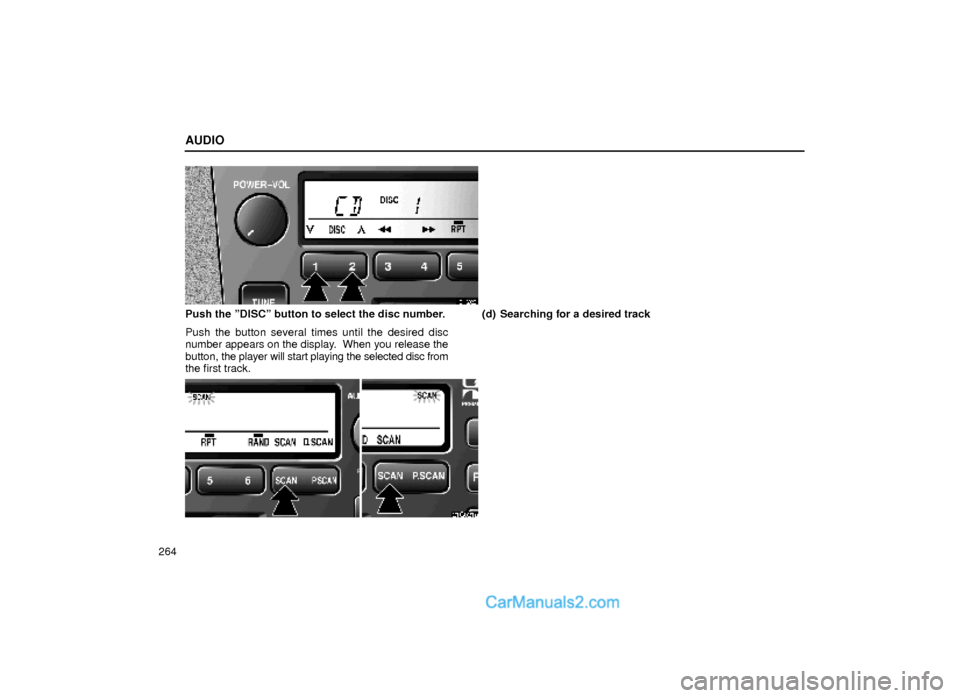
Push the ºDISCº button to select the disc number.
Push the button several times until the desired disc
number appears on the display. When you release the
button, the player will start playing the selected disc from
the first track.(d) Searching for a desired track
21G021a
Page 34 of 44
AUDIO
265 �
Type A�Type B
Type A: Push the ªSCANº button.
Type B: Push the ªSCANº button briefly.
ºSCANº will appear on the display. The compact disc
player will play the next track for 10 seconds, then scan
again. To select a track, push the ºSCANº button a
second time. If the player reaches the end of the disc,
it will continue scanning at track 1.
After all the tracks are scanned in one pass, normal play
resumes.(e) Searching for a desired disc
Page 35 of 44
AUDIO
266
21G022a
�Type A�Type B
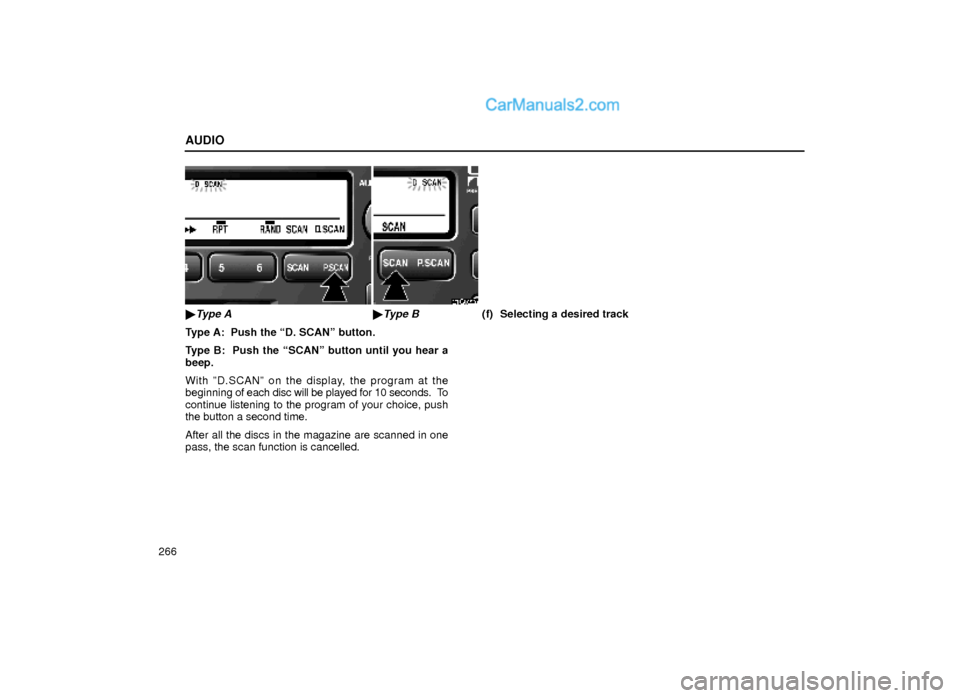
Type A: Push the ªD. SCANº button.
Type B: Push the ªSCANº button until you hear a
beep.
With ºD.SCANº on the display, the program at the
beginning of each disc will be played for 10 seconds. To
continue listening to the program of your choice, push
the button a second time.
After all the discs in the magazine are scanned in one
pass, the scan function is cancelled.(f) Selecting a desired track
Page 36 of 44
AUDIO
267
21G023
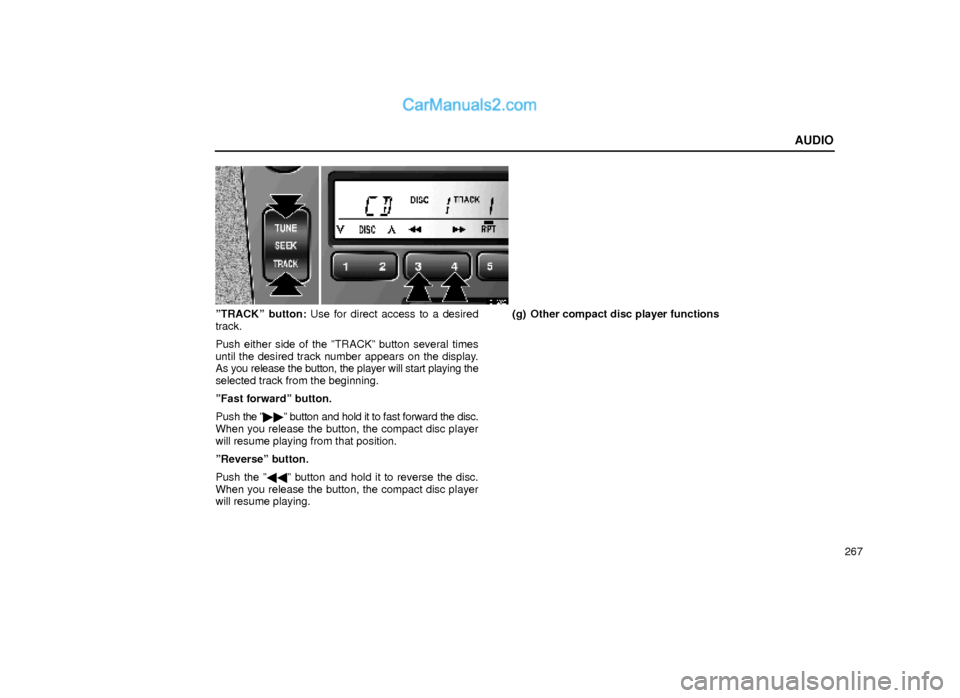
ºTRACKº button: Use for direct access to a desired
track.
Push either side of the ºTRACKº button several times
until the desired track number appears on the display.
As you release the button, the player will start playing the
selected track from the beginning.
ºFast forwardº button.
Push the º��º button and hold it to fast forward the disc.
When you release the button, the compact disc player
will resume playing from that position.
ºReverseº button.
Push the º��º button and hold it to reverse the disc.
When you release the button, the compact disc player
will resume playing.(g) Other compact disc player functions