Page 15 of 359
1-3 Massaging Lumbar (If Equipped)
Push or tap the lumbar control, where it is marked
AUTO, located on the outboard side of each front seat,
up for half a second to activate the massage feature.
The massage cycle will run for 10 minutes and can be
turned off by pushing the lumbar control down briefly.
The lumbar support can be adjusted during the massage
cycle by moving the switch forward to increase support
and rearward to decrease support. The massage cycle
will continue to run even if the ignition is turned to OFF,
unless interrupted.
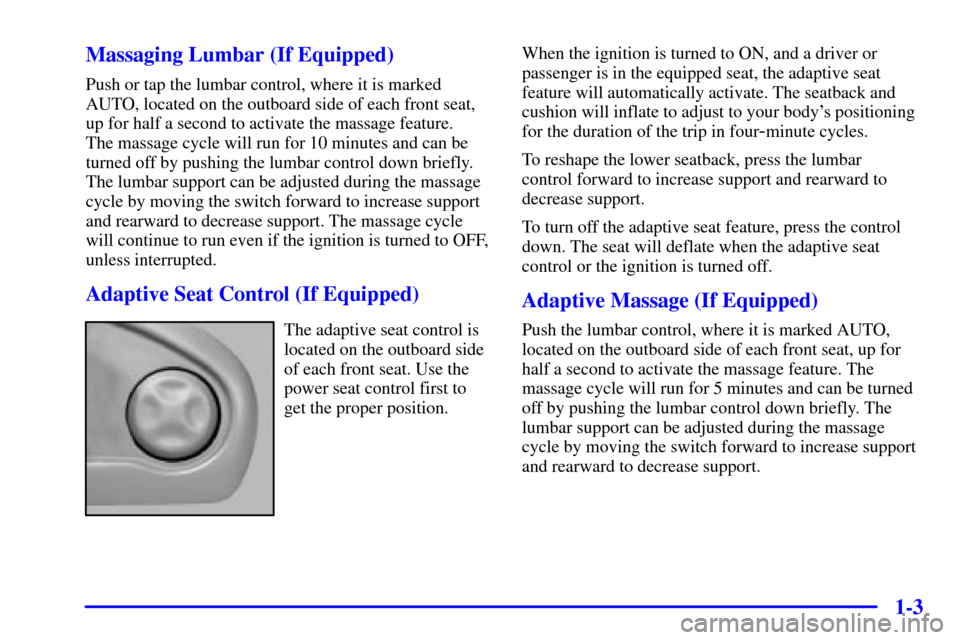
Adaptive Seat Control (If Equipped)
The adaptive seat control is
located on the outboard side
of each front seat. Use the
power seat control first to
get the proper position.When the ignition is turned to ON, and a driver or
passenger is in the equipped seat, the adaptive seat
feature will automatically activate. The seatback and
cushion will inflate to adjust to your body's positioning
for the duration of the trip in four
-minute cycles.
To reshape the lower seatback, press the lumbar
control forward to increase support and rearward to
decrease support.
To turn off the adaptive seat feature, press the control
down. The seat will deflate when the adaptive seat
control or the ignition is turned off.
Adaptive Massage (If Equipped)
Push the lumbar control, where it is marked AUTO,
located on the outboard side of each front seat, up for
half a second to activate the massage feature. The
massage cycle will run for 5 minutes and can be turned
off by pushing the lumbar control down briefly. The
lumbar support can be adjusted during the massage
cycle by moving the switch forward to increase support
and rearward to decrease support.
Page 16 of 359
1-4 Memory Seat, Mirrors and Steering
Wheel (Option)
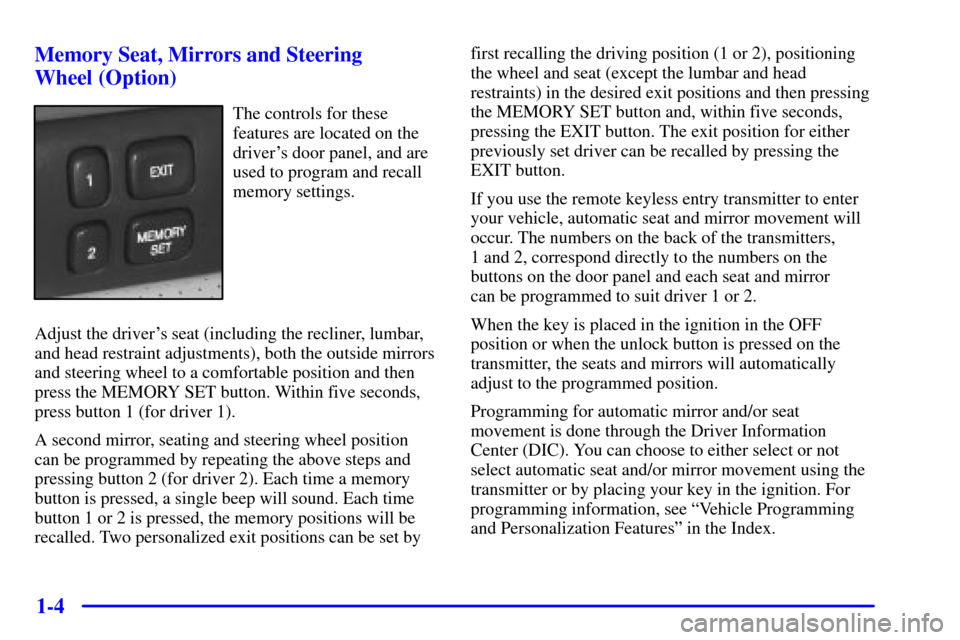
The controls for these
features are located on the
driver's door panel, and are
used to program and recall
memory settings.
Adjust the driver's seat (including the recliner, lumbar,
and head restraint adjustments), both the outside mirrors
and steering wheel to a comfortable position and then
press the MEMORY SET button. Within five seconds,
press button 1 (for driver 1).
A second mirror, seating and steering wheel position
can be programmed by repeating the above steps and
pressing button 2 (for driver 2). Each time a memory
button is pressed, a single beep will sound. Each time
button 1 or 2 is pressed, the memory positions will be
recalled. Two personalized exit positions can be set by first recalling the driving position (1 or 2), positioning
the wheel and seat (except the lumbar and head
restraints) in the desired exit positions and then pressing
the MEMORY SET button and, within five seconds,
pressing the EXIT button. The exit position for either
previously set driver can be recalled by pressing the
EXIT button.
If you use the remote keyless entry transmitter to enter
your vehicle, automatic seat and mirror movement will
occur. The numbers on the back of the transmitters,
1 and 2, correspond directly to the numbers on the
buttons on the door panel and each seat and mirror
can be programmed to suit driver 1 or 2.
When the key is placed in the ignition in the OFF
position or when the unlock button is pressed on the
transmitter, the seats and mirrors will automatically
adjust to the programmed position.
Programming for automatic mirror and/or seat
movement is done through the Driver Information
Center (DIC). You can choose to either select or not
select automatic seat and/or mirror movement using the
transmitter or by placing your key in the ignition. For
programming information, see ªVehicle Programming
and Personalization Featuresº in the Index.
Page 17 of 359
1-5 Heated Seats (Option)
This option is only available if your vehicle is equipped
with the power lumbar control feature.
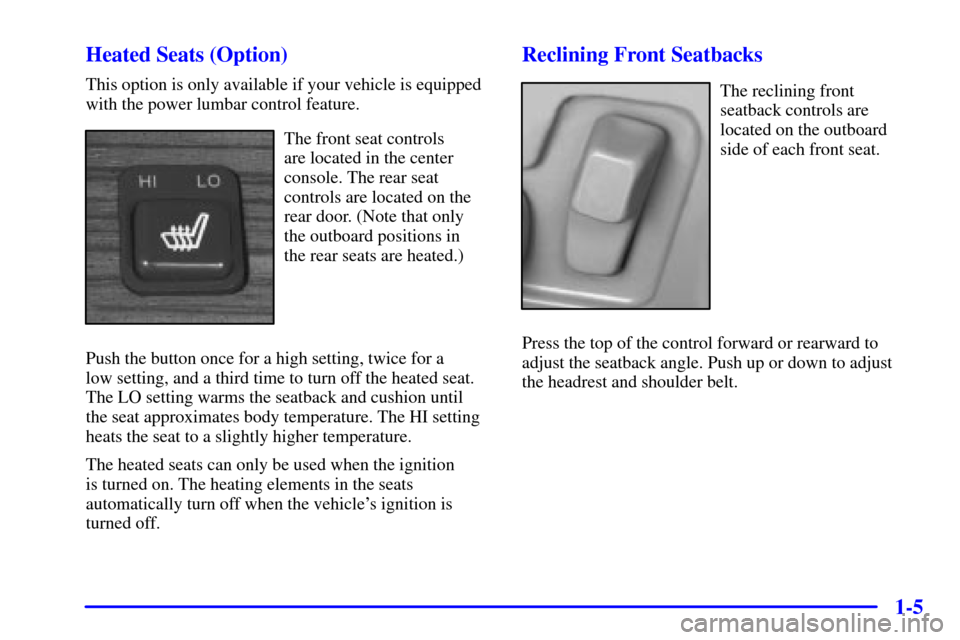
The front seat controls
are located in the center
console. The rear seat
controls are located on the
rear door. (Note that only
the outboard positions in
the rear seats are heated.)
Push the button once for a high setting, twice for a
low setting, and a third time to turn off the heated seat.
The LO setting warms the seatback and cushion until
the seat approximates body temperature. The HI setting
heats the seat to a slightly higher temperature.
The heated seats can only be used when the ignition
is turned on. The heating elements in the seats
automatically turn off when the vehicle's ignition is
turned off.
Reclining Front Seatbacks
The reclining front
seatback controls are
located on the outboard
side of each front seat.
Press the top of the control forward or rearward to
adjust the seatback angle. Push up or down to adjust
the headrest and shoulder belt.
Page 40 of 359
1-28
NOTICE:
If you damage the covering for the driver's or
the right front passenger's air bag, or the
air bag covering on the driver's and right front
passenger's seatback, the bag may not work
properly. You may have to replace the air bag
module in the steering wheel, both the air bag
module and the instrument panel for the right
front passenger's air bag, or both the air bag
module and seatback for the driver's and right
front passenger's side impact air bag. Do not
open or break the air bag coverings.
Servicing Your Air Bag-Equipped Vehicle
Air bags affect how your vehicle should be serviced.
There are parts of the air bag systems in several places
around your vehicle. Your dealer and the service manual
have information about servicing your vehicle and the
air bag systems. To purchase a service manual, see
ªService and Owner Publicationsº in the Index.
CAUTION:
For up to 10 seconds after the ignition key is
turned off and the battery is disconnected, an
air bag can still inflate during improper service.
You can be injured if you are close to an air bag
when it inflates. Avoid yellow connectors. They
are probably part of the air bag systems. Be sure
to follow proper service procedures, and make
sure the person performing work for you is
qualified to do so.
The air bag systems do not need regular maintenance.
Page 61 of 359

2-
2-1
Section 2 Features and Controls
Here you can learn about the many standard and optional features on your vehicle, and information on starting,
shifting and braking. Also explained are the instrument panel and the warning systems that tell you if everything is
working properly
-- and what to do if you have a problem.
2
-2 Keys
2
-4 Door Locks
2
-7 Remote Keyless Entry (RKE) System
2
-10 Trunk
2
-13 Theft
2
-14 Theft-Deterrent System
2
-16 PASS-Key� III
2
-18 New Vehicle ªBreak-Inº
2
-18 Ignition Positions
2
-19 Starting Your Engine
2
-21 Engine Coolant Heater (If Equipped)
2
-22 Automatic Transaxle Operation
2
-26 Parking Brake
2
-27 Shifting Into PARK (P)
2
-29 Shifting Out of PARK (P)
2
-30 Ultrasonic Rear Parking Assist
(URPA) (Option)
2
-31 Parking Over Things That Burn2
-32 Engine Exhaust
2
-32 Running Your Engine While You're Parked
2
-33 Windows
2
-34 Tilt Wheel
2
-36 Turn Signal/Multifunction Lever
2
-43 Exterior Lamps
2
-48 Interior Lamps
2
-50 Mirrors
2
-54 Storage Compartments
2
-57 Sun Visors
2
-59 Sunroof (Option)
2
-60 HomeLink� Transmitter (Option)
2
-64 The Instrument Panel -- Your
Information System
2
-69 Warning Lights, Gages and Indicators
2
-79 Driver Information Center (DIC)
2
-94 Navigation (Option)
Page 62 of 359
2-2
Keys
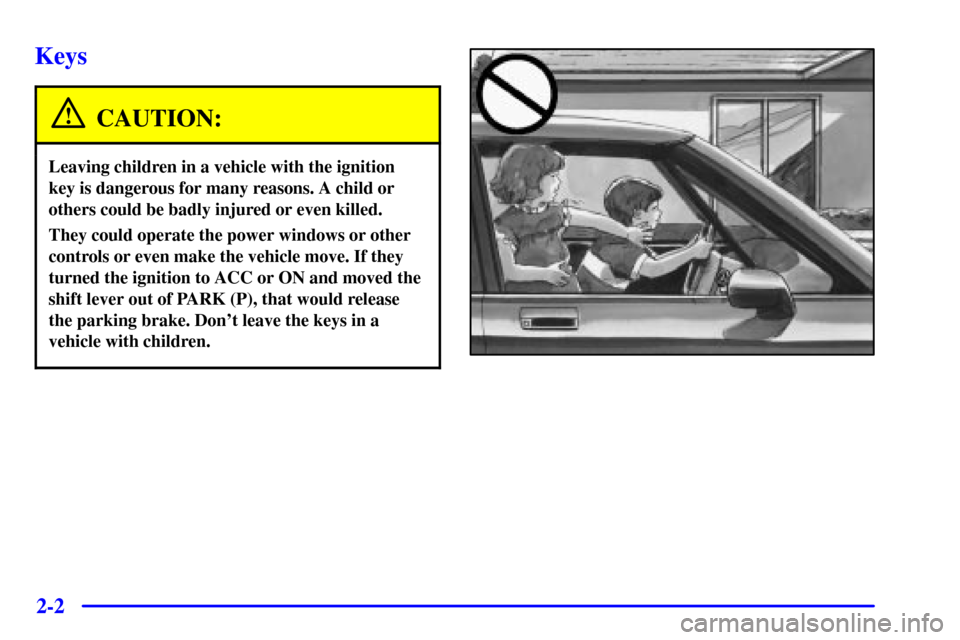
CAUTION:
Leaving children in a vehicle with the ignition
key is dangerous for many reasons. A child or
others could be badly injured or even killed.
They could operate the power windows or other
controls or even make the vehicle move. If they
turned the ignition to ACC or ON and moved the
shift lever out of PARK (P), that would release
the parking brake. Don't leave the keys in a
vehicle with children.
Page 63 of 359
2-3
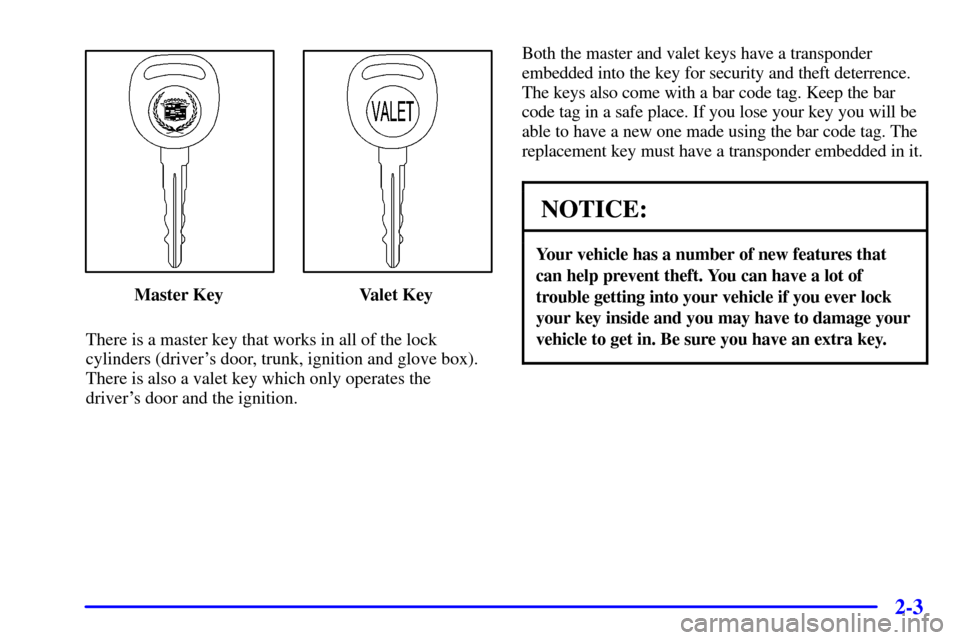
Master Key Valet Key
There is a master key that works in all of the lock
cylinders (driver's door, trunk, ignition and glove box).
There is also a valet key which only operates the
driver's door and the ignition.Both the master and valet keys have a transponder
embedded into the key for security and theft deterrence.
The keys also come with a bar code tag. Keep the bar
code tag in a safe place. If you lose your key you will be
able to have a new one made using the bar code tag. The
replacement key must have a transponder embedded in it.
NOTICE:
Your vehicle has a number of new features that
can help prevent theft. You can have a lot of
trouble getting into your vehicle if you ever lock
your key inside and you may have to damage your
vehicle to get in. Be sure you have an extra key.
Page 65 of 359

2-5 Central Door Unlocking System
When unlocking the driver's door, you can unlock the
other doors by holding the key in the turned position for
a few seconds or by quickly turning the key twice in the
lock cylinder.
Power Door Locks
The power door lock switch
is located on each front
door. Press the top of the
switch to unlock all of the
doors at once. Press the
down arrow (LOCK V) to
lock the doors.
The rear power door lock switches only provide a lock
function as a safety feature. They will not unlock
the doors.
Automatic Door Locks
Close your doors and turn on the ignition. If all of the
doors are closed, every time you move the shift lever out
of PARK (P), all of the doors will lock. The doors will
unlock every time you stop the vehicle and move the
shift lever back into PARK (P). If someone needs to
get out while your vehicle is not in PARK (P), have that
person use the manual or power door locks. When the
door is closed again, it will not lock automatically. Use
the manual or power door locks to lock the door again.
If you need to lock the doors before shifting out of
PARK (P), use the manual or power door locks.
Programmable Automatic Door Locks
With the vehicle in PARK (P) and the ignition in ON,
the door locks can be programmed through prompts
displayed by the Driver Information Center (DIC).
These prompts allow the driver to choose various lock
and unlock settings. For programming information, see
ªVehicle Programming and Personalization Featuresº
in the Index.