Page 2 of 216
ICONS
Indicates a warning. Read the
following section onWarningsfor
a full explanation.
Indicates vehicle information
related to recycling and other
environmental concerns will follow.
Correct vehicle usage and the
authorized disposal of waste
cleaning and lubrication materials
are significant steps towards
protecting the environment.
WARNINGS
Warnings provide information
which may reduce the risk of
personal injury and prevent
possible damage to others, your
vehicle and its equipment.
BREAKING-IN YOUR VEHICLE
There are no particular breaking-in
rules for your vehicle. During the
first 1 600 km (1 000 miles) of
driving, vary speeds frequently.
This is necessary to give the
moving parts a chance to break in.
If possible, you should avoid full
use of the brakes for the first
1 600 km (1 000 miles).
INFORMATION ABOUT THIS
GUIDE
The information found in this
guide was in effect at the time of
printing. Ford may change the
Introduction
2
Page 7 of 216

the engine is started, one of the
engine's emission control systems
may be malfunctioning. The light
may illuminate without a
driveability concern being noted.
The vehicle will usually be drivable
and will not require towing.
What you should do if the
check engine light illuminates
Light turns on solid:
This means that the OBD II system
has detected a malfunction.
Temporary malfunctions may cause
yourCheck Enginelight to
illuminate. Examples are:
1. The vehicle has run out of fuel.
(The engine may misfire or run
poorly.)
2. Poor fuel quality or water in the
fuel.
3. The fuel cap may not have been
properly installed and securely
tightened.
These temporary malfunctions can
be corrected by filling the fuel tank
with good quality fuel and/or
properly installing and securely
tightening the gas cap. After three
driving cycles without these or any
other temporary malfunctions
present, theCheck Enginelight
should turn off. (A driving cycle
consists of a cold engine startup
followed by mixed city/highway
driving.) No additional vehicle
service is required.
Instrumentation
7
Page 17 of 216
depending on your vehicle's option
package, but the functions are the
same.
The trip computer only works
when the ignition is in the ON
position. Trip computer features
follow:
Selectable features
English/metric display
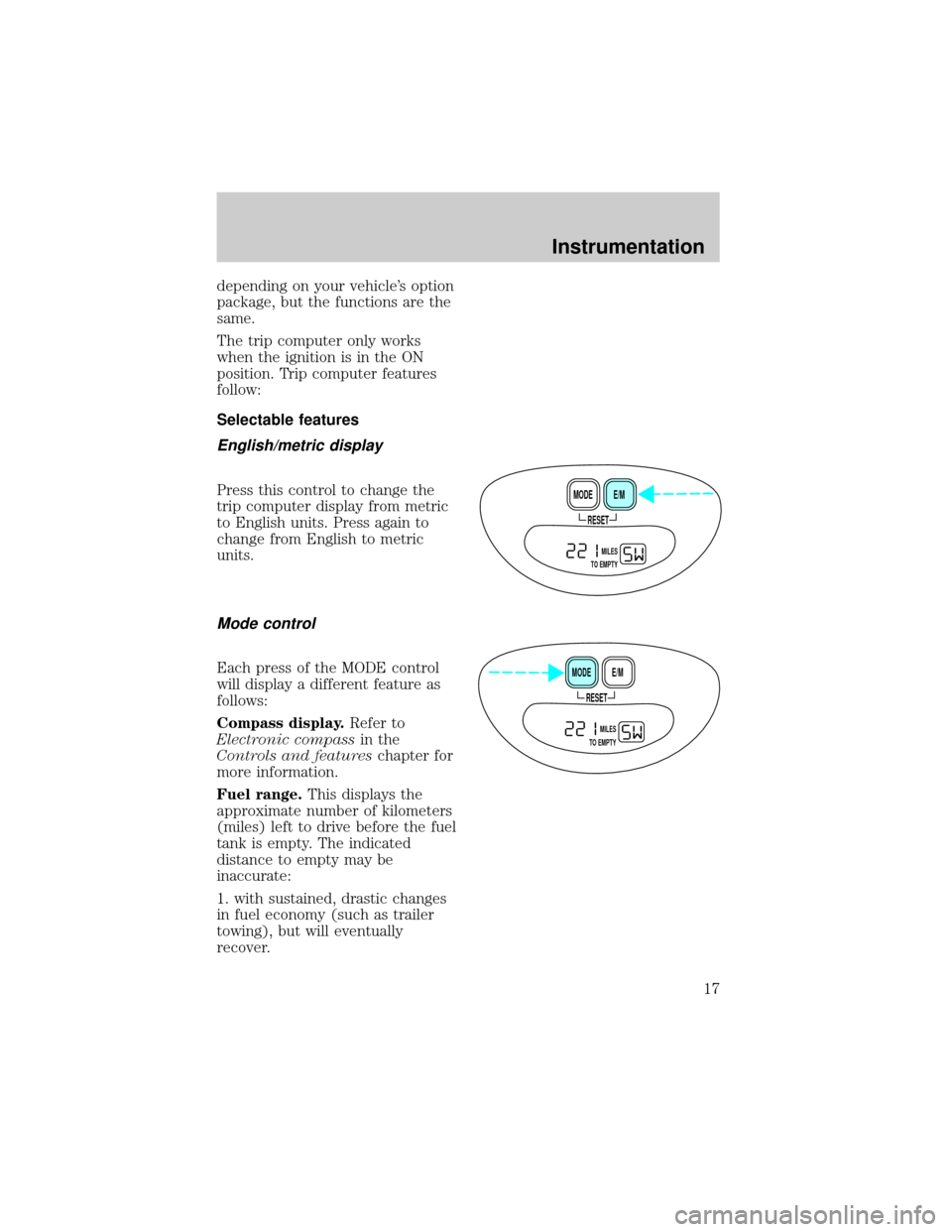
Press this control to change the
trip computer display from metric
to English units. Press again to
change from English to metric
units.
Mode control
Each press of the MODE control
will display a different feature as
follows:
Compass display.Refer to
Electronic compassin the
Controls and featureschapter for
more information.
Fuel range.This displays the
approximate number of kilometers
(miles) left to drive before the fuel
tank is empty. The indicated
distance to empty may be
inaccurate:
1. with sustained, drastic changes
in fuel economy (such as trailer
towing), but will eventually
recover.
RESET
E/M MODE
MILES
TO EMPTY
RESET
E/M MODE
MILES
TO EMPTY
Instrumentation
17
Page 20 of 216
HEADLAMP CONTROL
Rotate the headlamp control to the
desired position:
Ð OFF.
Ð Parking lamps on.
Ð Headlamps on.
Foglamp control (if equipped)
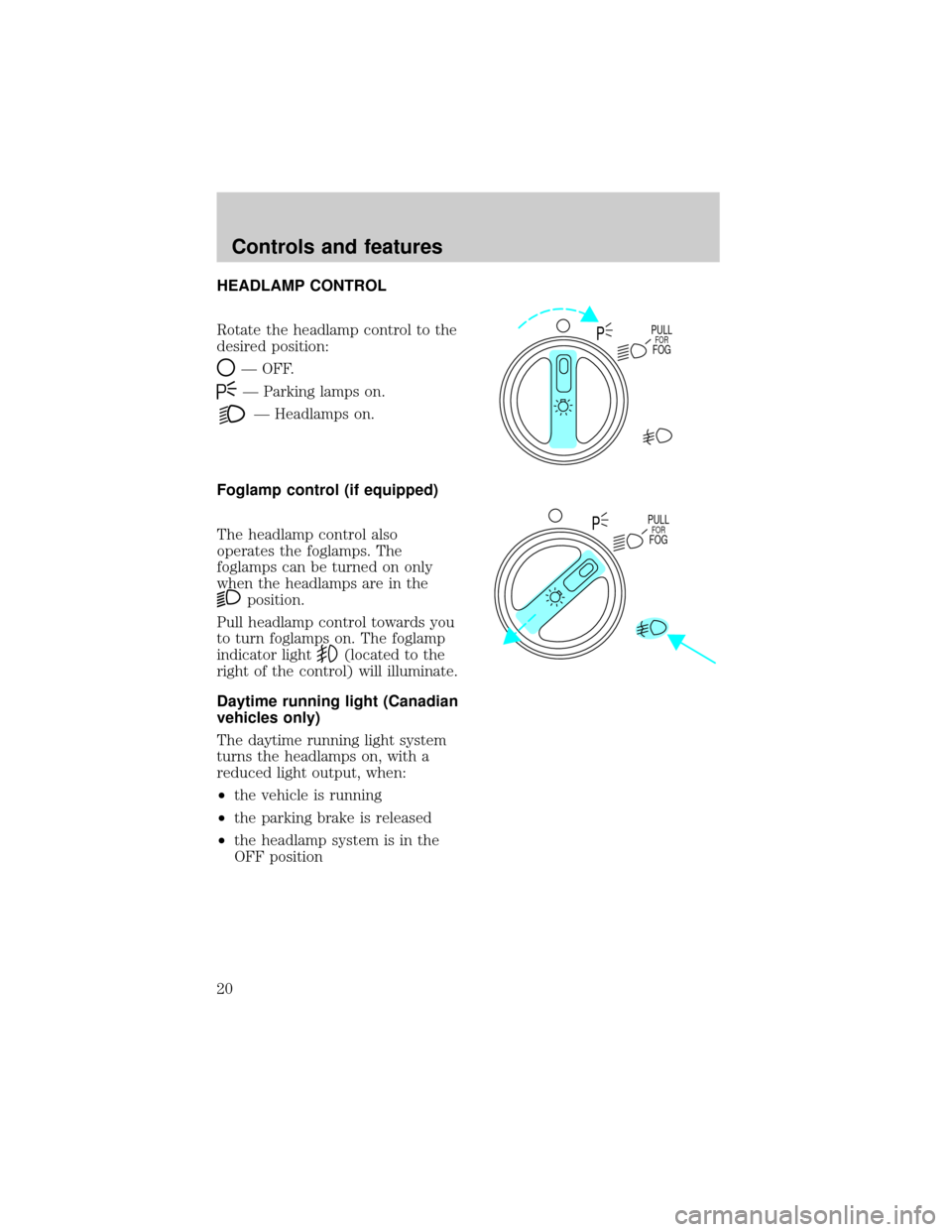
The headlamp control also
operates the foglamps. The
foglamps can be turned on only
when the headlamps are in the
position.
Pull headlamp control towards you
to turn foglamps on. The foglamp
indicator light
(located to the
right of the control) will illuminate.
Daytime running light (Canadian
vehicles only)
The daytime running light system
turns the headlamps on, with a
reduced light output, when:
²the vehicle is running
²the parking brake is released
²the headlamp system is in the
OFF position
PULLFORFOGP
PULLFORFOGP
Controls and features
20
Page 37 of 216
To return to a previously set
speed
²Press RES/RSM/RESUME. For
RES/RSM/RESUME to operate,
the vehicle speed must be faster
than 48 km/h (30 mph).
TILT STEERING
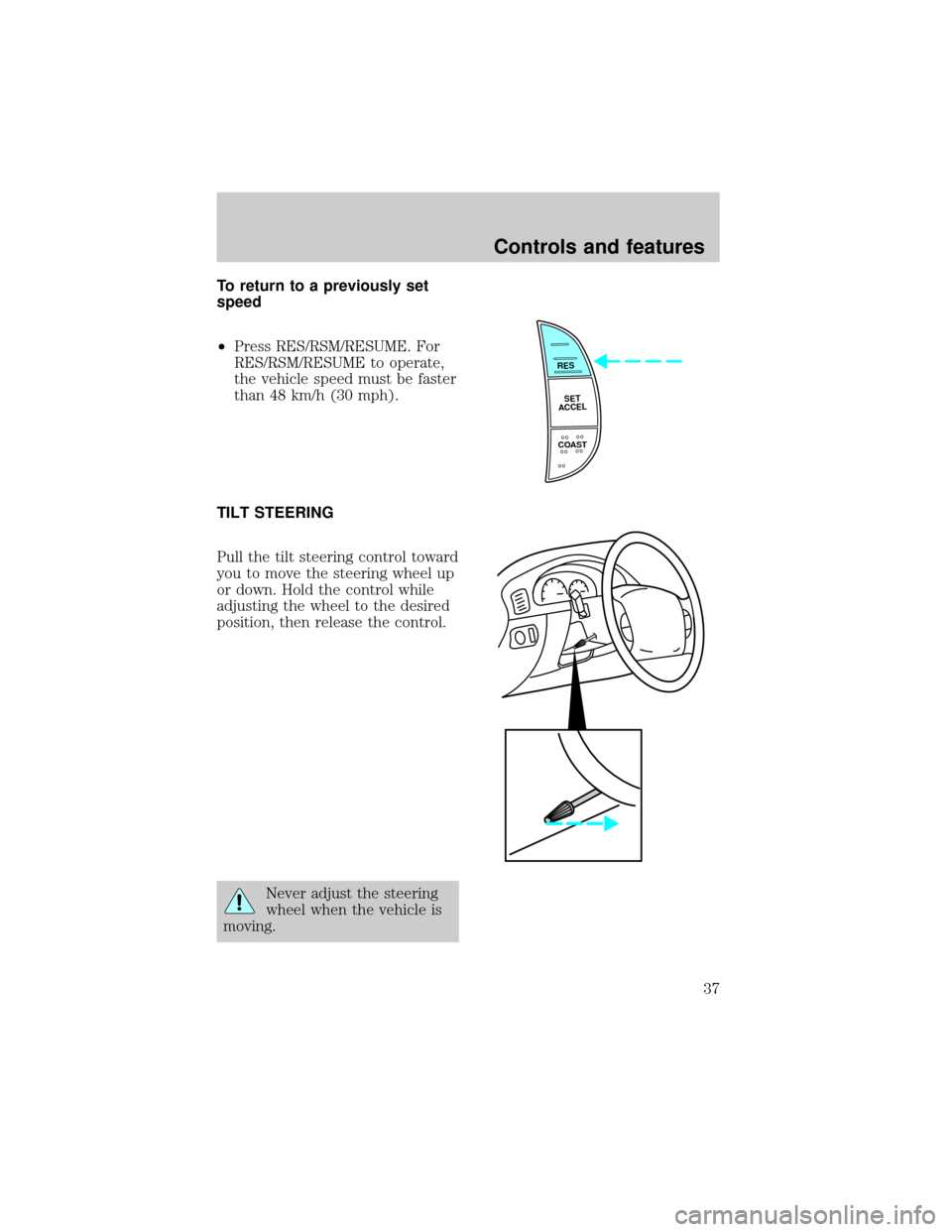
Pull the tilt steering control toward
you to move the steering wheel up
or down. Hold the control while
adjusting the wheel to the desired
position, then release the control.
Never adjust the steering
wheel when the vehicle is
moving.
RES
SET
ACCEL
COAST
Controls and features
37
Page 42 of 216
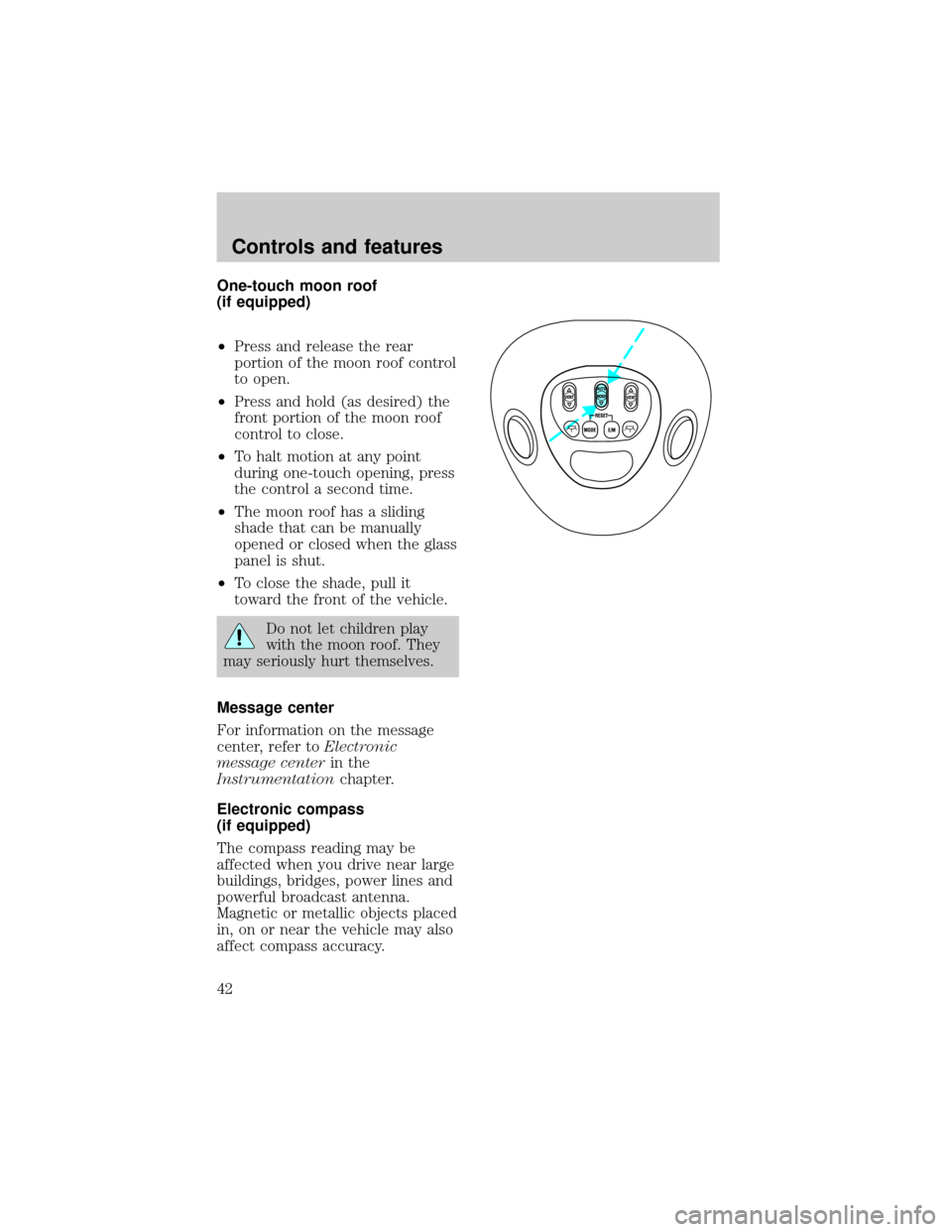
One-touch moon roof
(if equipped)
²Press and release the rear
portion of the moon roof control
to open.
²Press and hold (as desired) the
front portion of the moon roof
control to close.
²To halt motion at any point
during one-touch opening, press
the control a second time.
²The moon roof has a sliding
shade that can be manually
opened or closed when the glass
panel is shut.
²To close the shade, pull it
toward the front of the vehicle.
Do not let children play
with the moon roof. They
may seriously hurt themselves.
Message center
For information on the message
center, refer toElectronic
message centerin the
Instrumentationchapter.
Electronic compass
(if equipped)
The compass reading may be
affected when you drive near large
buildings, bridges, power lines and
powerful broadcast antenna.
Magnetic or metallic objects placed
in, on or near the vehicle may also
affect compass accuracy.
VENT VENTROOF
Controls and features
42
Page 57 of 216
Replacing the batteries
The transmitter is powered by one
coin type three-volt lithium battery
CR2032 or equivalent. Typical
operating range will allow you to
be up to 10 meters (33 feet) away
from your vehicle. A decrease in
operating range can be caused by:
²battery weakness due to time
and use
²weather conditions
²nearby radio towers
²structures around the vehicle
²other vehicles parked next to
the vehicle
To replace the battery:
1. Twist a thin coin between the
two halves of the transmitter near
the key ring. DO NOT TAKE THE
FRONT PART OF THE
TRANSMITTER APART.
2. Place the positive (+) side of
new battery in the same
orientation. Refer to the diagram
inside the transmitter unit.
3. Snap the two halves back
together.
Controls and features
57
Page 63 of 216
REAR SEATS
Head restraints
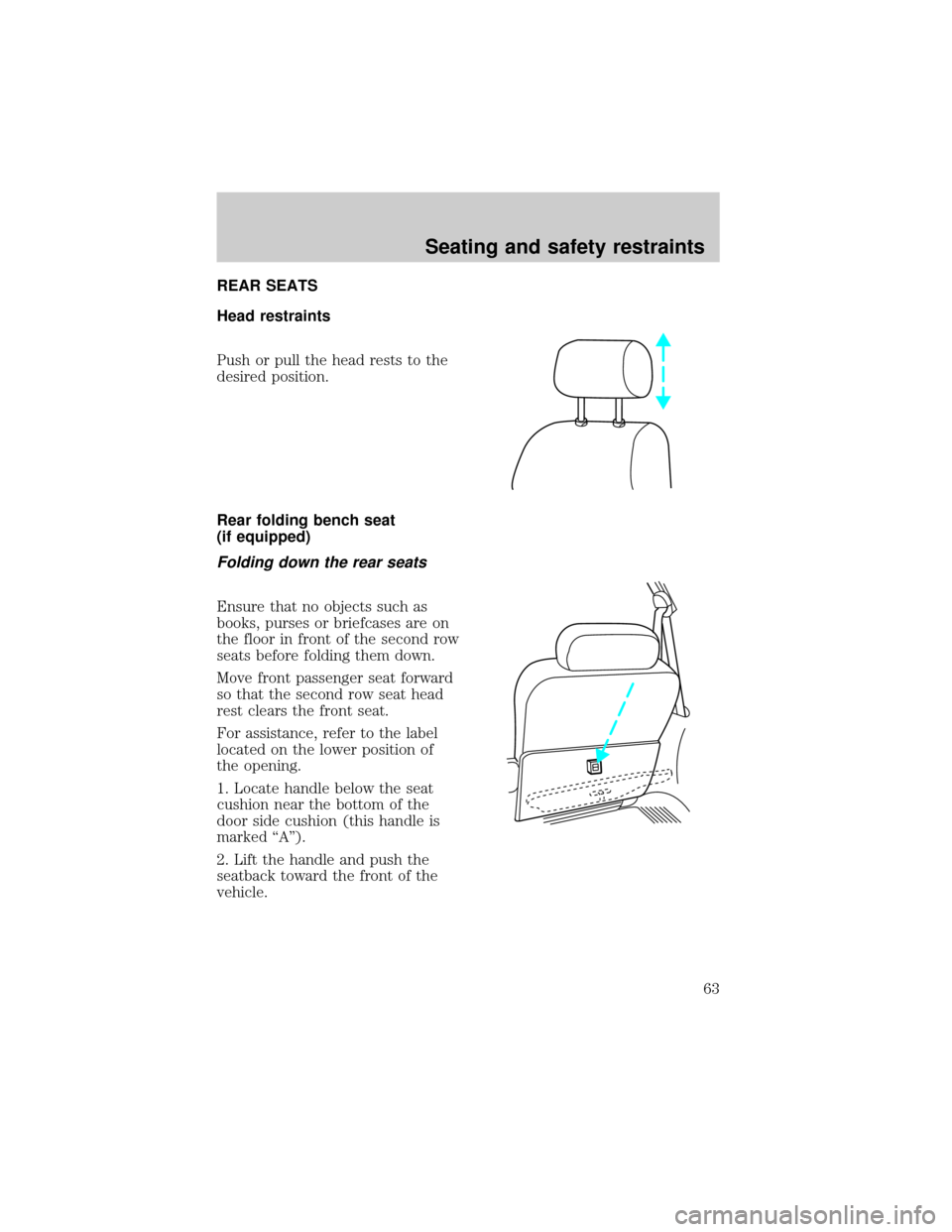
Push or pull the head rests to the
desired position.
Rear folding bench seat
(if equipped)
Folding down the rear seats
Ensure that no objects such as
books, purses or briefcases are on
the floor in front of the second row
seats before folding them down.
Move front passenger seat forward
so that the second row seat head
rest clears the front seat.
For assistance, refer to the label
located on the lower position of
the opening.
1. Locate handle below the seat
cushion near the bottom of the
door side cushion (this handle is
marked ªAº).
2. Lift the handle and push the
seatback toward the front of the
vehicle.
Seating and safety restraints
63