1998 CHEVROLET CORVETTE key
[x] Cancel search: keyPage 33 of 378
Downloaded from www.Manualslib.com manuals search engine The best way to protect the fetus is to protect the
mother. When a safety belt
is worn properly, it’s more
likely that the fetus won’t be hurt in a crash. For
pregnant women, as for anyone, the key to making
safety belts effective is wearing them properly.
Passenger Position
To learn how to wear the passenger’s safety belt
properly, see “Driver Position’’ earlier in this section.
The passenger’s safety belt works the same way
as the
driver’s safety belt
-- except for one thing. If you ever pull
the lap portion of the belt out
all the way, you will engage
the child restraint locking feature.
If this happens, just let
the belt
go back all the way and start again.
Air Bag System
This part explains the air bag system.
Your vehicle has two air bags
-- one air bag for the
driver and another air bag for the passenger.
Here are the most important things to know about the air
bag system:
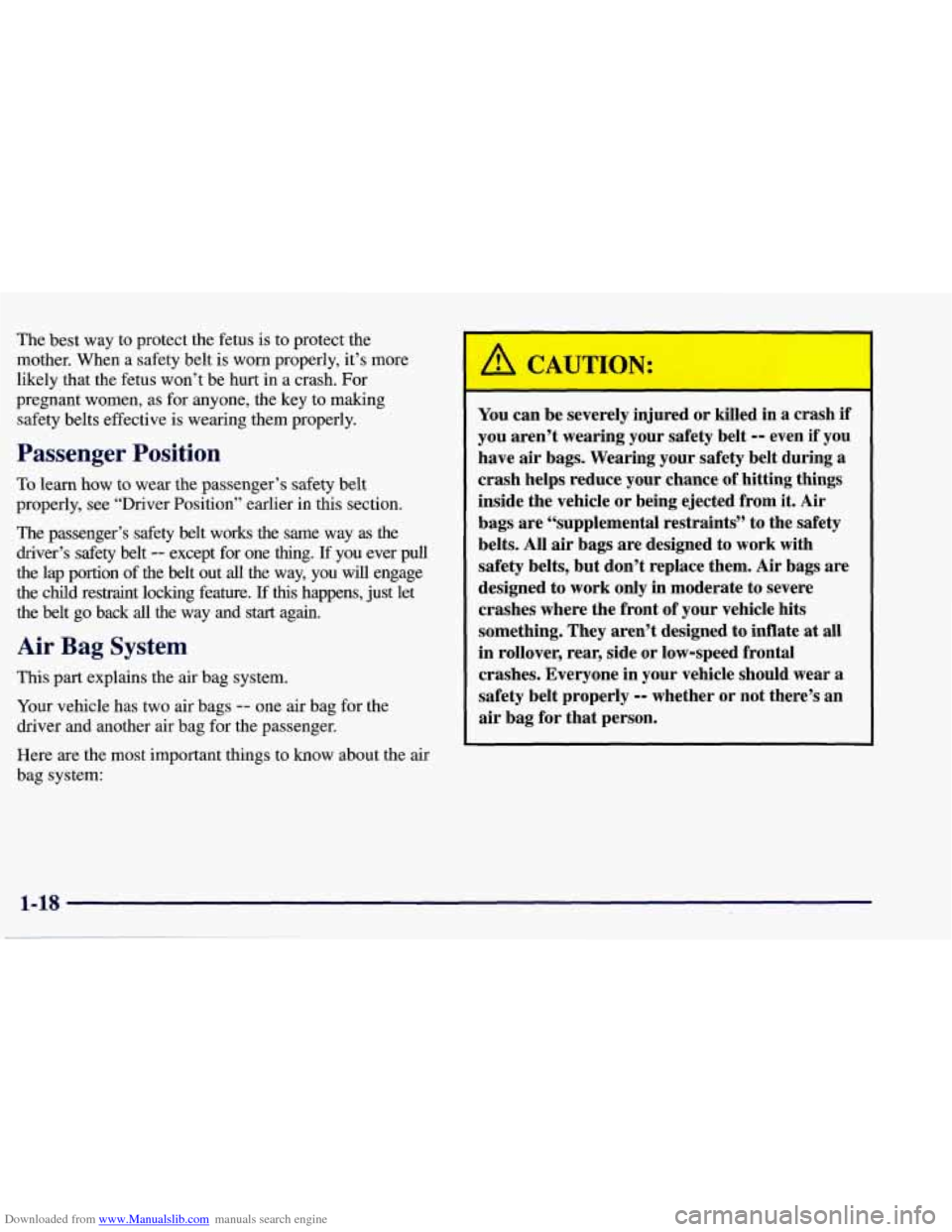
You can be severely injured or killed in a crash if
you aren’t wearing your safety belt
-- even if you
have
air bags. Wearing your safety belt during a
crash helps reduce your chance of hitting things
inside the vehicle or being ejected from it.
Air
bags are “supplemental restraints” to the safety
belts. All air bags are designed to work with
safety belts, but don’t replace them. Air bags are
designed to work only in moderate to severe
crashes where the front of your vehicle hits
something. They aren’t designed to inflate at all
in rollover, rear, side or low-speed frontal
crashes. Everyone in your vehicle should wear a
safety belt properly
-- whether or not there’s an
air bag for that person.
Page 39 of 378
Downloaded from www.Manualslib.com manuals search engine NOTICE:
If you damage the covering for the driver’s or the
passenger’s air bag, the bag may not work
properly. You may have to replace the
air bag
module in the steering wheel or both the
air bag
module and the instrument panel for the
passenger’s air bag.
Do not open or break the air
bag coverings.
Servicing Your Air Bag-Equipped Vehicle
Air bags affect how your vehicle should be serviced.
There are parts of the air bag system in several places
around your vehicle. You don’t want the system to
inflate while someone is working on your vehicle. Your
dealer and the Corvette Service Manual have
information about servicing your vehicle and the air bag
system.
To purchase a service manual, see “Service and
Owner Publications” in the Index.
For up to 10 minutes after the ignition key is
turned off and the battery is disconnected, an air
bag can still inflate during improper service. You
can be injured
if you are close to an air bag when
it inflates. Avoid yellow wires, wires wrapped
with yellow tape or yellow connectors. They are
probably part of the air bag system. Be sure to
follow proper service procedures, and make sure
the person performing work for you is qualified
to do
so.
The air bag system does not need regular maintenance.
Page 54 of 378
Downloaded from www.Manualslib.com manuals search engine Section 2 Features and Controls
Here you can learn about the many standard and optional features on your vehicle, and information on starting,
shifting and braking. Also explained are the instrument panel and the warning systems that tell you
if everything is
working properly
-- and what to do if you have a problem.
2-4
2-5
2-6
2-
14
2- 17 2-18
2-20
2-2 1
2-22
2-24
2-26
2-29
2-32
2-34
2-36
2-36 Door Locks
Memory (Option)
Remote Function Actuation
System
Remote Hatch/Trunk Lid Release
Universal Theft-Deterrent System
PASS-Key@
New Vehicle “Break-In”
Ignition Switch Starting Your Engine
Engine Coolant Heater (Canada Only)
Automatic Transmission Operation
Manual Transmission Operation
Parking Brake Shifting Into PARK (P)
(Automatic Transmission Models Only)
Shifting Out of PARK (P)
(Automatic Transmission)
Parking Your Vehicle (Manual Transmission) 2-37
2-37
2-38
2-39 2-39
2-40
2-42
2-50
2-52
2-53
2-54
2-60
2-68
2-74
2-77
2-87 Parking Over
Things That Burn
Engine Exhaust
Running Your Engine While You’re Parked
(Automatic Transmission)
Limited-Slip Rear Axle
Selective Real Time Damping (Option)
Windows
Turn SignalMultifunction Lever
Exterior Lamps
Interior Lamps
Mirrors
Storage Compartments
Roof Panel (Coupe)
Convertible Top (Option)
Instrument Panel
Warning Lights, Gages and Messages
Driver Information Center (DIC)
2-1
Page 55 of 378
Downloaded from www.Manualslib.com manuals search engine Keys
I A CAUTION:
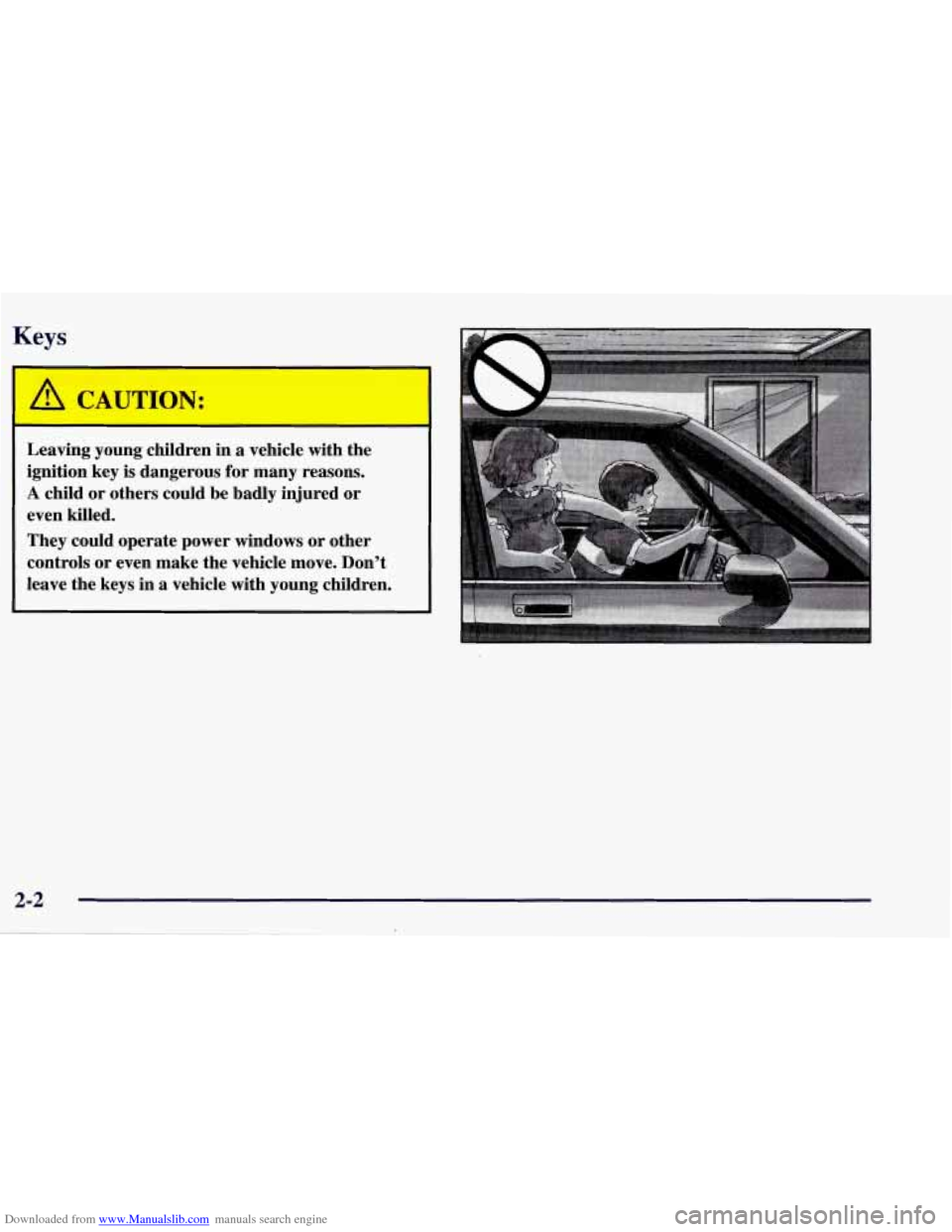
Leaving young children in a vehicle with the
ignition key
is dangerous for many reasons.
A child or others could be badly injured or
even killed.
They could operate power windows or other
controls
or even make the vehicle move. Don’t
leave the keys in a vehicle with young children.
Page 56 of 378
Downloaded from www.Manualslib.com manuals search engine One key is used for the
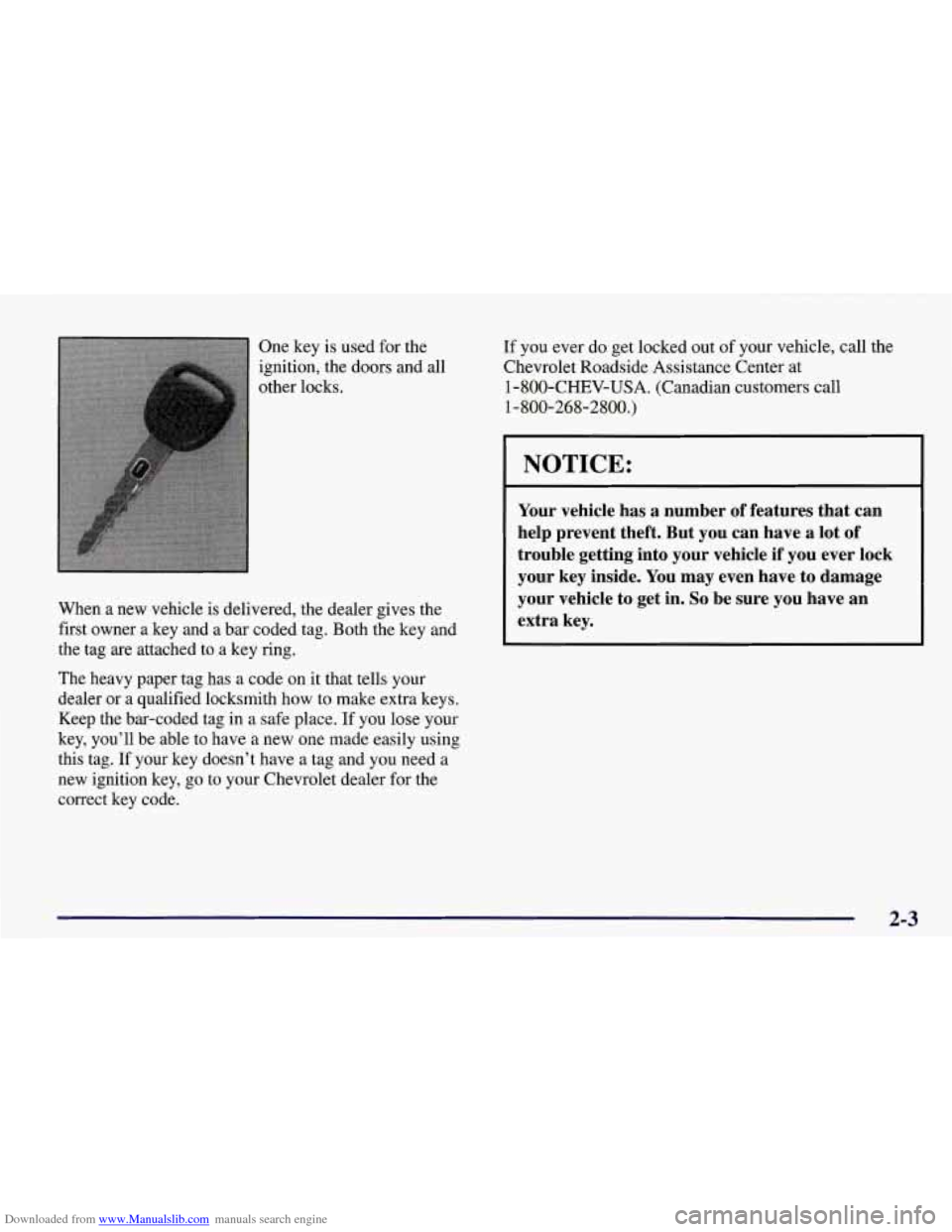
ignition, the doors and
all
other locks.
When a new vehicle is delivered, the dealer gives the
first owner a key and a bar coded tag. Both the key and
the tag are attached to
a key ring.
The heavy paper tag has a code on it that tells your
dealer
or a qualified locksmith how to make extra keys.
Keep the bar-coded tag in a safe place. If you lose your
key, you’ll be able to have a new one made easily using
this tag. If your key doesn’t have a tag and
you need a
new ignition key, go to your Chevrolet dealer for the
correct key code. If you
ever do get locked out
of your vehicle, call the
Chevrolet Roadside Assistance Center at
1-800-CHEV-USA. (Canadian customers call
1-800-268-2800.)
NOTICE:
Your vehicle has a number of features that can
help prevent theft. But you can have a lot of
trouble getting into your vehicle if you ever lock
your key inside. You may even have to damage
your vehicle to get in.
So be sure you have an
extra key.
2-3
Page 57 of 378
Downloaded from www.Manualslib.com manuals search engine Door Locks
Unlocked doors can be dangerous.
Passengers
-- especially children -- can easily
open the doors and fall out. When a door
is
locked, the inside handle won’t open it.
Outsiders can easily enter through an unlocked
door when you
slow down or stop your vehicle.
This may not be
so obvious: You increase the
chance
of being thrown out of the vehicle in a
crash
if the doors aren’t locked. Wear safety belts
properly, lock your doors, and you will be
far
better off whenever you drive your vehicle.
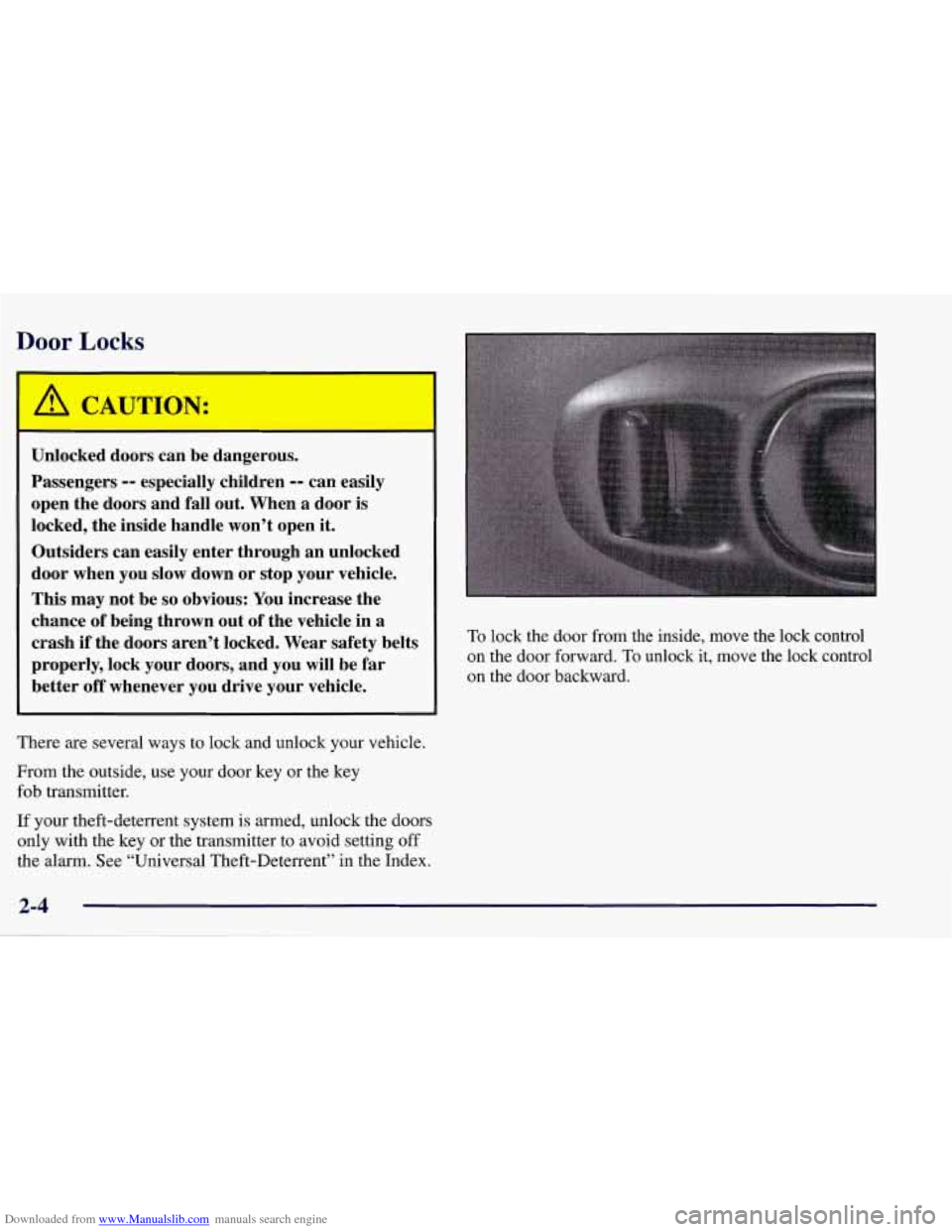
There are several ways to lock and unlock your vehicle.
From the outside, use your door key or the key
fob transmitter.
If your theft-deterrent system is armed, unlock the doors
only with the key or the transmitter to avoid setting off
the alarm. See “Universal Theft-Deterrent” in the Index. To
lock the door from the inside, move the lock control
on the door forward. To unlock it, move the lock control
on the door backward.
Page 58 of 378
Downloaded from www.Manualslib.com manuals search engine Power Door Locks
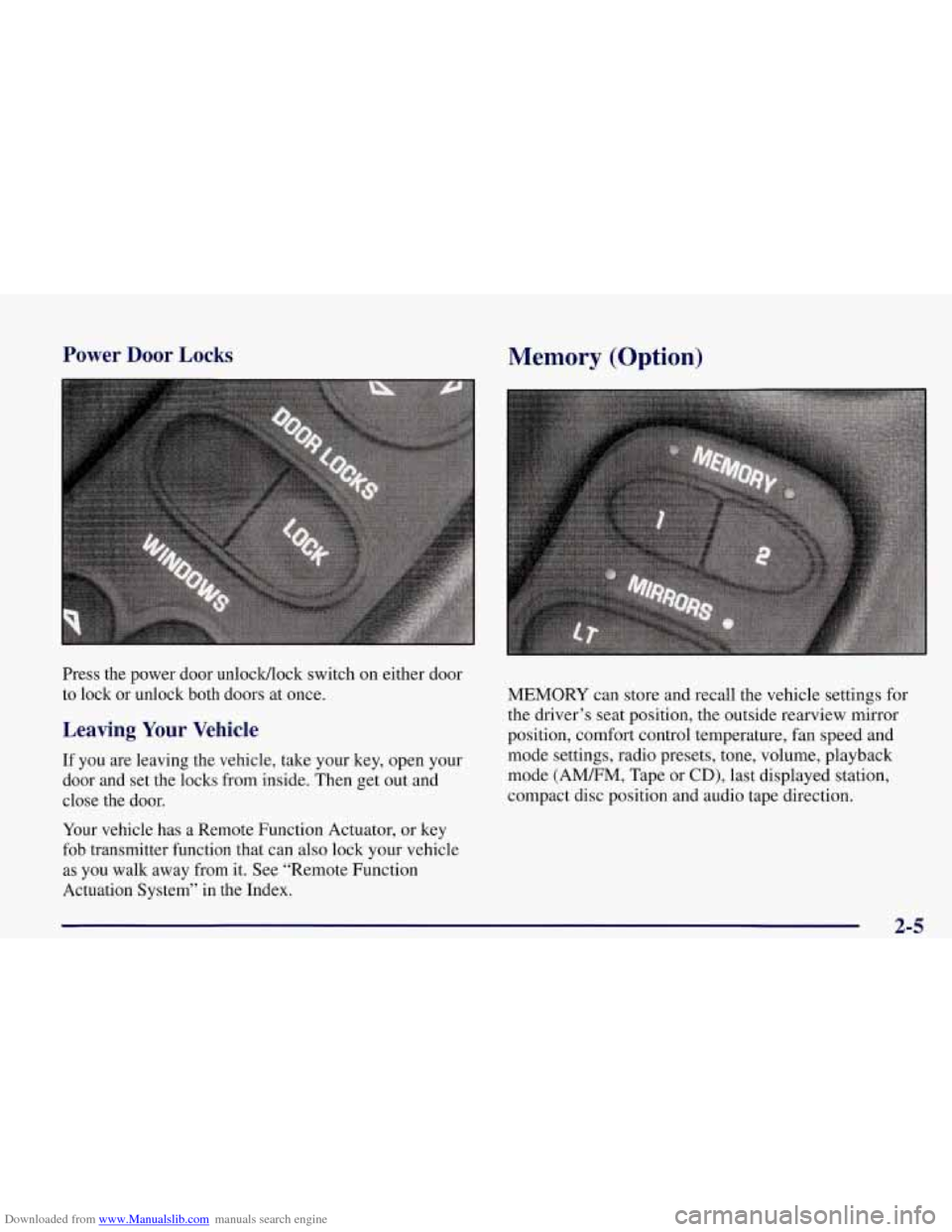
Press the power door unlocWlock switch on either door
to lock or unlock both doors at once.
Leaving Your Vehicle
If you are leaving the vehicle, take your key, open your
door and set the locks from inside. Then get out and
close the door.
Your vehicle has a Remote Function Actuator, or key
fob transmitter function that can also lock your vehicle
as you walk away from it. See “Remote Function
Actuation System’’ in
the Index.
Memory (Option)
MEMORY can store and recall the vehicle settings for
the driver’s seat position, the outside rearview mirror
position, comfort control temperature, fan speed and
mode settings, radio presets, tone, volume, playback
mode (AMEM, Tape or
CD), last displayed station,
compact disc position and audio tape direction.
2-5
Page 59 of 378
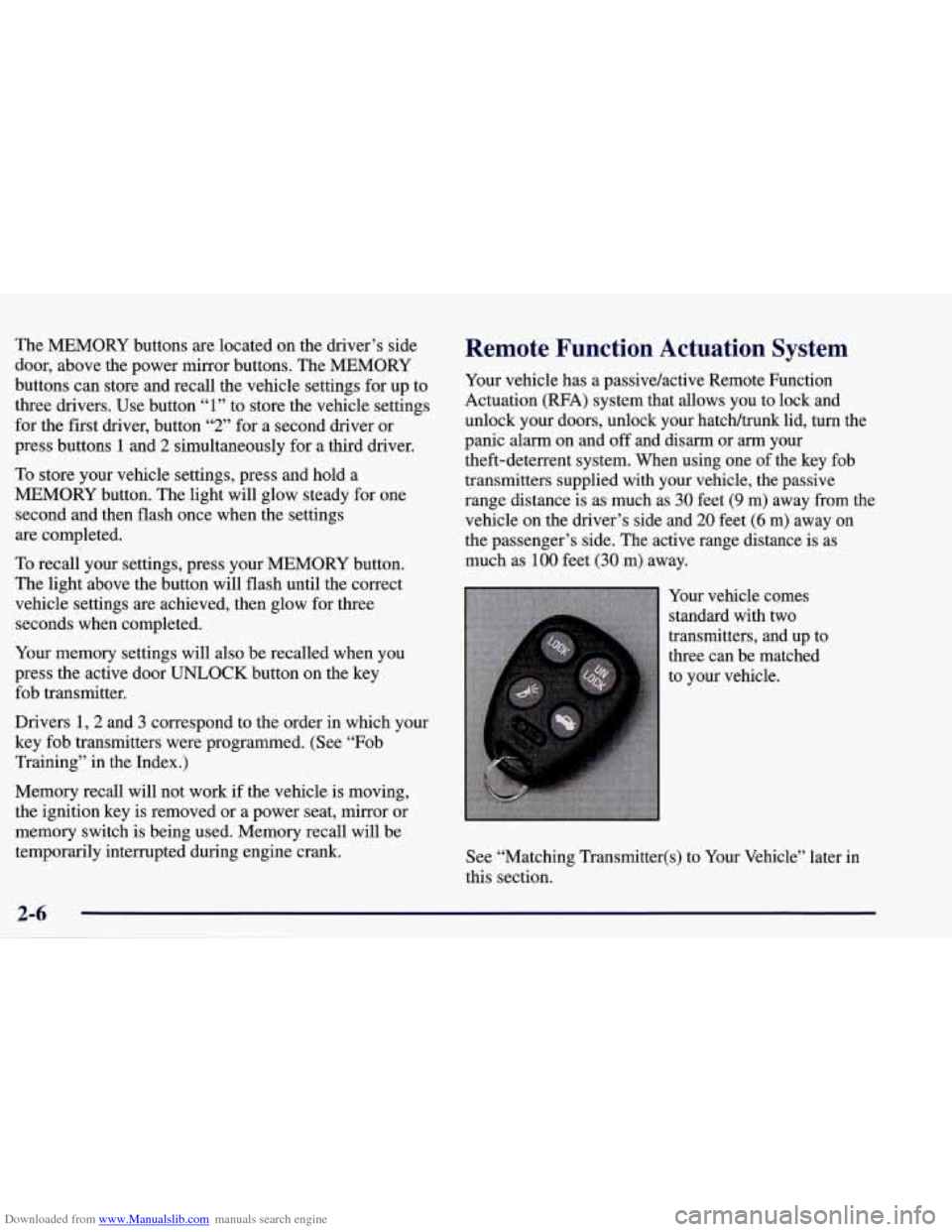
Downloaded from www.Manualslib.com manuals search engine The MEMORY buttons are located on the driver’s side
door, above the power mirror buttons. The MEMORY
buttons can store and recall the vehicle settings for up to
three drivers. Use button
“1” to store the vehicle settings
for the first driver, button
“2” for a second driver or
press buttons
1 and 2 simultaneously for a third driver.
To store your vehicle settings, press and hold a
MEMORY button. The light will glow steady for one
second and then flash once when the settings
are completed.
To recall your settings, press your MEMORY button.
The light above the button will flash until the correct
vehicle settings are achieved, then glow for three
seconds when completed.
Your memory settings will also be recalled when you
press the active door
UNLOCK button on the key
fob transmitter.
Drivers 1,2 and
3 correspond to the order in which your
key fob transmitters were programmed. (See “Fob
Training” in the Index.)
Memory recall
will not work if the vehicle is moving,
the ignition key is removed or a power seat, mirror or
memory switch is being used. Memory recall will be
temporarily interrupted during engine crank.
Remote Function Actuation System
Your vehicle has a passive/active Remote Function
Actuation (RFA) system that allows you to lock and
unlock your doors, unlock your hatch/trunk lid, turn the
panic alarm on and off and disarm or
arm your
theft-deterrent system. When using one of the key fob
transmitters supplied with your vehicle, the passive
range distance is as much as
30 feet (9 m) away from the
vehicle on the driver’s side and 20 feet
(6 m) away on
the passenger’s side. The active range distance is as
much as
100 feet (30 m) away.
Your vehicle comes
standard with two
transmitters, and up to
three can be matched
to your vehlcle.
See “Matching Transmitter(s) to Your Vehicle” later in
this section.