1998 CHEVROLET CORVETTE ESP
[x] Cancel search: ESPPage 25 of 378
Downloaded from www.Manualslib.com manuals search engine Here Are Questions Many People Ask
About Safety Belts -- and the Answers
Qt Won’t I be trapped in the vehicle after an
accident if I’m wearing a safety belt?
A: You could be -- whether you’re wearing a safety
belt or not. But you can unbuckle a safety belt,
even if you’re upside down. And your chance of
being conscious during and after an accident,
so
you can unbuckle and get out, is much greater if
you are belted.
Qt If my vehicle has air bags, why should I have to
wear safety belts?
A: Air bags are in many vehicles today and will be in
most of them in the future. But they
are
supplemental systems only; so they work with
safety belts -- not instead of them. Every air bag
system ever offered for sale has required the use of
safety belts. Even if you’re in a vehicle that has air
bags, you still have to buckle up to get the most
protection. That’s true not only in frontal collisions,
but especially in side and other collisions.
&t If I’m a good driver, and I never drive far from
home, why should I wear safety belts?
A: You may be an excellent driver, but if you’re in an
accident
-- even one that isn’t your fault -- you and
your passenger can be hurt. Being a good driver
doesn’t protect you from things beyond your
control, such as bad drivers.
Most accidents occur within
25 miles (40 km)
of home. And the greatest number of serious
injuries and deaths occur at speeds of less
than
40 mph (65 km/h).
Safety belts are for everyone.
1-10
Page 57 of 378
Downloaded from www.Manualslib.com manuals search engine Door Locks
Unlocked doors can be dangerous.
Passengers
-- especially children -- can easily
open the doors and fall out. When a door
is
locked, the inside handle won’t open it.
Outsiders can easily enter through an unlocked
door when you
slow down or stop your vehicle.
This may not be
so obvious: You increase the
chance
of being thrown out of the vehicle in a
crash
if the doors aren’t locked. Wear safety belts
properly, lock your doors, and you will be
far
better off whenever you drive your vehicle.
There are several ways to lock and unlock your vehicle.
From the outside, use your door key or the key
fob transmitter.
If your theft-deterrent system is armed, unlock the doors
only with the key or the transmitter to avoid setting off
the alarm. See “Universal Theft-Deterrent” in the Index. To
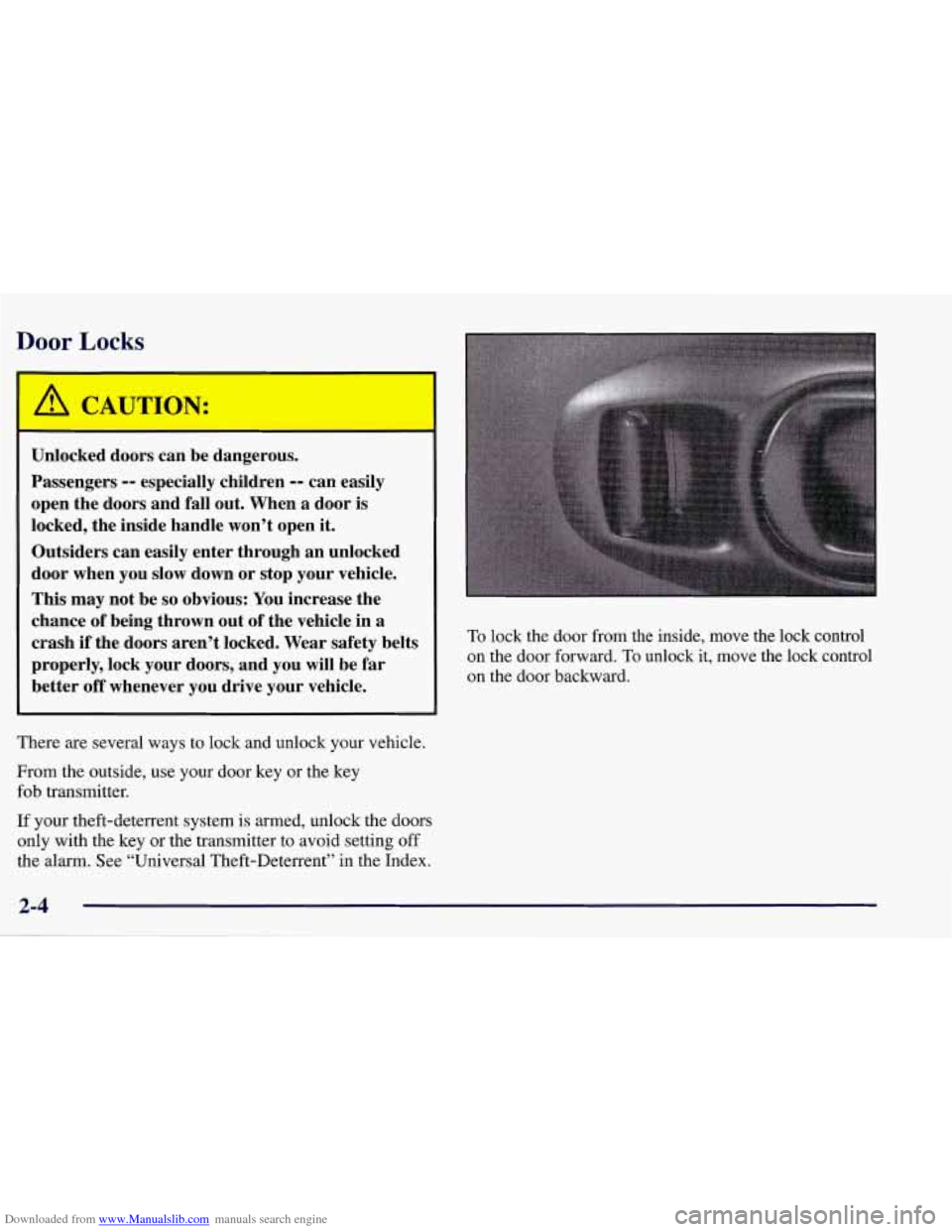
lock the door from the inside, move the lock control
on the door forward. To unlock it, move the lock control
on the door backward.
Page 59 of 378
Downloaded from www.Manualslib.com manuals search engine The MEMORY buttons are located on the driver’s side
door, above the power mirror buttons. The MEMORY
buttons can store and recall the vehicle settings for up to
three drivers. Use button
“1” to store the vehicle settings
for the first driver, button
“2” for a second driver or
press buttons
1 and 2 simultaneously for a third driver.
To store your vehicle settings, press and hold a
MEMORY button. The light will glow steady for one
second and then flash once when the settings
are completed.
To recall your settings, press your MEMORY button.
The light above the button will flash until the correct
vehicle settings are achieved, then glow for three
seconds when completed.
Your memory settings will also be recalled when you
press the active door
UNLOCK button on the key
fob transmitter.
Drivers 1,2 and
3 correspond to the order in which your
key fob transmitters were programmed. (See “Fob
Training” in the Index.)
Memory recall
will not work if the vehicle is moving,
the ignition key is removed or a power seat, mirror or
memory switch is being used. Memory recall will be
temporarily interrupted during engine crank.
Remote Function Actuation System
Your vehicle has a passive/active Remote Function
Actuation (RFA) system that allows you to lock and
unlock your doors, unlock your hatch/trunk lid, turn the
panic alarm on and off and disarm or
arm your
theft-deterrent system. When using one of the key fob
transmitters supplied with your vehicle, the passive
range distance is as much as
30 feet (9 m) away from the
vehicle on the driver’s side and 20 feet
(6 m) away on
the passenger’s side. The active range distance is as
much as
100 feet (30 m) away.
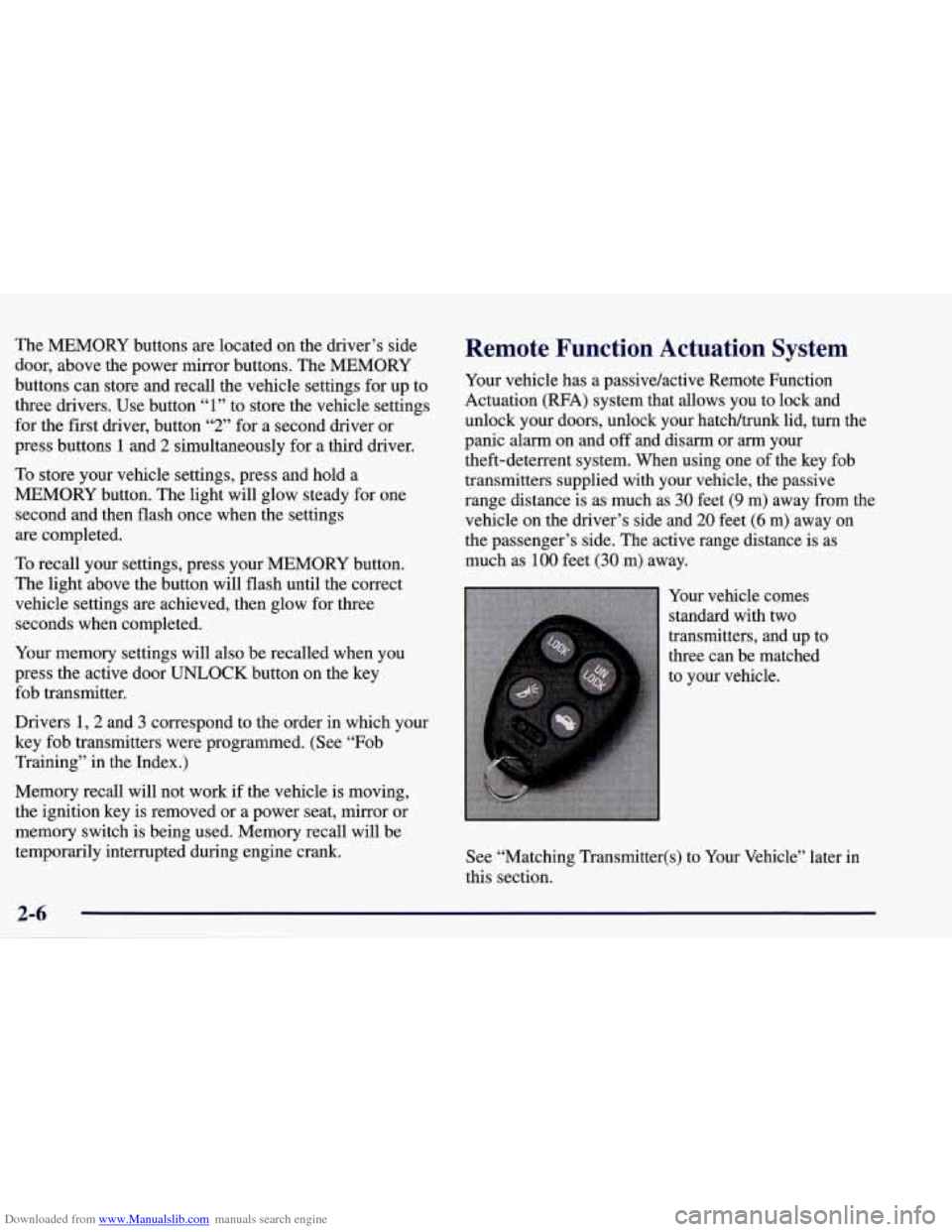
Your vehicle comes
standard with two
transmitters, and up to
three can be matched
to your vehlcle.
See “Matching Transmitter(s) to Your Vehicle” later in
this section.
Page 64 of 378
Downloaded from www.Manualslib.com manuals search engine Resynchronizing Your Transmitter
Your RFA system uses a continually changing code for
increased security. Normally, the receiver in your
vehicle will keep track of this changing code.
,If your
vehicle does not respond to your transmitter, do the
following to determine what’s wrong:
1. Get closer to the vehicle and try pressing a button
again. Your battery may be low (If
so, see “Battery
Replacement” in the Index).
2. While standing close to your vehicle, press the
LOCK and UNLOCK buttons on your transmitter at
the same time and hold
for seven seconds. This will
attempt to resynchronize
the security code in your
RFA key fob transmitter.
3. When resynchronization is achieved, the horn
will chirp.
Loss of synchronization will occur after transmitter
battery replacement or disconnection of the
vehicle’s battery.
If attempts to resynchronize your transmitter to the
vehicle are not successful, you may need
to match the
transmitter to the vehicle.
Matching Transmitter(s) To Your Vehicle
Each key fob transmitter is coded to prevent another
transmitter from unlocking your vehicle.
If a transmitter
is lost or stolen,
a replacement can be purchased through
your dealer. Remember to bring any remaining
transmitters with you when you go to your dealer. When
the dealer matches the replacement transmitter to your
vehicle, any remaining transmitters must also be
matched. Once your dealer has coded the new
transmitter, the lost transmitter will not unlock your
vehicle. Each vehicle can have only three transmitters
matched to it.
To match transmitters to your vehicle:
1. Turn the ignition key to the ON position.
2. Clear any warning messages on the Driver
Information Center (DIC) by pressing the
RESET button.
3. Press the OPTIONS button on the DIC several times
until the blank page is displayed, then press and hold
the RESET button for two seconds.
2-11
Page 69 of 378
Downloaded from www.Manualslib.com manuals search engine NOTICE:
If you put things in the hatcldtrunk area, be sure
they won’t break the glass when you close it.
Never slam the hatcldtrunk lid down. You could
break the glass or damage the defogger grid.
When you close the hatchhrunk lid, make sure
you pull down from the center, not the sides.
If
you pull the hatcldtrunk lid down from the side
too often, the weatherstrip can be damaged.
NOTICE:
Do not store heavy or sharp objects in the three
storage compartments located in the hatcldtrunk
area.
If you do, the objects could damage
the underbody.
Theft
Vehicle theft is big business, especially in some cities.
Although your vehicle has a number of theft-deterrent features, we
know that nothing we put on it can make it
impossible to steal. However,
there are ways you can help.
Key in the Ignition
If you leave your vehicle with the keys inside, it’s an
easy target for joy riders or professional thieves
-- so
don’t do it.
When you park your vehicle and open the driver’s door,
you’ll hear a tone reminding you to remove your key
from the ignition and take it with you. Always do this.
Your steering wheel will be locked, and
so will your
ignition.
If you have an automatic transmission, taking
your key out also locks your transmission. And
remember to lock the doors.
Page 92 of 378
Downloaded from www.Manualslib.com manuals search engine Limited-Slip Rear Axle
Your limited-slip rear axle can give you additional
traction on snow, mud, ice, sand or gravel. It works like
a standard axle most of the time, but when one of the
rear wheels has no traction and the other does, this
feature will allow the wheel with traction to move
the vehicle.
Selective Real Time Damping
(Option)
You may have a ride control system on your vehicle
called Selective Real Time Damping (SRTD). The
system provides the following performance benefits:
0 Reduced impact harshness
0 Improved road isolation
0 Improved high-speed stability
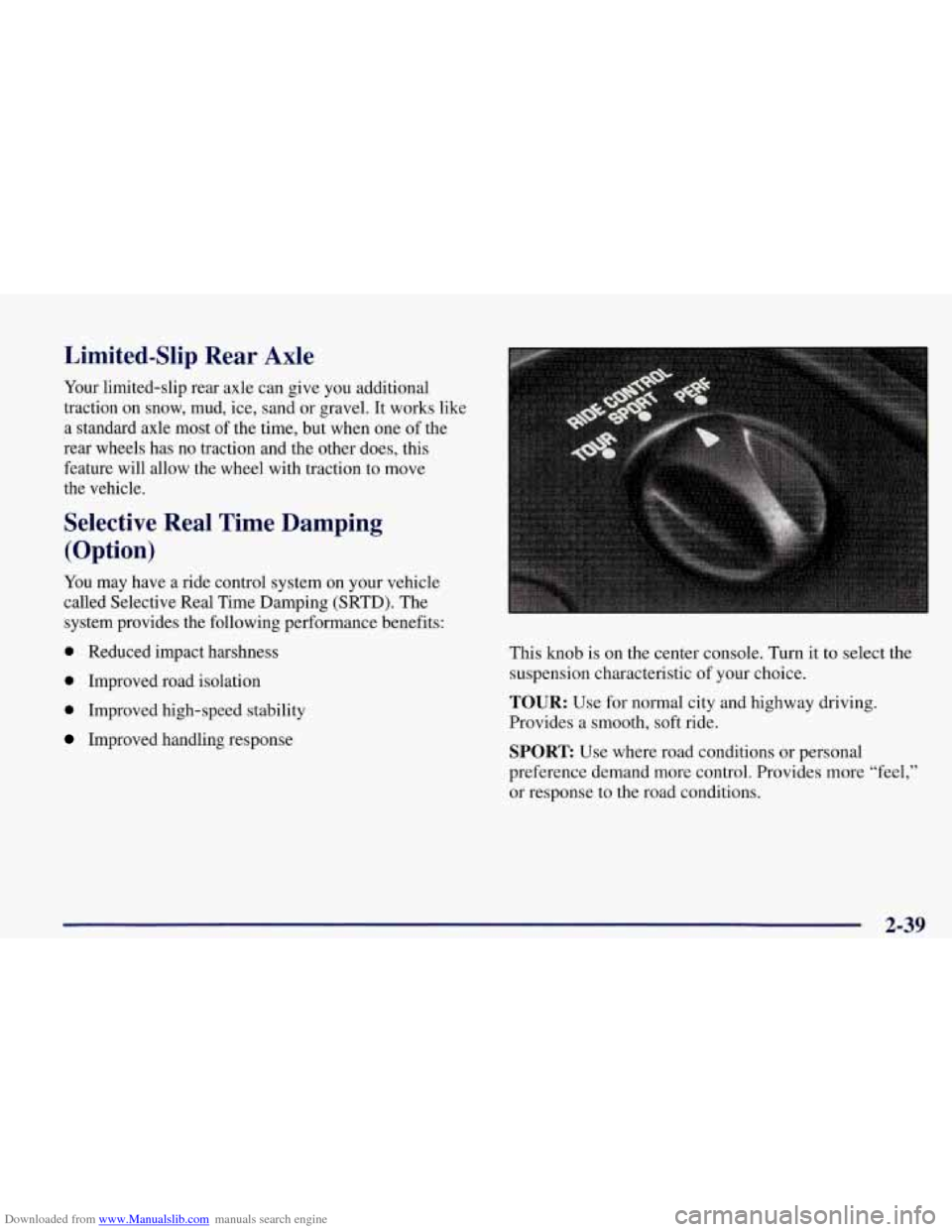
Improved handling response This knob is on the center console. Turn
it to select the
suspension characteristic of your choice.
TOUR: Use for normal city and highway driving.
Provides a smooth, soft ride.
SPORT Use where road conditions or personal
preference demand more control. Provides more
“feel,”
or response to the road conditions.
2-39
Page 93 of 378
Downloaded from www.Manualslib.com manuals search engine PERF: Use for performance driving. Provides a tight,
firm ride and precise response to road conditions.
You can select a setting at any time. Based on road
conditions, steering wheel angle and your vehicle speed,
the system automatically adjusts to provide the best ride
and handling. Select a new setting whenever driving
conditions change.
There
are three Driver Information Center messages that
are displayed when a malfunction occurs with the SRTD
system. Refer to “Driver Information Center Warnings
and Messages’’ in the Index.
Windows
Power Windows
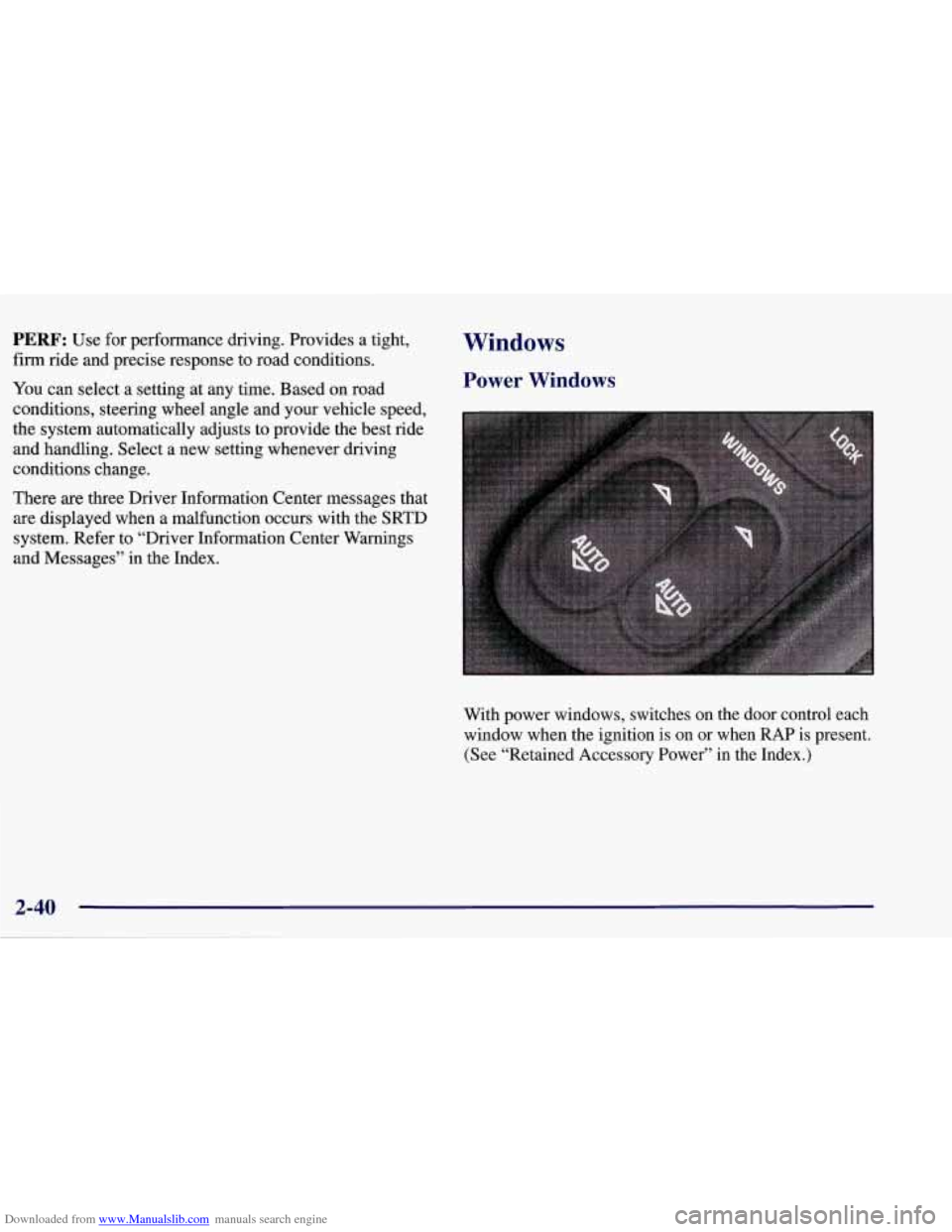
With power windows, switches on the door control each
window when the ignition
is on or when RAP is present.
(See “Retained Accessory Power” in the Index.)
Page 103 of 378
Downloaded from www.Manualslib.com manuals search engine Passing Another Vehicle While Using Cruise Control
Use the accelerator pedal to increase your speed. When
you take your foot
off the pedal, your vehicle will slow
down to
the cruise control speed you set earlier.
Using Cruise Control on Hills
How well your cruise control will work on hills depends
upon your speed, load and the steepness of the hills.
When going downhill, you may have to brake or shift to
a lower gear to keep your speed down.
Of course,
applying the brake takes you out of cruise control. Many
drivers find this to be too much trouble and don’t use
cruise control on steep hills.
Getting Out of Cruise Control
There are two ways to turn off the cruise control:
0 Step lightly on the brake pedal or push the clutch
pedal,
if you have a manual transmission vehicle; or
0 Move the cruise switch to OFF.
The DIC will display the message “CRUISE
DISENGAGED.”
Erasing Speed Memory
When you turn off the cruise control or the ignition,
your cruise control set speed memory is erased.
Exterior Lamps
Daytime Running Lamps
Daytime Running Lamps (DRL) can make it easier for
others to see the front of your vehicle during the day.
DRL can be helpful in many different driving
conditions, but they can be especially helpful in the
short periods after dawn and before sunset.
The DRL system will make your front turn signal lamps
come on when:
0 the ignition is on,
the headlamp switch is off and
0 the parking brake is released.
When the DRL
are on, only your front turn signal lamps
will be on. The taillamps, sidemarker and other lamps
will not be
on.
Y’JV