1998 CHEVROLET CORVETTE steering
[x] Cancel search: steeringPage 93 of 378
Downloaded from www.Manualslib.com manuals search engine PERF: Use for performance driving. Provides a tight,
firm ride and precise response to road conditions.
You can select a setting at any time. Based on road
conditions, steering wheel angle and your vehicle speed,
the system automatically adjusts to provide the best ride
and handling. Select a new setting whenever driving
conditions change.
There
are three Driver Information Center messages that
are displayed when a malfunction occurs with the SRTD
system. Refer to “Driver Information Center Warnings
and Messages’’ in the Index.
Windows
Power Windows
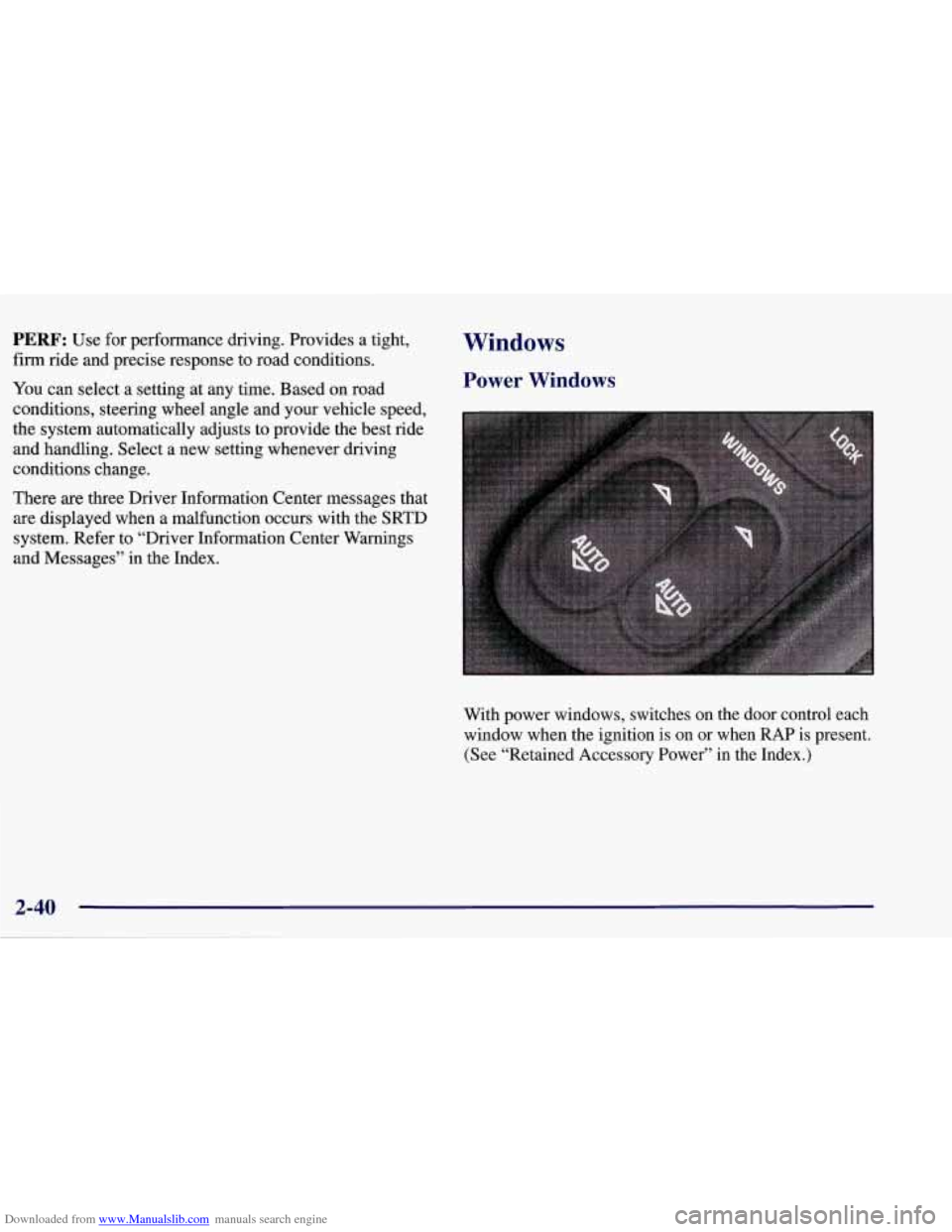
With power windows, switches on the door control each
window when the ignition
is on or when RAP is present.
(See “Retained Accessory Power” in the Index.)
Page 94 of 378
Downloaded from www.Manualslib.com manuals search engine Express-Down Window
Both the driver’s and passenger’s window switches have
an express-down feature. Press AUTO and hold for less
than one-third of a second and release. The window will
lower completely. To stop express-down feature from
the lowering the window completely, simply press the
switch again.
You can also open the window any amount by pressing
and releasing the switch.
Horn
To sound the horn, press either horn symbol on your
steering wheel.
Tilt Wheel
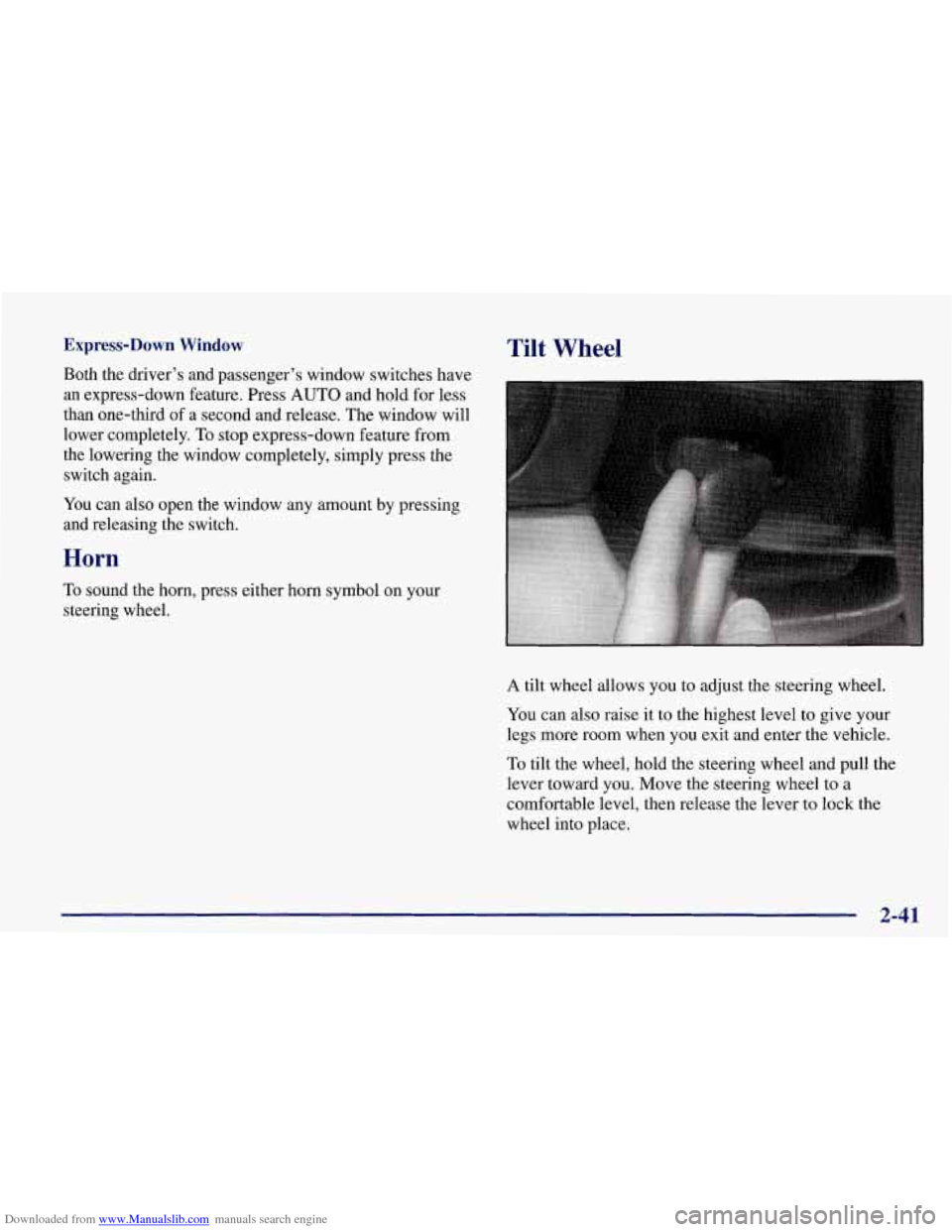
A tilt wheel allows you to adjust the steering wheel.
You can also raise it to the highest level to give your
legs more room when you exit and enter the vehicle.
To tilt the wheel, hold the steering wheel and pull the
lever toward you. Move the steering wheel to a
comfortable level, then release the lever to lock the
wheel into place.
2-41
Page 95 of 378
Downloaded from www.Manualslib.com manuals search engine Turn SignaVMultifunction Lever
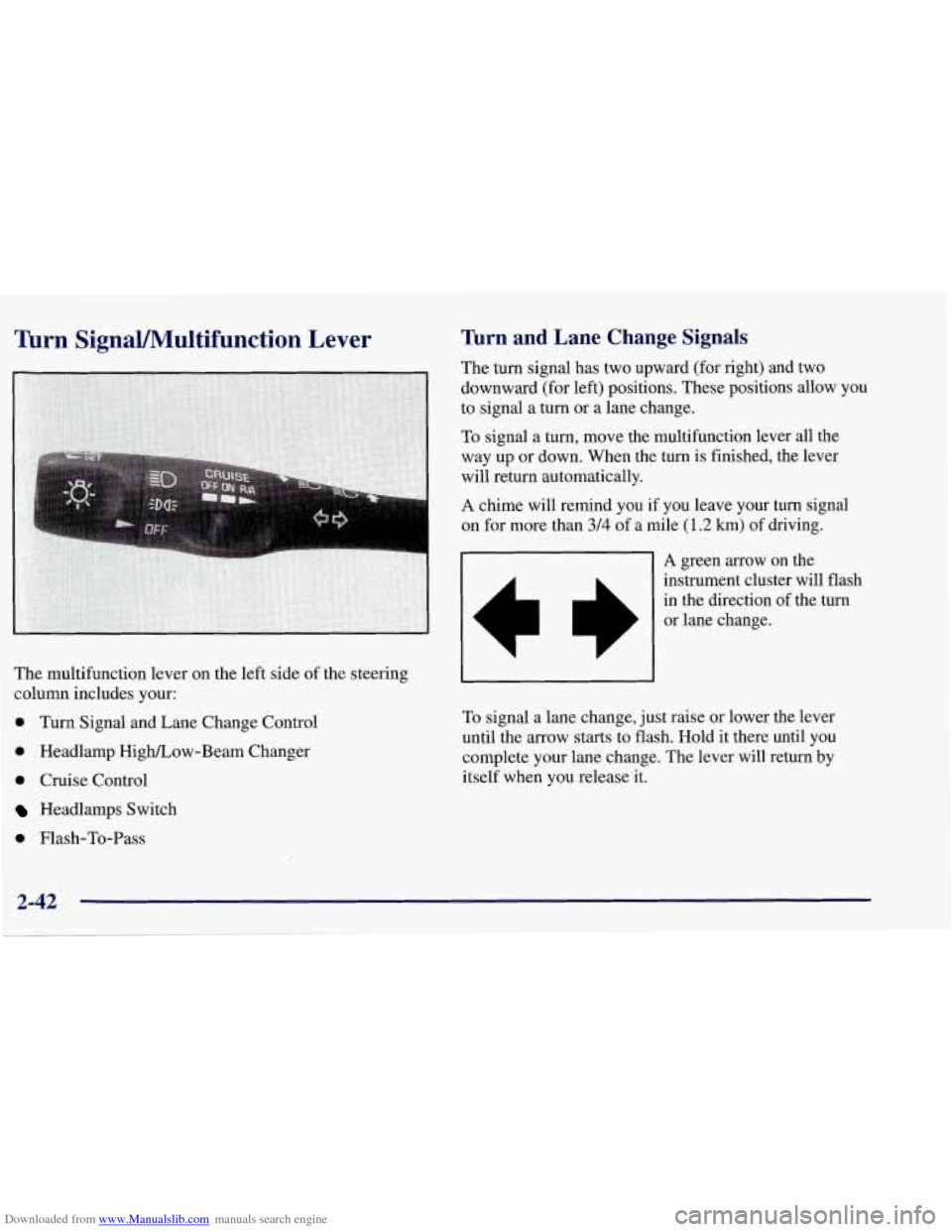
The multifunction lever on the left side of the steering
column includes your:
0 Turn Signal and Lane Change Control
0 Headlamp High/Low-Beam Changer
0 Cruise Control
Headlamps Switch
0 Flash-To-Pass
lbrn and Lane Change Signals
The turn signal has two upward (for right) and two
downward (for left) positions. These positions allow you
to signal a turn or a lane change.
To signal
a turn, move the multifunction lever all the
way up or down. When the
turn is finished, the lever
will return automatically.
A chime will remind you if you leave your turn signal
on for more than 3/4 of a mile (1.2 km) of driving.
01 A green arrow on the
L
instrument cluster will flash
in the direction of the turn
or lane change.
To signal a lane change, just raise or lower the lever
until the arrow starts to flash. Hold
it there until you
complete your lane change. The lever will return by
itself when you release it.
2-42
Page 98 of 378
Downloaded from www.Manualslib.com manuals search engine Headlamp High/Low-Beam Changer
To change the headlamps
signal lever all the
from
low beam to high or
high to low, push the turn
-
- way forward.
When the high beams are on, this light on the instrument
panel also will be
on. To change the headlamps from
high to low, pull the lever rearward.
Flash-To-Pass
Momentarily pull the turn signal lever toward you. The
high-beam indicator will flash to indicate to the other
driver that you intend to pass. If the low-beam
headlamps are off and you have the optional fog lamps
on, the fog lamps will flash.
Windshield Wipers
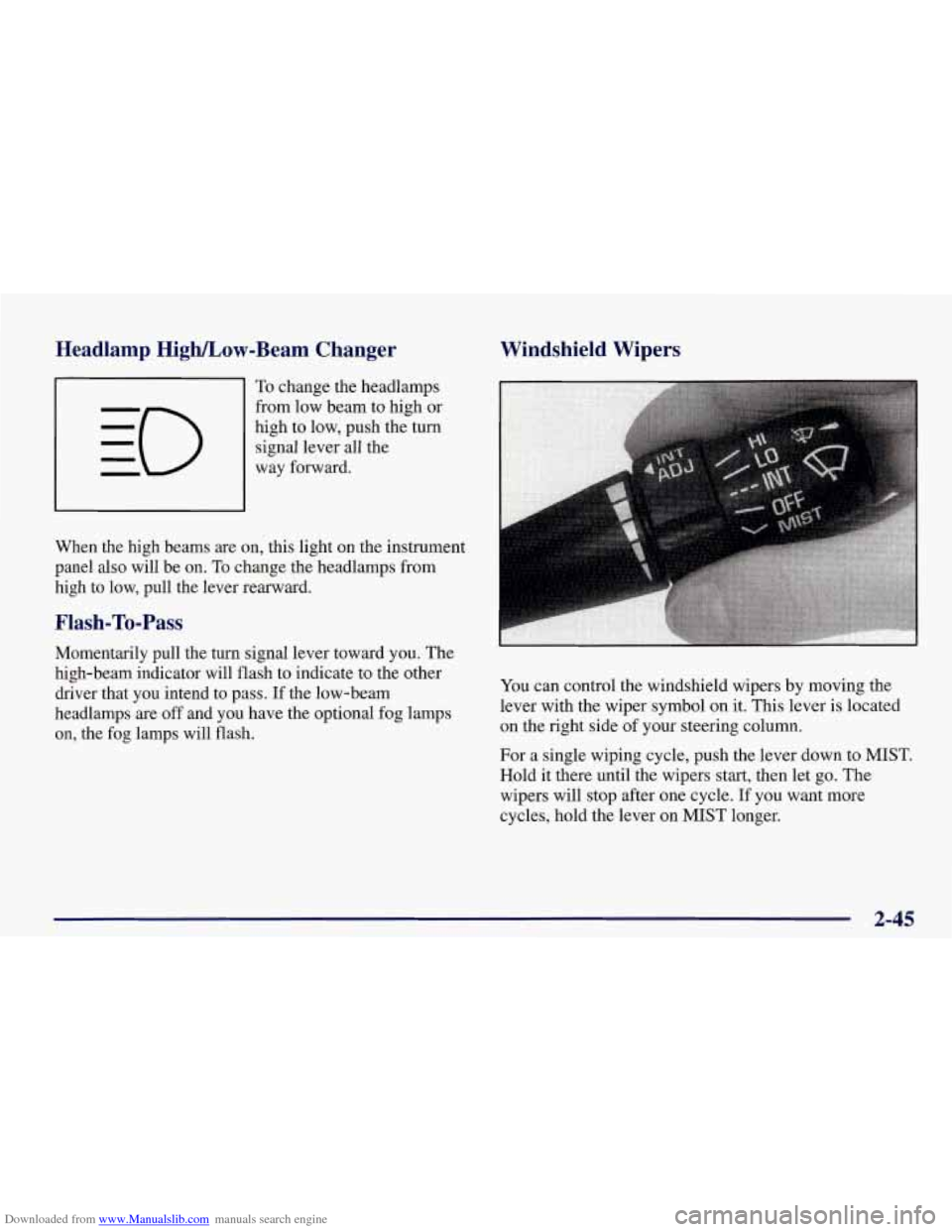
You can control the windshield wipers by moving the
lever with the wiper symbol
on it. This lever is located
on the right side
of your steering column.
For a single wiping cycle, push the lever down to MIST.
Hold it there until the wipers start, then let go. The
wipers will stop after one cycle. If you want more
cycles, hold the lever on MIST longer.
2-45
Page 99 of 378
Downloaded from www.Manualslib.com manuals search engine You can set the wiper speed for a long or short delay
between wipes. This can be very useful in light rain or
snow. Push the lever up to INT (intermittent), then turn
the band, located on the lever, to adjust the delay time.
Rotate the band up for a shorter delay, down for a longer
delay. The wiper speed can only be adjusted when the
lever is in the INT position, not in HI or
LO.
For steady wiping at low speed, move the lever up to the
LO position. For steady high-speed wiping, move the
lever up further, to HI. To stop the wipers, move the
lever down to
OFF.
Be sure to clear ice and snow from the wiper blades
before using them. If they’re frozen to the windshield,
carefully loosen or thaw them. If your blades do become
damaged, get new blades or blade inserts.
Heavy snow or ice can overload your wipers.
A circuit
breaker will stop them until the motor cools. Clear away
snow or ice to prevent an overload.
Windshield Washer
The lever on the right side of your steering column also
controls your windshield washer. There is a push button
at the end
of the lever. To spray washer fluid on the
windshield, push the button and hold it. The washer will
spray until you release the button. The wipers will
continue to clear the window for about six seconds after
the button is released and then stop or return to your
preset speed.
In freezing weather, don’t use your washer until
the windshield is warmed. Otherwise the washer
fluid can form ice
on the windshield, blocking
your vision.
If the fluid in the windshield washer fluid reservoir is
low, the message LOW WASHER FLUID will appear
on the Driver Information Center (DIC) display. It will
take
60 seconds after the bottle is refilled for this
message to turn off. For information on the correct
washer fluid mixture to use, see “Windshield Washer
Fluid” and “Recommended Fluids and Lubricants”
in
the Index.
Page 104 of 378
Downloaded from www.Manualslib.com manuals search engine When you turn on your headlamps, your front turn
signal lamps (DRL) will go out. The other lamps that
come on with your headlamps will also come on.
On vehicles built for Canada, when it’s dark enough
outside, your front turn signal lamps will automatically
go out and your headlamps will come on. The other
lamps that come on with your headlamps will also come
on. When it’s bright enough outside, the headlamps will
go off, and your front turn signal lamps (DRL) will
come on.
Also on Canadian vehicles, there is a light sensor in the
defroster grille, at the base of the windshield and the
instrument panel. This sensor makes the
DRL work
automatically,
so be sure it isn’t covered.
As with any vehicle, you should turn on the regular
headlamp system when you need it.
Fog Lamps (Option)
Use your fog lamps for better vision in foggy or misty
conditions. Your parking lamps or low-beam headlamps
must be on or your fog lamps won’t work.
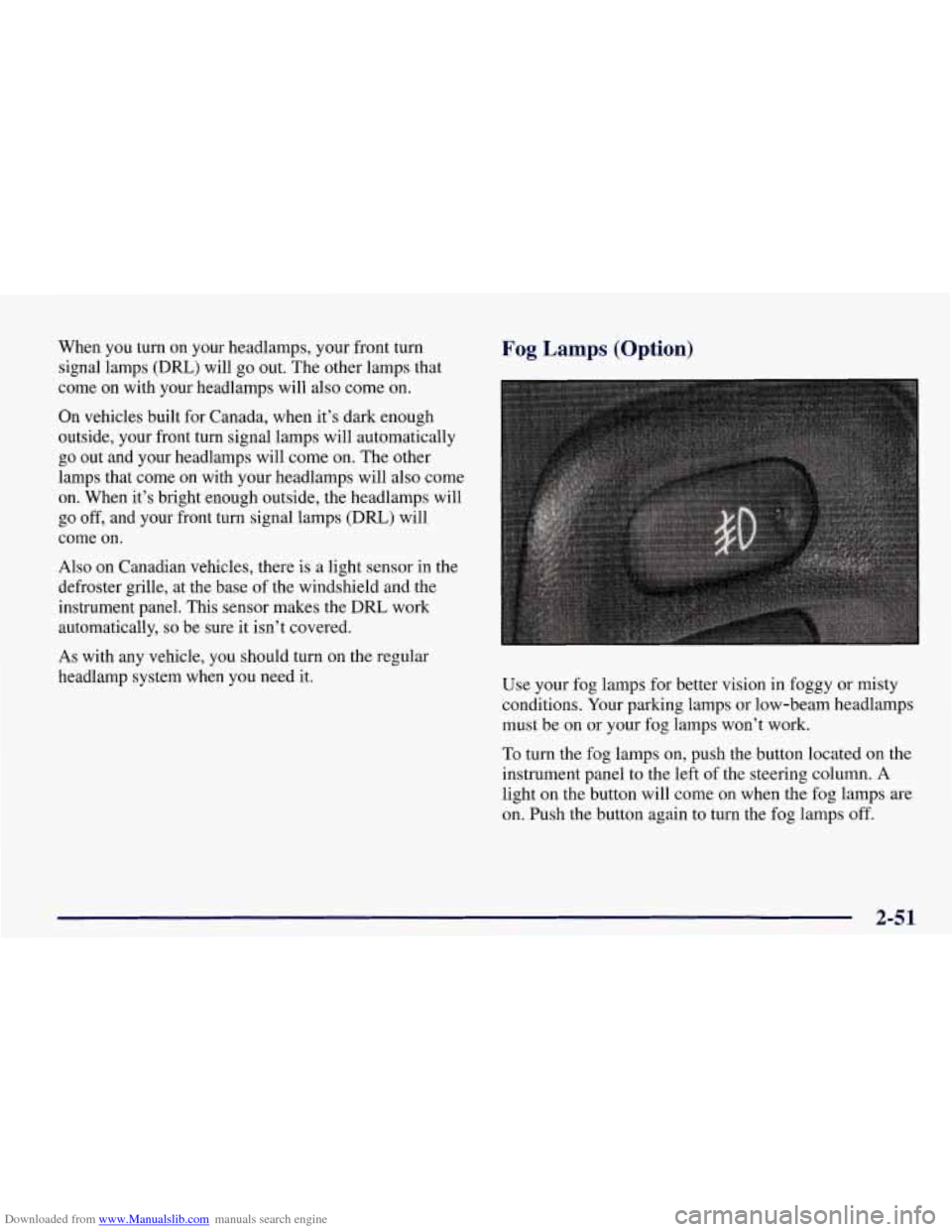
To turn the fog lamps on, push the button located on the
instrument panel to the left of the steering column. A
light on the button will come on when the fog lamps are
on. Push the button again to turn the fog lamps off.
2-51
Page 140 of 378
Downloaded from www.Manualslib.com manuals search engine Driver Information Center (DIC)
The Driver Information Center (DIC) will display
information about how your vehicle is functioning, as
well as warning messages if a system problem is
detected. The DIC display area is located in the
instrument cluster below the speedometer and
tachometer, directly above the steering column.
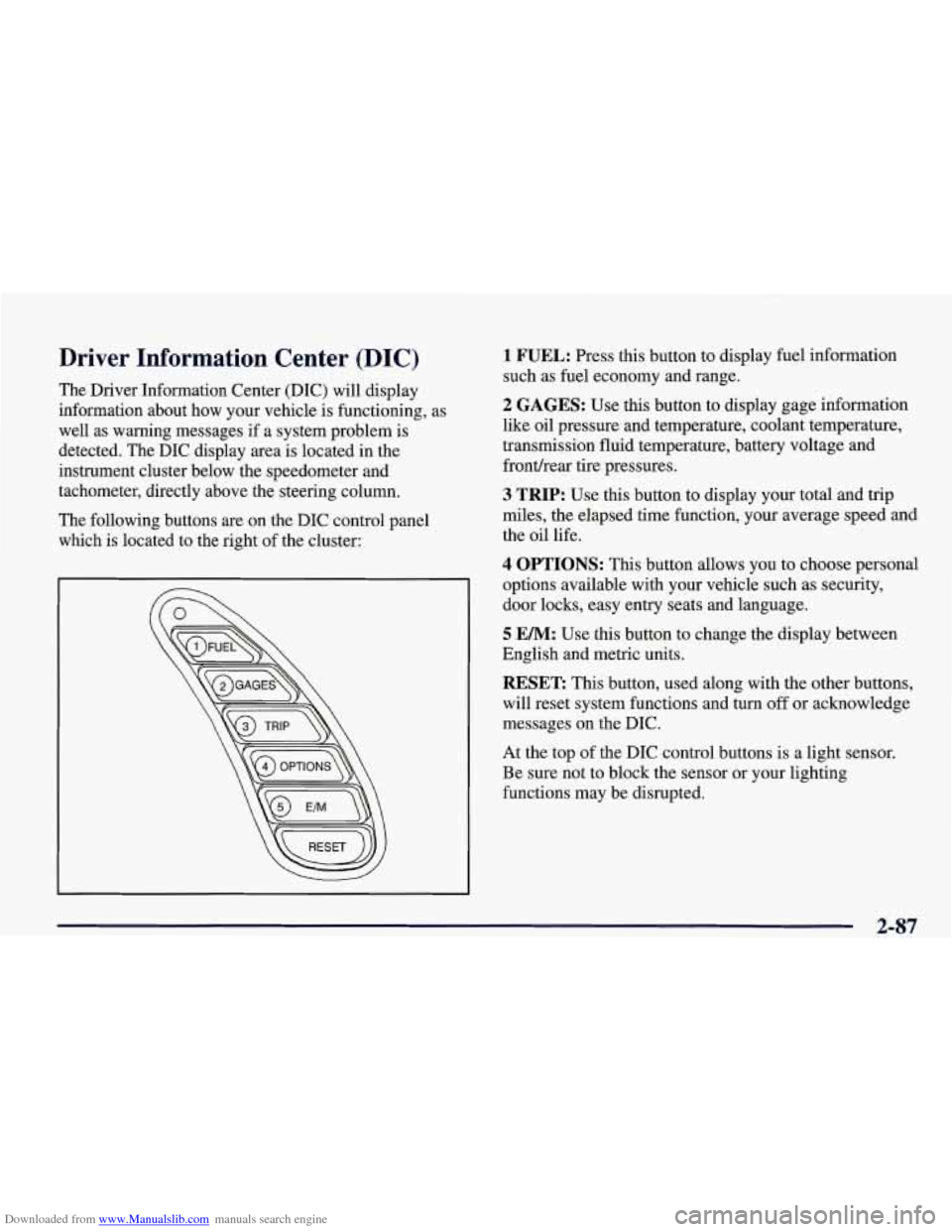
The following buttons are on the DIC control panel which is located to the right of the cluster:
1 FUEL: Press this button to display fuel information
such as fuel economy and range.
2 GAGES: Use this button to display gage information
like oil pressure and temperature, coolant temperature,
transmission fluid temperature, battery voltage and
fronthear tire pressures.
3 TRIP: Use this button to display your total and trip
miles, the elapsed time function, your average speed and
the oil life.
4 OPTIONS: This button allows you to choose personal
options available with your vehicle such as security,
door locks, easy entry seats and language.
5 EM: Use this button to change the display between
English and metric units.
RESET: This button, used along with the other buttons,
will reset system functions and turn
off or acknowledge
messages on the DIC.
At the top of the DIC control buttons is a light sensor.
Be sure not to block the sensor or your lighting
functions may be disrupted.
2-87
Page 150 of 378
Downloaded from www.Manualslib.com manuals search engine Languages
You can select which language the DIC will display its
messages in. Press the OPTIONS button until the word
LANGUAGES appears on the display, then use the
RESET button to page through the following choices:
0 LANGUAGE ENGLISH
LANGUAGE FRENCH
LANGUAGE GERMAN
LANGUAGE SPANISH
Blank Page
There is a blank page at the end of the OPTIONS menu.
When the blank page is displayed, you can access the
following items:
FOB TRAINING: This option allows you to match the
RFA transmitter(s) to your vehicle. You can access this
option by pressing and holding RESET for two seconds
while you are on the blank page at the end
of the
OPTIONS menu. The message
FOB TRAINING will be
displayed. See “Matching Transmitter(s) To Your
Vehicle” in the Index.
TIRE TRAINING: The Tire Pressure Monitor (TPM)
operates with battery-powered sensors that
are located
inside the valve stems on each tire. Each sensor has a
unique ID code
so the vehicle knows the tire location of
the sensor. When the vehicle reaches a speed
of greater
than
15 mph (24 km/h), the sensors begin to send the
tire pressure readings to a receiver inside the vehicle.
These readings are displayed when using the GAGES
button on the DIC. If you
are unable to display your tire
pressures while the vehicle speed is greater than
15 mph
(24
km/h), you may need to have your sensor ID codes
learned by the vehicle. See your dealer.
DIC Warnings and Messages
The following messages and warnings may appear in the
DIC display. The DIC display area is located in the
instrument cluster below the speedometer and
tachometer, directly above the steering column. You
may receive more than one message at a time. Messages
will appear one behind the other. To acknowledge a
message and remove it from the display, press
RESET.
You may scroll through the messages that may have
been sent at the same time. The message center is
continuously updated with the vehicle
performance status.
2-97