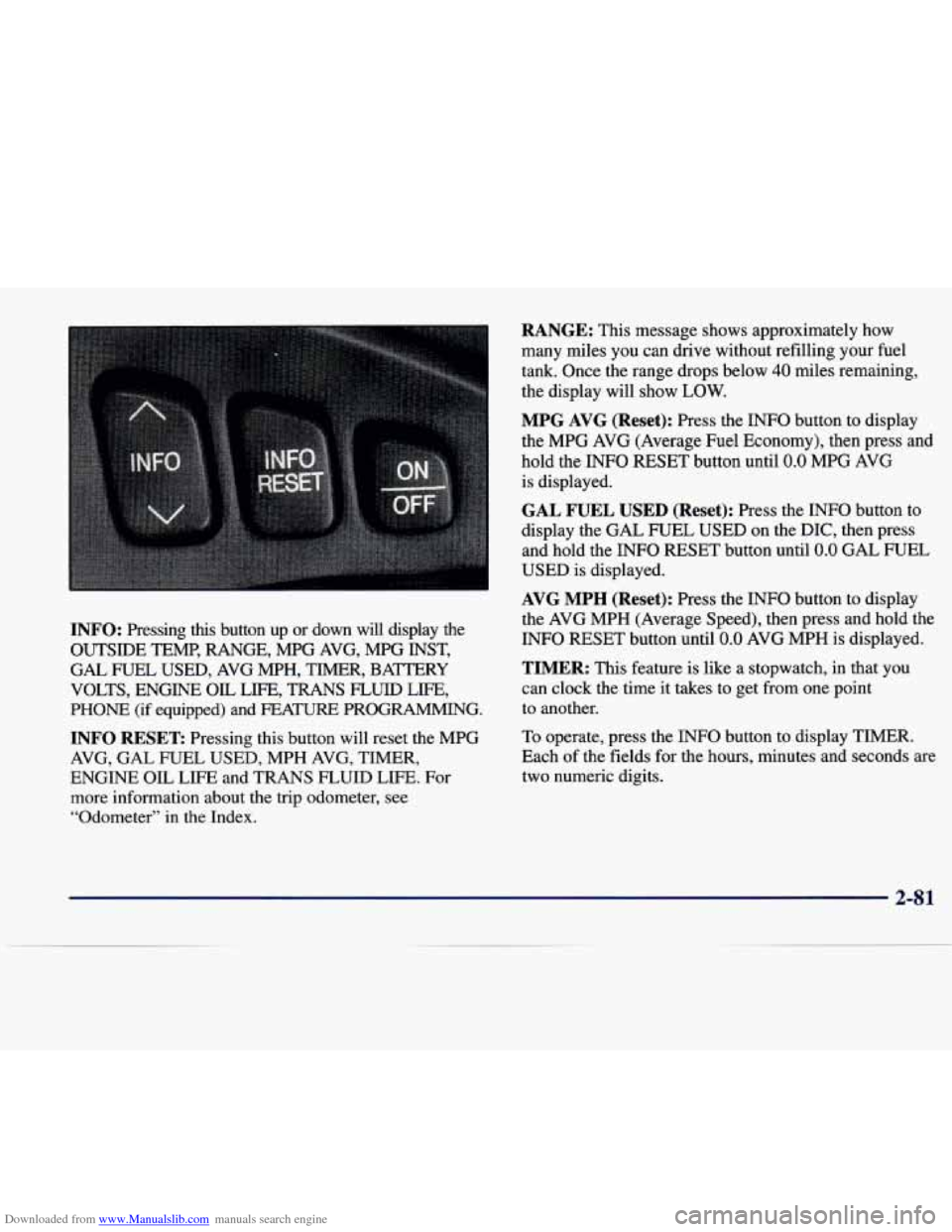
Downloaded from www.Manualslib.com manuals search engine INFO: Pressing this button up or down will display the
OUTSIDE TEMP, RANGE, MPG AVG, MPG INST,
GAL FUEL USED, AVG MPH, TIMER, BAmRY
VOLTS, ENGINE
OIL LIFE, TRANS FLUID LIFE,
PHONE (if equipped) and FEA- PROGRAMMING.
INFO RESET Pressing this button will reset the MPG
AVG, GAL FUEL USED, MPH AVG, TIMER,
ENGINE OIL LIFE and TRANS FLUID LIFE. For
more information about the trip odometer, see
“Odometer”
in the Index.
RANGE: This message shows approximately how
many miles you can drive without refilling your fuel
tank. Once the range drops below
40 miles remaining,
the display will show
LOW.
MPG AVG (Reset): Press the INFO button to display
the MPG AVG (Average Fuel Economy), then press and
hold the INFO RESET button until
0.0 MPG AVG
is displayed.
GAL FUEL USED (Reset): Press the INFO button to
display the GAL FUEL USED on the DIC, then press
and hold the INFO RESET button until
0.0 GAL FUEL
USED is displayed.
AVG MPH (Reset): Press the INFO button to display
the AVG MPH (Average Speed), then press and hold the
INFO RESET button until
0.0 AVG MPH is displayed.
TIMER: This feature is like a stopwatch, in that you
can clock the time it takes to get from one point
to another.
To operate, press the
INFO button to display TIMER.
Each
of the fields for the hours, minutes and seconds are
two numeric digits.
2-8 1