1998 CADILLAC ELDORADO fuel
[x] Cancel search: fuelPage 94 of 380
Downloaded from www.Manualslib.com manuals search engine THIRD (3): This position is also used for normal
driving, however, it offers more power and lower fuel
economy than
OVERDRIVE (@).
Here are examples for using THIRD (3) instead of
OVERDRIVE (0):
When driving on hilly, winding roads.
When towing a trailer, so there is less sh
When going down a steep hill.
between gears.
[ifting
SECOND (2): This position
gives you more power. You
can use SECOND (2) on hills. It can help control your
speed as you
go down steep mountain roads, but then
you would also want to use your brakes off and on.
~-
NOTICE:
~~~ ~~ ~~~~
Don’t shift into SECOND (2) unless you are going
slower than
65 mph (105 km/h), or you can
damage your engine.
FIRST (1): This position gives you even more power
than SECOND (2). You can use it on very steep hills,
or
in deep snow or mud. (If the shift lever is put in
FIRST
(l), the transaxle won’t shift into gear until the
vehicle is going slowly enough.)
NOTICE:
If your front wheels can’t rotate, don’t try to
drive. This might happen
if you were stuck in
very deep sand or mud or were~up against a solid
object. You could damage your transaxle.
Also,
if you stop when going uphill, don’t hold
your vehicle there with
only the accelerator
pedal. This could cause overheating and damage
the transaxle. Use your brakes to hold your
vehicle in position on a hill.
Page 127 of 380
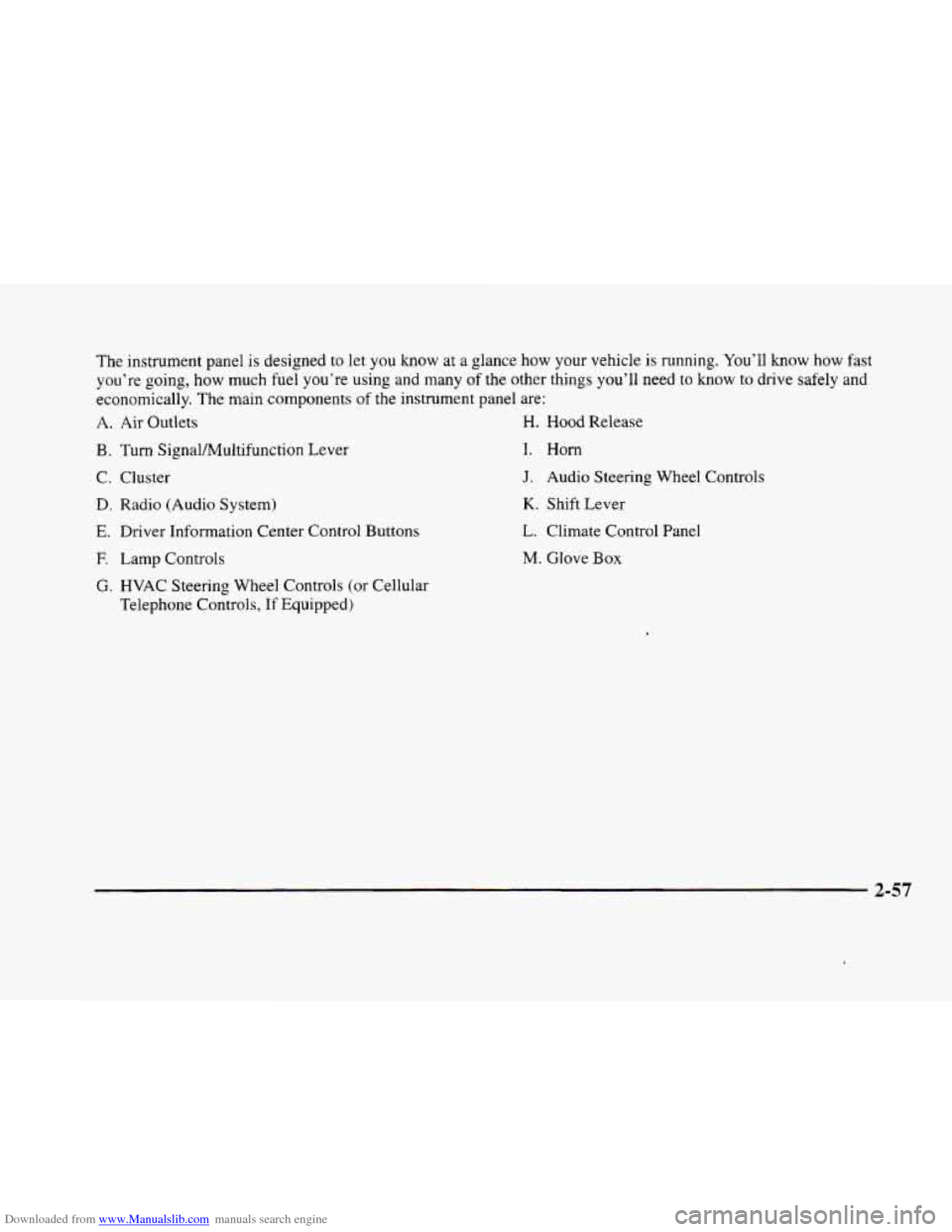
Downloaded from www.Manualslib.com manuals search engine The instrument panel IS designed to let you know at a glance how your vehicle is running. You’ll know how fast
you’re going, how much fuel you’re using
and many of the other things you’ll need to know to drive safely and
economically. The main components
of the instrument panel are:
A. Air Outlets H. Hood Release
B. Turn SignaVMultifunction Lever
C. Cluster
D. Radio (Audio System)
E. Driver Information Center Control Buttons
F. Lamp Controls
G. HVAC Steering Wheel Controls (or Cellular
Telephone Controls,
If Equipped)
I. Horn
J. Audio Steering Wheel Controls
K. Shift Lever
L. Climate Control Panel
M. Glove Box
2-57
Page 129 of 380
Downloaded from www.Manualslib.com manuals search engine Speedometer and Odometer
The speedometer lets you see your speed in both miles
per hour (mph) and kilometers per hour
(km/h). The
odometer shows how far your vehicle has been driven,
in either miles (used in the United States) or kilometers
(used in Canada).
You may wonder what happens if a vehicle has to have a
new odometer installed. The new one may read the
correct mileage. This is because your vehicle’s computer
has stored the mileage in memory.
Trip Odometer
By pressing this button,
TRIP RESET I
you-can tell how far
you’ve traveled since
you last set the trip
odometer back to zero.
For information on resetting this button, see “Control
Buttons’’ later in this section.
EnglisWetric Display
Press the INFO button until ENGLISHMETRIC
RESET displays and then press INFO RESET to select.
Note that other readings such as temperature, fuel and
trip odometer also go back and
forth between English
and metric.
2-59
Page 130 of 380
Downloaded from www.Manualslib.com manuals search engine Vehicle Speed Limiter
This feature prevents your vehicle from exceeding
speeds that the tires are not rated for. When this
happens, the engine’s fuel supply
is shut off. When the
vehicle speed slows, the fuel supply will come on again.
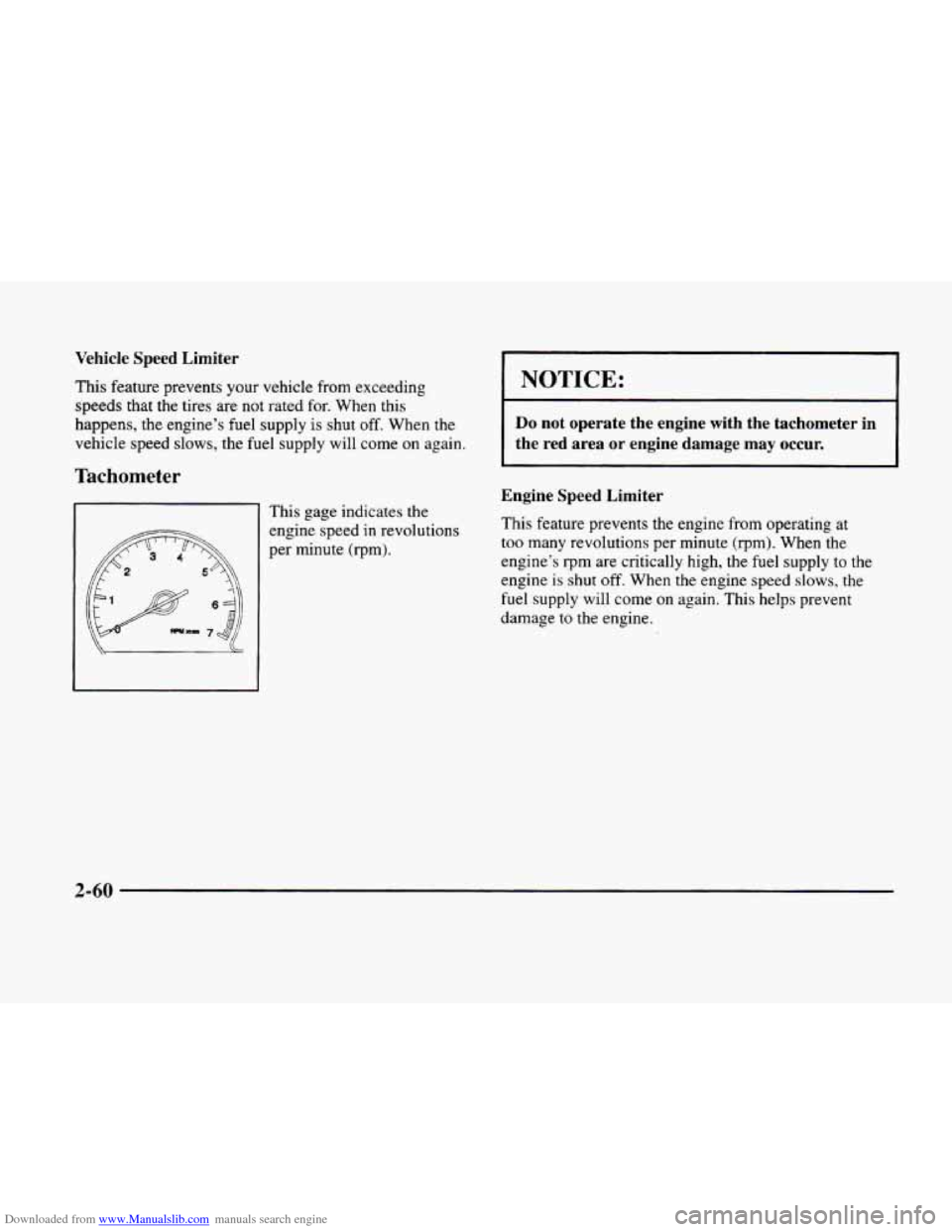
Tachometer
This gage indicates the
engine speed in revolutions
per minute
(rpm).
I NOTICE:
~~
Do not operate the engine with the tachometer in
the red area or engine damage may occur.
Engine Speed Limiter
This feature prevents the engine from operating at
too many revolutions per minute (rpm). When the
engine’s
rpm are critically high, the fuel supply to the
engine is shut off. When the engine speed slows, the
fuel supply will come
on again. This helps prevent
damage
to the engine.
2-60
Page 136 of 380
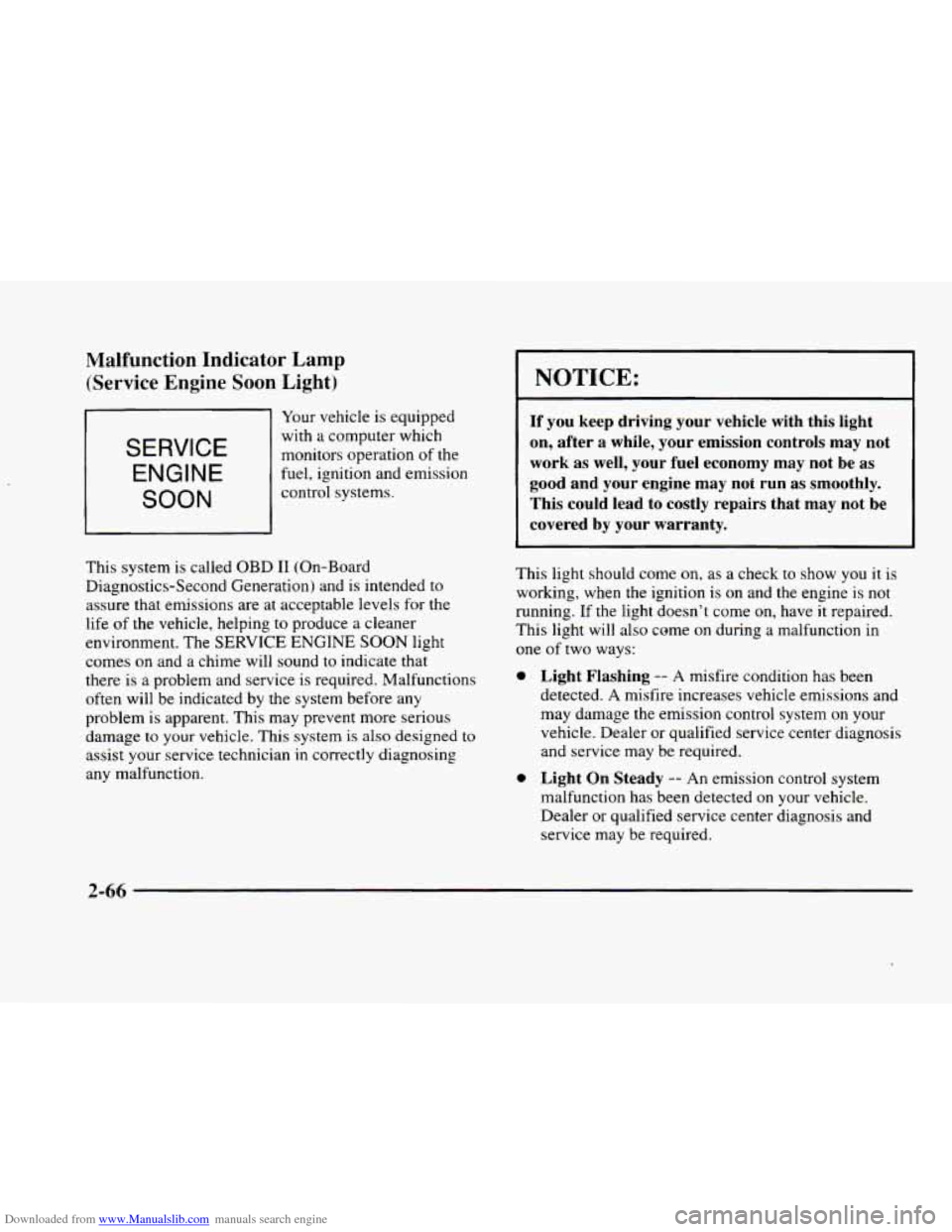
Downloaded from www.Manualslib.com manuals search engine Malfunction Indicator Lamp (Service Engine
Soon Light)
SERVICE
ENGINE
SOON
Your vehicle is equipped
with
a computer which
monitors operation
of the
fuel, ignition and emission
control systems.
This system is called
OBD I1 (On-Board
Diagnostics-Second Generation) and
is intended to
assure that emissions are at acceptable levels for the
life
of the vehicle, helping to produce a cleaner
environment. The
SERVICE ENGINE SOON light
comes
on and a chime will sound to indicate that
there is
a problem and service is required. Malfunctions
often will be indicated by the system before any
problem
is apparent. This may prevent more serious
damage
to your vehicle. This system is also designed to
assist your service technician in correctly diagnosing
any malfunction.
0
0
NOTICE:
If you keep driving your vehicle with this light
on, after a while, your emission controls may
not
work as well, your fuel economy may not be as
good and your engine may
not run as smoothly.
This could lead to costly repairs that may not be
covered by your warranty.
This light should come on, as a check to show you it is
working, when the ignition is on and the engine is
not
running. If the light doesn’t come on, have it repaired.
This light will also come on during
a malfunction in
one
of two ways:
Light Flashing -- A misfire condition has been
detected. A misfire increases vehicle emissions and
may damage the emission control system on your
vehicle. Dealer or qualified service center diagnosis
and service may be required.
Light On Steady -- An emission control system
malfunction has been detected on your vehicle.
Dealer or qualified service center diagnosis and
service
may be required.
2-66
Page 137 of 380
Downloaded from www.Manualslib.com manuals search engine If the Light Is Flashing
The following may prevent more serious damage to
your vehicle:
0 Reducing vehicle speed.
0 Avoiding hard accelerations.
0 Avoiding steep uphill grades.
If you are towing a trailer, reduce the amount of
cargo being hauled as soon as it is possible.
If the light stops flashing and remains
on steady, see “If
the Light Is On Steady” following.
If the light continues to flash, when
it is safe to do so,
stop the vehicle. Find a safe place to park your vehicle.
Turn the key
off, wait at least 10 seconds and restart the
engine. If the light remains
on steady, see “If the Light
Is On Steady” following. If the light is still flashing,
follow the previous steps, and drive the vehicle to your
dealer or qualified service center for service.
If the Light Is On Steady
You may be able to correct the emission system
malfunction by considering the following:
Did
you recently put fuel into your vehicle?
If
so, reinstall the fuel cap, making sure to fully install
the cap. The diagnostic system can determine if the fuel cap
has been left
off or improperly installed. A loose or
missing fuel cap will allow fuel to evaporate into the
atmosphere. A few driving trips with the cap properly
installed should turn the light
off.
Did you just drive through a deep puddle of water?
If
so, your electrical system may be wet. The condition
will usually be corrected when the electrical system
dries
out. A few driving trips should turn the light off.
Are you low on fuel?
As your engine starts to run out of fuel, your engine may
not run as efficiently as designed since small amounts of
air are sucked into the fuel line causing a misfire. The
system can detect this. Adding fuel should correct this
condition. Make sure to install the fuel cap properly. It
will take a few driving trips to
turn the light off.
Have you recently changed brands of fuel?
If so, be sure to fuel your vehicle with quality fuel (see
“Fuel” in the Index). Poor fuel quality will cause your
engine not to run as efficiently as designed. You may
notice this as stalling after start-up, stalling when you
put the vehicle into gear, misfiring, hesitation on
acceleration or stumbling on acceleration. (These
conditions may go away once
the engine is warmed up.)
This will be detected by the system and cause the light
to turn on.
2-67
Page 138 of 380
Downloaded from www.Manualslib.com manuals search engine If you experience one or more of these conditions,
change the fuel brand
you use. It will require at least
one full tank
of the proper fuel to turn the light off.
If none of the above steps have made the light turn off,
have your dealer or qualified service center check the
vehicle. Your dealer has the proper test equipment and
diagnostic tools to fix any mechanical
or electrical
problems that may have developed.
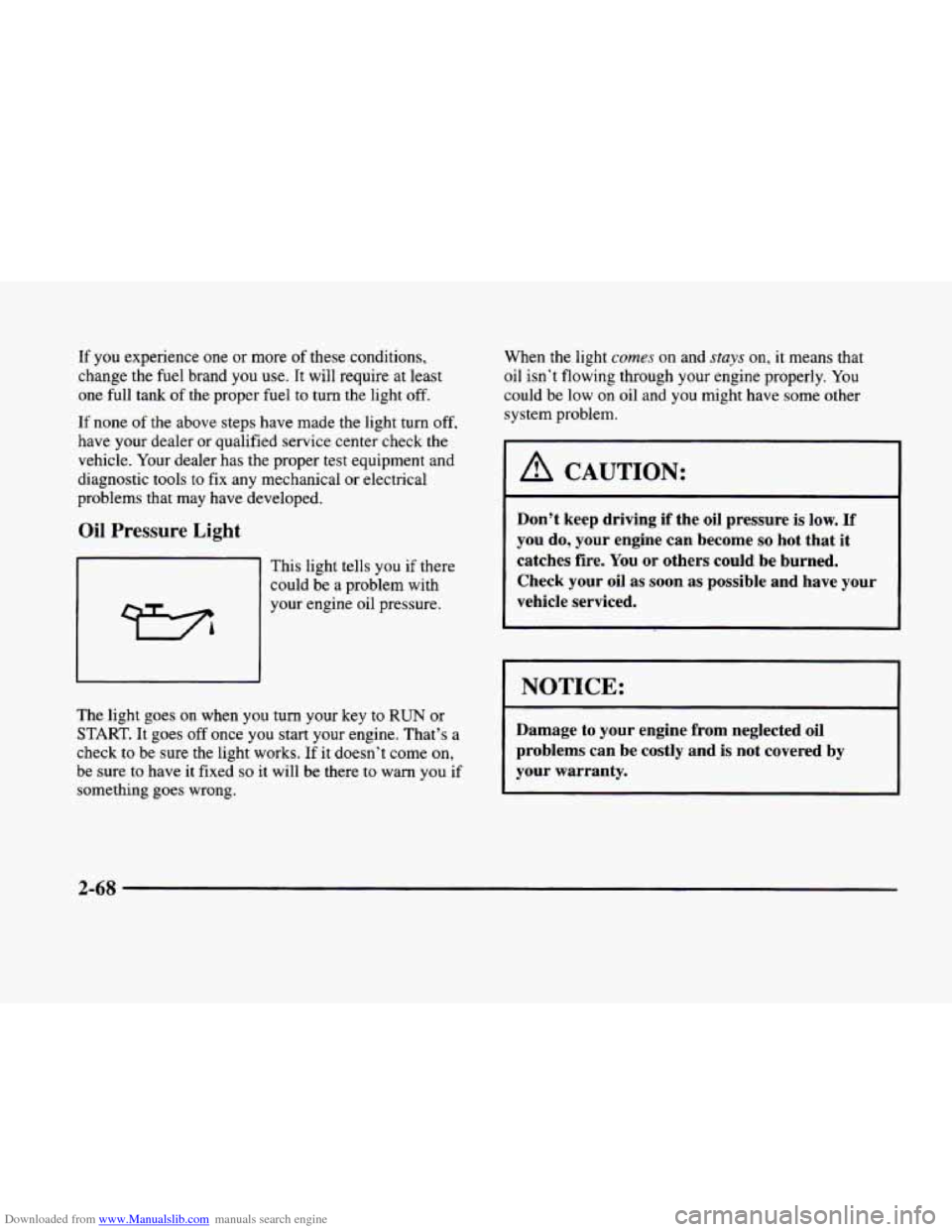
Oil Pressure Light
This light tells you if there
could be a problem with
your engine oil pressure.
The light goes
on when you turn your key to RUN or
START. It goes off once you start your engine. That’s a
check
to be sure the light works. If it doesn’t come on,
be sure to have it fixed so it will be there to warn you if
something goes wrong. When the light
cumes on
and stays on, it means that
oil isn’t flowing through your engine properly. You
could
be low on oil and you might have some other
system problem.
1 A CAUTION:
Don’t keep driving if the oil pressure is low. If
you do, your engine can become so hot that it
catches fire. You
or others could be burned.
Check your oil as soon as possible and have your
vehicle serviced.
I NOTICE: 1
Damage to your engine from neglected oil
problems can be costly and is not covered by
your warranty.
2-68
Page 139 of 380

Downloaded from www.Manualslib.com manuals search engine Fuel Gage
The fuel gage shows
approximately how much
fuel
is in the tank. It
works only when the
ignition is
in RUN.
Here are a few concerns some owners have had about
the fuel gage. All
of these situations are normal and do
not indicate that anything is wrong with the fuel gage.
0 At the gas station the gas pump shuts off before the
gage reads F.
It takes more (or less) gas to fill the tank than the
gage said. For example, the gage read
8 GALLONS
(30 L), but it took more (or less) than the tank’s
remaining capacity to fill it.
0 The gage may change when you turn, stop or
speed up.
Fuel Data Display
Everything you need to know about the fuel economy
and how far you can travel with your vehicle’s
remaining fuel
is displayed. Fuel data can be obtained
by pressing the
INFO button. See “Control Buttons”
later in this section.
2-69