1998 CADILLAC ELDORADO air condition
[x] Cancel search: air conditionPage 161 of 380
Downloaded from www.Manualslib.com manuals search engine % FAN SPEEDS: Press the button with the fan
symbol
on it until AUTO is displayed on the screen.
At this setting, the fan speed is automatically controlled.
If it is cold outside, the blower may not run in the
maximum high fan speed right away. The system checks
the temperature
of the engine coolant to assure it is
warm enough to provide heat. When the engine coolant
is warm, the controller allows the fan
to gradually
increase to
a higher speed. This prevents cold air from
blowing into the passenger compartment. If
you want
the blower fan at a high speed, press the up arrow button
until
you see HI on the display. If you want the fan
speed to be automatic, but you like the fan speed to be
higher than the AUTO setting, press the fan symbol
button until HI AUTO is shown
on the display. If you
want the blower fan at
a low speed, press the down
arrow button until
LO is shown on the display. If you
want the fan speed to
run lower than the AUTO
setting, press the button until LO AUTO is shown
on the display.
OFF: Press this button to turn the system off. Fresh air
will continue to
flow through the vehicle, and the
system will try to maintain the previously
set
temperature. The outside temperature will show on the
display when the system
is OFF.
AC: Press this button to turn the air conditioning on and
off. The system will cool and dehumidify the air inside
the vehicle. In the
AUTO mode, the display will show
that
AC is active, but the air conditioning compressor
only operates when the system determines it
is needed.
RECIRCULATION: Press this button to limit the
amount
of fresh air entering your vehicle. This is helpful
when you are trying to cool the air quickly or limit odors
entering your vehicle.
In the AUTO mode, the system
will use recirculation as necessary
to cool the air.
Pressing the recirculation button will change the
operation to a manual mode and the air will recirculate
non-stop. Press this button again to turn
off the
recirculation feature.
If
you notice the windows fogging, press the
recirculation button to exit the recirculation mode.
3-5
Page 162 of 380
Downloaded from www.Manualslib.com manuals search engine Electronic Solar Sensor
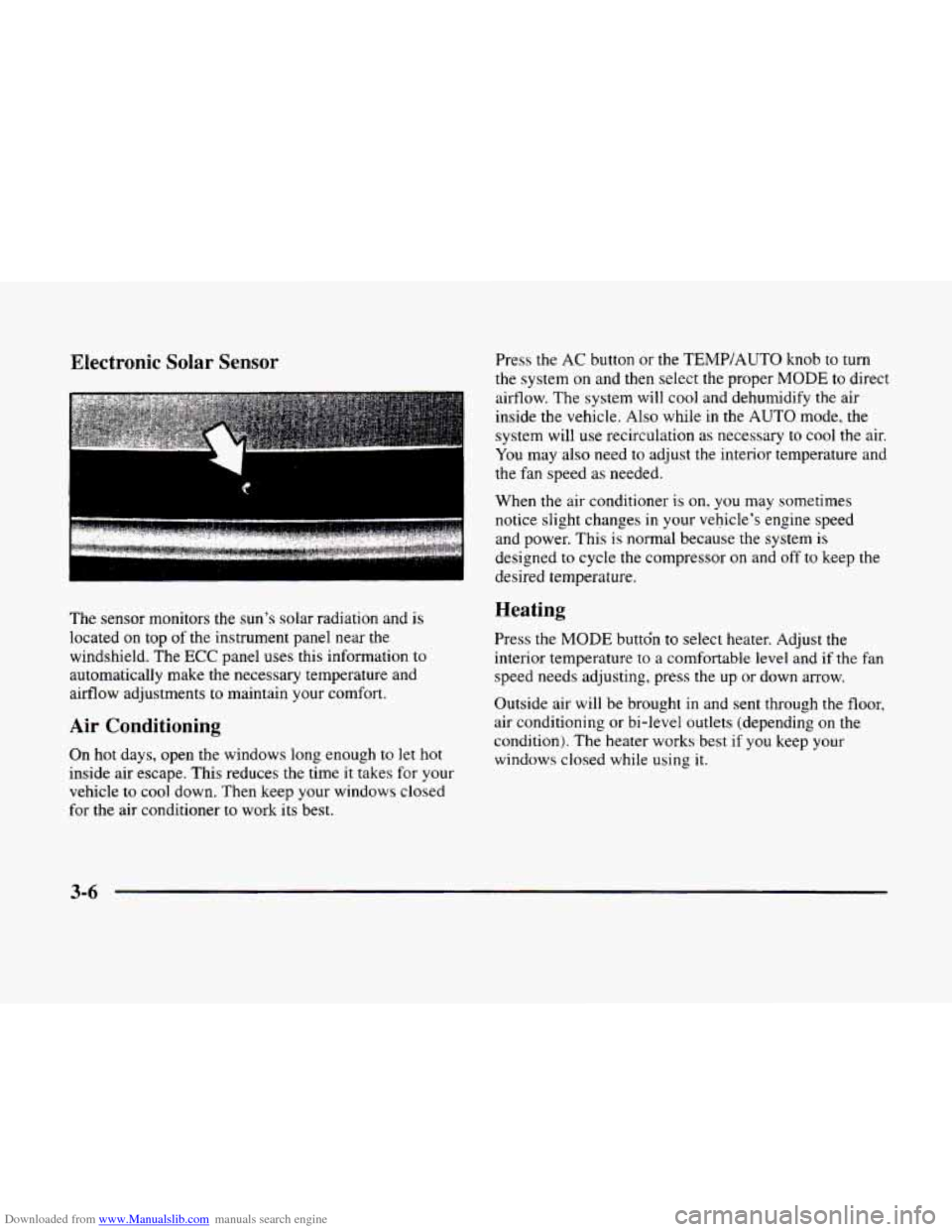
The sensor monitors the sun’s solar radiation and is
located on top of the instrument panel near the
windshield. The
ECC panel uses this information to
automatically make the necessary temperature and
airflow adjustments to maintain your comfort.
Air Conditioning
On hot days, open the windows long enough to let hot
inside air escape. This reduces the time it takes for your
vehicle to
cool down. Then keep your windows closed
for the air conditioner
to work its best. Press the
AC button or the
TEMP/AUTO knob to turn
the system on and then select the proper
MODE to direct
airflow. The system will cool and dehumidify the air
inside the vehicle. Also while
in the AUTO mode, the
system will use recirculation as necessary to cool the air.
You may also need to adjust the interior temperature and
the fan speed as needed.
When
the air conditioner is on, you may sometimes
notice slight changes
in your vehicle’s engine speed
and power. This
is normal because the system is
designed to cycle the compressor on and off to keep the
desired temperature.
Heating
Press the MODE buttdn to select heater. Adjust the
interior temperature to a comfortable level and if the fan
speed needs adjusting, press the up or down arrow.
Outside air will be brought in and sent through the floor,
air conditioning or bi-level outlets (depending on
the
condition). The heater works best if you keep your
windows closed while using
it.
3-6
Page 163 of 380
Downloaded from www.Manualslib.com manuals search engine Ventilation System
Your vehicle's flow-through ventilation system supplies
outside air into
the vehicle when it is moving. Outside
air will also enter
the vehicle when the heater or the air
conditioning fan is running.
-
I. ,, . , .. .
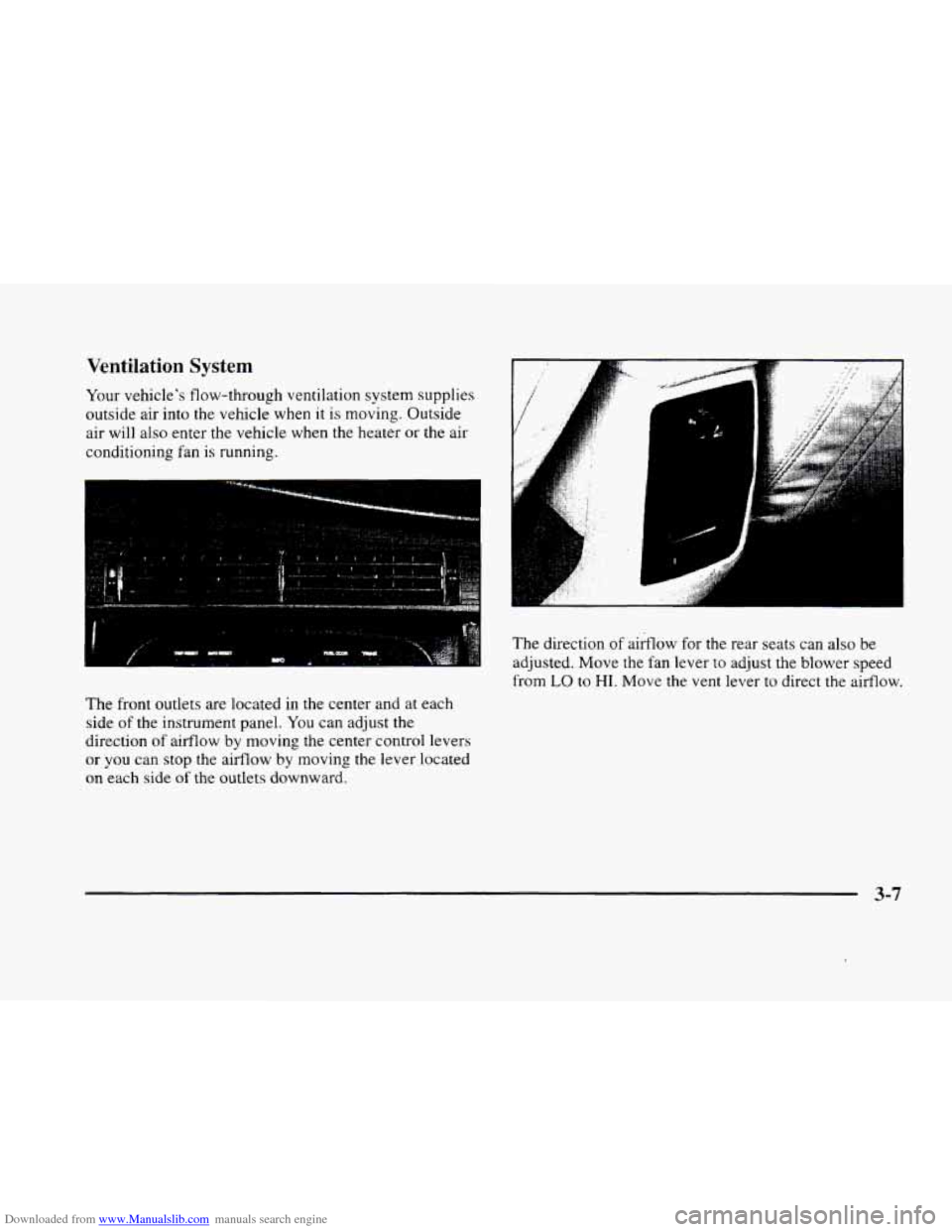
The front outlets are located in the center and at each
side of the instrument panel.
You can adjust the
direction
of airflow by moving the center control levers
or you can stop the aifflow by moving the lever located
on each side of the outlets downward.
.., . . .I . :
The direction of airflow for the rear seats can also be
adjusted. Move
the fan lever to adjust the blower speed
from
LO to HI. Move the vent lever to direct the airflow.
3-7
Page 164 of 380
Downloaded from www.Manualslib.com manuals search engine Ventilation Tips
0 Keep the hood and front air inlet free of ice, snow or
any other obstruction (such as leaves).
The heater
and defroster will work far better, reducing the
chance of fogging the inside
of the windows.
0 When you enter a vehicle in cold weather, adjust the
fan to the highest speed for a few moments before
driving off. This helps clear the intake outlets of
snow and moisture, and reduces the chance of
fogging the inside
of the windows.
0 Keep the air path under the front seats clear of objects.
This helps circulate air throughout your vehicle.
Defrosting
Use DEFROST to remove fog or ice from the windshield
quickly
in extremely humid or cold conditions.
Press the DEFROST button. If you select DEFROST,
adjust the fan speed by pressing the fan button up or
down.
If you select DEFROST from AUTO, the system
will control the fan speed. The temperature also needs to
be adjusted by turning the TEMP/AUTO knob.
Note that recirculation
is not available in the defrost or
defog modes.
Rear Window Defogger
The lines you see on the
rear window warm the
glass. Press this button
to
turn on the rear defogger.
With it, the rear window
and both outside rearview
mirrors are heated.
The system will automatically shut off after 10 minutes.
If further defogging is desired, press the button again.
Do not attach a temporary vehicle license, tape or decals
across the defogger grid on the rear window.
NOTICE:
~~~
~
Don’t use a razor blade or something else sharp
on the inside of the rear window. If you do, you
could cut
or damage the warming grid or the
integrated rear window antenna, and the repairs
wouldn’t be covered by your warranty.
3-8
Page 255 of 380
Downloaded from www.Manualslib.com manuals search engine Engine Overheating
You will find an ENGINE COOLANT HOT, IDLE
ENGINE message or an ENGINE OVERHEATED,
STOP ENGINE message
on the Driver Information
Center (DIC).
You will also hear a chime. There is also
an engine temperature warning light and/or gage
on the
instrument panel. See “Engine Coolant Temperature
Warning Light” or “Engine Coolant Temperature Gage”
in the Index.
Overheated Engine Protection
Operating
Mode
Should an overheated engine condition exist and the
message ENGINE OVERHEATED
STOP ENGINE is
displayed, an overheat protection mode which alternates
firing groups
of four cylinders helps prevent engine
damage. In this mode, you will notice a loss in power and
engine performance. This operating mode allows
your vehicle to be driven to a safe place
in an
emergency; you may drive
up to 50 miles (80 km).
Towing a trailer in the overheat protection mode
should be avoided.
-~
NOTICE:
After driving in the overheated engine protection
operating mode, to avoid engine damage, allow
the engine to cool before attempting any repair.
The engine oil will be severely degraded. Repair
the cause of coolant loss, change the oil and reset
the oil life indicator. See “Engine Oil, When to
Change”
in the Index.
5-15
Page 257 of 380
Downloaded from www.Manualslib.com manuals search engine NOTICE:
If your engine catches fire because you keep
driving with no coolant, your vehicle can be
badly damaged. The costly repairs
would not be
covered by your warranty. See “Overheated
Engine Protection Operating Mode” in the Index.
If No Steam Is Coming From Your Engine
If you get the overheat warning but see or hear no
steam, the problem may
not be too serious. Sometimes
the engine can get a little too hot when you:
Climb a long hill on a hot day.
Stop after high-speed driving.
Idle for long periods in traffic.
Tow a trailer.
If you get the overheat warning with no sign of steam,
try this for a minute or
so:
1. Turn off your air conditioner.
2. Dial temperature control to the highest heat setting
and open the windows, as necessary.
3. If you’re in a traffic jam, shift to NEUTRAL (N);
otherwise, shift to the highest gear while
driving
-- OVERDRIVE (0) or THIRD (3).
If you no longer have the overheat warning, you can
drive. Just to be safe, drive slower for about
10 minutes.
If the warning doesn’t come back on,
you can
drive normally.
If the warning continues, pull over, stop, and park your
vehicle right away.
If there’s still no sign of steam, you can idle the engine
for two or three rqinutes while you’re parked,
to see
if the warning stops. But then, if you still have the
warning,
turn off the engine and get everyone out of
the vehicle until it cools down. Also, see “Overheated
Engine Protection Operating Mode” listed previously
in this section.
You may decide not
to lift the hood but to get service
help right away.
5-17
Page 281 of 380

Downloaded from www.Manualslib.com manuals search engine ,<+ --\,
Section 6 Service and Appearance Care
Here you will find information about the care of your vehicle. This section begins with service and fuel infomation,
and then it shows how
to check important fluid and lubricant levels. There is also technical information about your
vehicle, and a part devoted to its appearance care.
6-2
6-3
6-5
6-8
6-8
6-1 1
6- 15
6-18
6-22
6-26
6-28
6-3 1
6-32
6-38
6-3 8
6-47
6-47
6-49 Service
Fuel
Filling Your Tank
Filling a Portable Fuel Tank
Checking Things Under the Hood
Engine Oil
Air Cleaner
Automatic Transaxle Fluid
Engine Coolant
Windshield Washer Fluid
Brakes
Battery
Bulb Replacement
Windshield Wiper Blade Replacement
Tires Appearance Care
Cleaning the Inside
of Your Vehicle
Care
of Safety Belts 6-50
6-50
6-50
6-50
6-52
6-52
6-52
6-53
6-5
3
6-54
6-55
6-55
6-64
6-64
6-65
6-65 Cleaning
Glass Surfaces
Cleaning the Outside of the Windshield and
Wiper Blades
Weatherstrips
Cleaning the Outside
of Your Vehicle
Cleaning Aluminum or Chrome Wheels
(If Equipped)
Cleaning Tires
Sheet Metal Damage
Underbody Maintenance
Chemical Paint Spotting
Appearance Care Materials Chart
Vehicle Identification Number (VIN)
Electrical System
Replacement Bulbs Capacities and Specifications
Air Conditioning Refrigerants
Normal Maintenance Replacement
Parts
6-1
Page 284 of 380
Downloaded from www.Manualslib.com manuals search engine octane fuel to get rid of pinging. It’s the heavy, constant
knock that means you have a problem.
If your vehicle is certified to meet California Emission
Standards (indicated
on the underhood emission control
label), it
is designed to operate on fuels that meet
California specifications. If such fuels are not available
in states adopting California emissions standards, your
vehicle will operate satisfactorily
on fuels meeting
federal specifications, but emission control system
performance may be affected. The malfunction indicator
lamp
on your instrument panel may turn on and/or your
vehicle may fail a smog-check test. If this occurs, return
to your authorized Cadillac dealer for diagnosis to
determine the cause of failure. In the event it is
determined that the cause
of the condition is the type of
fuels used, repairs may not be covered by your warranty.
Some gasolines that are not reformulated for low
emissions contain an octane-enhancing additive called
methylcyclopentadienyl manganese tricarbonyl
(MMT);
ask your service station operator whether or not his fuel
contains
MMT. General Motors does not recommend the
use of such gasolines.
If fuels containing MMT are used,
spark plug life
may be reduced and your emission control system
performance may be affected. The
malfunction indicator lamp
on your instrument panel
may turn on. If this occurs, return to your authorized
Cadillac dealer for service.
To provide cleaner air, all gasolines in the United States
are now required to contain additives that will help
prevent deposits from forming in your engine and fuel
system, allowing your emission control system to
function properly. Therefore,
you should not have to add
anything to the fuel. In addition, gasolines containing
oxygenates, such as ethers and ethanol, and
reformulated gasolines may be available in your area to
help clean the air. General Motors recommends that
you
use these gasolines if they comply with the
specifications described earlier.
I NOTICE:
Your vehicle was not designed for fuel that
contains methanol. Don’t use it. It
can corrode
metal parts in your fuel system and also damage
plastic and rubber parts. That damage wouldn’t
be covered under your warranty.
6-4