17
If one or both of your turn indicators do not flash
or stay on continuously, have them serviced as soon
as possible. In the meantime, be sure to use the
accepted hand signals.Speed Control Indicator LightThis light comes on when the speed control system
is actively maintaining the set speed. It will go off
when the brakes are used or if the speed control is
turned off.
This light does not indicate any problems but is
only a convenience to tell when the speed control
is active.Fuel GaugeThe ignition switch must be in the OFF position
before adding fuel to the tank for proper gauge
operation.
A problem is indicated if the fuel gauge bar graph
displays only the top two bars and the bottom two
bars and the digital ªFUEL REMAINº or ªDIST TO
EMPTYº display ªCOº or ªCSº. If this happens,
contact your dealer for service as soon as possible.
File:03fnist.ex
Update:Mon Jun 17 13:46:47 1996
Page 26 of 305
21
OdometerThe odometer tells you the total number of miles or
kilometers your vehicle has been driven. If the
cluster is replaced, and the accumulated mileage on
the odometer is unknown, the replacement cluster
will have the circled ªSº illuminated with zero
miles on the odometer. If the actual vehicle mileage
can be verified, then an authorized service center
can program the actual mileage into the odometer
of the replacement cluster. The actual mileage (if
known) or an estimated mileage (if unknown) is
shown on a label affixed on the door pillar.
Press the E/M (English/Metric) button located just
below the message center display to show miles or
kilometers.
If the odometer displays the word ªERRORº contact
your dealer for service.
The Electronic Message CenterAlong with information the warning lights and
gauges provide, the electronic message center lets
you:q
see problems such as Door Ajar, Air Suspension,
Trunk Ajar, Washer Fluid
q
see how many miles/kilometers you can drive
with the fuel remaining in your tank
q
see how many gallons/liters of fuel are
remaining
q
monitor your average fuel economy
q
monitor your instantaneous fuel economy
q
monitor your average speed
q
check the distance you have travelled during a
trip on either Trip A or Trip B
q
check the distance remaining from a set value
during a trip
File:03fnist.ex
Update:Mon Jun 17 13:46:47 1996
Page 30 of 305
25
If ªCOº or ªCSº is displayed, this means that there
is a problem with the fuel indication system and
you should contact your dealer for service as soon
as possible.FUEL REMAIN Ð Fuel Remaining
This function shows you how many gallons (liters)
of fuel you have left in the fuel tank.
If your fuel level is above 20 gallons (75.7 liters),
the letter ªFº (full) will appear on the display. But
if your fuel level has dropped to below 1 gallon (4
liters), the letter ªEº (empty) will appear in the
display.
Because of factors like rounding of numbers and
fuel movement in the tank, your fuel gauge and the
service station fuel pump readings may disagree
slightly.
A problem is indicated if the fuel gauge bar graph
displays only the top two and bottom two bars and
the message center display for Distance To Empty
or Fuel Remaining functions display the letters
ªCOº or ªCSº. If this happens, contact your dealer
for service as soon as possible.
File:03fnist.ex
Update:Mon Jun 17 13:46:47 1996
Page 35 of 305
30The Trip Remaining distance is set by first selecting
the TRIP REMAIN indicator then pressing the
RESET button at which point the HUNDREDS
(100's) digit will be flashing. To set the 100's digit,
press the
reached then press SELECT> to go to the TENS
(10's) digit. Repeat the same procedure for the
ONES. Press the RESET button to set the value you
selected and return to the regular display.Check Air Suspension LightThis light glows momentarily when the ignition is
turned to the ON position. With the ignition on
this light will remain on to indicate that the airsuspension switch (located in the trunk on the right
side) is off or to indicate a possible system fault.
If the light is displayed while driving and the air
suspension switch is not turned off, safely pull off
the road as soon as possible. Turn the ignition
switch from ON to OFF and to ON again. If the
light continues to be displayed after flashing five (5)
times, turn the air suspension switch (located in the
trunk on the right side) off and take your vehicle to
a dealership for service as soon as possible.
File:03fnist.ex
Update:Mon Jun 17 13:46:47 1996
Page 36 of 305
31
Overdrive Off IndicatorThis light tells you that the Transmission Control
Switch (TCS) has been pushed. When the light is
on, the transmission will not shift into overdrive.
Depressing the button will return the vehicle to
ªoverdrive onº mode. The transmission will be in
the ªoverdrive onº mode when the vehicle is
started even if the O/D OFF mode was selected
when the vehicle was last shut off.
If the light does not come ON when the TCS
is depressed or if the light FLASHES when you
are driving, have your vehicle serviced at the
first opportunity. If this condition persists,
damage could occur to the transmission.Low Washer Fluid LightThis light comes on when there is less than a
quarter of the container of washer fluid left. With
the ignition ON this light will flash five (5) times
and a tone will sound for one (1) second, and then
the light will remain on.
Door Ajar LightIf one of the doors is not completely shut, this light
comes on when you turn the ignition to ON. With
the ignition on this light will flash five (5) times
and sound a tone for one (1) second, and then the
light will remain on.
File:03fnist.ex
Update:Mon Jun 17 13:46:47 1996
Page 37 of 305
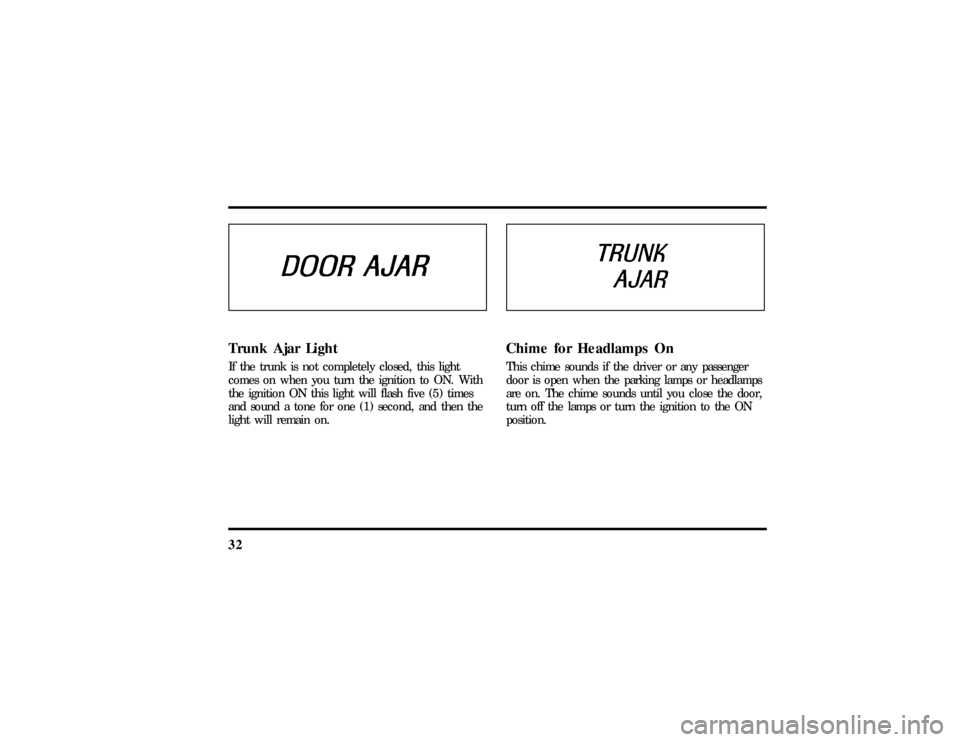
32Trunk Ajar LightIf the trunk is not completely closed, this light
comes on when you turn the ignition to ON. With
the ignition ON this light will flash five (5) times
and sound a tone for one (1) second, and then the
light will remain on.
Chime for Headlamps OnThis chime sounds if the driver or any passenger
door is open when the parking lamps or headlamps
are on. The chime sounds until you close the door,
turn off the lamps or turn the ignition to the ON
position.
File:03fnist.ex
Update:Mon Jun 17 13:46:47 1996
Page 42 of 305
37
1. Select a band, then select a frequency.
2. Press one of the memory buttons and hold
until the sound returns and the lamp above the
memory button lights up. That memory button
is now set.
3. Follow the above steps for each memory preset
button.Using the Automatic Memory Store feature
(ªAUTOSETº)If the memory buttons have been set, either by
using the Auto Memory Load feature or if you have
set them manually, the system is prepared to let
you use a convenient feature calledAutomatic
Memory Store.
With Auto Memory Store, you can continually set
strong stations into your memory buttons without
losing your originally set stations. Your radio will
automatically set your memory buttons to the strong
local stations.Activate Auto Memory Store by pushing the
ªAUTOSETº button once. Your radio will set the
first six strong stations of the band you are in (AM,
FM1 or FM2) into the memory buttons. The display
will flash ªAUTOº and display the autoset icon ªAº
while the stations are being set in the memory
buttons.
NOTE: If there are less than six strong stations in
the frequency band, the remaining unfilled buttons
will store the last strong station detected on the
band. After all stations have been filled, the radio
will begin playing the station stored on memory
button 1.
To deactivate the Auto Memory Store mode and
return to the manually-set memory button stations,
simply push the ªAUTOSETº button. Display will
show ªAUTOº then ªOFFº. The next time Auto
Memory Store is activated on that band, the radio
will store the next set of six strong stations.
File:04fnast.ex
Update:Thu Jun 20 15:13:21 1996
Page 45 of 305
40Your AntennaAntennas for both AM and FM reception are hidden
in the back glass of your vehicle. There is an
internal antenna module that will switch between
AM and FM, when bands are changed, for
maximum reception performance.
NOTE:Do not attempt to adapt any other type of
antenna system to your audio system.Using the Controls of Your Cassette
Tape PlayerNOTE:Radio power must be on to use the cassette
tape player.How to insert a tapeYour cassette tape player is equipped with power
loading. Once you insert a tape and push slightly
(with theopen edge to the right), the loading
mechanism draws the tape the rest of the way inand play will begin after a momentary tape
tightening process. Display indicates ªTAPEº while
tape is playing.
If the player is in the tape mode but not in play,
pressing the ªTAPEº button will activate play. If the
ªTAPEº button is pressed with no tape inserted, the
display will flash ªNO TAPEº.
How to locate a desired track on the tapeThere are six ways to quickly locate a desired
selection on the tape. You can use the fast forward,
rewind, Blank Skip, ªSEEKº, ªSCANº or ªSIDE 1-2º
functions. Following are brief descriptions of each:q
Fast forwarding the tape
To fast forward the tape, press the ªFFº button.
The radio will play while the tape is in fast
forward. The light above the ªFFº button will blink
while in the fast forward mode. Press ªFFº again or
press the ªTAPEº button to stop fast forwarding. At
the end of the tape, the direction automatically
reverses and plays the other side of the tape.
File:04fnast.ex
Update:Thu Jun 20 15:13:21 1996