Page 46 of 219
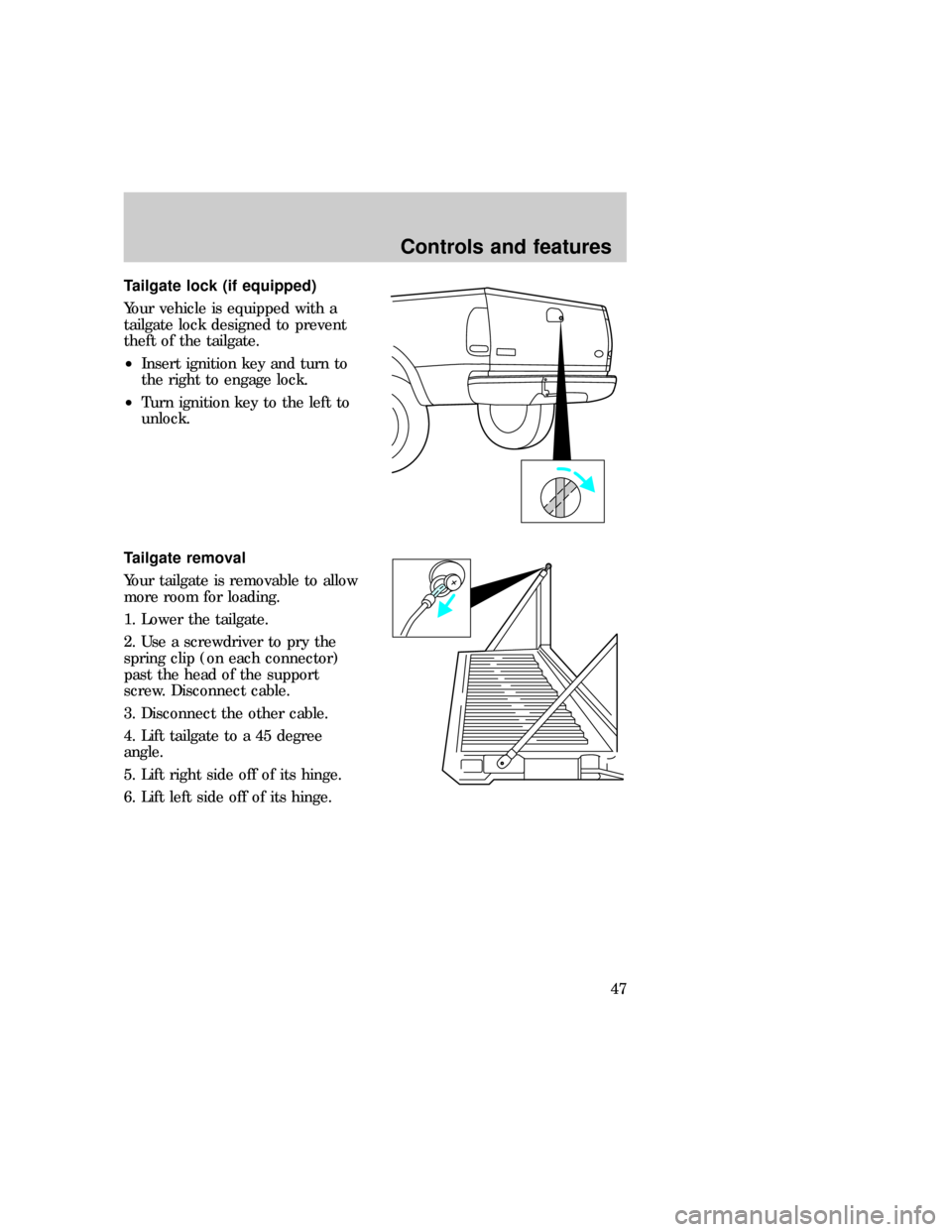
Tailgate lock (if equipped)
Your vehicle is equipped with a
tailgate lock designed to prevent
theft of the tailgate.
²Insert ignition key and turn to
the right to engage lock.
²Turn ignition key to the left to
unlock.
Tailgate removal
Your tailgate is removable to allow
more room for loading.
1. Lower the tailgate.
2. Use a screwdriver to pry the
spring clip (on each connector)
past the head of the support
screw. Disconnect cable.
3. Disconnect the other cable.
4. Lift tailgate to a 45 degree
angle.
5. Lift right side off of its hinge.
6. Lift left side off of its hinge.f12_tailgate_lock
f12_tailgate_removal
f12_antitheft
Controls and features
47
Page 47 of 219
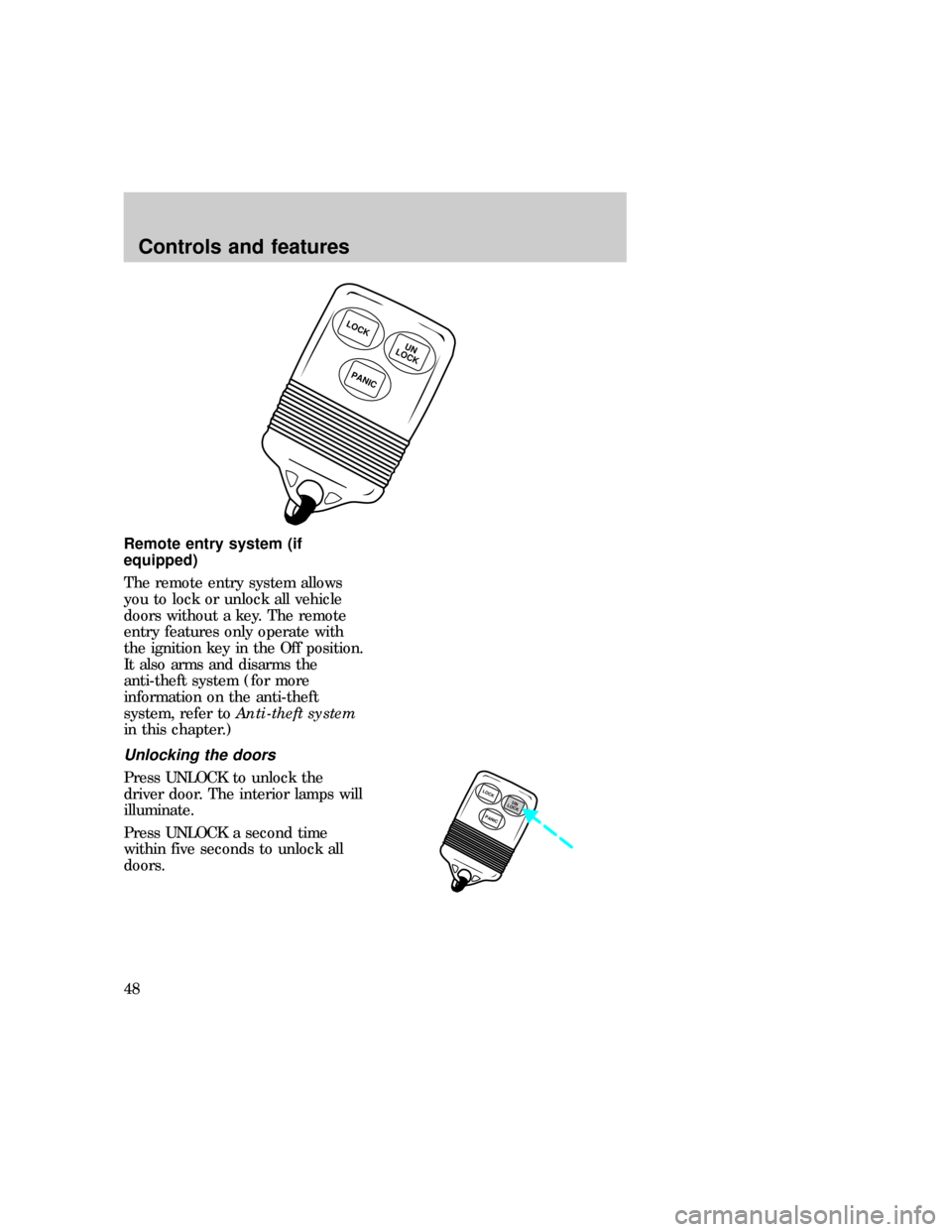
Remote entry system (if
equipped)
The remote entry system allows
you to lock or unlock all vehicle
doors without a key. The remote
entry features only operate with
the ignition key in the Off position.
It also arms and disarms the
anti-theft system (for more
information on the anti-theft
system, refer toAnti-theft system
in this chapter.)
Unlocking the doors
Press UNLOCK to unlock the
driver door. The interior lamps will
illuminate.
Press UNLOCK a second time
within five seconds to unlock all
doors.
LOCK
PANIC
UN
LOCK
LOCK
PANICUN
LOCK
f12_remote_entry
f12_unlocking_doors
f12_locking_doors
Controls and features
48
Page 48 of 219
Locking the doors
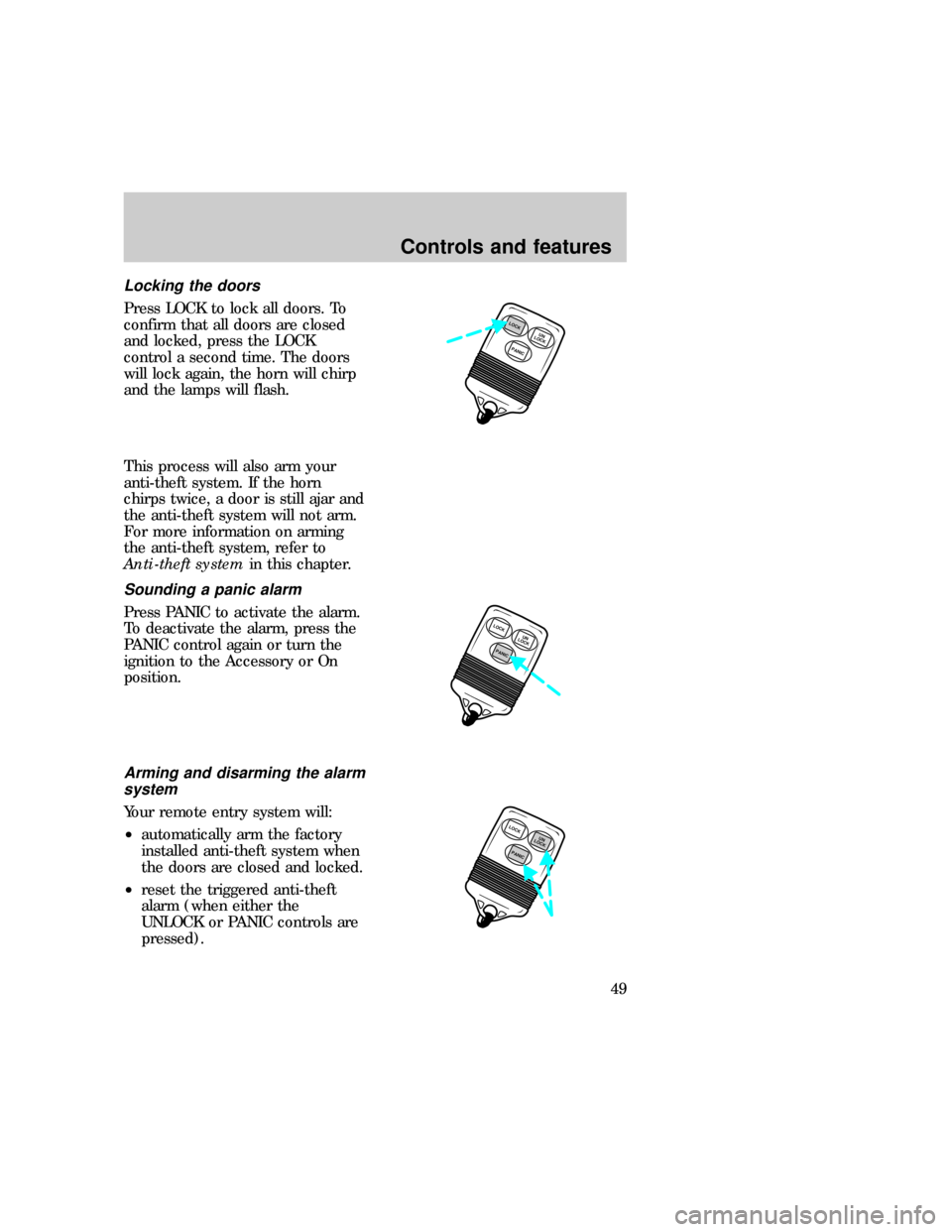
Press LOCK to lock all doors. To
confirm that all doors are closed
and locked, press the LOCK
control a second time. The doors
will lock again, the horn will chirp
and the lamps will flash.
This process will also arm your
anti-theft system. If the horn
chirps twice, a door is still ajar and
the anti-theft system will not arm.
For more information on arming
the anti-theft system, refer to
Anti-theft systemin this chapter.
Sounding a panic alarm
Press PANIC to activate the alarm.
To deactivate the alarm, press the
PANIC control again or turn the
ignition to the Accessory or On
position.
Arming and disarming the alarm
system
Your remote entry system will:
²automatically arm the factory
installed anti-theft system when
the doors are closed and locked.
²reset the triggered anti-theft
alarm (when either the
UNLOCK or PANIC controls are
pressed).
PANICUN
LOCKLOCK
LOCK
PANICUN
LOCK
PANICUN
LOCKLOCK
f12_sounding_panic
f12_arm_disarm_system
Controls and features
49
Page 50 of 219
subject to the following two
conditions: (1) This device may
not cause harmful interference,
and (2) This device must accept
any interference received,
including interference that may
cause undesired operation.
Anti-theft system (if equipped)
When armed, the anti-theft system
prevents unauthorized entry into
your vehicle.
Arming the anti-theft system
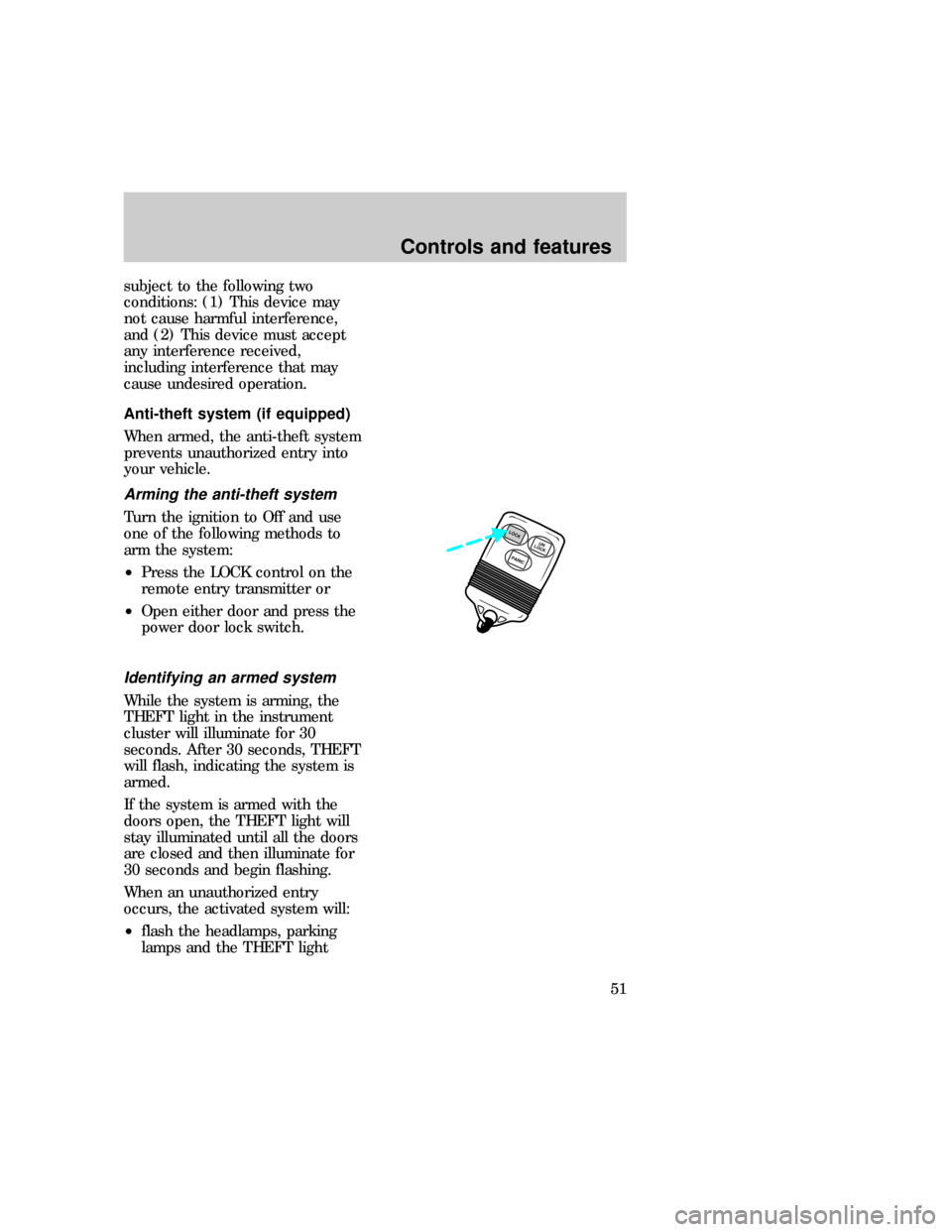
Turn the ignition to Off and use
one of the following methods to
arm the system:
²Press the LOCK control on the
remote entry transmitter or
²Open either door and press the
power door lock switch.
Identifying an armed system
While the system is arming, the
THEFT light in the instrument
cluster will illuminate for 30
seconds. After 30 seconds, THEFT
will flash, indicating the system is
armed.
If the system is armed with the
doors open, the THEFT light will
stay illuminated until all the doors
are closed and then illuminate for
30 seconds and begin flashing.
When an unauthorized entry
occurs, the activated system will:
²flash the headlamps, parking
lamps and the THEFT light
PANICUN
LOCKLOCK
f12_arming_anti_theft
f12_identifying_armed
Controls and features
51
Page 51 of 219
²sound the horn
²prohibit the vehicle from
starting.
The flashing headlamps and the
honking horn automatically shut
off after about three minutes and
will remain off unless another
unauthorized entry is attempted.
However, the vehicle will not start
until the system is disarmed.
Disarming an untriggered
anti-theft system
Press the UNLOCK control or
unlock either door with the key to
disarm the untriggered system. If
the driver armed the system but
did not exit the vehicle, disarm the
system by inserting the key and
turning the ignition to On.
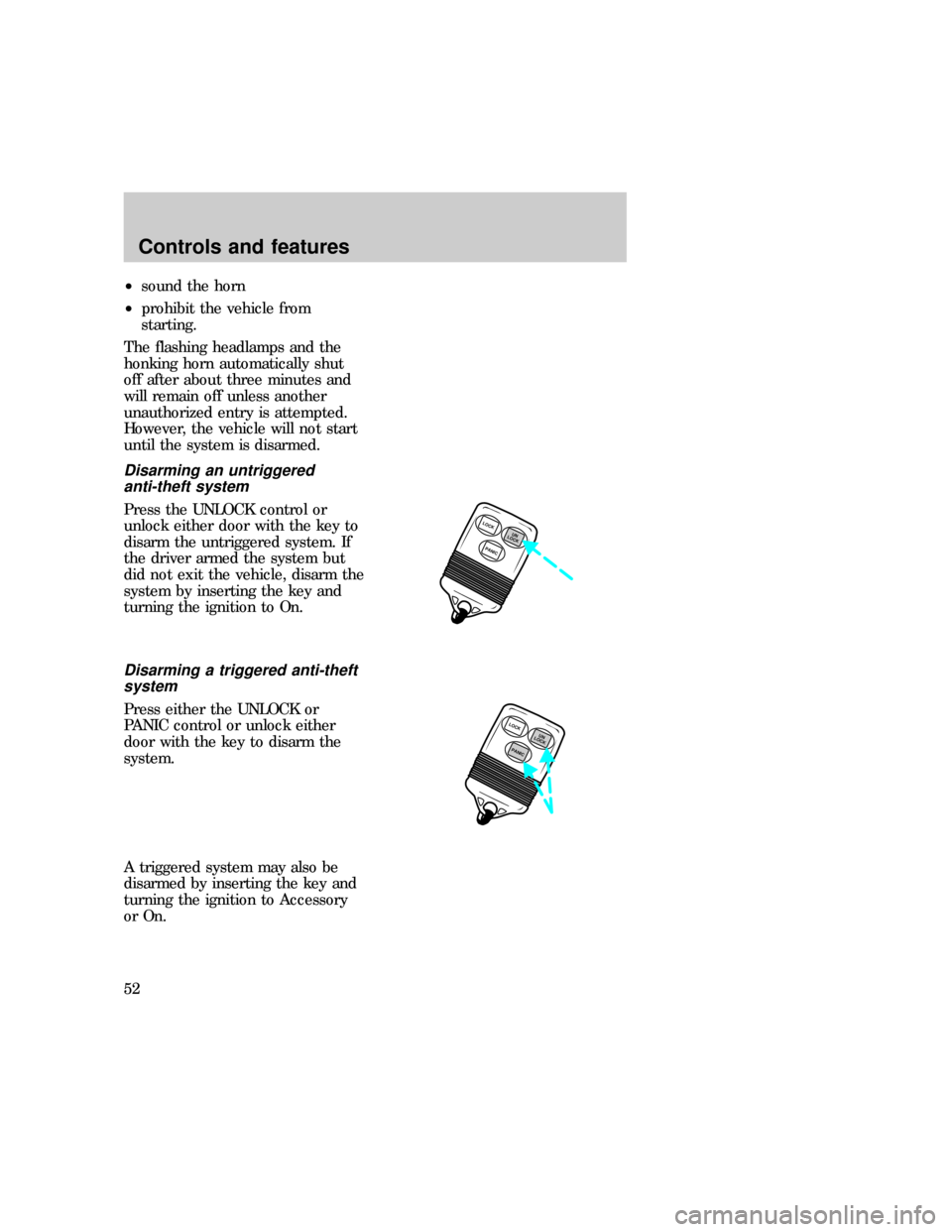
Disarming a triggered anti-theft
system
Press either the UNLOCK or
PANIC control or unlock either
door with the key to disarm the
system.
A triggered system may also be
disarmed by inserting the key and
turning the ignition to Accessory
or On.
LOCK
PANICUN
LOCK
PANICUN
LOCKLOCK
f12_disarming_untriggered
Controls and features
52
Page 56 of 219
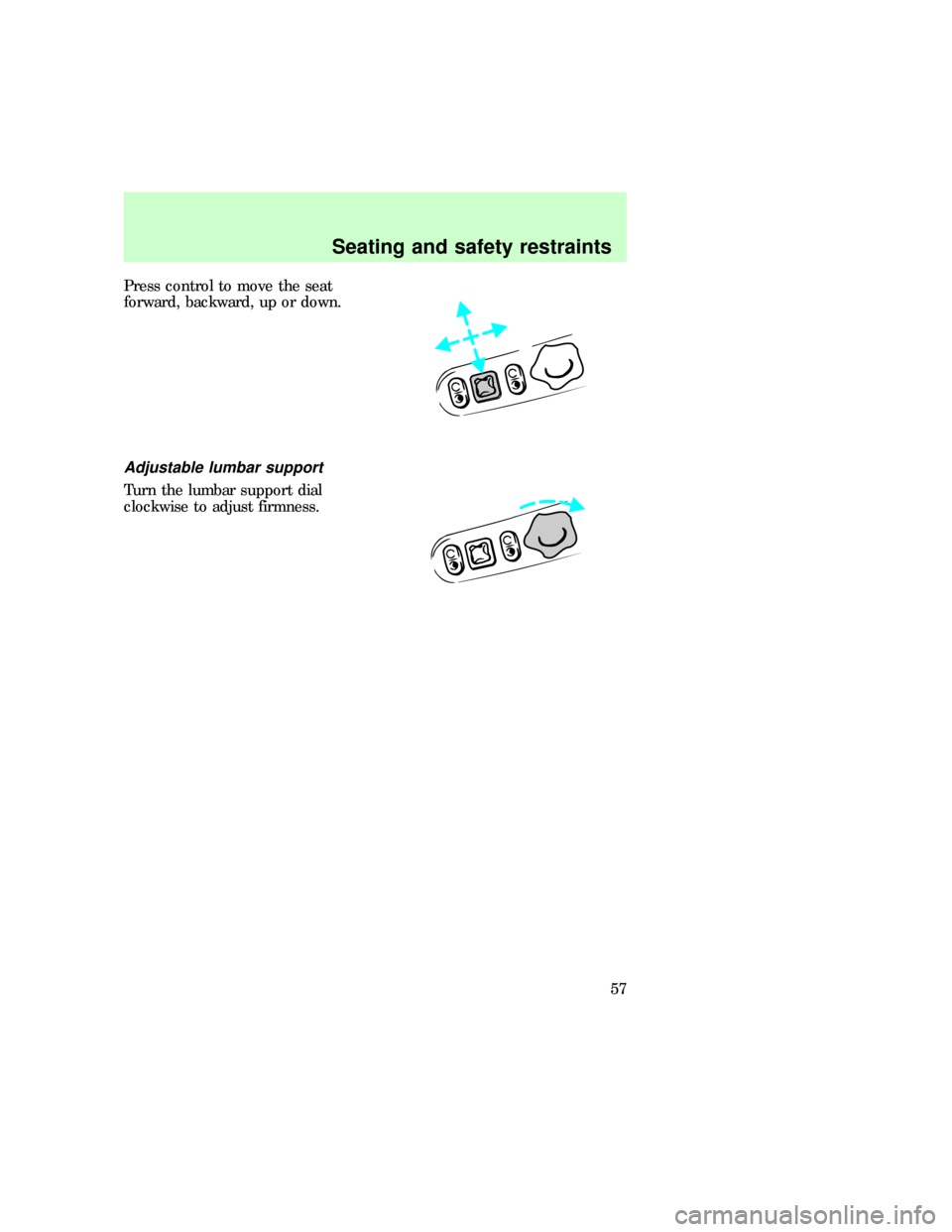
Press control to move the seat
forward, backward, up or down.
Adjustable lumbar support
Turn the lumbar support dial
clockwise to adjust firmness.
f12_adjust_lumbar
f12_rear_bench
Seating and safety restraints
57
Page 59 of 219
Using safety restraints properly
Combination lap and shoulder
belts
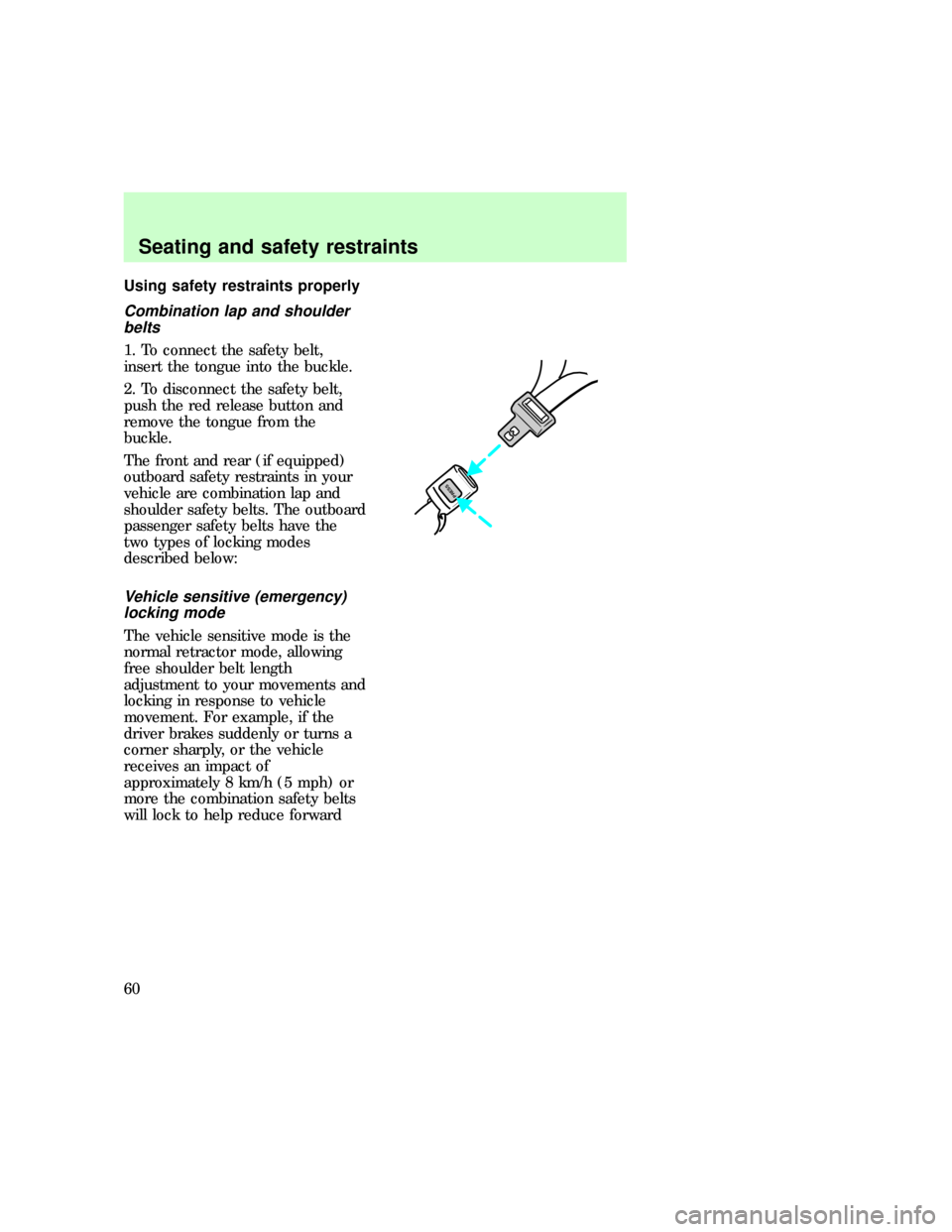
1. To connect the safety belt,
insert the tongue into the buckle.
2. To disconnect the safety belt,
push the red release button and
remove the tongue from the
buckle.
The front and rear (if equipped)
outboard safety restraints in your
vehicle are combination lap and
shoulder safety belts. The outboard
passenger safety belts have the
two types of locking modes
described below:
Vehicle sensitive (emergency)
locking mode
The vehicle sensitive mode is the
normal retractor mode, allowing
free shoulder belt length
adjustment to your movements and
locking in response to vehicle
movement. For example, if the
driver brakes suddenly or turns a
corner sharply, or the vehicle
receives an impact of
approximately 8 km/h (5 mph) or
more the combination safety belts
will lock to help reduce forward
PRESS
f12_comb_lap_sh_belts
Seating and safety restraints
60
Page 60 of 219
movement of the driver and
passengers.
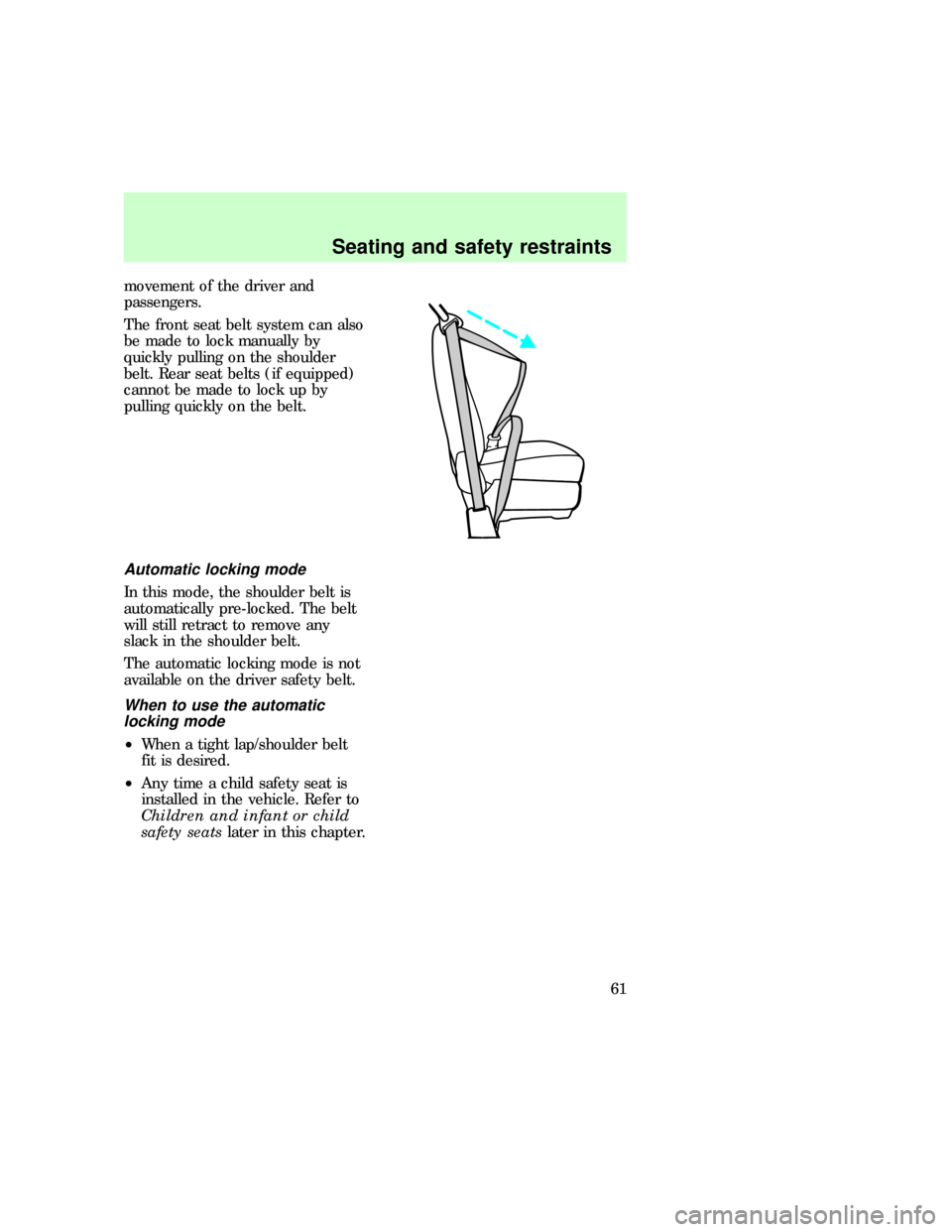
The front seat belt system can also
be made to lock manually by
quickly pulling on the shoulder
belt. Rear seat belts (if equipped)
cannot be made to lock up by
pulling quickly on the belt.
Automatic locking mode
In this mode, the shoulder belt is
automatically pre-locked. The belt
will still retract to remove any
slack in the shoulder belt.
The automatic locking mode is not
available on the driver safety belt.
When to use the automatic
locking mode
²When a tight lap/shoulder belt
fit is desired.
²Any time a child safety seat is
installed in the vehicle. Refer to
Children and infant or child
safety seatslater in this chapter.
f12_auto_lock_mode
f12_when_to_use_alr
f12_how_use_alrSeating and safety restraints
61