Page 84 of 402
Downloaded from www.Manualslib.com manuals search engine Tilt Wheel (If Equipp-ed)
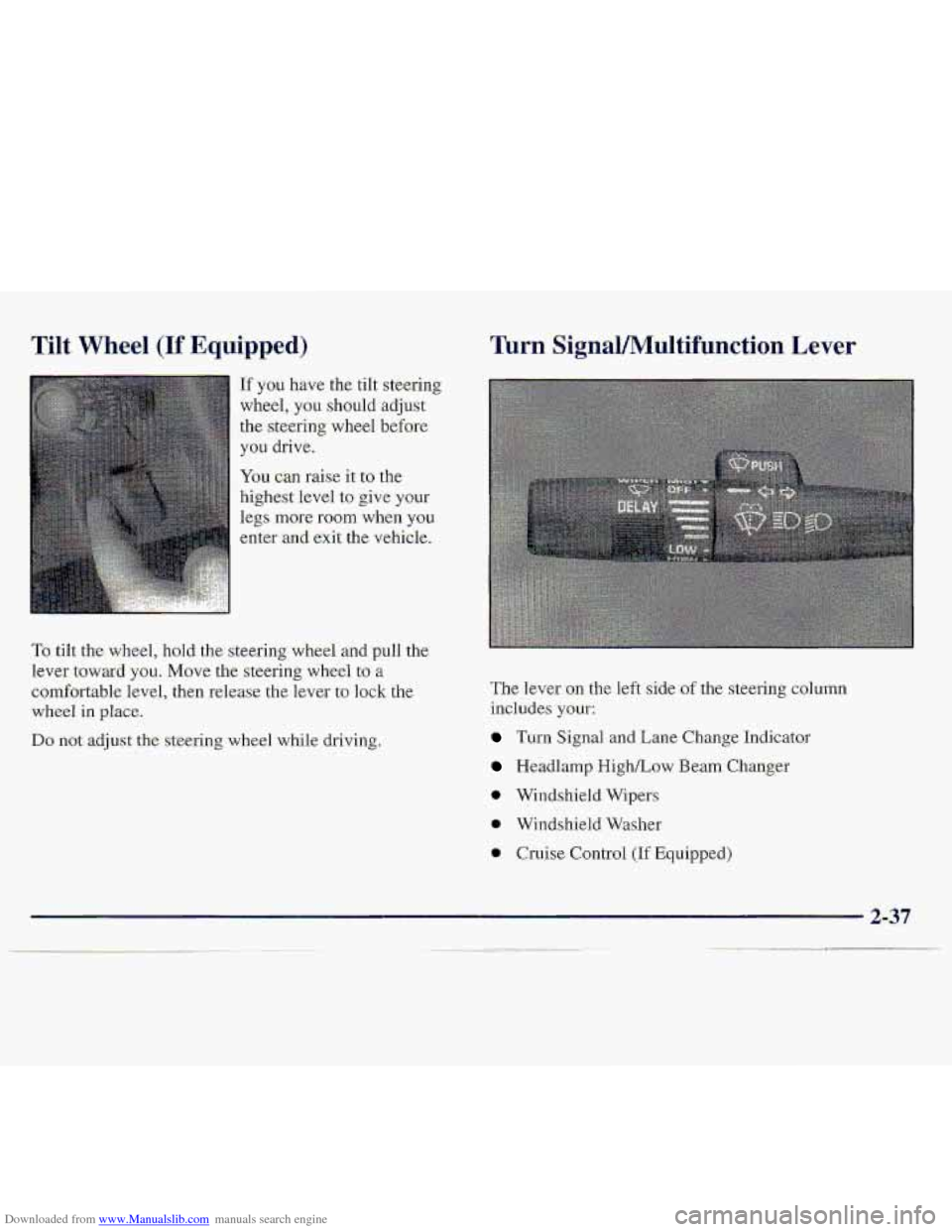
If you have the tilt steering
wheel, you
shou1.d adjust
the steering wheel before
you drive.
You can raise it. to the
highest level to give your
legs
more room when you
enter ,and exit the vehicle.
To tilt the. wheel, hold the steering wheel and puli the
lever
toward you, Move the steering wheel to a
comfortable level, then release the lever to lock the
wheel in place..
Do not adjust the steering wheel while driving,
Turn Sig-nal/Multifunction Lever
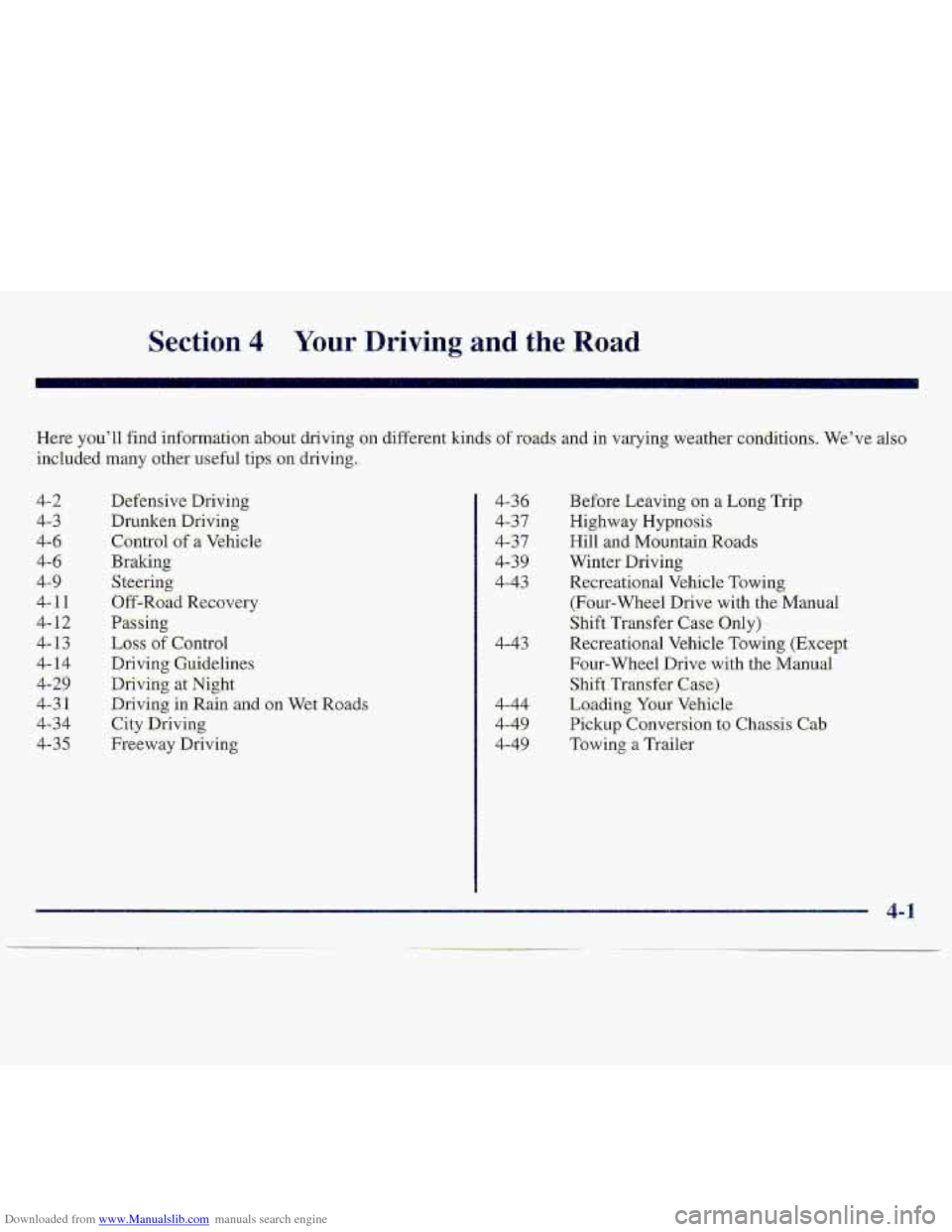
The lever on the left side of the steering column
-includes your:
Turn Signal and Lane Change Indicator
Headlamp High/Low Beam Changer
0 Windshield Wipers
0 Windshield Washer
0 Cruise Control (If Equipped)
Page 85 of 402
Downloaded from www.Manualslib.com manuals search engine Turn and Lane Change Si,gnak
The turn signal has two upward (fat right) and- two
ciownwa~d
(for left) p??sitions. Tbese positions allow you
to signal a turn 0.r a.lane. change:
To signal -a turn, move the lever all the way up or down.
When the turn is finished, the lever will return aut~omatically.
An anow on. the instrume
panel will flash in the
direction
of the- turn or
lane change.
If a bulb is: burned.out, replace it.t-o help avoid an
acc.ident. If the arfows don’t g.0 on at all when you
sign-a1 a turn, check the fuse (see “Fu-se.s and Circuit
Breakersl’ in the .Ind.ex) and for burned-oat bulbs.
If you have n trailer towing option with -added wiring, for
the. traiier%mps, a d-ifferent turn :signal flasher is used.
With this flashes installed, the signal. indicator will flash
even if a.tum
signal bulb is burllid OW. Check the-ffont
an.d rear turn signal lamps -regularly tu make sure. they
are working.
Headl-amp High/Low Beam Changer
To change the headlamps from low to high-beam or
high to low-beam, pull the multifunction lever all the
way t.oward you. Then release it.
To signa1 a Lane change, j,ust raise- or lower the. lever
until the arrow starts to flash. Hold it there until you
Complete your lane,c,hangc, The kevei- will return by
itself when you release it.
As you signal a turn -or a lane c,hange, if the armws don’t
flash but just sxay on, a signal buIb may be burned Gut
arid other. drivers won’t ,see. your turn signal.. When the.’hi.gh-beam
headlamps are
on,. this
indicator
light .OM the
instrument pgniJ will
dso be on.
..
2-38
Page 94 of 402
Downloaded from www.Manualslib.com manuals search engine Outside Manual Adjust Mirror
Adjust your outside mirrors so you can just see the side
of your vehicle.
You can fold them before entering
a car wash. P.dl the
mirrors
in toward the vehicle. Push the mirrors back out
when finis.he.d.
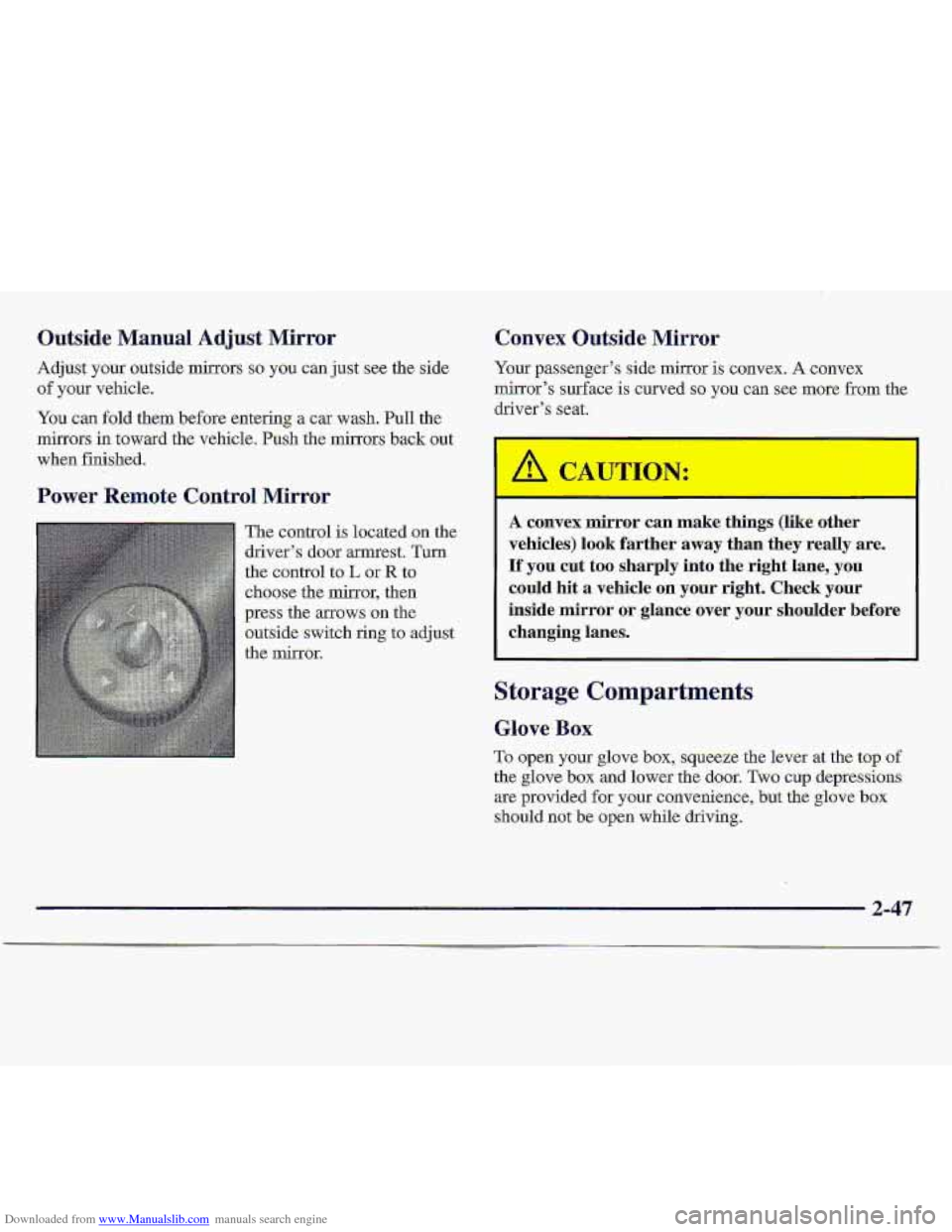
Power Remote Control Mirror
The control is located .on the
driver’s
door armest. Turn
the control
to L or R to
choose the mirror, then
press the arrows
on the
outside switch ring
to adjust
the mirror.
Convex Outside Mirror
Yo.ur passenger’s side mirror is convex; A convex
mirror’s surface is curved so you can see more from the
driver’s seat.
I
A convex mirror can make things (like other
vehicles) look farther away than they really are.
If you cut too sharply into the right lane, you
could hit a vehicle on your right. Check your
inside mirror
or glance over your shoulder before
changing lanes.
Storage Compartments
Glove Box
To open your glove box, squeeze the lever at the top of
the glove box and lower the door. Two cup depressions
are provided for your convenience,
but the glove box
should not be open while driving.
2-47
Page 105 of 402
Downloaded from www.Manualslib.com manuals search engine .Brake System WarningLlght
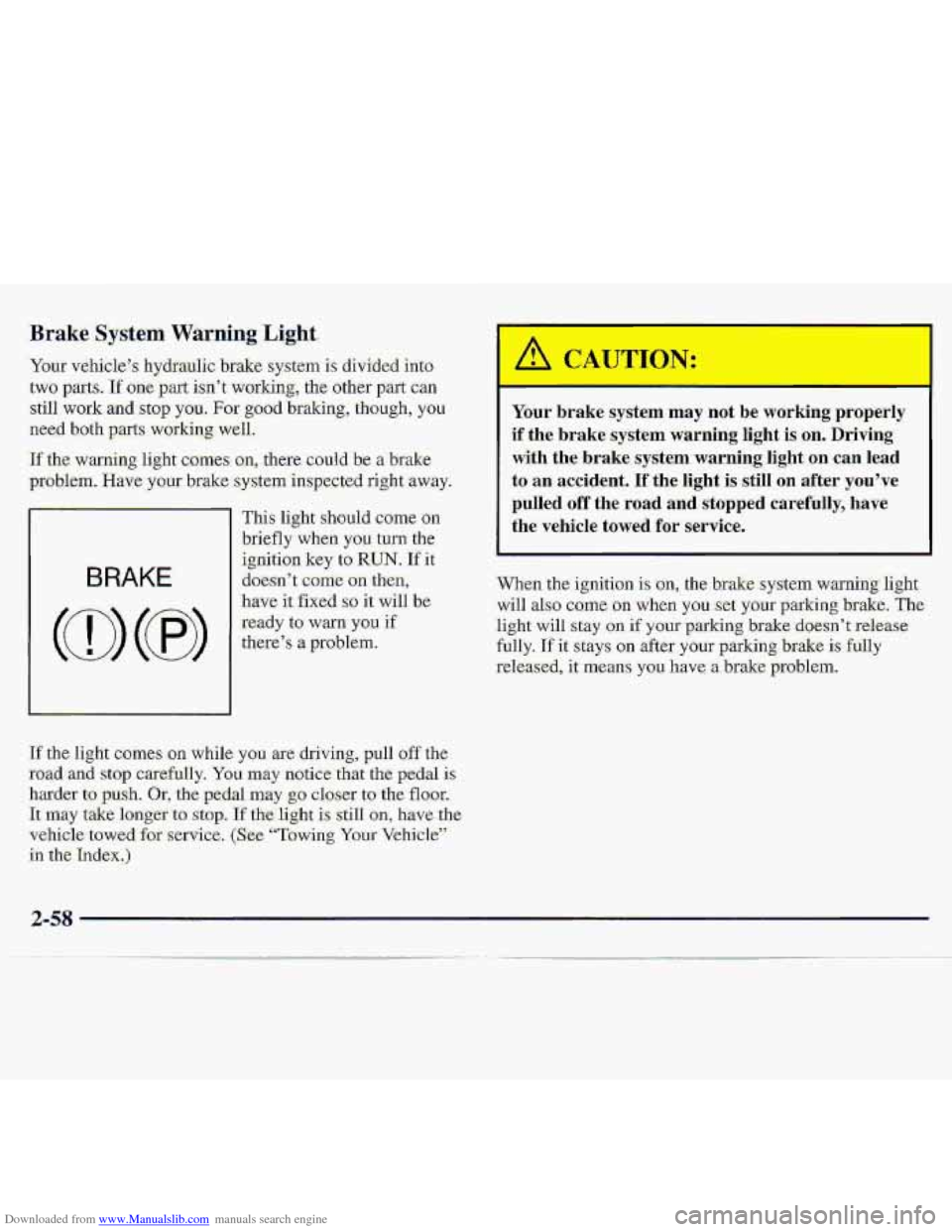
‘Your v&iiele”s hydraulic brake system is divided into-
.two pam. If one part i.sn’t working, thc other part. can
-still work and stop you. For go.od haking, though, you
need both parts working well.
‘If the warning. light comes- an, thae could be a brake
problem. Have ymr brake system inspected right -away.
BRAKE
I
This li.ght shouId came on
briefly when you turn the
ignition key
to RUN. If it
do-e-sn’
t come on then,
have it fixed so it will be
ready to warn you if
t11ei3e7.s 8 problem..
If the light camcs .gn while you are- driving, pull off the
road aid stop carefully. You may notice ,that the pedal is
.harder-t=o push. Or, the pedal may $0 closer to the floor.
‘kmay ‘take ionger to. stop. If the-light is sail1 on, have the-
vehicle
tawed for service, (S:ee- “Towing Your Vehicle”’.
in the
Index.)
J:
Your brake sysrem may not be working properly
if
the brake system warning light is on. Driving
with the brake system warning light on can lead
to an accident. If the light is still on after you’ve
pulled off the road and stopped carefully, have
the vehicle
towed for service.
.When the ignition is on, the brakesystem warning light
will also c0rn.e oa when yo.u.:set y.@ur parking brake. The
light will stay .on if your parking brake doesn’t release
fully.
If it stays on after your parking brake is fully
-released,
it means you have a brake problem.
2-58
Page 115 of 402
Downloaded from www.Manualslib.com manuals search engine Cumfort Controls Tempe. lure Knob
With these systems, you can control the heating, cooling
and ventilation in your vehis1.e;
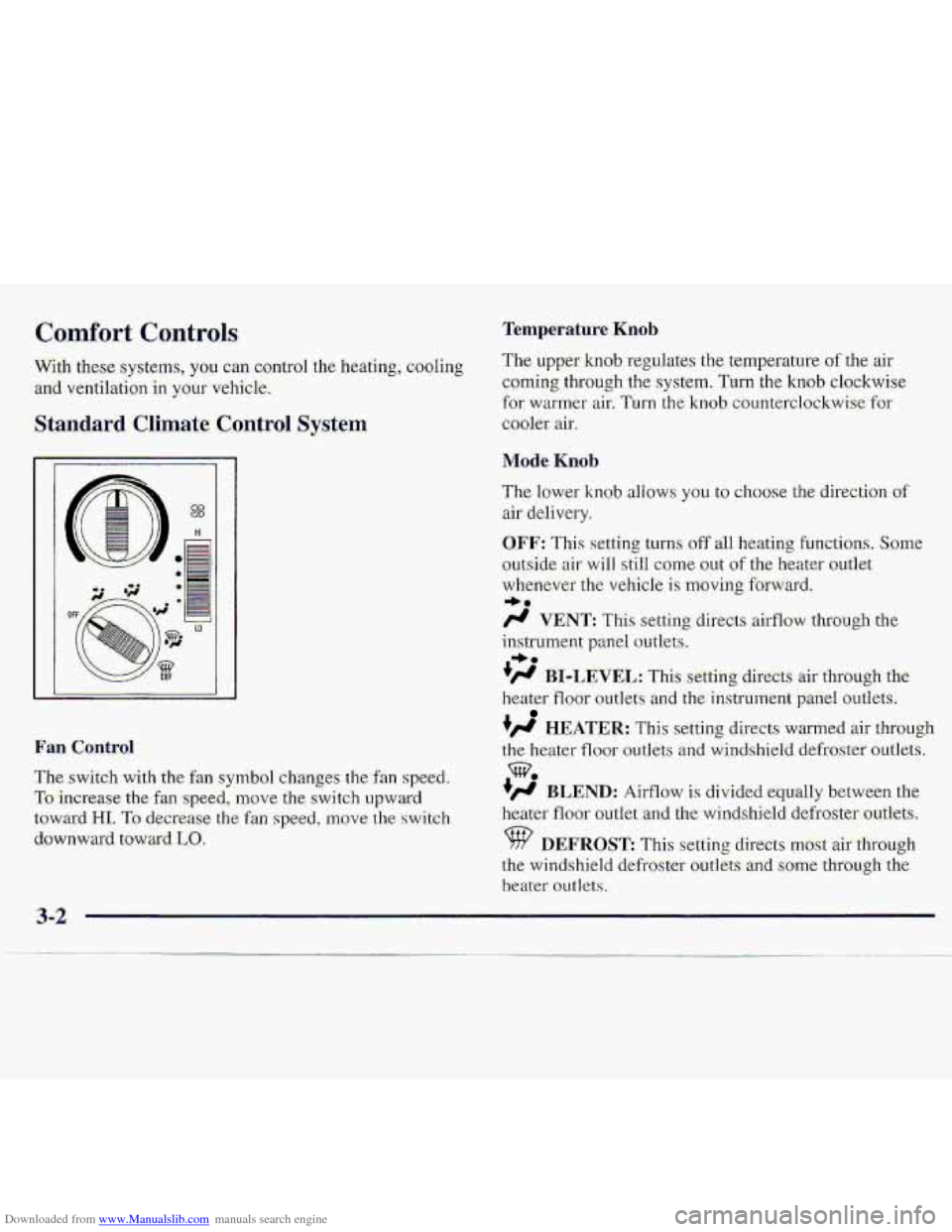
Standa.rd Climate Control System
The: upper .. hob regulates the temperature .af the air
c:omi.n-g through the system. Turn the knob clockwise
for warmer air. Turn the knob countellclockwi,se-.%or
cooler air.
Mode Knob
Fan Control
The. switch withdx fan synib-01 changes the'-fan speed.
To increasethe $an -speed,, move the switch upward
t6wa.$d HI. To decrease the fan spe-ecl, move-the switch.
downward toward LO,
The lower knob allows you to c.11oose the direction of
air delivery.
OFF: This setting. turns-off all heating functions. Some
outside air will still come out of the heater outlet
wlrenever the: vehicle
is moving forward.
/J VENT: This setting directs airflow thmogh the
ins-trument p.anel outlets.
+fl BI-LEVEL: This setti'ng directs air through the
heater floor outlets and the-instrument palxel outkts.
+fl HEATER.: This setting directs warm.ed air through
the h-eater floor outlets and windshield defmstef outlets.
+' BLEND: Airflow is divided equally between the
he.ater
floor autiet and the- windshield. defro~skr outlets.
DEFROST This setting directs mbsf air thraugh
the windshield defroster ootlits. and sixhe through the
heater outlets.
-be
w.
Page 116 of 402
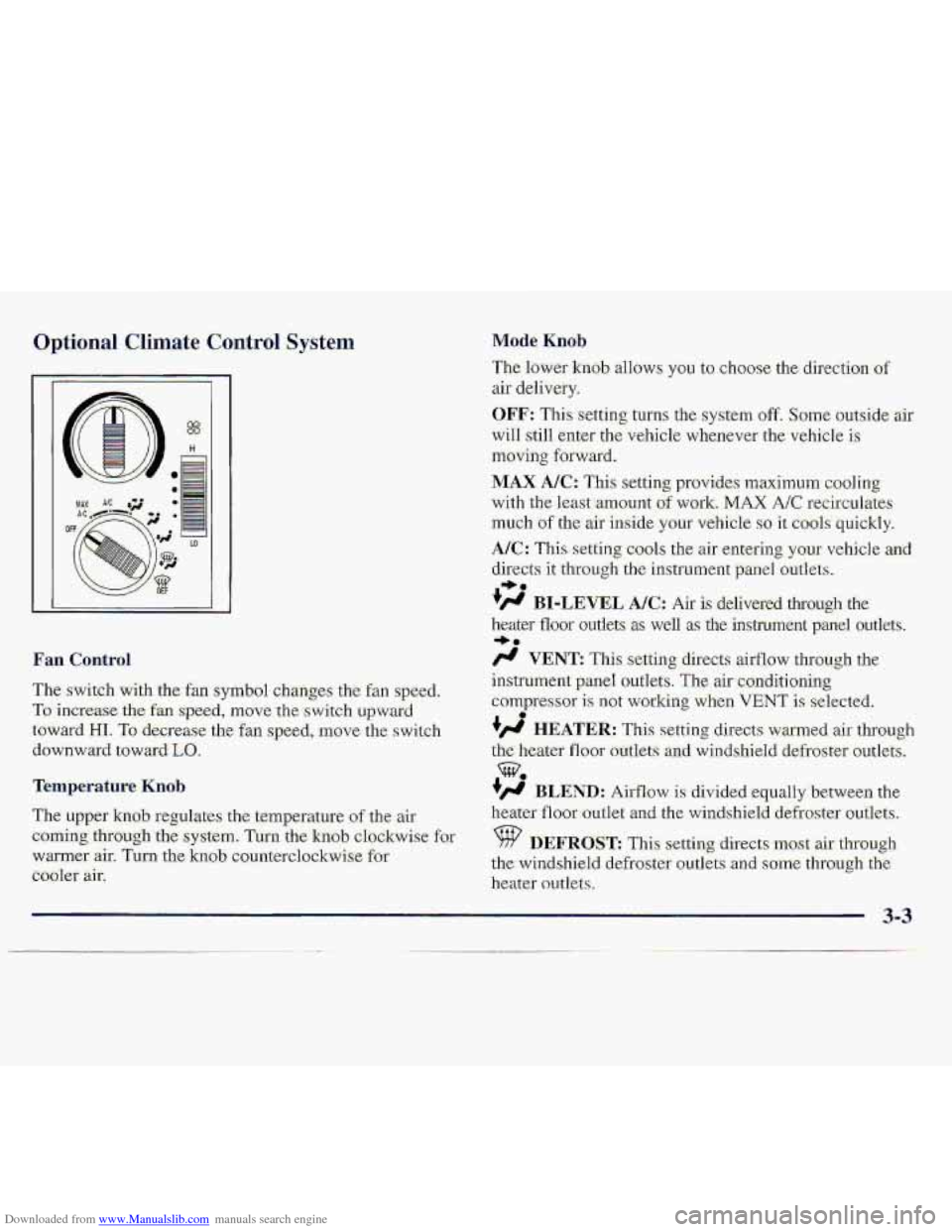
Downloaded from www.Manualslib.com manuals search engine Optional Climate Control System
The switch with the:fan symbol changes the fan speed.
To.increase the fa speed, rnove.the s-witch upwatd
towai-d HI. To -de.g-e.ase the fan speed, move the. swi.tch
downward toward
Lo.
Temperature Kmb
The uppe-r kn0.b regulates the .temperature of the air
corning thfuugh'the system. Turn the knob clchAwisc far
warmer
air. Turn the knab counterclockwise for
cbolet air.
Mode. Knob
The lower knob allows you to choose the direction of
aif delively.
OFF: This setting turns the system off. Some outside air
will still enter the vehicle whenever the vehicle i.s
tnsving foxward.
MAX. A/C: This setting pr0vi.de.s maximum coo,l.ing
with the 1east:amount of wor,k. MAX A/C recircalates
m.uch of the air-inside your vehicle so it c001.s quickly.
A/%: This setting cools the air erite-kng your vehicle and
directs it through th,e instrument pxnel outlets.
#' BI-LEVEL AK: Air is delivered thTough the
heater iloor outlets 8s well as the instmnent panel outlets.
/.I VENT: This setting directs airflow thr-ough the
instrument panel outlets.
The air conditioning
compresso~ is not working when VENT is selected.
+', HEATER: This s-etting directs warmed air th,rough
the heater floor outlets an-d winds-hield defroster outlets.
+' BLEND: Airflow is divided -equalfybetween the
heater
floor outlet and the windshield defroster outlets.
%? DEFROST This setti-ng direct,s ~OSC air. through
th,e windshield- defroster ou-tkts
.and Some thmugh the
heater owlets.
I, a.
3..
0
3-3
Page 118 of 402
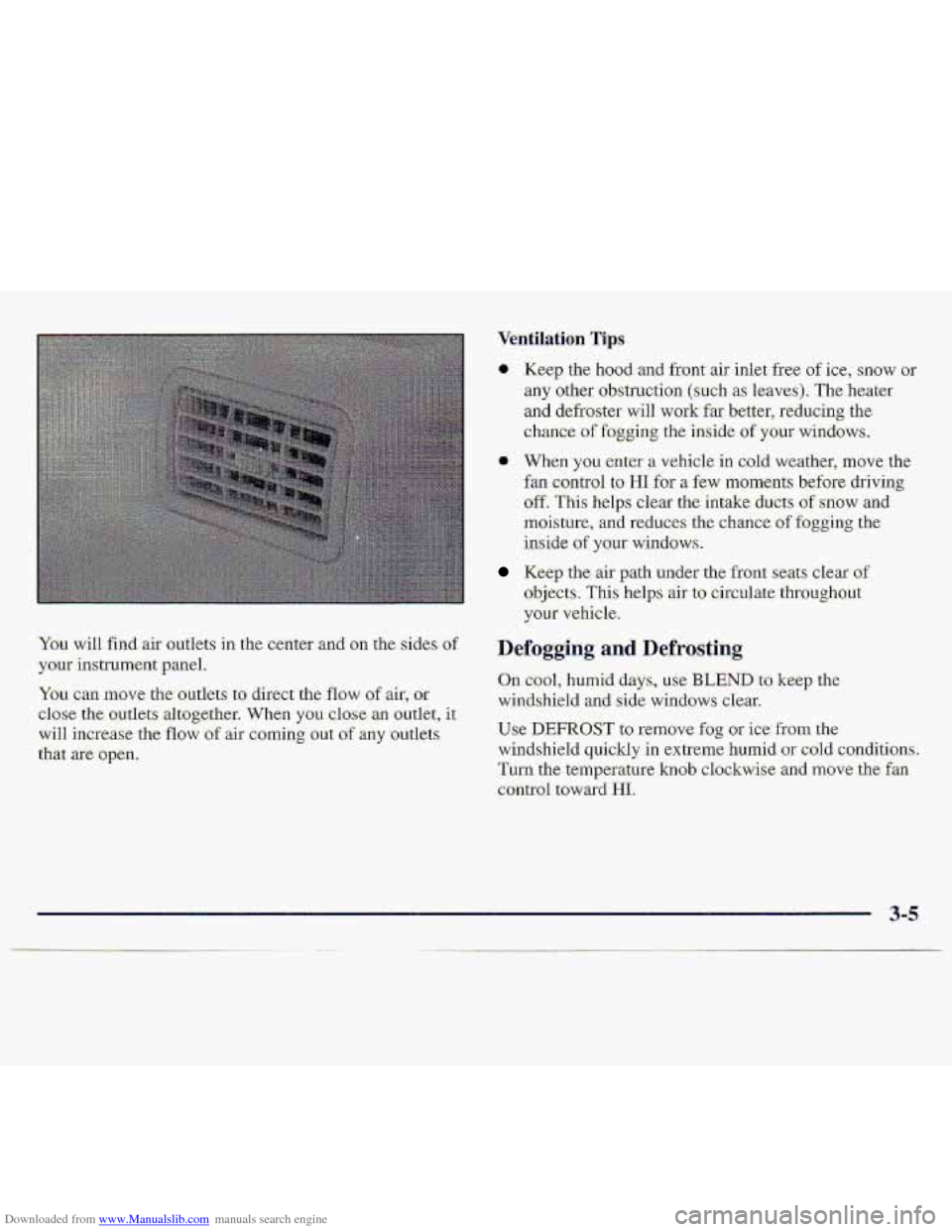
Downloaded from www.Manualslib.com manuals search engine You can mote the,outkts to direct the. flow of air; Gr
cl.os;e the out1et.s altogether. When you Close an outlet, it.
will increase the flow of air coming out p;.f any outl.ets
that
are open.
0 Keep the hood and front air inlet free of ice, snow or
any other obstruction (such as 1eave.s). The heater
and defroster will work-far better, reducing the
chance of fogging the inside- of your windows.
a When you enter a vehicle in cold:weather, move the
€an
control to HI for a few moments. before driving-
off. This helps clear the intake ducts of snow and
moisture, and re-duces the chance
of fogging .the
inside
of your windows.
Keep the air path under the front se.ats clear of
objects. This he1p.s air to- circulate throughout
your vehicle.
Defogging and- Defrosting
On cool, Ilumid days, use BLEND to keep me
windshield and side windows clear.
Use DEFROST to remove fog or ice from the
windshield quickly .in extreme humid
or .cold conditions.
Turn
the temperature knob clockwise ,and move the fan
control toward HI,
Page 138 of 402
Downloaded from www.Manualslib.com manuals search engine Section 4 Your Driving. and the- Road
Were-. you’ll find information ,ab.aut driving on different kinds o.frodds and in varyir@ weatkr-er c’oiiditians. We”ve ako
inc1ude.d many other useful tips ;on driving.
4-2
4-3
4-6
4-6
4-5)
4-1
1
4-12
4-13
4-14
4-2.9
4-3..1
4-34
4-35
Defmsive.Driving
Drunken Driving
Control of a Vehicle
Braking
Steering
Off-Road Recovery
Passing
Loss. of Control
Driving Guidelines
Diiving at-Night
Driving in Rain .and on Wet Roads
City Driving
Freeway Driving
4-3 6
4-37
437
4-39
4-43
4-43
4--44-
4-49
4-49
B-ef6x.e Leaving- on a Long Trip
Hi,ghway
Hypnosis
Hill and Mountain Roads
Wint-eter DriviQg
Recreaii-ana;l Vehide Tbwing
(Four-Wheel .Drive with: the. Manual
Shift Transfer Ca$e Only)
Recreational
Vehicle Towitlg (Except
Four-wheel Drive with the Manud
SMt ~ Transfe-r Ca,s e)
Loading Your Vehic1.e
Pickup Conversion to Chassis Cab
Towing a Trailer