1997 CHEVROLET CAVALIER door lock
[x] Cancel search: door lockPage 65 of 388
Downloaded from www.Manualslib.com manuals search engine This device complies with Part 15 of the FCC Rules.
Operation is subject to the following
two conditions:
(1) this device may not cause harmful interference, and
(2) this device must accept any interference received,
including interference that may cause undesired operation.
This device complies with
RSS-2 10 of Industry and
Science Canada. Operation is subject to the following
two conditions:
(1) this device may not cause
interference, and
(2) this device must accept any
interference received, including interference that may
cause undesired operation
of the device.
This system has a range of about
3 feet (1 m) up to
30 feet (9 m). At times you may notice a decrease in
range. This is normal for any remote keyless entry
system. If the transmitter does not work or if you have
to stand closer to your vehicle for the transmitter to
work, try this:
Check to determine if battery replacement or
resynchronization is necessary. See the instructions
that follow.
Check the distance. You may be too far from your
vehicle. You may need to stand closer during rainy
or snowy weather.
Check the location. Other vehicles or objects may be
blocking the signal. Take a few steps to the left or right,
hold the transmitter higher,
and try again.
If you’re still having trouble, see your Chevrolet
dealer or a qualified technician for service.
Changes or modifications to this system by other than an
authorized service facility could void authorization to
use this equipment.
Operation
The following functions are available with the remote
keyless entry system:
LOCK: All doors will automatically lock when the
LOCK button on the transmitter is pressed. The interior
lamps stay on for two seconds after all of the doors
are closed.
UNLOCK: The driver’s door will unlock automatically
when the
UNLOCK button on the transmitter is
pressed. If the UNLOCK button is pressed again
within five seconds, all remaining doors will unlock.
The interior lamps will stay on for
40 seconds or until
the ignition is turned on.
Trunk Release: The trunk will unlock anytime the
vehicle symbol on
the transmitter is pressed and the
ignition is
off. The interior lamps will come on for
40 seconds or until the ignition switch is turned on.
Page 67 of 388
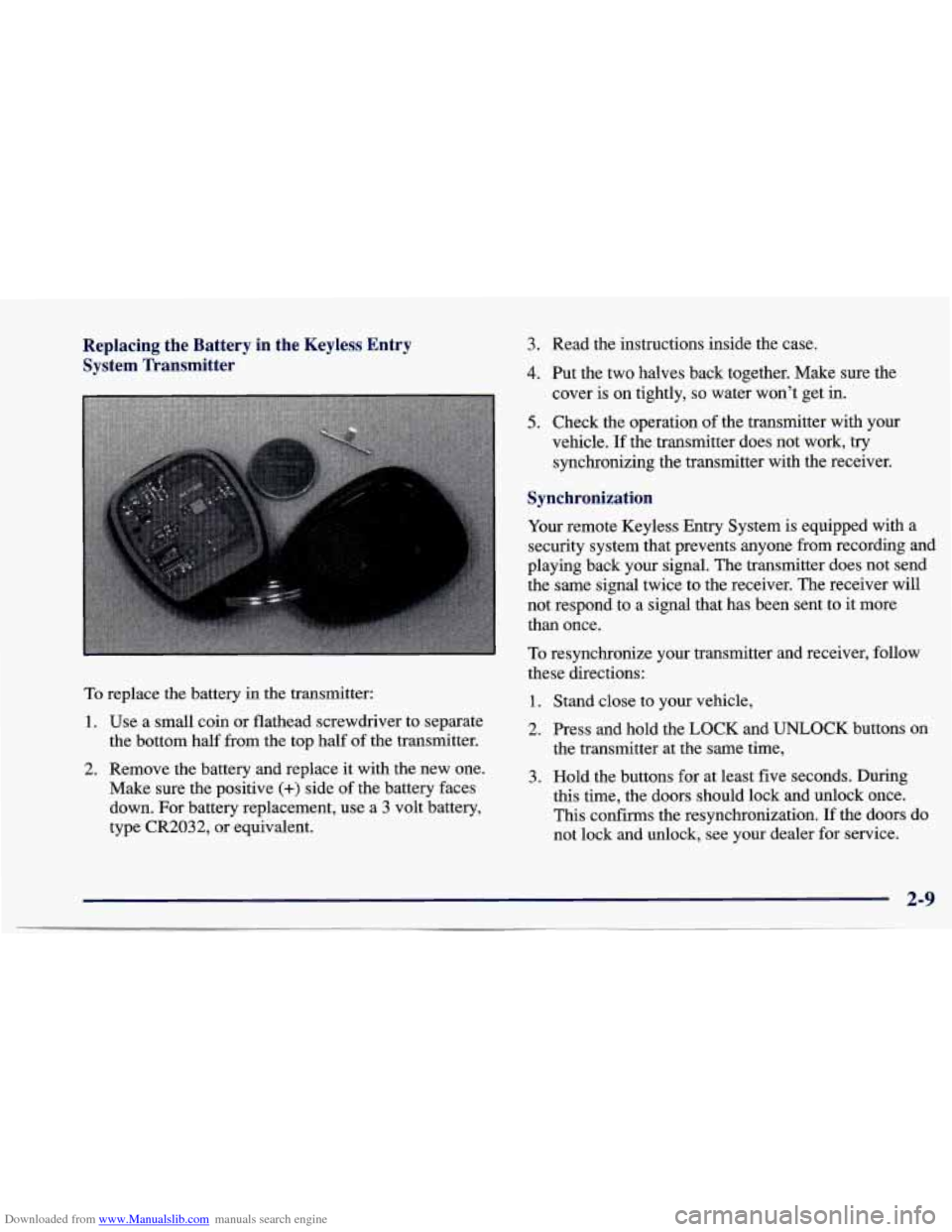
Downloaded from www.Manualslib.com manuals search engine Replacing the Battery in the Keyless Entry System Transmitter
To replace the battery in the transmitter:
1. Use a small coin or flathead screwdriver to separate
the bottom half from the top half of the transmitter.
2. Remove the battery and replace it with the new one.
Make sure the positive
(+) side of the battery faces
down. For battery replacement, use a 3 volt battery,
type CR2032, or equivalent.
3. Read the instructions inside the case.
4. Put the two halves back together. Make sure the
cover is on tightly,
so water won’t get in.
5. Check the operation of the transmitter with your
vehicle.
If the transmitter does not work, try
synchronizing the transmitter with the receiver.
I
~ Synchronization
Your remote Keyless Entry System is equipped with a
security system that prevents anyone from recording and
playing back your signal. The transmitter does not send
the same signal twice to the receiver. The receiver will
not respond to a signal that has been sent to
it more
than once.
To resynchronize your transmitter and receiver, follow
these directions:
1. Stand close to your vehicle,
2. Press and hold the LOCK and UNLOCK buttons on
the transmitter at the same time,
3. Hold the buttons for at least five seconds. During
this time, the doors should lock and unlock once.
This confirms the resynchronization. If the doors do
not lock and unlock, see your dealer for service.
2-9
Page 69 of 388
Downloaded from www.Manualslib.com manuals search engine Key in the Ignition
If you leave your vehicle with the keys inside, it’s an
easy target for joy riders or professional thieves -- so
don’t do it.
When you park your Chevrolet and open the driver’s
door, you’ll hear
a chime reminding you to remove your
key from the ignition and take it with you. Always do
this. Your steering wheel will be locked, and
so will
your ignition.
If you have an automatic transaxle, taking
your key out also locks your transaxle. And remember
to lock the doors.
Passlock TM
Parking at Night
Park in a lighted spot, close all windows and lock your
vehicle. Remember
to keep your valuables out of sight.
Put them in a storage area, or take them with you.
Parking Lots
If you park in a lot where someone will be watching
your vehicle, it’s best to lock it up and take your keys.
But what if you have to leave your key? What
if you
have to leave something valuable in your vehicle?
0 Put your valuables in a storage area, like your trunk
Lock the glove box. or glove box.
0 Lock all the doors except the driver’s. Your
vehicle is equipped with the Passlock
theft-deterrent system.
Passlock
is a passive theft-deterrent system. The system is
armed once the key is removed from the ignition. Passlock
enables fuel if the ignition lock cylinder is turned with a
valid key.
If a correct key is not used, fuel is disabled.
During normal operation, the THEFT SYSTEM light
’ will go off after the engine is started. If the engine stalls
and the
THEFT SYSTEM light flashes, wait until the
light stops flashing before trying to restart the engine.
Remember to release the key from the
START position
as
soon as the engine starts. If you are dnving and the
THEFT SYSTEM light comes on, you will be able to
restart the engine if you turn the engine
off. However,
your Passlock system is not working properly and must
be serviced by your dealer. Your vehicle is not protected
by Passlock at this time.
You may also want to check the
fuses (see “Fuses and Circuit Breakers”
in the Index).
See your Chevrolet dealer for service.
If the THEFT SYSTEM light comes on while the engine
is running, a problem has been detected and the system
may need service. See your dealer for service.
In an emergency, call the Chevrolet Roadside Assistance
Center at 1-800-CHEV-USA
(1-800-243-8872).
2-11
Page 71 of 388
Downloaded from www.Manualslib.com manuals search engine OFF (C): This position unlocks the steering wheel,
ignition and transaxle, but does not send electrical
power to any accessories. In the
OFF position, the
instrument cluster and the automatic transaxle gear shift
indicator have electrical power. Use this position if your
vehicle must be pushed
or towed, but never try to
push-start your vehicle.
A warning chime will sound if
you open the driver’s door when the ignition is off and
the key
is in the ignition.
RUN (D): This is an on position to which the switch
returns after you start your engine and release the
switch. The switch stays in the RUN position when the
engine is running. But even when the engine is
not
running, you can use RUN to operate your electrical
power accessories, and to display some instrument panel
warning lights.
START
(E): This position starts the engine. When the
engine starts, release the
key. The ignition switch will
return to RUN for normal driving.
Note that even if the engine is not running, the positions
ACCESSORY and RUN are on positions that allow you
to operate your electrical accessories, such
as the radio. On manual transaxle
vehicles, turning the key to
LOCK will lock the steering column and result in
a loss of ability to steer the vehicle. This could
cause
a collision. If you need to turn the engine
off while the vehicle is moving, turn the key only
to
OFF. Don’t press the key release button while
the vehicle is moving.
NOTICE:
If your key seems stuck in LOCK and you can’t
turn it, be sure
you are using the correct key; if
so, is it all the way in? If it is, then turn the
steering wheel left and right while you turn the
key hard. But turn the key only with your hand.
Using
a tool to force it could break the key or the
ignition switch.
If none of this works, then your
~ vehicle needs service.
Page 90 of 388
Downloaded from www.Manualslib.com manuals search engine Windows
I On a vehicle with manual windows, use the window
crank to open and close each window.
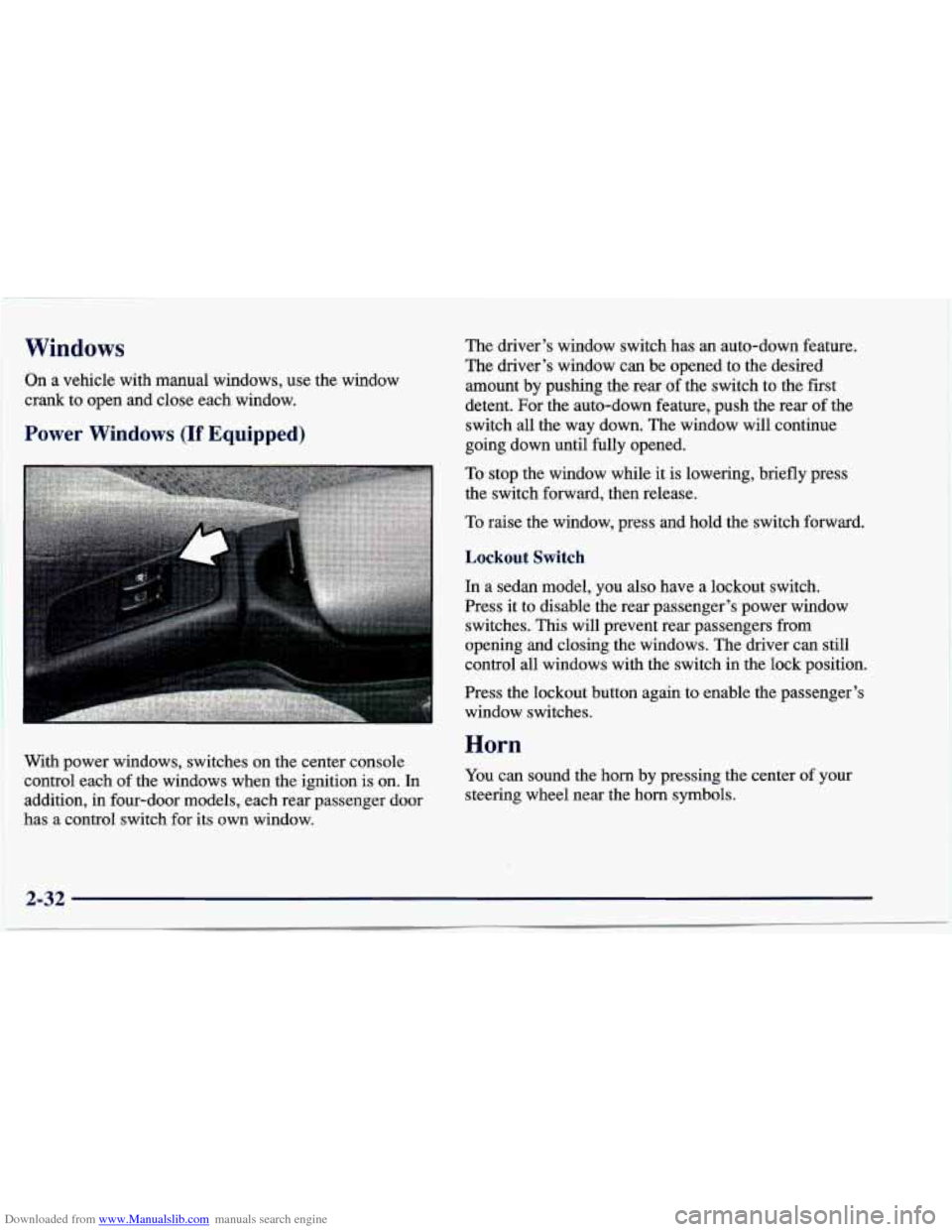
Power Windows (If Equipped)
The driver’s window switch has an auto-down feature.
The driver’s window can be opened to the desired
amount by pushing the rear
of the switch to the first
detent. For the auto-down feature, push the rear
of the
switch all the way down. The window will continue
going down until fully opened.
To stop the window while it is lowering, briefly press
the switch forward, then release.
To raise the window, press and hold the switch forward.
With power windows, switches on the center console
control each of the windows when the ignition is on. In
addition, in four-door models, each rear passenger door
has a control switch for its own window.
Lockout Switch
In a sedan model, you also have a lockout switch.
Press it to disable the rear passenger’s power window
switches.
This will prevent rear passengers from
opening and closing the windows. The driver can still
control
all windows with the switch in the lock position.
Press the lockout button again
to enable the passenger’s
window switches.
Horn
You can sound the horn by pressing the center of your
steering wheel near the horn symbols.
2-32
Page 100 of 388
Downloaded from www.Manualslib.com manuals search engine Parking Lamps
PC This position will turn on the following:
0 Parking Lamps
0 Sidemarker Lamps
0 Taillamps
0 Instrument Panel Lights
Headlamps
0: This position will turn on the following:
0 Headlamps
0 Parking Lamps
Sidemarker Lamps
Taillamps
0 Instrument Panel Lights
Turn the band clockwise all the way to turn the lamps off.
Lamps On Reminder
If you open the driver’s door with the ignition off and
the lamps on, you will hear a warning chime.
Daytime Running Lamps/Automatic
Light Control
Daytime Running Lamps (DRL) can make it easier for
others to
see the front of your vehicle during the day.
DRL can be helpful in many different driving
conditions, but they can be especially helpful in the
short periods after dawn and before sunset.
The DRL system will make your high-beam headlamps
come on at reduced brightness in daylight when:
The ignition is on with the engine running,
0 The headlamp switch is OFF,
0 The parking brake is released and
0 The transaxle is not in PARK (P) on models with an
automatic transaxle.
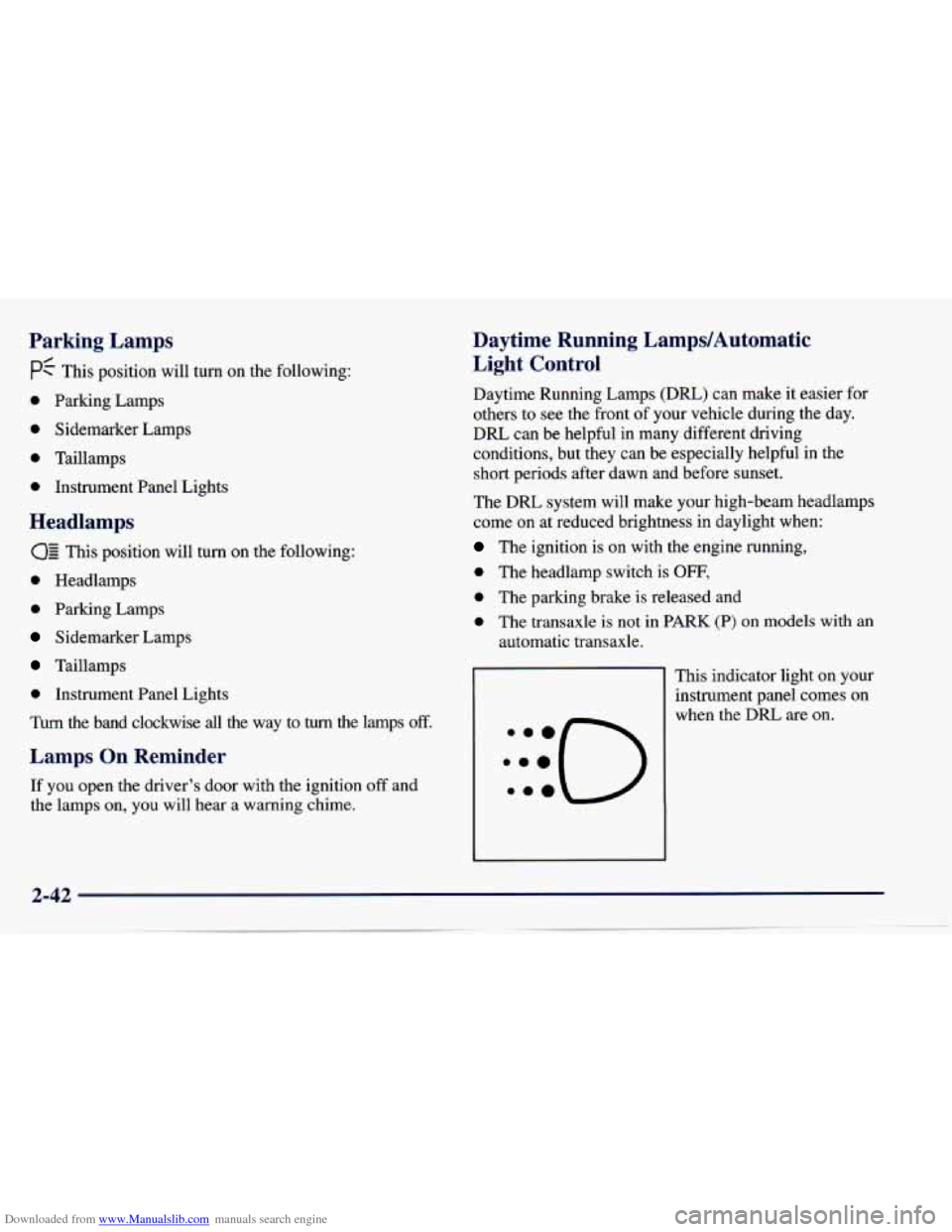
This indicator light on your
instrument panel comes on
when the DRL are on.
Page 102 of 388
Downloaded from www.Manualslib.com manuals search engine Interior Lamps
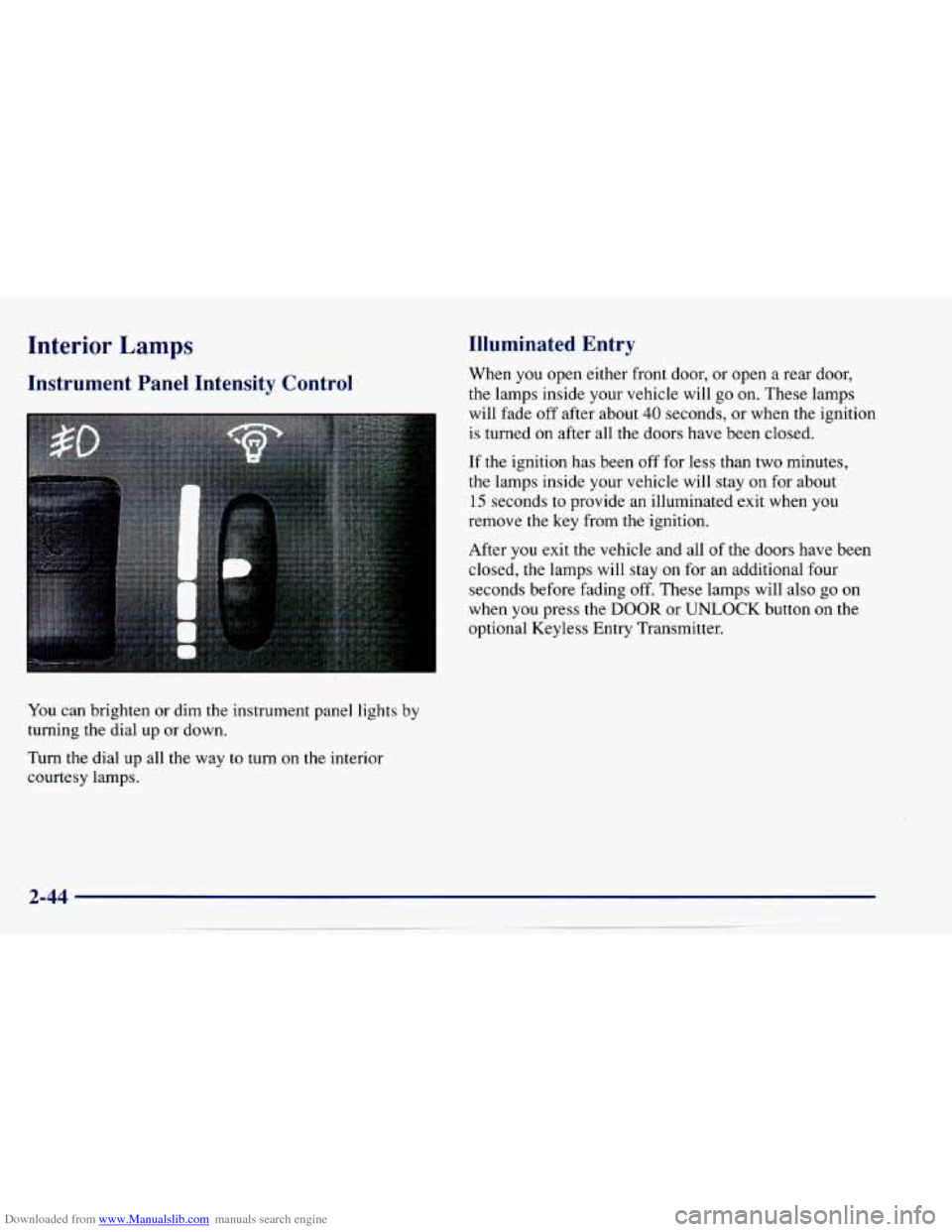
Instrument Panel Intensity Control
You can brighten or dim the instrument panel lights by
turning the dial up or down.
Turn the dial up all the way to turn on the interior
courtesy lamps.
Illuminated Entry
When you open either front door, or open a rear door,
the lamps inside your vehicle will
go on. These lamps
will fade off after about
40 seconds, or when the ignition
is turned on after all the doors have been closed.
If the ignition has been off for less than two minutes,
the lamps inside your vehicle will stay on for about
15 seconds to provide an illuminated exit when you
remove the key from the ignition.
After
you exit the vehicle and all of the doors have been
closed,
the lamps will stay on for an additional four
seconds before fading
off. These lamps will also go on
when you press the
DOOR or UNLOCK button on the
optional Keyless Entry Transmitter.
Page 104 of 388
Downloaded from www.Manualslib.com manuals search engine To reactivate the interior lamps, either:
The ignition must be turned on,
The activated lamp switch must be turned off, then
A front door must be opened.
The battery rundown protection feature will also be
activated when any door
is left open.
If your vehicle is left with the ignition
off for over
24 days, the battery power to the clock and audio system
will turn off to reduce the battery drain. When the
ignition
is turned on again, battery power will be
resupplied. Under these conditions it will be necessary
to reset the clock and audio system settings. on,
OR
Mirrors
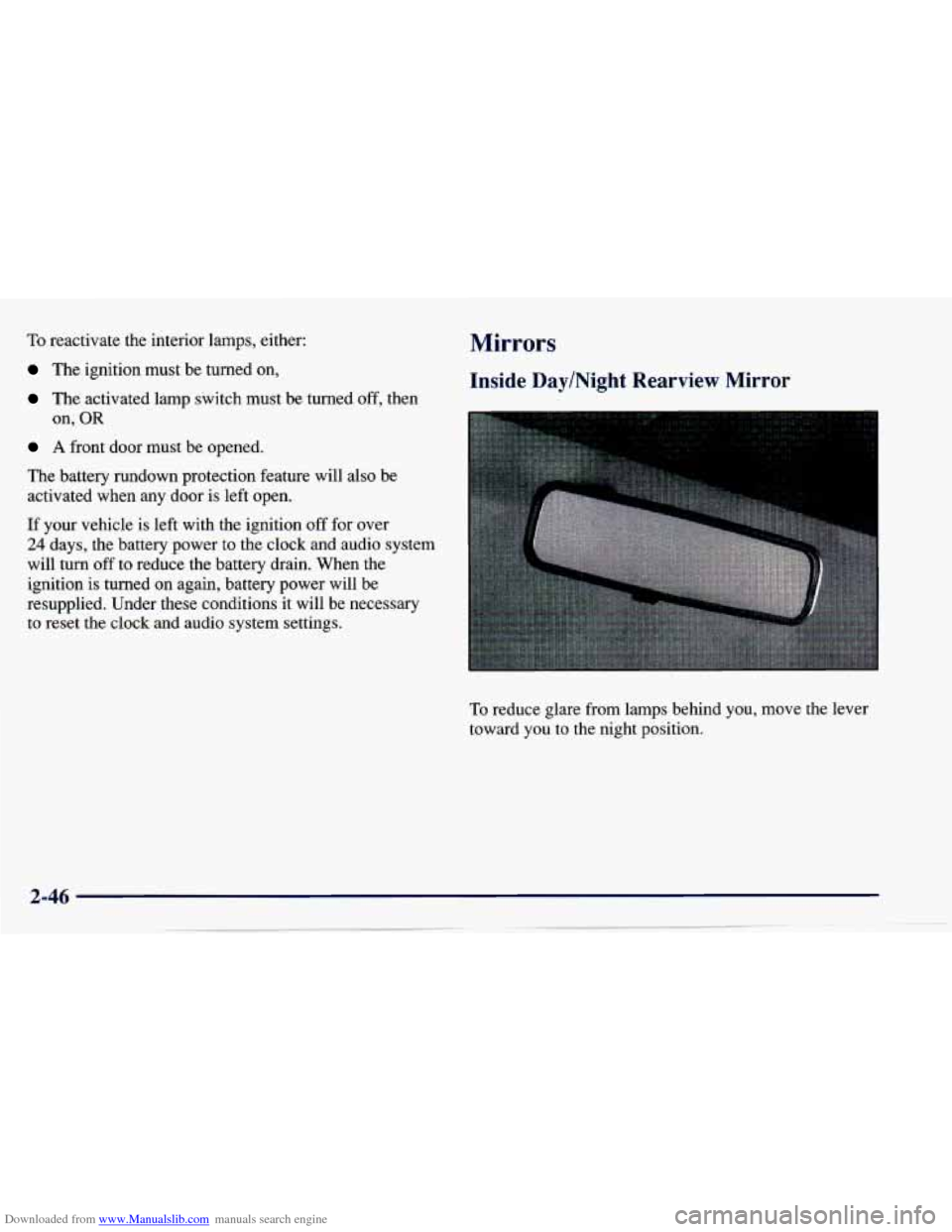
Inside Day/Night Rearview Mirror
To reduce glare from lamps behind you, move the lever
toward you to the night position.