Page 15 of 388
Downloaded from www.Manualslib.com manuals search engine up, your safety belts can’t do their job when
you’re reclined like this.
The shoulder belt can’t do
its job because it
won’t be against your body. Instead, it will be in
front of you. In
a crash you could go into it,
receiving neck or other injuries.
The lap belt can’t do its job either.
In a crash the
belt could
go up over your abdomen. The belt
forces would be there, not
at your pelvic bones.
This could cause serious internal injuries.
For proper protection when the vehicle is
in
motion, have the seatback upright. Then sit well
back
in the seat and wear your safety belt properly.
Head Restraints
Slide the head restraint up or down so that the top of the
restraint is closest to the top
of your ears. This position
reduces the chance
of a neck injury in a crash.
Seatback Latches (2-Door Models)
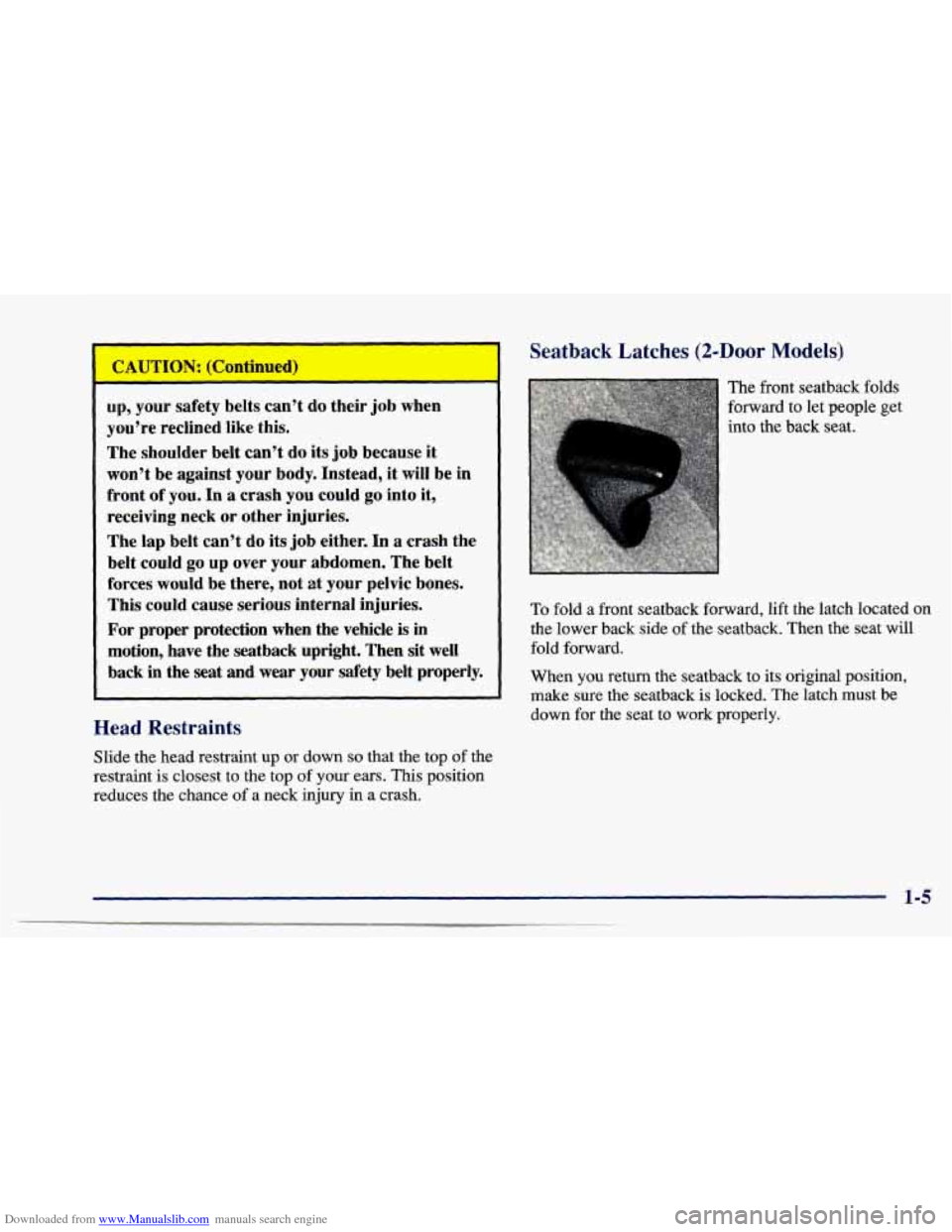
The front seatback folds
forward to let people get
into the back seat.
To fold a front seatback forward, lift the latch located on
the lower back side of the seatback. Then the seat will
fold forward.
When you return the seatback to its original position,
make sure the seatback is locked. The latch must be
down for the seat to work properly.
1-5
Page 16 of 388
Downloaded from www.Manualslib.com manuals search engine Easy Entry Seat (If Equipped)
If an easy entry right front seat isn’t locked, it
can move. In a sudden stop or crash, the person
sitting there could be injured. After you’ve used
it, be sure to push rearward on an easy entry seat
to be sure it is locked.
Rear Seats
Folding the Rear Seat
On some two-door models, the right front seat of your
vehicle makes
it easy to get in and out of the rear seat.
Tilt the right front seatback completely forward and the whole seat will slide forward.
Move the right front seatback to its original position after someone gets into the rear seat area. Then move
the seat rearward until it locks.
Tilt the seatback completely forward again to get out. To
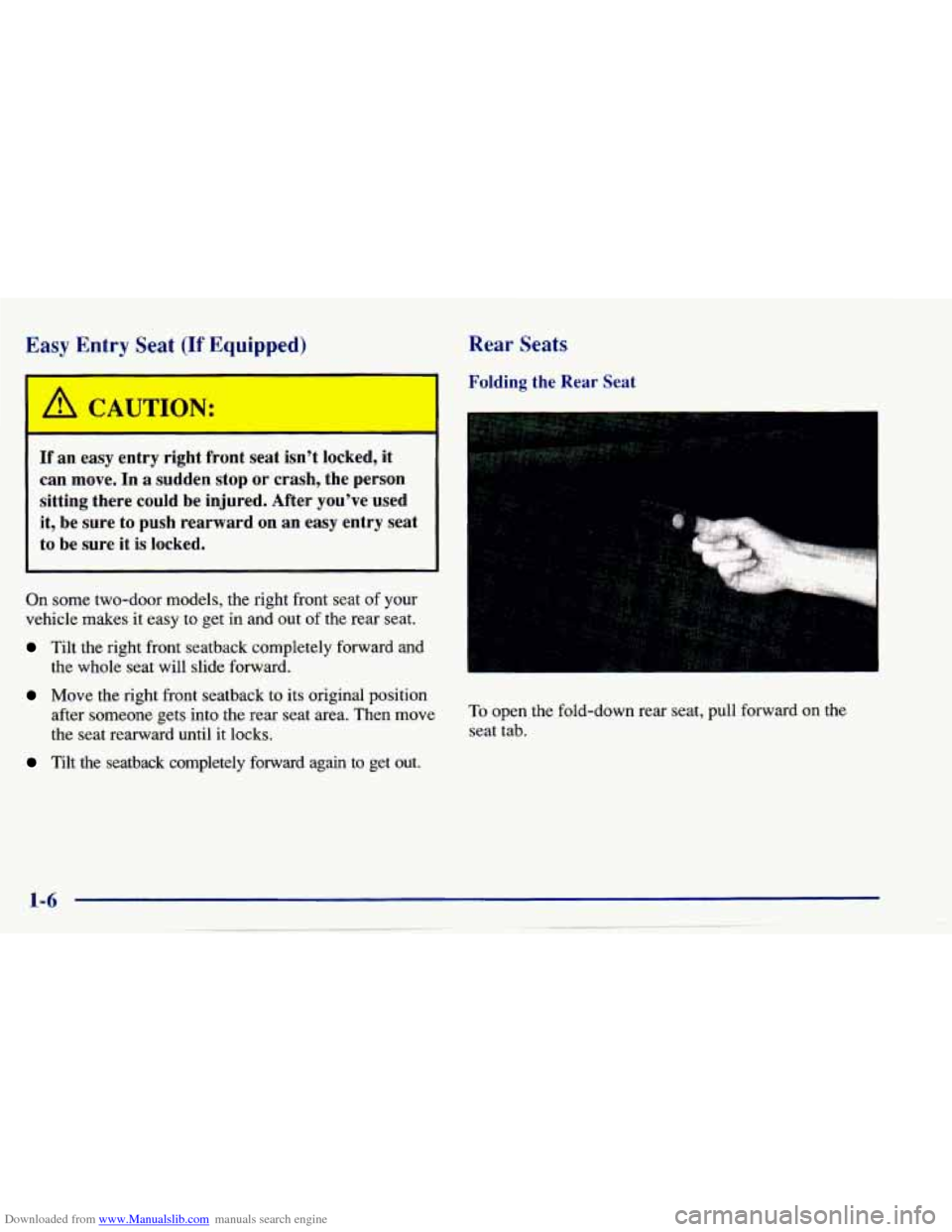
open the fold-down rear seat, pull forward on the
seat tab.
Page 23 of 388
Downloaded from www.Manualslib.com manuals search engine How to Wear Safety Belts Properly
Adults
This part is only for people of adult size.
Be aware that there
are special things to know about
safety belts and children. And there are different rules for
smaller children and babies.
If a child will be riding in
your Chevrolet, see the part
of this manual called
“Children.” Follow those rules for everyone’s protection,
First, you’ll want to know which restraint systems your
vehicle has.
We’ll start with the driver position.
Driver Position
This part describes the driver’s restraint system.
Lap-Shoulder Belt
The driver has a lap-shoulder belt. Here’s how to wear
it properly.
1. Close and lock the door.
2. Adjust the seat (to see how, see “Seats” in the Index)
so you can sit up straight.
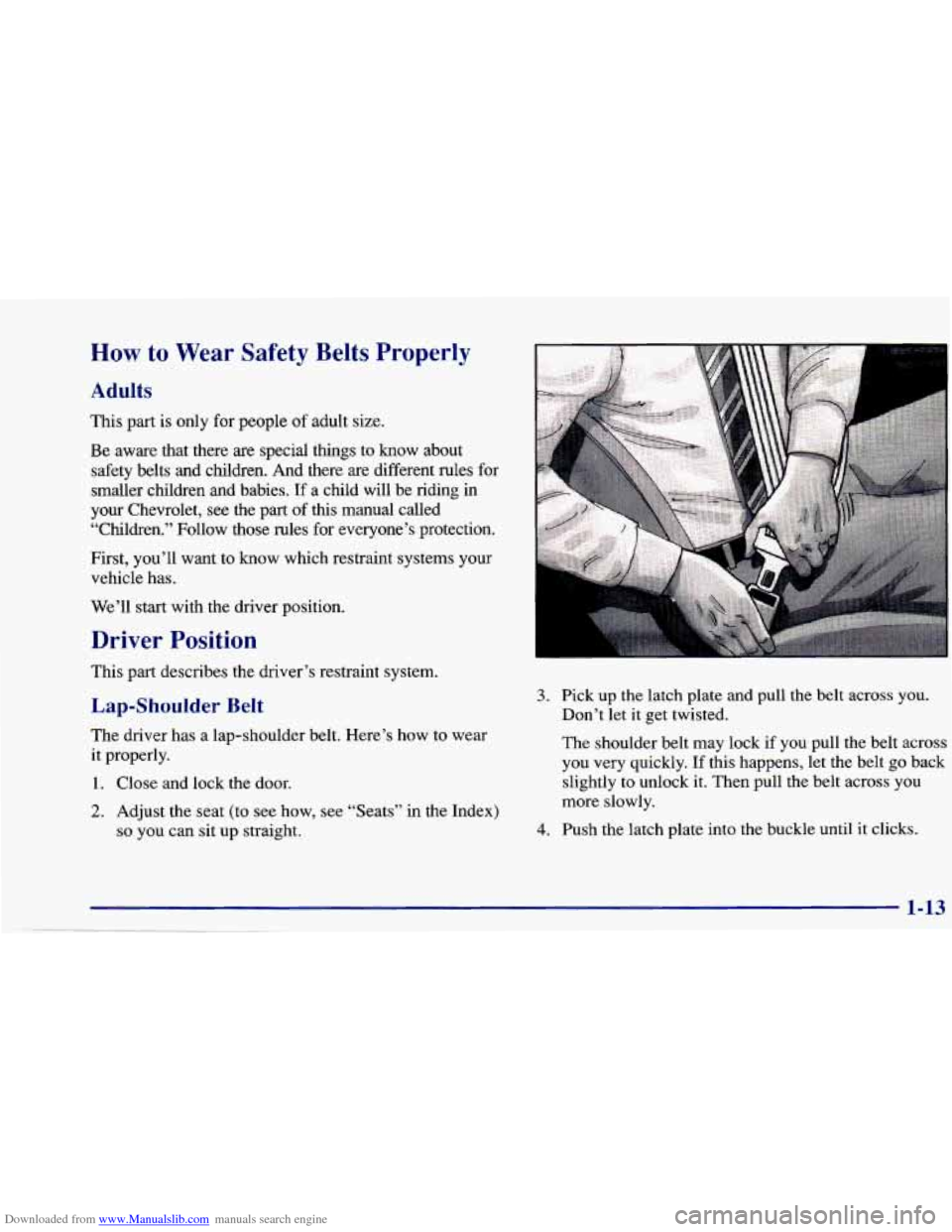
3. Pick up the latch plate and pull the belt across you.
Don’t let it get twisted.
The shoulder belt may lock if
you pull the belt across
you very quickly. If this happens, let the belt go back
slightly to unlock it. Then pull the belt across you
more slowly.
4. Push the latch plate into the buckle until it clicks.
1-13
Page 59 of 388
Downloaded from www.Manualslib.com manuals search engine 0 Section 2 Features and Controls
2-2
2-4
2-6
2-10 2-10
2-1 1
2-12
2-12
2- 14
2-
17
2-18
2-23
2-26
2-27
2-29 2-30
2-30
2-3 1
2-32 2-33
2-4
1
2-44
2-46
2-48
2-5 1
2-5 1
2-62
2-67 Parking Over Things That
Bum
Engine Exhaust
Running Your Engine While You’re Parked
(Automatic Transaxle)
Windows
Turn Signalhlultifunction Lever
Exterior Lamps
Interior Lamps
Mirrors Storage Compartments
Sunroof
(If Equipped)
Convertible Top
(If Equipped)
The Instrument Panel
-- Your
Information System
Warning Lights, Gages and Indicators
Here
you can learn about the many standard and optional features on your Chevrolet, and information
on starting,
shifting and braking. Also explained are the instrument panel and the warning systems that tell you
if everything is
working properly
-- and what to do if you have a problem.
Keys
Door Locks
Keyless Entry System (If Equipped)
Trunk
Theft
Passlock
New Vehicle “Break-In”
Ignition Positions Starting Your Engine
Engine Coolant Heater
(If Equipped)
Automatic Transaxle Operation
Manual Transaxle Operation
Parking Brake
Shifting Into PARK (P) (Automatic
Transaxle Models Only)
Shifting Out
of PARK (P)
(Automatic Transaxle)
2-1
Page 61 of 388
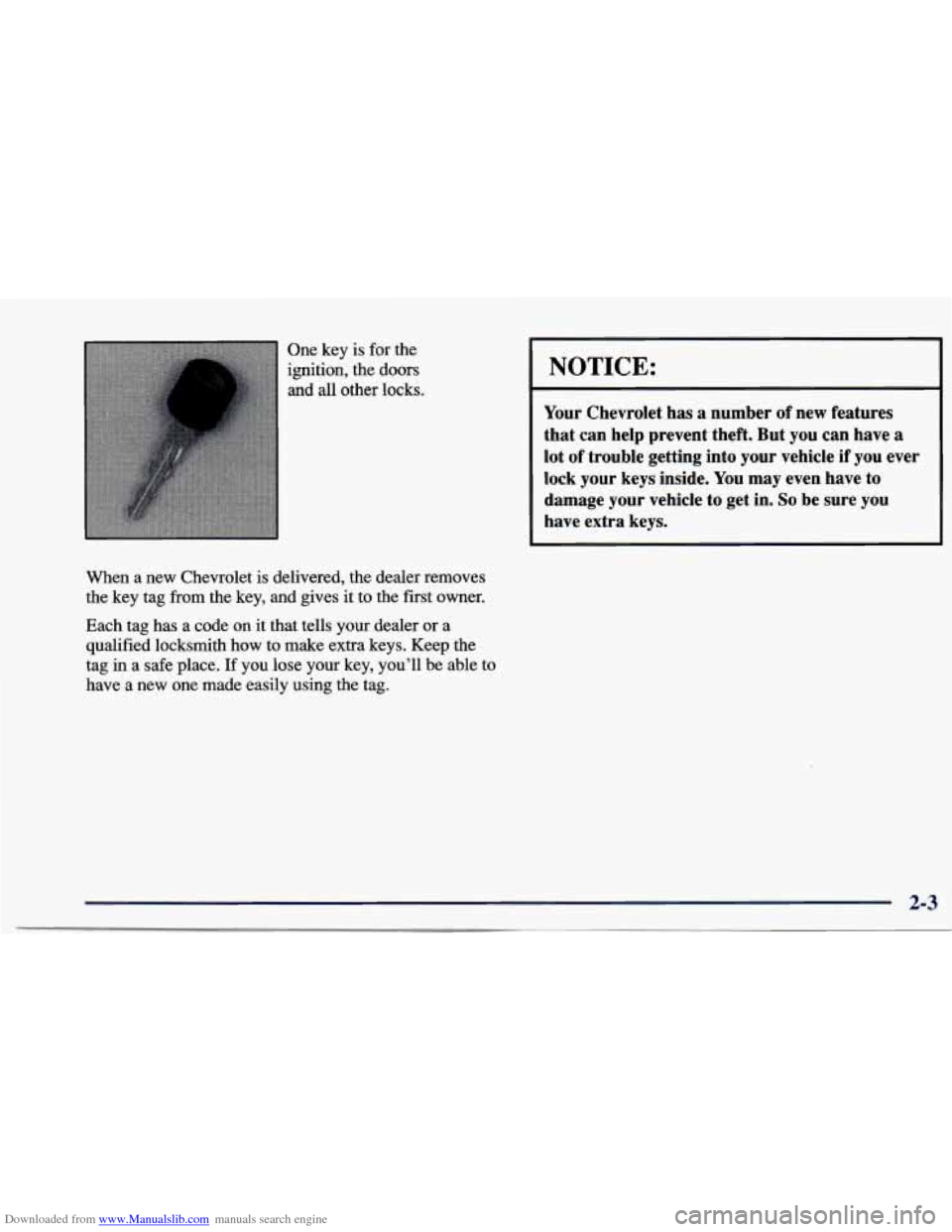
Downloaded from www.Manualslib.com manuals search engine One key is for the
ignition, the doors
and
all other locks.
When a new Chevrolet is delivered, the dealer removes
the key tag from the key, and gives it to the first owner.
Each
tag has a code on it that tells your dealer or a
qualified locksmith how to make extra keys. Keep the
tag
in a safe place. If you lose your key, you'll be able to
have a new one made easily using the tag.
I NOTICE:
Your Chevrolet has a number of new features
that can help prevent theft. But you can have a
lot of trouble getting into your vehicle if you ever
lock your keys inside. You may even have to
damage your vehicle to get in.
So be sure you
have extra keys.
2-3
Page 62 of 388
Downloaded from www.Manualslib.com manuals search engine Door Locks
A CAUTION:
Unlocked doors can be dangerous.
Passengers
-- especially children -- can easily
open the doors and fall out. When a door is
locked, the inside handle won’t open it.
Outsiders can easily enter through an unlocked
door when you slow down or stop your vehicle.
This
may not be so obvious: You increase the
chance
of being thrown out of the vehicle in a
crash if the doors aren’t locked. Wear safety belts
properly, lock your doors, and you will be
far
better off whenever you drive your vehicle.
There are several ways
to lock and unlock your vehicle. Use your key to unlock your vehicle from
the outside.
You can also use the optional remote Keyless Entry
System to unlock
your vehicle.
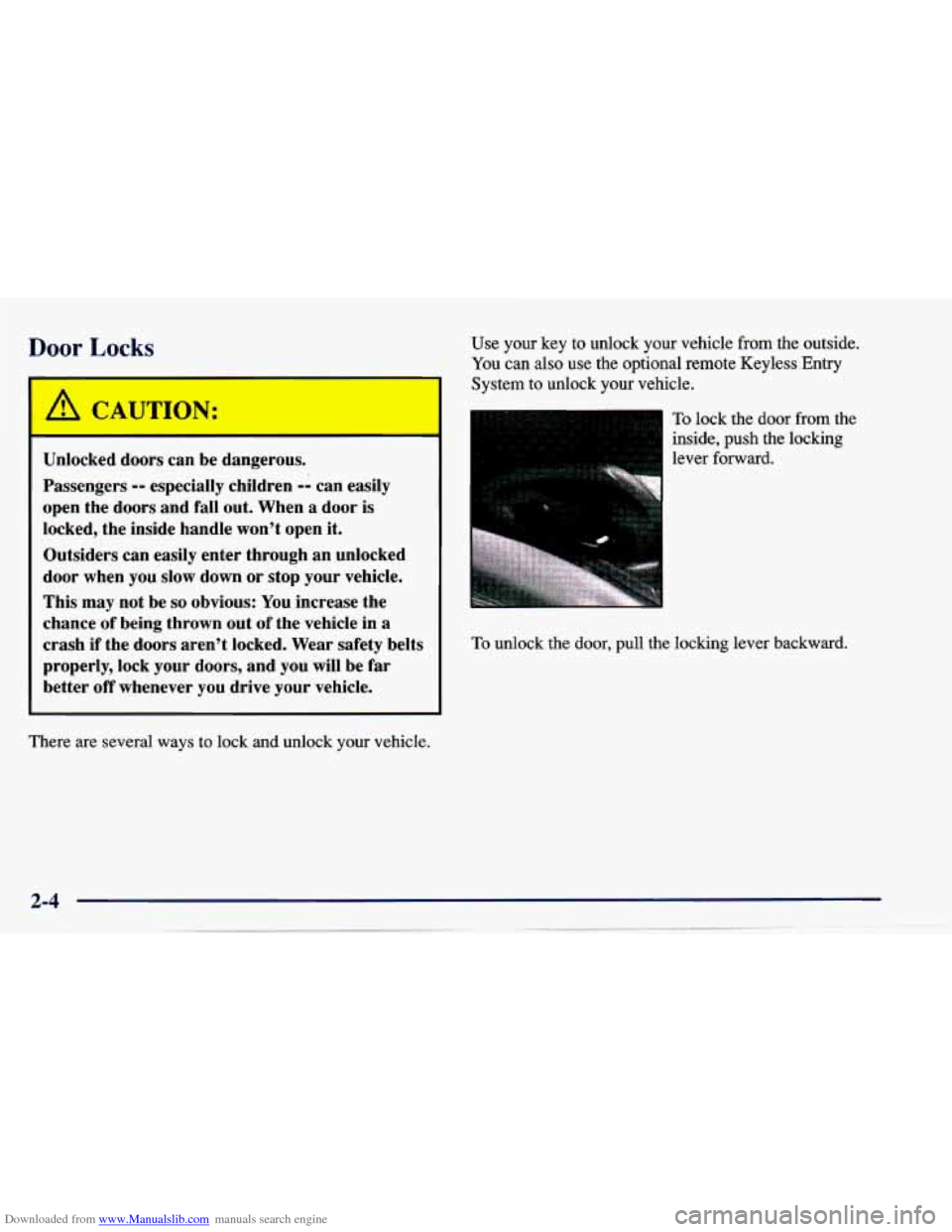
To lock the door from the
inside, push the locking
lever forward.
To unlock the door, pull the locking lever backward.
Page 63 of 388
Downloaded from www.Manualslib.com manuals search engine Power Door Locks (If Equipped)
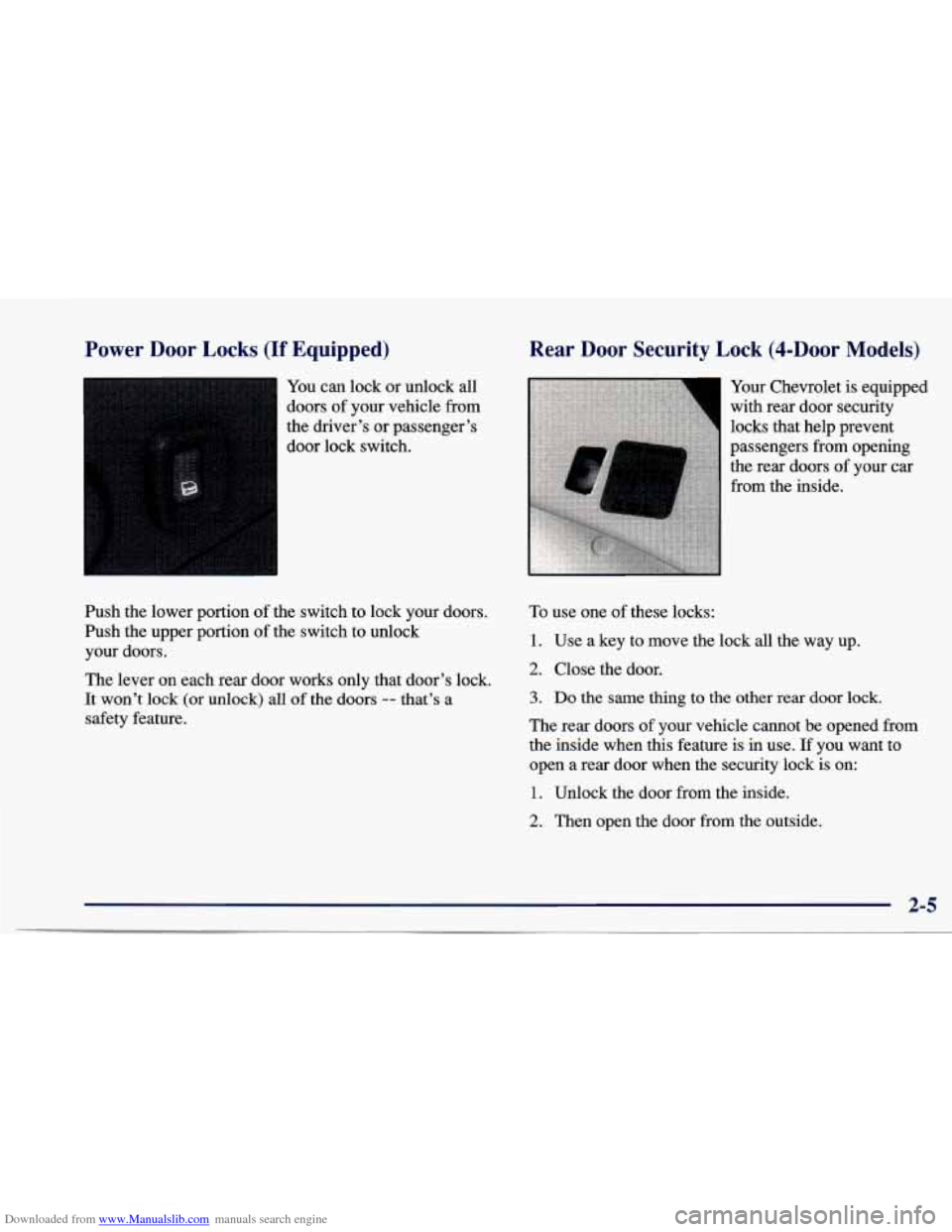
You can lock or unlock all
doors
of your vehicle from
the driver’s or passenger’s
door lock switch.
Push the lower portion of the switch to lock your doors.
Push the upper portion
of the switch to unlock
your doors.
The lever on each rear door works only that door’s lock.
It won’t
lock (or unlock) all of the doors -- that’s a
safety feature.
Rear Door Security Lock (4-DOOr Models)
Your Chevrolet is equipped
with rear door security
locks that help prevent
passengers from opening
the rear doors of your car
from the inside.
To use one of these locks:
1. Use a key to move the lock all the way up.
2. Close the door.
3. Do the same thing to the other rear door lock.
The rear doors of your vehicle cannot be opened from
the inside when this feature is in use. If you want to
open a rear door when the security lock is on:
1. Unlock the door from the inside.
2. Then open the door from the outside.
2-5
Page 64 of 388
Downloaded from www.Manualslib.com manuals search engine If you don’t cancel the security lock feature, adults or Keyless Entry Ss; __ (If Equipped)
older children who ride in the rear won’t be able to open
the rear door from the inside. You should
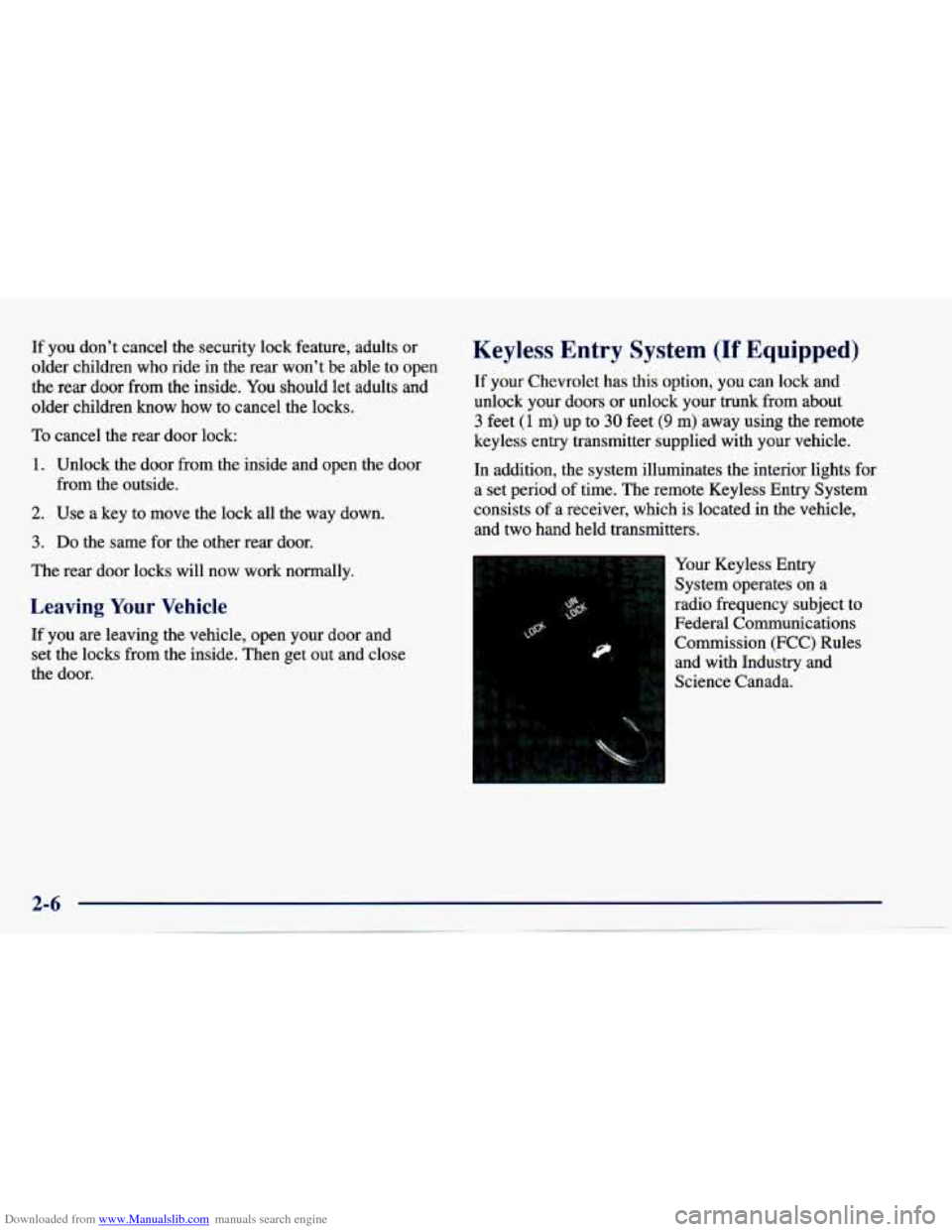
let adults and If your Chevrolet has this option, you can lock and
older children
know how to cancel the locks. unlock your doors or unlock your trunk from about
To cancel the rear door lock: keyless entry transmitter supplied with your vehicle.
3 feet (1 m) up to 30 feet (9 m) away using the remote
1.
2.
3.
Unlock the door from the inside and open the door
from the outside.
Use
a key to move the lock all the way down.
Do the same for the other rear door.
The rear door locks will now work normally.
Leaving Your Vehicle
If you are leaving the vehicle, open your door and
set the locks from the inside. Then get out and close
the door. In
addition, the system illuminates the interior lights for
a set period
of time. The remote Keyless Entry System
consists
of a receiver, which is located in the vehicle,
and two hand held transmitters.
Your Keyless Entry
System operates on a
radio frequency subject to
Federal Communications
Commission (FCC) Rules and with Industry and
Science Canada.