1997 CADILLAC SEVILLE heating
[x] Cancel search: heatingPage 155 of 370
Downloaded from www.Manualslib.com manuals search engine SERVICE TRANSMISSION - 100: If a problem is
detected with the transaxle, this message will appear.
Have your vehicle checked by your Cadillac dealership.
SPEED SENSOR FAULT - 109: A circuit problem
with the vehicle speed sensor will trigger this
message
to appear. Have your Cadillac dealership
service your vehicle.
STABILITY ENGAGED - 55: If you have the Seville
STS, you may see the STABILITY ENGAGED
rnessage on the Driver Information Center. It means
that an advanced, computer-controlled system has come
on to help your Cadillac continue to go in the direction
in which you’re steering. This stability enhancement
system activates when
the computer senses that your
Cadillac is just starting
to spin, as it might if you hit a
patch of ice or other slippery
spot on the road. When the
system is
on, you may hear a noise or feel a vibration in
the brake pedal. This is normal.
When the STABILITY ENGAGED message is on,
you
should continue to steer in the direction you want to go.
The system is designed to help you in bad weather or
other difficult driving situations by making the most
of whatever road conditions will permit. If the
STABILITY ENGAGED message comes on, you’ll
know that something has caused your Cadillac
to start
to spin, so you should consider slowing down.
STABILITY REDUCED - 54: If you ever see the
STABILITY REDUCED message, it means there may
be a problem with your stability enhancement system.
If you see this message, try to reset the system (stop;
turn off the engine; then start the engine again). If the
STABILITY REDUCED message still comes
on,
however, it means there is a problem, so you should
see your Cadillac dealer for service.
STARTING DISABLED DUE TO THEFT SYSTEM
REMOVE IGNITION KEY - 33: This message will
appear when the Personalized Automotive Security
System (PASS-Key 11) senses that an improper ignition
key
is being used to try to start the vehicle. Check the
ignition key for damage. If it is damaged,
it may need
to be replaced. If
you see no damage, clean the pellet
contacts with a soft cloth or napkin. Remove the ignition
key and wait for the
DTC to display WAIT 3 MINUTES.
The instrument panel cluster will then run a timer and
change the messages to WAIT
2 MINUTES, WAIT
1 MINUTE and then START CAR. When the START
CAR message is displayed, try again to start the engine.
STOP ENGINE ENGINE OVERHEATED - 42: This
message will appear when the engine has overheated.
Stop and
turn the engine off immediately to avoid
severe engine damage. See “Engine Overheating” in
the Index. A multiple chime will also sound when this
message
is displayed.
. -.
w-
Page 160 of 370
Downloaded from www.Manualslib.com manuals search engine c
c In this section, you'll find out how to operate the comfort control and audio systems offctd with our Cdiilac. Be
sure
to read about the particular systems supplied with your vehicle.
c
c
c
3-2
3-2
3 -6
3-7
3-7
3-7
3-9
3-9
3-10
3-10
3-10
3-
10
3-a
Comfort Controls
Climate Control Panel
Electronic
Solar Sensor
Air Conditioning
Heating
Ventilation System
Defrosting
Rear Window Defogger
HVAC Steering Wheel Controls
Climate Control Personalization
Audio Systems
Setting the
Clock
AM-FM Stereo with Cassette Tape Player and
Optional Compact Disc
Player
3- 17
3-2 1
3-25
3-25
3-25
3-26
3-26
3-27
3-28
3-28
3-14 Bose'" AM-Fh;? Stcrco v:ith C''l3hctte Tape
and Compact
Disc Play-
Boss T"' AM-FM Stereo with C'wctte
TT'ape and Compact Disc Pl;~yc.~- with Digital
Signal Processing
Trunk Mounted
CD Changer
Radio Personalization
Theft-Deterrent Feature
Audio Steering Wheel Controls
Understanding Radio Reception
Tips About Your Audio System
Care
of Your Cassette Tape Player
Care
of Your Compact Discs
Power Antenna Mast Care
c 3-:1
Page 161 of 370
Downloaded from www.Manualslib.com manuals search engine This section tells you how to make your air system work
for
you. Your Electronic Climate Control (ECC) system
uses ozone-friendly
R- 134a refrigerant.
With the
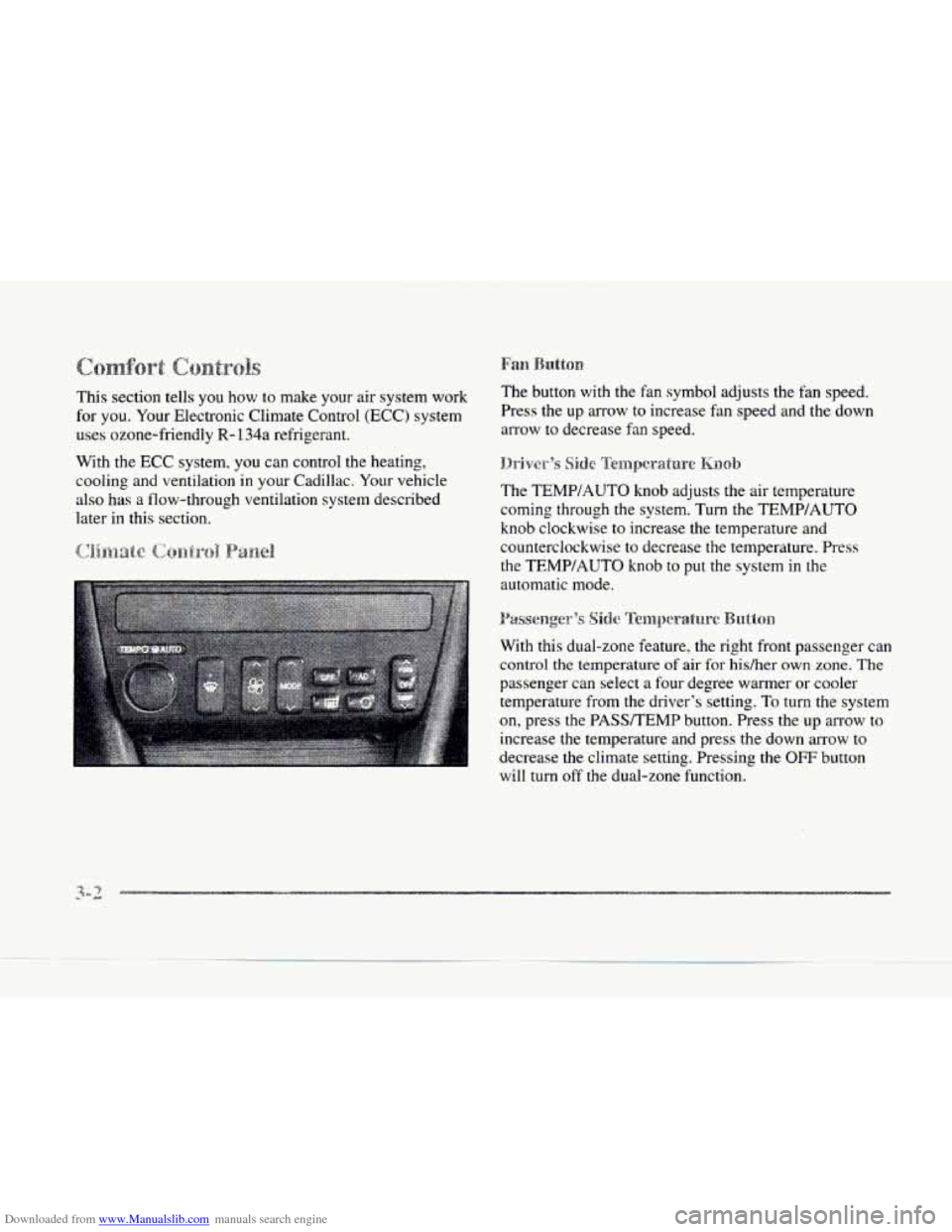
ECC system. you can control the heating,
cooling and ventilation in your Cadillac. Your vehicle
also has a flow-through ventilation system described
later
in this section. The
button with the fan symbol adjusts the fan speed.
Press the up arrow to increase fan speed and the down
arrow to decrease fan speed.
The TEMPIAUTO knob adjusts the air temperature
coming through the system. Turn the TEMP/AUTO
knob clockwise to increase the temperature and
counterclockwise to decrease the temperature. Press
the
TEMWAUTO knob to put the system in the
automatic mode.
With this dual-zone feature, the right front passenger can
control the temperature
of air for hidher own zone. The
passenger can select a four degree warmer or cooler
temperature from the driver's setting.
To turn the system
on, press the PASSTEMP button. Press the up arrow to
increase the temperature and press the down arrow to
decrease
the climate setting. Pressing the OFF button
will
turn off the dual-zone function.
Page 163 of 370
Downloaded from www.Manualslib.com manuals search engine To-find your comfort zone, start with the 75°F (24°C)
setting and allow about 20 minutes for the system to
regulate. Turn the
TEMP/AUTO knob to adjust the
temperature if necessary.
If you choose 60°F ( 1 6"C),
the system will remain at that maximum cooling setting
and will
not regulate fan speed. If you choose the
temperature of
90°F (32'C), the system will remain at
that maximum heating setting and will not regulate fan
speed. Choosing either maximum setting will not cause
the system
to heat or cool any faster.
With
the: automatic setting, the air conditioning
compressor automatically cycles
when needed to cool
the air. In cold weather, when the system senses the need
for heat, the airflow will be directed out the floor
outlets.
As the interior temperature approaches a desired
setting, the blower speed will decrease.
To maintain
interior comfort, the airflow may move
to the instrument
panel air outlets and floor outlets (bi-level mode). On
bright
sunny days in cold weather. the airflow may come
out
of the air conditioning outlets (AC mode) to
maintain comfort and prevent stuffiness.
If your vehicle is sitting out on a hot day and you have it
set on AUTO, the air will first flow out the floor air
outlets for
a few seconds. That is normal. This is to
expel hot air from the air outlets. As the air
is cooled,
the airflow will move through the air conditioning
outlets. If you start your vehicle with the fan setting on
HI, it will skip the air conditioning purge.
To avoid blowing cold air in cold weather, the system
will delay turning on the fan
until warm air is available.
The length
of delay depends on the outside air
temperature, engine coolant temperature or the time
since the engine was last started.
As the coolant warms
up, the blower fan speed will gradually increase and
air will flow from the heater outlets, with some airflow
to the windshield to prevent fogging under most
normal conditions.
If you leave your vehicle, the system will remember the
control setting the next time
you start your engine,
except for recirculation and defrost. Each ignition cycle
cancels recirculation, whereas,
DEFROST will change
to automatic operation when the ignition is shut off and
then turned back
on.
Page 168 of 370
Downloaded from www.Manualslib.com manuals search engine I
c
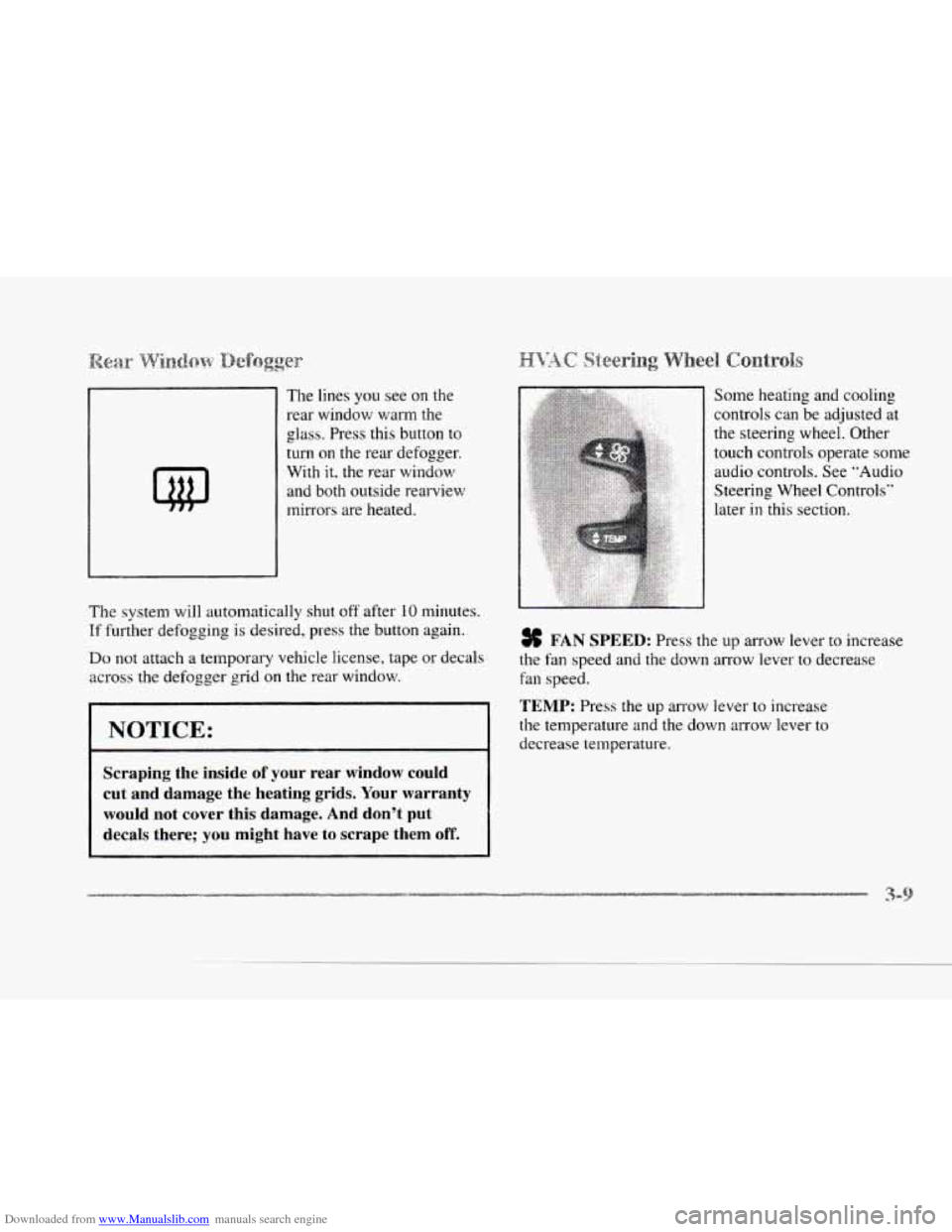
The lines you see on the
rear window
warm the
glass. Press this button
to
turn on the rear defogger.
With it, the rear window
and both outside rearview
mirrors are heated.
The system will automatically shut off after
10 minutes.
If further defogging is desired, press the button again.
Do not attach a temporary vehicle license, tape or decals
across the defogger gd
on the rear window.
I NOTICE:
c
Scraping the inside of your rear window could
cut and damage the heating grids. Your warranty
would not cover this damage. And don't put
decals there; you might have
to scrape them off.
Some heating and cooling
controls can be adjusted at
the steering wheel. Other
touch controls operate some
audio controls. See "Audio
Steering Wheel Controls"
later in this section.
% FAN SPEED: Press the up anow lever to increase
the fan speed and the down arrow lever
to decrease
fin speed.
TEMP: Press the up arrow lever to increase
the temperature and the down arrow lever to
decrease temperature.
Page 228 of 370
Downloaded from www.Manualslib.com manuals search engine L
Hold the bottom of the steering wheel with one hand.
Then,
to move the trailer to the left, just move that hand
to the left. To move the trailer to the right, move your
hand to the right. Always back up
slowly and, if
possible, have someone guide you.
When you tow a trailer, your vehicle may need a
different turn signal flasher and/or extra wiring. Check
with your Cadillac dealer. The green arrows
on your
instrument panel will flash whenever
you signal a turn
or lane change. Properly hooked
up, the trailer lamps
will also flash, telling other drivers you’re about to turn,
change lanes or stop.
When towing
a trailer, the green arrows on your
instrulnent panel will flash for turns even if the bulbs on
the trailer are burned
out. Thus, you may think drivers NOTICE:
Making very sharp turns while trailering could
cause the trailer to come in contact with t,he
vehicle. Your vehicle could be damaged. Avoid
behind you are seeing your signal when they are not. It’s
important to check occasionally to be sure the trailer
bulbs are still working.
making very sharp turns while trailering.
Reduce speed and shift to a lower gear before you start
When you’re turning with
a trailer, make wider turns down a long or steep downgrade. If you don’t shift
than normal.
Do this so your trailer won’t strike soft down, you might have to use your brakes so much that
shoulders, curbs, road signs, trees
or other objects. they would get hot and no longer work well.
Avoid jerky or sudden maneuvers. Signal weil
in advance. On
a long uphill grade.
shift down and reduce your
speed to around
45 mph (70 km/h) or less to reduce the
possibility
of engine and transaxle overheating.
Page 232 of 370
Downloaded from www.Manualslib.com manuals search engine c
c
Here you’ll find what to do about some problems that can occur on the road.
c
c
5-2 Hazard Warning Flashers
5-4 Other Warning Devices
5-4 Jump Starting
5-9 Towing Your Vehicle
5-16 Engine Overheating 5-26
5-26
5-36
5-37
If a
Tire Goes Flat
Changing a Flat Tire
Compact Spare Tire
If You’re Stuck: In Sand, Mud,
Ice or Snow
Page 251 of 370
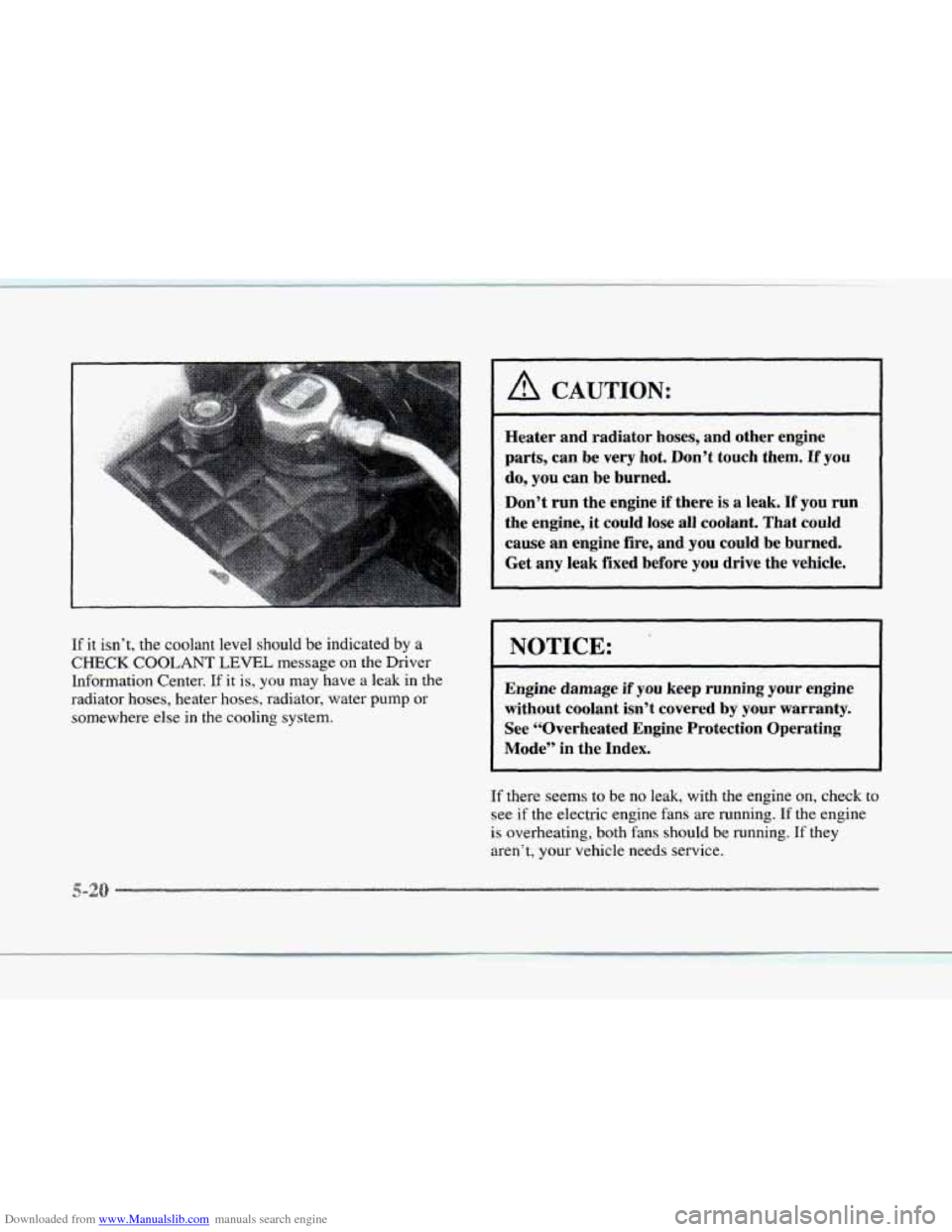
Downloaded from www.Manualslib.com manuals search engine If it isn’t, the coolant level should be indicated by a
CHECK COOLANT LEVEL message on the Driver
Information Center.
If it is, you may have a leak in the
radiator hoses, heater hoses, radiator, water
pump or
somewhere else in the cooling system.
A CAUTION:
Heater and radiator hoses, and other engine
parts, can be very hot. Don’t touch them. If
you
do, you can be burned.
Don’t run the engine
if there is a leak. If you run
the engine, it could
lose all coolant. That could
cause an engine fire, and you could be burned.
Get any leak fixed before you drive the vehicle.
NOTICE:
Engine damage if you keep running your engine
without coolant isn’t covered by your warranty.
See “Overheated Engine Protection Operating
Mode” in the Index.
If there seems to be no leak, with the engine on, check to
see if the electric engine fans are running. If the engine
is overheating, both fans should be running. If they
aren’t, your vehicle needs service.