1997 CADILLAC ELDORADO ESP
[x] Cancel search: ESPPage 111 of 361
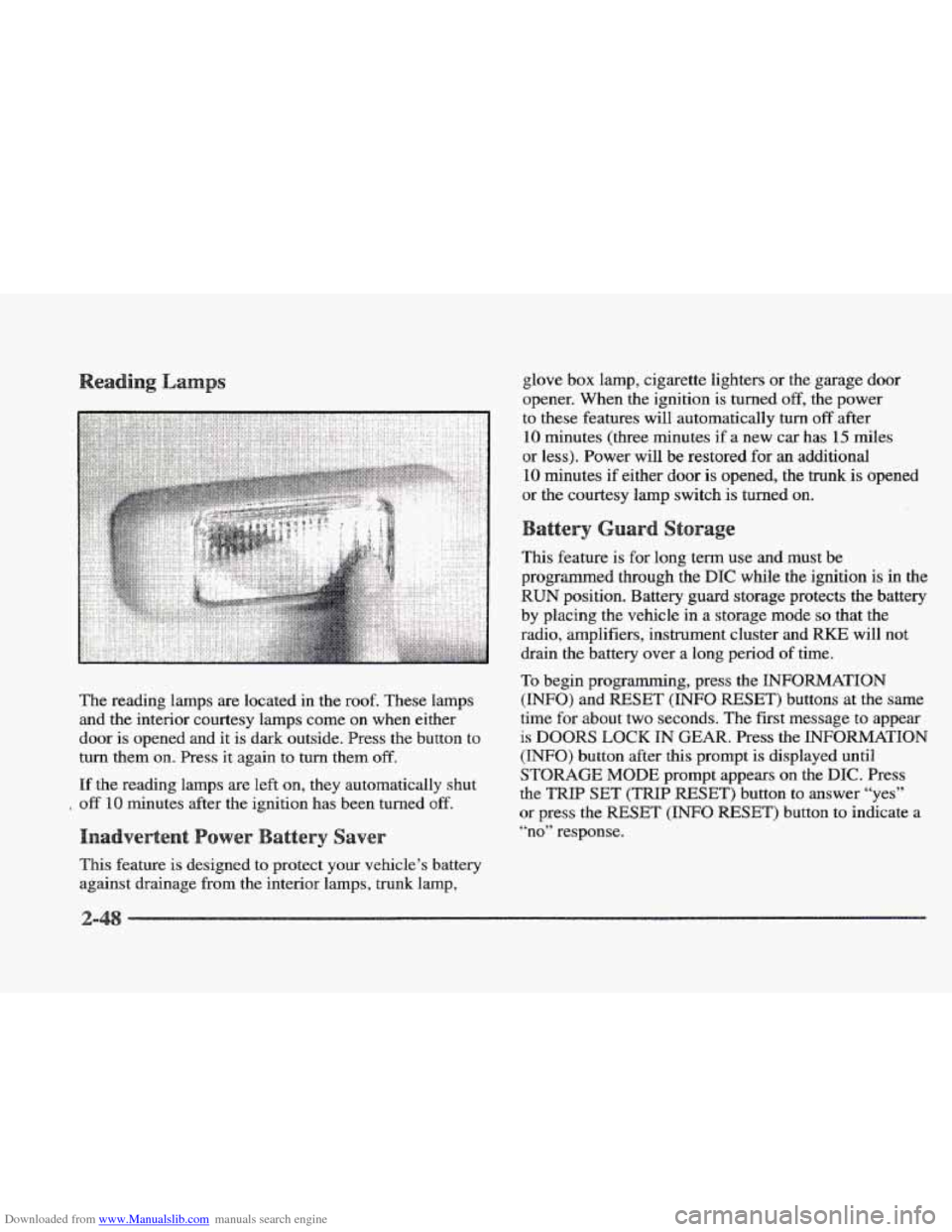
Downloaded from www.Manualslib.com manuals search engine The reading lamps are located in the roof. These lamps
and the interior courtesy lamps come on when either
door is opened and it is dark outside. Press
the button to
turn them
on. Press it again to turn them off.
If the reading lamps are left on, they automatically shut
off 10 minutes after the ignition has been turned off.
This feature is designed to protect your vehicle’s battery
against drainage from the interior lamps, trunk lamp, glove
box lamp, cigarette lighters or
the garage door
opener. When the ignition is turned
off, the power
to these features will automatically
turn off after
10 minutes (three minutes if a new car has 15 miles
or less). Power will be restored for
an additional
10 minutes if either door is opened, the trunk is opened
or the courtesy lamp switch is turned on.
This feature is for long term use and must be
programmed through the
DIC while the ignition is in the
RUN position. Battery guard storage protects the battery
by placing the vehicle
in a storage mode so that the
radio, amplifiers, instrument cluster and
RKE will not
drain
the battery over a long period of time.
To begin programming, press the INFORMATION
(INFO) and RESET (INFO RESET) buttons at the same
time
for about two seconds. The first message to appear
is DOORS LOCK IN GEAR. Press the INFORMATION
(INFO) button after this prompt is displayed until
STORAGE MODE prompt appears on the DIC. Press
the
TRIP SET (TRIP RESET’) button to answer “yes”
or press the RESET (INFO RESET) button to indicate a
“no” response.
Page 112 of 361
Downloaded from www.Manualslib.com manuals search engine FEATURE ON appears when a yes response is made
and
FEATURE OFF shows when a no response is made.
Since this
is the last personalization feature available, a
yes or no response
will end out of the DIC display.
Once the battery guard has been programmed, your
vehicle will enter the storage mode about
20 minutes
after the ignition key
has been turned off. The WKE will
also be disabled at this point. The RKE will reactivate
when a door
or the trunk is opened, however, if your
vehicle is left inactive for another
20 minutes, the RKE
will re-enter the storage mode.
Your vehicle will stay
in the storage mode until the
ignition key is turned out
of LOCK. The system will
“wake-up” when the door key is inserted
into the door,
however,
your vehicle will remain in the storage mode.
The ignition must be out of
LOCK before the battery
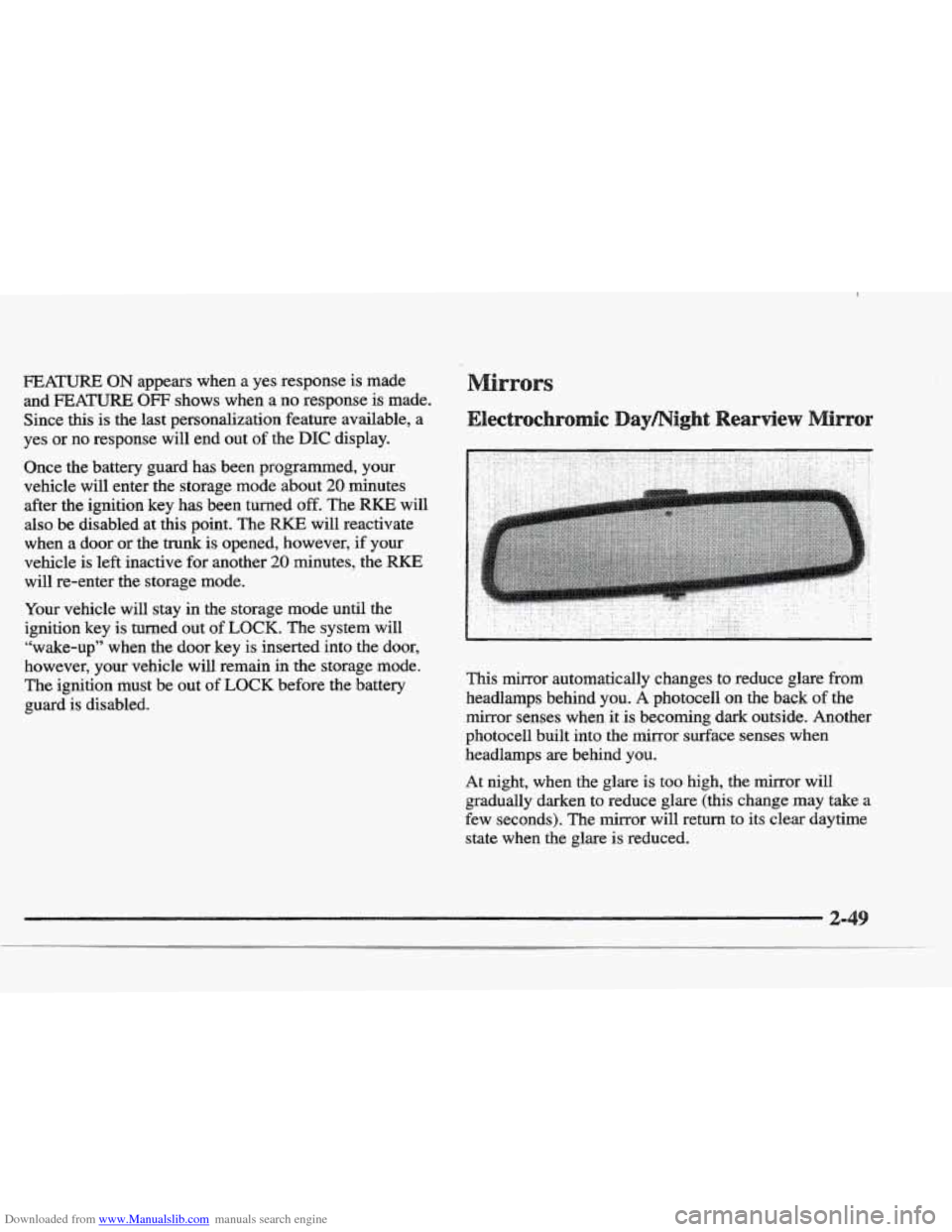
guard is disabled. This mirror automatically changes to reduce
glare from
headlamps behind you. A photocell on the back of the
mirror senses when it
is becoming dark outside. Another
photocell built into the mirror surface senses when
headlamps are behind you.
At night, when the glare is too high, the mirror will
gradually darken to reduce glare (this change
may take a
few seconds). The mirror will return
to its clear daytime
state
when the glare is reduced.
Page 154 of 361
Downloaded from www.Manualslib.com manuals search engine TRANS FLUID RESET - 48: With the engine not
running and the ignition on, press and hold the OFF and
rear defog buttons until the
TRANS FLUID RESET
message appears on the DIC (between five and
20 seconds).
TRANSMISSION HOT - 112: This messages indicates
that the transaxle fluid in your vehicle is too hot. Stop
and allow your vehicle to idle until it cools down or
until this message is removed.
TRUNK OPEN - 24: This message indicates that the
trunk is open when the ignition
is in RUN.
TURN SIGNAL ON - 20: This message is a reminder,
after driving about
a mile, that you have the turn signal
on.
A multiple chime will also sound when this message
is displayed.
VEHICLE SPEED LIMITED TO XXX MPH
(KM/N) - 113: A failure in the suspension control
system has occurred when this message appears. The
PCM determines the speed your vehicle is limited to.
Have your Cadillac serviced if this message appears.
WRY LOW REFRIGERANT A/C COMPRESSOR
OFF - 12: This message means that the air conditioning
system detects a refrigerant level that is low enough to
cause damage to the air conditioning compressor.
To avoid darnage, the air conditioning compressor
automatically turns
off and the Electronic Climate
Control will automatically switch from
AUTO to ECON
and remain there. Have the air conditioning system
serviced if this message appears.
The
CV-RTD automatically adjusts the ride of your
vehicle. Automatic ride control
is achieved through a
computer used to control
and monitor the suspension
system.
The controller receives inputs from various
sensors to determine the proper system response. If the
controller detects a problem within the system, the
DIC
will display a SERVICE RIDE CONTROL message. If
this message appears, have your vehicle serviced at
your
CadilIac dealership.
Page 164 of 361

Downloaded from www.Manualslib.com manuals search engine Some heating and cooling
controls can be adjusted at
the steering wheel. Other
touch controls operate some audio controls. See “Audio
Steering Wheel Controls”
later
in this section.
8 FAN SPEED: Press the up arrow lever to increase
the
fan speed and the down arrow lever to decrease
fan speed.
TEMP: Press the up arrow lever to increase
the temperature and the down arrow lever to
decrease temperature.
With
this feature, your vehicle will recall the latest
climate control settings as adjusted the last time your
vehicle was operated.
This feature allows two different drivers-
to store and recall
their own climate control
settings. The settings recalled by the climate control
system
are determined by which RKE transmitter (“ 1 ”
or “2”) was used to enter the vehicle. The number on the.
back of the
RKE transmitter corresponds to driver 1 or
to driver
2. After the unlock button is pressed on the
RKE transmitter or the ignition key is placed in the
ignition, the climate control settings will automatically
adjust to where’ they were last set. The settings can
also
be changkd by briefly pressing the memory seat buttons
1 or 2 located on the driver’s door.
dio sys
Your Cadillac. audio system has been designed to operate
easily
and give years of listening pleasure. You will get
the most enjoyment
out of it if you acquaint yourself
with it first. Find out what your audio system can do
and how to operate
all its controls, to be sure you’re
getting the most out
of the advanced engineering that
went into it.
Press and hold
HR or MN until the time display begins
to change. Release the button as you get close
to the
correct time. The time may be set anytime. the clock
is
displayed.. There is a two-second delay before the clock
goes into time-set mode.
3-
Page 179 of 361
Downloaded from www.Manualslib.com manuals search engine If ERR or ERROR appears on the display, an error has
occurred
and the compact disc temporarily cannot play.
CD CHANGER ERROR could be displayed for
the following:
The road
is too rough. The disc should play when the
road
is smoother.
The disc is dirty, scratched, wet or loaded label
side up.
@ The air is very humid. If so, wait about an hour and
try again.
CHEK DOOR or CD CHANGER DOOR OPEN is
displayed when the CD changer door is left open.
Completely close
the changer door to restore
normal operation.
CD CHANGER NO DISCS is displayed when an empty
magazine is inserted
in the CD changer. Try the
magazine again with a disc loaded
on one of the trays.
(This message does not appear in
the display on the
standard AM-FM Stereo radios.)
If any error occurs repeatedly or if an error cannot be
corrected, please contact your dealer.
If your radio
displays
an error number, write it down and provide it to
your dealer when reporting
the problem. With this
feature, your vehicle will recall the latest radio
settings as adjusted the last time your vehicle was
operated.
This feature allows two different drivers to
store and recall their own radio settings. The settings
recalled
by the radio are determined by which RKE
transmitter (“1” or “2”) was used to enter the vehicle.
The number on the back
of the RICE transmitter
corresponds to driver
1 or to driver 2. After the unlock
button is pressed on the
RKE transmitter or the ignition
key is placed in the ignition, the radio settings
will
automatically adjust to where they were last set. The
settings can also be changed by briefly pressing the
memory seat buttons
1 or 2 located on the driver’s door.
Your Cadillac has a “built-in” theft-deterrent feature on
each radio that is automatic
-- there is no programming
required. The
radio in your Cadillac cannot be used in
any other vehicle besides another Cadillac if it were to
be removed.
Page 180 of 361
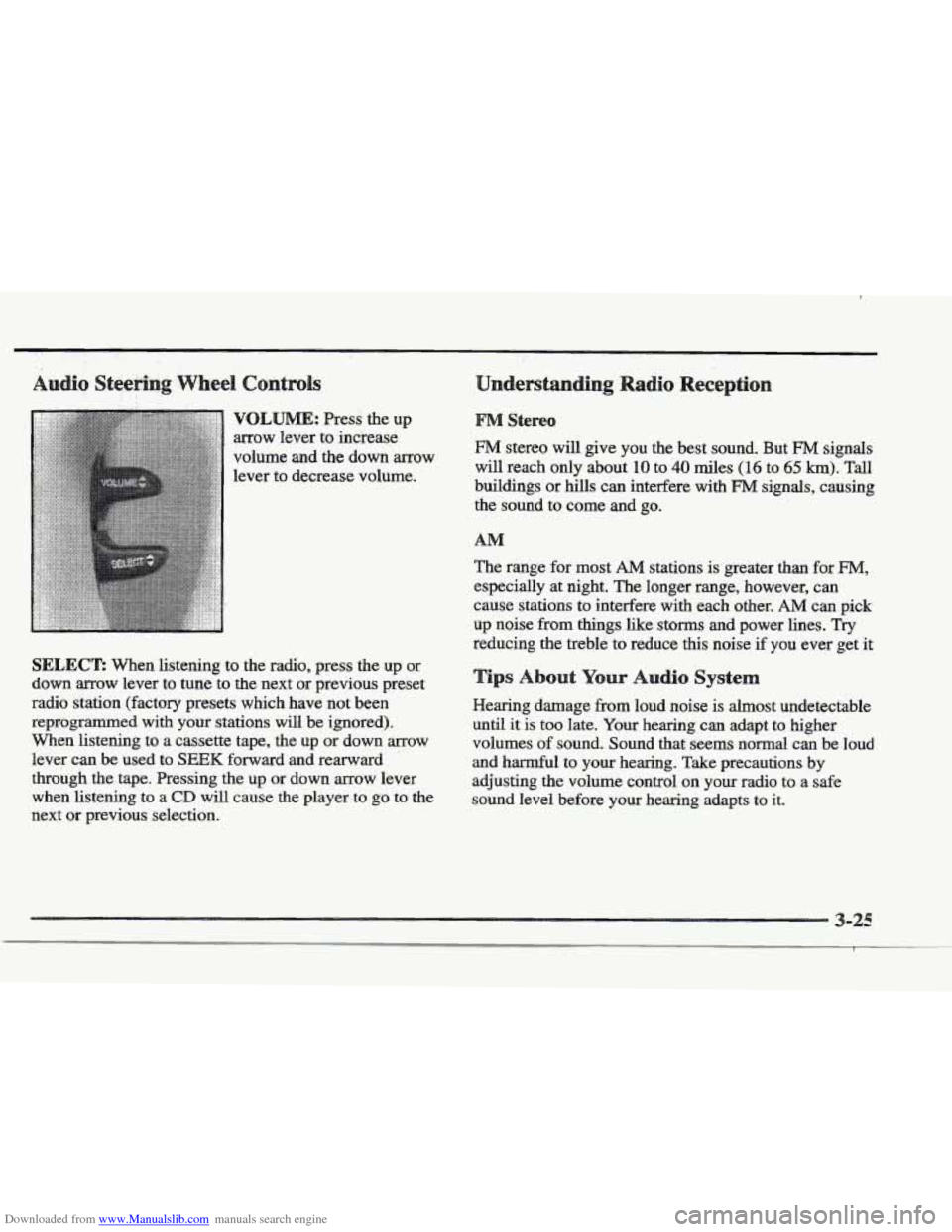
Downloaded from www.Manualslib.com manuals search engine VQLBJME: Press the up
arrow lever to increase
volume and the down arrow
lever to decrease volume.
SELECT: When listening to the radio, press the up or
down arrow lever to tune to the next or previous preset
radio station (factory presets which have not been
reprogrammed with your stations
will be ignored).
When listening to a cassette tape, the
up or down arrow
lever can be used to
SEEK forward and rearward
through the tape. Pressing the up
or down arrow lever
when listening to a
CD will cause the player to go to the
next or previous selection.
§&!reo
FM stereo will give you the best sound. But FM signals
will reach only about 10 to 40 miles (1 6 to 65 km). Tall
buildings or hills can interfere with
FM signals, causing
the sound to come
and go.
The range for most
AM stations is greater than for FM,
especially at night. The longer range, however, can
cause stations
to interfere with each other. AM can pick
up noise from
things like storms and power lines. Try
reducing the treble to reduce this noise if you ever get it
r Audio Syste
Hearing damage from loud noise is almost undetectable
until it
is too late. Your hearing can adapt to higher
volumes
of sound. Sound that seems normal can be loud
and harmful to
your hearing. Take precautions by
adjusting the volume control on your radio to
a safe
sound level before your hearing adapts to it.
Page 190 of 361
Downloaded from www.Manualslib.com manuals search engine The body takes about an hour to rid itself of the alcohol
in one drink. No amount of coffee or number of cold
showers will speed that
up. “I’ll be careful” isn’t the
right answer.
What if there’s an emergency, a need to
take sudden action, as when a child darts into the street?
A person with even a moderate BAC might not be able
to react quickly enough to avoid the collision.
There’s something else about
drinking and driving that
many people don’t
know. Medical research shows that
alcohol
in a person’s system can make crash injuries
worse, especially injuries to
the brain, spinal cord or
heart. This means that when anyone who has been
drinking
-- driver or passenger -- is in a crash, that
person’s chance
of being hlled or permanently disabled
is higher than if the person had not been drinking.
Drinking and then driving is very dangerous.
Your reflexes, perceptions, attentiveness and
judgment can be affected by even a small amount
of alcohol. YQU can have a serious -- or even
fatal
-- colllision if YOU drive after drinking.
Please don’t drink and drive or ride with a driver
o has been drinking. Wide home in a cab; OF if
you’re with
a group, designate a driver who will
not drink.
Page 194 of 361
Downloaded from www.Manualslib.com manuals search engine Remember: Anti-lock doesn’t change the time you need
to get your foot up to the brake pedal
or always decrease
stopping distance. If you get too close to the vehicle
in
front of you, you won’t have time to apply your brakes
if that vehicle suddenly slows or stops. Always leave
enough room up ahead
to stop, even though YOU have
anti-lock brakes.
using Anti-Lock
Don’t pump the brakes. Just hold the brake pedal down
and
let anti-lock work for YOU. You may hear the
anti-lock pump or motor operate, and feel
the brake
pedal pulsate, but this is normal.
Your vehicle has a traction control system that limits wheel
spin.
This is especially useful in slippery road conditions.
The system operates only
if it senses that one or both of
the front wheels are spinning or beginning to lose traction.
When
this happens, the system works the front brakes and
reduces engine power to limit wheel spin.
The TRACTION
ENGAGED message will display on
the Driver Information Center when the traction control
system is limiting wheel spin. See “Driver Information
Center Messages”
in the Index. You may feel or hear the
system working, but this is normal.
If your vehicle is in cruise control when the traction
control system begins to limit wheel spin, the cruise
control will automatically disengage. When road
Conditions allow you
to safely use it again, you may
re-engage the cruise control. (See “Cruise Control” in
the Index.)
This warning light will
come
on to let you know if
there’s a problem with your
traction control system.
See “Traction Control System Warning Light” in the
Index. When this
warning light is on, the system will not
limit wheel
spin. Adjust your driving accordingly.
The traction control system automatically comes on
whenever you start your vehicle.
To liHnit wheel spin,
especially in slippery
road conditions, you should
always leave
the system on. But you can turn the
traction control system
off if you ever need to. (You