Page 104 of 422
Parking Brake
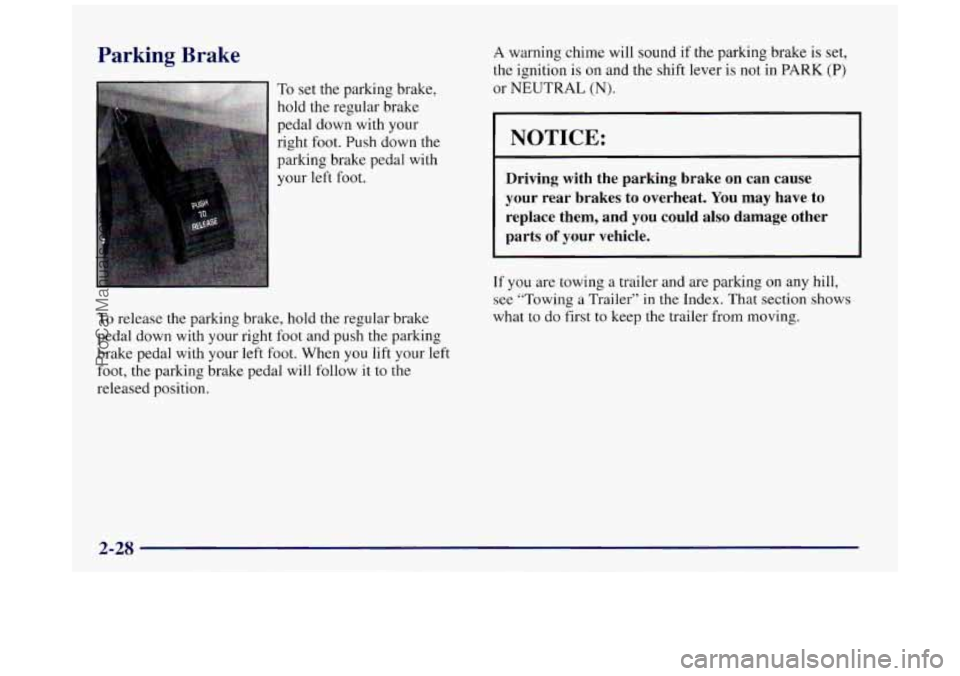
To set the parking brake,
hold the regular brake
pedal down with your
right foot. Push down
the
parking brake pedal with
your
left foot,
To release the parking brake, hold the regular brake
pedal down with your right foot and push the parking
brake pedal with your left foot. When
you lift your left
foot, the parking brake pedal will follow it
to the
released position.
A warning chime will sound if the parking brake is set,
the ignition
is on and the shift lever is not in PARK (P)
or NEUTRAL (N).
I NOTICE:
Driving with the parking brake on can cause
your rear brakes to overheat. You may have to
replace them, and
you could also damage other
parts
of your vehicle.
If you are towing a trailer and are parking on any hill,
see “Towing
a Trailer” in the Index. That section shows
what
to do first to keep the trailer from moving.
2-28
ProCarManuals.com
Page 105 of 422
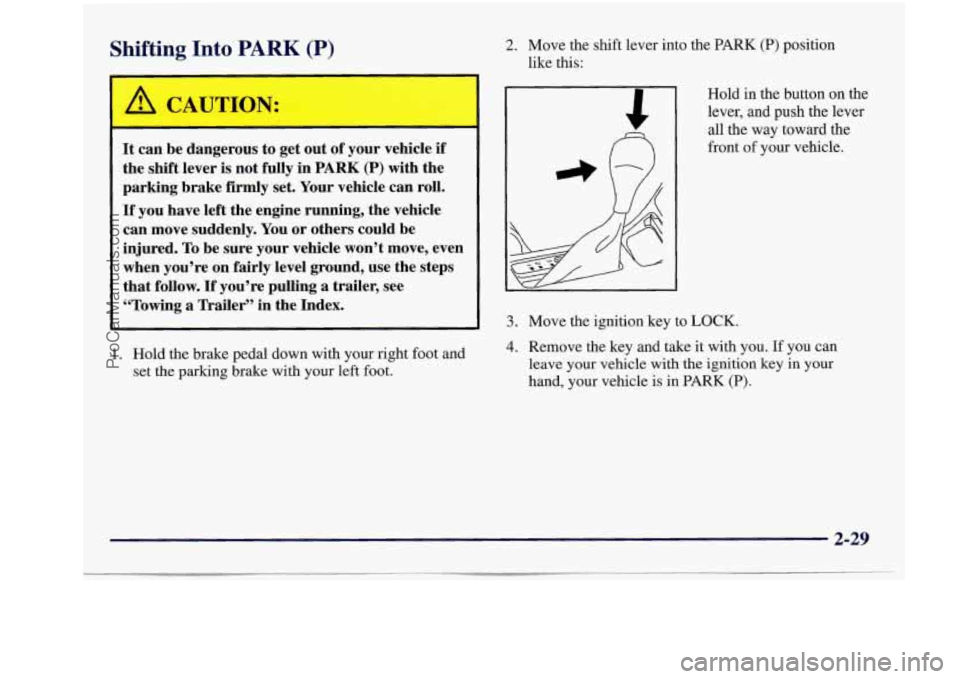
Shifting Into PARK (P) 2. Move the shift lever into the PARK (P) position
like this:
It can be dangerous to get out of your vehicle if
the shift lever
is not fully in PARK (P) with the
parking brake firmly set. Your vehicle can roll.
If you have left the engine running, the vehicle
can move suddenly. You or others could be
injured.
To be sure your vehicle won’t move, even
when you’re on fairly level ground, use the steps
that follow.
If you’re pulling a trailer, see
“Towing
a Trailer” in the Index.
1. Hold the brake pedal down with your right foot and
set the parking brake with your left foot. Hold in the button on the
lever, and
push the lever
all the way toward the
front
of your vehicle.
3. Move the ignition key to LOCK.
4. Remove the key and take it with you. If you can
leave your vehicle
with the ignition key in your
hand, your vehicle is in
PARK (P).
2-29
ProCarManuals.com
Page 109 of 422
I
I
It can be dangerous to get out of your vehicle if
the shift lever is not fully in PARK (P) with the
parking brake
firmly set. Your vehicle can roll.
Don’t leave your vehicle when the engine
is
running unless you have to. If you’ve left the
engine running, the vehicle can move suddenly.
You or others could be injured.
To be sure your
vehicle won’t move, even when you’re on fairly
level ground, always set your parking brake and
move the shift lever to
PARK (P).
Follow the proper steps to be sure your vehicle won’t
move. See “Shifting Into
PARK (P)” in the Index.
If you are parking on a hill and if you’re pulling a
trailer, also see “Towing a Trailer” in the Index.
Windows
Power Windows
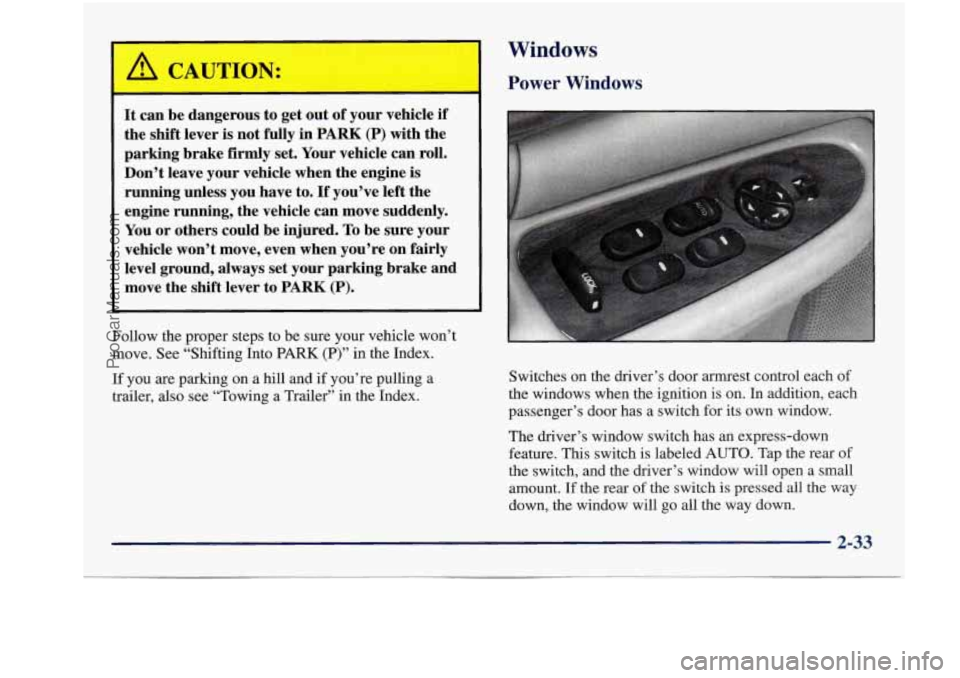
Switches on the driver’s door armrest control each of
the windows when the ignition is on. In addition, each
passenger’s door has a switch for its own window.
The driver’s window switch has an express-down
feature. This switch is labeled
AUTO. Tap the rear of
the switch, and the driver’s window will open a small
amount. If the rear of the switch
is pressed all the way
down, the window will go all the way down.
2-33
ProCarManuals.com
Page 112 of 422
As you signal a turn or a lane change, if the arrow
flashes faster than normal, a signal bulb may be
burned out and other drivers won’t see your turn signal.
If a bulb is burned out, replace it to
help avoid an
accident. If the arrows don’t go on at all when you
signal a turn, check for burned-out bulbs and then check
the fuse (see “Fuses and Circuit Breakers” in the Index).
A chime will sound if you leave your turn signal on for
more than
3/4 mile (1.2 km).
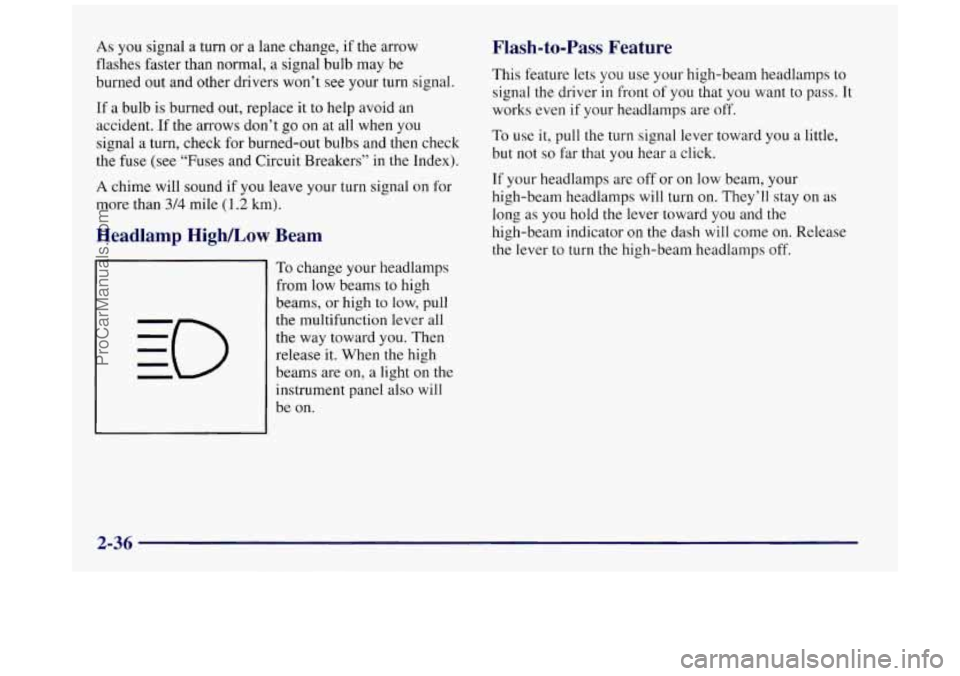
Headlamp HigWLow Beam
To change your headlamps
from low beams to high
beams, or high to low, pull
the multifunction lever all
the way toward you. Then
release it. When the high
beams are on, a light on the
instrument panel also will
be on.
Flash-to-Pass Feature
This feature lets you use your high-beam headlamps to
signal
the driver in front of you that you want to pass. It
works even if your headlamps are off.
To use it, pull the turn signal lever toward you a little,
but not
so far that you hear a click.
If your headlamps are off or on low beam, your
high-beam headlamps will turn
on. They’ll stay on as
long as
you hold the lever toward you and the
high-beam indicator on the dash will come on. Release
the lever to turn
the high-beam headlamps off.
2-36
ProCarManuals.com
Page 123 of 422
Mirrors
Adjust all the mirrors so you can see clearly when YOU
are sitting in a comfortable driving position.
Inside Daymight Rearview Mirror Electrochromic
Daymight Rearview Mirror
(If Equipped)
To reduce glare from lamps behind you, pull the lever
toward
you (to the night position). To return the mirror
back to the day position, push the lever away from
you.
Your Buick may have an electrochromic dayhight
rearview mirror.
Push the button in the center of the
mirror to turn
this feature on. The mirror will darken
gradually
to reduce glare from headlamps behind you.
This may take
a few moments.
2-47
ProCarManuals.com
Page 125 of 422
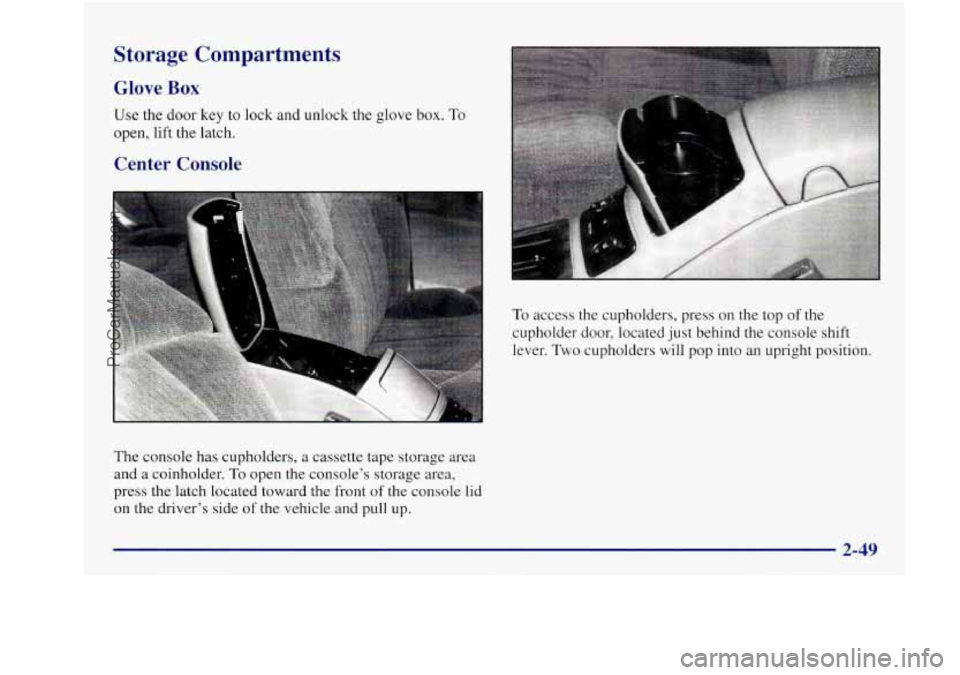
To access the cupholders, press on the top of the
cupholder door, located just behind the console shift
lever.
Two cupholders will pop into an upright position.
Storage Compartments
Glove Box
Use the door key to lock and unlock the glove box. To
open, lift the latch.
Center Console
The console has cupholders, a cassette tape storage area
and a coinholder.
To open the console’s storage area,
press the latch located toward
the front of the console lid
on the driver’s side
of the vehicle and pull up.
2-49
ProCarManuals.com
Page 126 of 422
Pass-through Trunk (If Equipped) Convenience Net (If Equipped)
If your vehicle has this feature,
you may access your
trunk by pulling down the center back seat cushion--this
gives
you access to the pass-through door. The door can
only be unlocked using your door key. Once this door
is
unlocked, you will then have access to the trunk area.
To access
the rear cupholders, once again, pull down on
the cloth strap located toward the top
of your center
back seat cushion. You will then have access to the dual
oversized cupholders. Your
vehicle may have
a convenience net. You’ll see it
on the back wall of the trunk.
Put small loads, like grocery bags, behind
the net. It can
help keep them from falling over during sharp turns or
quick starts and stops.
The net isn’t for larger, heavier loads. Store those in the
trunk
as far forward as you can.
You can unhook the net
so that it will lie flat when
you’re
not using it.
2-50
ProCarManuals.com
Page 137 of 422
Brake System Warning Light
Your Buick’s hydraulic brake system is divided into two
parts. If one part isn’t working, the other part can still
work and stop you. For good braking, though, you need
both parts working well.
If the warning light comes on, there could be a brake
problem. Have your brake system inspected right away.
This light should come on briefly when you turn
the ignition key
to RUN.
If it doesn’t come on then,
have it fixed
so it will
be ready to warn you if
there’s a problem.
BRAKE
If the light comes on while you are driving, pull off the
road and stop carefully. You may notice that
the pedal is
harder to push.
Or, the pedal may go closer to the floor.
It may take longer to stop. If the light is still on, or
if the anti-lock brake system warning light
is flashing, have
the vehicle towed for service. (See “Anti-Lock Brake
System Warning Light” and “Towing Your Vehicle” in
the Index.)
Your brake system may not be working properly
if the brake system warning light is on. Driving
with the brake system warning light on can lead
to an accident. If the light is still on or if the
anti-lock brake system warning light is flashing
after you’ve pulled off the road and stopped
carefully, have the vehicle towed for service.
When the ignition is on, the brake system warning light will also come on when you’ set your parking brake. The
light will stay on if your parking brake doesn’t release
fully. If
it stays on after your parking brake is fully
released, it means you have a brake problem.
2-61
ProCarManuals.com