1996 CHEVROLET TAHOE light
[x] Cancel search: lightPage 83 of 403
Downloaded from www.Manualslib.com manuals search engine 4HI: This setting engages your front axle to help
drive your vehicle. Use 4HI when
you need extra
traction, such as on snowy or icy roads, or in most
off-road situations.
4LO: This setting also engages your front axle'to give
you extra traction.
You may never need 4LO. It sends
the maximum power to all four wheels. You might
choose 4LO if
you were driving off-road in sand, mud
or deep snow and climbing or descending steep hills.
Indicator lights in the switches show
you which setting
you are in. The indicatorlights will come on briefly
when ,you turn on the ignition and one will stay on. If
the lights do not come on, you should take your vehicle
in for service. An indicator light will flash while
shifting. It will remain illuminated when the shift
is completed.
Shifting from 2HI to 4HI
,Press and release the 4HI switch. This can be done at any
speed,
and the indicator light will flash while shifting. It
will remain illuminated when the shift is completed.
Shifting from 4HI to 2HI
Press and release the 2HI switch. This can be done at
any speed, and the system will unlock automatically.
Shifting from 2HI or 4HI to 4LO
To shift from 2HI or 4HI to 4L0, the vehicle must be
stopped or moving less than
3 mph (4.8 km/h) with the
transmission in NEUTRAL (N). The preferred method
for shifting into 4LO is to have your vehicle moving
1 to 2 mph (1.6 to 3.2 km/h). Press and release the
4LO switch. You must wait for the 4LO indicator light
to stop flashing and remain illuminated before shifting
your transmission into gear.
If the 4LO switch is pressed when your vehicle is in
gear and/or moving, the 4LO indicator light will flash
for
30 seconds and not complete the shift unless your
vehicle is moving slower than
3 mph (4.8 km/h) and the
transmission is in NEUTRAL (N).
I 2-20
Page 84 of 403
Downloaded from www.Manualslib.com manuals search engine Shifting from 4LO to 4HI or 2HI
To shift from 4LO to 4HI or 2HI your vehicle must be
stopped or moving less than
3 mph (4.8 kdh) with the
transmission
in NEUTRAL (N). The preferred method
for shifting out of 4LO is to have your vehicle moving
1 to 2 mph (1.6 to 3.2 kdh). Press and release the 4HI
switch.
You must wait for the 4HI indicator light to stop
flashing and remain illuminated before shifting your
transmission into gear.
If the 4HI switch is pressed when your vehicle is in
gear and/or moving, the 4HI indicator light
will flash
for
30 seconds but not complete the shift unless the
vehicle is moving slower than
3 mph (4.8 kdh) and
the transmission is
in NEUTRAL (N).
Parking Brake
To set the parking brake, hold the regular brake pedal
down
with your right foot. Push down the parking brake
pedal with your left foot.
If the ignition
is on, the brake system warning light will
come on.
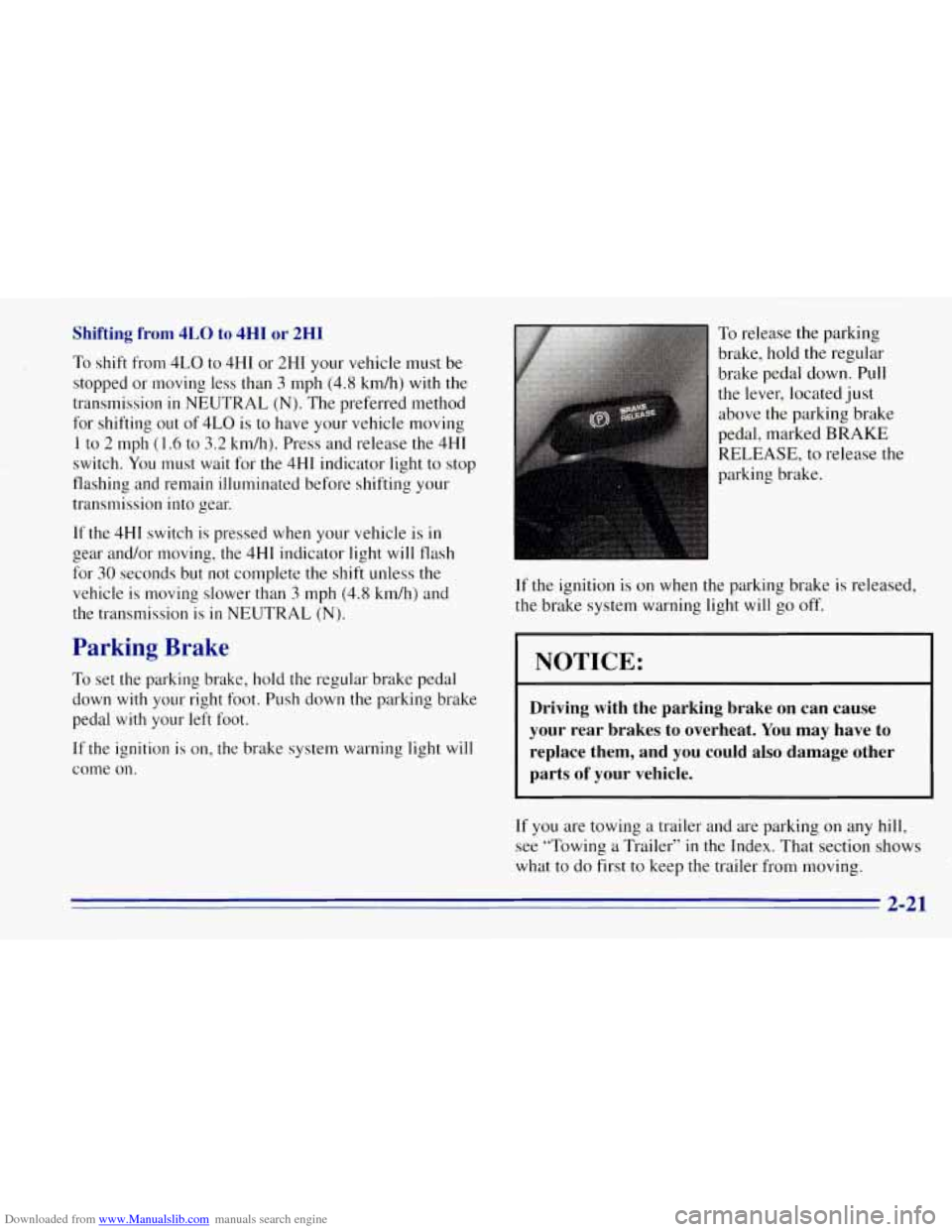
To release the parking
brake, hold the regular
brake pedal down. Pull
the lever, located just
above the parking brake
pedal, marked
BRAKE
RELEASE, to release the
parking brake.
If the ignition is on when the parking brake is released,
the brake system warning light will
go off.
NOTICE:
Driving with the parking brake on can cause
your rear brakes to overheat. You may have to
replace them, and you could also damage other
parts
of your vehicle.
If you are towing a trailer and are parking on any hill,
see “Towing a Trailer” in the Index. That section
shows
what to do first to keep the trailer from moving.
2-21
Page 90 of 403

Downloaded from www.Manualslib.com manuals search engine Windows
Manual Windows
To open your manual windows, turn the hand crank on
each door to raise or lower your side door windows.
Power Windows (Option)
If you have the optional
power windows, the controls are on each of the
side doors.
The driver’s door has a switch for the passenger
windows as well. Your power windows will work when
the ignition has been turned to
ACC or RUN.
Push the rear of the switch with the power window
symbol on it to lower the window.
Push the front of the switch with the power window
symbol on
it to raise the window.
The driver’s window switch has an express down feature
that allows the window to lower without holding the
switch. Press and hold the side
of the window switch
marked
AUTO for one second to activate the express
down mode. The express down mode can be canceled at
any time by pressing the opposite side
of the switch. To
open the window part way, lightly tap the switch until
the window is at the desired position.
If you have a four-door vehicle and power windows, the
power window switch has a lockout feature. This feature
prevents the rear windows from operating except from
the driver’s position, when the front driver’s side switch
is in the lockout position. When the switch is moved out
of the lockout position, the rear power windows will
operate again.
Electric Tailgate Glass Release
Before operating your electric tailgate glass release, see
the caution under “Your Doors and How They Work’’ in
this section.
2-27
Page 93 of 403

Downloaded from www.Manualslib.com manuals search engine If you move the lever all the way up or down and
the arrow flashes at twice the normal rate, a signal
bulb may be burned out and other drivers may not see
your turn signal.
If a bulb is burned out, replace it to help avoid an
accident. If the arrows don’t go on at all when you
signal a turn, check for burned-out bulbs and a blown
fuse (see “Fuses” in the Index).
Headlamp HighLow Beam Changer
To change the headlamps from low beam to high or high
to low, pull the turn signal lever all the way toward you.
Then release it.
When the high beams
are
on, this light on the
instrument panel also
will be on.
Windshield Wipers
You control the windshield
wipers by turning the knob
with the wiper symbol on it.
For a single wiping cycle, turn the knob to MIST. Hold
it there until the wipers start, then let go. The wipers will
stop after
one cycle. If you want more cycles, hold the
knob on MIST longer.
You can set the wiper speed for a long
or short delay
between wipes. This can be very useful in light rain
or
snow. Turn the knob to choose the delay time. The
closer
to LOW, the shorter the delay.
For steady wiping at
low speed, turn the knob to
the
LOW position. For high-speed wiping, turn the
knob further, to
HIGH. To stop the wipers, move the.
knob to OFF.
2-30 -
Page 98 of 403
Downloaded from www.Manualslib.com manuals search engine Ending Cruise Control Lamps
There are two ways to turn off the cruise control:
Step lightly on the brake pedal; OR
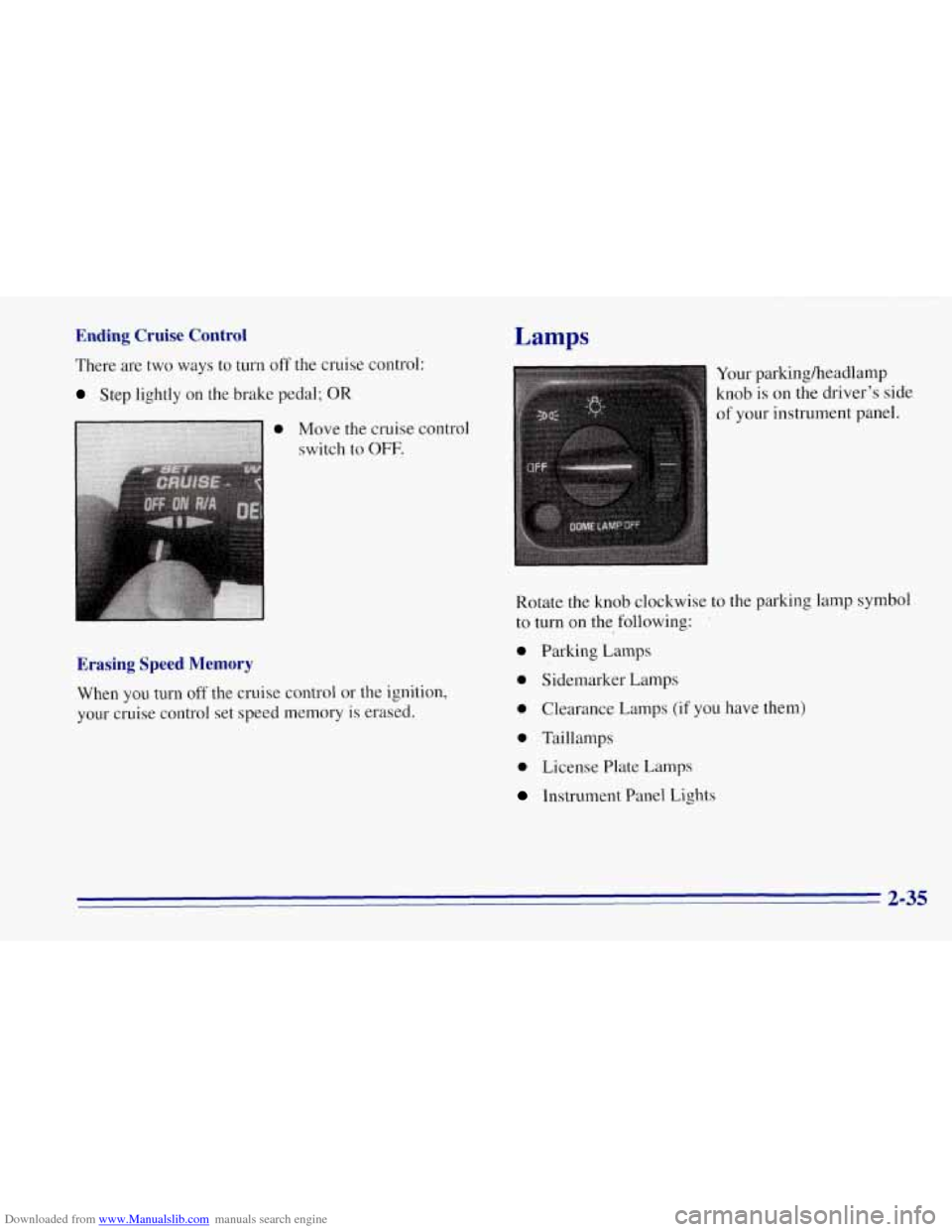
Move the cruise control
switch to
OFF.
Erasing Speed Memory
When you turn off the cruise control or the ignition,
your cruise control set speed memory is erased. Your
parkingheadlamp
knob is
on the driver’s side
of your instrument panel.
Rotate the knob clockwise to the parking lamp symbol
to turn on the following:
’
0 Parking Lamps
0 Sidemarker Lamps
0 Clearance Lamps (if you have them)
0 Taillamps
0 License Plate Lamps
Instrument Panel Lights
2-35
Page 99 of 403
Downloaded from www.Manualslib.com manuals search engine Rotate the knob clockwise again to the master
lighting symbol to turn on all
the lamps listed as
well as the headlamps.
Rotate the knob counterclockwise to the
OFF symbol to
turn
off your lamps.
Rotate the thumb wheel next to the knob up
to adjust
instrument panel lights. Rotate the thumb wheel up to
the first notch
to return the radio display and gearshift
indicator LED display to full intensity when the
headlamps or parking lamps are on.
To turn on the dome
lamps (with the vehicle doors closed) rotate the thumb
wheel up to the second notch position.
You can switch your headlamps from high
to low beam
by pulling on the turn signalhigh beam lever.
A circuit breaker protects your headlamps. If you have
an electrical overload, your headlamps will flicker on
and
off. Have your headlamp wiring checked right away
if this happens.
Headlamps-On Reminder
A buzzer will sound when your headlamps are turned
on and your ignition
is in OFF, LOCK or ACCESSORY.
If you need to use your headlamps when the ignition
switch is
in OFF, LOCK or ACCESSORY, the buzzer
can be turned off
by turning the thumb wheel next to the
parkingheadlamp switch all the way down.
Daytime Running Lamps
Daytime Running Lamps (DRL) can make it easier
for others to see the front of your vehicle during the
day. DRL can be helpful in many different driving
conditions, but they can be especially helpful
in the
short periods after dawn and before sunset.
The DRL system will make your headlamps come on
at a reduced brightness when:
The ignition is on,
0 The headlamp switch is off, and
The parking brake is released.
2-36
Page 100 of 403
Downloaded from www.Manualslib.com manuals search engine When the DRL are on, only your headlamps will be on.
The taillamps, sidemarker and other lamps won’t be on.
Your instrument panel won’t be
lit up either.
When
it begins to get dark, your DRL indicator light
is a reminder to
turn your headlamp switch on. The
other lamps that come on with your headlamps will
also come on.
When you
turn the headlamp switch off, the regular
lamps will go
off, and your headlamps will change to
the reduced brightness of DRL.
To idle your vehicle
with the DRL off, set the parking
brake. The DRL will stay
off until you release the
parking brake.
As with any vehicle, you should turn on the regular
headlamp system when
you need it.
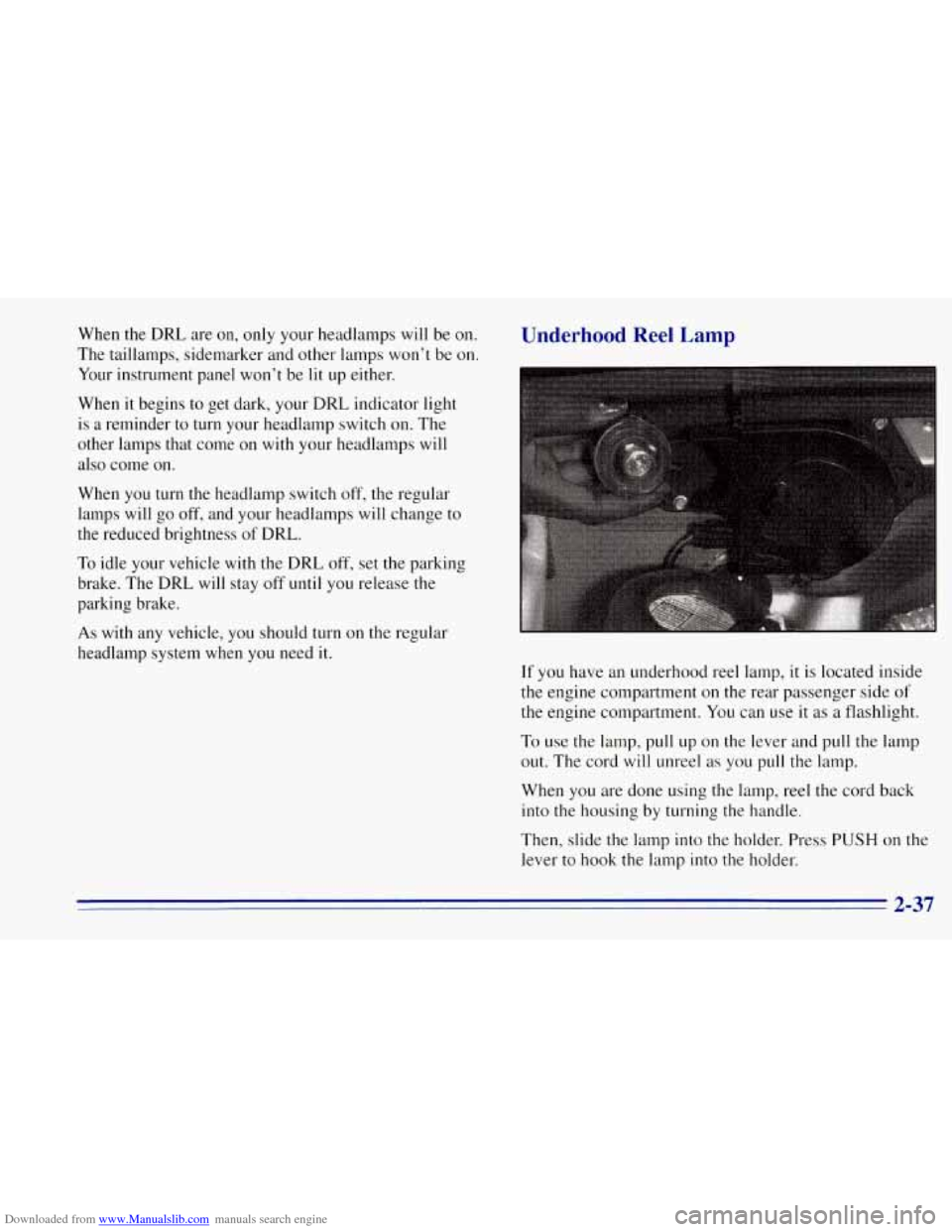
Underhood Reel Lamp
If you have an underhood reel lamp, it is located inside
the engine compartment on the rear passenger side
of
the engine compartment. You can use it as a flashlight.
To use the lamp, pull up on the lever and pull the lamp
out. The cord
will unreel as you pull the lamp.
When
you are done using the lamp, reel the cord back
into the housing by turning the handle.
Then, slide the lamp into the holder. Press
PUSH on the
lever to hook the lamp into the holder.
2-37
Page 102 of 403
Downloaded from www.Manualslib.com manuals search engine Reading Lamps
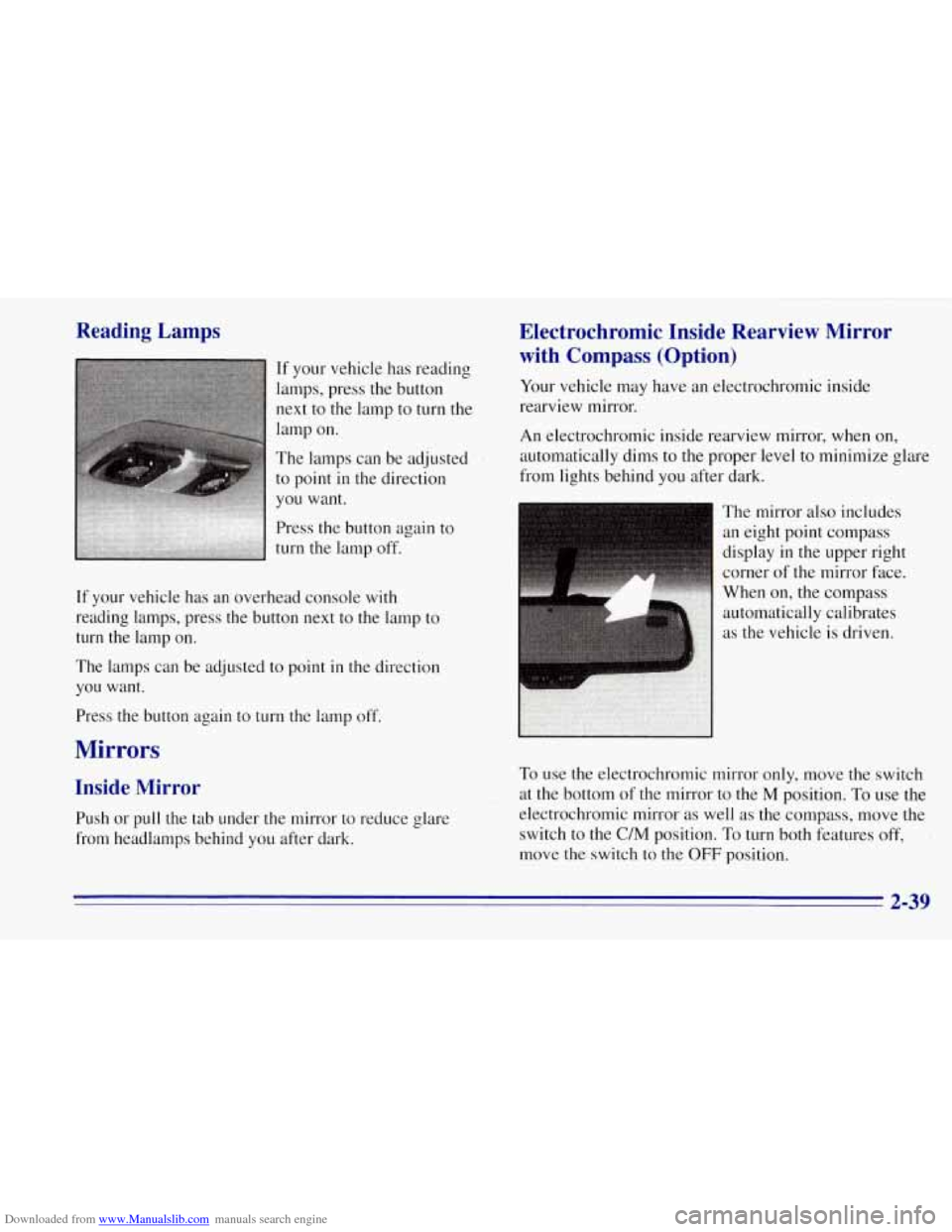
If your vehicle has reading
lamps, press the button
next to the lamp
to turn the
lamp on.
The lamps can be adjusted
to point in the direction
you want.
Press the button again to
turn the lamp off.
If your vehicle has an overhead console with
reading lamps, press the button next to the lamp to
turn the lamp on.
The lamps can be adjusted to point in the direction
you want.
Press the button again to turn the lamp off.
Mirrors
Inside Mirror
Push or pull the tab under the mirror to reduce glare
from headlamps behind
you after dark.
Electrochromic Inside Rearview Mirror
with Compass (Option)
Your vehicle may have an electrochromic inside
rearview mirror.
An electrochromic inside rearview mirror, when on,
automatically dims to the proper level to minimize glare
from lights behind you after dark.
The mirror also includes
an eight point compass
display in the upper right
corner of the mirror face.
When
on, the compass
automatically calibrates
as the vehicle is driven.
To use the electrochromic mirror only, move the switch
at the bottom of
the mirror to the M position. To use the
electrochromic mirror as well as the compass, move the
switch to the
C/M position. To turn both features off,
move the switch to the
OFF position.
2-39