1996 CHEVROLET TAHOE CD player
[x] Cancel search: CD playerPage 153 of 403
Downloaded from www.Manualslib.com manuals search engine BASS: Press lightly on this knob to release it from its
stored position. Turn the knob clockwise to increase the
bass and counterclockwise to decrease the bass. When
the BASS control is rotated, the AUTO TONE setting
will change to MAN. Push the knob back in to its stored
position when done.
TREB: Press lightly on the TREB knob to release it
from its stored position. Turn the knob clockwise to
increase the treble and counterclockwise to decrease the
treble. When the TREB control is rotated, the AUTO
TONE setting will change to MAN. Push the knob back
in
to its stored position when done.
Adjusting the Speakers
BAL: Press this button to remove the control from its
stored position. Turn the control clockwise
to adjust
sound to the right speakers and counterclockwise to
adjust sound to the
left speakers. Press the button again
to return BAL to its stored position.
FADE: Press this button to remove the control from its
stored position. Turn the control clockwise
to adjust the
sound
to the front and counterclockwise for rear
speakers. Press the button again to return FADE to its
stored position.
Playing a Compact Disc
PWR: Press this knob to turn the system on.
(Please note that you can also turn the system on
when you insert a compact disc into the player with
the ignition on.)
Insert a disc partway into the slot, label side up. The
player will pull it in. Wait a few seconds and the disc
should play. CD and a CD symbol will also appear on
the display. Anytime you are playing a CD, the letters
CD will be next to the CD symbol.
If the disc comes back out and ERR appears on the
display, it could be that:
0 You are driving on a very rough road. (The disc
should play when the road gets smoother.)
0 The disc is upside down.
0 It is dirty, scratched or wet.
It is very humid. (If so, wait about an hour and
try again.)
0 The disc player is very hot.
Press RECALL to make ERR go off the display.
3-22 P
Page 154 of 403
Downloaded from www.Manualslib.com manuals search engine RECALL: Press this button to see what track is playing.
Press it again within five seconds to see how long the
CD has been playing that track. Elapsed time is
displayed in minutes and tenths of a second. The track
number will also appear when a new track begins to
play. Press RECALL again to return to the time display.
PREV (1): Press PREV or the SEEK left arrow to
search for the previous selection. If you hold this button
or press it more than once, the disc will advance further.
Sound is muted in this mode.
RDM (2): Press this button to play the tracks on the disc
in random (instead of
1, 2, 3. . .) order. While in the
RDM mode, RANDOM appears on the display. Press
RDM again to return to normal play.
NEXT (3): Press NEXT or the SEEK right arrow to
search for the next selection.
If you hold this button or
press it more than once, the disc will advance further.
The next track number will appear on the display. Sound
is muted in this mode.
REV (4): Press and hold REV to return rapidly to a
favorite passage. You will hear the disc selection play at
high speed while you press the REV button. This allows
you to listen and find out when the disc is at the desired
selection. Release REV
to resume playing.
FWD (6): Press and hold this button to advance rapidly
within a track. You will hear the disc selection play at
high speed while you press the FWD button. This allows
you to listen and find out when the disc is at the desired
selection. Release FWD to resume playing.
AM-FM: While in the CD mode, press this button to
stop playing the CD and play the radio. The CD symbol
will still display but the word CD will
be replaced with
either
AM, FMl or FM2. (If the radio is turned off, the
disc stays in the player and will resume playing at the
point where
it stopped.)
CD AUX: To switch between the player and the radio
when a disc is playing, press the AM-FM button.
To
return to the player, press CD AUX. When a disc is
playing, the letters CD and the CD symbol will appear
on the display. (If the radio is turned off, the disc stays
in the player and will resume playing at the point where
it stopped.)
EJECT: Press this button to eject the disc from the
player and play the radio. When the same or a new disc
is inserted, the disc will start playing on track one. If a
compact disc is left sitting in the opening for more than
a few seconds, the player will pull the CD back in. The
radio will continue playing. When the ignition
is off,
press this button to load a CD.
3-23
Page 157 of 403
Downloaded from www.Manualslib.com manuals search engine To unlock a secured radio, see “Unlocking the
Theft-Deterrent Feature After a Power
Loss” earlier in
this section.
Understanding Radio Reception
FM Stereo
FM stereo will give you the best sound. But FM signals
will reach only about
10 to 40 miles (16 to 65 krn). Tall
buildings or hills can interfere with
FM signals, causing
the sound to come and go.
AM
The range for most AM stations is greater than for FM,
especially at night. The longer range, however, can
cause stations to interfere with each other. AM can pick
’ up noise from things like storms and power lines. Try
reducing the treble
to reduce this noise if you ever get it.
Tips About Your Audio System
Hearing damage from loud noise is almost undetectable
until it
is too late. Your hearing can adapt to higher
volumes
of sound. Sound that seems normal can be loud
and harmful
to your hearing. Take precautions by
adjusting the volume control on your radio to a safe
sound level before your hearing adapts to it. To
help avoid hearing loss or damage:
Adjust the volume control to the lowest setting.
Increase volume slowly until you hear comfortably
and clearly.
NOTICE:
Before you add any sound equipment to your
vehicle
-- like a tape player, CB radio, mobile
telephone or two-way radio
-- be sure you can add
what you want.
If you can, it’s very important to
do it properly. Added sound equipment may
interfere with the operation of your vehicle’s
engine, Delco radio
or other systems, and even
damage them. Your vehicle’s systems may interfere
with the operation
of sound equipment that has
been added improperly.
So, before adding sound equipment, check with
your dealer and be sure to check Federal rules
I covering mobile radio and telephone units.
3-26
Page 158 of 403
Downloaded from www.Manualslib.com manuals search engine Care of Your Cassette Tape Player
A tape player that is not cleaned regularly can cause
reduced sound quality, ruined cassettes or a damaged
mechanism. Cassette tapes should be stored in their
cases away from contaminants, direct sunlight and
extreme heat. If they aren’t, they may not operate
properly 9r may cause failure of the tape player.
Your tape player should be cleaned regularly after every
50 hours of use. Your radio may display CLN to indicate
that you have used your tape player for
50 hours without
resetting the
tape clean timer. If you notice a reduction in
sound quality, try a known good cassette to see if the tape
or the tape player is at fault. If this other cassette has n\
o
improvement in sound quality, clean the tape player.
Cleaning.may be done with a scrubbing action,
non-abrasive cleaning cassette with pads which scrub
the tape head as the hubs
of the cleaner cassette turn.
It is normal for the cassette
to eject while cleaning
because your unit is equipped with a cut tape feature.
To temporarily override this feature (for one insertion),
turn the radio
off and press and hold TAPE AUX until
the tape symbol flashes on the display, then insert the
cassette again. Insert the cassette at least three times to
ensure thorough cleaning.
A scrubbing action cleaning
cassette is available through your
GM dealer.
You may
also choose a non-scrubbing action, wet-type
cleaner which uses a cassette with a fabric belt to clean
the tape head. This type of cleaning cassette will not
eject. It may not clean as thoroughly as the scrubbing
type cleaner.
Cassettes are subject to wear and the sound quality may
degrade over time. Always make sure that
the cassette
tape is in good condition before you have your tape
player serviced.
3-27
Page 391 of 403
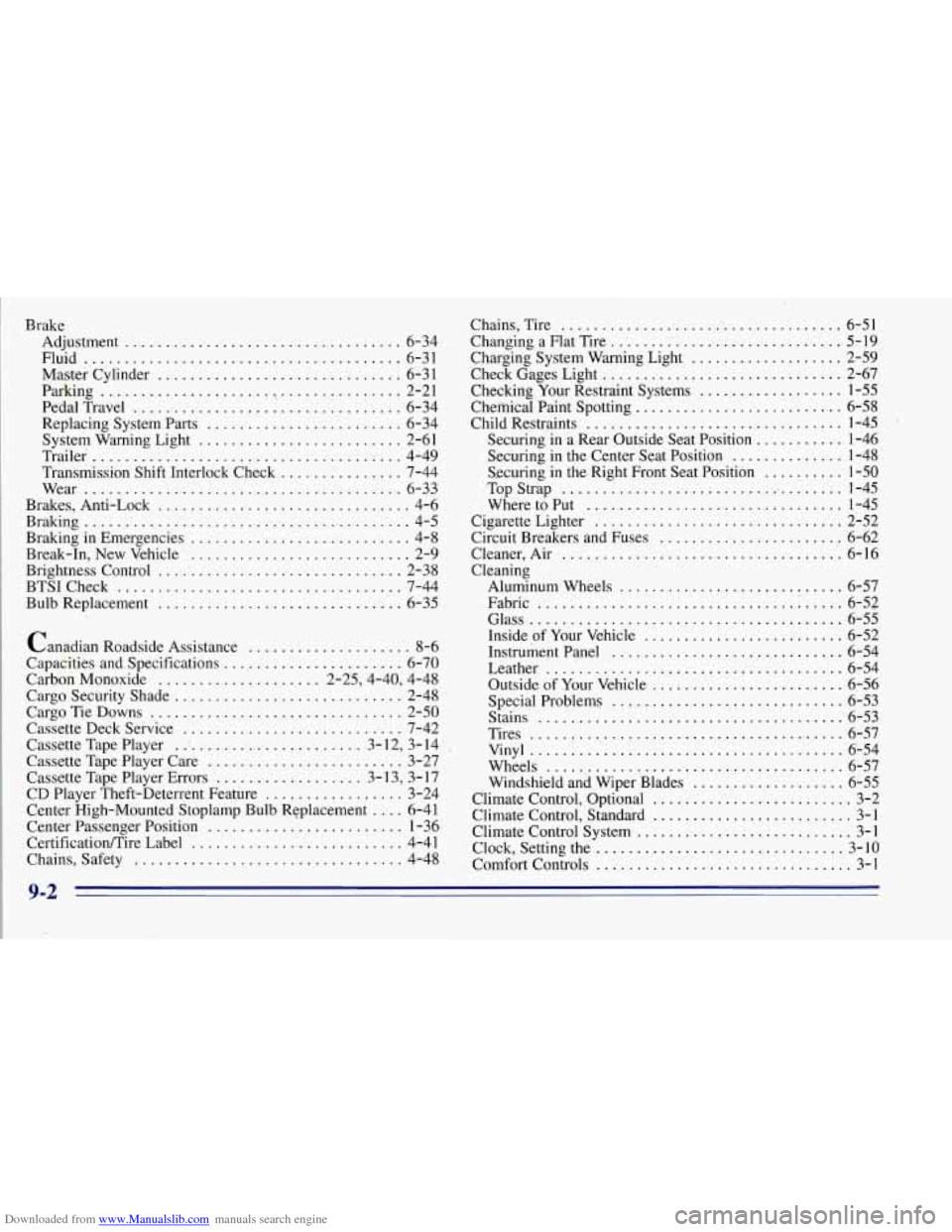
Downloaded from www.Manualslib.com manuals search engine Brake Adjustment
.................................. 6-34.
Fluid
....................................... 6-31
Master Cylinder .............................. 6-3 1
Parking ...................................... 2-21
PedalTravel
.................................. 6-34
Replacing System Parts
........................ 6-34
System Warning Light
......................... 2-61
Trailer
...................................... 4-49
Transmission Shift Interlock Check
...... : ........ 7-44
Wear
....................................... 6-33
Brakes, Anti-Lock
............................... 4-6
Braking
......................................... 4-5
Braking in Emergencies
........................... 4-8
Break-In, New Vehicle
........................... 2-9
Brightness Control
.............................. 2-38
BTSICheck
................................... 7-44
Bulb Replacement .............................. 6-35
Canadian Roadside Assistance
.................... 8-6
Capacities and
. Specifications ...................... 6-70
Carbon Monoxide
.................... 2.25.4.40, 4.48
Cargo Security Shade
............................ 2-48
Cargo Tie Downs
............................... 2-50
Cassette Deck Service
........................... 7-42
Cassette Tape Player
.. ' ..................... 3- 12. 3- 14
Cassette Tape Player Care
........................ 3-27
Cassette Tape Player Errors
.................. 3- 13. 3. 17
CD Player Theft-Deterrent Feature
................. 3-24
Center High-Mounted Stoplamp Bulb Replacement
.... 6-41
Center Passenger Position
........................ 1-36
CertificationEire Label
.......................... 4-41
Chains. Safety
................................. 4-48 Chains. Tire
.................................... 6-51
Changing a Flat Tire
................ .. ............. 5-19
Charging System Warning Light
................... 2-59
Check Gages Light
.............................. 2-67
Checking Your Restraint Systems
.................. 1-55
Chemical Paint Spotting
.......................... 6-58
Child Restraints
................................ 1-45
Securing in a Rear Outside Seat Position
........... 1-46
.Securing in the Center Seat Position
.............. 1-48
Securing
in the Right Front Seat Position .......... 1-50
Top Strap
.................................... 1-45
WheretoPut
................................ 1-45
Circuit Breakers and Fuses
........................ 6-62
Cleaner.Air
................................... 6-16
Cigarette Lighter
............................... 2-52
Cleaning Aluminum Wheels
............................ 6-57
Fabric
...................................... 6-52
Glass
........................................ 6-55
Inside
of Your Vehicle ......................... 6-52
Instrument Panel
.............................. 6-54
Leather
..................................... 6-54
Outside of Your Vehicle
........................ 6-56
Special Problems
............................. 6-53
Stains
...................................... 6-53
Tires
........................................ 6-57
Vinyl
....................................... 6-54
Wheels
..................................... 6-57
Windshield and Wiper Blades
................... 6-55
Climate Control, Optional
......................... 3-2
Climate Control, Standard
......................... 3-1
Climate Control System
........................... 3-1
Clock, Setting the
................................ 3-10
Comfort Controls
................................ 3-1
9-2
Page 392 of 403
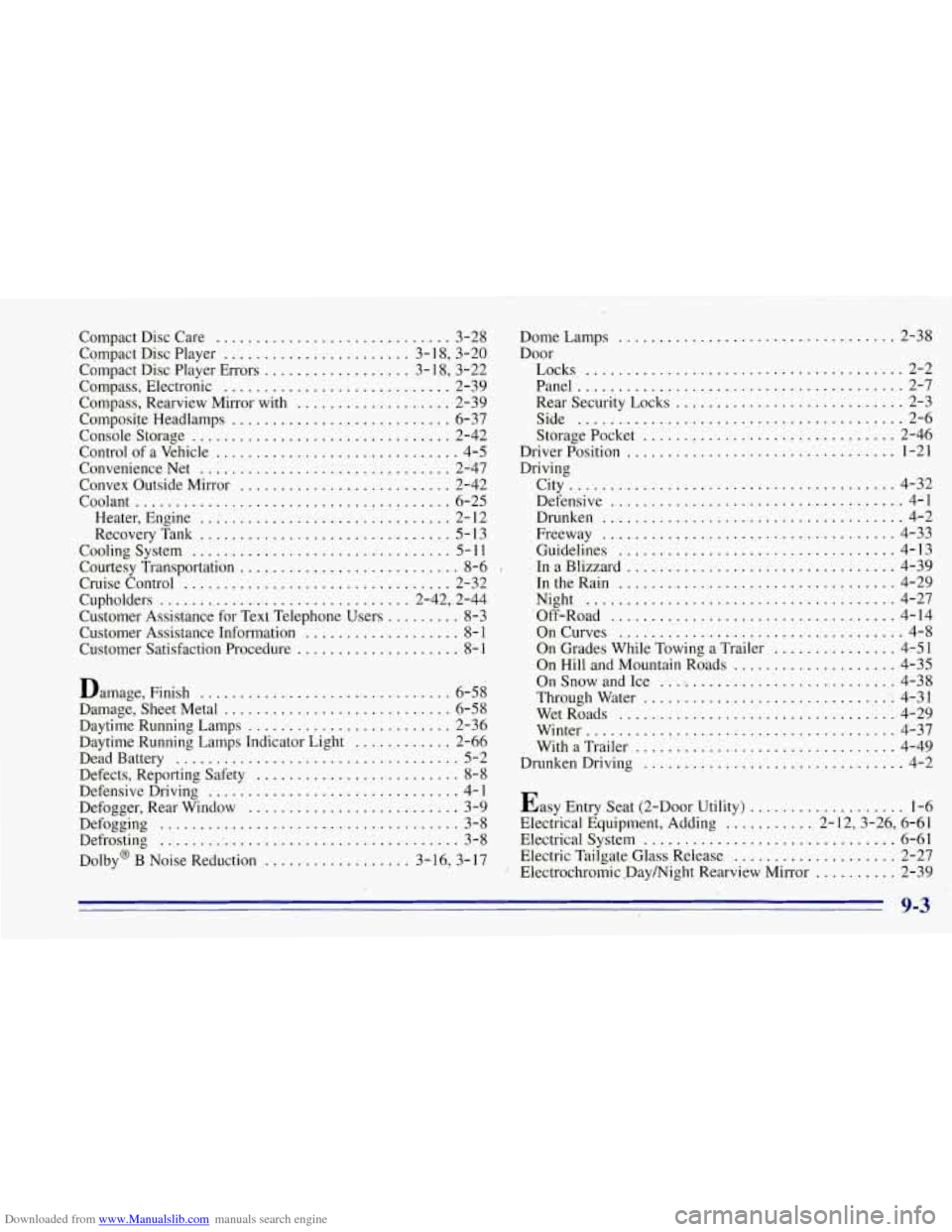
Downloaded from www.Manualslib.com manuals search engine Compact Disc Care ............................. 3-28
Compact Disc Player
....................... 3-1 8. 3-20
Compact Disc Player Errors
.................. 3-1 8. 3.22
Compass. Electronic
............................. 2-39
Compass. Rearview Mirror with
................... 2-39
Composife Headlamps
........................... 6-37
Console Storage
................................ 2-42
Control of a Vehicle
.............................. 4-5
Convenience Net
............................... 2-47
Convex Outside Mirror
.......................... 2-42
Coolant
....................................... 6-25
Heater, Engine
............................... 2- 12
Cooling System
................................ 5-1 1
Cruise Control ................................. 2-32
Cupholders
............................... 2-42, , 2-44
Customer Assistance for Text Telephone Us.ers
......... 8-3
Customer Assistance Information
................... 8- 1
Customer Satisfaction Procedure .................... 8- I
Damage, Finish ............................... 6-58
Damage. Sheet Metal
............................ 6-58
Daytime Running Lamps
......................... 2-36
Daytime Running Lamps Indicator Light
............ 2-66
Dead Battery
................................... 5-2
Defects, Reporting Safety
......................... 8-8
Defensive Driving
............................... 4- 1
Defogger, Rear Window .......................... 3-9
Defogging
..................................... 3-8
Defrosting
...................................... 3-8
Dolby@ B Noise Reduction
.................. 3-16. 3-17
RecoveryTank
............................... 5- 13
Courtesy Transportation
........................... 8-6 .
DomeLamps .................................. 2-38
Door Locks
....................................... 2-2
Panel
........................................ 2-7
Rear Security Locks
............................ 2-3
Side
........................................ 2-6
Driver Position
...... : .......................... 1-21
Driving Storage
Pocket
...... ~ ........................ 2-'46
City
........................................ 4-32
Defensive
.................................... 4-1
Drunken
..................................... 4-2
Freeway
.................................... 4-33
Guidelines
.................................. 4-13
InaBlizzard
................................. 4-39
IntheRain
.................................. 4-29
Night
...................................... 4-27
Off-Road
................................... 4-14
OnCurves ................................... 4-8
On Grades While Towing
a Trailer ............... 4-51
On Hill and Mountain Roads
.................... 4-35
On Snow and Ice .............................. 4-38
Throughwater
............................... 4-31
WetRoads
.................................. 4-29
Winter
...................................... 4-37
With
a Trailer ................................ 4-49
Drunken Driving
................................ 4-2
Easy Entry Seat (2-Door Utility)
................... 1-6
Electrical Equipment, Adding
........... 2- 12, 3-26, 6-6 1
Electrical System ............................... 6-61
Electric Tailgate Glass Release
.................... 2-27
Electrochromic
. Daymight Rearview Mirror .......... 2-39
9-3
Page 398 of 403
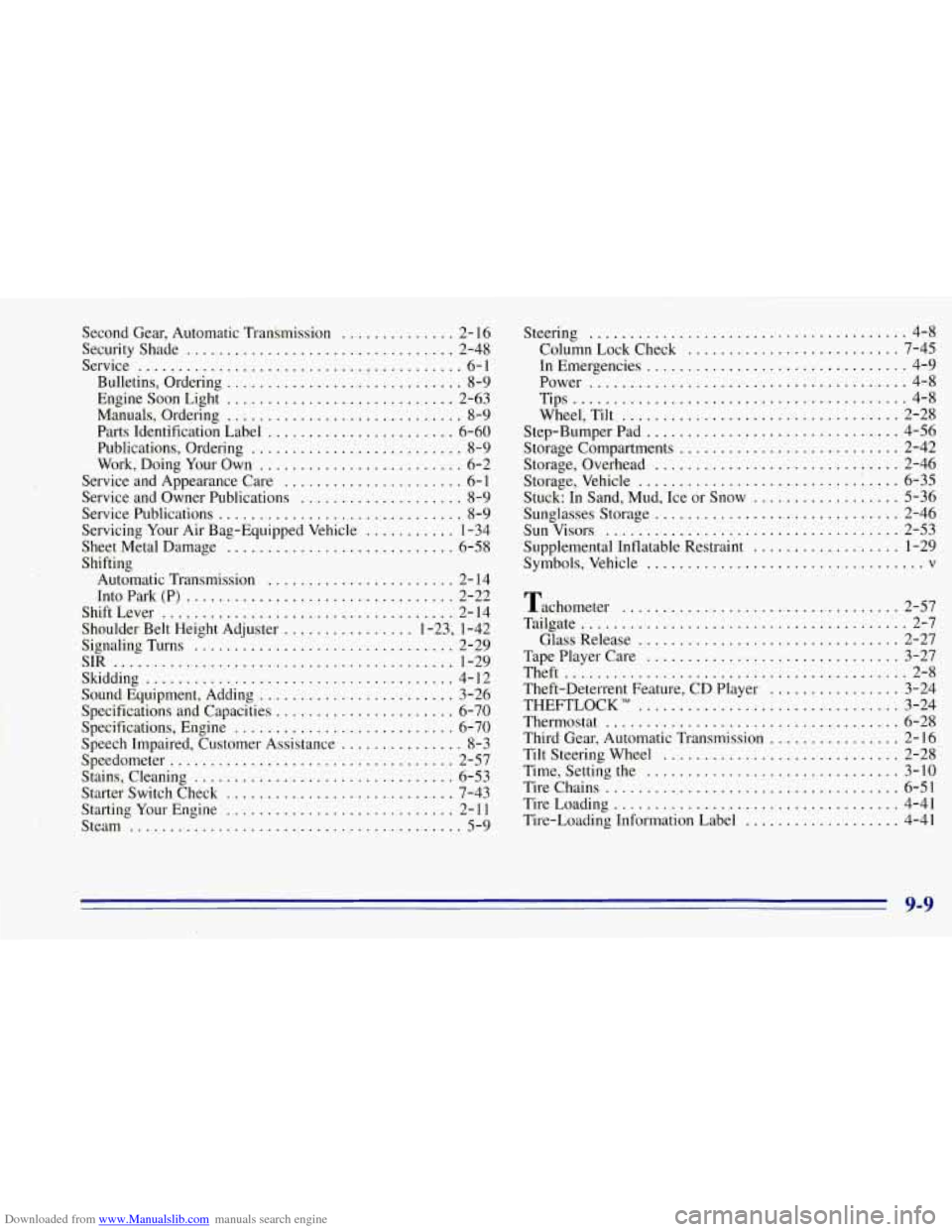
Downloaded from www.Manualslib.com manuals search engine Second Gear. Automatic Transmission .............. 2- 16
SecurityShade
................................. 2-48
Service
........................................ 6-1
Bulletins. Ordering
............................. 8-9
Engine Soon Light
............................ 2-63
Manuals, Ordering
............................. 8-9
Parts Identification Label
....................... 6-60
Publications, Ordering
.......................... 8-9
Work, Doing Your Own
......................... 6-2
Service and Appearance Care
...................... 6-1
Service and Owner Publications
.................... 8-9
Service Publications
.............................. 8-9
Sheet Metal Damage
............................ 6-58
Shifting
Automatic Transmission
....................... 2- 14
Into Park
(P) ................................. 2-22
ShiftLever
..................................... 2-14
Shoulder Belt Height Adjuster
................ 1-23. 1-42
SignalingTurns
................................ 2-29
SIR
.......................................... 1-29
Skidding
...................................... 4-12
Sound Equipment, Adding
........................ 3-26
Specifications and Capacities
....................... 6-70
Specifications, Engine
........................... 6-70
Servicing Your
Air Bag-Equipped Vehicle ........... 1-34
Speech Impaired, Customer Assistance
............... 8-3
Speedometer
................................... 2-57
Stains, Cleaning
................................ 6-53
Starter Switch Check
............................ 7-43
Starting Your Engine
............................ 2-1 1
Steam
......................................... 5-9 Steering
....................................... 4-8
Column Lock Check
.................... : ..... 7-45
In Emergencies
................................ 4-9
Power
....................................... 4-8
Tips
......................................... 4-8
Wheel, Tilt
.................................. 2-28
Step-Bumper Pad
............................... 4-56
Storage Compartments
........................... 2-42
Storage, Overhead
.............................. 2-46
Storage, Vehicle
........................... .... 6-35
Stuck: In Sand, Mud, Ice or Snow
.................. 5-36
Sunglasses Storage
.............................. 2-46
SunVisors
.................................... 2-53
Supplemental Inflatable Restraint
.................. 1-29
Symbols, Vehicle
.................................. v
Tachometer .................................. 2-57
Tailgate
........................................ 2-7
Glass Release
................................ 2-27
TapePlayerCare
............................... 3-27
Theft
.......................................... 2-8
Theft-Deterrent Feature. CD Player
................ 3-241
THEFTLOCK
TM ................................ 3-24
Thermostat
..................................... 6-28
Third Gear. Automatic Transmission
................ 2-16
Tilt Steering Wheel
............................. 2-28
Time. Setting the
............................... 3-10
Tire Chains
.................................... 6-51
TireLoading
................................... 4-41
Tire-Loading Information Label
................... 4-41
I
9-9