Page 134 of 386
Downloaded from www.Manualslib.com manuals search engine Engine Oil Life Monitor
CHANGE
OIL
The CHANGE OIL light
comes on for a few seconds
when you turn the ignition
on. It will come on and stay
on when it’s time to change
your oil.
The monitor uses oil temperature and engine revolutions
to decide when the oil
is nearly worn out. The light is
only a reminder, though. Be sure
to reset the monitor when your oil
is changed,
even
if the CHANGE OIL light didn’t come on. If you
don’t reset the monitor, it won’t work correctly. Follow
these steps:
1. Turn the key to RUN, but don’t start the engine.
2. Press ENG MET on the trip monitor. Then, within
five seconds, press it again.
3. Within five seconds, press and hold GAUGES on the
trip monitor. The CHANGE OIL light should flash.
4. Hold the GAUGES button until the CHANGE OIL
light stops flashing and goes out. This should take
about
10 seconds.
When the light goes out, the monitor is reset. If
the monitor doesn’t reset, turn the ignition off, then
try again.
2-91
Page 135 of 386
Downloaded from www.Manualslib.com manuals search engine Service Ride Control Light (Option)
SERVICE RIDE
CONTROL
If your vehicle is equipped
with Ride Control, this light
should come on for a few
seconds when you start
your vehicle.
If the light stays on or comes on while you’re driving,
there may be a problem with your Ride Control system.
You can still drive, but you should see your dealer soon.
The SERVICE RIDE CONTROL light may also come
on if the selective ride control
knob is not placed fully
into a position. For example, if the selection position is
between TOUR and SPORT
or SPORT and PERF, the
light may come on. If the light comes on for
this reason,
move the select switch
to the desired position and the
light should go out.
Passive Keyless Entry Light
PASSIVE
KEYLESS
ENTRY
This light will come on for
about two seconds when
’
you turn the ignition on,
unless the passive feature
of
the keyless entry system is
off. The light also comes on
and flashes when you are
programming transmitters.
See “Passive Keyless Entry System’’ in the Index.
2-92
Page 136 of 386
Downloaded from www.Manualslib.com manuals search engine Security Light Check Gauges Light
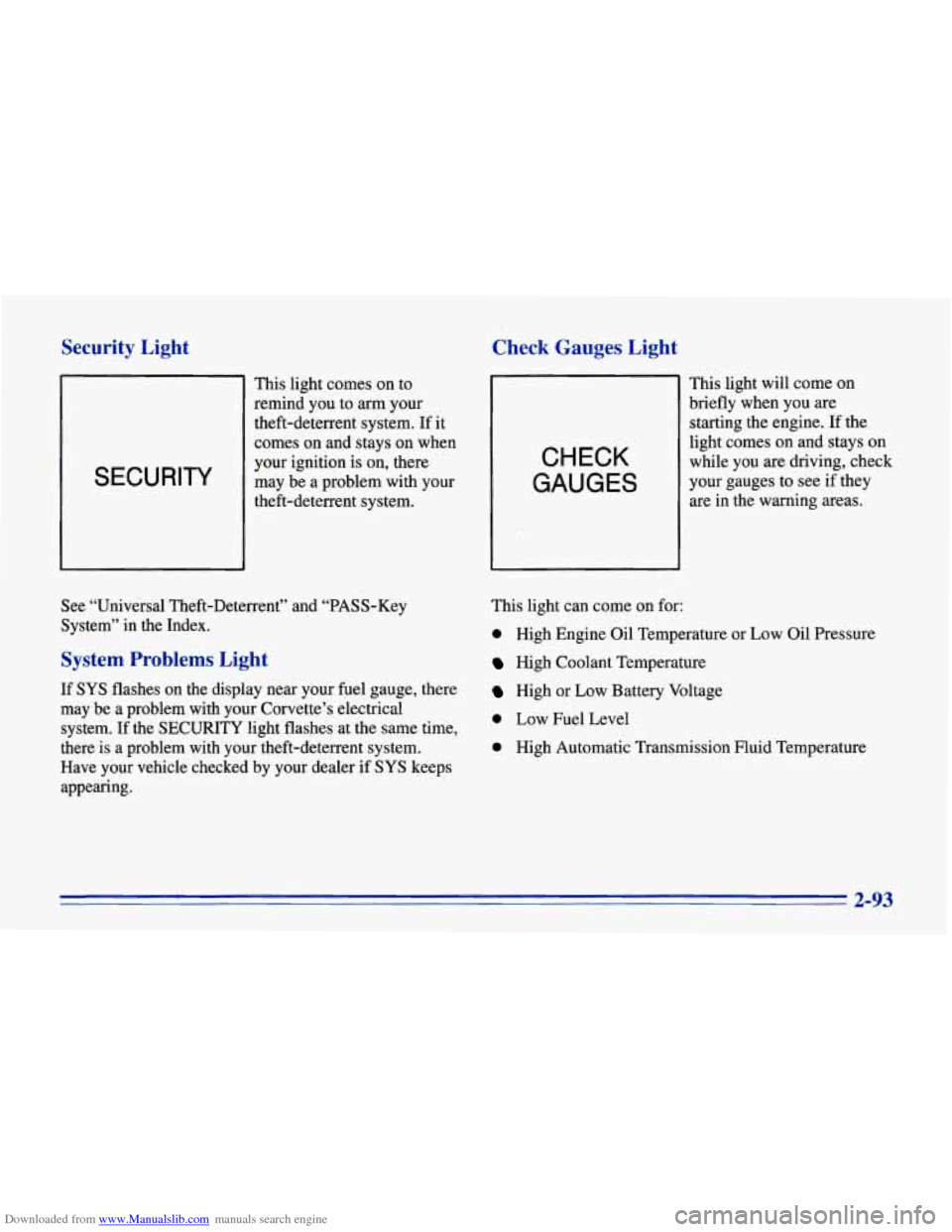
SECURITY
This light comes on to
remind you to
arm your
theft-deterrent system. If it
comes on and stays on when
your ignition is on, there
may be a problem with your
theft-deterrent system.
CHECK
GAUGES
This light will come on
briefly when you are
starting the engine.
If the
light comes on and stays on
while you are driving, check
your gauges to see if they
are in the warning areas.
See “Universal Theft-Deterrent” and “PASS-Key
System” in the Index.
System Problems Light
If SYS flashes on the display near your fuel gauge, there
may be a problem with your Corvette’s electrical
system. If the
SECURITY light flashes at the same time,
there is
a problem with your theft-deterrent system.
Have your vehicle checked by your dealer
if SYS keeps
appearing. This
light can come on for:
0 High Engine Oil Temperature or Low oil Pressure
High Coolant Temperature
High or Low Battery Voltage
0 Low Fuel Level
0 High Automatic Transmission Fluid Temperature
2-93
Page 137 of 386
Downloaded from www.Manualslib.com manuals search engine Door Ajar Light
DOOR
AJAR
This light comes on when
you open one of the doors
with the ignition on. It stays
on until you fully close the
door. Have your vehicle
serviced if the light comes
on and stays on, even when
the doors are fully closed.
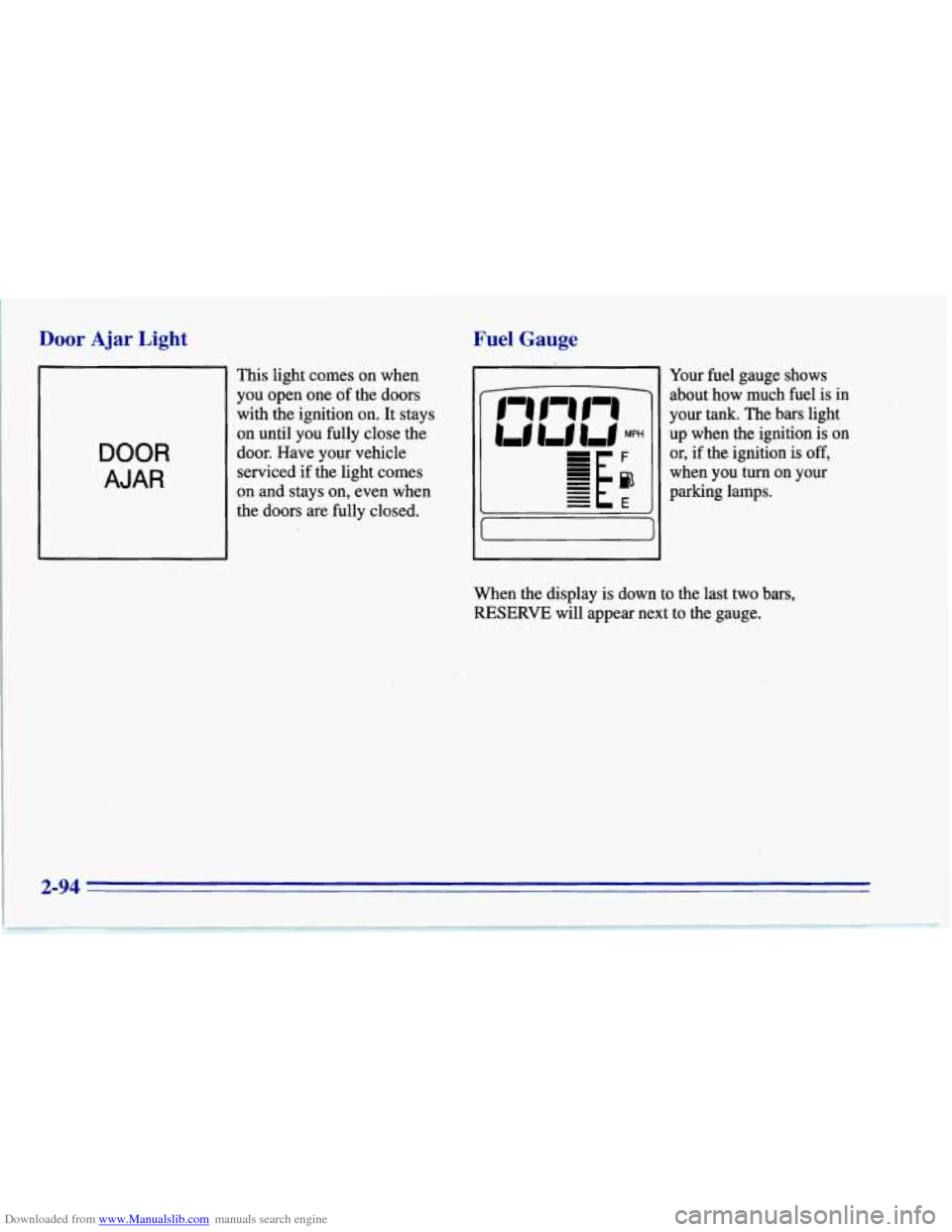
Fuel Gauge
Your fuel gauge shows
about how much fuel is in
your tank. The bars light
up'when the ignition is on
or, if the ignition is
off,
when you turn on your
parking lamps.
When the display is down to the last two bars,
RESERVE will appear next to the gauge.
2-94
Page 140 of 386
Downloaded from www.Manualslib.com manuals search engine Automatic Transmission Fluid Temperature Reading
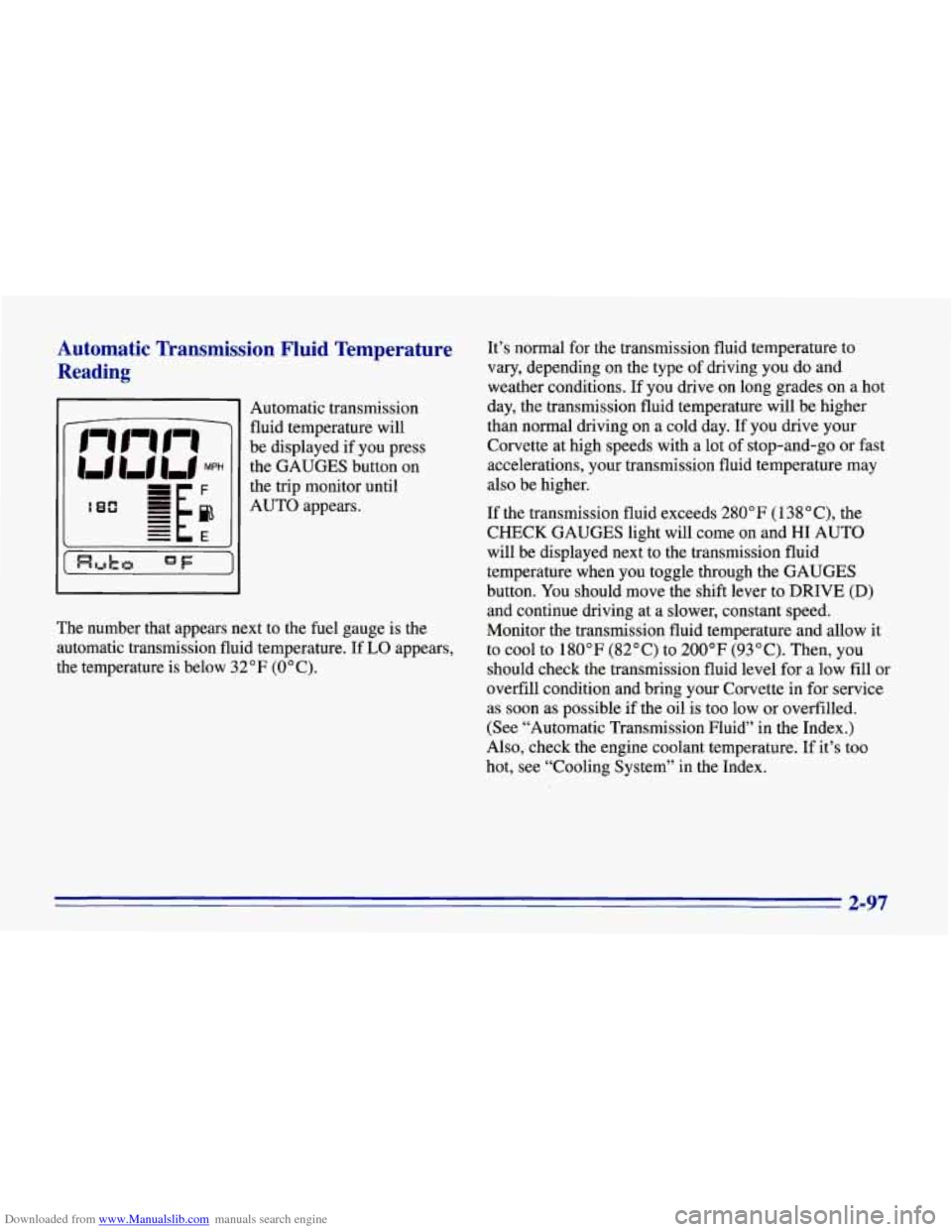
Automatic transmission
fluid temperature will
be displayed if you press
the GAUGES button on
the trip monitor until
AUTO appears.
The number that appears next to the fuel gauge is the
automatic transmission fluid temperature. If
LO appears,
the temperature is below 32°F (0°C). It’s
normal for the transmission fluid temperature to
vary, depending on the type
of driving you do and
weather conditions. If you drive on long grades on a hot
day, the transmission fluid temperature will be higher
than normal driving on a cold day. If you
drive your
Corvette at high speeds with a lot of stop-and-go or fast
accelerations, your transmission fluid temperature may
also be higher.
If the transmission fluid exceeds
280” F (1 38 “C), the
CHECK GAUGES light will come on and HI AUTO
will be displayed next to the transmission fluid
temperature when you toggle through the GAUGES
button. You should move the shift lever to DRIVE
(D)
and continue driving at a slower, constant speed.
Monitor the transmission fluid temperature and allow it
to cool to 180°F (82°C) to 200°F (93°C). Then, you
should check the transmission fluid level for a low fill or
overfill condition and bring your Corvette in for service
as soon as possible if the oil is too low or overfilled.
(See “Automatic Transmission Fluid” in the Index.)
Also, check the engine coolant temperature. If it’s too
hot, see “Cooling System” in the Index.
2-97
Page 141 of 386
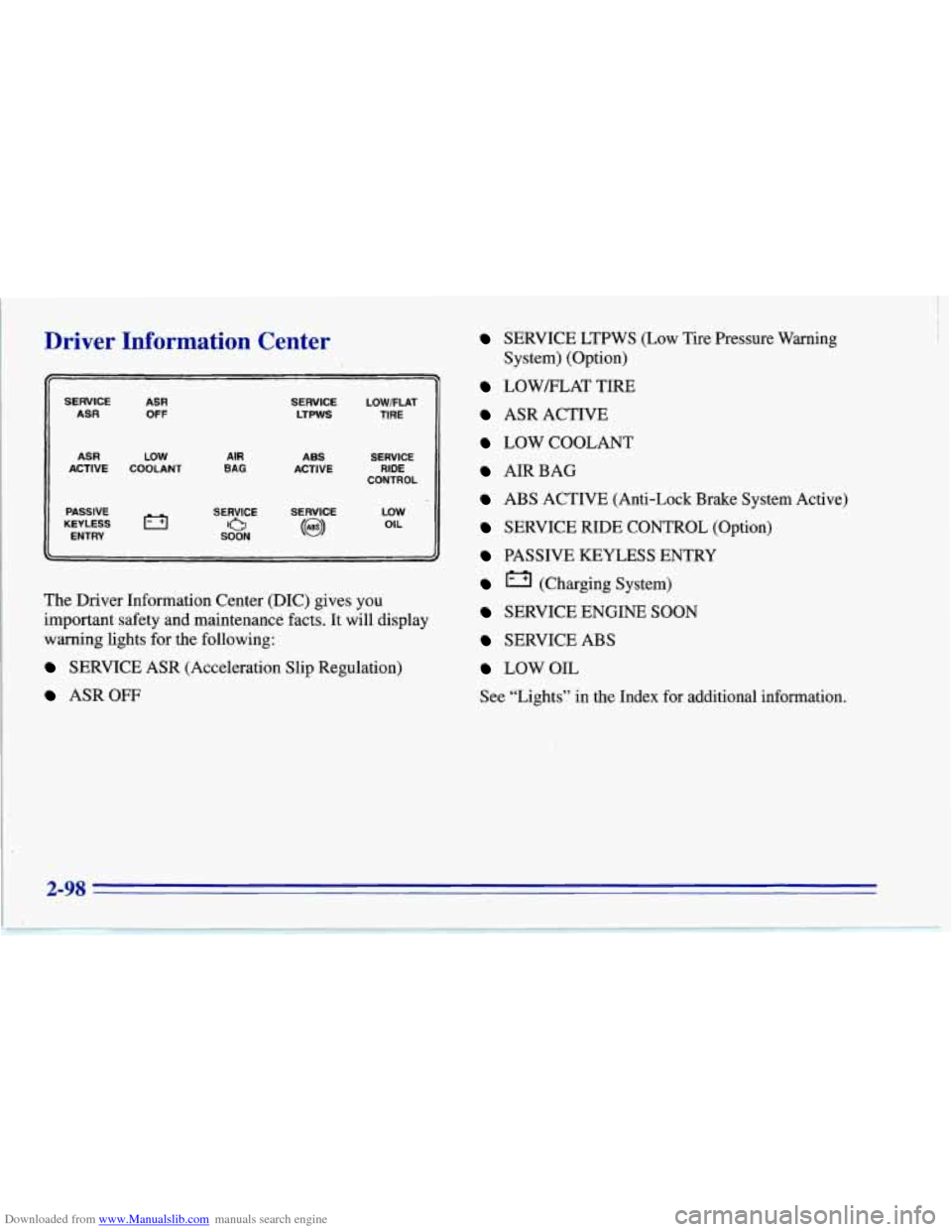
Downloaded from www.Manualslib.com manuals search engine Driver Information Center
SERVICE ASR ASR OFF
ASR LOW ACTIVE COOLANT
PASSIVE
KEYLESS
ENTRY
AIR BAG
SERVICE LOWFLAT LTPWS TIRE
ABS SERVICE CONTROL
ACTIVE
RIDE
SERVICE
SERVICE
0 SOON (63)
LOW OIL
The Driver
Information Center (DIC) gives you
important safety and maintenance facts. It will display
warning lights for the following:
SERVICE ASR (Acceleration Slip Regulation)
ASROW
SERVICE LTPWS (Low Tire Pressure Warning
LOWELAT TIRE
ASR ACTIVE
LOW COOLANT
AIRBAG
ABS ACTIVE (Anti-Lock Brake System Active)
SERVICE RIDE CONTROL (Option)
PASSIVE KEYLESS ENTRY
(Charging System)
SERVICE ENGINE SOON
SERVICE ABS
LOWOIL
See “Lights” in the Index for additional information.
System) (Option)
2-98
Page 143 of 386
Downloaded from www.Manualslib.com manuals search engine "'"J NORMAL NC: Use for normal cooling on hot
days. This setting cools outside air and directs it through
the instrument panel vents.
The air conditioning compressor operates in NORMAL
A/C, as well as RECIRCULATE, BI-LEVEL and
DEFROST. It only works when the outside temperature
is above freezing. When the air conditioning compressor
is on, you may sometimes notice slight changes in
your vehicle's engine speed and power. This
is normal
because the system is designed to cycle the compressor
on and
off to keep the desired cooling and help
fuel economy.
+,d BI-LEVEL: This setting cools or heats outside air
and directs it through the instrument panel vents and the
floor ducts.
de
do
do /I VENT: Air flows through the instrument panel
vents. The air conditioning compressor does not run in
VENT mode.
wg HEATER: This setting directs most of the air
through the floor ducts and some of the air through the
defroster vents. The air conditioning compressor does
not run in HEATER mode.
DEFROST: This setting directs most of the
air through the windshield defroster and side window
defogger vents and some of the air through the
floor ducts.
Heating
The heater works best if you keep your windows closed
while using it.
Press HEATER and
FAN UP, then slide the temperature
control lever to a comfortable setting.
If your vehicle has an engine coolant heater and you
use it in cold weather,
0°F (- 18 "C) or lower, your
heating system can provide heat more quickly because
the engine coolant is already warmed. See "Engine
Coolant Heater" in the Index.
Page 144 of 386
Downloaded from www.Manualslib.com manuals search engine Bi-Level
You may want to use BI-LEVEL on cool, but sunny
days. This setting directs outside air through the
instrument panel vents and the floor ducts.
Press BI-LEVEL and FAN UP, then slide the
temperature control lever to a comfortable setting.
Ventilation
For mild outside temperatures, when little heating or
cooling is needed, you can still direct outside air through
your vehicle.
Press VENT and FAN UP, then slide the temperature
control lever to a comfortable setting.
Defogging and Defrosting
Your vehicle has several settings for clearing your
windows. The air conditioning compressor will run to
help remove moisture from the air.
To defrost the windshield quickly, press DEFROST and
FAN UP, then slide the temperature control lever all the
way
to the right or to the FULL HOT position. To
defrost the side windows quickly, press BI-LEVEL
and FAN UP. Then slide the temperature control lever
all the way
to the right. Direct airflow through the air
conditioning outlets closest to the side windows.
Cooling
The air conditioner works best if you keep your
windows closed. On very hot days, open the windows
just long enough for the hot air to escape.
Press RECIRCULATE and FAN UP. Then slide the
temperature control lever to a comfortable setting.
Direct airflow through the air conditioning outlets
closest to the side windows.
After cool-down, adjust the air control buttons to
another setting. The compressor works in all settings
except VENT and HEATER and at all temperatures
above freezing.
When the air conditioning compressor is on, you may
notice slight changes in your vehicle’s engine speed and
power. This is normal because the system is designed to
cycle the compressor
on and off to keep the desired
temperature and help fuel economy.
3-3