1996 CADILLAC SEVILLE ad blue
[x] Cancel search: ad bluePage 92 of 354
Downloaded from www.Manualslib.com manuals search engine rrr
xz
e
If the turn signal is left on, a warning chime will sound
and the
DIC will display TURN SIGNAL ON (after
driving about a mile) to remind you to turn it off.
Arrows that
flash rapidly when signaling for a turn or
lane change may be caused by
a burned out signal bulb.
Other drivers won’t see the turn signal.
Replace burned
out bulbs to help avoid possible
accidents. Check the fuse (see “Fuses and Circuit
Breakers”
in the Index) and for burned-out bulbs if the
arrow fails
to work when signaling a turn.
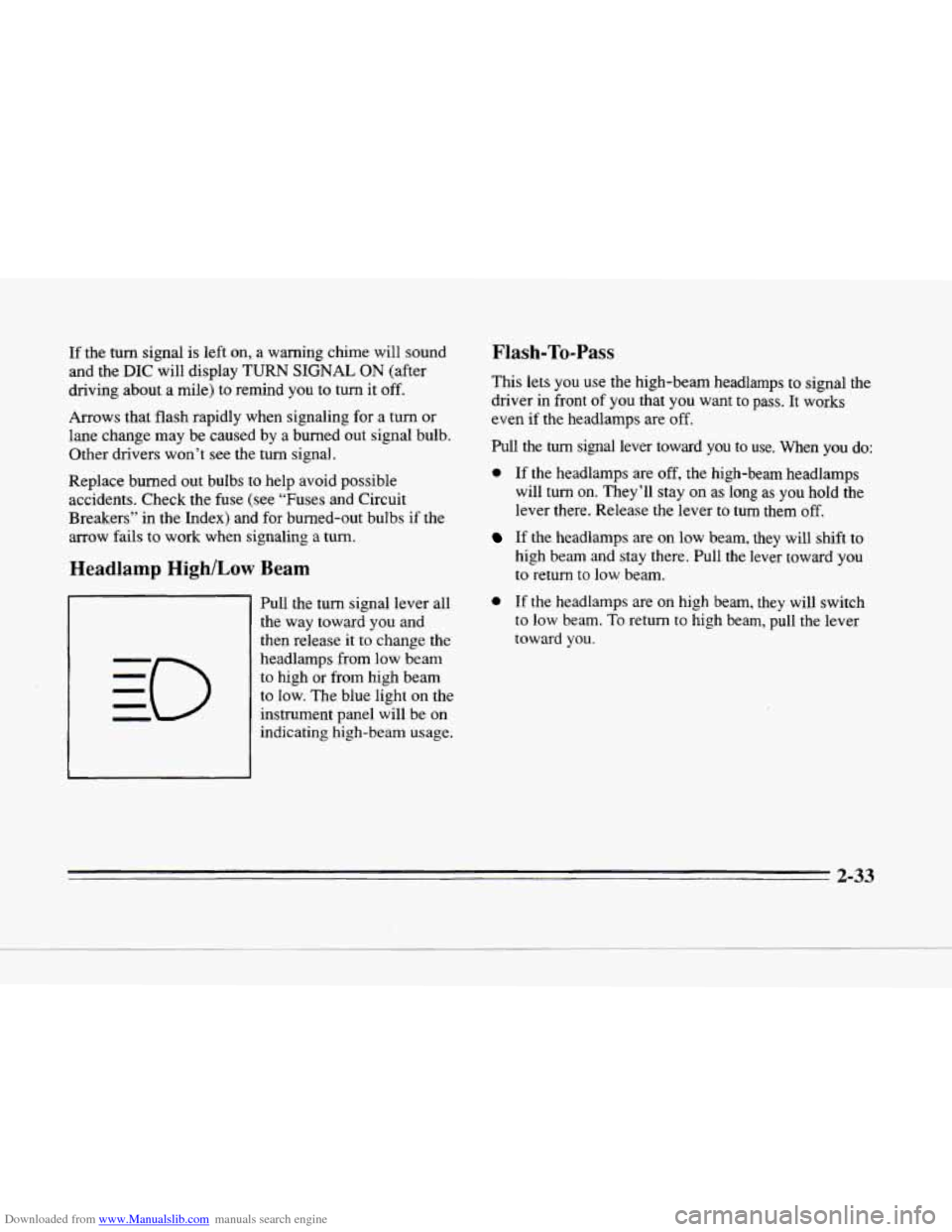
Headlamp High/Low Beam
Pull the turn signal lever all
the way toward you and
then release
it to change the
headlamps from low beam
to high or from high beam
to low. The blue light on the
instrument panel will be on
indicating high-beam usage.
Flash-To-Pass
This lets you use the high-beam headlamps to signal the
driver in front
of you that you want to pass. It works
even if
the headlamps are off.
Pull the turn signal lever toward you to use. When you do:
0 If the headlamps are off, the high-beam headlamps
will turn on. They’ll stay on as
long as you hold the
lever there. Release the lever to turn them off.
If the headlamps are on low beam, they will shift to
high beam and stay there. Pull
the lever toward you
to return to low beam.
0 If the headlamps are on high beam, they will switch
to low beam. To return to high beam, pull the lever
toward
you.
2-33
Page 139 of 354
Downloaded from www.Manualslib.com manuals search engine Oil Life Left Reset: Press the INFO button to display
the
OIL LIFE LEFT, then press and hold the INFO
RESET button until
100% OIL LIFE LEFT is displayed.
English/Metric Reset: Press the INFO button to display
ENGLISHMETRIC
RESET, then press the INFO
RESET button to select. The display will change from
English (miles) to metric (kilometers).
TRIP RESET By using this button you can tell how far
you've gone since you last set the TRIP RESET back to
zero. To reset,' press and hold the button until zeros
appear.
If your vehicle is domestic, the trip odometer
will return to zero after 999.9 miles
(1 609 km). If your
vehicle is Canadian, the trip odometer will return to zero
after
1 999.9 km (1,242 L miles).
INFO: Pressing this button repeatedly will display the
RANGE, MPG AVG, MPG INST, FUEL USED, AVG
MPH, TIMER, OIL LIFE LEFT, BATTERY VOLTS
and ENGLISHMETRIC RESET.
FUEL DOOR: Press this button to open the fuel door.
TRUNK: Press this button to open the trunk.
Driver Information Center Messages
These messages will appear if there is a problem sensed
in one
of your vehicle's systems. Vehicles that are first
sold in Canada will have a number after each message.
This number helps to identify the message which is only
displayed in English.
message displays when the engine coolant becomes hotter
than the normal operating temperature.
To avoid added
strain on a hot engine, the air conditioning compressor is
automatically turned off so that air conditioned air is not
delivered.
If the coolant temperature rems to normal, you
must select
AC to return to a normal A/C compressor
operation.
If this message continues to appear, have the
system repaired as soon as possible to avoid compressor
damage.
A/C OFF FOR ENGINE PROTECTION - 16: "his
APPLY BRAKE TO SHIFT - 46: This message will
appear if your vehicle is in PARK (P) for about 15 seconds
and
the brake is not pressed in. Remove the message by
holding the
OFF and the blue (cooler) button on the
Electronic Climate Control panel for about five seconds.
Hold the same two buttons again to redisplay
the message.
2-80
Page 149 of 354
Downloaded from www.Manualslib.com manuals search engine Fan Button
The button with the fan symbol adjusts the fan speed.
Press the up arrow to increase fan speed and the down
arrow to decrease fan speed.
Temperature Button
The red and blue temperature buttons adjust the air
temperature coming through the system. Press the blue
button for
a cooler setting or the red button for a warmer
setting. The outside temperature
is always displayed
when your vehicle
is running. You can change it from
Fahrenheit
to Celsius by pressing the ENG/MET
(English/metric) button on the
DIC.
Mode Controls
The AUTO/ECON button automatically controls the
direction of air delivery for air conditioning and non-air
conditioning modes.
Automatic Operation
When the system is set for AUTO, sensors will control
the air delivery mode. Air will come from the
floor,
middle or windshield outlets. The fan speed will vary as
the system maintains the selected temperature setting. Be
careful not
to put anything over the solar sensor
located in the middle of the instrument panel near the
windshield. This sensor is used by the automatic system
to regulate temperature.
To find your comfort zone, start with
75°F (24°C)
setting, allow about 20 minutes for the system to
regulate. Press the red or blue temperature buttons to
adjust the temperature if necessary. If you choose 60°F
(1 6"C), the system will remain at that maximum cooling
setting and will not regulate fan speed.
If you choose the
temperature
of 90°F (32 "C), the system will remain at
that maximum heating setting and will not regulate fan
speed. Choosing either maximum setting will not cause
the system
to heat or cool any faster.
With this setting, the air conditioning compressor
automatically cycles when needed to
cool the air. In
cold weather, when the system senses the need for
heat, the airflow will be directed
out the floor outlets.
As the interior temperature approaches a desired setting,
the blower speed will decrease.
To maintain interior
comfort, the airflow may move
to the instrument panel
air outlets and floor outlets
(BI-LEVEL mode). On
bright, sunny days in cold weather, the airflow may
come
out of the A/C outlets (A/C mode) to maintain
comfort and prevent stuffiness.
3-2
Page 153 of 354
Downloaded from www.Manualslib.com manuals search engine Temperature Knob
The TEMP knob adjusts the air temperature coming
through the system. Turn the
TEMP knob clockwise to
increase the temperature and counterclockwise to
decrease
the temperature. The outside temperature is
always displayed when your vehicle is running.
Automatic Operation
Mode Button
Press this button to deliver air through the floor, middle
or windshield outlets. The system will stay in the
selected mode until
the MODE button is pushed again.
Press the
up or down arrow to cycle through the
available modes.
When the system is set for AUTO, sensors will control
the air delivery mode. Air will come
from the floor,
middle or windshield outlets. The fan speed will vary as
the system maintains the selected temperature setting.
Be careful not to put anything over the solar sensor
located in the middle
of the instrument panel near the
windshield. This sensor
is used by the automatic system
to regulate temperature.
To find your comfort zone, start with 75°F (24°C)
setting, allow about 20 minutes for the system to
regulate. Press the red
or blue temperature buttons to
adjust the temperature
if necessary. If you choose 60°F
(16"C), the system will remain at that maximum cooling
setting and will not regulate
fan speed. If you choose the
temperature of
90°F (32"C), the system will remain at
that maximum heating setting
and will not regulate fan
speed. Choosing either maximum setting
will not cause
the system to heat or cool any faster.
3-6
Page 156 of 354
Downloaded from www.Manualslib.com manuals search engine AC: Press this button to turn the air conditioning on and
off.
The system will cool and dehumidify the air inside
the vehicle. In the AUTO mode, the display will show
that AC is active, but the air conditioning compressor
only operates when the system determines it is needed.
RECIRCULATION: Press this button to limit the
amount of fresh air entering your vehicle. This is helpful
when you
are trying to cool the air quickly or limit odors
entering your vehicle. In the AUTO mode, the system
will use recirculation as necessary to cool the
air.
Pressing the recirculation button will change the
operation to a manual mode and the air will recirculate
non-stop. Press this button again to turn off the
recirculation feature.
If you notice the windows fogging, press
the
recirculation button to exit the recirculation mode.
DUAL TEMPERATURE CONTROL: With this
feature, the right front passenger can control the
temperature of heated air for hisher own zone. The
passenger can select a four degree warmer or cooler
temperature from the driver’s setting.
To turn the system
on, press the PASS/TEMP button. Press the up arrow to
increase
the temperature and press the down arrow to
decrease the climate setting. Pressing the
OFF button
will turn off the dual-zone function.
Air Conditioning
On hot days, open the windows long enough to let hot
inside air escape. This reduces the time it takes for your
vehicle to cool down. Then keep your windows closed
for the
air conditioner to work its best.
With the
ECC system, press the AUTO/ECON button to
assist in cooling air and
in maintaining proper airflow.
Adjust the temperature to a comfortable setting by
pressing the blue button to cool your vehicle and
pressing the red button to warm your vehicle. Press the
fan button arrows up or down to adjust the fan speed.
If you have the dual-zone system, press the AC button
to turn the system on and then select
the proper MODE
to direct airflow. The system will cool and dehumidify
the air inside the vehicle. Also while in the AUTO
mode, the system will use recirculation as necessary to
cool the air. You may also need to adjust the interior
temperature. Turn the TEMP knob clockwise to increase
the temperature and counterclockwise
to decrease
temperature. Adjust the fan speed as needed.
When the air conditioner .is on, you may sometimes
notice slight changes in your vehicle’s engine speed and
power. This is normal because the system is designed to
cycle the compressor
on and off to keep the desired
temperature.
3-9
Page 157 of 354
Downloaded from www.Manualslib.com manuals search engine Heating Ventilation System
With
the ECC system, press the AUTOECON button to
direct airflow out
of the floor outlets and to help save
fuel. Adjust the temperature,
if necessary, by pressing
the blue button
to decrease temperature and pressing the
red button
to increase temperature. Also remember to
adjust the fan speed by pressing the up or down arrow.
If you have the dual-zone system, press the MODE
button to select heater. This will direct airflow out of the
floor outlets. Adjust the interior temperature to your
comfort level by turning the
TEMP knob clockwise to
increase temperature and counterclockwise to decrease
temperature. If the fan speed needs adjusting, press the
up or down arrow.
With each system, outside air will be brought in and sent
through the
floor outlets. The heater works best if you
keep your windows closed while using it. Your
Cadillac’s flow-through ventilation system
supplies outside air into
the vehicle when it is moving.
Outside air will also enter the vehicle when the heater
or
the air conditioning fan is running.
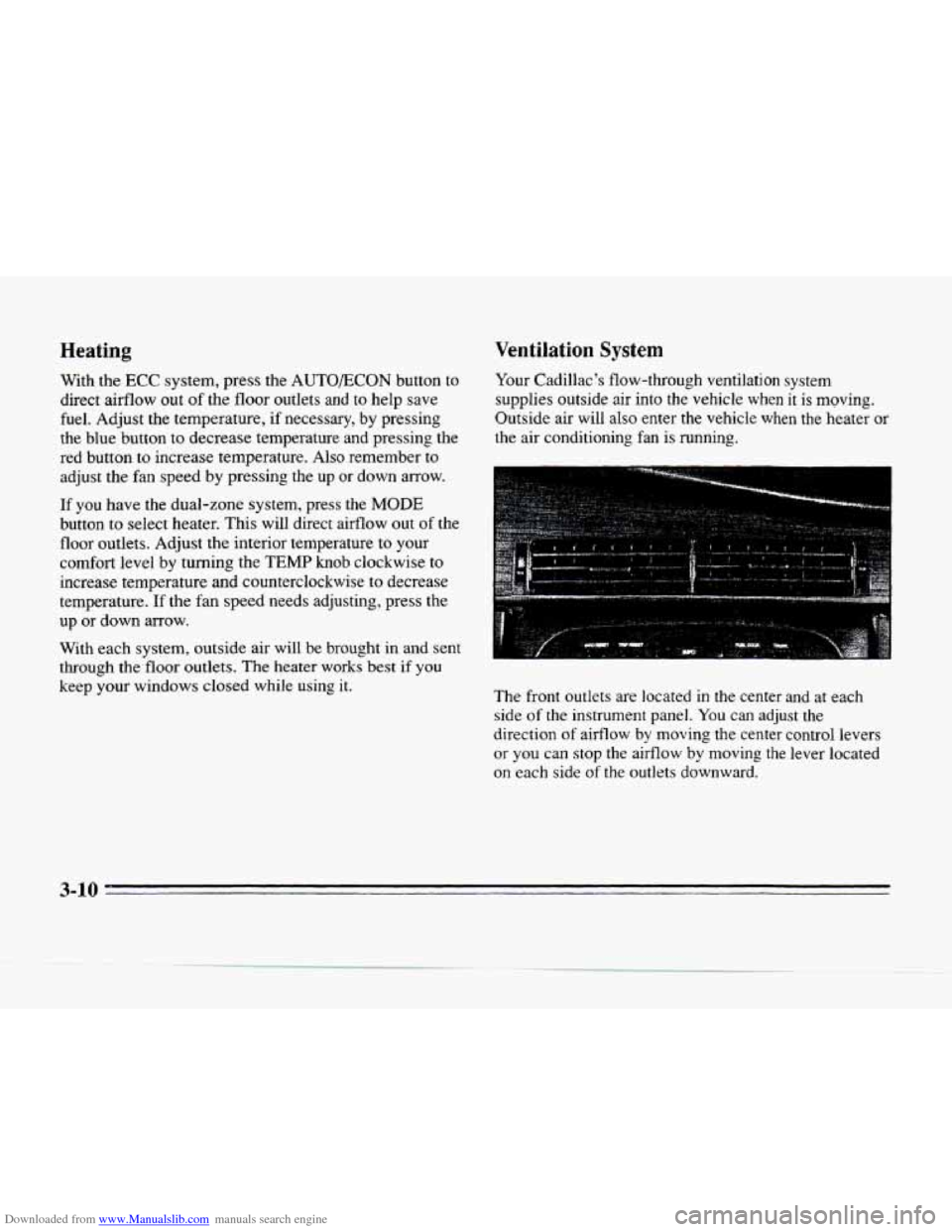
The front outlets
are located in the center and at each
side
of the instrument panel. You can adjust the
direction
of aifflow by moving the center control levers
or
you can stop the airflow by moving the lever located
on each side
of the outlets downward.
3-10
Page 160 of 354
Downloaded from www.Manualslib.com manuals search engine c
ru
Defogging and Defrosting
On cool, humid days, use DEFOG to keep the
windshield and side windows clear. Use DEFROST to
remove fog or ice from the windshield quickly in
extremely humid or cold conditions.
If you have the
ECC system, press the DEFOG or
DE-ICE button and adjust the fan speed by pressing the
fan button up or down. If you use DEFROST, adjust the
fan speed the same way.
If you select DEFROST from
AUTO,
the system will control the fan speed. The
temperature will also need to be adjusted to your
comfort level. Press the blue button to decrease the
temperature and the red button to increase the
temperature.
If you have the dual-zone system, press the DEFROST
or
DE-ICE button. If you select DEFROST, adjust the
fan speed by pressing the fan button up or down. If you
select DEFROST from AUTO, the system will controI
the fan speed. The teinperature also needs
to be adjusted
by turning the TEMP knob.
Note that recirculation is not available in the defrost or
defog modes.
@ Rear Window Defogger
The lines you see on the rear window warm the glass.
Press the button
to turn on the rear defogger. With it,
the rear window and both outside rearview mirrors are
heated. The system will automatically shut off after
10 minutes. If further defogging is desired, press the
button again.
Do not attach a temporary vehicle license, tape or'decals
across the defogger grid on the rear window.
NOTICE:
Scraping the inside of your rear window could
cut and damage the heating grids. Your warranty
would not cover this damage.
And don't put
decals there;
you might have to scrape them off.
3-13