1995 PONTIAC BONNEVILLE check engine
[x] Cancel search: check enginePage 108 of 338
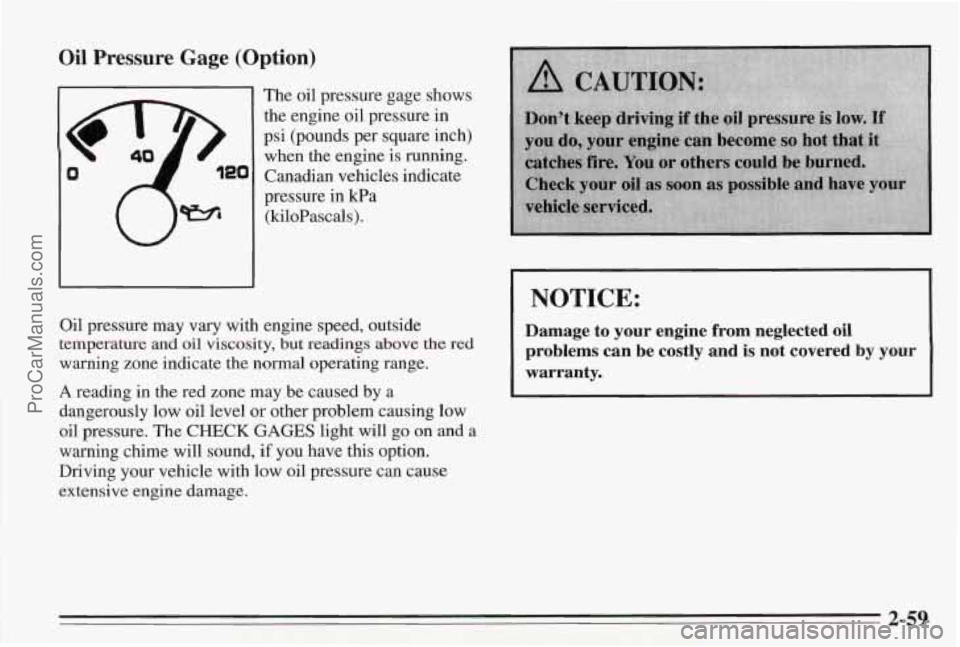
Oil Pressure Gage (Option)
The oil pressure gage shows
the engine
oil pressure in
psi (pounds per square inch)
when the engine is running.
Canadian vehicles indicate
pressure in Ea
(kiloPascals).
NOTICE:
Oil pressure may vary with engine speed, outside
temperature and oil viscosity,
but readings above the red
warning zone indicate the normal operating range.
A reading in the red zone may be caused by a
dangerously
low oil level or other problem causing low
oil pressure. The
CHECK GAGES light will go on and a
warning chime will sound, if you have this option.
Driving your vehicle with low oil pressure can cause
extensive engine damage.
Damage to your engine from neglected oil
problems can be costly and is not covered by your
warranty.
2-59
ProCarManuals.com
Page 109 of 338
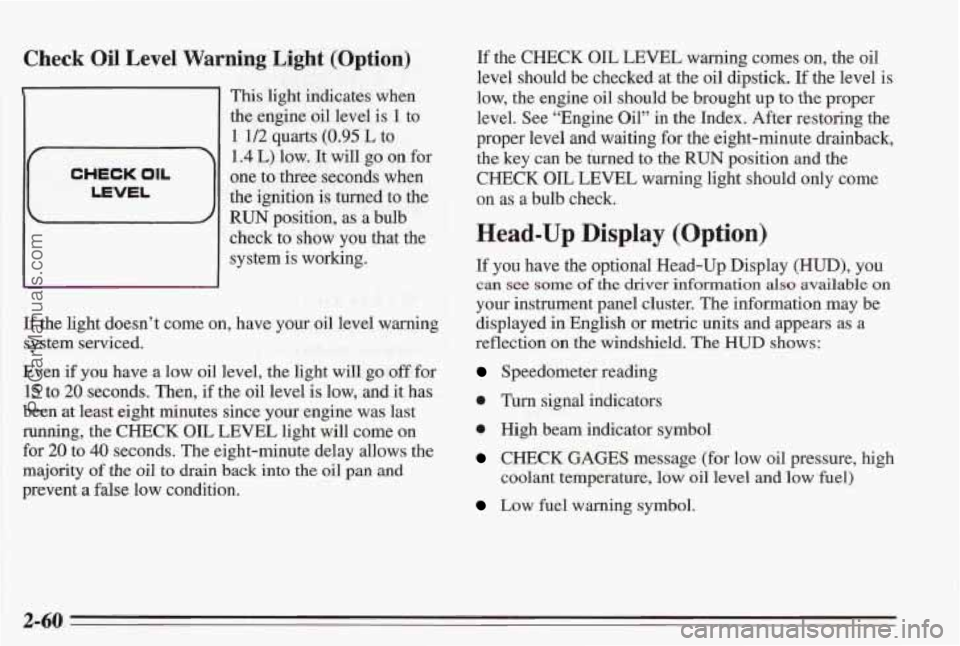
Check Oil Level Warning Light (Option)
1
CHECK OIL
LEVEL
1 This light indicates when
the engine oil level is
1 to
1 1/2 quarts (0.95 L to
1.4 L) low. It will go on for
one to three seconds when
the ignition is turned to the
RUN position, as a bulb
check to show
you that the
system is working.
If the light doesn’t come on, have your oil level warning
system serviced.
Even if
you have a low oil level, the light will go off for
15 to 20 seconds. Then, if the oil level is low, and it has
been at least eight minutes since your engine was last
running, the CHECK OIL LEVEL light will come on
for 20 to
40 seconds. The eight-minute delay allows the
majority of the
oil to drain back into the oil pan and
prevent
a false low condition. If the
CHECK OIL LEVEL
warning comes on, the oil
level should be checked at the oil dipstick. If the level is
low, the engine oil should be brought up
to the proper
level. See “Engine Oil” in the Index. After restoring the
proper level and
waiting for the eight-minute drainback,
the key can be turned to the
RUN position and the
CHECK OIL LEVEL warning light should only come
on
as a bulb check.
Head-Up Display (Option)
If you have the optional Head-Up Display (HUD), you
can see some of the driver information also available on
your instrument panel cluster. The information may be
displayed in English or metric units and appears as
a
reflection on the windshield. The HUD shows:
Speedometer reading
0 Turn signal indicators
e High beam indicator symbol
CHECK GAGES message (for low oil pressure, high
coolant temperature, low oil level and
low fuel)
Low fuel warning symbol.
2-60
ProCarManuals.com
Page 112 of 338
Clean the inside of the windshield as needed to remove
any dirt or film that reduces the sharpness or clarity of
the
HUD image.
Spray household glass cleaner on a
soft, clean cloth.
Wipe the HUD lens gently, then dry it. Do not spray
cleaner directly on the lens, because the cleaner fluid
could leak inside the unit if you do.
If you can’t see the HUD image when the ignition
is on,
check to see if
The headlamps are on?
Anything is covering the HUD unit?
0 The HUD dimmer control is adjusted correctly?
0 The HUD image is adjusted to the proper height?
A fuse in the fuse panel may be blown. See “Fuses
If the HUD image is not clear it could be too bright,
move the
HUD dimmer control further downward. You
may need to clean the windshield and HUD lens.
Your windshield is part
of the HUD system. If you ever
have to have a new windshield, be sure to get one
designed
for HUD. If you don’t, the HUD image may
look blurred and out of focus.
and Circuit Breakers”
in the Index.
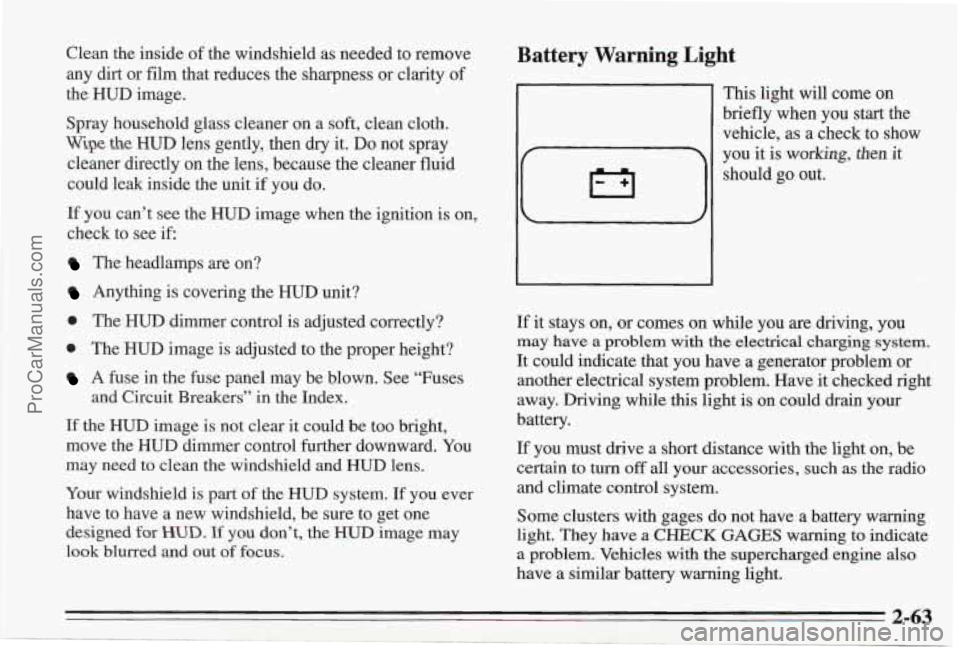
Battery Warning Light
This light will come on
briefly when you start the
vehicle, as a check to show
If it stays on, or comes on while you are dnving, you
may have a problem with the electrical charging system.
It could indicate that you have a generator problem or
another electrical system problem. Have it checked right
away. Driving while this light
is on could drain your
battery.
If you must drive a short distance with the light on, be
certain to turn
off all your accessories, such as the radio
and climate control system.
Some clusters with gages do not have a battery
warning
light. They have a CHECK GAGES warning to indicate
a problem. Vehicles with the supercharged engine also
have a similar battery warning light.
2-63
ProCarManuals.com
Page 113 of 338
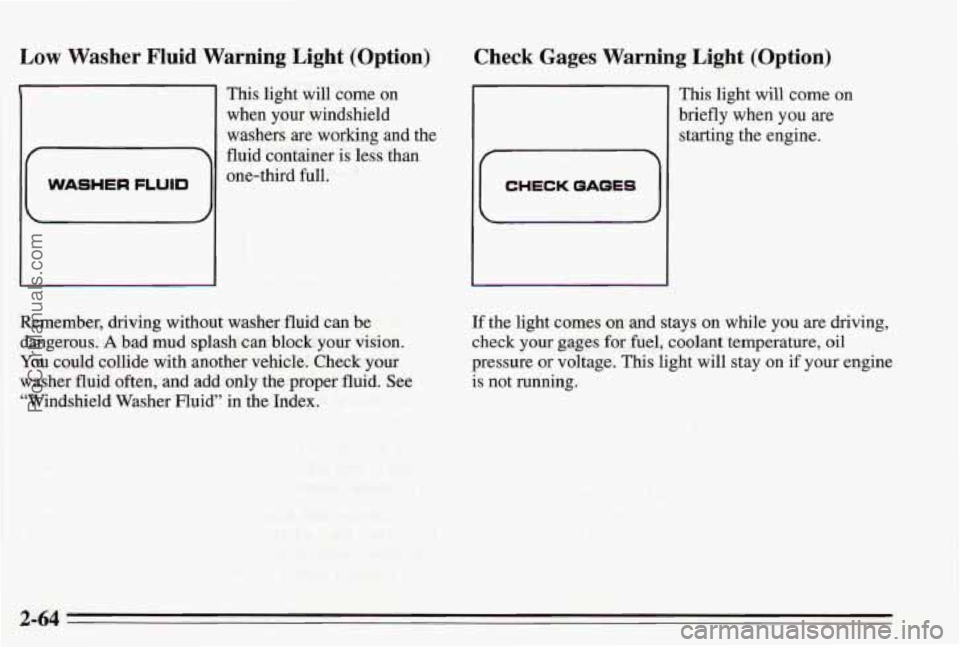
Low Washer Fluid Warning Light (Option)
E
WASHER FLUID
This light will come on
when your windshield
washers
are working and the
fluid container is less than
one-third full.
Check Gages Warning Light (Option)
11 This light will come on
brieflywhen you are
starting the engine.
CHECK QAQES
Remember, driving without washer fluid can be
dangerous.
A bad mud splash cm block your vision.
You could collide with another vehicle. Check your
washer fluid often, and add only the proper fluid. See
“Windshield Washer Fluid” in the Index.
If the light comes on and stays on while you are driving,
check
your gages for fuel, coolant temperature, oil
pressure or voltage. This light will stay on if your engine
is not running.
2-64
ProCarManuals.com
Page 114 of 338
Fuel Gage
Your fuel gage tells you about how much fuel you have
left, when the ignition is on. When the gage reads in the
yellow band, a warning chime will sound and the
CHECK GAGES warning light will go on, if you have
this option.
Here are five things that some owners ask about. None
of these show
a problem with your fuel gage:
0
0
0
0
0
At the service station, the gas pump shuts off before
the gage reads full.
It takes a little more or less fuel to
fill up than the
gage indicated. For example, the gage may have
indicated the tank was half full, but it actually took a
little more or less than half the tank's capacity to fill
the tank.
The gage moves a little when
you turn a corner,
speed up, or make a hard stop.
The gage doesn't go back to empty when you turn
off
the ignition.
If you have the large span (220") gage, the needle
moves more for
a given amount of fuel. This does
not indicate excessive fuel consumption, and is
normal.
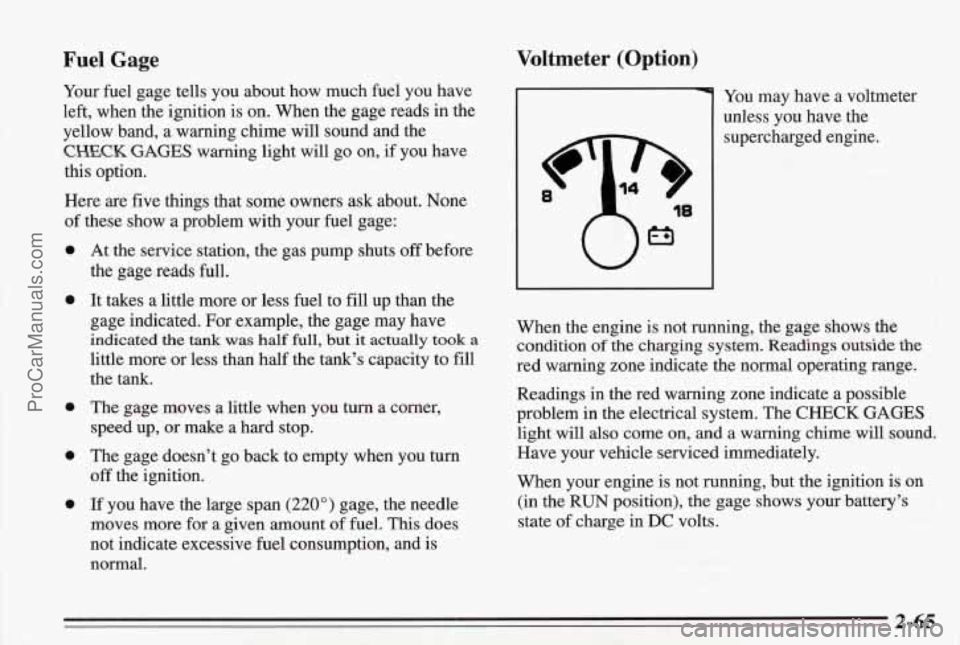
Voltmeter (Option)
You may have a voltmeter
unless you have the
supercharged engine.
When the engine is not running, the gage shows the
condition
of the charging system. Readings outside the
red warning zone indicate the normal operating range.
Readings in the red warning zone indicate a possible
problem in the electrical system. The
CHECK GAGES
light will also come on, and a warning chime will sound.
Have your vehicle serviced immediately.
When your engine is not running, but the ignition is on
(in the RUN position),
the gage shows your battery's
state of charge in
DC volts.
2-65
ProCarManuals.com
Page 115 of 338
Boost Gage (Option)
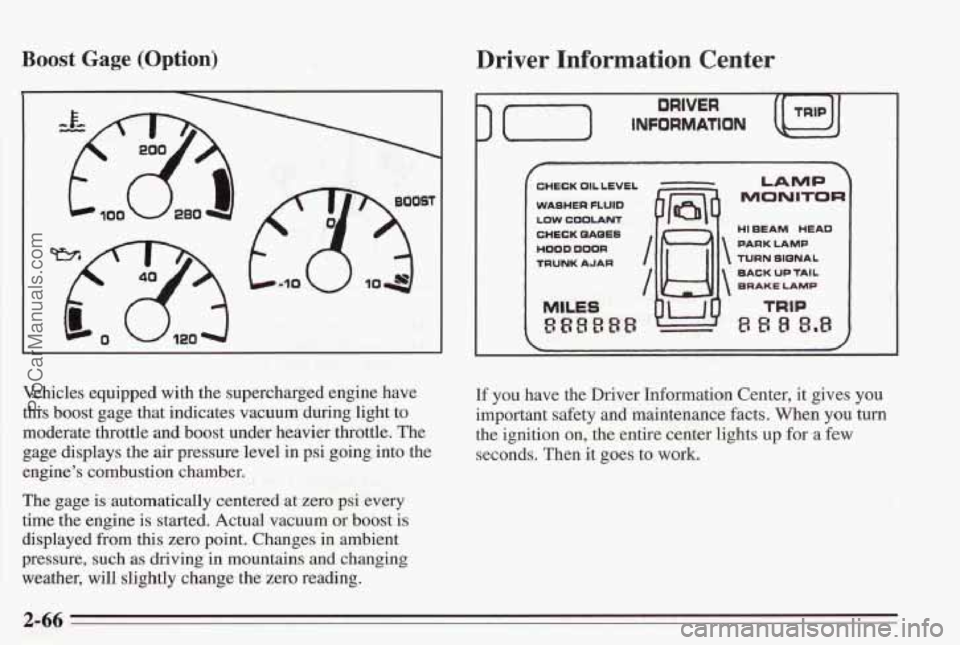
Vehicles equipped with the supercharged engine have
this boost gage that indicates vacuum during light to
moderate throttle and boost under heavier throttle. The
gage displays the air pressure level in psi going into the
engine’s combustion chamber.
The gage is automatically centered at zero psi every
time the engine is started. Actual vacuum or
boost is
displayed from this zero point. Changes in ambient
pressure, such
as driving in mountains and changing
weather, will slightly change the zero reading.
Driver Information Center
) (-) INFORMATION
DRIVER
CHECK OIL LEVEL
WASHER
FLUID
LOW COOLANT
CHECK QAQES
HOOD DOOR
TRUNK AJAR
MILES
888888
I /w
7
LAMP
MONITOR
HI EEAM HEAD
PARK LAMP
TURN SIQNAL
BACK
UP TAIL
BRAKE LAMP
If you have the Driver Information Center, it gives you
important safety and maintenance facts. When you turn
the ignition on, the entire center lights
up for a few
seconds. Then it goes to work.
2-66
ProCarManuals.com
Page 116 of 338
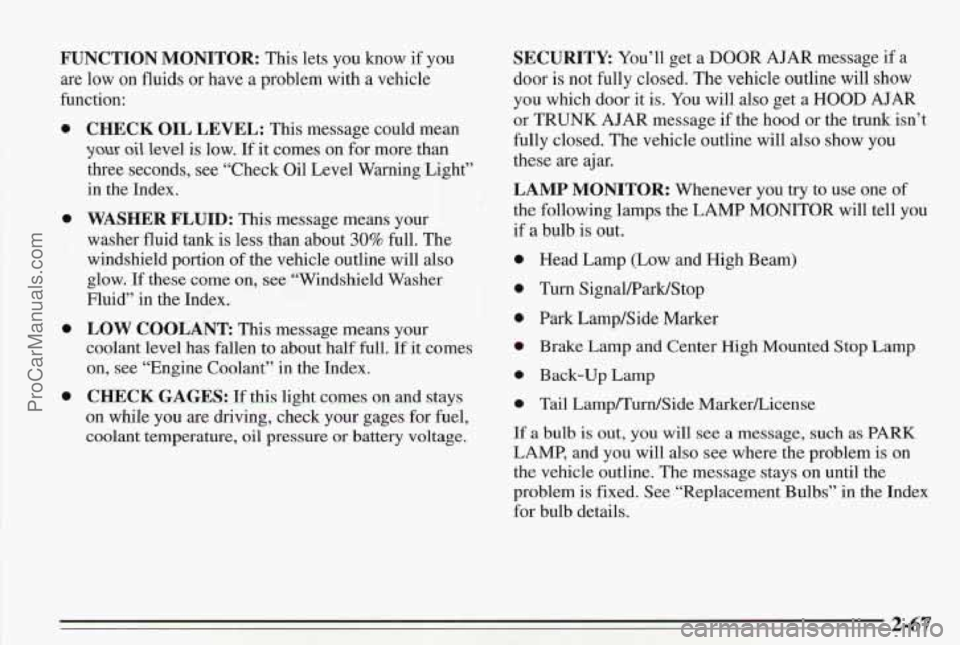
FUNCTION MONITOR: This lets you know if you
are low on fluids or have a problem with a vehicle
function:
0
0
0
0
CHECK OIL LEVEL: This message could mean
you oil level is low. If it comes on for more than
three seconds, see “Check Oil Level Warning Light”
in the Index.
WASHER FLUID: This message means your
washer fluid tank is less than about
30% full. The
windshield portion of the vehicle outline will also
glow.
If these come on, see “Windshield Washer
Fluid” in the Index.
LOW COOLANT This message means your
coolant level has fallen
to about half full. If it comes
on, see “Engine Coolant”
in the Index.
CHECK GAGES: If this light comes on and stays
on while you are driving, check your gages for fuel,
coolant temperature,
oil pressure or battery voltage.
SECURITY: You’ll get a DOOR AJAR message if a
door
is not fully closed. The vehicle outline will show
you which door it is.
You will also get a HOOD AJAR
or TRUNK AJAR message if the hood or the trunk isn’t
fully closed. The vehicle outline will also show you
these are ajar.
LAMP MONITOR: Whenever you try to use one of
the following lamps the LAMP MONITOR will tell you
if
a bulb is out.
Head Lamp (Low and High Beam)
Turn SignaWarWStop
Park Lamp/Side Marker
Brake Lamp and Center
High Mounted Stop Lamp
Back-up Lamp
Tail Lamp/Turn/Side MarkerLicense
If
a bulb is out, you will see a message, such as PARK
LAMP, and you will also see where the problem is on
the vehicle outline. The message stays on until the
problem is fixed. See “Replacement Bulbs” in the Index
for bulb details.
2-67
ProCarManuals.com
Page 139 of 338
Understanding Radio Reception
FM Stereo
FM Stereo will give you the best sound, but FM signals
will reach only about
10 to 40 miles (16 to 65 km). Tall
buildings or
hills can interfere with FM signals, causing
the sound to
come and go.
AM
The range for most AM stations is greater than for Fpv3[,
especially at night. The longer range, however, can
cause stations to interfere with each other.
AM can also
pick up noise from things like storms and power lines.
To lower this noise,
try reducing the treble level.
AM Stereo
Your Delco@ system may be able to receive C-Qum@
stereo broadcasts. Many AM stations around the country
use C-Quam
to produce stereo, though some do not.
C-Quam@
is a registered trademark of Motorola, Inc. If
your Delco system can get C-Quam signals, your stereo
indicator light will come on when you are receiving it.
Be aware that hearing damage from loud noise is almost
undetectable until it
is too late. Your hearing can adapt
to higher volumes of sound. Sound that seems normal
can be loud and harmful to your hearing.
Take
precautions by adjusting the volume control on your
radio to a safe sound level before your hearing adapts to
it.
To help avoid hearing loss or damage:
0 Adjust the volume control to the lowest setting.
Increase volume slowly until you hear comfortably
and clearly.
NOTICE:
Before you add any sound equipment to your
vehicle -- like a tape player, CB radio, mobile
telephone or two-way radio -- be sure you can
add what you want.
If you can, it's very
important
to do it properly. Added sound
equipment may interfere with the operation
of
your vehicle's engine, Delco radio or other
systems, and even damage them. And, your
vehicle's systems may interfere with the
operation of sound equipment that has been
added improperly.
So, before adding sound equipment, check with
your dealer and be
sure to check Federal rules
covering mobile radio and telephone units.
3-18
ProCarManuals.com