1995 OLDSMOBILE SILHOUETTE lock
[x] Cancel search: lockPage 173 of 390
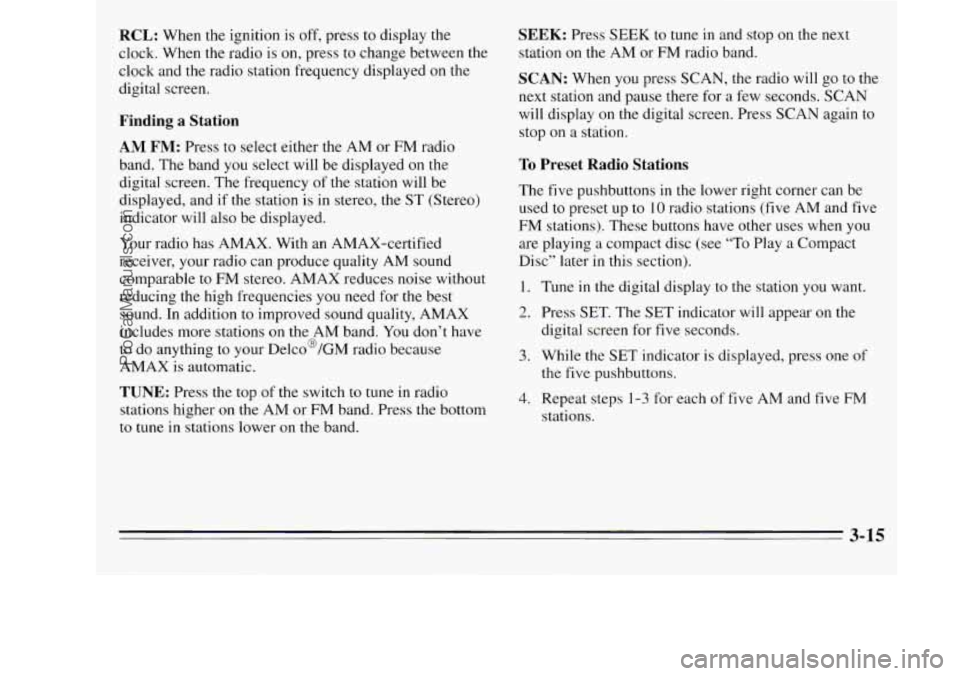
RCL: When the ignition is off, press to display the
clock. When the radio is
on, press to change between the
clock and the radio station frequency displayed on the
digital screen.
Finding a Station
AM FM: Press to select either the AM or FM radio
band. The band
you select will be displayed on the
digital screen. The frequency
of the station will be
displayed, and if the station is in stereo, the
ST (Stereo)
indicator will also be displayed.
Your radio has AMAX. With an AMAX-certified
receiver, your radio can produce quality AM sound
comparable to FM stereo. AMAX reduces noise without
reducing the high frequencies you need for the best
sound. In addition to improved sound quality, AMAX
includes more stations
on the AM band. You don’t have
to do anything to your Delco@/GM radio because
AMAX is automatic.
TUNE: Press the top of the switch to tune in radio
stations higher
on the AM or FM band. Press the bottom
to tune in stations lower on the band.
SEEK: Press SEEK to tune in and stop on the next
station
on the AM or FM radio band.
SCAN: When you press SCAN, the radio will go to the
next station and pause there for a few seconds. SCAN
will display
on the digital screen. Press SCAN again to
stop on a station.
To Preset Radio Stations
The five pushbuttons in the lower right corner can be
used to preset up to
10 radio stations (five AM and five
FM stations). These buttons have other uses when
you
are playing a compact disc (see “To Play a Compact
Disc” later in this section).
1. Tune in the digital display to the station you want.
2. Press SET. The SET indicator will appear on the
digital screen for
five seconds.
3. While the SET indicator is displayed, press one of
the five pushbuttons.
4. Repeat steps 1-3 for each of five AM and five FM
stations.
3-15
ProCarManuals.com
Page 174 of 390
Setting the Tone
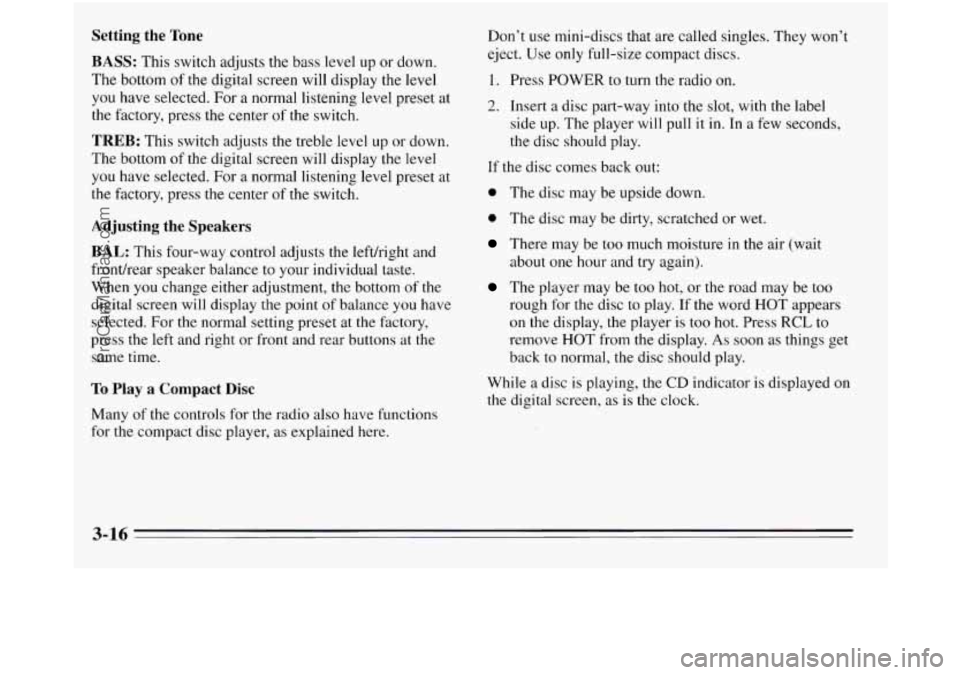
BASS: This switch adjusts the bass level up or down.
The bottom of the digital screen will display the level
you have selected. For a normal listening level preset at
the factory, press the center of the switch.
TREB: This switch adjusts the treble level up or down.
The bottom
of the digital screen will display the level
you have selected. For a normal listening level preset at
the factory, press
the center of the switch.
Adjusting the Speakers
BAL:
This four-way control adjusts the lefthight and
fronthear speaker balance to your individual taste.
When you change either adjustment, the bottom of the
digital screen will display the point of balance you have
selected. For the normal setting preset at the factory,
press the
left and right or front and rear buttons at the
same time.
To Play a Compact Disc
Don’t use mini-discs that are called singles. They won’t
eject. Use only full-size compact discs.
1. Press POWER to turn the radio on.
2. Insert a disc part-way into the slot, with the label
side
up. The player will pull it in. In a few seconds,
the disc should play.
If the disc comes back out:
0 The disc may be upside down.
0 The disc may be dirty, scratched or wet.
There may be too much moisture in the air (wait
The player may be too hot, or the road may be too
rough for the disc to play. If the word HOT appears
on the display, the player is too hot. Press
RCL to
remove HOT from the display. As soon as things get
back to normal, the disc should play.
about one
hour and try again).
While a disc
is playing, the CD indicator is displayed on
the digital screen, as is the clock.
Many of the controls for the radio also have functions
for the compact disc player, as explained here.
3-16
ProCarManuals.com
Page 175 of 390
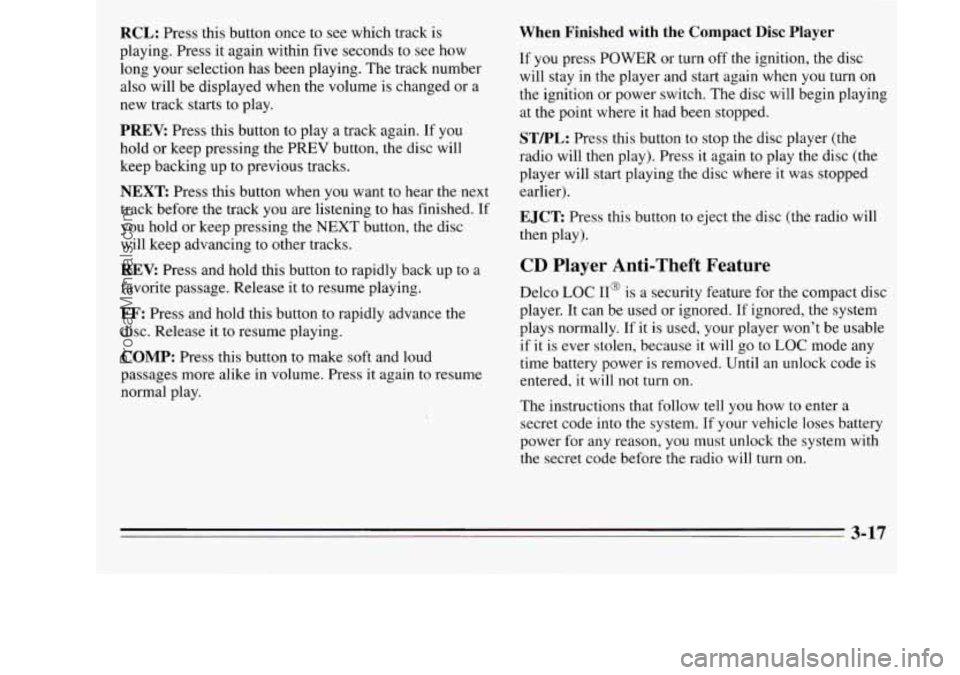
RCL: Press this button once to see which track is
playing. Press it again within five seconds to see how
long your selection has been playing. The track number
also will be displayed when the volume is changed or a
new track starts to play.
PREV: Press this button to play a track again. If you
hold or keep pressing the PREV button, the disc will
keep backing up to previous tracks.
NEXT Press this button when you want to hear the next
track before the track you are listening to has finished.
If
you hold or keep pressing the NEXT button, the disc
will keep advancing
to other tracks.
REV: Press and hold this button to rapidly back up to a
favorite passage. Release it to resume playing.
FF: Press and hold this button to rapidly advance the
disc. Release
it to resume playing.
COMP: Press this button to make soft and loud
passages more alike in volume. Press it again
to resume
normal play.
When Finished with the Compact Disc Player
If you press POWER or turn off the ignition, the disc
will stay
in the player and start again when you turn on
the ignition or power switch. The disc will begin playing
at the point where it had been stopped.
STEL: Press this button to stop the disc player (the
radio will then play). Press
it again to play the disc (the
player will start playing the disc where it was stopped
earlier).
EJCT Press this button to eject the disc (the radio will
then play).
CD Player Anti-Theft Feature
Delco LOC 11' is a security feature for the compact disc
player. It can be used or ignored. If ignored, the system
plays normally. If it is used, your player won't be usable
if it is ever stolen, because it will go to
LOC mode any
time battery power is removed. Until an unlock code is
entered, it will not turn
on.
The instructions that follow tell you how to enter a
secret code into the system. If your vehicle loses battery
power for any reason, you must unlock the system with
the secret code before the radio will turn on.
3-17
ProCarManuals.com
Page 177 of 390
To Unlock the System After a Power Loss
When battery power is reapplied to a secured radio, the
radio won’t turn on and LOC will appear on the display.
Enter your secret code as follows; pause no more than
15 seconds between steps.
1. Turn the ignition on (radio off).
2. Press the SET button. The display will show “OOO.”
3. Enter the six digits of the code following steps 6-9
under “To Set the Anti-Theft System.” The display
will show the numbers
as entered.
4. Press the AM FM button. If the time appears, the
disabling sequence was successful.
If the display
indicates SEC, the numbers did not match and the
unit is still secured.
Disabling the Anti-Theft System
1.
2.
3.
4.
5.
6.
7.
Press PREV and FF together for five seconds with
the ignition on and the radio power off. The display
will show SEC, indicating the unit is
in the
“secured” mode. (If
“---” appears on the display,
the anti-theft system has already been disabled.)
Press the SET button. The display will show
“000.”
Press and hold SEEK until the first digit of your
code appears.
Press and hold SCAN until the second and third
digits of your code appear.
Press the AM FM button. The radio will display
“000.”
Repeat steps 3 and 4 to enter the second three digits
of the code. The display will show the numbers as
entered.
Press the
AM FM button. If “---,” then the time
appears, the disabling sequence was successful (the
numbers matched the secret code) and the unit is in
the “unsecured” mode.
If the display shows SEC, the
disabling sequence was unsuccessful (the numbers
did not match) and the unit will remain in the
“secured” mode.
ProCarManuals.com
Page 188 of 390
Avoid needless heavy braking. Some people drive in
spurts
-- heavy acceleration followed by heavy
braking
-- rather than keeping pace with traffic. This is a
mistake. Your brakes may not have time to cool between
hard stops. Your brakes will wear out much faster if you
do a lot
of heavy braking. If you keep pace with the
traffic and allow realistic following distances, you will
eliminate
a lot of unnecessary braking. That means
better braking and longer brake life.
If your engine ever stops while you're driving, brake
normally but don't pump your brakes.
If you do, the
pedal may get harder to push down. If your engine
stops, you will
still have some power brake assist. But
you will use it when you brake. Once the power assist is
used up, it may take longer to stop and the brake pedal
will be harder to push.
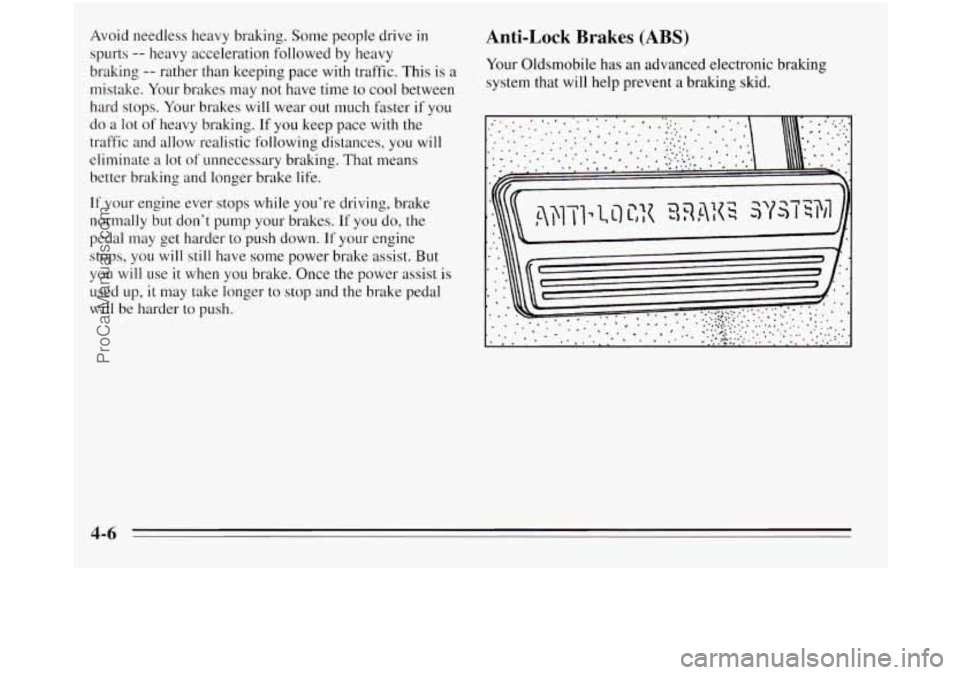
Anti-Lock Brakes (ABS)
Your Oldsmobile has an advanced electronic bralung
system that will help prevent a braking skid.
' * \\\
4-6
ProCarManuals.com
Page 189 of 390
When you start your vehicle, or when you begin to drive
away, you may hear
a momentary motor or clicking
noise. And
you may even notice that your brake pedal I
moves a little while this is going on. This is the ABS
system testing itself. (You may also hear a clicking noise
if you leave the ignition in the
RUN position for about
four seconds before starting the vehicle.) If there’s
a
problem with the anti-lock brake system, the anti-lock
brake system warning light will stay on or flash.
See “Anti-Lock Brake System Warning Light’’ in the
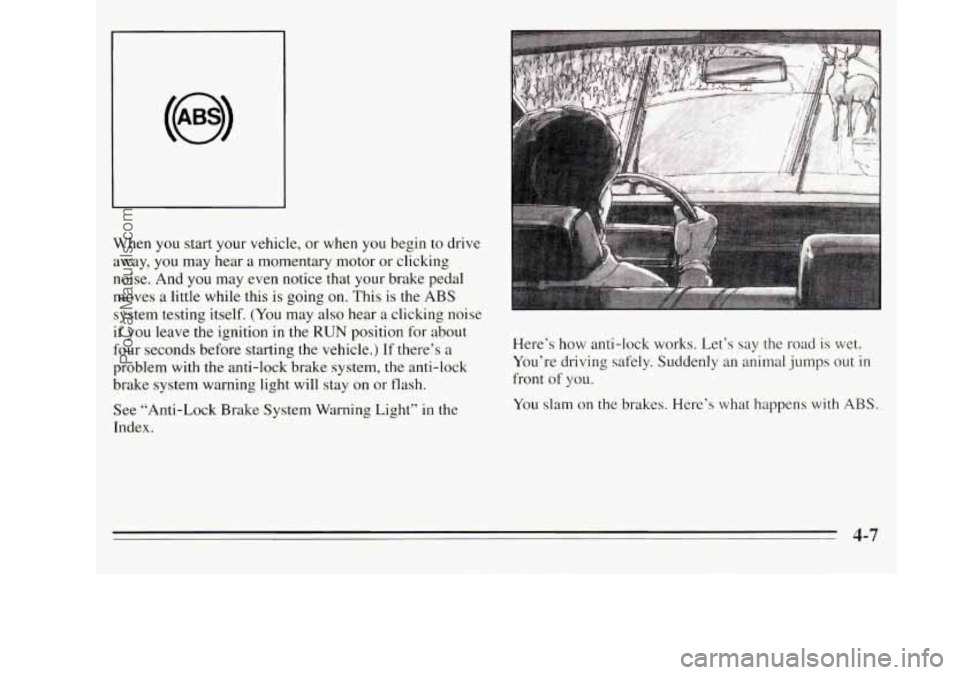
Index. Here’s
how anti-lock works. Let’s say the road
is wet.
You’re driving safely. Suddenly an animal jumps out
in
front of you.
You slam on the brakes. Here’s what happens with
ABS.
4-7
ProCarManuals.com
Page 190 of 390
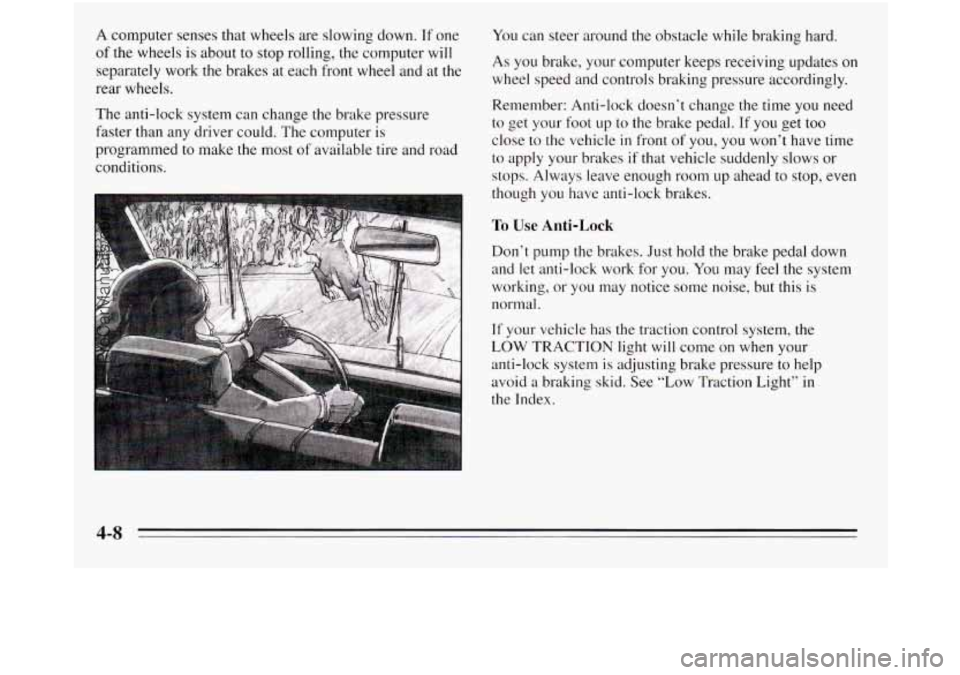
A computer senses that wheels are slowing down. If one
of the wheels is about to stop rolling, the computer will
separately work the brakes at each front wheel and at the
rear wheels.
The anti-lock system can change
the brake pressure
faster than any driver could. The computer
is
programmed to make the most of available tire and road
conditions.
You can steer around the obstacle while braking hard.
As you brake, your computer keeps receiving updates on
wheel speed and controls braking pressure accordingly.
Remember: Anti-lock doesn’t change the time you need
to get your foot up to the brake pedal. If you get too
close
to the vehicle in front of you, you won’t have time
to apply your brakes if that vehicle suddenly slows or
stops. Always leave enough room up ahead
to stop, even
though you have anti-lock brakes.
To Use Anti-Lock
Don’t pump the brakes. Just hold the brake pedal down
and let anti-lock work for you.
You may feel the system
working, or you may notice some noise, but this
is
normal.
If your vehicle has the traction control system, the
LOW TRACTION light will come on when your
anti-lock system
is adjusting brake pressure to help
avoid a braking skid. See “Low Traction Light” in
the Index.
4-8
ProCarManuals.com
Page 192 of 390
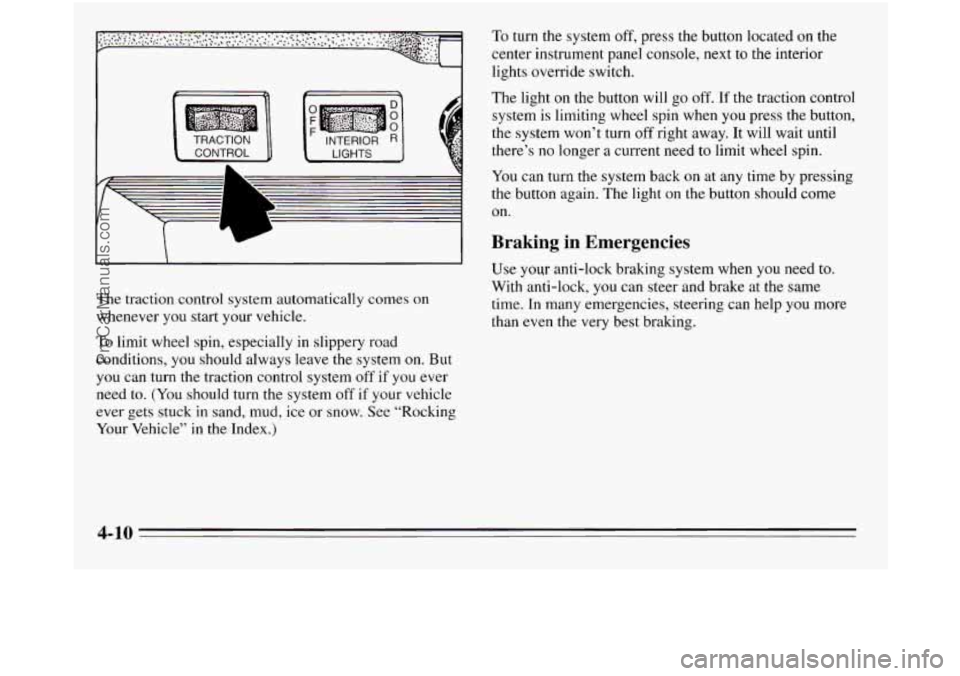
The light on the button will go off. If the traction control
system is limiting wheel spin when you press the button,
the system won’t turn
off right away. It will wait until
there’s no longer a current need to limit wheel spin.
You can turn the system back on at any time by pressing
the button again. The light on the button should come
on.
Braking in Emergencies
I I I Use your anti-lock braking system when you need to.
With anti-lock,
you can steer and brake at the same
time. In many emergencies, steering can help you more
than even the very best braking.
The
traction control system automatically comes
on
whenever you start your vehicle.
To limit wheel spin, especially in slippery road
conditions,
you should always leave the system on. But
you can turn the traction control system off if you ever
need to.
(You should turn the system off if your vehicle
ever gets stuck
in sand, mud, ice or snow. See “Rocking
Your Vehicle” in the Index.)
4-10
ProCarManuals.com