1995 CHEVROLET CORVETTE fuel
[x] Cancel search: fuelPage 125 of 386
Downloaded from www.Manualslib.com manuals search engine I 1=1 1 I -1 I
r .
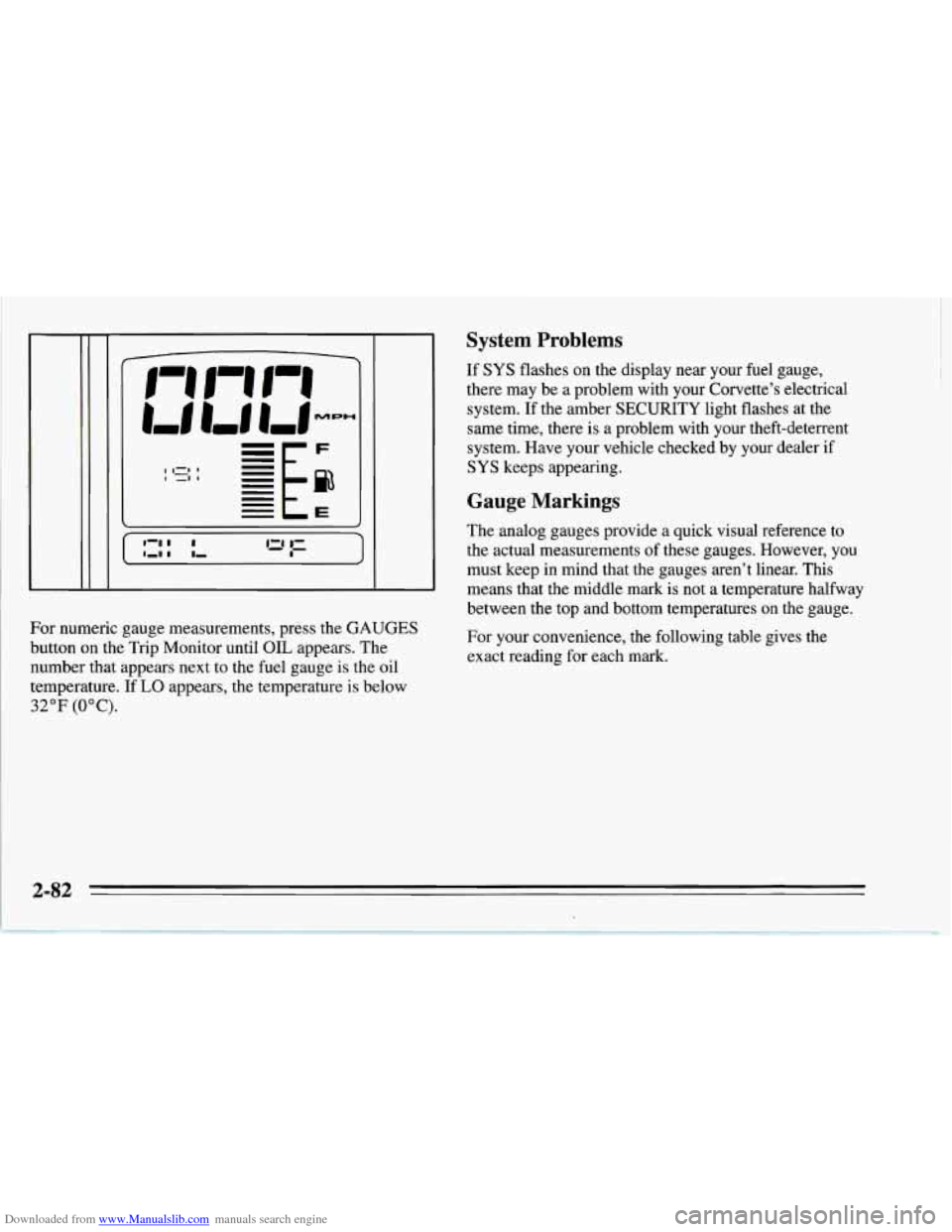
For numeric gauge measurements, press the GAUGES
button on the Trip Monitor until OIL appears. The
number that appears next to the fuel gauge is the oil
temperature.
If LO appears, the temperature is below
32°F (OOC).
System Problems
If SYS flashes on the display near your fuel gauge,
there may be a problem with your Corvette’s electrical
system. If the amber SECURITY light flashes at the
same time, there
is a problem with your theft-deterrent
system. Have your vehicle checked by your dealer
if
SYS keeps appearing.
Gauge Markings
The analog gauges provide a quick visual reference to
the actual measurements of these gauges. However, you
must keep in mind that the gauges aren’t linear. This
means that the middle mark is not a temperature halfway
between the top and bottom temperatures on the gauge.
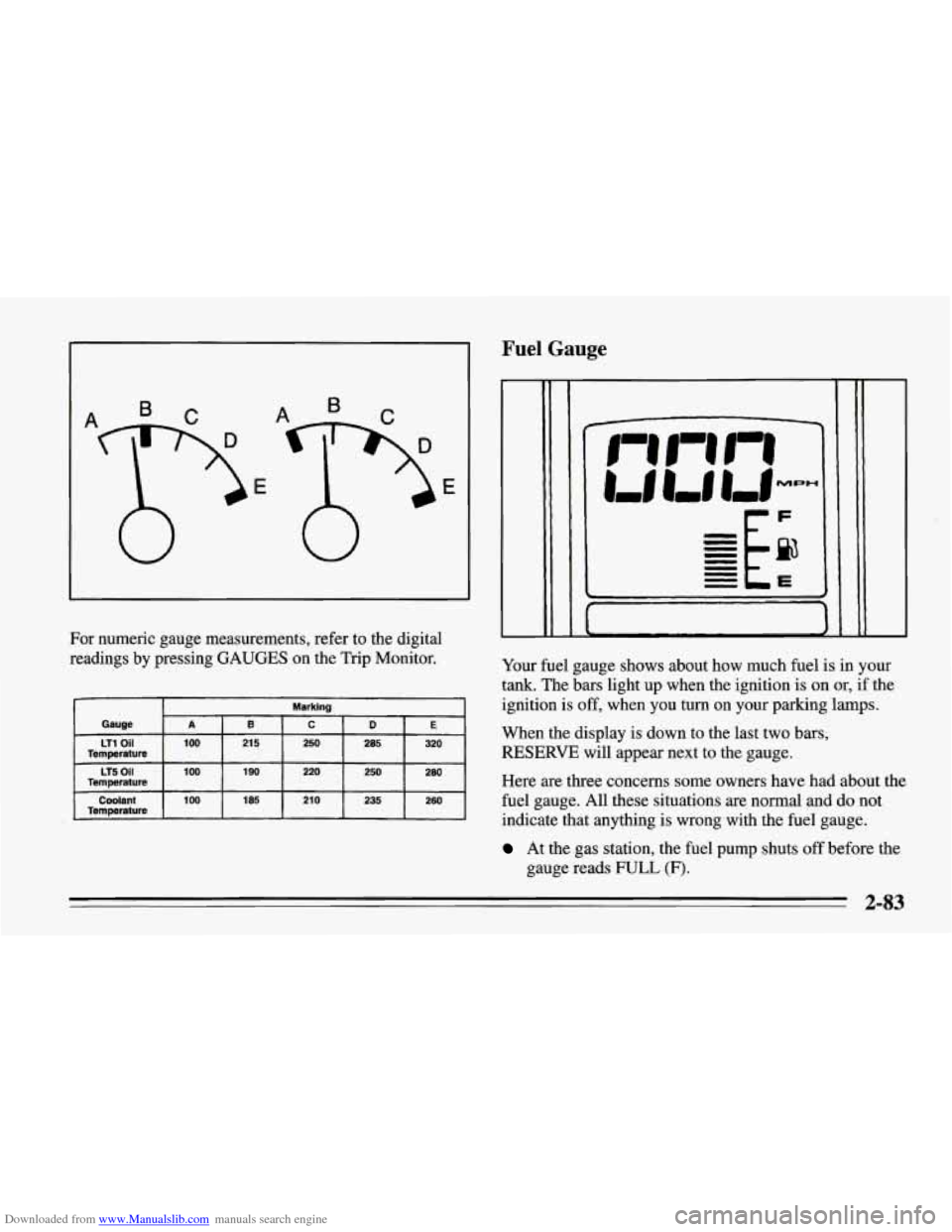
For your convenience, the following table gives the
exact reading for each mark.
Page 126 of 386
Downloaded from www.Manualslib.com manuals search engine Fuel Gauge
For numeric gauge measurements, refer to the digital
readings by pressing GAUGES on the
Trip Monitor.
Marking
Gauge
E D C B A
LT1 Oil 100
260
235
210
185 100 Coolant
280 250
220
190
100 LT5 Oil
320 285
250
21 5 Temperature
Temperature
Temperature
CF
Your fuel gauge shows about how much fuel is in your
tank. The bars light up when the ignition is on or, if the
ignition is off, when
you turn on your parking lamps.
When the display
is down to the last two bars,
RESERVE will appear next to the gauge.
Here
are three concerns some owners have had about the
fuel gauge. All these situations
are normal and do not
indicate that anything is wrong with the fuel gauge.
At the gas station, the fuel pump shuts off before the
gauge reads
FULL (F).
2-83
Page 127 of 386
Downloaded from www.Manualslib.com manuals search engine 0 It takes more (or less) fuel to fill up than the gauge
reads. For example, the gauge reads half full, but it
took more (or less) than half of the tank's capacity to
fill it.
0 The gauge moves a little when you turn, stop or
You can use the Trip Monitor to display more detailed
fuel information. Each time you press FUEL
INFO, one
of the following will appear next to the fuel gauge.
0 INST The fuel economy calculated for your current
speed up.
driving
conditions.
0 AVERAGE: The fuel economy calculated for the
current tank of fuel,
or since you last reset the
display.
refueling.
0 RANGE: The distance you can drive before
0 BLANK: The fuel gauge is displayed alone.
You should reset the fuel information display every time
you refuel. To reset the display, press
FUEL INFO until
AVERAGE appears. Then, press RESET FUEL on the
Trip Monitor.
Automatic Transmission Fluid Temperature
Reading
I I Huh "F
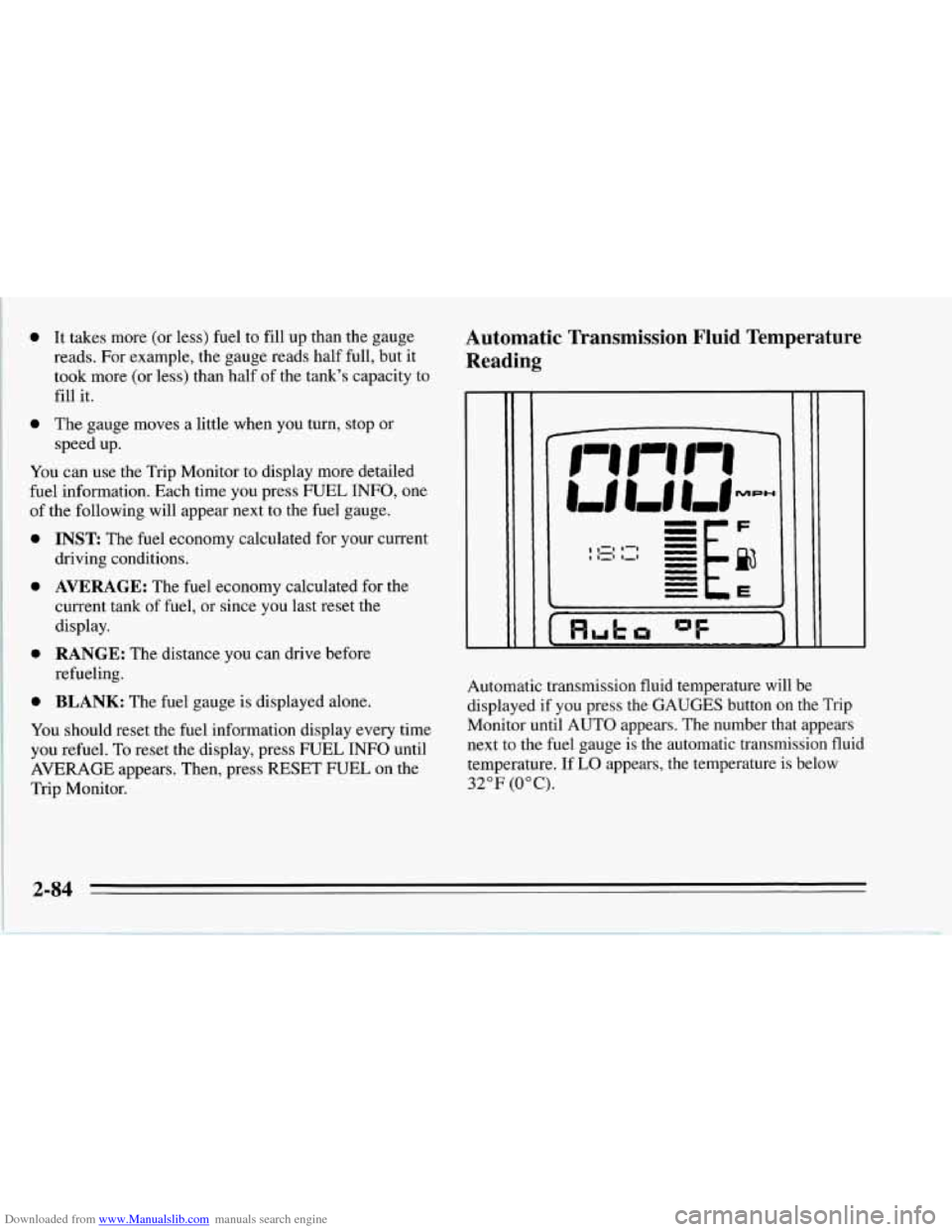
Automatic transmission fluid temperature will be
displayed if you press the GAUGES button on the Trip
Monitor until AUTO appears. The number that appears
next to the fuel gauge is the automatic transmission fluid
temperature. If
LO appears, the temperature is below
32°F (0°C).
2-84
Page 128 of 386
Downloaded from www.Manualslib.com manuals search engine It’s normal for the transmission fluid temperature to
vary, depending on the type of driving you do and
weather conditions. If you drive on long grades on a hot
day, the transmission fluid temperature will be higher
than normal driving on a cold day. If you drive your
Corvette at high speeds with a lot of stop-and-go or fast
accelerations, your transmission fluid temperature may
also be higher.
If the transmission fluid exceeds
280°F (138 “C), the
CHECK GAUGES light will come on and HI
AUTO
will be displayed next to the transmission fluid
temperature when you toggle through the GAUGES
button. You should move the shift lever to DRIVE (D)
and continue driving at a slower, constant speed.
Monitor the transmission fluid temperature and allow
it
to cool to 180°F (82°C) to 200°F (93°C). Then, you
should check the transmission fluid level for a low fill or
overfill condition and bring your Corvette in for service
as soon as possible (see “Automatic Transmission Fluid”
in the Index). Also, check the engine coolant
temperature. If it’s too hot, see “Cooling System” in the
Index.
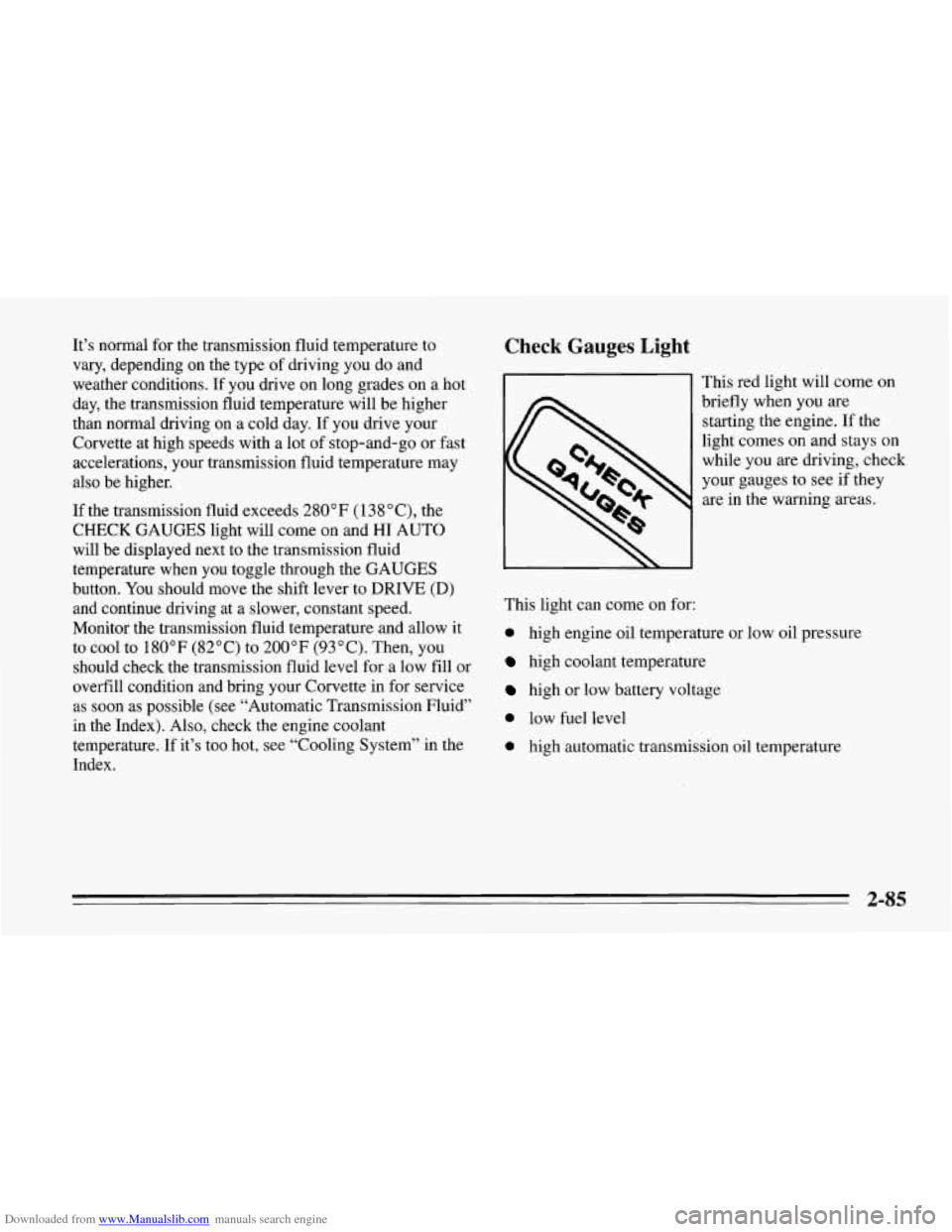
Check Gauges Light
This red light will come on
briefly when you are
starting the engine. If the
light comes on and stays on
while
you are driving, check
your gauges to see if they
are
in the warning areas.
This light can come
on for:
0 high engine oil temperature or low oil pressure
high coolant temperature
high or low battery voltage
0 low fuel level
0 high automatic transmission oil temperature
2-85
Page 145 of 386
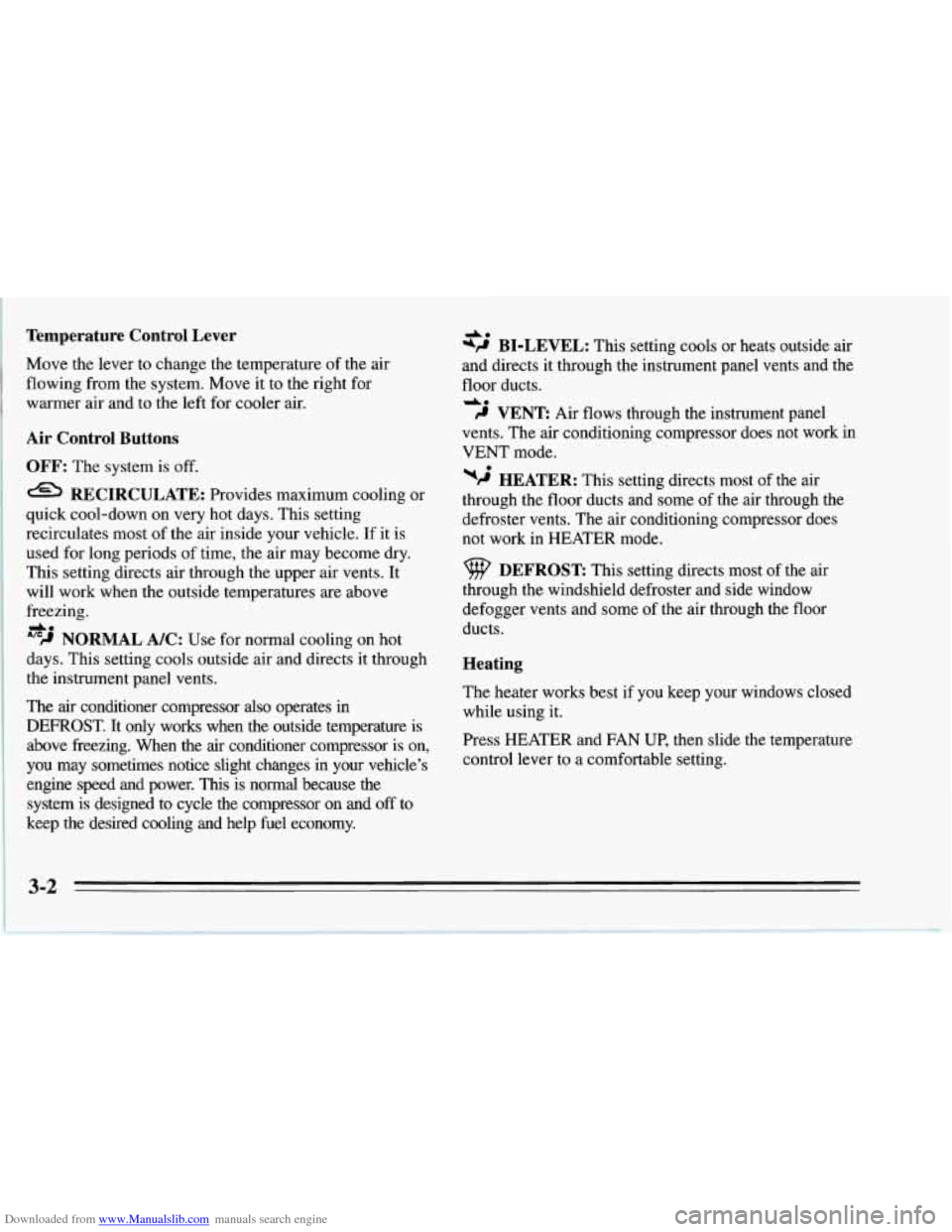
Downloaded from www.Manualslib.com manuals search engine Temperature Control Lever
Move the lever to change the temperature of the air
flowing from the system. Move it to the right for
warmer air and to the left for cooler air.
Air Control Buttons
OFF: The system is off.
RECIRCULATE: Provides maximum cooling or
quick cool-down
on very hot days. This setting
recirculates most of the air inside your vehicle. If it is
used for long periods of time, the air may become dry.
This setting directs air through the upper air vents. It
will work when the outside temperatures are above
freezing.
'''9 NORMAL A/C: Use for normal cooling on hot
days. This setting cools outside air and directs it through
the instrument panel vents.
The air conditioner compressor also operates in
DEFROST. It only works when the outside temperature is
above freezing. When the air conditioner compressor is on,
you may sometimes notice slight changes in your vehicle's
engine speed and power. This is normal because the
system
is designed to cycle the compressor on and off to
keep the desired cooling and help fuel economy.
do
A.
*P@ BI-LEVEL: This setting cools or heats outside air
and directs it through the instrument panel vents and the
floor ducts.
do
9 VENT: Air flows through the instrument panel
vents. The air conditioning compressor does not work in
VENT mode.
wj HEATER: This setting directs most of the air
through the floor ducts and some of the air through the
defroster vents. The air conditioning compressor does
not work in HEATER mode.
DEFROST This setting directs most of the air
through the windshield defroster and side window
defogger vents and some of the air through the floor
ducts.
Heating
The heater works best if you keep your windows closed
while using it.
Press HEATER and FAN UP, then slide the temperature
control lever to a comfortable setting.
3-2
Page 147 of 386
Downloaded from www.Manualslib.com manuals search engine Cooling
The air conditioner works best if you keep your
windows closed. On very hot days, open the windows
just long enough for the hot air to escape.
Press RECIRCULATE and
FAN UP, then slide the
temperature control lever to a comfortable setting.
After cool-down, adjust the air control buttons to
another setting. The compressor works in all settings
except VENT and HEATER and at all temperatures
above freezing.
When the air conditioner is on, you may notice slight
changes in your vehicle's engine speed and power. This
is normal because the system is designed to cycle the
compressor on and off to keep the desired temperature
and help fuel economy.
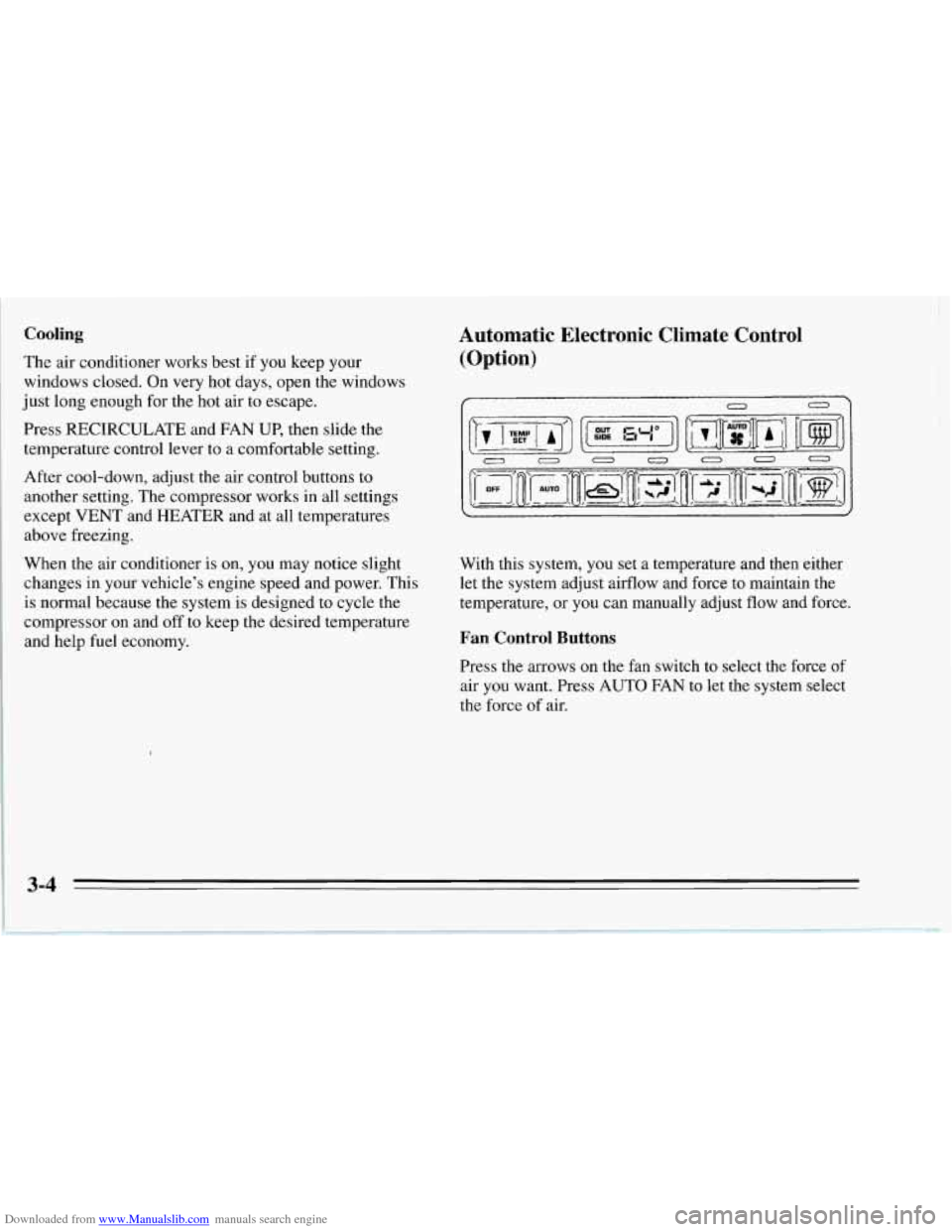
Automatic Electronic Climate Control
(Option)
0
With this system, you set a temperature and then either
let the system adjust airflow and force to maintain the
temperature, or you can manually adjust flow and force.
Fan Control Buttons
Press the arrows on the fan switch to select the force of
air you want. Press
AUTO FAN to let the system select
the force
of air.
3-4
Page 150 of 386
Downloaded from www.Manualslib.com manuals search engine Manual Bi-Level Manual Cooling
BI-LEVEL can
heat or cool outside air and direct it in
two directions.
Press the arrows on the TEMP SET switch to set a
comfortable temperature. Press VENT and, if you don’t
like the automatic setting, press the arrows on the fan
speed switch.
Manual Ventilation
For mild outside temperatures, when little heating or
cooling is needed, you can still direct outside air through
your vehicle.
Press the arrows on the TEMP SET switch to set a
comfortable temperature. For ventilation, the system can’t cool the vehicle below the outside temperature.
Press VENT and, if you don’t like the automatic setting,
press the arrows on the fan speed switch. The air conditioner
works best if you keep your
windows closed.
On very hot days: open the windows
just long enough for the hot air to escape.
Press the arrows
on the TEMP SET switch to set a
comfortable temperature. Press RECIRCULATE. After
cool-down, adjust the airflow to another setting. The
compressor works in all settings except
VENT and
HEATER and at all temperatures above freezing.
Press the arrows on the fan speed switch
if you don’t
like the automatic setting. In
AUTO FAN on hot days,
the fan speed will be low at first to help get rid
of the
hot inside air.
When the air conditioner is on, you may notice slight
changes in your vehicle’s engine speed and power. This
is normal because the system is designed to cycle the
compressor on and off to keep the desired temperature
and help fuel economy.
3-7
Page 184 of 386
Downloaded from www.Manualslib.com manuals search engine The exit speed is usually posted.
Reduce your speed according to your speedometer, not
to your sense of motion. After driving for any distance
at higher speeds, you may tend to think
you are going
slower than you actually are.
Before Leaving on a Long Trip
Make sure you’re ready. Try to be well rested. If you
must start when you’re not fresh
-- such as after a day’s
work
-- don’t plan to make too many miles that first part
of the journey. Wear comfortable clothing and shoes you
can easily drive in.
Is your vehicle ready for a long trip?
If you keep it
serviced and maintained, it’s ready to
go. If it needs
service, have it done before starting out. Of course,
you’ll find experienced and able service experts in
Chevrolet dealers all across North America. They’ll be
ready and willing to help if you need it. Here
are some things you can check before a trip:
0
0
0
0
0
0
0
Windshield Washer Fluid: Is the reservoir full? Are
all windows clean inside and outside?
Wiper Blades: Are they in good shape?
Fuel, Engine Oil, Other Fluids: Have you checked
all levels?
Lamps: Are they all working? Are the lenses clean?
Tires: They are vitally important to a safe,
trouble-free trip. Is the tread good enough for
long-distance driving? Are the tires all inflated to the
recommended pressure?
Weather Forecasts: What’s the weather outlook
along your route? Should you delay your trip a short
time to avoid
a major storm system?
Maps: Do you have up-to-date maps?
4-21