1995 CHEVROLET CAVALIER lock
[x] Cancel search: lockPage 119 of 340
Downloaded from www.Manualslib.com manuals search engine Anti-Lock Brake System Warning Light
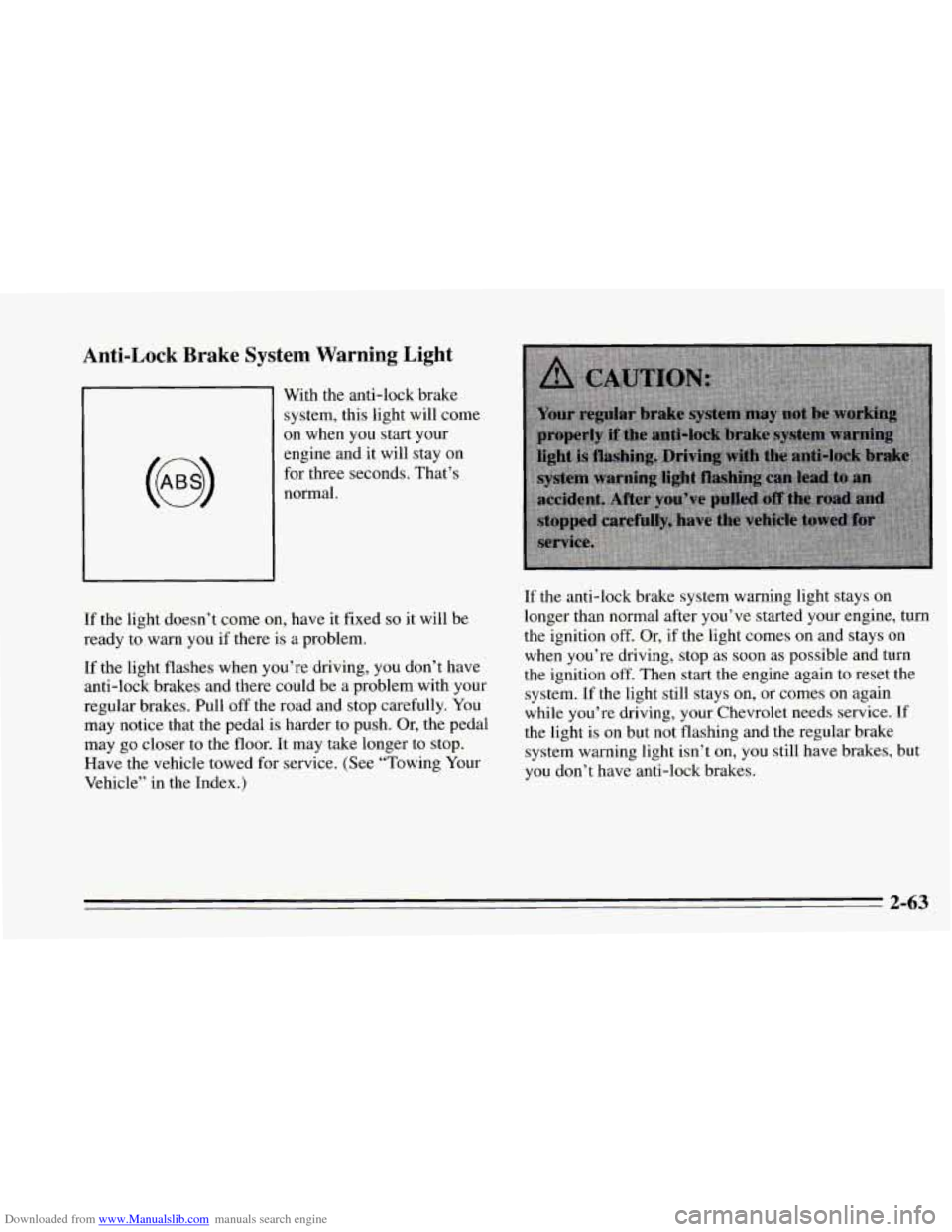
1 With the anti-lock brake
’ system, this light will come
on when you start your
engine and it will stay on
for three seconds. That’s
normal.
If the light doesn’t come on, have it fixed
so it will be
ready to warn you if there is a problem.
If the light flashes when you’re driving,
you don’t have
anti-lock brakes and there could be a problem with your
regular brakes. Pull off the road and stop carefully. You
may notice that the pedal is harder to push. Or, the pedal
may
go closer to the floor. It may take longer to stop.
Have the vehicle towed for service. (See “Towing Your
Vehicle” in the Index.) If
the anti-lock brake system warning light stays on
longer than normal after you’ve started your engine, turn
the ignition off. Or, if the light comes on and stays on
when you’re driving, stop as soon as possible and turn
the ignition
off. Then start the engine again to reset the
system. If the light still stays on, or comes
on again
while you’re driving, your Chevrolet needs service.
If
the light is on but not flashing and the regular brake
system warning light isn’t on,
you still have brakes, but
you don’t have anti-lock brakes.
2-63
Page 126 of 340
Downloaded from www.Manualslib.com manuals search engine These following conditions also may cause the CHECK
ENGINE light to come
on:
0
0
Low Fuel/Out of Fuel: As the vehicle starts to run
out of fuel, the CHECK ENGINE light may come on
as a result of an engine misfire. Filling your fuel tank
should correct this condition. Make sure to install
the
gas cap fully. It will require a few driving trips to
turn the light off.
Poor Quality Fuel: Be sure to fuel your vehicle with
quality fuel. Your engine may
not run efficiently on
poor fuel. Poor fuel may cause stalling, hesitation or
misfire. These conditions may
go away when the
engine
is warmed-up. However, poor quality fuel
may cause the
CHECK ENGINE light to come on.
Have a dealer check the vehicle. If no problems are
found, you may want
to change to another brand of
fuel.
Driving Through Standing Water: Driving your
vehicle through puddles
of deep standing water may
result in
a temporary misfire condition. This
condition will usually correct itself shortly after
the
electrical system dries out. it will require a few
driving trips
to turn the light off.
Passlock Warning Light
THEFT
SYSTEM
This light will come on
when you turn the key
towards the
START
position. The light will stay
on until the vehicle starts.
If the light flashes, the Passlock system has entered a
tamper mode.
If the vehicle fails to start, see “Passlock”
in the Index.
If
the light comes on continuously while driving and
stays
on, there may be a problem with the Passlock
system. Your vehicle will not be protected
by Passlock,
and
you should see your dealer.
2-70
Page 127 of 340
Downloaded from www.Manualslib.com manuals search engine 0 Section 3 Comfort Controls and Audio Svstems J
In this section you’ll find out how to operate the comfort
control systems and audio systems offered with your
Chevrolet. Be sure
to read about the particular system
supplied with your vehicle.
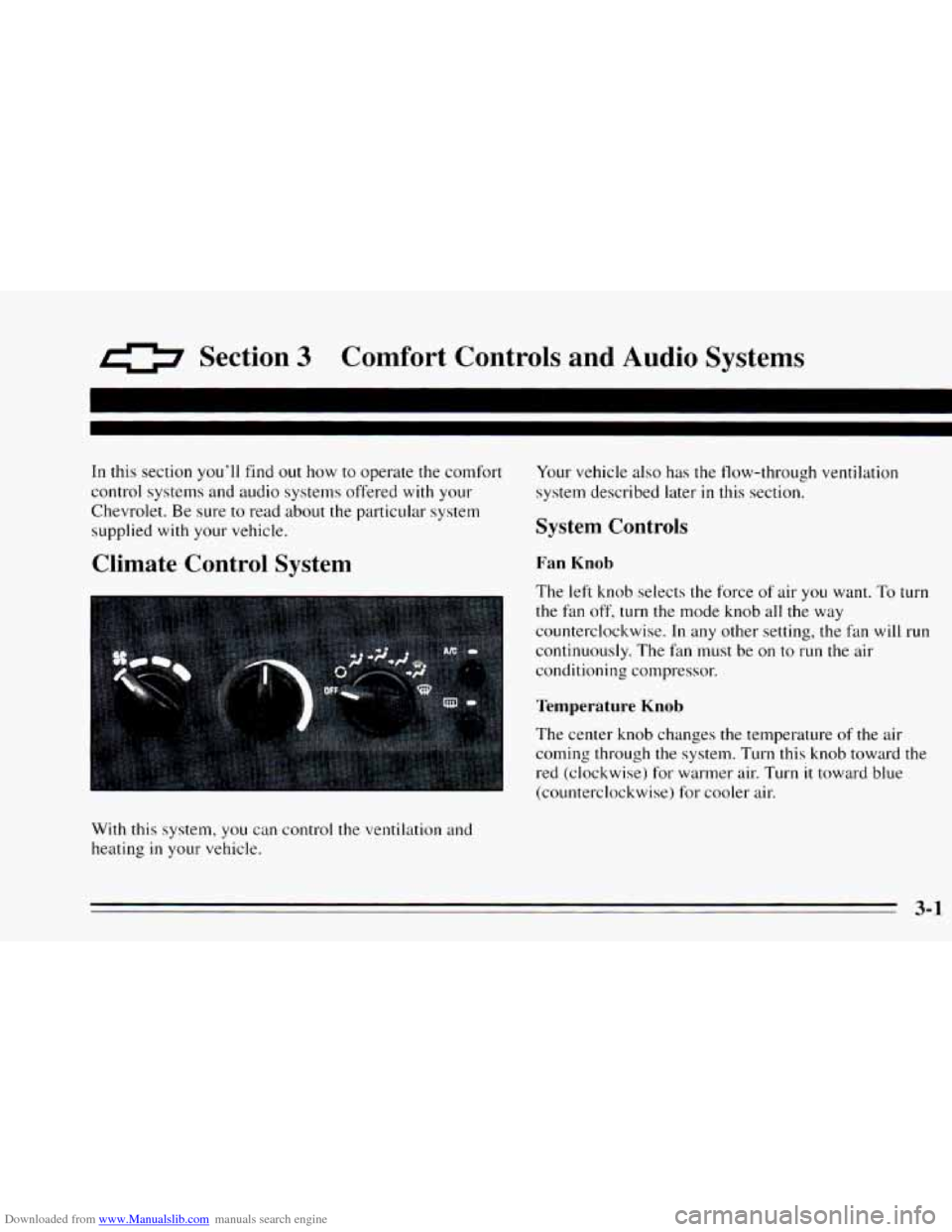
Climate Control System
With this system, you can control the ventilation and
heating
in your vehicle. Your
vehicle also has the flow-through ventilation
system described later
in this section.
System Controls
Fan Knob
The left knob selects the force of air you want. To turn
the fan off, turn the mode knob all the way
counterclockwise.
In any other setting, the fan will run
continuously. The fan must
be on to run the air
conditioning compressor.
Temperature Knob
The center knob changes the temperature of the air
coming through
the system. Turn this knob toward the
red (clockwise) for warmer air. Turn it toward blue
(counterclockwise) for cooler air.
3-1
Page 131 of 340
Downloaded from www.Manualslib.com manuals search engine Ventilation Tips
0
0
0
Keep the hood and front air inlet free of ice, snow or
any other obstruction, such
as leaves. The heater and
defroster will work far better, reducing the chance
of
fogging the inside of your windows.
When you enter
a vehicle in cold weather, adjust the
mode knob
to FLOOR and the fan to the highest
speed for
a few moments before driving off. This
helps clear the intake ducts of snow and moisture
and reduces the chance
of fogging the inside of your
windows.
Keep the air path under the front seats cle.ar of
objects. This helps air circulate throughout your
vehicle.
Audio Systems
Your Delco@ audio system has been designed to operate
easily and give years of listening pleasure.
You will get
the most enjoyment out of
it if you ac mint yourself
with
it first. Find out what your Delco 9s system can do
and how
to operate all its controls, to be sure you’re
getting the most
out of the advanced engineering that
went into
it.
Setting the Clock
No matter which audio system you have in your vehicle,
setting the clock is easy.
1.
2.
With the ignition on and the radio on or off, press
SET. The SET indicator will appear on the digital
screen for five seconds.
You must begin to set the clock to the correct hour
and minute during those five seconds.
If your audio system does not have a CD player:
0 Press the SEEK down arrow to set the hour.
Press the SEEK up arrow to set the minute.
If your audio system has
a CD player:
0 Press SCAN to set the hour.
Press the SEEK up or down arrows to decrease or
increase the minutes.
3-5
Page 132 of 340
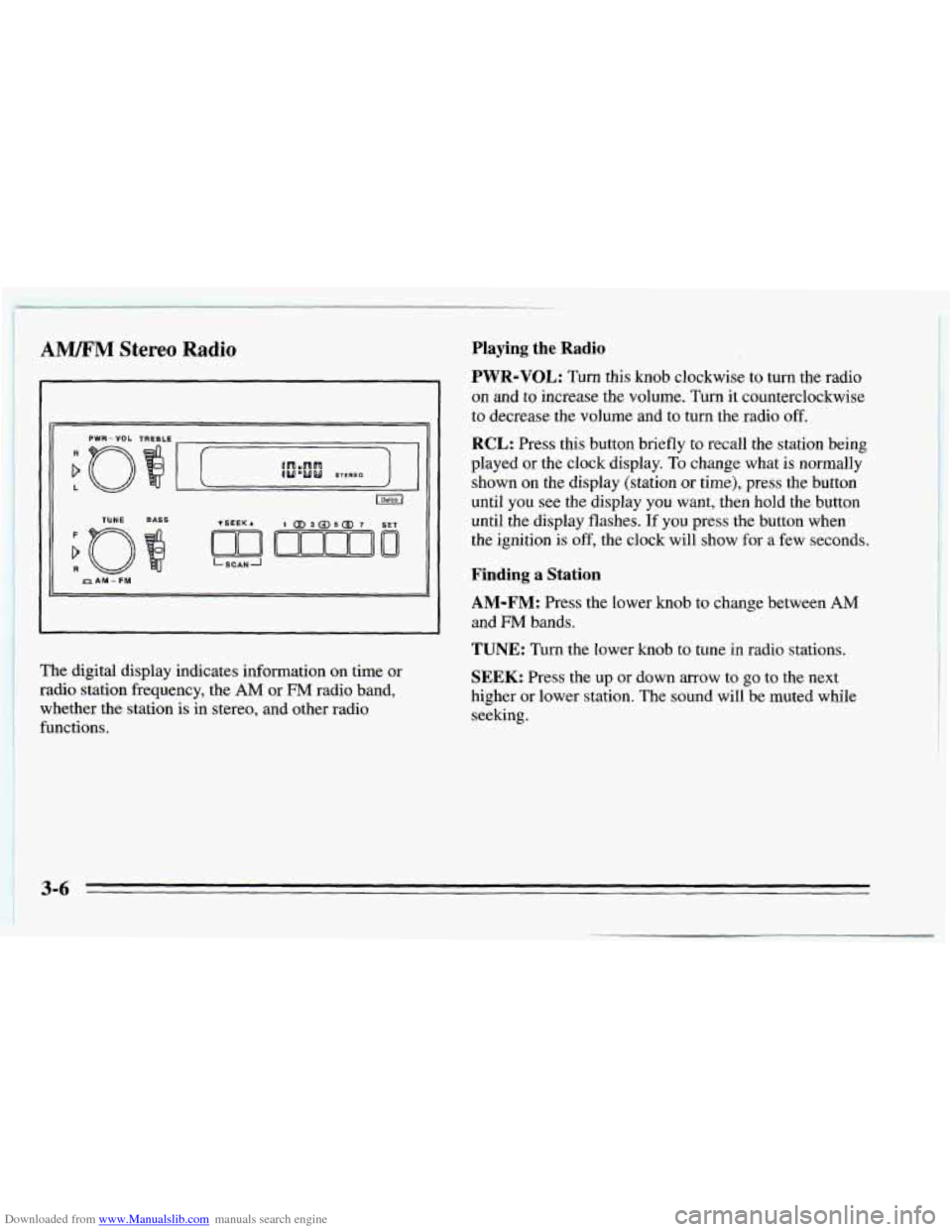
Downloaded from www.Manualslib.com manuals search engine ! AWM Stereo Radio
TUNE BASS
LSCANJ ~ PAM - FM
~ The digital display indicates information on time or ~ radio station frequency, the AM or FM radio band,
whether the station is in stereo, and other radio
functions.
Playing the Radio
PWR-VOL: Turn this knob clockwise to turn the radio
on and to increase the volume. Turn it counterclockwise
to decrease the volume and to turn the radio off.
RCL: Press this button briefly to recall the station being
played or the clock display.
To change what is normally
shown on the display (station
or time), press the button
until you see the display
you want, then hold the button
until the display flashes.
If you press the button when
the ignition
is off, the clock will show for a few seconds.
Finding a Station
AM-FM: Press the lower knob to change between AM
and FM bands.
TUNE: Turn the lower knob to tune in radio stations.
SEEK: Press the up or down arrow to go to the next
higher or lower station. The sound will be muted while
seeking.
3-6
Page 137 of 340
Downloaded from www.Manualslib.com manuals search engine 11. Press the TUNE knob (“rEP” will appear for five
12. Repeat steps
6 through 10. Then press the TUNE
seconds,
then
“000”).
knob again. SEC will appear, indicating that Delco
LOC
I1 is set, and your radio is secure. If “---”
appears, the steps were not successful and you must
repeat the entire procedure.
To Disable the Anti-Theft System
Enter your secret code by following these steps (you
will have only 15 seconds between each step).
1.
2.
3.
4.
5.
Turn the ignition on and the radio off, then press
station preset buttons 1 and
4. SEC will appear,
showing the radio is secure.
Press
SET and “000” will appear on the display.
Press SCAN until the first digit of your secret code
appears.
Press
SEEK until the second and third digits of your
code appear.
Press
the TUNE knob (“000” will appear on the
display). 6.
Press SCAN until the fourth digit of your code
appears.
7. Press SEEK until the fifth and sixth digits of your
code appear.
8. Press the TUNE knob. If the display shows “---,” the
radio is unsecured and will play again. If the display
shows SEC, the steps were not successful and the
numbers did not match the secret code.
If you lose or forget your code, see your dealer.
If you lose battery power, when the battery is
reconnected the radio will not turn on and
LOC will
appear. Follow Steps
1 through 8 for disabling your
system, and the time will appear if you are successful. If
SEC appears, the numbers did not match and your
unit
is still locked.
Understanding Radio Reception
FM Stereo
FM Stereo will give you the best sound, but FM signals
will reach only about
10 to 40 miles (16 to 65 km). Tall
buildings or hills can interfere with
FM signals, causing
the sound to come and go.
3-11
Page 146 of 340
Downloaded from www.Manualslib.com manuals search engine Avoid needless heavy braking. Some people drive in
spurts
-- heavy acceleration followed by heavy braking
-- rather than keeping pace with traffic. This is a
mistake. Your brakes may not have time to cool between
hard stops. Your brakes will wear out much faster
if you
do a lot of heavy braking. If you keep pace with the
traffic and allow realistic following distances, you will
eliminate a lot
of unnecessary braking. That means
better braking and longer brake life.
If your engine ever stops while you’re driving, brake
normally but don’t pump
your brakes. If you do, the
pedal may get harder to push down. If your engine
stops,
you will still have some power brake assist. But
you will
use it when you brake. Once the power assist is
used up, it may take longer to stop and the brake pedal
will be harder to push.
Anti-Lock Brakes (ABS)
Your Chevrolet has an advanced electronic braking
system that will help prevent
a braking skid.
This light on
the
instrument panel will
come on briefly when
you start your vehicle.
When you start
your vehicle, or when you begin to drive
away,
you may hear a momentary motor or clicking
noise. And you may even notice that
your brake pedal
moves
a little while this is going on. This is the ABS
system testing itself. If there’s a problem with the
anti-lock brake system,
the anti-lock brake system
warning light will stay
on or flash.
See “Anti-Lock Brake System Warning Light” in the
Index.
Page 147 of 340
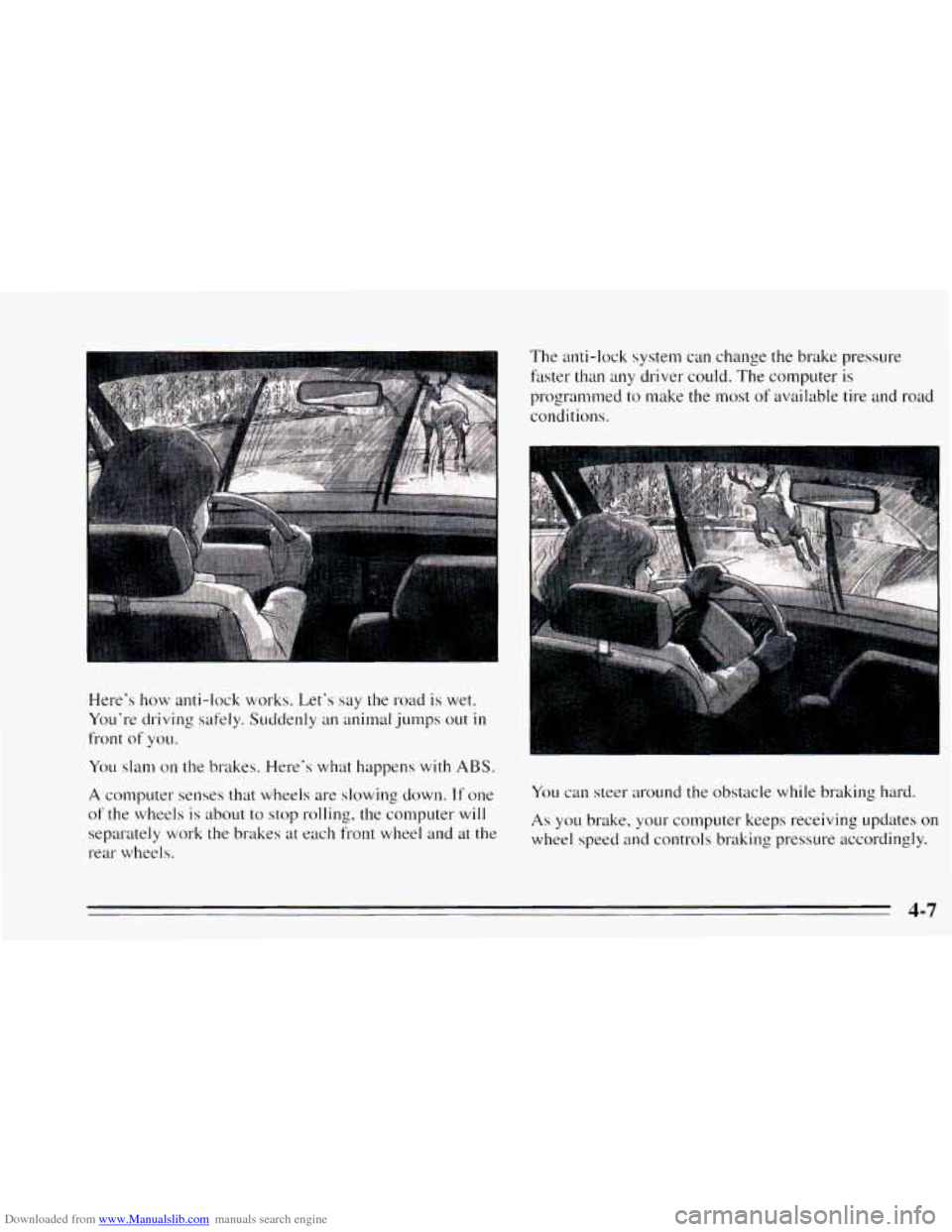
Downloaded from www.Manualslib.com manuals search engine Here's how anti-lock works. Let's say the road is wet.
Yo~1'1-e driving safely. Suddenly an animal jumps out
in
front of YOLI.
You slam on the brakes. Here's what happens with ABS.
A computer senses that wheels are slowing down. If one
of the wheels is about to stop rolling, the computer will
separately work
the brakes at each front wheel and at the
rear wheels. The anti-lock
system can change the brake pressure
faster than any driver could. The computer is
programmed to make the most
of available tire and road
conditions.
You can steer around the obstacle while braking hard.
As you brake, your computer keeps receiving updates on
wheel speed and controls braking pressure accordingly.