Page 68 of 388
Downloaded from www.Manualslib.com manuals search engine Retained Accessory Power (RAP)
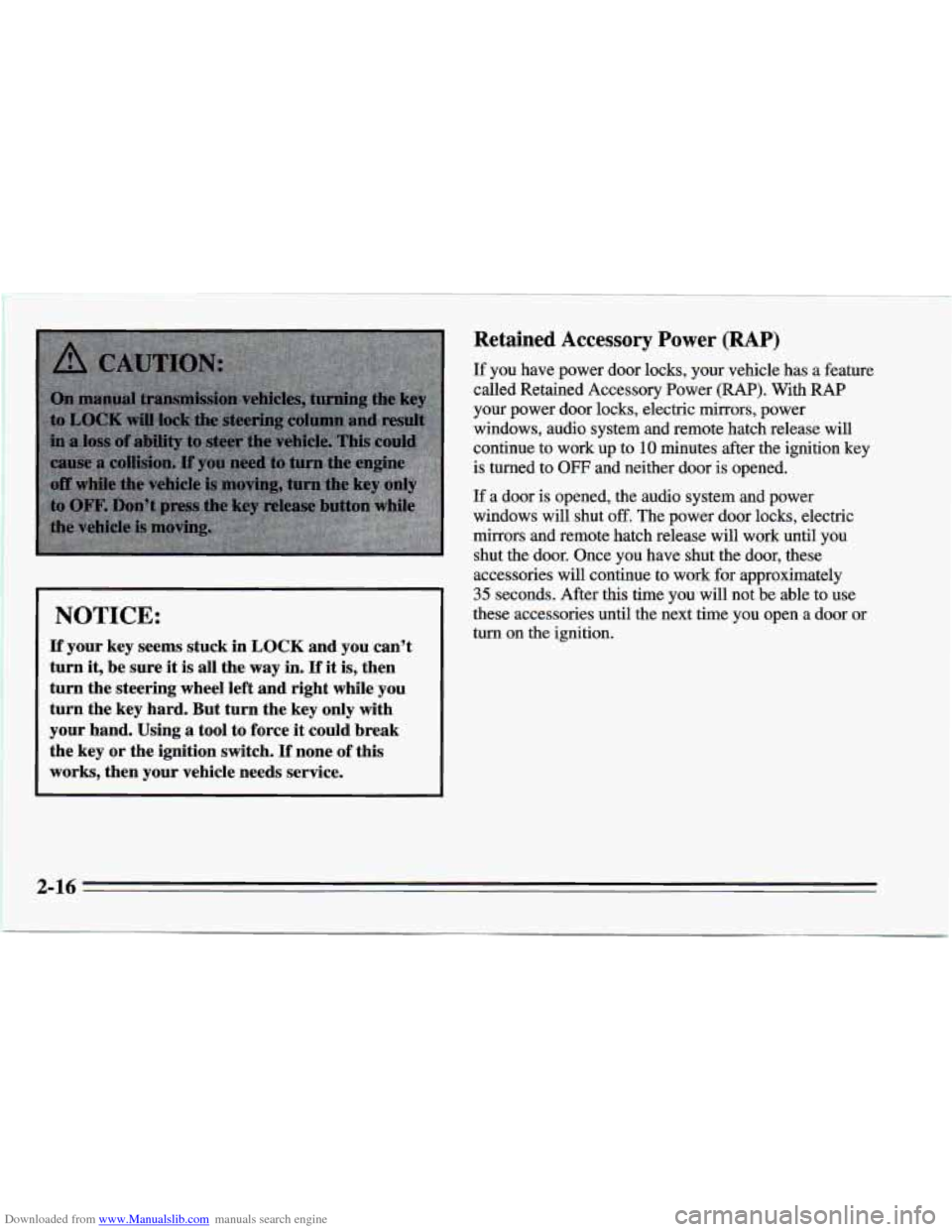
NOTICE:
If your key seems stuck in LOCK and you can’t
turn
it, be sure it is all the way in. If it is, then
turn the steering wheel left and right while you
turn the key hard. But turn the key
only with
your hand. Using a tool to force
it could break
the key or the ignition switch.
If none of this
works, then your vehicle needs service. If you have
power door locks, your vehicle has a feature
called Retained Accessory Power (RAP). With RAP
your power door locks, electric mirrors, power
windows, audio system and remote hatch release will
continue to work up to
10 minutes after the ignition key
is turned to
OFF and neither door is opened.
If a door is opened, the audio system and power
windows will shut
off. The power door locks, electric
mirrors and remote hatch release will work until you
shut the door. Once you have shut the door, these
accessories will continue to work for approximately
35 seconds. After this time you will not be able to use
these accessories until the next time you open a door or
turn on the ignition.
2-16
Page 74 of 388
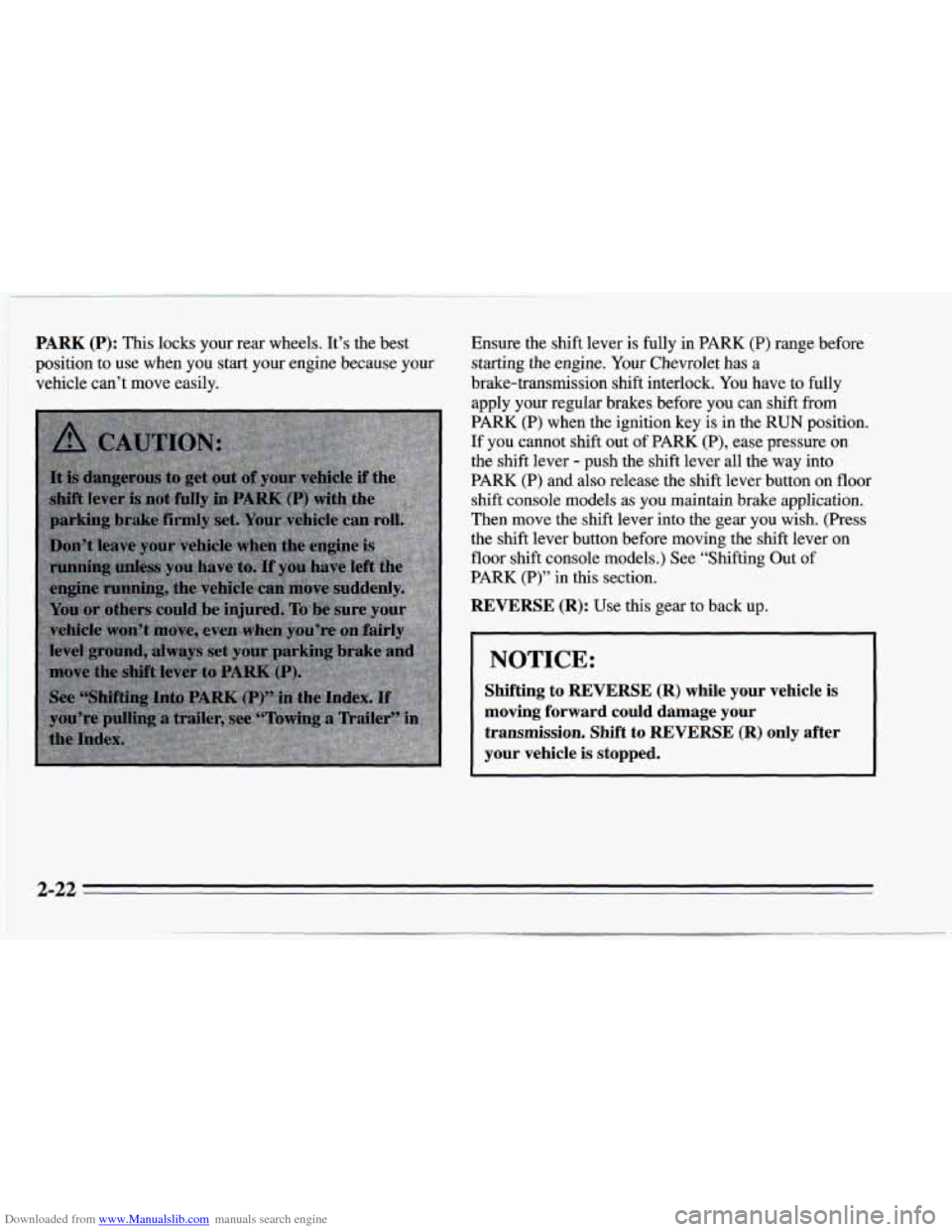
Downloaded from www.Manualslib.com manuals search engine PARK (P): This locks your rear wheels. It’s the best
position to use when you start your engine because your
vehicle can’t move easily. Ensure the
shift lever is fully in PARK (P) range before
starting the engine.
Your Chevrolet has a
brake-transmission shift interlock. You have to fully
apply your regular brakes before you can shift
from
PARK (P) when the ignition key is in the RUN position.
If you cannot shift out of PARK (P), ease pressure on
the shift lever
- push the shift lever all the way into
PARK
(P) and also release the shift lever button on floor
shift console models as you maintain brake application.
Then move the shift lever into the gear you wish.
(Press
the shift lever button before moving the shift lever on
floor shift console models.) See “Shifting Out
of
PARK (P)” in this section.
REVERSE (R): Use this gear to back up.
NOTICE:
Shifting to REVERSE (R) while your vehicle is
moving forward could damage your transmission. Shift to REVERSE
(R) only after
your vehicle is
stopped.
2-22
Page 75 of 388
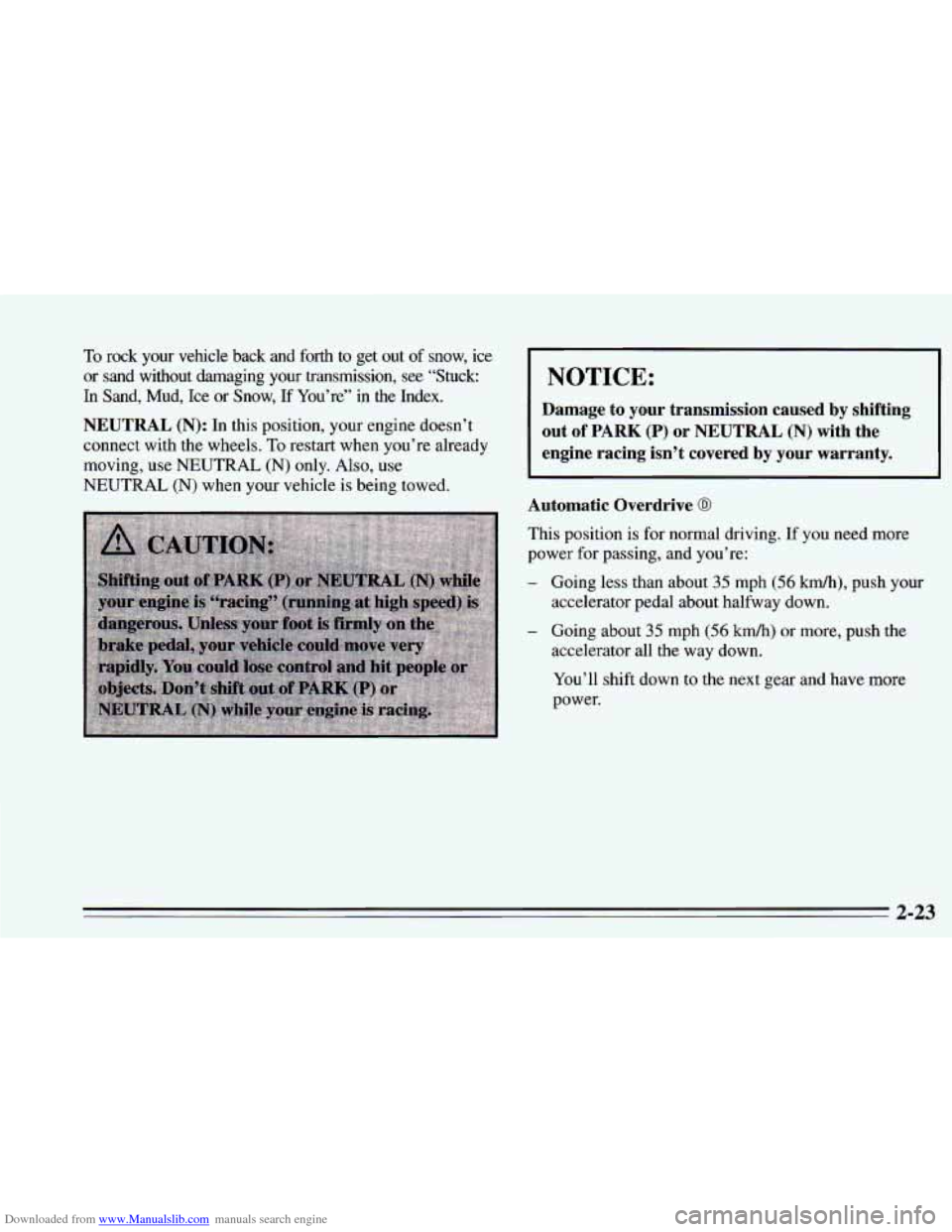
Downloaded from www.Manualslib.com manuals search engine 10 rock ydw’ &icle back and forth to get out of snow, ice
or sand without damaging your transmission, see “Stuck:
In Sand, Mud, Ice or Snow, If You’re” in the Index.
NOTICE:
NEUTRAL (N): In this position, your engine doesn’t out of PARK (P) or NEUTRAL (N) with the
connect with the wheels. To restart when you’re already
moving, use NEUTRAL
(N) only. Also, use
NEUTRAL
(N) when your vehicle is being towed.
Damage to your transmission caused by shifting
engine racing isn’t covered by your warranty.
Automatic Overdrive
0
This position is for normal driving. If you need more
power
for passing, and you’re:
- Going less than about 35 mph (56 km/h), push your
- Going about 35 mph (56 km/h) or more, push the
accelerator pedal about halfway down.
accelerator all the way down.
You’ll shift down to the next gear and have more
power.
2-23
Page 76 of 388
Downloaded from www.Manualslib.com manuals search engine THIRD (D): This is like @, but you never go into
Overdrive.
Here are some times you might choose
D instead of 0:
- When driving on hilly, winding roads
- When towing a trailer, so there is less shifting
between gears
- When going down a steep hill
SECOND
(2): This position gives you more power but
lower fuel economy. You can use
SECOND (2) on hills.
It can help control your speed as you go down steep
mountain roads, but then you would also want to use
your brakes
off and on.
NOTICE:
Don’t drive in SECOND (2) for more than
5 miles (8 km), or at speeds over 55 mph
~ (88 km/h), or you can damage your transmission.
Use
@ or DRIVE (D) as much as possible.
Don’t shift into SECOND
(2) unless you are going
slower than
65 mph (105 kd), or you can
damage your engine.
FIRST (1): This position gives you even more power
(but lower fuel economy) than
SECOND (2). You can
use it on very steep hills, or in deep snow or mud.
If the
selector lever is put in
FIRST (1) the transmission won’t
shift into first gear until the vehicle is going slowly
enough.
I NOTICE:
If your rear wheels can’t rotate, don’t try to
drive. This might happen if you were stuck in
very deep sand or mud
or were up against a solid
object.
You could damage your transmission.
Also, if you stop when going uphill, don’t hold
your vehicle there with only the accelerator
pedal. This could overheat and damage the
transmission. Use your brakes or shift into
PARK (P) to hold your vehicle in position on
a hill.
Maximum engine speed is limited to protect driveline
components from improper operation.
2-24
Page 81 of 388
Downloaded from www.Manualslib.com manuals search engine NOTICE:
If you skip more than one gear when you
downshift, or if you race the engine when you
downshift, you can damage the clutch or
transmission.
Limited-Slip Rear Axle
If you have this feature, your rear axle can give you
additional traction on snow, mud, ice, sand or gravel. It
works like a standard axle most
of the time, but when
one of the rear wheels has no traction and the other does,
the limited-slip feature will allow
the wheel with
traction to move the vehicle.
Parking
Parking Brake
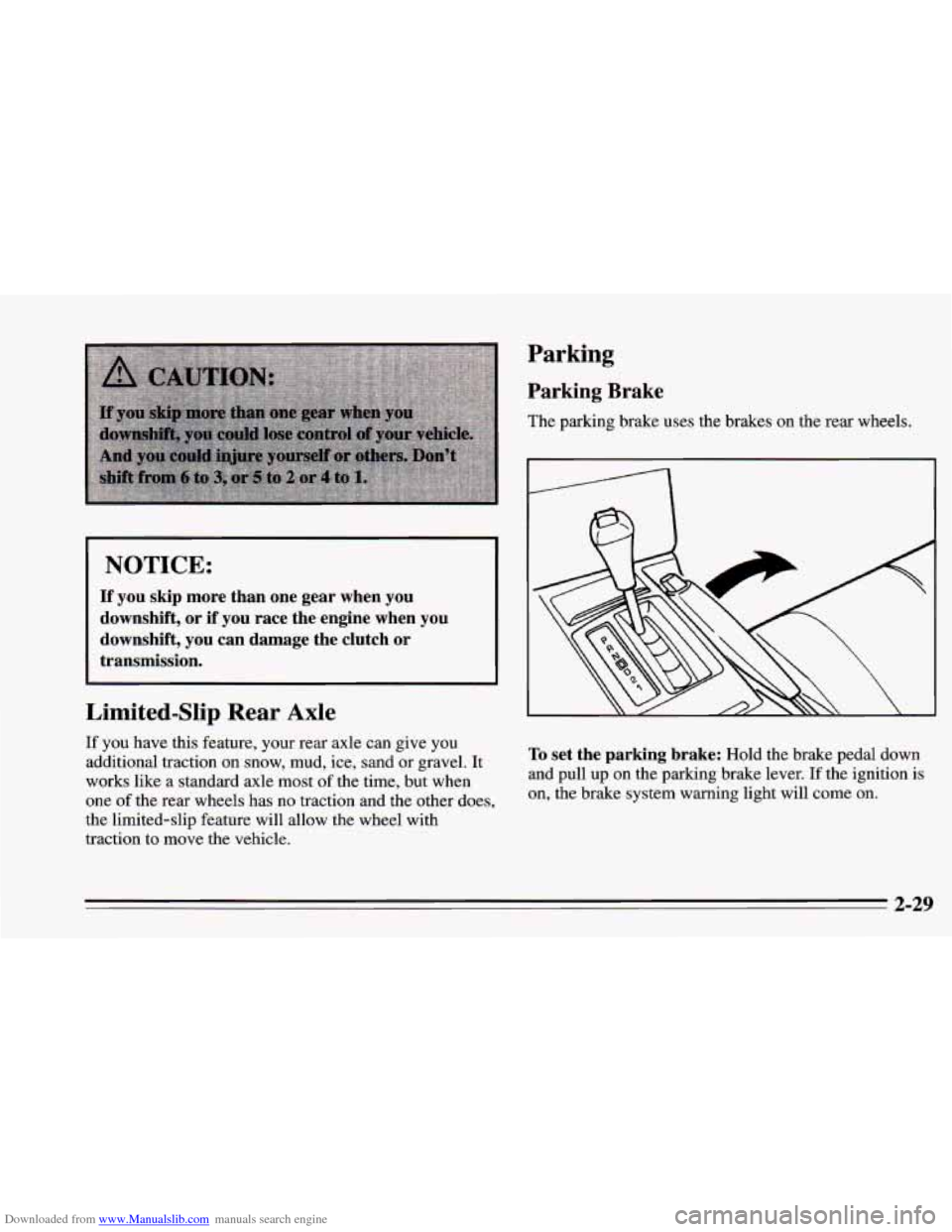
The parking brake uses the brakes on the rear wheels.
To set the parking brake: Hold the brake pedal down
and
pull up on the parking brake lever. If the ignition is
on, the brake system warning light will come on.
2-29
Page 89 of 388
Downloaded from www.Manualslib.com manuals search engine Horn Tilt Wheel
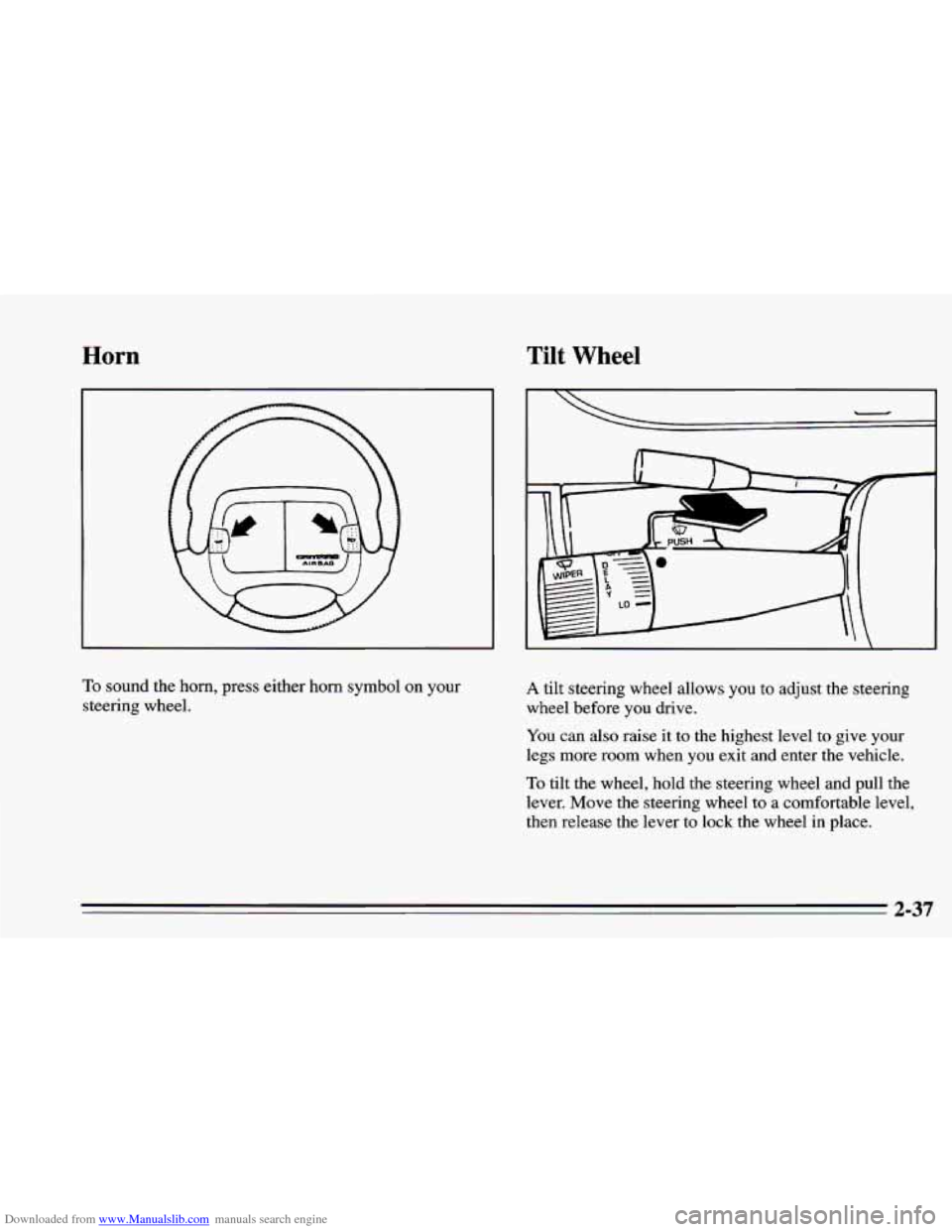
To sound the horn, press either horn symbol on your
steering wheel. A tilt steering wheel allows you to adjust the steering
wheel before
you drive.
You can also raise it to the highest level to give your
legs more room when you exit and enter the vehicle.
To tilt the wheel, hold the steering wheel and pull the
lever. Move the steering wheel to
a comfortable level,
then release
the lever to lock the wheel in place.
2-37
Page 94 of 388
Downloaded from www.Manualslib.com manuals search engine Cruise Control (Option)
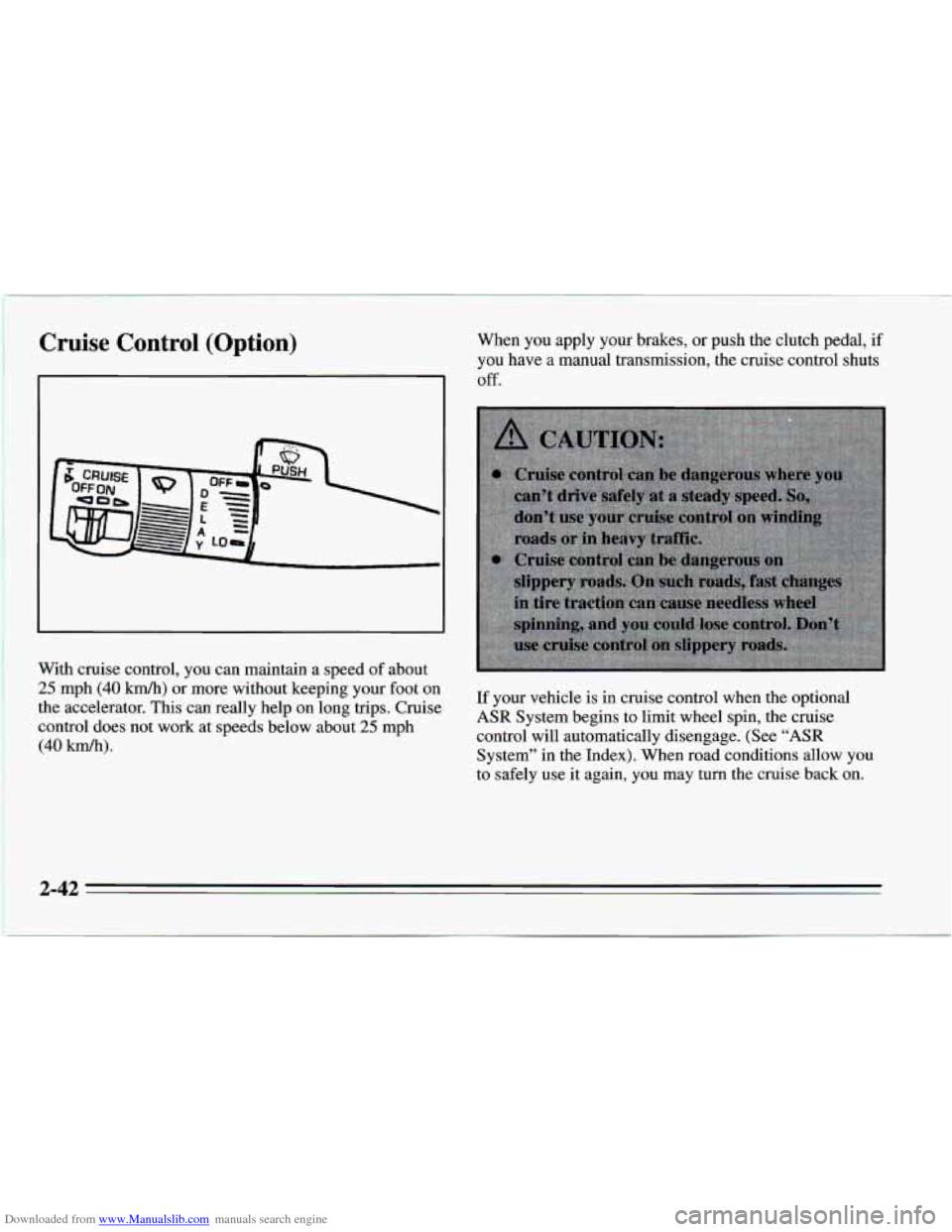
With cruise control, you can maintain a speed of about
25 mph (40 km/h) or more without keeping your foot on
the accelerator. This can really help on long trips. Cruise
control does not work at speeds below about
25 mph
(40 km/h).
When you apply your brakes, or push the clutch pedal, if
you have a manual transmission, the cruise control shuts
Off.
If your vehicle is in cruise control when the optional
ASR System begins to limit wheel spin, the cruise
control will automatically disengage. (See
“ASR
System’’ in the Index). When road conditions allow you
to safely use it again,
you may turn the cruise back on.
3 A3
Page 123 of 388
Downloaded from www.Manualslib.com manuals search engine If the anti-lock brake system warning light stays on
longer than normal after you’ve started your engine, turn
the ignition off. Or, if the light comes
on and stays on
when you’re driving, stop as soon as possible and turn
the ignition off. Then start the engine again to reset the
system.
If the light still stays on, or comes on again
while you’re driving, your Chevrolet needs service. If
the light is on but
not flashing and the regular brake
system warning light isn’t on, you still have brakes, but
you don’t have anti-lock brakes.
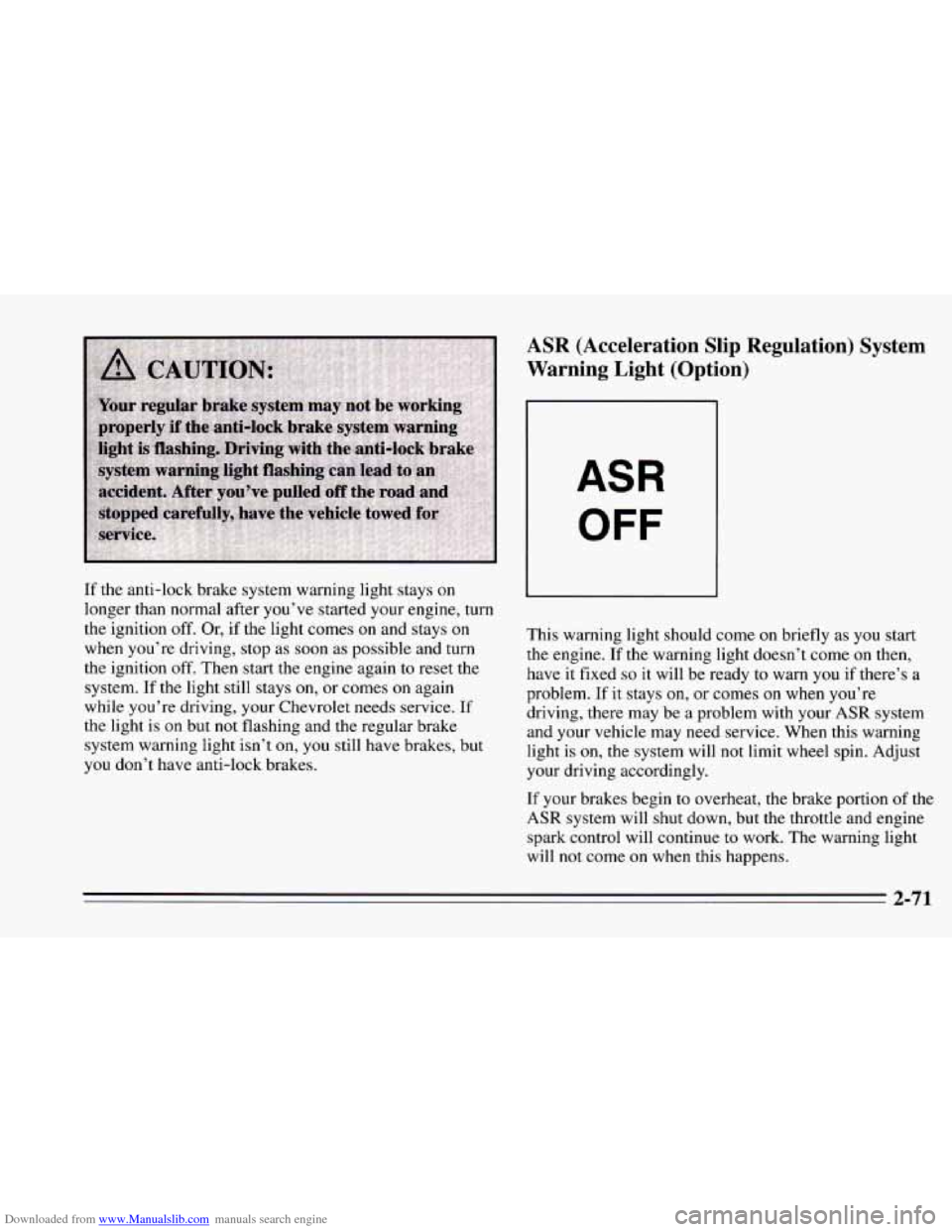
ASR (Acceleration Slip Regulation) System
Warning Light (Option)
ASR
OFF
This warning light should come on briefly as you start
the engine.
If the warning light doesn’t come on then,
have it fixed
so it will be ready to warn you if there’s a
problem. If it stays on, or comes
on when you’re
driving, there may be a problem with your
ASR system
and your vehicle may need service. When this warning
light is on, the system will not limit wheel spin. Adjust
your driving accordingly.
If your brakes begin
to overheat, the brake portion of the
ASR system will shut down, but the throttle and engine
spark control will continue to work. The warning light
will not come on when this happens.
2-71