1995 CHEVROLET BLAZER key
[x] Cancel search: keyPage 204 of 380
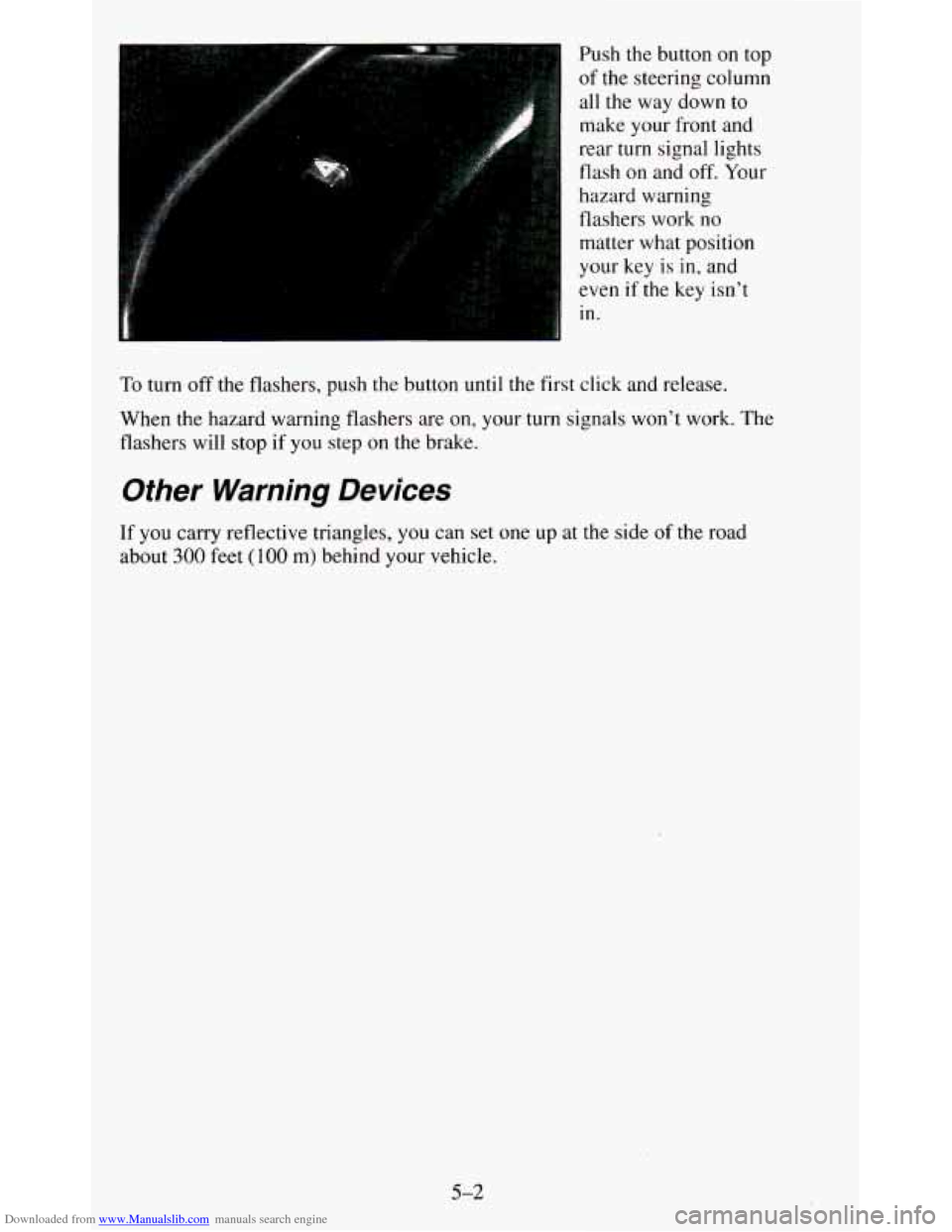
Downloaded from www.Manualslib.com manuals search engine , Push the button on top
i of the steering column
all
the way down to
make your front and
’ rear turn signal lights
flash on and off. Your
hazard warning
flashers work no matter what position
your key
is in, and
even if the key isn’t
in.
To turn off the flashers, push the button until the first click \
and release.
When the hazard warning flashers are on, your turn signals won\
’t work. The
flashers will stop if you step on the brake.
Other Warning Devices
If you carry reflective triangles, you can set one up at the side of the road
about
300 feet (100 m) behind your vehicle.
5-2
Page 210 of 380
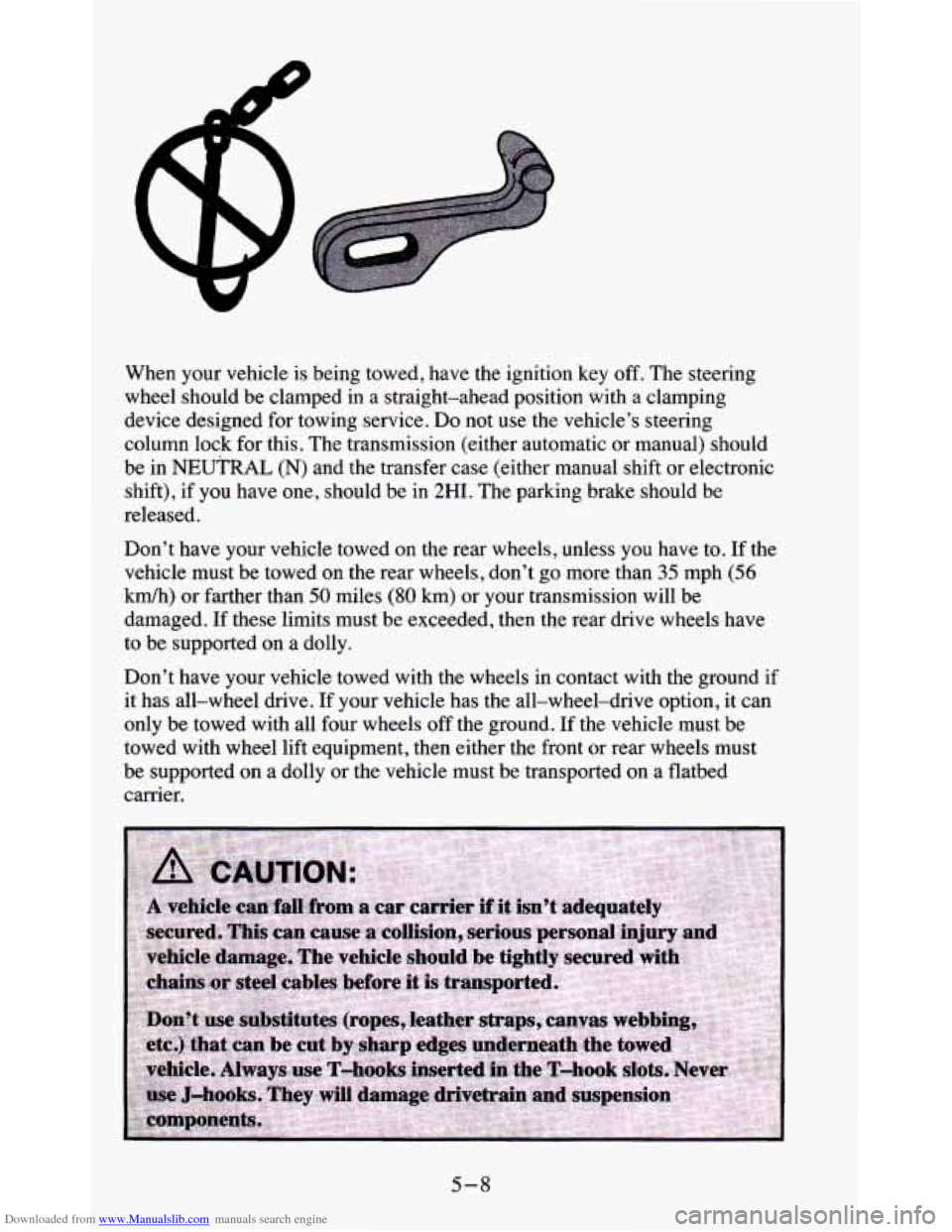
Downloaded from www.Manualslib.com manuals search engine When your vehicle is being towed, have the ignition key off. The steering
wheel should be clamped in a straight-ahead position with a clamping
device designed for towing service. Do not use the vehicle’s steering
column lock
for this. The transmission (either automatic or manual) should
be
in NEUTRAL (N) and the transfer case (either manual shift or electronic
shift), if you have one, should be in
2HI. The parking brake should be
released.
Don’t have your vehicle towed
on the rear wheels, unless you have to. If the
velucle must be towed
on the rear wheels, don’t go more than 35 mph (56
Mh) or farther than 50 miles (80 km) or your transmission will be
damaged. If these limits must be exceeded, then the rear drive wheels have
to be supported on a dolly.
Don’t have your vehicle towed with the wheels in contact with the ground if
it has all-wheel drive. If your vehicle has the all-wheel-drive option,
it can
only be towed with all four wheels off the ground. If the vehicle must be
towed with wheel lift equipment, then either the front or rear wheels must
be supported
on a dolly or the vehicle must be transported on a flatbed
carrier.
5-8
Page 226 of 380
Downloaded from www.Manualslib.com manuals search engine To Remove the Rear-Mounted Spare Tire
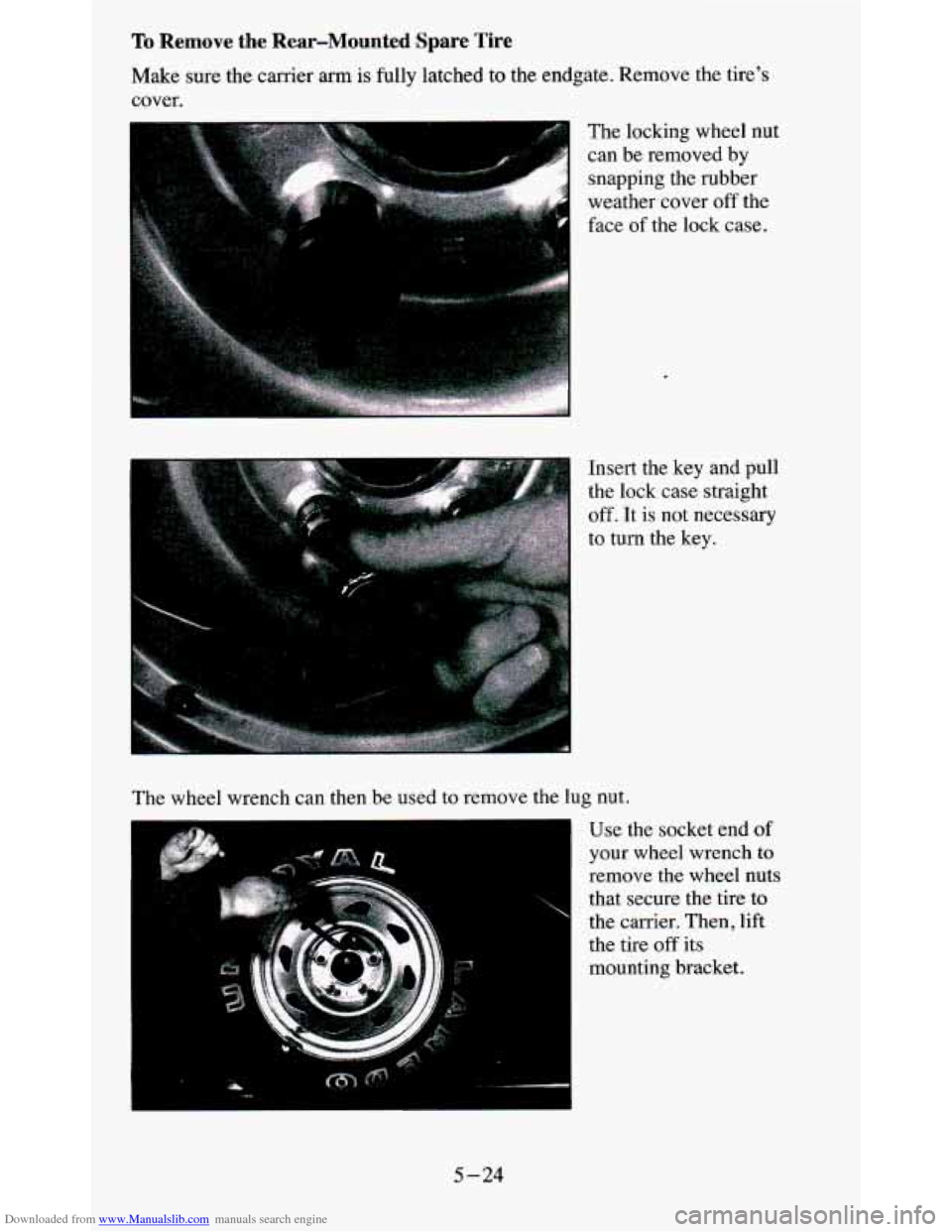
Make sure the carrier arm is fully latched to the endgate. Remove the tire's
cover.
The locking wheel nut
can be removed by snapping the rubber
weather cover off the
face
of the lock case.
Insert the key and pull
the lock case straight
off. It is not necessary
to turn the key.
The wheel wrench can then be used to remove the lug nut.
"
Use the socket end of
your wheel wrench to
remove the wheel nuts
that secure the tire
to
the carrier. Then, lift
the tire
off its
mounting bracket.
5-24
Page 237 of 380
Downloaded from www.Manualslib.com manuals search engine Reinstall the locking wheel nut using the wheel wrench. Then push the lock
case onto the lug nut
until it stops. The key does not have to be inserted into
the lock. Push the lock case to be sure it
is secured.
The special lug nut and lock case is not intended to be used on any road
wheel, only on the spare wheel carrier.
If you have an rear-mounted spare tire carrier, tighten the nuts to
22 - 32 lb.
ft.
(30 - 40 N-m) torque.
If You’re Stuck: In Sand, Mud, Ice or Snow
What you don’t want to do when your vehicle is stuck is to spin your wheels
too fast. The method known as “rocking” can help you get out when you’re
stuck, but you must use caution.
5-35
Page 348 of 380
Downloaded from www.Manualslib.com manuals search engine €ngine Coolant Level
Check the engine coolant level and add the proper coolant mix if necessary.
See “Coolant” in the Index for further details.
Windshield Washer Fluid Level
Check the windshield washer fluid level in the windshield washe\
r tank and
add the proper fluid if necessary. See “Windshield Washer Fluid” in the
Index for further details.
At Least Once a Month
Tire Inflation
Check tire inflation. Make sure tires are inflated to the pressures specified
on the Certificatioflire label located on the driver’s door lock pillar. See
“Tires” in the Index for further details.
Cassette Deck
Clean cassette deck. Cleaning should be done every 50 hours of tape play.
See “Audio Systems” in the Index for further details.
At Least Once a Year
Key Lock Cylinders
Lubricate the key lock cylinders with the lubricant specified i\
n Part D.
Body Lubrication
Lubricate all body door hinges, the body hood, fuel door and rear
compartment hinges, latches and locks including interior glove box and
console doors, and any moving seat hardware. Lubricate the hood safety
lever pivot and prop rod pivot.
Part D tells you what to use. More frequent
lubrication may be required when exposed to
a corrosive environment.
7-36
Page 349 of 380
Downloaded from www.Manualslib.com manuals search engine Starter Switch
1. Before you start, be sure you have enough room around the vehicle.
2. Firmly apply both the parking brake (see “Parking Brake” in the Index
if necessary) and the regular brake.
NOTE:
Do not use the accelerator pedal, and be ready to turn off the
engine immediately if it starts.
3. On automatic transmission vehicles, try to start the engine in each gear.
The starter should work only in
PARK (P) or NEUTRAL (N). If the
starter works in any other position, your vehicle needs service.
On manual transmission vehicles, put the shift lever in
NEUTRAL (N),
push the clutch down halfway and try to start the engine. The starter
should work only when the clutch is pushed down all the way to the
floor.
If the starter works when the clutch isn’t pushed all the way
down, your vehicle needs service.
Steering Column Lock
While parked, and with the parking brake set, try to turn the key to LOCK
in each shift lever position.
a With an automatic transmission, the key should turn to LOCK only
when the shift lever is in
PARK (P).
On vehicles with a key release button, try to turn the key to LOCK without
pressing the button. The key should turn to LOCK only with the key button
depressed.
On
all vehicles, the key should come out only in LOCK.
7-37
Page 352 of 380
Downloaded from www.Manualslib.com manuals search engine Part D: Recommended Fluids and Lubricants
NOTE: Fluids and lubricants identified below by name, part number or
specification may be obtained from your GM dealer.
USAGE
Engine Oil
Engine Coolant
Coolant Supplement Hydraulic Brake System
Hydraulic Clutch System
Parking Brake Guides
Power Steering System
Manual Transmission
Automatic Transmission
Key Lock Cylinders
FLUIDILUBRICANT
Engine oil with the American Pe-
troleum Institute Certified For Gas-
oline Engines “Starburst” symbol
of
the proper viscosity. To determine
the preferred viscosity for your ve-
hicle’s engine, see “Engine Oil” in
the Index.
Mixture of water and a good quality
ethylene glycol base antifreeze or
an approved recycled coolant con-
forming to GM Specification
6038-M (GM Part
No. 1052103).
GM Part No. 3634621 or equiva-
lent.
Delco Supreme 11
@ Brake Fluid
(GM Part No. 1052535 or equiva-
lent DOT-3 brake fluid).
Hydraulic Clutch Fluid (GM Part
No. 12345347 or equivalent).
Chassis lubricant (GM Part
No.
1052497 or equivalent) or lubricant
meeting requirements
of NLGI
Grade 2, Category
LB or GC-LB .
GM Hydraulic Power Steering
Fluid (GM Part
No. 1052884 or
equivalent).
Synchromesh Transmission Fluid
(GM Part
No. 12345349 or equiva-
lent).
DEXRON@-I11 Automatic Trans-
mission Fluid.
Lubricate with Multi-Purpose Lu-
bricant (GM Part
No. 12345 120) or
synthetic
SAE 5W-30 engine oil.
7-40
Page 373 of 380
Downloaded from www.Manualslib.com manuals search engine Hood Checking Under. Hood Release
................................... 6-6
Horn .......................................................... 2-36
Hydraulic Clutch ................................................ 6-18
Hydroplaning (See “Driving in the Rain”)
I
If You’re Stuck in Sand. Mud. Ice. or Snow ........................... 5-35
Ignitionswitch .................................................. 2-14
Inflation-Tire Pressure ( See “Tires”)
Instrument Cluster
............................................... 2-65
Instrument Panel ................................................ 2-65
J
Jacking Equipment Storage ........................................ 5-22
Jump Starting .......... ....................................... 5-3
K
Key Release Button .............................................. 2-16
Keyless Entry System ............................................. 2-6
Keys ........................................................... 2-1
L
Labels
Lamps CertificatiodTire
.............................................. 4-37
Bulb Replacement ............................................. 6-31
Domes ...................................................... 2-50
FogLamps .................................................. 2-48
Front
Parkingmum Signal ....................................... 6-34
Headlights (See “Headlamps”)
Lamp and Bulb Data
........................................... 6-64
Operation of Lighting System .................................... 2-38
Overhead Console Reading ...................................... 2-58
RearLamps .................................................. 6-35
Air Bag Readiness Light ........................................ 2-69
Anti-Lock Brake System Warning Light ........................... 2-71
BrakeSystemLight ............................................ 2-70
Charging System Light ......................................... 2-74
CheckGagesLight ............................................ 2-74
Daytime Running Lamps (DRL) Light ............................. 2-75
Headlamp High Beam Light ..................................... 2-76
Headlights (See “Headlamps”)
Malfunction Indicator
..................................... 2-72. 641
Safety Belt Reminder Light ..................................... 2-69
Service Engine Soon (See “Malfunction Indicator”)
ShiftLight
.............................................. 2-23. 2-75
Turn Signal and Lane Change Light ............................... 2-76
Lights
5