1995 CADILLAC SEVILLE display
[x] Cancel search: displayPage 167 of 410
Downloaded from www.Manualslib.com manuals search engine Road Sensing Suspension
The Road Sensing Suspension (RSS) automatically controls the ride of
your vehicle. The system controls damping forces in the shock absorbers
and struts in response to various road and driving conditions. The system
- .-
is capable of making these changes within milliseconds.
The Road Sensing Suspension controller is a computer used to control
and monitor the system. The computer receives input from vertical rotary
I__
position sensors, vehicle speed sensors, lift and dive signals and
determines optimum strut valving (suspension stiffness) for your current
operating conditions. The computer also receives feedback from the
various components to determine proper system operation. If the
computer receives an incorrect feedback from the system, an error code
will be set in memory and a SERVICE RIDE CONTROL message will
display on the Driver Information Center. If this message should appear,
have your vehicle serviced at your Cadillac dealership at your earliest
convenience.
Oil Life Indicator
This feature lets you know when to change your engine oil. It's based
upon the engine oil temperatures and your driving patterns.
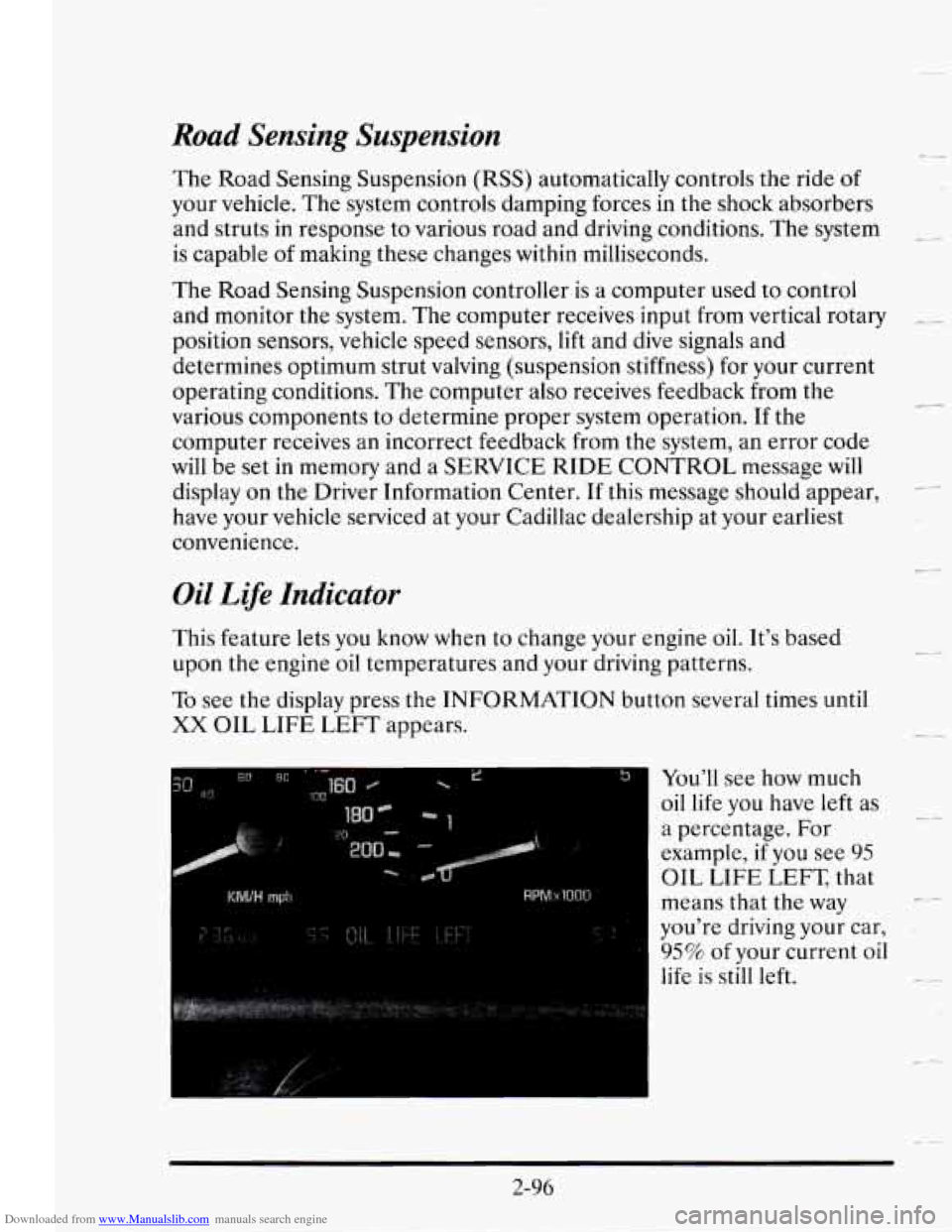
To see the display press the INFORMATION button several times until
XX OIL LIFE LEFT appears.
"I You'll see how much
oil life you
have left as
a percentage. For
example, if
you see 95 - ---
OIL LIFE LEFT, that
means that the way
c_
you're driving your car,
95% of your current oil
life is still left.
c-
2-96
Page 168 of 410
Downloaded from www.Manualslib.com manuals search engine The Oil Life Indicator may say to change the oil sooner than your
maintenance schedule. This can happen
if driving conditions, such as
short trips in cold weather, cause shorter oil life. Always keep a written
record
of the mileage and date when you last changed your oil. For more
Schedule Booklet.
.r-c
- information on when to change your oil, see the Cadillac Maintenance
11 you see CHANGE OIL SOON, it means that you have less than 10% of
If you see CHANGE ENGINE OIL, it means the oil life is gone and you
should change the oil right away (certainly within 200 more miles
[320 km]).
The system should indicate to change the oil between
3,000 miles
(5 000 km) and 7,500 miles (12 500 km), but it may even indicate to
change
it before 3,000 miles under very severe conditions. It all depends
on your driving patterns. If it’s been 7,500 miles (12 500 km) the system
indicates
to change the oil.
-~ your oil life left and you should consider changing your engine oil.
There are two things the system
doesn’t do:
It can’t sense heavy dust in the places where you drive. If you drive in a
dusty area, you should change your
oil every 3,000 miles (5 000 km) or
three months (whichever comes first) unless the display says to change
it even sooner than that.
-- It doesn’t check how much oil you have, so you’ll still have to check for
that.
To see how, see “Engine Oil” in the Index.
-- When You’ve Changed the Oil
When new oil is put in, you’ll need to reset your system. To do this, display
the
OIL LIFE INDEX by pressing the INFORMATION button. Then
LEFT
-- press and hold the RESET buttons until the display shows 100 OIL LIFE
2-97
Page 171 of 410
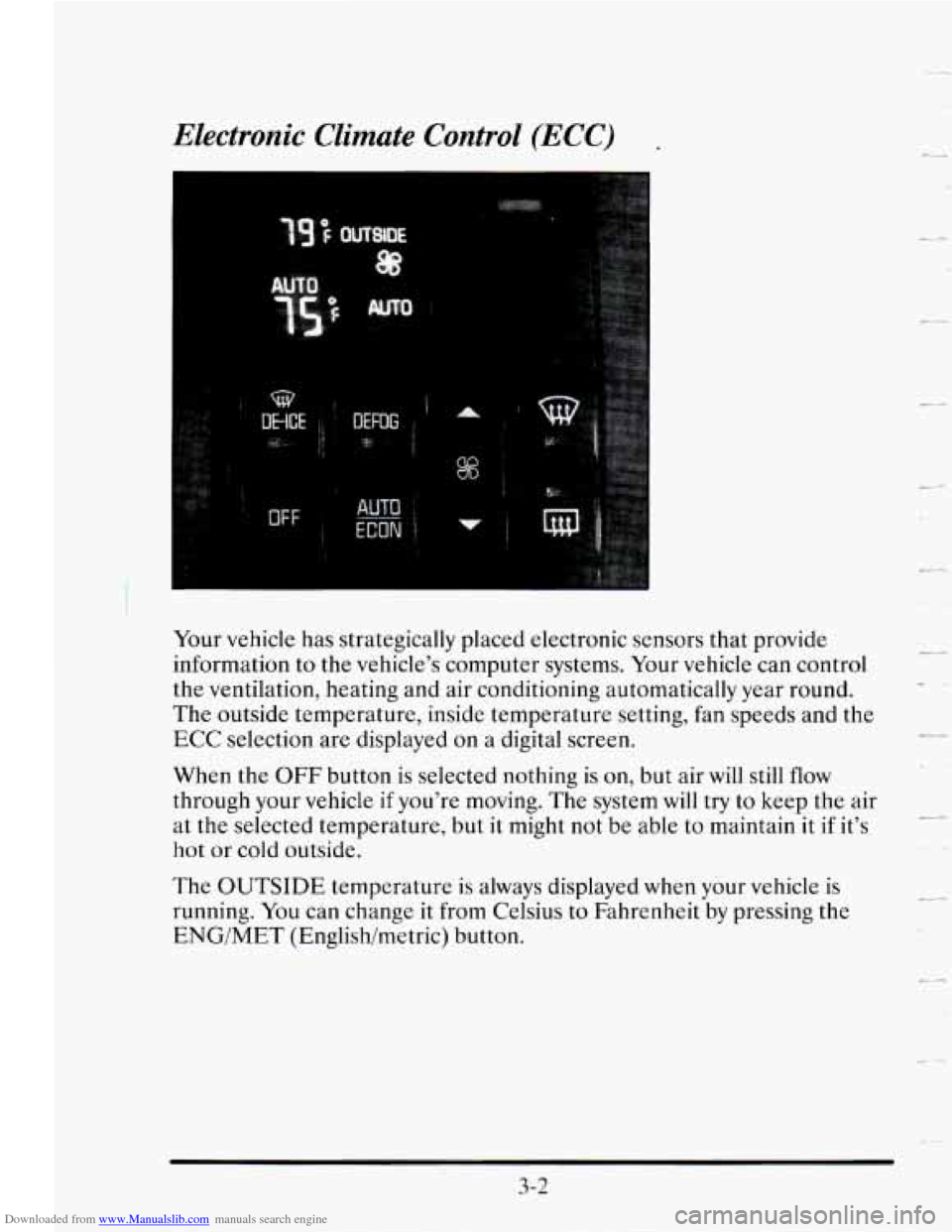
Downloaded from www.Manualslib.com manuals search engine Your vehicle has strategically placed electronic sensors that provide
information to the vehicle's computer systems. Your vehicle can control
the ventilation, heating and air conditioning automatically year round.
The outside temperature, inside temperature setting, fan speeds and the
ECC selection are displayed on a digital screen.
When the
OFF button is selected nothing is on, but air will still flow
through your vehicle if you're moving. The system will try to keep the air
at the selected temperature, but
it might not be able to maintain it if it's
hot or cold outside.
The
OUTSIDE temperature is always displayed when your vehicle is
running.
You can change it from Celsius to Fahrenheit by pressing the
ENG/MET (Englishhetric) button.
c-
-
3-2
Page 172 of 410
Downloaded from www.Manualslib.com manuals search engine Temperature
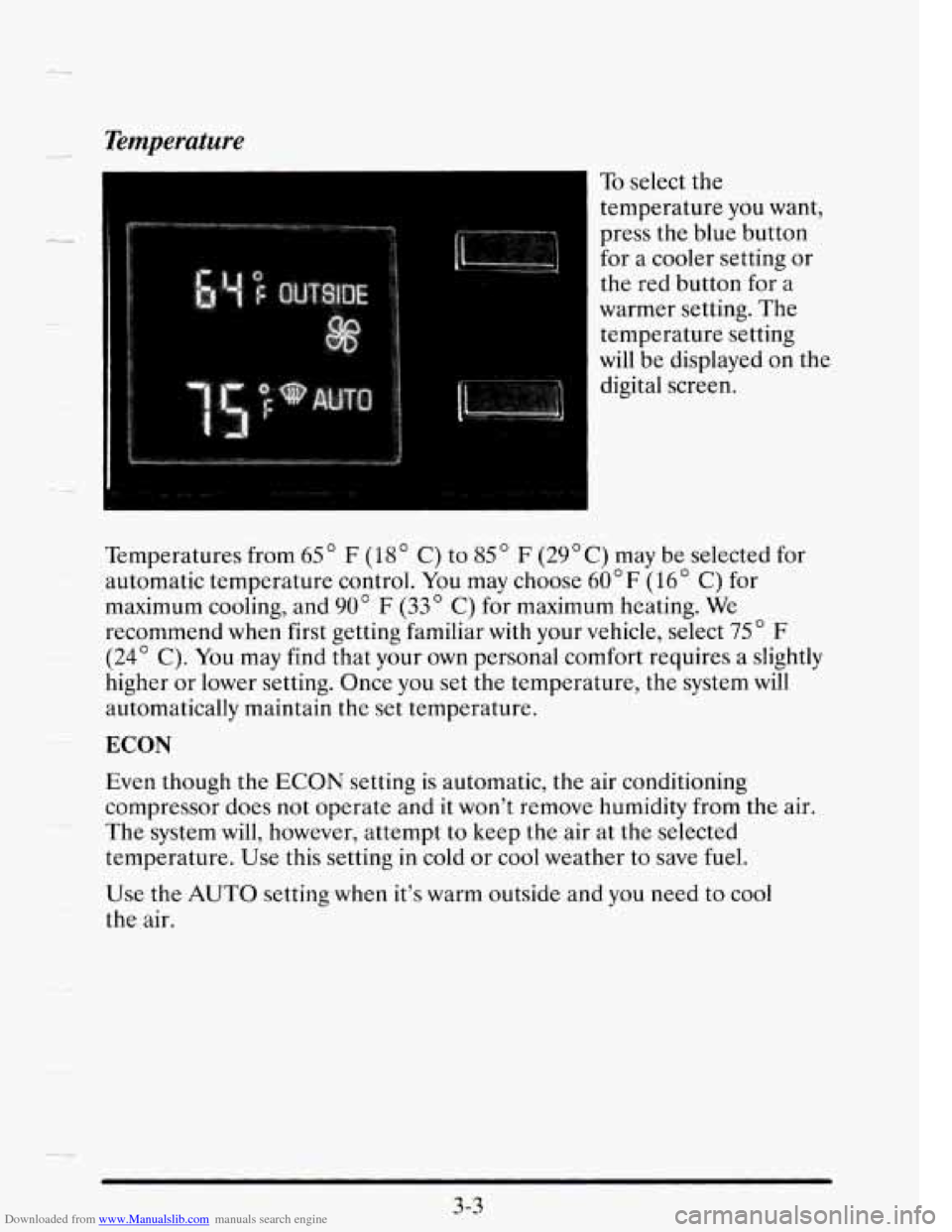
To select the
temperature you want,
press the blue button
for
a cooler setting or
the red button for a
warmer setting. The
temperature setting
will be displayed on the
digital screen.
Temperatures from
65" F (18" C) to 85 " F (29OC) may be selected for
automatic temperature control. You may choose
60" F (16" C) for
maximum cooling, and
90" F (33 C) for maximum heating. We
recommend when first getting familiar with your vehicle, select 75" F
(24' C). You may find that your own personal comfort requires a slightly
higher or lower setting. Once you set the temperature, the system will
automatically maintain the set temperature. --
ECON
Even though the ECON setting is automatic, the air conditioning
compressor does not operate and it won't remove humidity from the air.
The system will, however, attempt
to keep the air at the selected
temperature. Use this setting in cold or cool weather
to save fuel.
Use the AUTO setting when it's warm outside and you need to cool
the air.
3-3
-4
Page 174 of 410
Downloaded from www.Manualslib.com manuals search engine DEFOG
Press this button to divide the air between the windshield and the heater
ducts. This is useful when fog appears on the windshield or side glass due
to sudden rain or snowy conditions.
FAN SPEEDS
Press the fan symbol button
until AUTO is displayed on
At this setting, the fan speed is controlled automatically.
If it is cold outside, the blower may not run in the maximum high fan
speed right away. The system checks the temperature of the coolant to
assure it is warm enough to provide heat. When the coolant is warm, the
controller allows the fan to gradually increase to a higher speed. This
prevents cold air from blowing into the passenger compartment.
If you want the blower fan to run only at a fixed high speed, press the
(upper) button until you see
HI on the display.
If you want the fan speed to be automatic, but you like the fan speed to be
higher than the AUTO setting, just press the fan symbol button until
HI/AUTO is shown on the display.
If
you want the blower to run only at a fixed low speed, press the (lower)
button until
LO is shown on the display.
If you want the fan speed to run lower than the AUTO setting, press the
button until AUTO
LO is shown on the display.
3-5
Page 180 of 410
Downloaded from www.Manualslib.com manuals search engine t- The Delco@ Bose Gold Series Music System with
Cassette Player
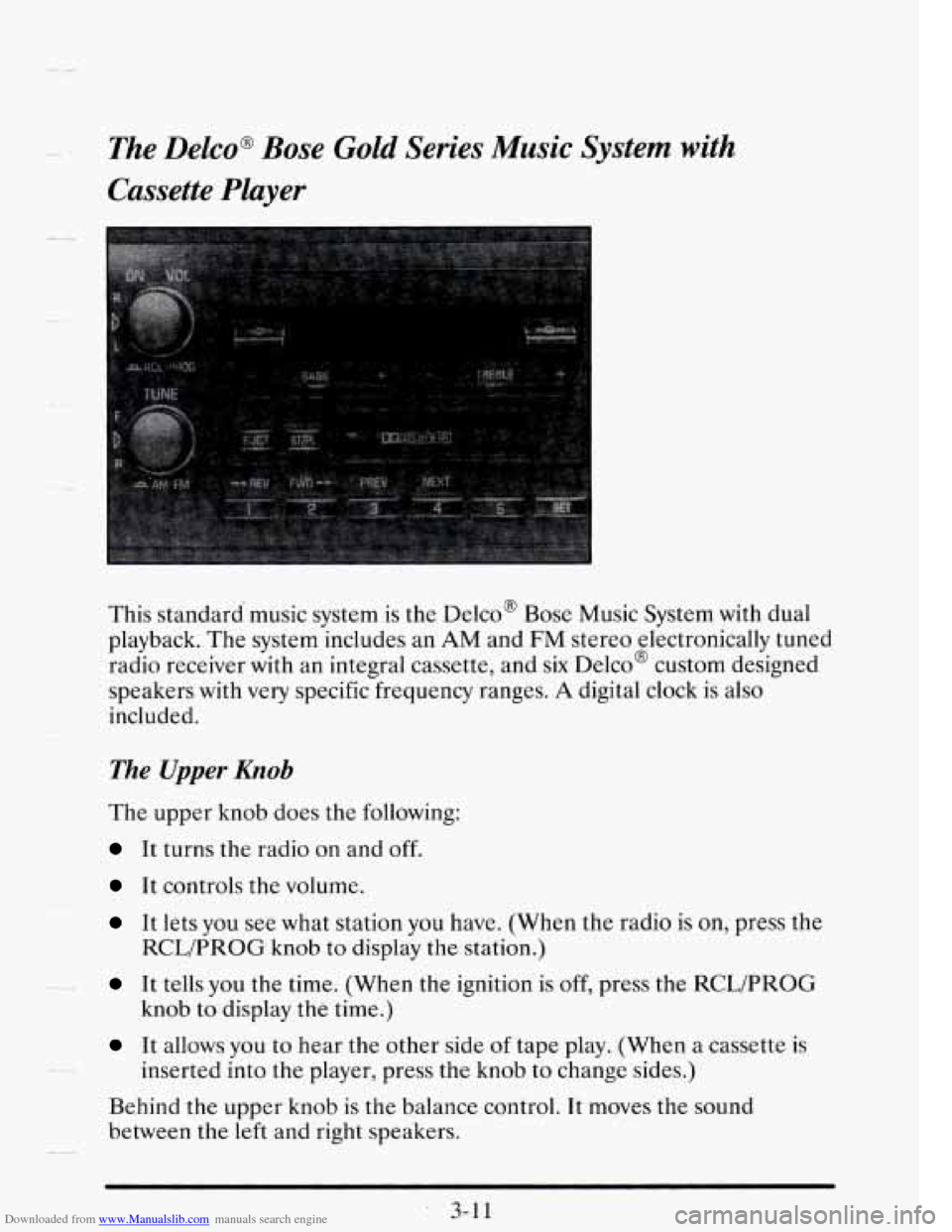
This standard music system is the Delco' Bose Music System with dual
playback. The system includes an AM and
FM stereo electronically tuned
radio receiver with an integral cassette, and
six Delco@ custom designed
speakers with very specific frequency ranges.
A digital clock is also
included.
The Upper Knob
The upper knob does the following:
It turns the radio on and off.
It controls the volume.
It lets you see what station you have. (When the radio is on, press the
It tells you the time. (When the ignition is off, press the RCWPROG
It allows you to hear the other side of tape play. (When a cassette is
Behind the upper knob is
the balance control. It moves the sound
between the
left and right speakers.
RCL/PROG knob to display the station.)
knob
to display the time.)
inserted into the player, press the knob to change sides.)
3-1 1
Page 181 of 410
Downloaded from www.Manualslib.com manuals search engine The Lower Knob
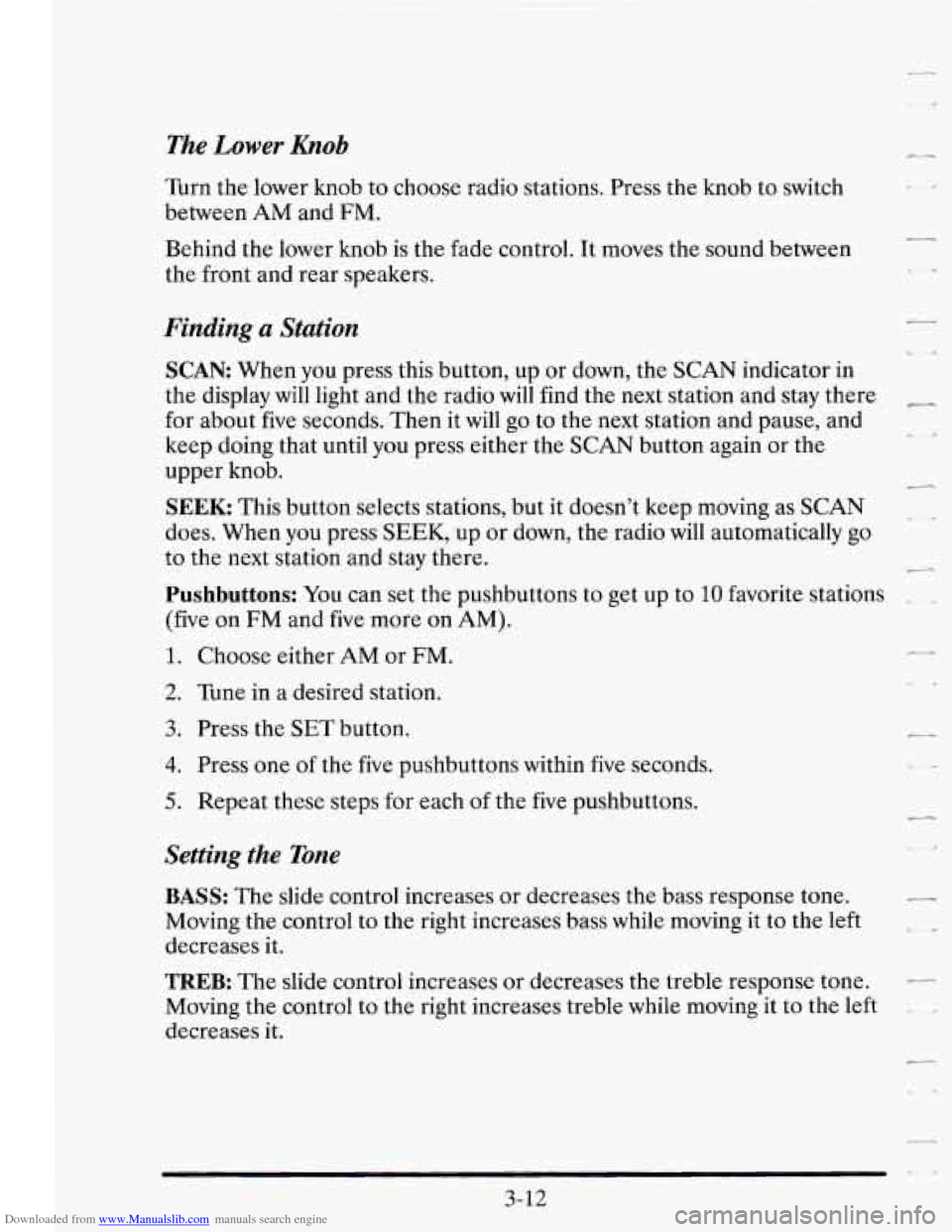
Turn the lower knob to choose radio stations. Press the knob to switch
between
AM and FM.
Behind the lower knob is the fade control. It moves the sound between
the front and rear speakers.
Finding a Station
SCAN When you press this button, up or down, the SCAN indicator in
the display will light and the radio will find the next station and stay there
for about five seconds. Then it will go to the next station and pause, and
keep doing that until you press either the
SCAN button again or the
upper knob.
SEEK This button selects stations, but it doesn’t keep moving as SCAN
does. When you press SEEK, up or down, the radio will automatically go
to the next station and stay there.
-
Pushbuttons: You can set the pushbuttons to get up to 10 favorite stations
(five on FM and five more on
AM).
1. Choose either AM or FM.
2. Tune in a desired station.
3. Press the SET button.
4. Press one of the five pushbuttons within five seconds.
5. Repeat these steps for each of the five pushbuttons.
Setting the Tone
BASS: The slide control increases or decreases the bass response tone.
Moving the control to the right increases bass while moving it
to the left
decreases it.
TREB: The slide control increases or decreases the treble response tone.
Moving the control to the right increases treble while moving it to the left
decreases it.
\,
3-12
Page 182 of 410
Downloaded from www.Manualslib.com manuals search engine --
Your Cassette Tape Player
Your cassette tape player works best with tapes that are 30 to 45 minutes
long on each side. Tapes longer than that are
so thin that they may not
work well in this player.
If you look at the tape, or on its label
or box, it should say whether its bias,
or “equalization,” is
70 microseconds (70 p) or 120 microseconds (120 p).
Chrome and metal tapes are 70 p sec and standard iron tapes are 120 p sec.
Your tape player will adjust automatically for either type of cassette tape.
To Play a Cassette Tape
1. Turn the radio on.
2. Insert the cassette through the tape door. (The TAPE indicator in the
display
will light.)
If you hear nothing or hear just a garbled sound, the cassette may not be
in squarely. Press the EJCT button to remove the tape and start over. The
tape equalization
is automatically sensed and set. Inserting the cassette
also activates DOLBY
@ noise reduction.
DNR@ is the Dynamic Noise Reduction. It helps remove background hiss
noise from the radio.
“DNR’ is a registered trademark of National Semiconductor
Corporation.
3. Once the tape is playing, use the upper and lower knobs to adjust the
volume and balance, just as you do for the radio. Press the upper knob
to change tape direction. The arrow in the display shows which
direction the tape is being played.
FWD: Press this button to go forward rapidly to another part of the tape.
The radio will play during fast forward.
To stop the tape, press the same
button and
the tape will start to play.
REV: Press this button to reverse the tape. To stop the tape, press the
same button lightly or any
of the other buttons. The radio will play during
this reverse function.
3-13