Page 108 of 395
Downloaded from www.Manualslib.com manuals search engine HORN
To sound the horn just press the center of the steering wheel.
TILT WHEEL
A tilt steering wheel allows you to adjust the steering wheel before you
drive.
You can also raise
it to the highest level to give your legs more room when
you exit and enter the vehicle.
c
, :.
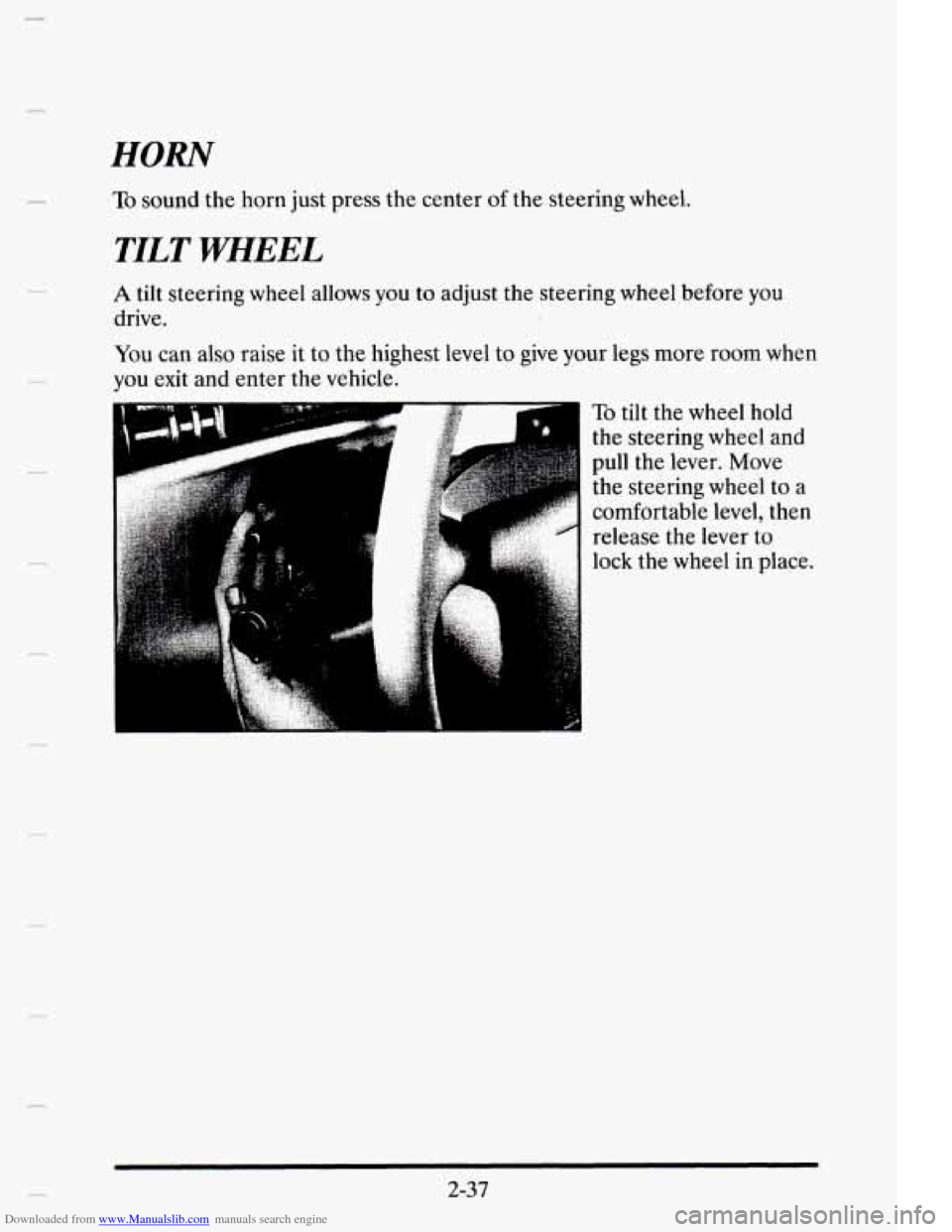
To tilt the wheel hold
the steering wheel
and
pull the lever. Move
the steering wheel to
a
comfortable level, then
release the lever to
lock the wheel
in place.
2-37
Page 113 of 395
Downloaded from www.Manualslib.com manuals search engine OFF To turn the wipers off, turn the band to OFF.
Damaged wiper blades may prevent you from seeing well enough to drive
safely.
To avoid damage, be sure to clean ice and snow from the wiper
blades before
using them. If they're frozen to the windshield, carefully
loosen or thaw them.
If your blades do become damaged, get new blades
or blade inserts.
Heavy snow or ice can overload
your wiper motor. A circuit breaker will stop
the motor until it cools. Clear away snow or ice to prevent an overload.
Windshield Washer
I A d
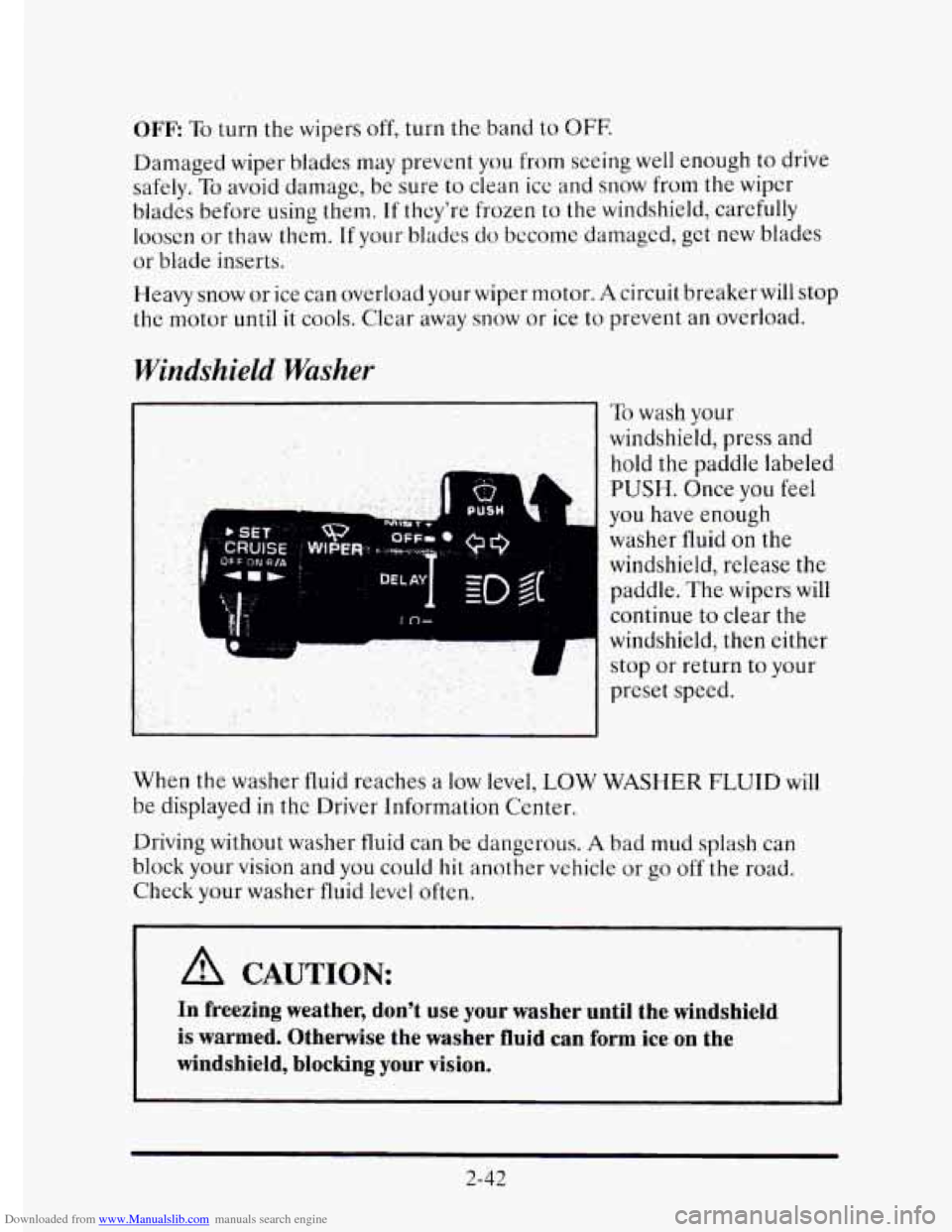
To wash your
windshield, press
and
hold the paddle labeled
PUSH. Once you feel
you have enough
washer fluid on the
windshield, release the
paddle. The wipers will
continue to clear the
windshield, then either
stop or return to your
preset speed.
When the washer fluid reaches a low level, LOW WASHER
FLUID will
be displayed in the Driver Information Center.
Driving without washer
fluid can be dangerous. A bad mud splash can
block your vision and you could hit another vehicle or
go off the road.
Check your washer fluid level often.
A CAUTION:
In freezing weather, don't use your washer until the windshield
is warmed. Otherwise the washer fluid can form ice on the
windshield, blocking your vision.
2-42
Page 131 of 395
Downloaded from www.Manualslib.com manuals search engine Power Remote Control Mirrors
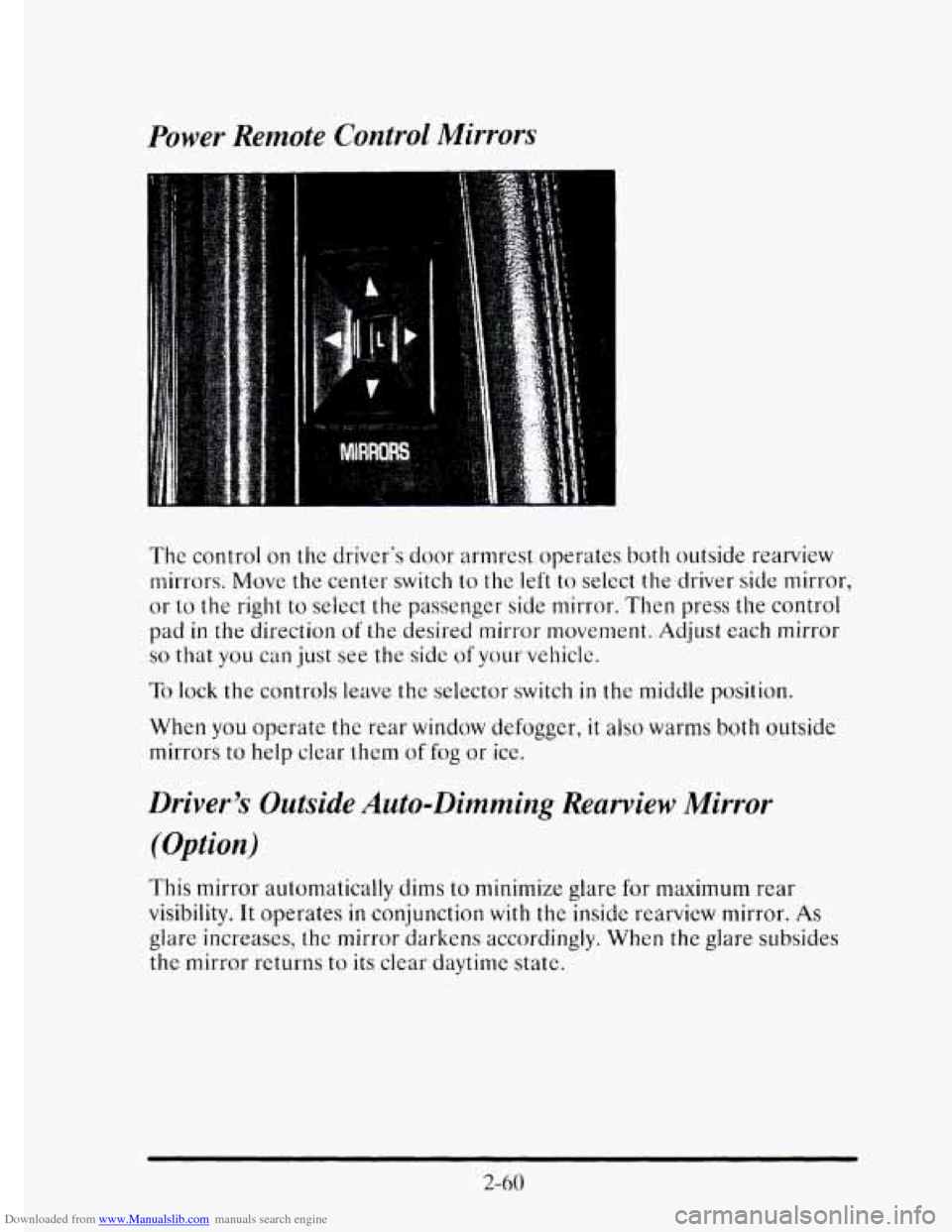
The control on the driver's door armrest operates both outside rearview
mirrors. Move
the center switch to the left to select the driver side mirror,
or to the right to select the passenger side mirror. Then press the control
pad
in the direction of the desired mirror movement. Adjust each mirror
so that you can just see the side of your vehicle.
To lock the controls leave the selector switch in the middle position.
When you operate the rear window defogger,
it also warms both outside
mirrors to help clear
them of fog or ice.
Driver's Outside Auto-Dimming Rearview Mirror
(Option)
This mirror automatically dims to minimize glare for maximum rear
visibility. It operates
in conjunction with the insidc rearview mirror. As
glare increases, the mirror darkens accordingly. When the glare subsides
the mirror returns to its clear daytime state.
2-60
Page 148 of 395

Downloaded from www.Manualslib.com manuals search engine Anti-Lock Brake System Warning Light
ANTI-
LOCK (@)
With the anti-lock brake system, this light will come on when you start
your engine and may stay
on for several seconds. That’s normal. If the
light doesn’t come on, have it fixed
so it will be ready to warn you if there
is a problem.
If the light stays on, turn the ignition off. Or, if the light comes on when
you’re driving, stop as soon as possible and turn the ignition
off. Then
start the engine again
to reset the system. If the light still stays on, or
comes on again while you’re driving, your Cadillac needs service. If the
regular brake system warning light isn’t
on, you still have brakes, but you
don’t have anti-lock brakes. If the regular brake system warning light is
also on,
you don’t have anti-lock brakes and there’s a problem with your
regular brakes. See “Brake System Warning Light” earlier
in this part.
Traction Disabled Message
If this message is displayed, there’s a problem with your traction control
system and your vehicle needs service. When this message
is displayed,
the system
will not limit wheel spin. Adjust your driving accordingly.
Traction Control System Active Message
When your traction control system is limiting wheel spin, the TRACTION
ACTIVE message will be displayed. Slippery road conditions may exist if
this message is displayed, so adjust your driving accordingly. This message
will stay
on for a few seconds after the traction control system stops
limiting wheel spin.
2-77
Page 155 of 395
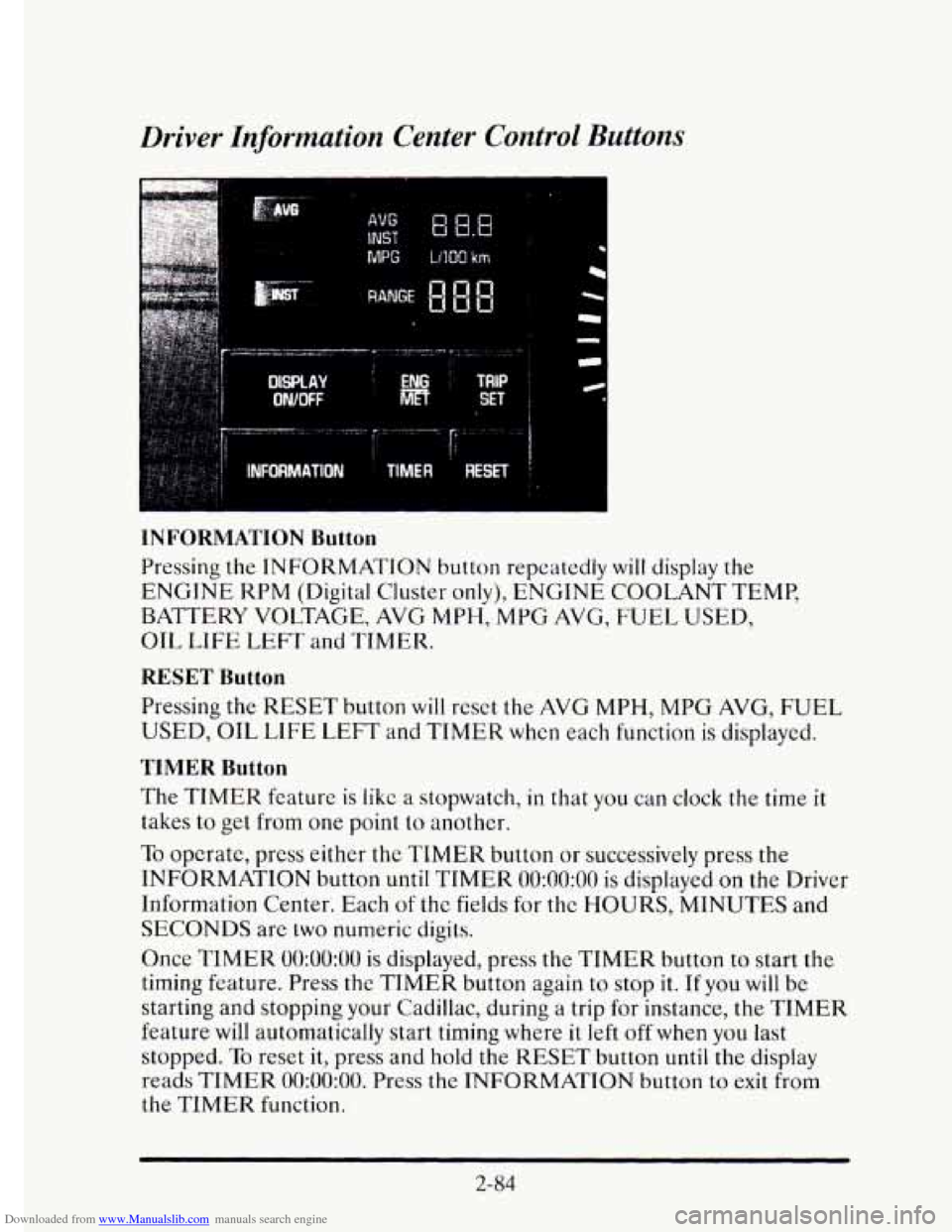
Downloaded from www.Manualslib.com manuals search engine Driver Information Center Control Buttons
MPG LlIQO km
INFORMATION Button
Pressing the INFORMATION button repeatedly will display the
ENGINE KPM (Digital Cluster only), ENGINE COOLANT TEMP,
BATTERY VOLTAGE, AVG
MPH, MPG AVG, FUEL USED,
OIL
LIFE LEFT and TIMER.
RESET Button
Pressing the RESET button will reset the AVG MPH, MPG AVG, FUEL
USED, OIL LIFE LEFT and TIMER when each function is displayed.
TIMER Button
The TIMER feature is like a stopwatch, in that you can clock the time it
takes to get from one point to another.
To opcrate, press either the TIMER button or successively press the
INFORMATION button
until TIMER 0O:OO:OO is displayed on the Driver
Information Center. Each
of the fields for the HOURS, MINUTES and
SECONDS are two numeric digits.
Once
TIMER 0O:OO:OO is displayed, press the TIMER button to start the
timing feature. Press the TIMER button again to stop
it. If you will be
starting and stopping your Cadillac, during a trip for instance, the
TIMER
feature will automatically start timing where it left off when you last
stopped.
To reset it, press and hold the RESET button until the display
reads
TIMER 0O:OO:OO. Press the INFORMATION button to exit from
the TIMER function.
2-84
Page 173 of 395
Downloaded from www.Manualslib.com manuals search engine Heated Windshield (Option)
Front De-Ice
Here’s how to use your heated windshield in cold weather to remove ice
or frost quickly:
1. If any snow is piled up on the windshield, brush it away.
2. Start your Cadillac and leave it in PARK (P).
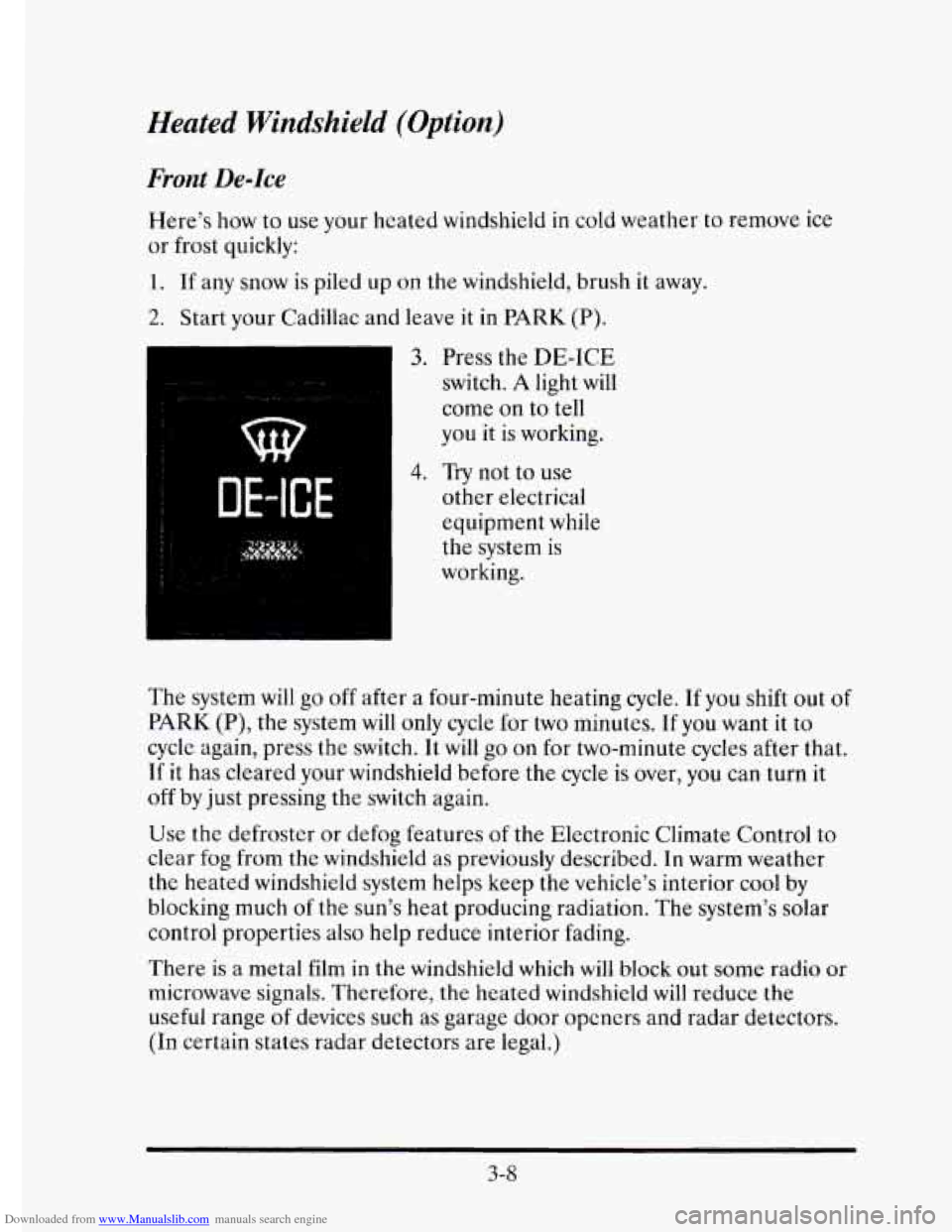
3. Press the DE-ICE
switch. A light will
come on to tell
you it is working.
DE-ICE
4. Try not to use
other electrical
equipment while
the system
is
working.
The system will
go off after a four-minute heating cycle. If you shift out of
PARK (P), the system will only cycle for two minutes. If you want it to
cycle again, press the switch. It will go on for two-minute cycles after that.
If it has cleared your windshield before the
cycle is over, you can turn it
off by just pressing the switch again.
Use the defroster or defog features of the Electronic Climate Control to
clear fog from the windshield as previously described. In warm weather
the heated windshield system helps keep the vehicle’s interior cool by
blocking much
of the sun’s heat producing radiation. The system’s solar
control properties also
help reduce interior fading.
There
is a metal film in the windshield which will block out some radio or
microwave signals. Therefore, the heated windshield
will reduce the
useful range
of devices such as garage door opcners and radar detectors.
(In certain states radar detectors are legal.)
3-8
Page 175 of 395
Downloaded from www.Manualslib.com manuals search engine Setting the Clock
Turn the ignition on the and the radio off. Then:
To Set the Hour:
Press SET, and within five seconds,
Press and hold SEEK. When the clock gets to the correct hour,
To Set the Minutes:
Press SET, and within five seconds,
release.
Press and
hold SCAN. When the clock gets to the correct minute,
Your clock
is set.
release.
How to
Operate Your Audio System
Your Cadillac will have one of the following Delco@ Radio Systems.
Please read about the system that pertains to
your vehicle.
3-10
Page 176 of 395
Downloaded from www.Manualslib.com manuals search engine e-
c
The Delco@ Bose Gold Series Music System with
Cassette Player
.......
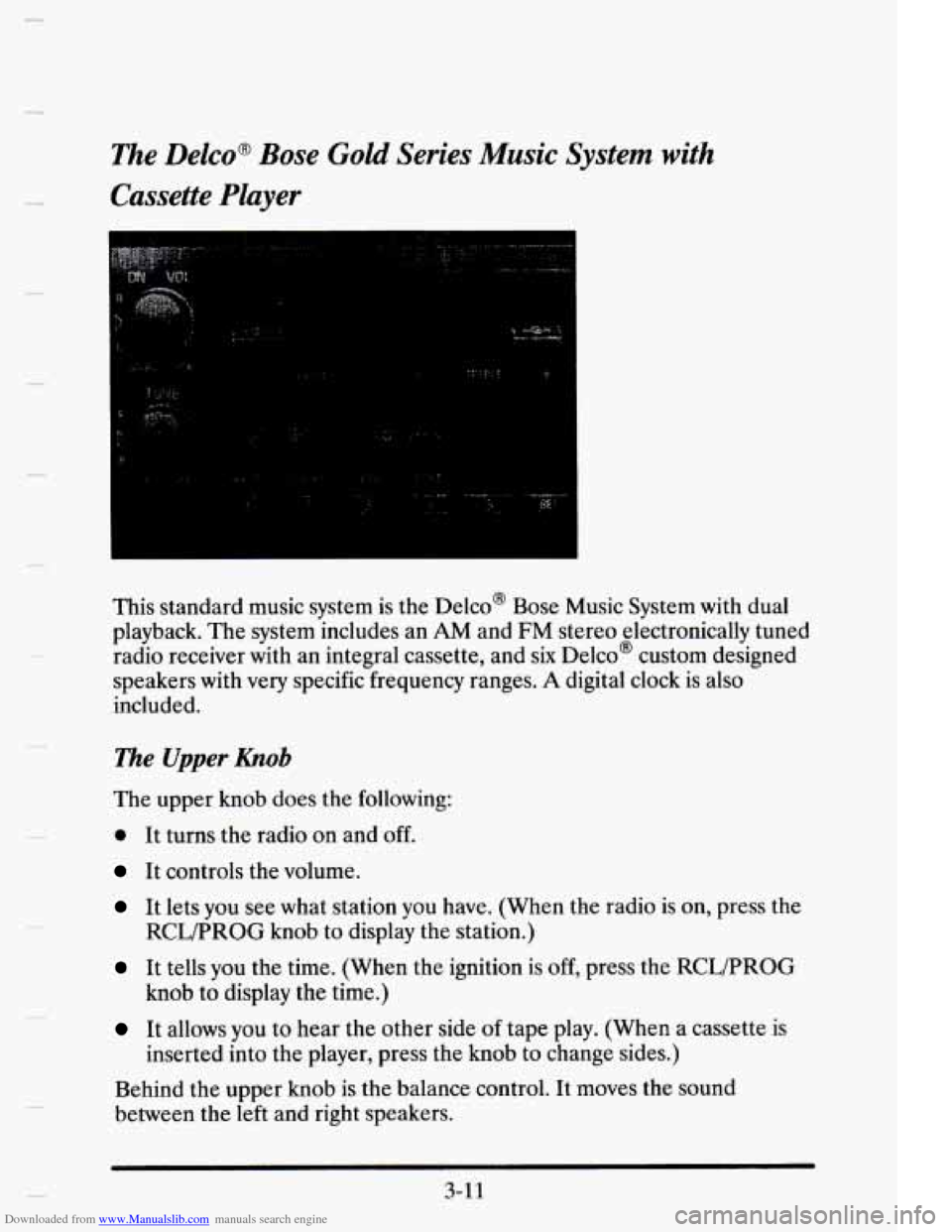
This standard music system is the Delco@ Bose Music System with dual
playback. The system includes an
AM and FM stereo electronically tuned
radio receiver with an integral cassette, and
six Delco@ custom designed
speakers with
very specific frequency ranges. A digital clock is also
included.
The Upper hob
The upper knob does the following:
0 It turns the radio on and off.
It controls the volume.
It lets you see what station you have. (When the radio is on, press the
It tells you the time. (When the ignition is off, press the RCWPROG
It allows you to hear the other side of tape play. (When a cassette is
Behind the upper knob is the balance control. It moves the sound
between the left and right speakers.
RCLPROG knob to display the station.)
knob to display the time.)
inserted into the player, press the knob to change sides.)
3-1 1