Page 94 of 395
Downloaded from www.Manualslib.com manuals search engine AUTOMATIC TMSXKLE
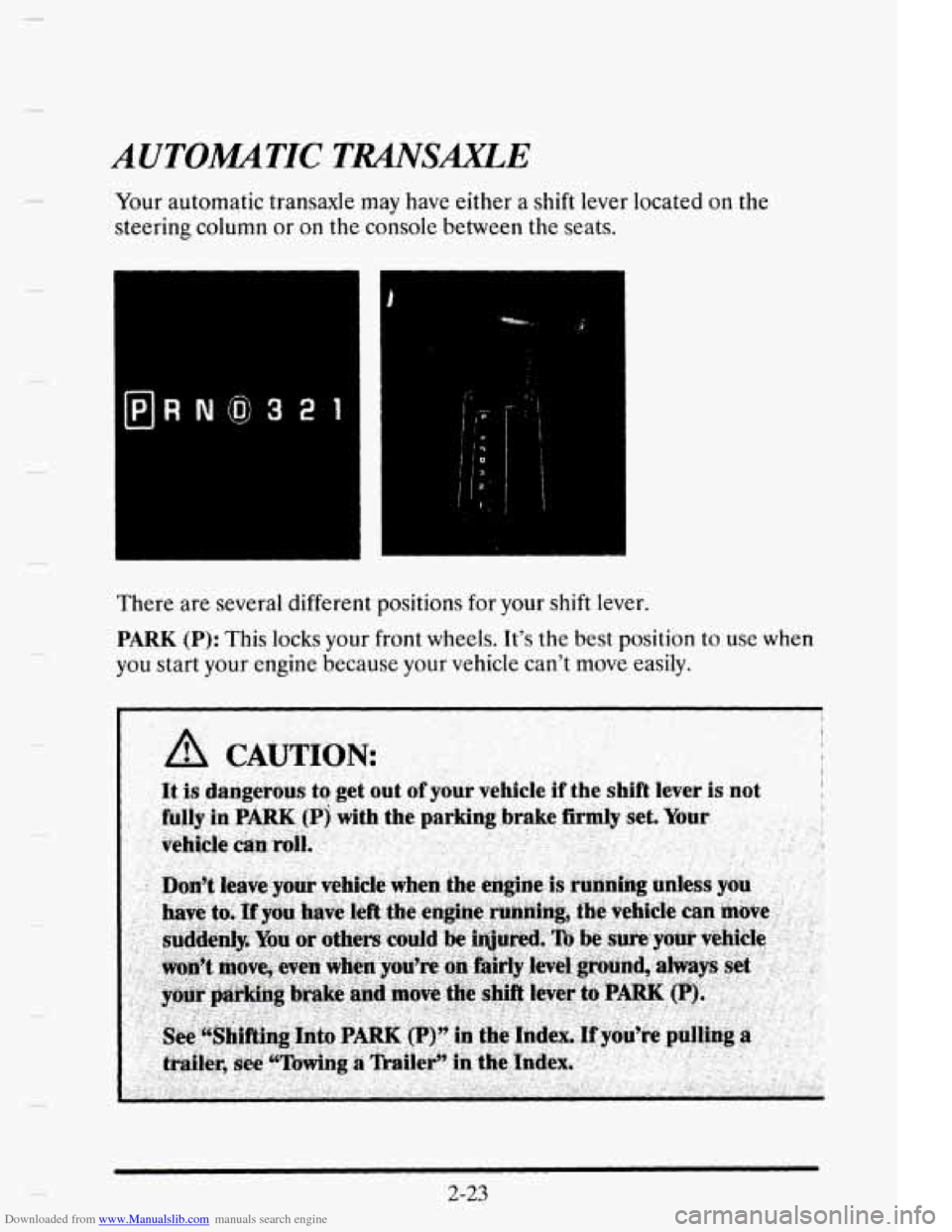
Your automatic transaxle may have either a shift lever located on the
steering column or
on the console between the seats.
BRN@3211
'I
i
There are several different positions for your shift lever.
PARK (P): This locks your front wheels. It's the best position to use when
you start your engine because your vehicle can't move easily.
2-23
Page 100 of 395
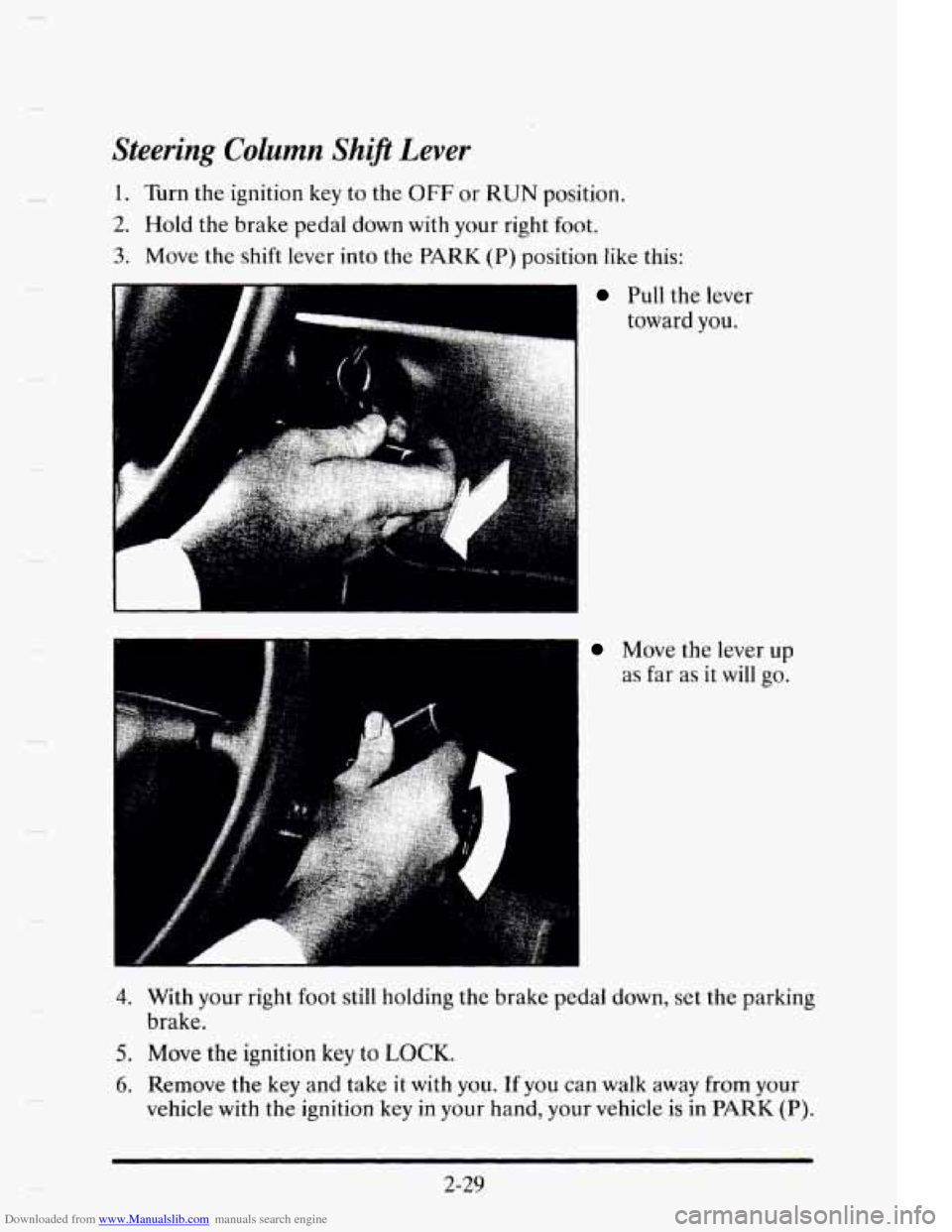
Downloaded from www.Manualslib.com manuals search engine Steering Column Ship Lever
1. Turn the ignition key to the OFF or RUN position.
2. Hold the brake pedal down with your right foot.
3. Move the shift lever into the PARK (P) position like this:
~ Pull the lever
toward you.
Move the lever up
as far as
it will go.
4. With your right foot still holding the brake pedal down, set the parking
5. Move the ignition key to LOCK.
6. Remove the key and take it with you. If you can walk away from your
brake.
vehicle with
the ignition key
in your hand, your vehicle is in PARK (P).
2-29
Page 108 of 395
Downloaded from www.Manualslib.com manuals search engine HORN
To sound the horn just press the center of the steering wheel.
TILT WHEEL
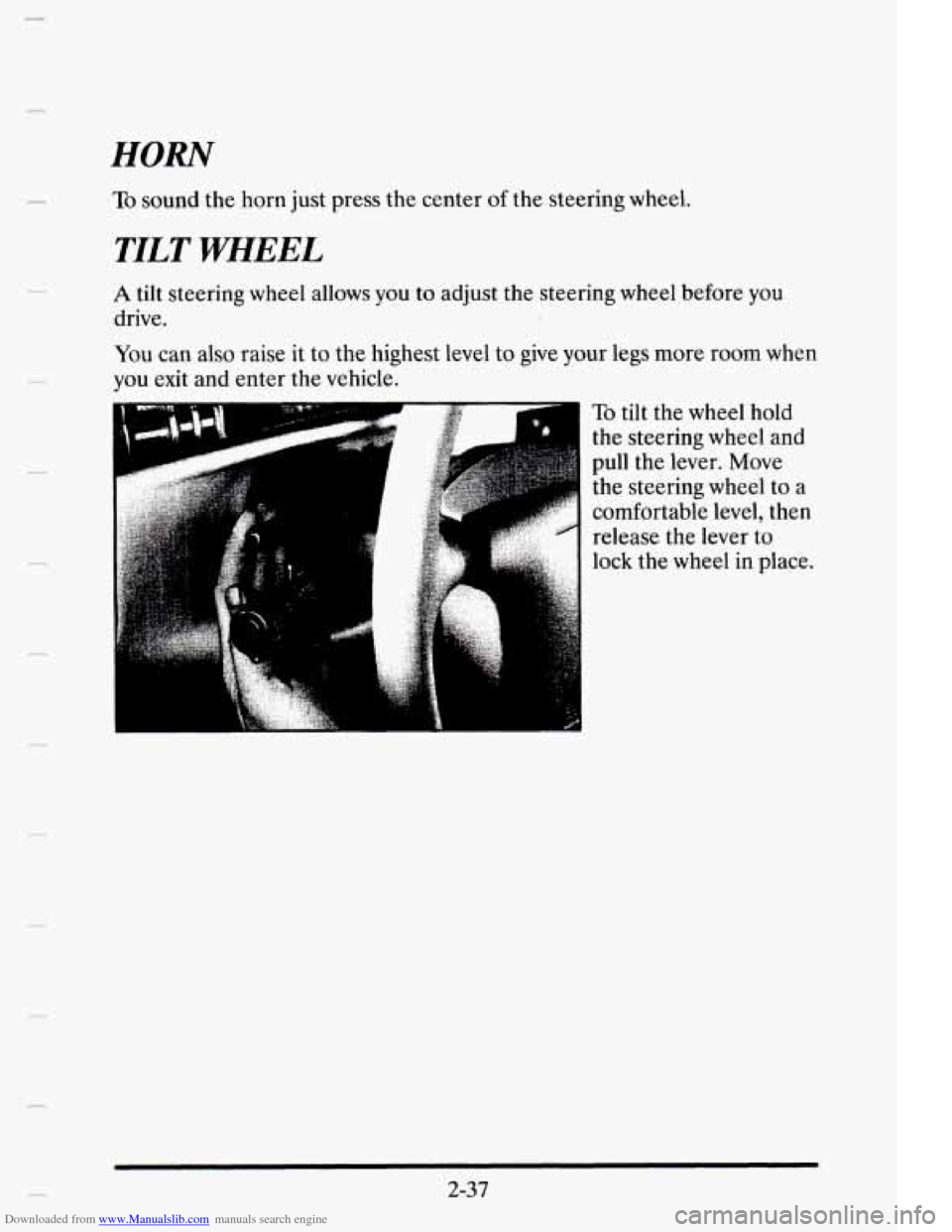
A tilt steering wheel allows you to adjust the steering wheel before you
drive.
You can also raise
it to the highest level to give your legs more room when
you exit and enter the vehicle.
c
, :.
To tilt the wheel hold
the steering wheel
and
pull the lever. Move
the steering wheel to
a
comfortable level, then
release the lever to
lock the wheel
in place.
2-37
Page 109 of 395
Downloaded from www.Manualslib.com manuals search engine TURN SIGNLIMULTIFUNCTION LEVER
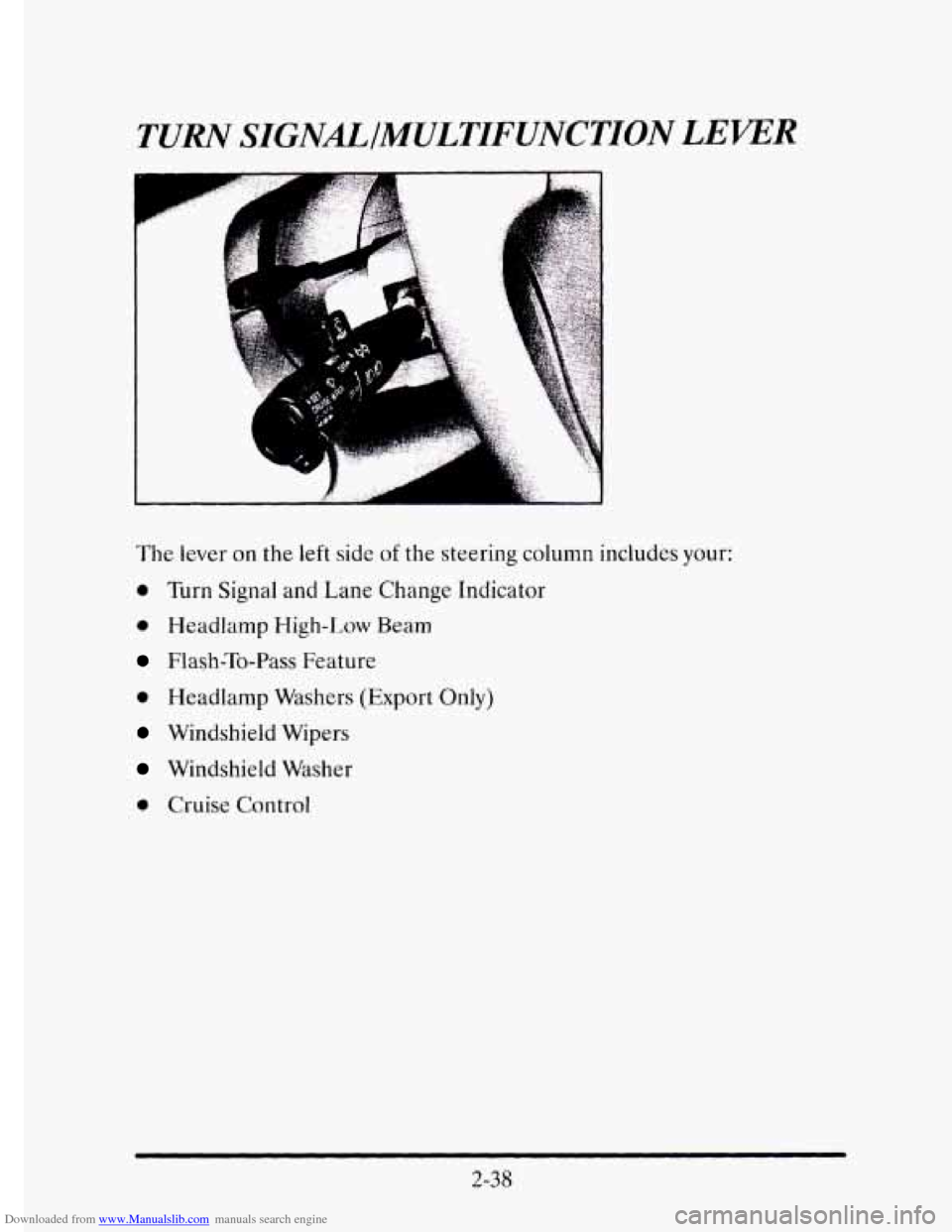
The lever on the left side of the steering column includes your:
0 Turn Signal and Lane Change Indicator
0 Headlamp High-Low Beam
Flash-To-Pass Feature
0 Headlamp Washers (Export Only)
Windshield Wipers
Windshield Washer
0 Cruise Control
2-38
Page 162 of 395
Downloaded from www.Manualslib.com manuals search engine TRACTION DISABLED - 88
m This message will be displayed if a problem is noted in the Traction
Control System. Have your vehicle serviced as soon as possible.
TRANS FLUID RESET - 48
With the engine not running and
the ignition ON, press and hold the OFF
and REAR DEFOG buttons until the TRANS FLUID RESET message
appears
in the Information Center (between five and 20 seconds).
TURN SIGNAL ON - 20
This message is a reminder, after driving about a mile, that you have your
turn signal on.
TRUNK OPEN - 24
This message indicates that your trunk is open when the ignition is ON.
VERY LOW REFRIGERANT A/C COMPRESSOR OFF - 12
This message means that the Air Conditioning system detects a
refrigerant level that is
low enough to cause damage to the A/C
compressor. To avoid damage the A/C compressor automatically turns off
and the Electronic Climate Control will automatically switch from AUTO
to ECON and remain there. Have your A/C system serviced
if this
message appears.
Speed Sensitive Steering (SSS)
This system varies the amount of steering effort proportionate to your
vehicle speed. Steering
is easier at a lower speed for increased
maneuverability and parking ease. As your vehicle speed increases, the
steering effort is also increased proportionately. At highway speeds the
amount
of steering effort is greatly increased to provide a manual-like
steering feel for maximum control and enhanced vehicle stability.
2-9 1
Page 192 of 395
Downloaded from www.Manualslib.com manuals search engine CONTROL OF A VEHICLE
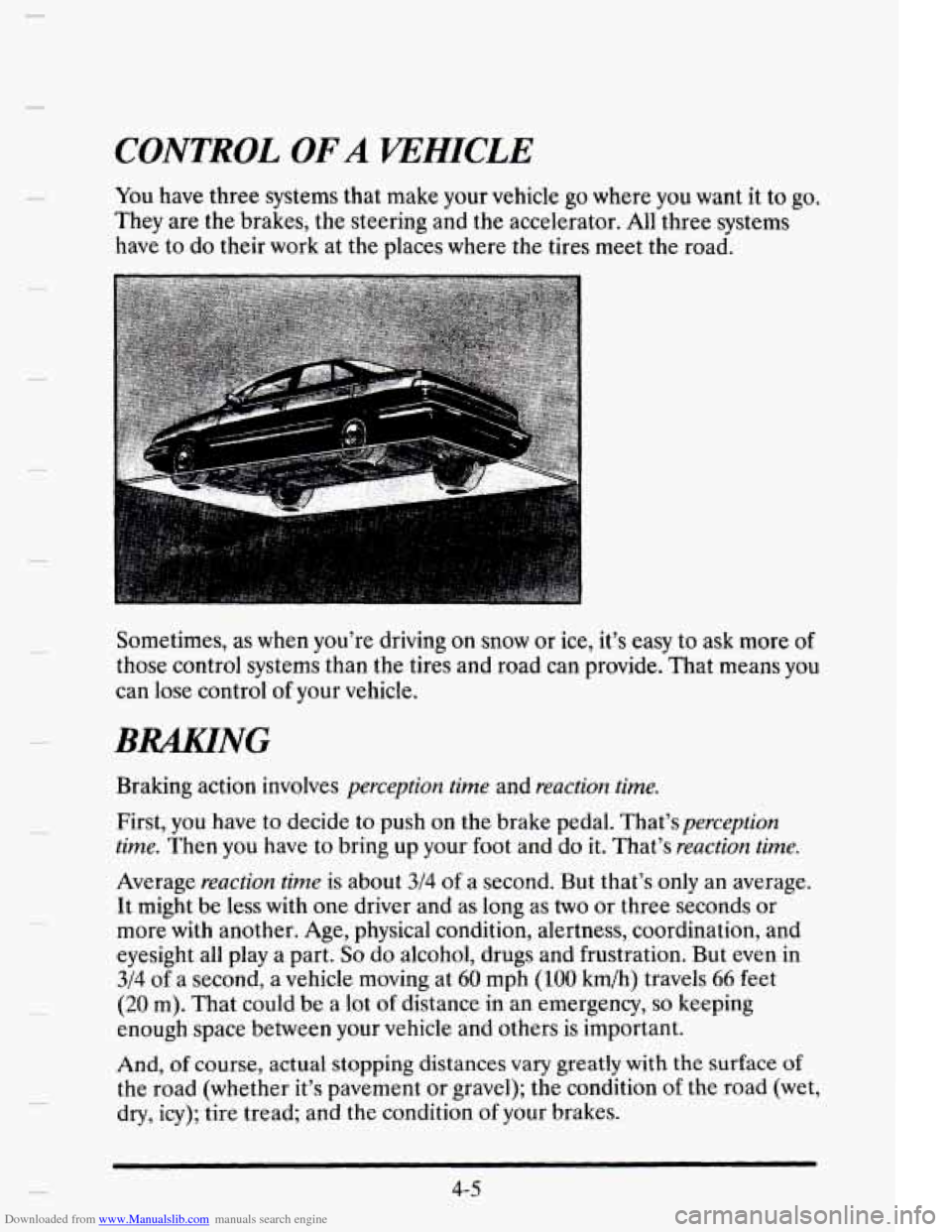
You have three systems that make your vehicle go where you want it to go.
They are the brakes, the steering and the accelerator. All three systems
have to do their work at the places where the tires meet the road.
. . ..-
Sometimes, as when you’re driving on snow or ice, it’s easy to ask more of
those control systems than the tires and road can provide. That means you
can lose control
of your vehicle.
BRAKING
Braking action involves perception time and reaction time.
First, you have to decide
to push on the brake pedal. That’sperception
time. Then you have to bring up your
foot and do it. That’s reaction time.
Average reaction time is about
314 of a second. But that’s only an average.
It might be less with one driver and as long as
two or three seconds or
more with another.
Age, physical condition, alertness, coordination, and
eyesight all play a part.
So do alcohol, drugs and frustration. But even in
3/4 of a second, a vehicle moving at 60 mph (100 km/h) travels 66 feet
(20 m). That could be a lot of distance in an emergency, so keeping
enough space between your vehicle and others is important.
And,
of course, actual stopping distances vary greatly with the surface of
the road (whether it’s pavement or gravel); the condition of the road (wet,
dry, icy); tire tread; and the condition
of your brakes.
4-5
Page 196 of 395
Downloaded from www.Manualslib.com manuals search engine Traction Control System
Your vehicle has a traction control system that limits wheel spin. This is
especially useful in slippery road conditions.
The system operates only if it
senses that one or both of the front wheels are spinning or beginning to
lose traction. When this happens, the system works the front brakes and
reduces engine power (by shutting off
fuel injectors) to limit wheel spin.
c
The TRACTION ACTIVE message will display on the Driver
Information Center when the traction control system is limiting wheel
spin. See “Driver Information Center Messages”
in the Index. You may
feel
the system working, or you may notice some noise, but this is normal.
If your vehicle is
in cruise control when the traction control system begins
to
limit wheel spin, the cruise control will automatically disengage. When
road conditions allow you to safely use
it again, you may re-engage the
cruise control. (See “Cruise Control”
in the Index.)
The TRACTION DISABLED message
will display on the Driver
Information Center to let
you know if there’s a problem with your traction
control system. See “Driver Information Center Messages”
in the Index.
When this message is displayed, the system will not limit wheel spin.
Adjust your driving accordingly.
Braking in Emergencies
Use your anti-lock braking system when you need to. With anti-lock, you
can steer and brake at the same time. In many emergencies, steering can
help you more than even the very best braking.
4-9
Page 197 of 395
Downloaded from www.Manualslib.com manuals search engine STEERING
Power Steering
If you lose power steering assist because the engine stops or the system is
not functioning, you can steer but it will take much more effort.
Steering Tips
Driving on Curves
It’s important to take curves at a reasonable speed.
A lot of the “driver lost control’’ accidents mentioned on the news happen
on curves. Here’s why:
Experienced driver or beginner, each
of us is subject to the same laws of
physics when driving on curves. The traction of the tires against the road
surface makes
it possible for the vehicle to change its path when you turn
the front wheels.
If there’s no traction, inertia will keep the vehicle going
in the same direction. If you’ve ever tried to steer a vehicle on wet ice,
you’ll understand this.
The traction you can get
in a curve depends on the condition of your tires
and the road surface,
the angle at which the curve is banked, and your
speed. While you’re
in a curve, speed is the one factor you can control.
Speed limit signs near curves warn that you should adjust your speed.
Of
course, the posted speeds are based on good weather and road conditions.
Under
less favorable conditions you’ll want to go slower.
If you need to reduce your speed as you approach a curve, do it before
you enter
the curve, while your front wheels are straight ahead.
Try to adjust your speed so you can “drive” through the curve. Maintain a
reasonable, steady speed. Wait
to accelerate until you are out of the curve,
and then accelerate gently into
the straightaway.
4- 10