1994 PONTIAC BONNEVILLE ECO mode
[x] Cancel search: ECO modePage 61 of 290
Features & Controls
Forward Gears (CONT)
D (Third Gear): This is like @ , but you
never
go into Overdrive.
Here are some times you might choose
“D’ instead of @ :
- When driving on hilly, winding roads
- When towing a trailer, so there is less
shifting between gears
- When going down a steep hill
2 (Second Gear): This position gives you
more power but lower
fuel economy. You
can use “2” on hills.
It can help control
your speed as you
go down steep
mountain roads, but
then you would also
want
to use your brakes off and on.
NOTICE:
Don’t drive in “2” (Second Gear) for
more than
5 miles (8 km), or at
speeds over
55 mph (88 km/h), or
you can damage your transaxle. Use
@ or “D’ as much as possible.
Don’t shift into “2” unless
you are
going slower than
65 mph
( 105 km/h), or you can damage
your engine.
1 (First Gear): This position gives you
even more power (but lower fuel economy) than
“2.” You can use it on
very steep hills, or in deep snow or mud.
If the selector lever is put
in “1,” the
transaxle won’t shift into first gear until
the vehicle is going slowly enough.
NOTICE:
If your front wheels can’t rotate,
don’t try to drive. This might
happen
if you were stuck in very
deep sand or mud or were up
against a solid object. You could
damage your transaxle.
Also,
if you stop when going uphill,
don’t hold your vehicle there with
only the accelerator pedal. This could overheat and damage the
transaxle. Use your brakes or shift
into
“P’ (Park) to hold your vehicle
in position on a hill.
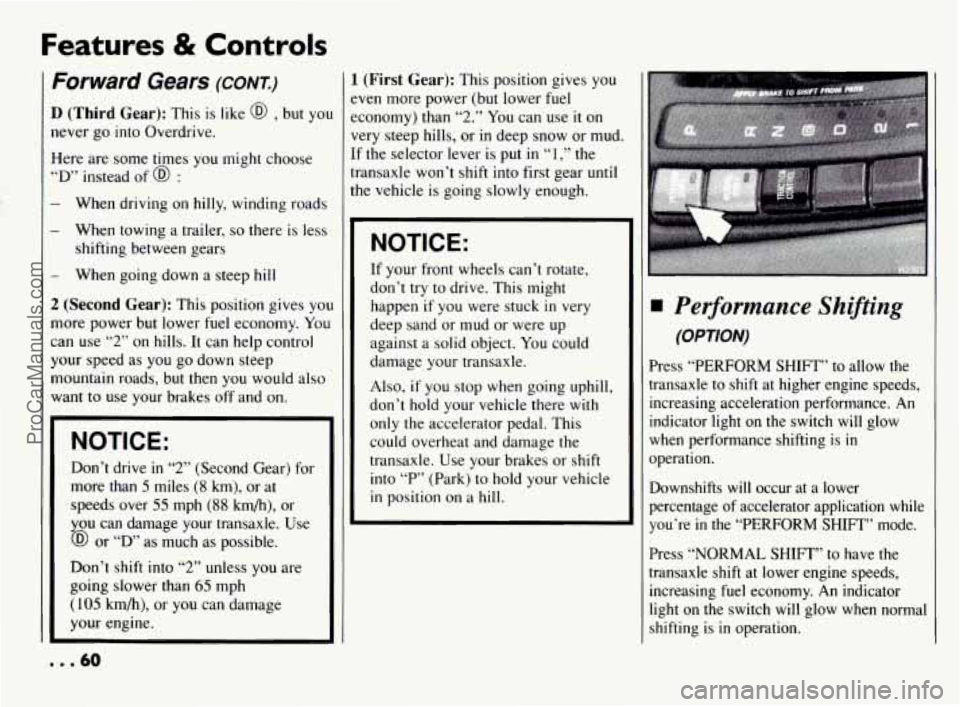
Performance Shiftins
(OPTION)
Press “PERFORM SHIFT” to allow the
transaxle to shift at higher engine speeds,
increasing acceleration performance.
An
indicator light on the switch will glow
when performance shifting is in
operation.
Downshifts
will occur at a lower
percentage of accelerator application while
you’re
in the “PERFORM SHIFT” mode.
Press “NORMAL
SHIFT” to have the
transaxle shift at lower engine speeds,
increasing fuel economy.
An indicator
light on the switch will glow when normal
shifting
is in operation.
... 60
ProCarManuals.com
Page 71 of 290
Features & Controls
Windshield Wipers
(CONT)
Heavy snow or ice can overload your
wiper motor.
A circuit breaker will stop
the motor until it cools. Clear away snow
or ice to prevent an overload.
Keep in mind that damaged wiper blades
may prevent you from seeing well enough
to drive safely. To avoid damage, be sure
to clear ice and snow from the wiper
blades before using them.
If your blades
do become damaged, get new blades or
blade inserts. Some models have
a “WASHER FLUID’
warning, that indicates
if the fluid level in
the windshield washer is low. See “Low
Washer Fluid Warning Light” in the
II
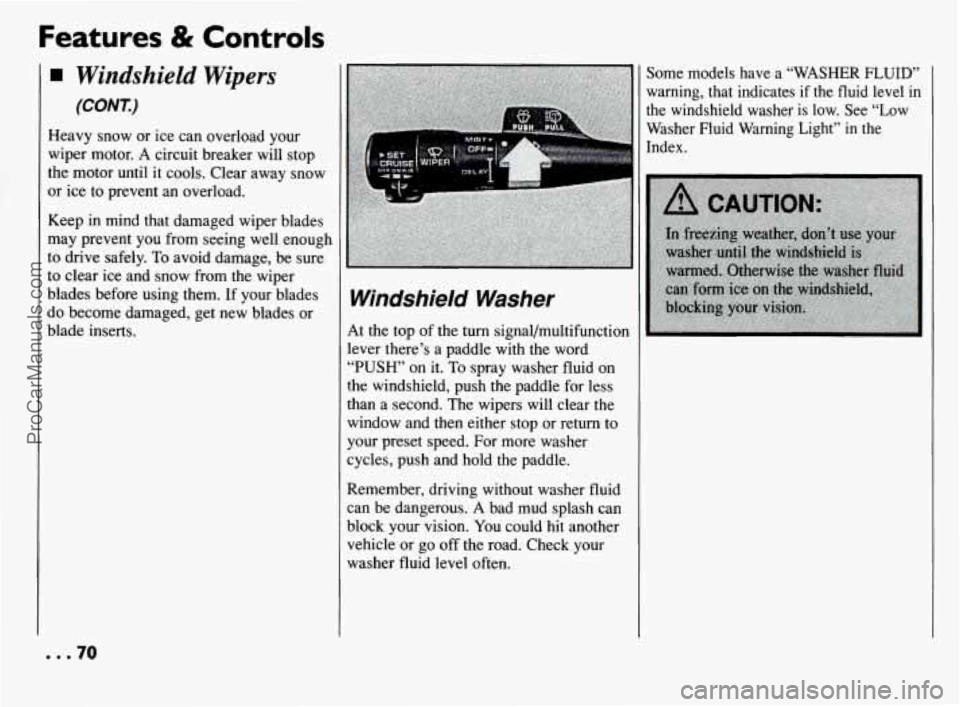
Windshield Washer
At the top of the turn signal/multifunction
lever there’s a paddle with the word
“PUSH’ on it. To spray washer fluid on
the windshield, push the paddle for less
:han a second. The wipers will clear the
window and then either stop or return to
your preset speed. For more washer
cycles, push and hold the paddle.
Remember, driving without washer fluid
can be dangerous.
A bad mud splash can
block your vision.
You could hit another
vehicle or go off the road. Check your
washer fluid level often.
... 70
ProCarManuals.com
Page 107 of 290
Features & Controls
.
Electronic Compass
(CONI)
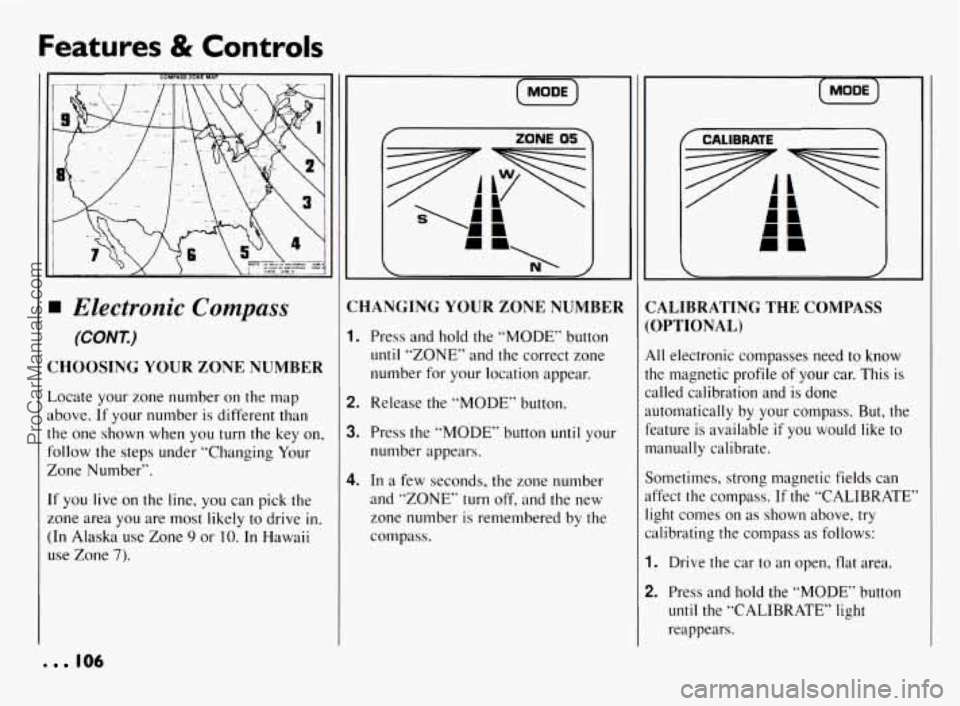
CHOOSING YOUR ZONE NUMBER
Locate your zone number on the map
above. If your number
is different than
the one shown when you turn the key on,
follow the steps under “Changing Your
Zone Number”.
If you live on the line, you can pick the
zone area
you are most likely to drive in.
(In Alaska use Zone 9 or IO. In Hawaii
use Zone
7).
106
(MoDE)
i
:HANGING YOUR ZONE NUMBER
. Press and hold the “MODE” button
until “ZONE” and the correct zone
number for your location appear.
!. Release the “MODE” button.
1. Press the “MODE” button until your
number appears.
I. In a few seconds, the zone number
and “ZONE”
turn off, and the new
zone number is remembered by the
compass.
[ MODE )
CALIBRATE
CALIBRATING THE COMPASS
(OPTIONAL)
All electronic compasses need to know
the magnetic profile of your car. This is
called calibration and is done
automatically by your compass. But, the
feature is available
if you would like to
manually calibrate.
Sometimes, strong magnetic fields can
affect the compass. If the “CALIBRATE”
light comes on as shown above, try
calibrating the compass as follows:
1. Drive the car to an open, flat area.
2. Press and hold the “MODE” button
until the “CALIBRATE” light
reappears.
ProCarManuals.com
Page 108 of 290
[MODE)
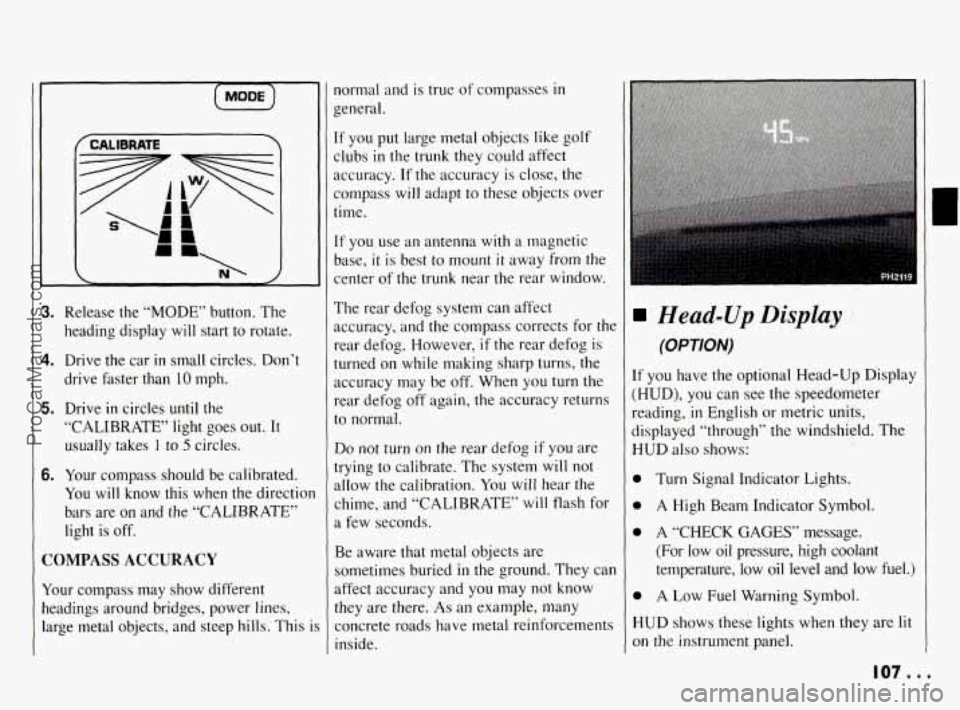
3. Release the “MODE” button. The
heading display
will start to rotate.
4. Drive the car in small circles. Don’t
drive faster than 10 mph.
5. Drive in circles until the
“CALIBRATE’ light goes out. It
usually takes
I to 5 circles.
6. Your compass should be calibrated.
You will know this when the directior
bars are on and the “CALIBRATE”
light is off.
COMPASS ACCURACY
Your compass may show different
headings around bridges, power lines,
large metal objects, and steep hills. This
i
normal and is true of compasses in
general.
If you put large metal objects like golf
clubs
in the trunk they could affect
accuracy.
If the accuracy is close, the
compass will adapt to these objects over
time.
If you use an antenna with a magnetic
base,
it is best to mount it away from the
center of the trunk near the rear window.
The rear defog system can affect
accuracy, and the compass corrects for the
rear defog. However,
if the rear defog is
turned on while making sharp turns, the
accuracy may be
off. When you turn the
rear defog
off again, the accuracy returns
to normal.
Do not turn on the rear defog if you are
trying
to calibrate. The system will not
allow the calibration.
You will hear the
chime, and “CALIBRATE’ will flash for
a few seconds.
Be aware that metal objects are
sometimes buried
in the ground. They can
affect accuracy and you may not know
they are there.
As an example, many
concrete roads have metal reinforcements
inside.
Head-Up Display
(OPTION)
If you have the optional Head-Up Display
(HUD),
you can see the speedometer
reading,
in English or metric units,
displayed “through” the windshield. The
HUD also shows:
0
0
0
0
H
01
Turn Signal Indicator Lights.
A High Beam Indicator Symbol.
A
“CHECK GAGES” message.
(For low oil pressure, high coolant
temperature, low
oil level and low fuel.)
A Low Fuel Warning Symbol.
UD shows these lights when they are lit
I the instrument panel.
107 ...
ProCarManuals.com
Page 113 of 290
Comfort Controls & Audio Systems
Standard Climate
Control
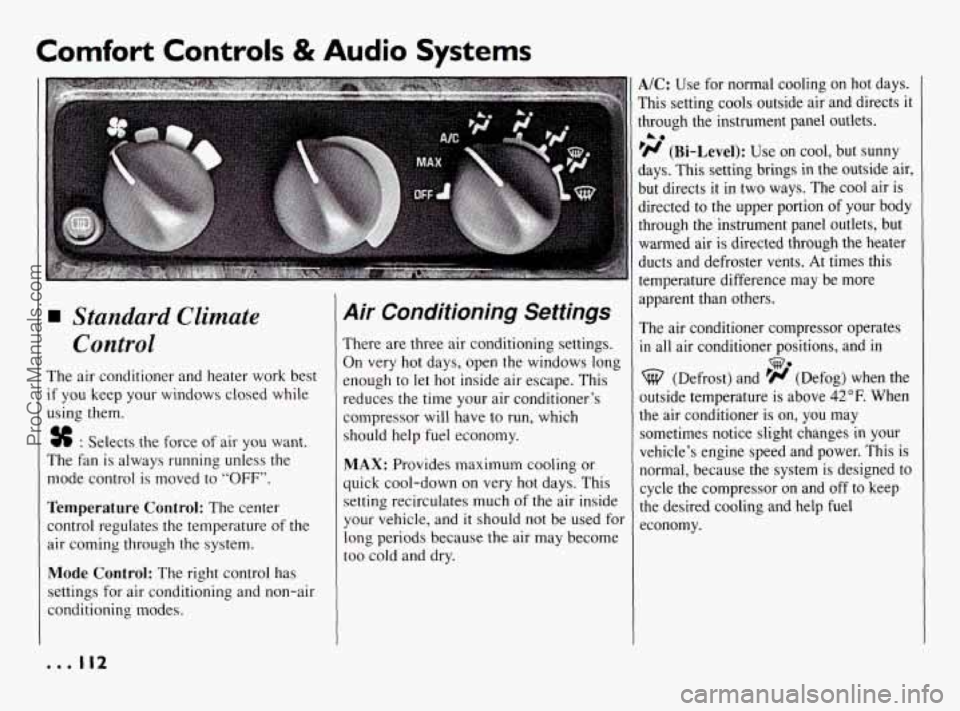
The air conditioner and heater work best
if you keep your windows closed while
using them.
% : Selects the force of air you want.
The fan is always running unless the
mode control is moved to
“OFF”.
Temperature Control: The center
control regulates the temperature of the
air coming through the system.
Mode Control: The right control has
settings for air conditioning and non-air
conditioning modes.
Air Conditioning Settings
There are three air conditioning settings.
On very hot days, open the windows long
enough
to let hot inside air escape. This
reduces the time your air conditioner’s
compressor will have to run, which
should help fuel economy.
MAX: Provides maximum cooling or
quick cool-down
on very hot days. This
setting recirculates much of the air inside
your vehicle, and
it should not be used for
long periods because the air may become
too cold and dry.
A/C: Use for normal cooling on hot days.
This setting cools outside air and directs
it
through the instrument panel outlets.
‘H (Bi-Level): Use on cool, but sunny
days. This setting brings in the outside air,
but directs it in two ways. The cool air is
directed to the upper portion
of your body
through the instrument panel outlets, but
warmed air
is directed through the heater
ducts and defroster vents. At times this
temperature difference may be more
apparent than others.
The air conditioner compressor operates
in all air conditioner positions, and in
A0
we
(Defrost) and ’# (Defog) when the
outside temperature is above
42°F. When
the air conditioner is on,
you may
sometimes notice slight changes
in your
vehicle’s engine speed and power. This is
normal, because the system is designed to
cycle the compressor
on and off to keep
the desired cooling and help fuel
economy.
... 112
ProCarManuals.com
Page 114 of 290
Non-Air Conditioning
Settings
A0
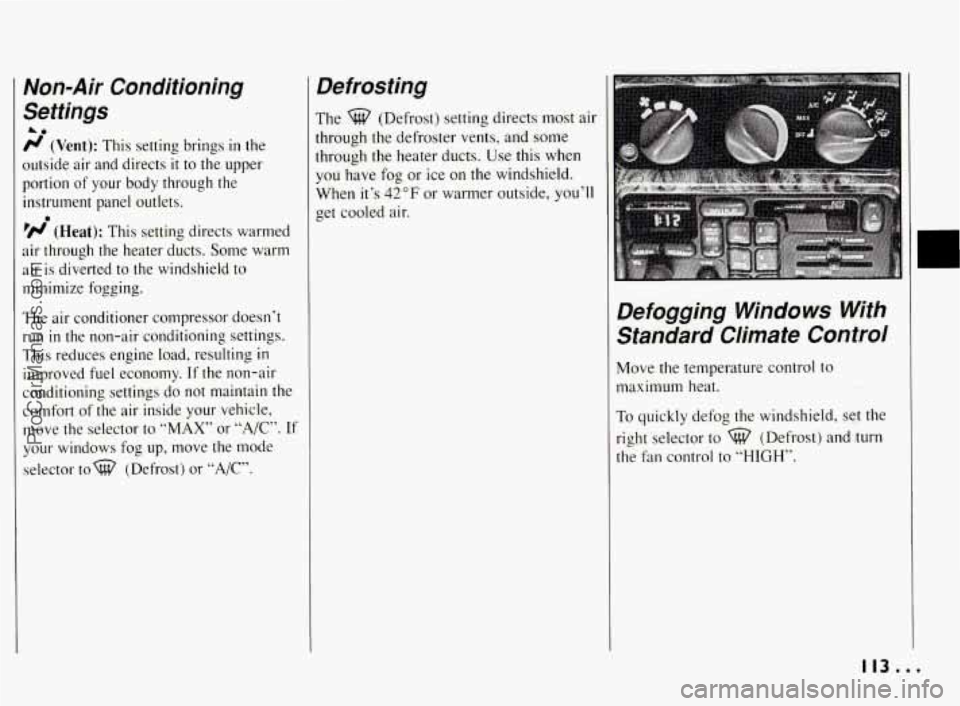
r/ (Vent): This setting brings in the
outside air and directs
it to the upper
portion of your body through the
instrument panel outlets.
’N (Heat): This setting directs warmed
air through the heater ducts. Some warm
air is diverted to the windshield to
minimize fogging.
The air conditioner compressor doesn’t
run in the non-air conditioning settings.
This reduces engine load, resulting
in
improved fuel economy. If the non-air
conditioning settings do not maintain the
comfort of the air inside your vehicle,
move the selector to
“MAX” or “A/,”. If
your windows fog up, move the mode
selector tow (Defrost) or
“A/C”.
0
Defrosting
The %? (Defrost) setting directs most air
through the defroster vents, and some
through the heater ducts. Use this when
you have fog or ice on the windshield.
When it’s
42°F or warmer outside, you’ll
get cooled air.
Defogging Windows With Standard Climate Control
Move the temperature control to
maximum heat.
To quickly defog the windshield, set the
right selector to
%? (Defrost) and turn
the fan control to “HIGH’’.
113...
ProCarManuals.com
Page 118 of 290
not be able to if it’s very warm or cold
outside.
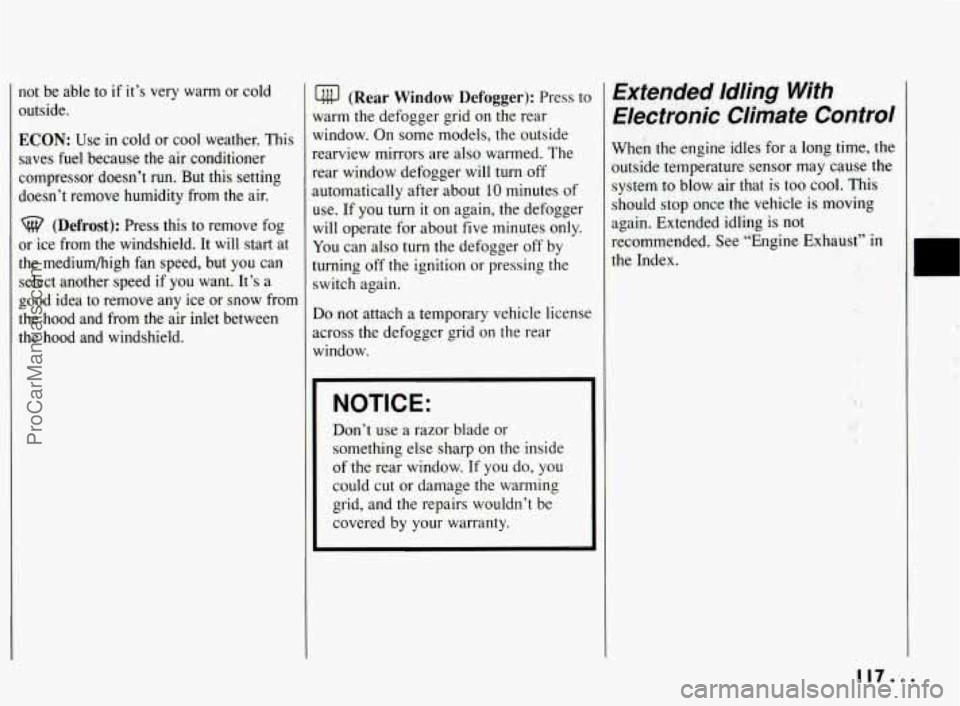
ECON: Use in cold or cool weather. This
saves fuel because the air conditioner
compressor doesn’t run. But this setting
doesn’t remove humidity from the air.
(Defrost): Press this to remove fog
or ice from the windshield. It will start at
the mediumhigh fan speed, but you can
select another speed
if you want. It’s a
good idea to remove any ice or snow from
the hood and from the air inlet between
the hood and windshield.
(Rear Window Defogger): Press tc
warm the defogger grid on the rear
window. On some models, the outside
rearview mirrors are also warmed. The
rear window defogger will turn off
automatically after about 10 minutes of
use. If you turn it on again, the defogger
will operate for about five minutes only.
You can also turn the defogger off by
turning off the ignition or pressing the
switch again.
Do not attach a temporary vehicle licensc
across the defogger grid on the rear
window.
NOTICE:
Don’t use a razor blade or
something else sharp on the inside
of the rear window.
If you do, you
could cut or damage the warming
grid, and the repairs wouldn’t be
covered by your warranty.
Extended Idling With
Electronic Climate Control
When the engine idles for a long time, the
outside temperature sensor may cause the
system to blow air that is too cool.
This
should stop once the vehicle is moving
again. Extended idling is not
recommended, See “Engine Exhaust’’
in
the Index.
11/...
ProCarManuals.com
Page 121 of 290
Comfort Controls 8i Audio Systems
Audio Systems (CONT.)
NOTICE: c’
Before you add any sound
equipment to your vehicle
-- like a
tape player,
CB radio, mobile
telephone or two-way radio
-- be
sure you can add what you want.
If
you can, it’s very important to do it
properly. Added sound equipment
may interfere with the operation
of
your vehicle’s engine, Delco@ radio
or other systems, and even damage
them. And, your vehicle’s systems
may interfere with the operation
of
sound equipment that has been
added improperly.
So, before adding sound equipment,
check with your dealer and be sure
to check Federal rules covering
mobile radio and telephone units.
Setting the Clock
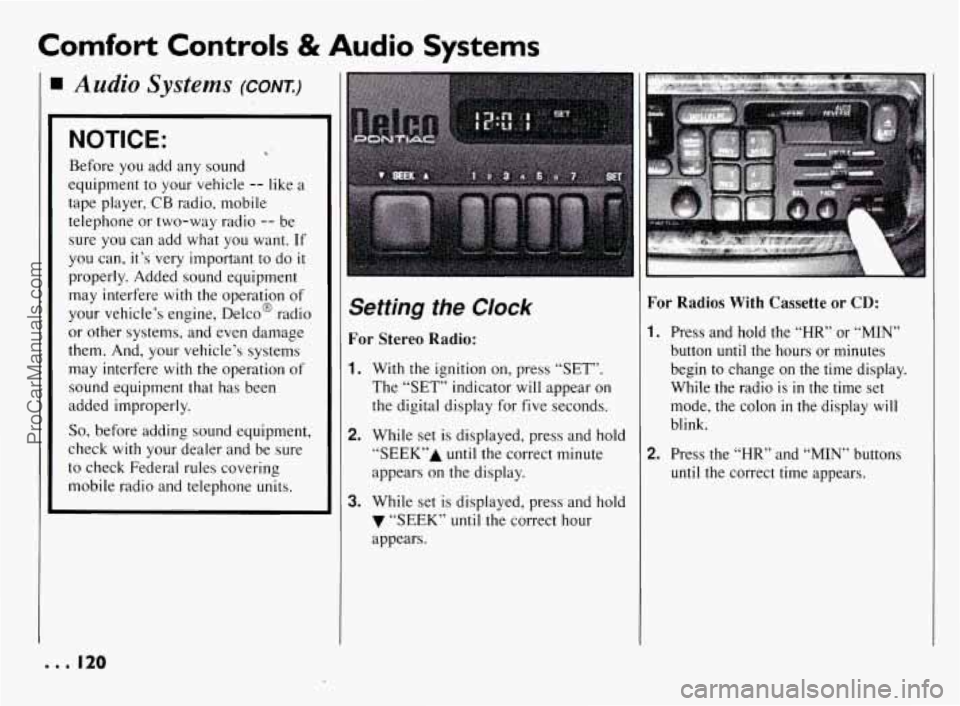
For Stereo Radio:
1. With the ignition on, press “SET”.
The “SET” indicator will appear on
the digital display for five seconds.
2. While set is displayed, press and hold
“SEEK7’A until the correct minute
appears on the display.
3. While set is displayed, press and hold
7 “SEEK” until the correct hour
appears.
For Radios With Cassette or CD:
I. Press and hold the “HR” or “MIN”
button until the hours or minutes
begin to change on the time display.
While the radio is
in the time set
mode, the colon
in the display will
blink.
2. Press the “HR” and “MIN” buttons
until the correct time appears.
e.. I20
ProCarManuals.com