1994 CADILLAC SEVILLE service
[x] Cancel search: servicePage 159 of 399
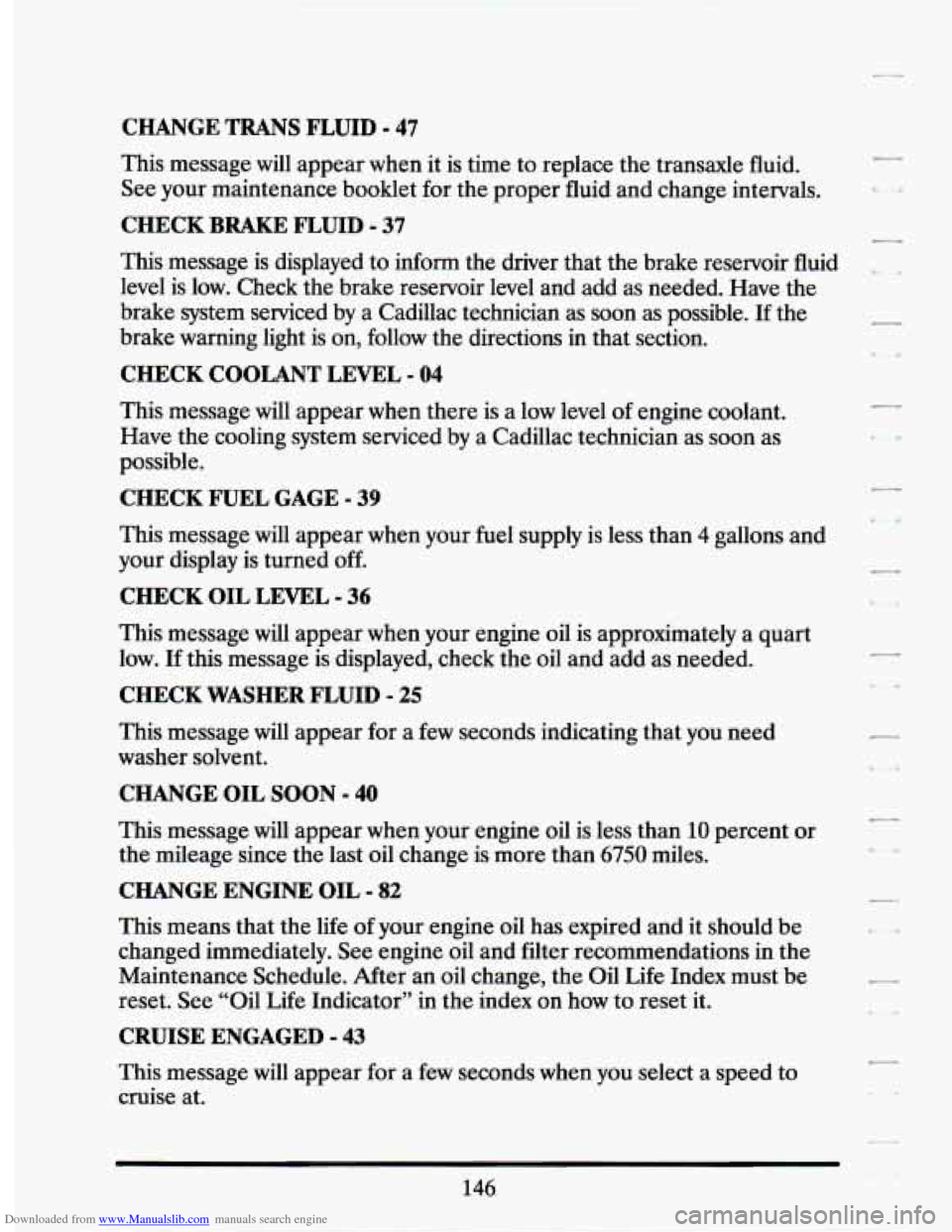
Downloaded from www.Manualslib.com manuals search engine CHANGE TRANS FLUID - 47
This message will appear when it is time to replace the transaxle fluid.
See your maintenance booklet for the proper fluid and change intervals.
CHECK BRAKE FLUID - 37
This message is displayed to inform the driver that the brake reservoir fluid
level is low. Check the brake reservoir level and add as needed. Have the
brake system serviced by a Cadillac technician as soon as possible. If the
brake warning light is on, follow the directions in that section.
CHECK COOLANT LEVEL - 04
This message will appear when there is a low level of engine coolant.
Have the cooling system serviced by a Cadillac technician as soon as
possible.
CHECK FUEL GAGE - 39
This message will appear when your fuel supply is less than 4 gallons and
your display
is turned off.
CHECK OIL LEVEL - 36
This message will appear when your engine oil is approximately a quart
low.
If this message is displayed, check the oil and add as needed.
CHECK WASHER FLUID - 25
This message will appear for a few seconds indicating that you need
washer solvent.
CHANGE OIL SOON - 40
This message will appear when your engine oil is less than 10 percent or
the mileage since the last oil change is more than
6750 miles.
CHANGE ENGINE OIL - 82
This means that the life of your engine oil has expired and it should be
changed immediately. See engine oil and filter recommendations
in the
Maintenance Schedule. After an oil change, the Oil
Life Index must be
reset.
See “Oil Life Indicator” in the index on how to reset it.
CRUISE ENGAGED - 43
This message will appear for a few seconds when you select a speed to
cruise at.
146
7
Page 160 of 399
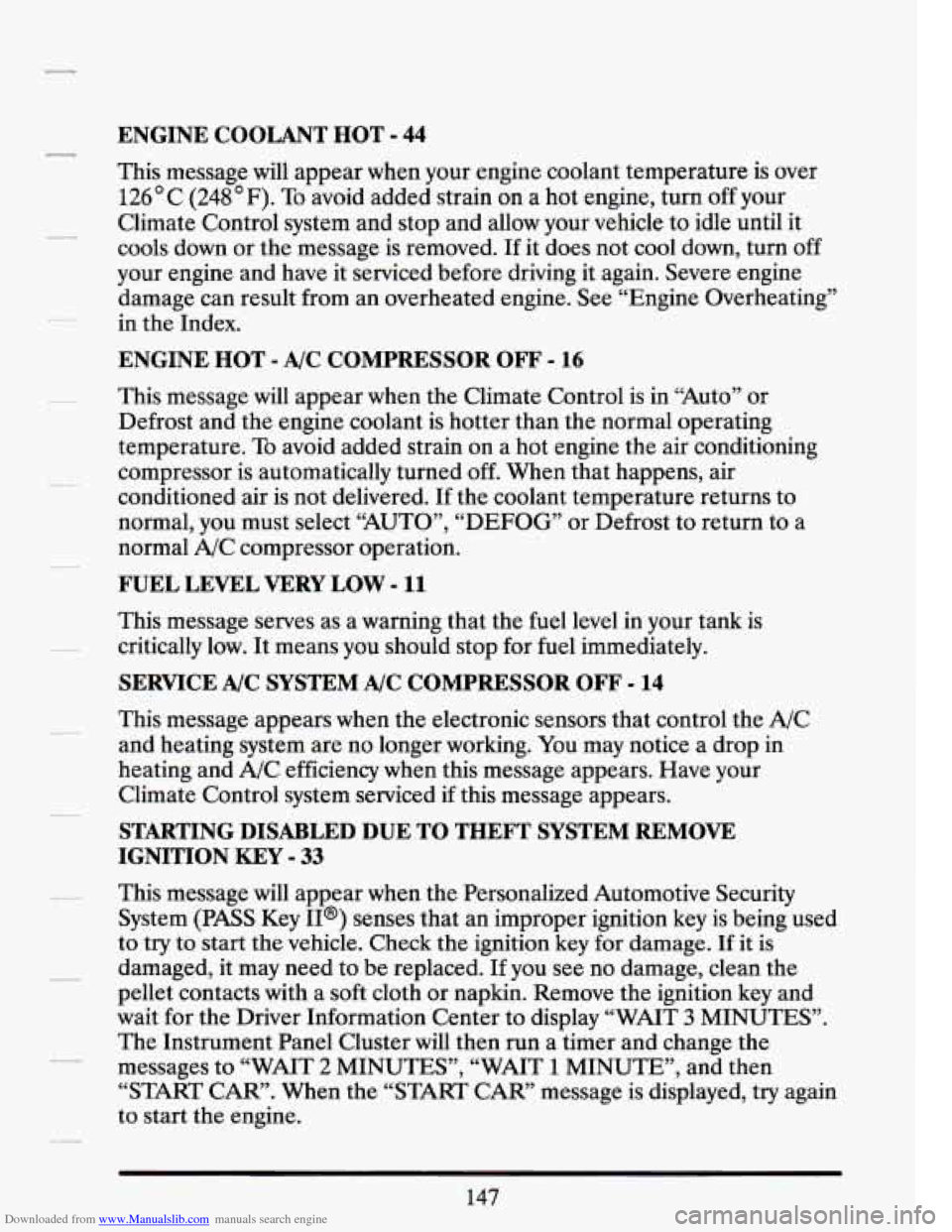
Downloaded from www.Manualslib.com manuals search engine ENGINE COOLANT HOT - 44
This message will appear when your engine coolant temperature is over
126 C (248 F). To avoid added strain on a hot engine, turn off your
Climate Control system and stop and allow your vehicle to idle until it
cools down or the message is removed.
If it does not cool down, turn off
your engine and have it serviced before driving it again. Severe engine
damage can result from an overheated engine. See “Engine Overheating”
in the Index.
ENGINE HOT - A/C COMPRESSOR OFF - 16
This message will appear when the Climate Control is in “Auto” or
Defrost and the engine coolant is hotter than the normal operating
temperature.
To avoid added strain on a hot engine the air conditioning
compressor is automatically turned
off. When that happens, air
conditioned air is not delivered.
If the coolant temperature returns to
normal, you must select “AUTO”,
“DEFOG” or Defrost to return to a
normal A/C compressor operation.
FUEL LEVEL VERY LOW - 11
This message serves as a warning that the fuel level in your tank is
critically low.
It means you should stop for fuel immediately.
SERVICE A/C SYSTEM A/C COMPRESSOR OFF - 14
This message appears when the electronic sensors that control the A/C
and heating system are no longer working.
You may notice a drop in
heating and A/C efficiency when this message appears. Have your
Climate Control system serviced if this message appears.
STARTING DISABLED DUE TO THEFT SYSTEM REMOVE
IGNITION
KEY - 33
This message will appear when the Personalized Automotive Security
System
(PASS Key II@) senses that an improper ignition key is being used
to try to start the vehicle. Check the ignition key
for damage. If it is
damaged, it may need to be replaced. If you see no damage, clean the
pellet contacts with a soft cloth or napkin. Remove the ignition key and
wait for the Driver Information Center to display “WAIT
3 MINUTES”.
The Instrument Panel Cluster will then run a timer and change the
messages to “WAIT
2 MINUTES”, “WAIT 1 MINUTE”, and then
“START CAR”. When the “START CAR” message is displayed, try again
to start the engine.
Page 161 of 399
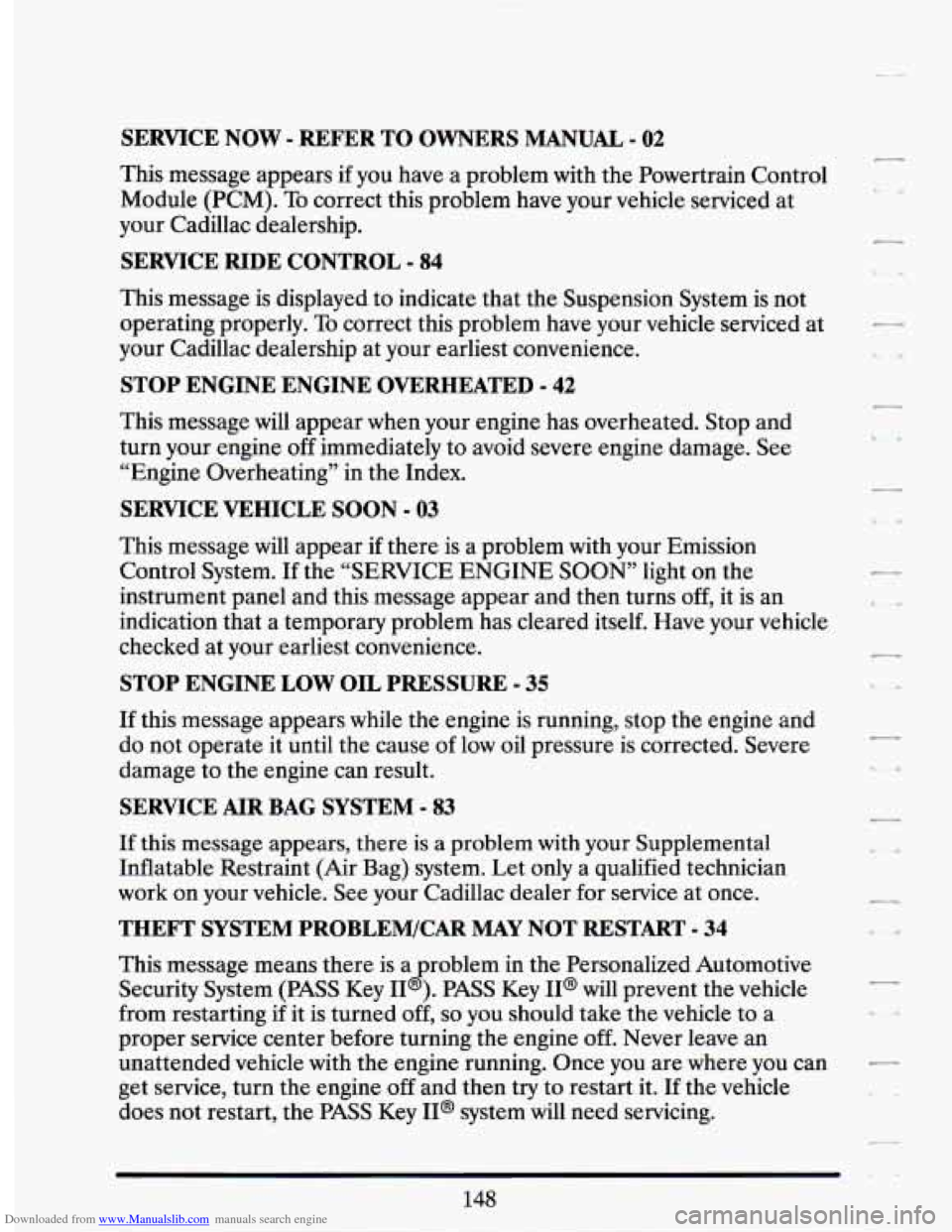
Downloaded from www.Manualslib.com manuals search engine SERVICE NOW - REFER TO OWNERS MANUAL - 02
This message appears if you have a problem with the Powertrain Control
Module (PCM). To correct this problem have your vehicle serviced at
your Cadillac dealership.
SERVICE RIDE CONTROL - 84
This message is displayed to indicate that the Suspension System is not
operating properly.
To correct this problem have your vehicle serviced at
your Cadillac dealership at your earliest convenience.
STOP ENGINE ENGINE OVERHEATED - 42
This message will appear when your engine has overheated. Stop and
turn your engine off immediately to avoid severe engine damage. See
“Engine Overheating” in the Index.
SERVICE VEHICLE SOON - 03
This message will appear if there is a problem with your Emission
Control System.
If the “SERVICE ENGINE SOON’ light on the
instrument panel and this message appear and then turns off, it is an
indication that a temporary problem has cleared itself. Have your vehicle
checked at your earliest convenience.
STOP ENGINE LOW OIL PRESSURE - 35
If this message appears while the engine is running, stop the engine and
do not operate it until the cause of low oil pressure is corrected. Severe
damage to the engine can result.
SERVICE AIR BAG SYSTEM - 83
If this message appears, there is a problem with your Supplemental
Inflatable Restraint (Air Bag) system. Let only a qualified technician
work on your vehicle. See your Cadillac dealer for service at once.
THEFT SYSTEM PROBLEM/CAR MAY NOT RESTART - 34
This message means there is a roblem in the Personalized Automotive
Security System
(PASS Key I1 B ). PASS Key II@ will prevent the vehicle
from restarting if it is turned off,
so you should take the vehicle to a
proper service center before turning the engine off. Never leave an
unattended vehicle with the engine running. Once you are where you can
get service, turn the engine
off and then try to restart it. If the vehicle
does not restart, the PASS Key II@ system will need servicing.
Page 162 of 399
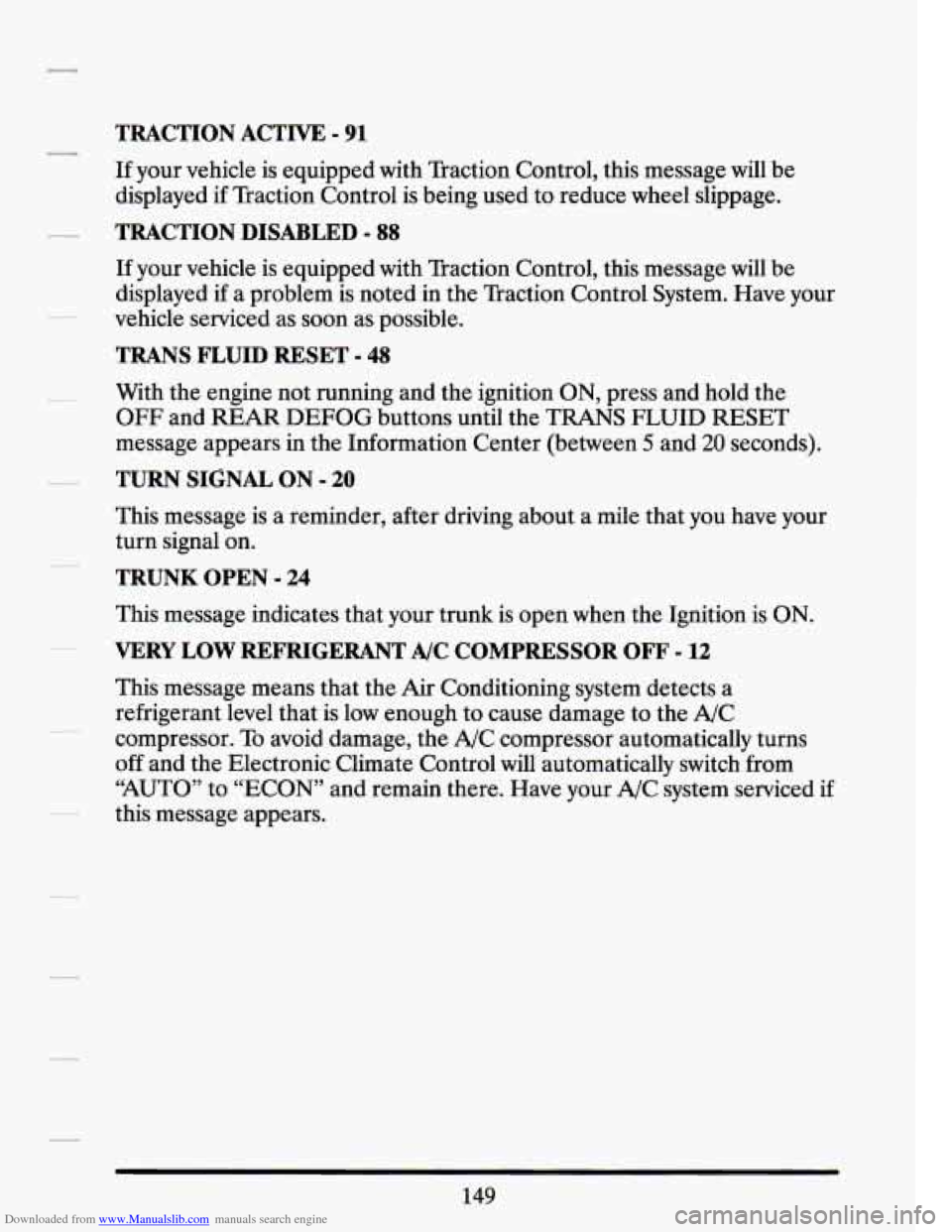
Downloaded from www.Manualslib.com manuals search engine TRACTION ACTIVE - 91
If your vehicle is equipped with Traction Control, this message will be
displayed
if Traction Control is being used to reduce wheel slippage.
TRACTION DISABLED - 88
If your vehicle is equipped with Traction Control, this message will be
displayed if a problem is noted in the Traction Control System. Have your
vehicle serviced as soon as possible.
TRANS FLUID RESET - 48
With the engine not running and the ignition ON, press and hold the
OFF and REAR DEFOG buttons until the TRANS FLUID RESET
message appears in the Information Center (between
5 and 20 seconds).
TURN SIGNAL ON - 20
This message is a reminder, after driving about a mile that you have your
turn signal on.
TRUNK OPEN - 24
This message indicates that your trunk is open when the Ignition is ON.
VERY LOW REFRIGERANT A/C COMPRESSOR OFF - 12
This message means that the Air Conditioning system detects a
refrigerant level that is low enough to cause damage to the A/C
compressor. To avoid damage, the A/C compressor automatically turns
off and the Electronic Climate Control will automatically switch from
“AUTO” to “ECON” and remain there. Have your A/C system serviced if
this message appears.
149
Page 163 of 399
Downloaded from www.Manualslib.com manuals search engine Speed Sensitive Steering (SSS)
This system varies the amount of steering effort proportionate to your
vehicle speed. Steering is easier at a lower speed for increased
maneuverability and parking ease. As your vehicle speed increases, the
steering effort is also increased proportionately. At highway speeds the
amount
of steering effort is increased to provide a manual like steering
feel for maximum control and enhanced vehicle stability.
Road Sensing Suspension
The Road Sensing Suspension automatically controls the ride of your
vehicle. The system controls damping forces in the
shock absorbers and
struts in response to various road and driving conditions. The system is
capable
of making these changes within milli-seconds.
The Road Sensing Suspension controller is a computer used to control
and monitor the system. The computer receives inputs from vertical
acceleration sensors, wheel to body position sensors, vehicle speed
sensor, lift and dive signals, and determines optimum strut valving or
(suspension stiffness) for your current operating conditions. The
computer also receives feedback from the various components to
determine proper system operation. If the computer receives an incorrect
feedback from the system, an error code will be set in memory and a
“SERVICE
RIDE CONTROL’ message will display on the Driver
Information Center. If this message should appear, have your vehicle
serviced at your Cadillac dealer at your earliest convenience.
Page 165 of 399
Downloaded from www.Manualslib.com manuals search engine There are two things the system doesn’t do:
It can’t sense heavy dust in the places where you drive. If you drive in
a dusty area, you should change your oil
every 3000 miles (5000 km)
or 3 months (whichever comes first), unless the display says to change
it even sooner than that.
0 It doesn’t check how much oil you have, so you’ll still have to check
for that. To see how, see Index under “Engine Oil.”
When You’ve Changed the Oil
When new oil is put in, you’ll need to reset your system. To do it, display
the “OIL
LIFE INDEX” by pressing the INFORMATION button. Then
press and hold the RESET buttons until the display shows
“100 OIL
LIFE LEFT”
Electronic Level Control
This keeps your car level.
The ignition has to be “ON” for
the level control to work. When you turn
the ignition off, you may hear the level control exhausting.
The system
consists
of an electronic rear position sensor, a small electric air
compressor, and air adjustable shock absorbers mounted on the rear
of
the vehicle.
If the system has a slight leak, the air compressor will run frequently for a
few seconds each time.
For a massive air leak, the air compressor will stay on for approximately
7 minutes. You should see your dealer for service, but you can keep
driving your Cadillac, though.
.,
Page 183 of 399
Downloaded from www.Manualslib.com manuals search engine Comp (Compression)
Pressing COMP makes soft and loud passages more nearly equal in
volume. For example, playing classical or
jazz music with very quiet and
very loud passages in the same tune. The COMP display will light as long
as COMP is on.
Turn the ignition on. Then:
To Set the Hour:
Press SET, and within 5 seconds,
0 Press and hold SEEK. When the clock gets to the correct hour, let go.
To Set the Minutes:
Press SET, and within 5 seconds,
Press and hold SCAN. When the clock gets to the correct minute, let
Your clock is set.
go.
Care of Your Cassette Tape Player
A tape
player that is not cleaned regularly can cause reduced sound
quality, ruined cassettes, or a damaged mechanism. Cassette tapes should
be stored in their cases away from contaminants, direct sunlight, and
extreme heat.
If they aren’t, they may not operate properly or cause
failure of the tape player.
Your tape player should be cleaned regularly each month or after every
15 hours of use. If you notice a reduction in sound quality, try a known
good cassette
to see if the tape or the tape player is at fault. If this other
cassette has no improvement in sound quality, clean the tape player.
Clean your tape player with a wiping-action, non-abrasive cleaning
cassette, and follow the directions provided with it.
Cassettes are subject to wear and the sound quality may degrade over
time. Always make sure that the cassette tape is in good condition before
you have your tape player serviced.
170
Page 207 of 399
Downloaded from www.Manualslib.com manuals search engine At the entrance there is usually a ramp that leads to the freeway. If you
have
a clear view of the freeway as you drive along the entrance ramp,
you should begin to check traffic.
Try to determine where you expect to
blend with the flow.
Try to merge into the gap at close to the prevailing
speed. Switch on your turn signal, check your mirrors and glance over
your shoulder as often as necessary.
Try to blend smoothly with the traffic
flow.
Once you are on the freeway, adjust your speed to the posted limit or to
the prevailing rate if it’s slower. Stay in the right lane unless you want to
pass.
Before changing lanes, check your mirrors. Then use your turn signal.
Just before you leave the lane, glance quickly over your shoulder to make
sure there isn’t another vehicle in your “blind” spot.
Once you are moving on the freeway, make certain you allow a
reasonable following distance. Expect to move slightly slower at night.
When you want to leave the freeway, move to the proper lane well in
advance.
If you miss your exit do not, under any circumstances, stop and
back up. Drive on to the next exit.
The exit ramp can be curved, sometimes quite sharply.
The exit speed is usually posted.
Reduce your speed according to your speedometer, not
to your sense of
motion. After driving for any distance at higher speeds, you may tend to
think you are going slower than you actually are.
BEFORE LEAVING ONA LONG THP
Make sure you’re ready. Try to be well rested. If you must start when
you’re not fresh
-- such as after a day’s work -- don’t plan to make too
many miles that first part
of the journey. Wear comfortable clothing and
shoes you can easily drive in.
Is your vehicle ready for a long trip? If you keep it serviced and
maintained, it’s ready to go.
If it needs service, have it done before
starting out.
Of course, you’ll find experienced and able service experts in
Cadillac dealerships all across North America. They’ll be ready and
willing to help
if you need it.