Page 90 of 398
Downloaded from www.Manualslib.com manuals search engine CONVENIENCE NET
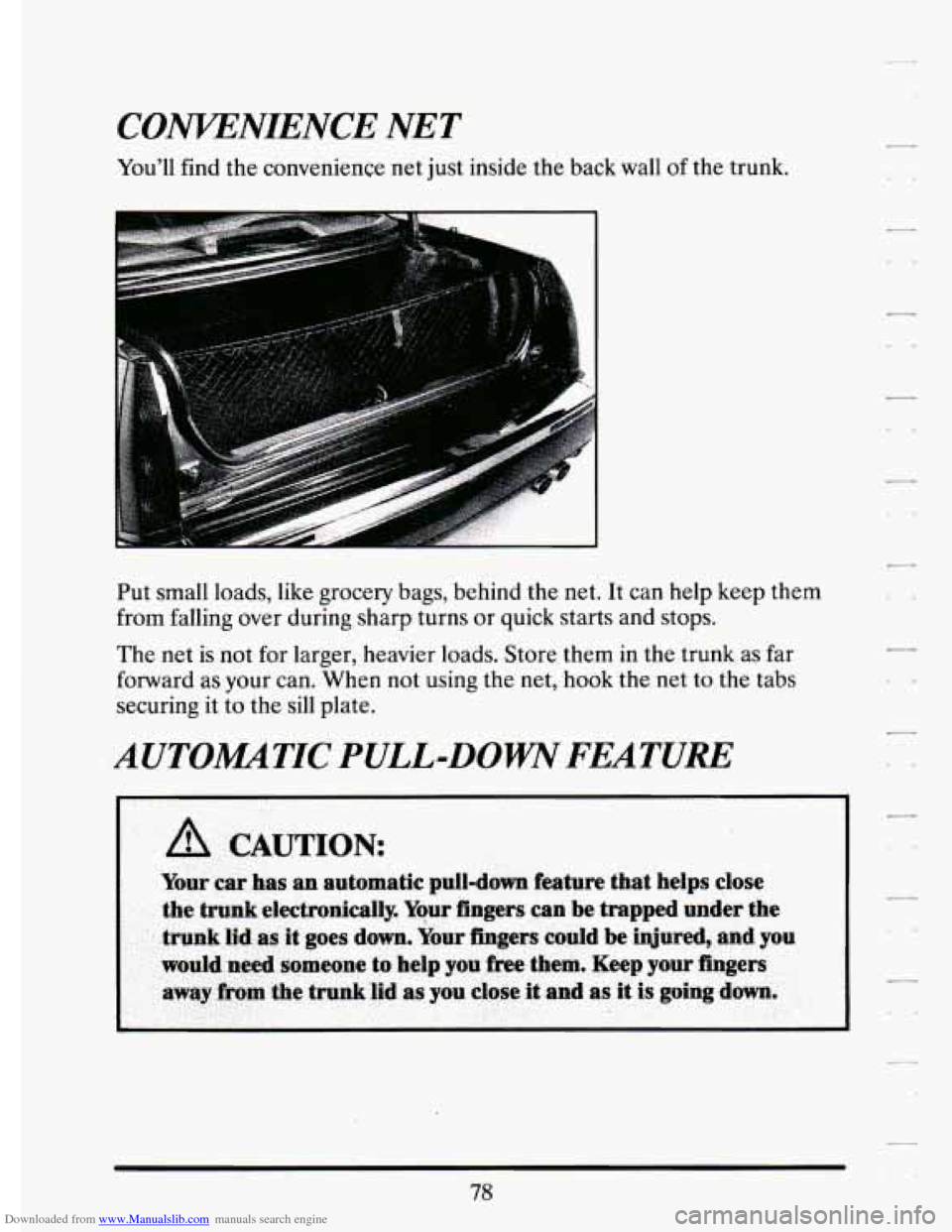
You'll find the convenience net just inside the back wall of the trunk.
..
Put small loads, like grocery bags, behind the net. It can help keep them
from falling over during sharp turns or quick starts and stops.
The net is not for larger, heavier loads. Store them in the trunk as far
forward as your can. When not using the net,
hook the net to the tabs
securing
it to the sill plate.
AUTOMATIC PULL-DOWN FEATURE
78
Page 159 of 398

Downloaded from www.Manualslib.com manuals search engine TRANSFLUJJlRESET=48. .2. .. .. 1 ., . _,,. . :A -. v-. . .. .. , .- .
With the engine not running and the ignition ON, press and hold the
OFF and REAR DEFOG buttons until the TRANS FLUID'RESET
message appears in the Information Center (between 5 and 20 seconds).
TURN SIGNAL ON. - 20
This message is a reminder, after driving about a mile, that you have your
turn signal on.
TRUNK OPEN - 24
k
r
f
I
I
f L,
P
F
r
r
Speed Sensitive Steering (11 5s)
This system varies the amount of steering effort proportiabate to
your vehicle speed. Steering
is eesier at a lower speed for increased
maneuverability and parking ease.
As your vehicle speed increases, the'"-:
steering effort is also increased proportionately. At highway speeds the
amount
of steering effort is increased to provide a manual like steering
feel for maximum control and enhanced vehicle stability.
. ./ ; .
.. ..
Road Sensing Suspension
The Road Sensing Suspension automatically controls the ride of your
vehicle. The system controls damping
forces in the shock absorbers and
struts
in response to various road and driving conditions. The system is
capable
of making these changes within milli-seconds.
The Road Sensing Suspension controller is a computer used to control and
monitor the system. The computer receives inputs from vertical acceleration
sensors, wheel to body position sensors, vehicle speed sensor, lift and dive
signals,
and determines optimum strut valving or (suspension stiffness) for
your current operating conditions. The computer a1,so receives feedback
Page 161 of 398

Downloaded from www.Manualslib.com manuals search engine n n
r
I-- .,
I
r
r
r
The system probably will say. to change .& d between ,3000 miles
(5000 km) and ,7500 *miles. (125OO km), but it may even sary to change it
before
3000 under very severe conditions. It all depends on .your drivirrg
pattims.
If it’s been 7500 miles (12500 km) it,always says to’ change the oil.
There are two.thingslhe system doesn?t do:
0 It can’t sense. heavy dust in the.places where you- drive. If you -drive in
a dusty area, you should change your
oil -every 3000 miles (5000 km)
or 3 months (whichever comes first), unless the display says to chinge
it even sooner than that.
I
It doesn’t check how much oil you have, so you’ll still have to check
for that. To see how, see “Engine Oil.’’ in the Index.
men You’ve Changed the Oil
When new oi€ is,put in, you’ll need .to reset.your.system. To: do it, display
the “OIL LIFE
.INDEX’’ by pressing the INFORMATION button. Then
press -and;hold the RESET buttons until the display shows “POO-OIL
LIFE LEFT.”
Electronic Level .Control
This keeps your car level.
The ignition’has to be
“ON” for the level control to work. When,you turn
the ignition off, you may hear the level control exhausting. The,system
consists
of an electronic rear position sensor, a smalldectric air
compressor, and air adjustable
SI kabsorbers mounted on the rear of
the vehicle.
If the system has .a slight leak, the air compressor will run frequently for a
few seconds each time.
i For a massive air leak, the air ‘compressor will stay on for. approximately
7 minutes. You should see your.deal.er for service, but.you can keep
driving ,your Cadillac.
149
Page 189 of 398
Downloaded from www.Manualslib.com manuals search engine PI
Anti=Lock Brakes (ABS)
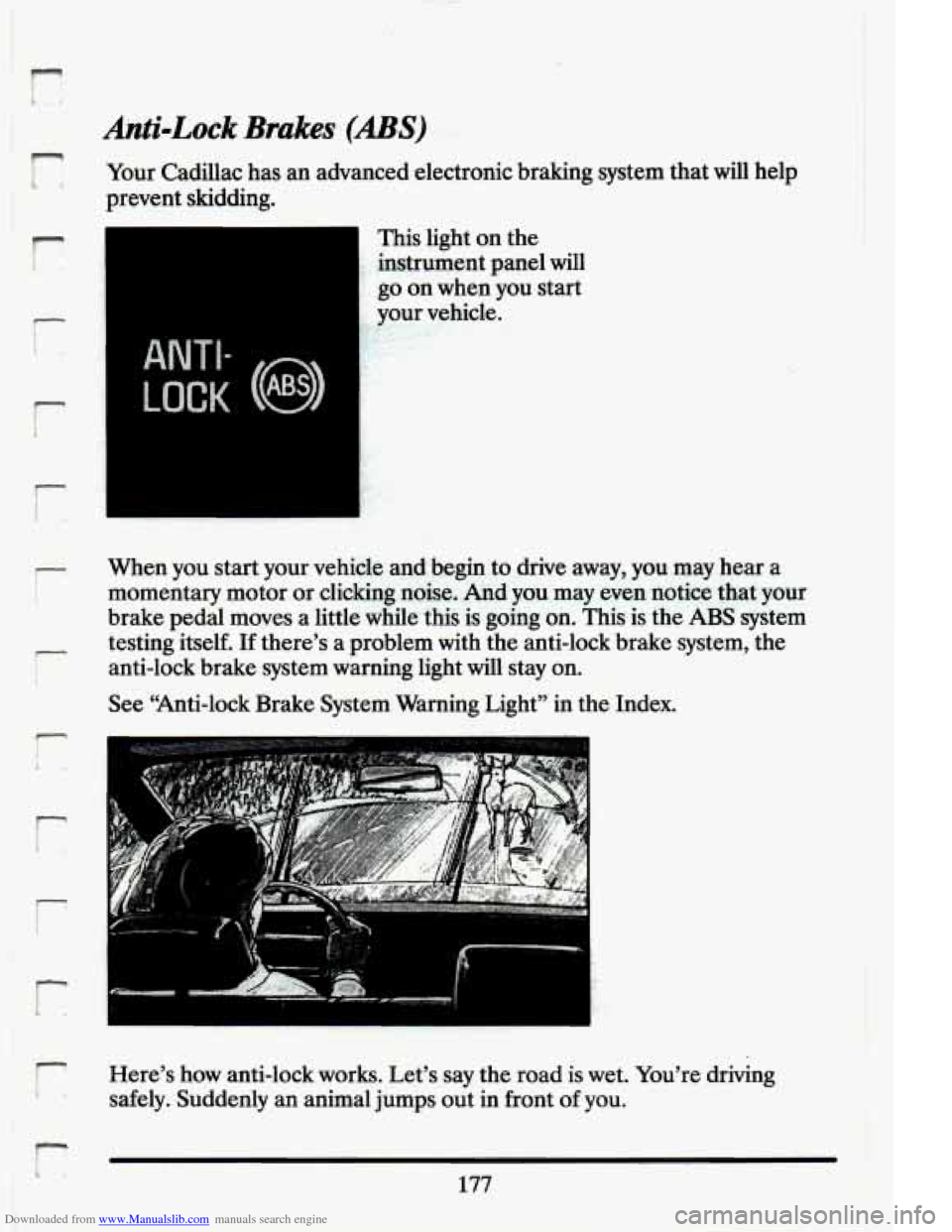
Your Cadillac has an advanced electronic braking system that will help
prevent skidding.
r
i
r
t
ANTI-
LOCK (@)
This light on the
instrument panel will
go on when you start
.. your vehicle. ,, .. v I- I‘ 1
?
When you start your vehicle and begin to drive away, you may hear a
momentary motor or clicking noise, And you may even notice that your
brake pedal moves a little while this is going on. This is the
ABS system
testing itself.
If there’s a problem with the anti-lock brake system, the
anti-lock brake system warning light
will stay on.
See “Anti-lock Brake System Warning Light” in the Index.
F;/ - ’r
Here’s how anti-lock works. Let’s say the road is wet. You’re driving
safely. Suddenly an animal jumps out in front
of you.
L 177
Page 190 of 398
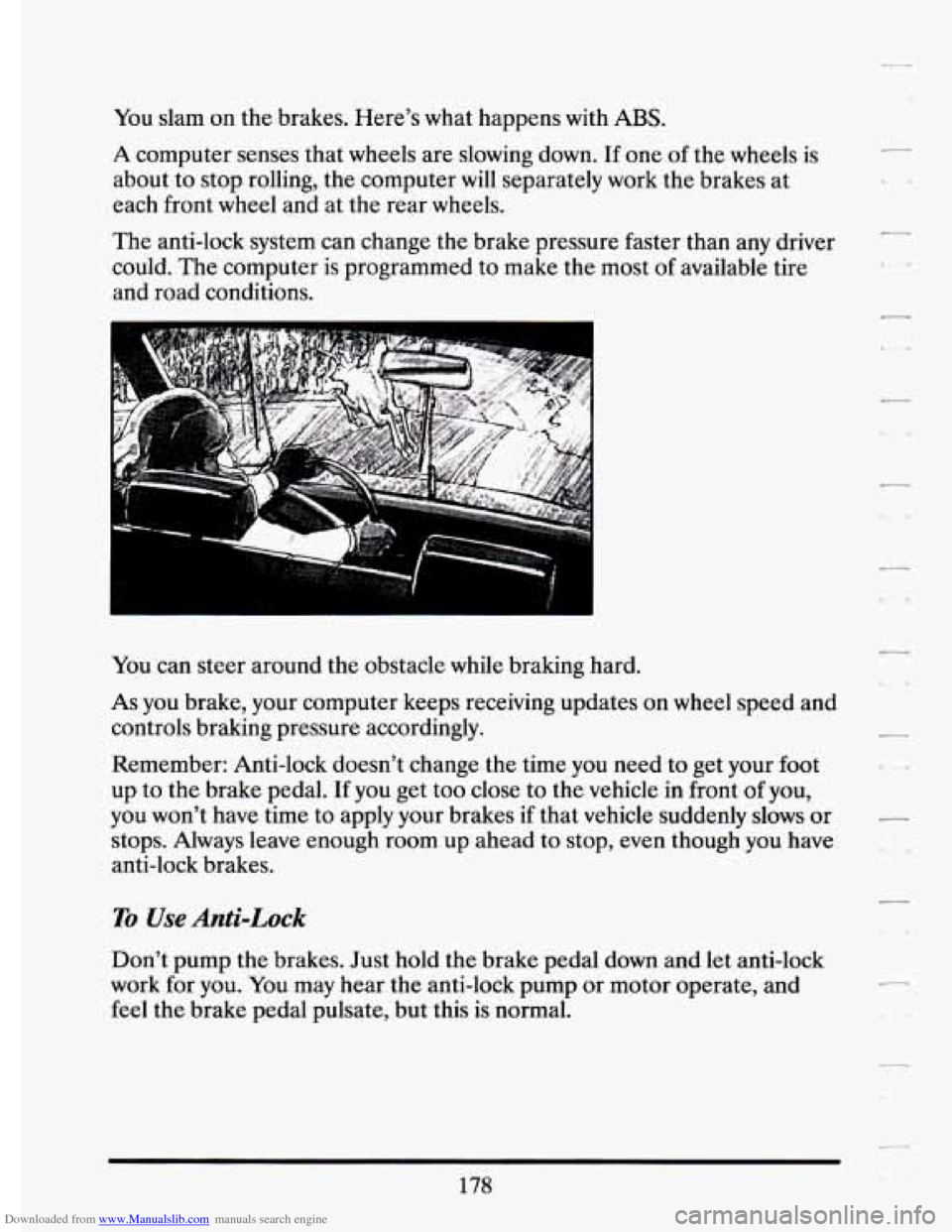
Downloaded from www.Manualslib.com manuals search engine You slam on the brakes. Here’s what happens with ABS.
A computer senses that wheels are slowing down. If one of the wheels is
about to stop rolling, the computer will separately work the brakes at
each front
wheel and at the rear wheels.
The anti-lock system can change the brake pressure faster than any driver
could.
The computer is programmed to make the most of available tire
and road conditions.
-
fou can steer around the obstacle while braking hard.
As you brake, your computer keeps receiving updates on wheel speed and
controls braking pressure accordingly.
Remember: Anti-lock doesn’t change the time you need to get your
foot
up to the brake pedal. If you get too close to the vehicle in front of you,
you won’t have time to apply your brakes
if that vehicle suddenly slows or
stops. Always leave enough room up ahead to stop, even though you have
anti-lock brakes.
1
To Use Anti-Lock
Don’t pump the brakes. Just hold the brake pedal down and let anti-lock
work for you. You may hear the anti-lock pump or motor operate, and
feel the brake pedal pulsate, but this
is normal.
c
..
178
Page 197 of 398
Downloaded from www.Manualslib.com manuals search engine i"
r
I
i
r
r
r
i
L
r
r
I
While driving on a surface with redueed tractio.n, try your. best to avoid
sudden steering, acceleration, or braking (hciuding engine braking by
shifting to a lower gear). Any sudden changes could cause
the tires to
slide.
You may not realize the surface is slippery until your vehicle is
skidding. Learn to recognize warning clues
-- such as enough water, ice or
packed snow on the road to make a "mirrored surface"
-- and slow down
when you have any doubt.
Remember: Any anti-lock braking system
(ABS) helps avoid only the
braking skid.
DMNG ATNIGHT
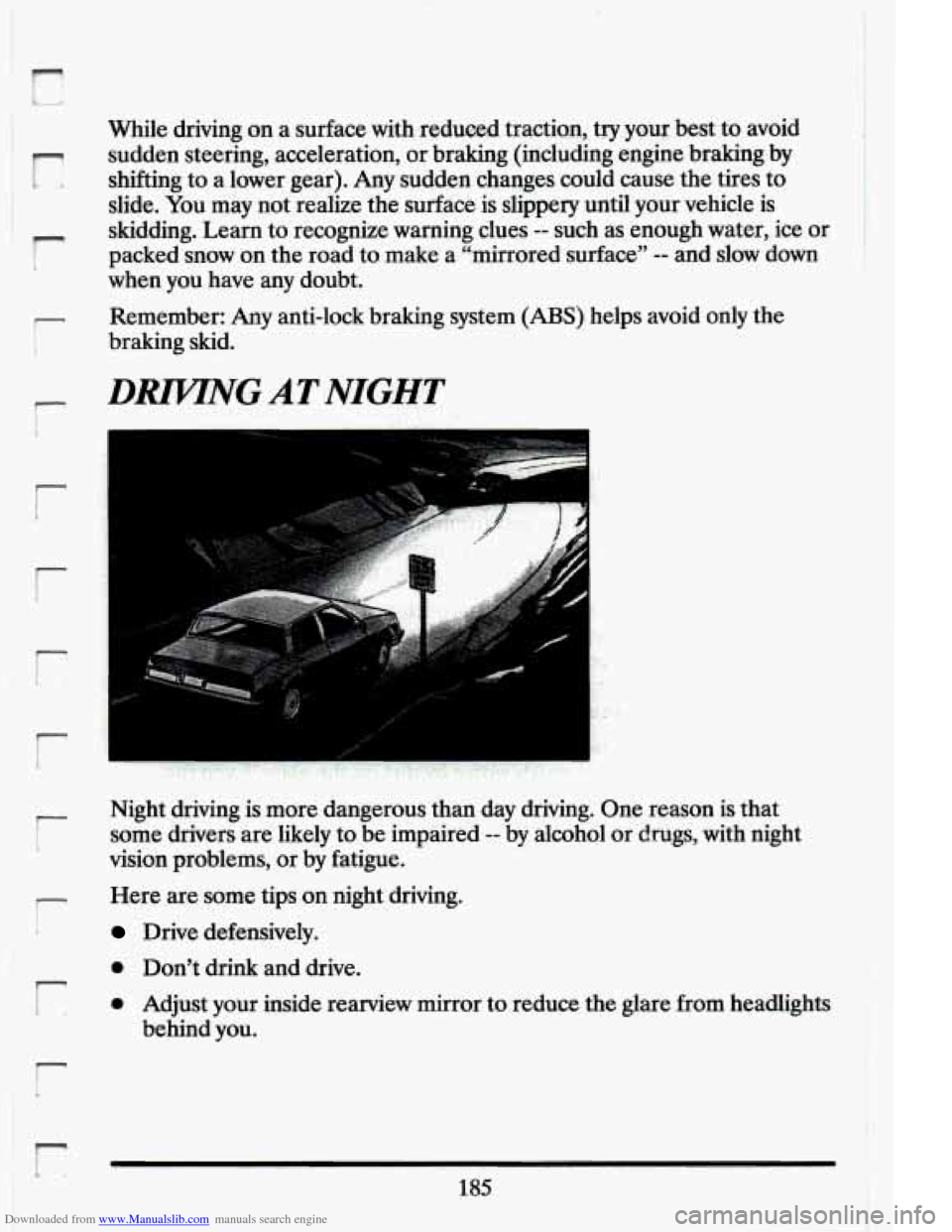
Night driving is more dangerous than day driving. One reason is that
some drivers are likely to be impaired
-- by alcohol or drugs, with night
vision problems, or by fatigue.
Here are some tips on night driving.
Drive defensively.
0 Don't drink and drive.
0 Adjust your inside reamew mirror to reduce the glare from headlights
behind you.
r
185
Page 218 of 398
Downloaded from www.Manualslib.com manuals search engine Driving On Grades
Reduce speed and shift to a lower gear before you start down a long or
steep downgrade.
If you don’t shift down, you might have to use your
brakes
so much that they would get hot and no longer work well.
On a long uphill grade, shift down and reduce your speed to around
45 mph (70 km/h) or less to reduce the possibility of engine and transaxle
overheating.
If your trailer weighs more than 1,000 pounds (450 Kg) and you have an
automatic transaxle with Overdrive, you may want
to drive in “3” instead
of Overdrive
Parking on Hills
You really should not park your vehicle, with a trailer attached, \
on a hill.
If something goes wrong, your rig could start to move. People can be
injured, and both your vehicle and the trailer can be damaged.\
But
if you ever have to park your rig on a hill, here’s how to do it:
Apply your regular brakes, but do not shift into “P’, (Park).
Have someone place chocks-under the- trailer wheels.
When. the wheel chocks are in place, release the regular brakes until
the chocks absorb the load.
Reapply the regular brakes. THen shift into “P7, (Park) firmly and
apply your parking brake.
Release the regular brakes.
When You Are Ready to Leave Afler Parking on a Hill
1. Apply your regular brakes and hold the pedal down while you:
Start your engine;
Shift into a gear; and
0 Be sure the parking brake has released.
2. Let up on the brake pedal.
L
c
206
i
Page 296 of 398
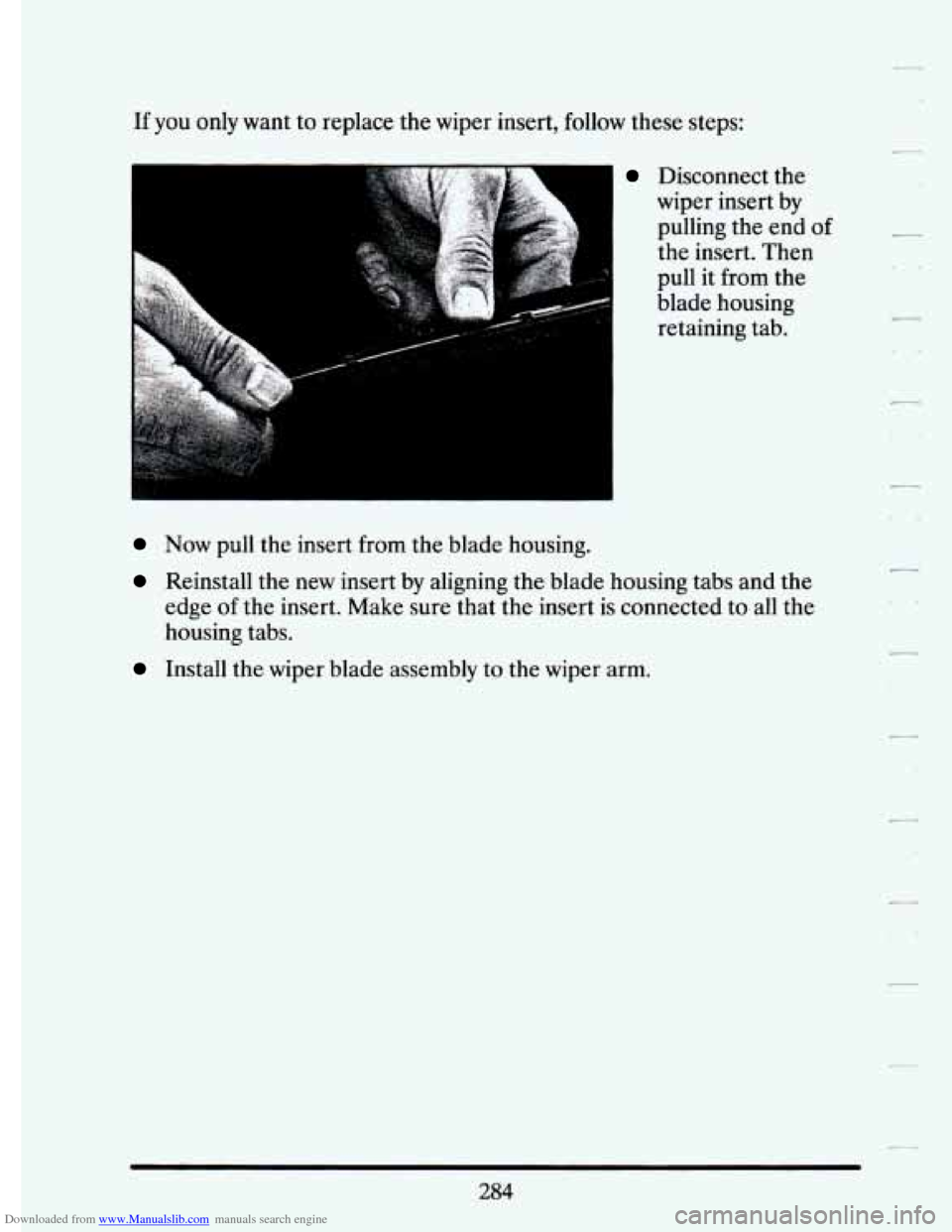
Downloaded from www.Manualslib.com manuals search engine If you only want to replace the wiper insert, follow these steps:
xr”
..
Disconnect the
wiper insert by
pulling the end
of
the insert. Then
pull it from the
blade housing retaining tab.
Now pull the insert from the blade housing.
Reinstall the new insert by aligning the blade housing tabs and the
edge of the insert. Make sure that the insert
is connected to all the
housing tabs.
Install the wiper blade assembly to the wiper arm.
284