1994 CADILLAC ELDORADO display
[x] Cancel search: displayPage 166 of 398
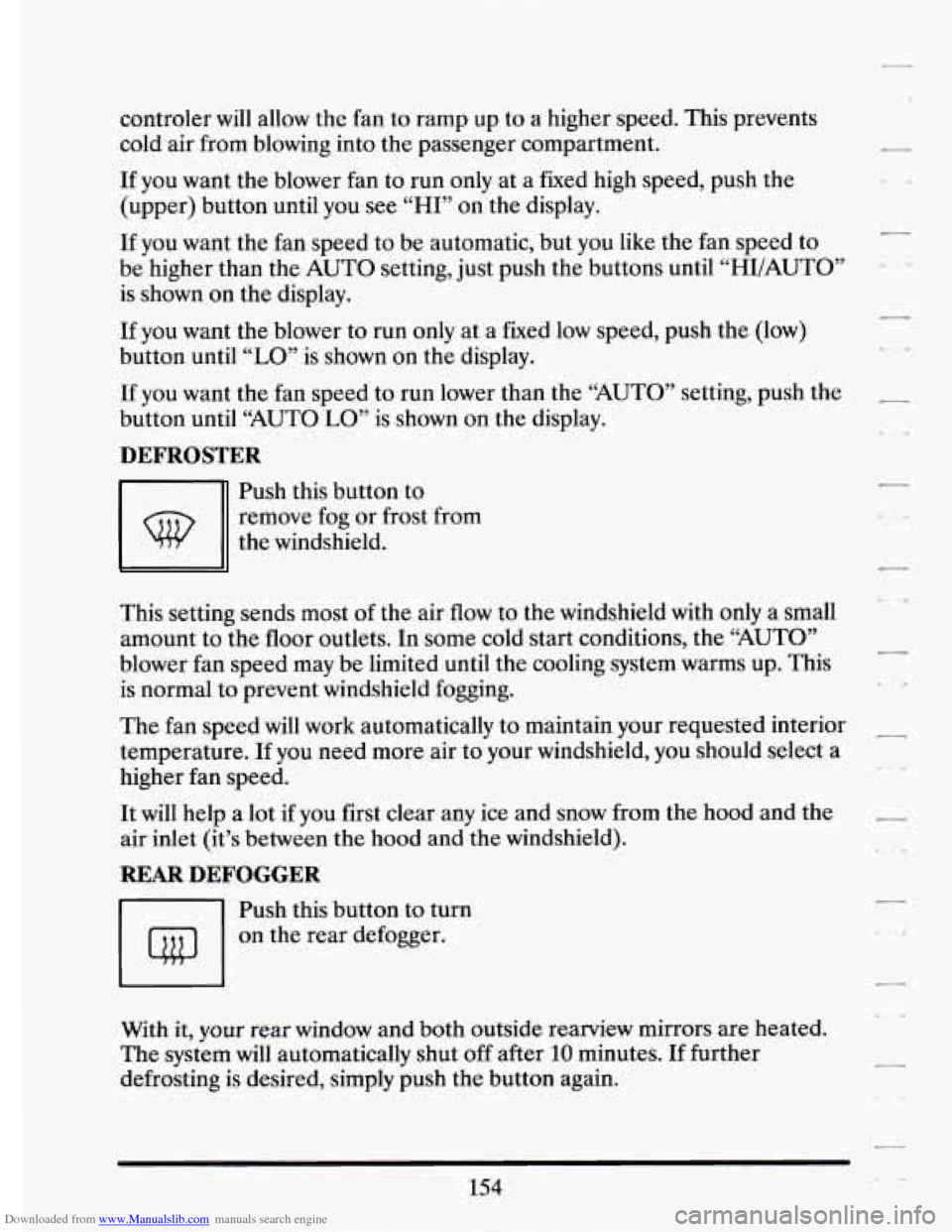
Downloaded from www.Manualslib.com manuals search engine controler will allow the fan to ramp up to a higher speed. This prevents
cold air from blowing into the passenger compartment.
If you want the blower fan to run only at a fixed high speed, push the
(upper) button until you see
“HI” on the display.
If you want the fan speed to be automatic, but you like the fan speed to
be higher than the AUTO setting, just push the buttons until “HI/AUTO”
is shown
on the display.
If you want the blower to run only at a fixed low speed, push the (low)
button until
“LO” is shown on the display. I
If you want the fan speed to run lower than the “AUTO” setting, push the -
button until “AUTO LO” is shown on the display.
DEFROSTER
-1
Push this button to
remove fog
or frost from
the windshield.
This setting sends most
of the air flow to the windshield with only a small
amount to the
floor outlets. In some cold start conditions, the “AUTO”
blower fan speed may be limited until the cooling system warms up. This
is normal to prevent windshield fogging.
L I,
-
The fan speed will work automatically to maintain your requested interior
temperature.
If you need more air to your windshield, you should select a
higher fan speed.
-
\,
It will help a lot if you first clear any ice and snow from the hood and the -
air inlet (it’s between the hood and the windshield).
REAR DEFOGGER
-1 Push this button to turn
I I on the rear defogger.
With it,
your rear window and both outside rearview mirrors are heated.
The system will automatically shut off after
10 minutes. If further
defrosting is desired, simply push the button again.
154
Page 173 of 398
Downloaded from www.Manualslib.com manuals search engine r
F Y!
r
r
i
The Upper hob
The upper knob does these five things:
It turns the radio on and off.
It controls the volume.
It lets you see what station you have. (When the radio is on, .push the
It tells you the time. (When the ignition is off, push the upper knob to
knob
to display the station.)
display the time.) .- 4
0 Push the knob to hear the other side of a tape.
Behind the upper knob is a balanee control. It moves the sound between
the left and right speakers.
The Lower hob
Turn the .lower knob to choose radio stations. Push the knob to switch
from
AM or FM.
If you have the Delco Bose Gold Series Music System, it lets you switch
from CD (Compact Disc) to
TP (Tape player).
The control behind the lower knob moves the sound between your
front
and rear speakers .. . ..
SCAN
When you push this button either up or.down, the S:CAN indicator: the
display will light and the radio will find the
next station and stay there '' '.
about 5 seconds. Thenit dl g~ .to the next stsltion.md pause, and keep
doing that until you push eithkr the
SCAN or upper hob,
SEEK
I
Page 175 of 398
Downloaded from www.Manualslib.com manuals search engine To Play A Cassette Tape
F
0 Turn the radio on.
0 Insert the cassette through the tape door. (The “TAPE” indicator in
the display will light.)
1 If you hear nothing or hear just a garbled sound, the cassette may not be
7 tape equalization is automatically sensed and set. Insertin thecassette
in squarely. Push
the
EJCT button to remove the tape and start over. The
I also automatically disables DNR@* and activates DOLBY noise 0
reduction.
noise from the radio.
- DNR@ is the Dynamic Noise Reduction. It helps remove background hiss, a
Push the FWD button to move forward rapidly to another part of the
same button and the tape will start to play again.
7 tape. The radio will play during fast forward. To stop the tape push the i
r- REV (Reverse)
1 Push the REV button to move the tape rapidly backward. To stop the
r i. will play during this reverse function.
tape,
push the same button lightly or any of the other buttons. The radio
To go from one side of the tape to the other, push in the upperAnob on
your radio.
To remove the tape, push EJCT. The tape can be ejected when
i the ignition is turned off.
*DNR@ is a registered trademark of National Semiconductor
r corporation.
Page 177 of 398
Downloaded from www.Manualslib.com manuals search engine r
r
i
J- i
r
i
F
To Play the Disc Player
..
Before you begin, please note: don’t use the mini-discs that are called
“singles”
(even with an adapter).. They won’t eject. Use full-size compact
discs only.
Turn the radio on.
Insert a disc (label side up) partway into the slot. The player will pull
it in. Wait
a few. seconds and the- d.isc will play. Then only the time of
day and “CD” will display. I
If the disc comes back out, check to see if:
0 The disc is upside down.
0 The disc is dirty, scratched, or wet. :I
0 There’s too much moisture in the air. (If there is, wait about one.hour
I
1
and try again).
66Err” (Error Detection)
If this message is displayed, you have a condition of either extreme
temperature, moisture, or an incorrect disc. The disc will automatically be
ejected. When conditions are back to normal, the disc should play again.
RCLIPROG (&caUIProgram)
0 Press once to see what track is being played.
0 Within 5 seconds press it a second time to see how long the disc has
0 Press it a third time to see the time of day.
been
playing.
... .. , ., .
Rev (Reverse)
Push and hold REV to return rapidly within a track. Release it to play. the
passage. The elapsed time will be displayed to show the reverse progress
of the CD.
h - ........ .. ~ , .. .... ...... __.
165
2.
Page 178 of 398
Downloaded from www.Manualslib.com manuals search engine FWD (Fast Forward)
Press and hold FWD to advance quickly within a track. Release it to
resume playing. Elapsed time will be displayed
to show the forward
progress
of the CD.
Prev (Previous)
Push this button to go back to the beginning of the track or push it again
to
a favorite track.
Next
Push this button to advance to the next track.
ST/PL (StoplPlay)
Press this button and the disc or tape will stop without ejecting it and the
radio will start to play. Press it again and the disc or tape will start to play
again.
EJCT (Eject)
Press this button to eject the disc or tape. If you have both a CD and a
tape in the player, then the other playback media will start to play. Press
it again and the other media will eject.
Comp (Compression)
Pressing COMP makes soft and loud passages more nearly equal in
volume. For example, playing classical or jazz music with very quiet and
very loud passages in the same tune. The COMP display
will light as long
as COMP is on.
Setting The Clock
Turn the ignition on. Then:
To Set the Hour:
Press SET, and within 5 seconds,
Press and hold SEEK. When the clock gets to the correct hour, let go.
-
.. ,
-
166
Page 191 of 398
Downloaded from www.Manualslib.com manuals search engine I
r
i .’
r
r
L
r
i
r I
Your vehicle has traction control system that limits wheel spin. This is
especially useful in slippery road conditions. The system operates only
if
it senses that one or both of the front wheels are spinning or- beginning to
lose traction. When .this happens, the system works the front brakes and
reduces engine power (by shutting
off fuel injectors) to limit wheel spin.
The “TRACTION ACTIVE” message will display on the Driver
Information Center when the traction control system is limiting wheel
spin. See “Driver Information Center Messages” in the Index. You may
feel the system working, or you may notice some noise, but this
is nomal.
If your vehicle is in cruise control when the traction control system begins
to limit wheel spin, the cruise control will automatically disengage. When
road conditions allow you to safely use it again, you may
turn the cruise
control back on. (See “Cruise Control” in the Index.)
The “TRACTION DISABLED” message
will display on the Driver
Information Center
if there’s a problem with your traction control system.
See “D,river Information Center Messages” in the Index. When. this
message is displayed, the system will not limit wheel spin. Adjust your
driving accordingly.
Braking in Emergencies
Use your anti-lock braking system when you need to. With anti-lock, you
can steer and brake at the same time. In many emergencies, steering can
help you more than even the very best braking.
179
Page 219 of 398
Downloaded from www.Manualslib.com manuals search engine r
F, 4. Stop and have someone pick up .and store the chocks.
Engine Cooling When Tru.ilering
r
I ? Your cooling system may temporarily overheat during severe operating
conditions such as;
Climbing grades steeper than 4% at ambient temperatures above
90” Fahrenheit (32O Celsius) with a loaded vehicle and trailer.
Stopping after high-speed driving.
I
r Idling for long periods in stop and go traffic. I
If ,“ENGINE HOT A/C COMPRESSOR OFF” message appears on. the
Driver Information Center, do.not be alarmed.
This is. a normal function
continue to drive’your vehicle.
the -Driver Information Center, pull
,off to the side of the road as, soon as
it is safe to do
so. When the vehicle is at a complete stop, shift the
transaxle selector to
P (Park) and allow the engine to idle.:Do not turn off
three minutes the system should cool sufficiently to allow A/C operation
to resume. At that time resume driving at a reduced speed. Return to
normal driving after
10 minutes if the “ENGINE COOLANT HOT
- designed. to reduce the load on the.engine and cooling system. You can
- If “ENGINE COOLANT HOT IDLE ENGINE” message.appears on
c
I the engine or increase engine speed.above a normalidle. Wit-hin two or
b- IDLE ENGINE” message is not displayed.
Maintenance When Trailer Towing
i L.
Your vehicle will need service more often when you’re pulling a trailer.
See the Maintenance Schedule for more on this. Things that are
(don’t overfill), engine oil,
axle lubricant, belts, cooling system, and brake
adjustment. Each
of these is covered in this manual, and the Index will
these sections before you start your trip.
i especially important in trailer operation are, automatic transaxle fluid
7 help you find them quickly. If you’re trailering, it’s a good idea to review
I
‘F
Check periodically to see that all hitch nuts and bolts are tight.
r 207
Page 231 of 398
Downloaded from www.Manualslib.com manuals search engine r
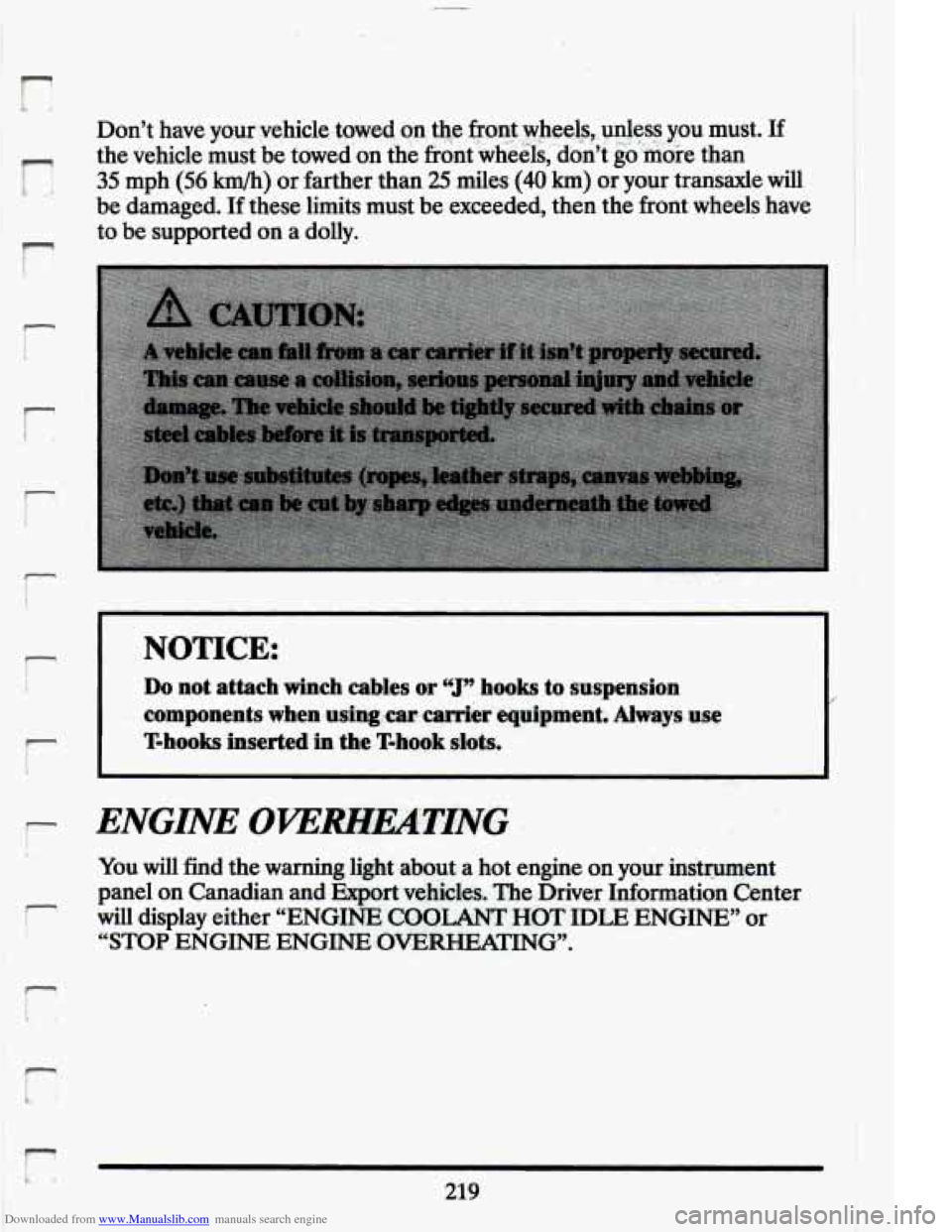
Don’t have your.yehicle. towd. on $9 front.,wheelsy,unless you must. If
the vehicle must be towed’on the frontwheels,’don’t go’.moie than
35 mph (56 km/h) or farther than 25 miles (40 km) or your transaxle will
be damaged. If these limits must be exceeded, then the front wheels have
to be supported on a dolly.
I- I Do not attach winch cables or ‘1” hooks to suspension
NOTICE:
components when usingxar carrier equipment. Always use
T-hooks inserted in the T-hook slots.
/
i- L
r
f-
r
ENGINE OVlWHEATING
You will find the warning light about a hot engine on your instmment
panel on Canadian and
Export vehicles. The Driver Information Center
will display either “ENGINE COOLANT HOT IDLE ENGINE” or
“STOP ENGINE ENGINE OVERHEMTING.
219