Page 126 of 398
Downloaded from www.Manualslib.com manuals search engine LIGHTS
You’ll find the control on the left side of the instrument panel.
It controls these light systems:
0
0
0
0
0
0
0
a
0
Headlights
Taillights
Parking Lights
Underhood Light
Instrument Panel Lights
License Plate Lights
Interior Courtesy Lights
Fog Lights (ETC Only)
Rear Fog Lights (Export Only)
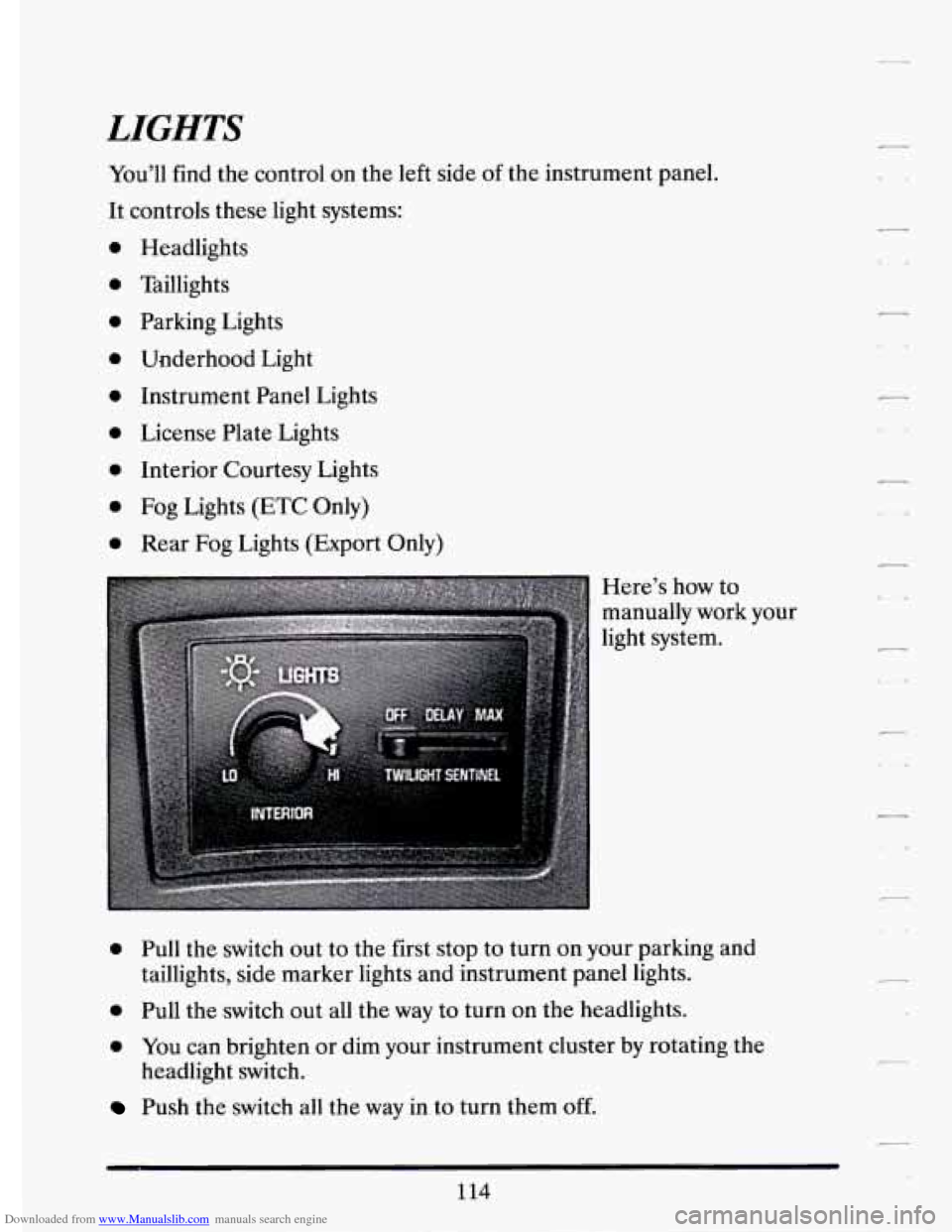
Here’s how to
manually work your
light system.
0 Pull the switch out to the first stop to turn on your parking and
taillights, side marker lights and instrument panel lights.
0 Pull the switch out all the way to turn on the headlights.
0 YOU can brighten or dim your instrument cluster by rotating the
Push the switch all the way in to turn them off.
headlight switch.
114
c1
Page 127 of 398
Downloaded from www.Manualslib.com manuals search engine r
r
I-
!-
I
r
f- I
Lights On Reminder
If you open the door while leaving the lights on, you will hear a warning
tone.
Interior Lights
Turn the headlight switch passed HI to turn on the interior lights.
llkilight Sentinel
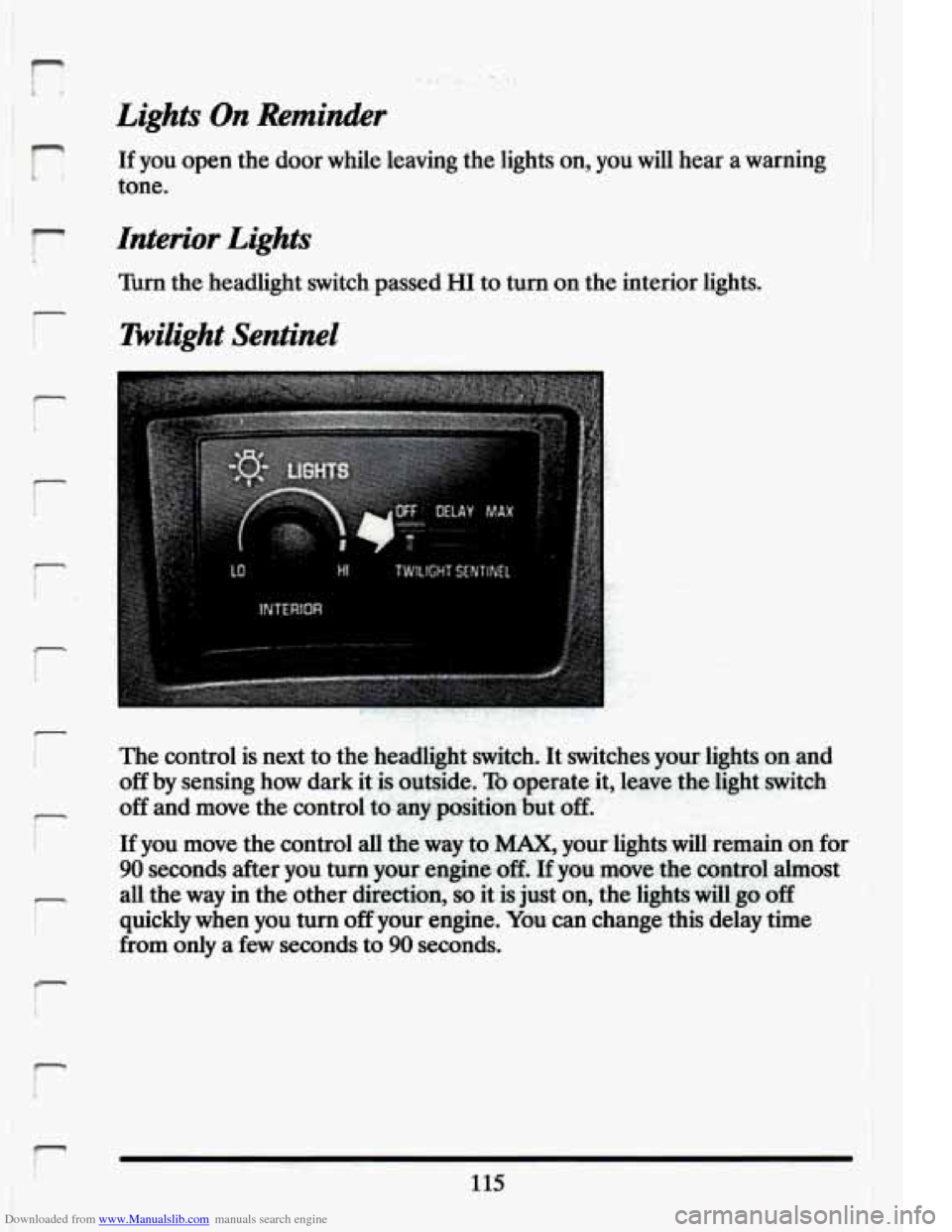
The control is next to the headlight switch. It switches your lights on and
off by sensing how dark it is outside. To operate it, leave the light switch
off and move the control to.a&position:bui off,
If
you move the control all the way to MAX, your lights will remain on for
90 seconds after you turn your -engine -off. If you move the control almost
all the
way in the other direction, so it is just on, the lights will go off
quickly when you turn off your engine. You can change this delay time ’
from only a few seconds to 90 seconds.
r
115
Page 128 of 398
Downloaded from www.Manualslib.com manuals search engine Light Sensor
Fog Lights (ETC)
Use your fog lights for better vision in foggy or misty conditions. When
you press the upper fog light switch, a small indicator light will glow
to
tell you the fog lights are on. To turn them off, press the switch again.
When the twilight sentinel is on, the headlights will turn
off
automatically. Your fog and parking lights will remain on.
116
-_
Page 129 of 398
Downloaded from www.Manualslib.com manuals search engine 1
r
i' I
r
They,u If you switch turn back on your on ag~in~~~~~~n~~~'u~~w~~~~'~o.~ow hi@,he-am .bea$&hp, your.fogllights beam headlights will-turn off.
Rear Fog Lights (Eqort -Only)
Cornering Lights
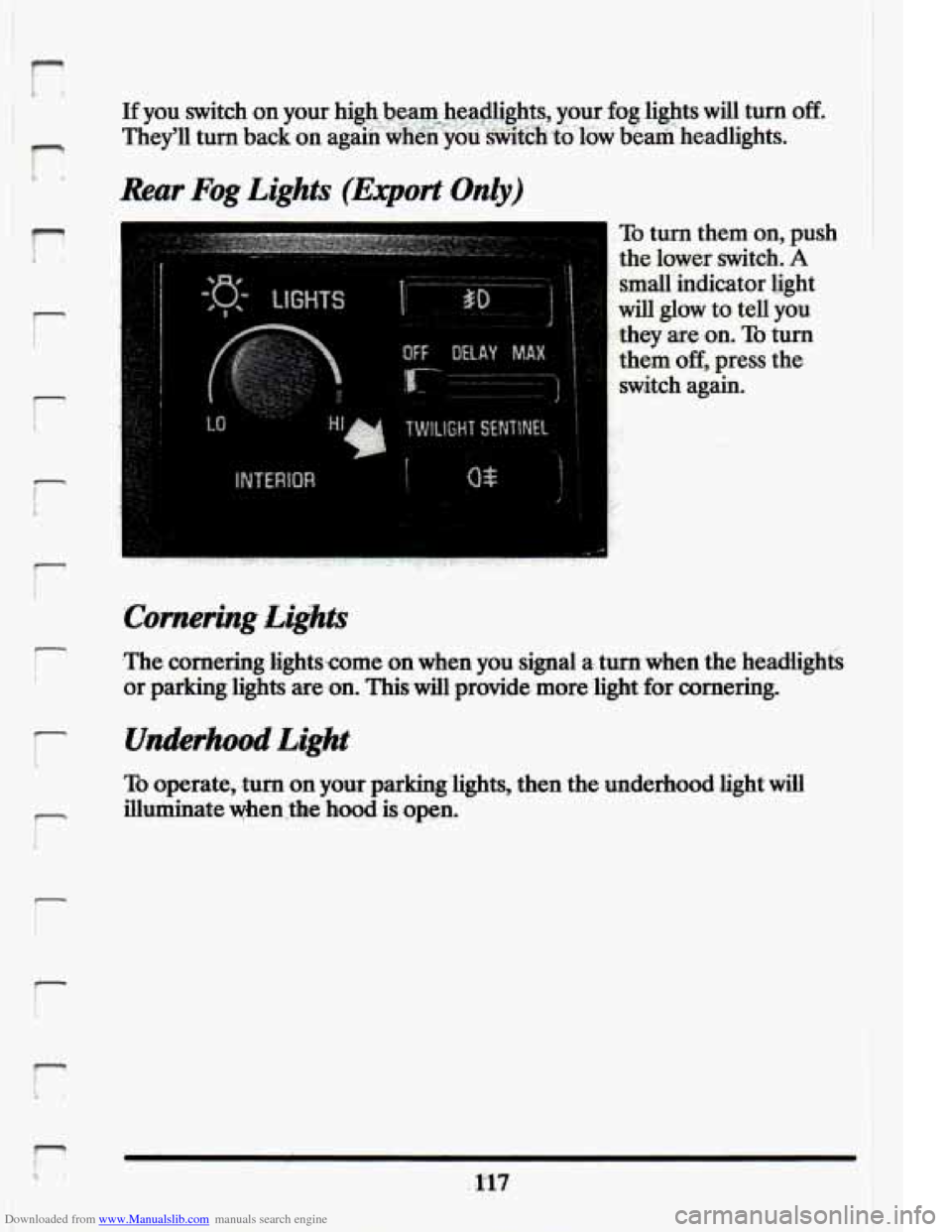
To turn them on, push
the lower switch. A
small indicator .light
will glow to tell
you
they are on. To turn
them
off, press the
switch again.
.The cornering 1.ights;Come on when you signal a..tum when
the headiights
or parking 'lights are on. Thiswill provide. more light for cornerin&
TO operate, turn on your parking '1ights;then the underhood light will
7 illuminate when ,the hood is. open.
!
F L*
Page 130 of 398

Downloaded from www.Manualslib.com manuals search engine Daytime Running Lights (Canada Only)
The Canadian Federal Government has decided that “Daytime Running
Lights” (DRL) are a useful feature, in that DRL can make your vehicle
more visible
to pedestrians and other drivers during daylight hours. DRL
are required on new vehicles sold
in Canada.
your DRL work with a light sensor on top
of the instrument panel. Don’t
cover it up.
The low beam headlights will come on at reduced brightness in daylight
when:
0 The ignition is on
0 The headlight switch is off, and
0 The transaxle is not in “P” (Park).
At dusk, if the Twilight Sentinel feature is turned on, the exterior lights
will come on automatically and the low beams will change to full
brightness. At dawn, the exterior lights will go out and the low beams will
change to the reduced brightness
of DRL (if the headlight switch is off).
Of course, you may still turn on the headlights any time you need to.
To idle your vehicle with the DRL
off, snift the transaxle into “P” (Park).
The DRL will stay
off until you shift out of “P” (Park).
118
-
c -*
Page 131 of 398
Downloaded from www.Manualslib.com manuals search engine r
f I.
6 i
r-
Reading Lights
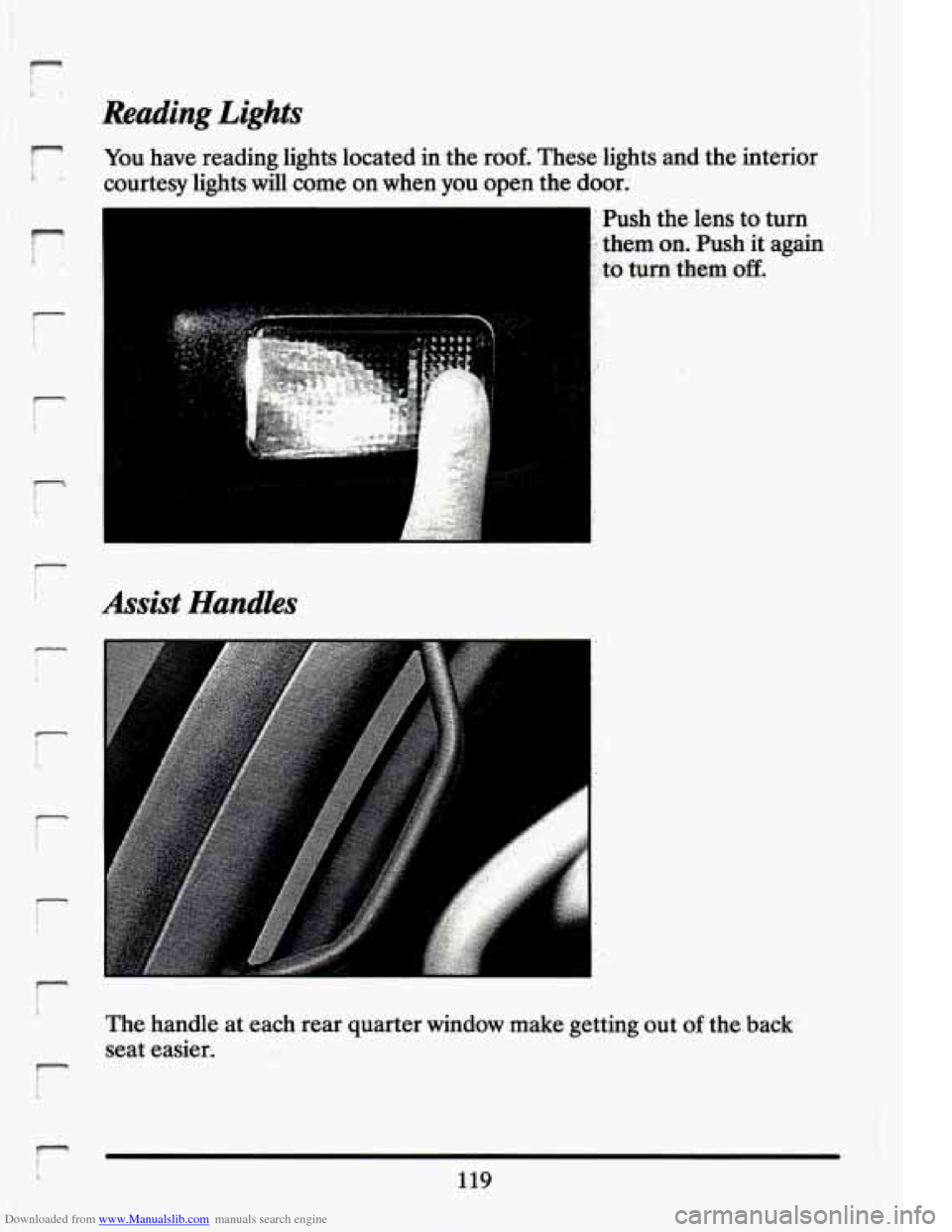
You have reading lights located inthe roof. These.lights and the interior
courtesy lights will come on when you open the door.
Push the lens
to turn
'- them on. Push it again
. to turn them off.
Assist Handles
The handle at each rear quarter window make getting out of the-back-
seat easier-
119
Page 132 of 398
Downloaded from www.Manualslib.com manuals search engine MIRRORS
Automatic Inside And Outside Rearview Mirrors
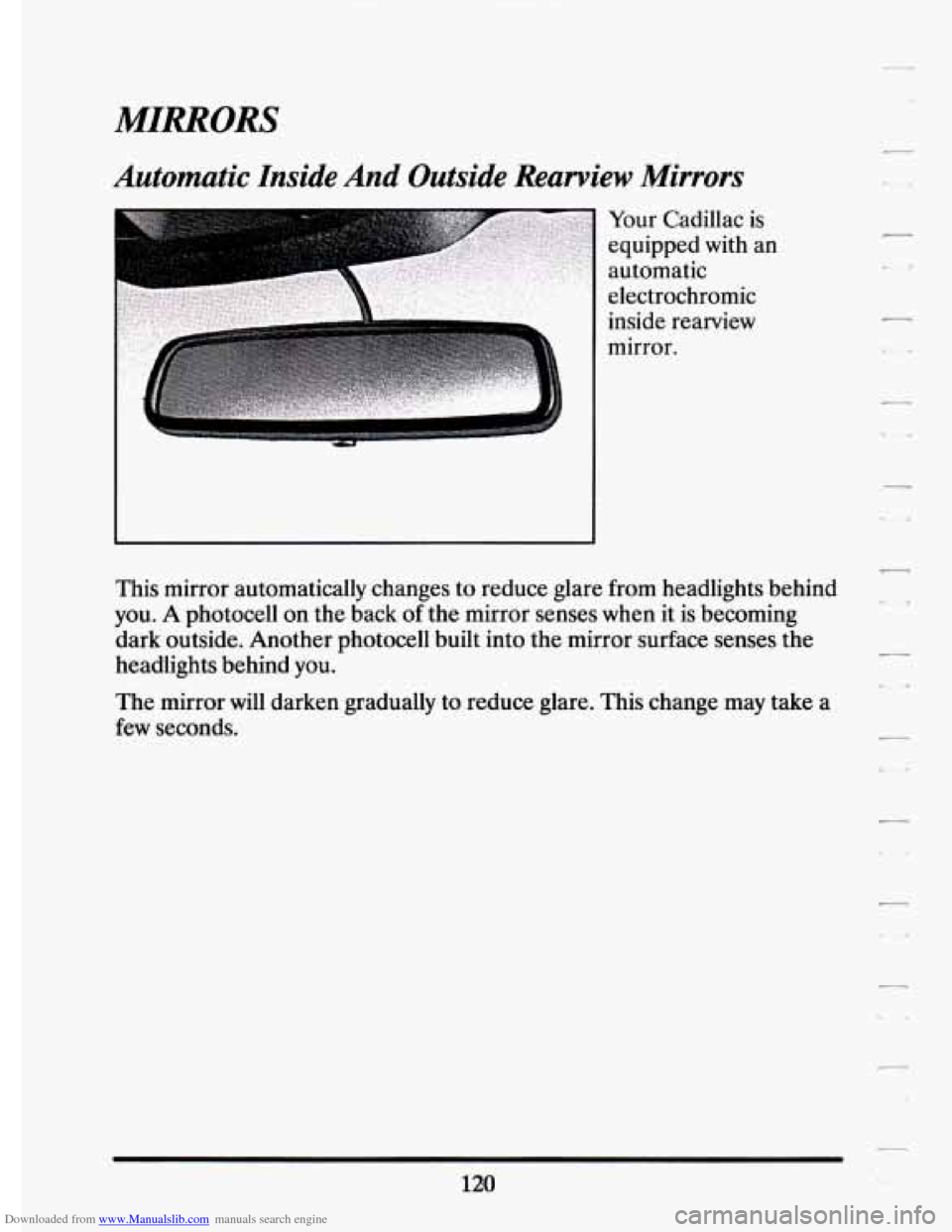
Your Cadillac is
equipped with an
automatic
electrochromic
inside rearview
mirror.
-
This mirror automatically changes to reduce glare from headlights behind
you.
A photocell on the back of the mirror senses when it is becoming
dark outside. Another photocell built into the mirror surface senses the
headlights behind
you.
L.
The mirror will darken gradually to reduce glare. This change may take a
few seconds.
Page 143 of 398
Downloaded from www.Manualslib.com manuals search engine ,- -
r
r
r
i-
c
i
P
r
t
c
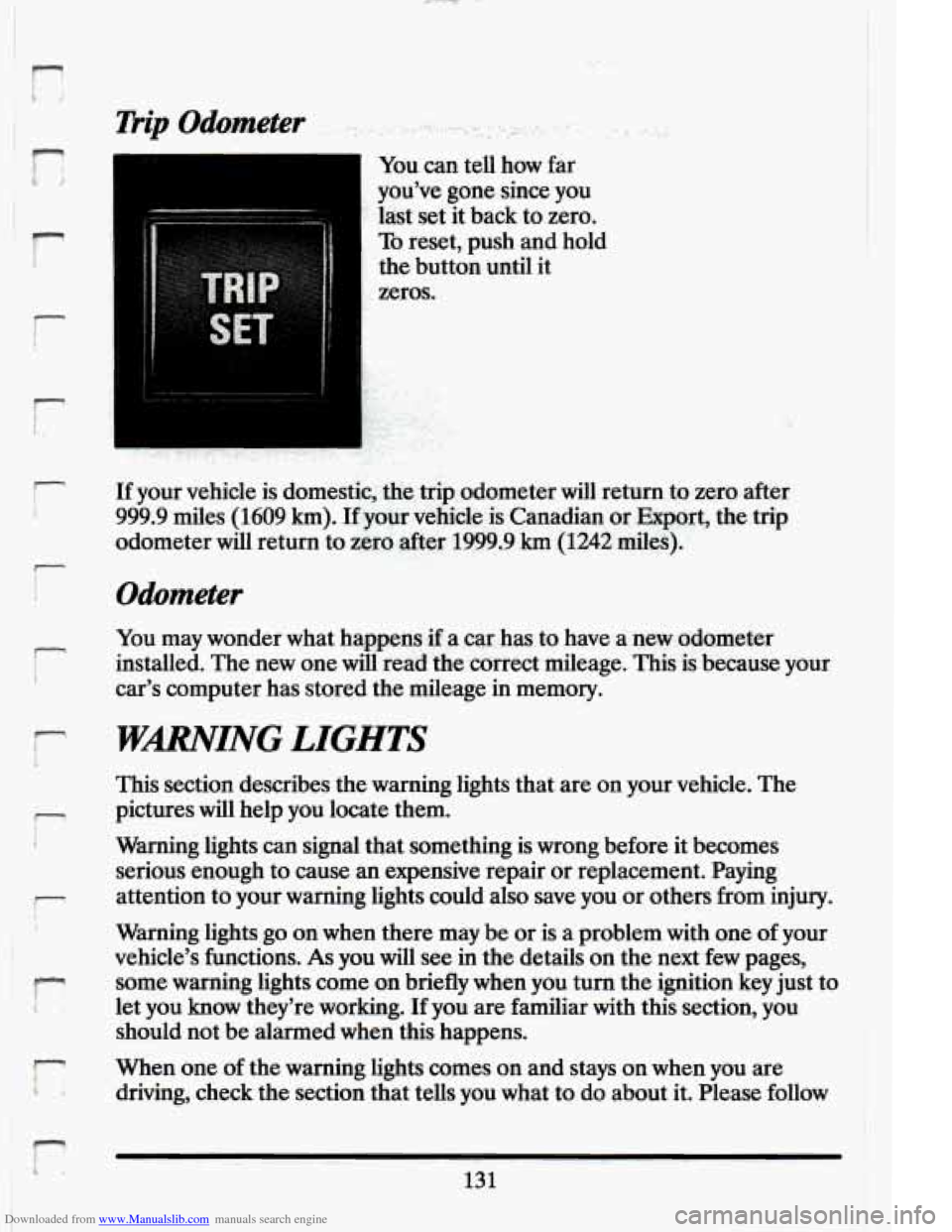
You can tell how far
you’ve gone since you
last set it back to zero.
To reset, push and hold
the button until it
zeros.
If your vehicle is domestic, the trip odometer will return to zero after
999.9 miles (1609
km). If your vehicle. is Canadian or Export, the trip
odometer will return to zero after 1999.9
km (1242 miles).
Odometer
You may wonder what happens if a car has to have a new odometer
installed. The new one will read the correct mileage. This is because your
car’s computer has stored the mileage in memory.
WARNING LIGHTS
This section describes the warning lights that are on your vehicle. The
pictures will help you locate them.
Warning lights can signal that something is wrong before it becomes
serious enough to cause an expensive repair or replacement. Paying
attention to your warning lights could also save you or others
from injury.
Warning lights go on when there may be or is a problem with one of your
vehicle’s functions.
As you will see in the details on the next few pages,
some warning lights come on briefly when you turn the ignition key just to
let
you know they’re working. If you are familiar with this section, you
should not be alarmed when this happens.
When one
of the warning lights comes on and stays on when you are
driving, check the section that tells you what to do about it. Please follow
131