Page 107 of 308
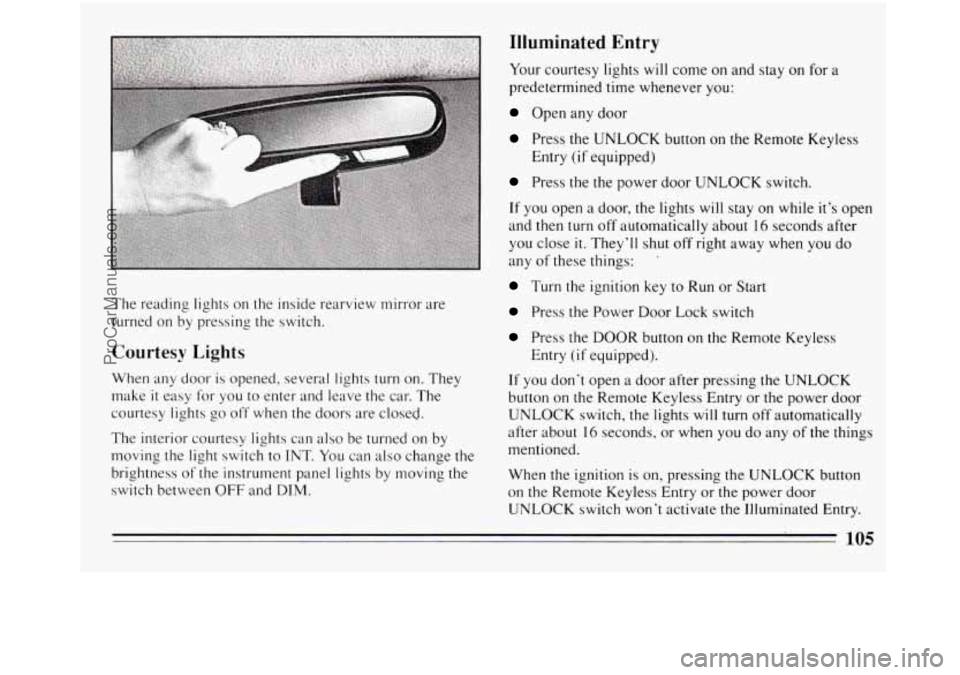
The reading lights on the inside rearview mirror are
turned on by pressing the switch.
Courtesy Lights
When any door is opened, several lights turn on. They
make
it easy for you to enter and leave the car. The
courtesy lights
go off when the doors are closed.
The interior courtesy lights can also be turned on by
moving the light switch to
INT. You can also change the
brightness of the instrument panel lights by moving the
switch between
OFF and DIM.
Illuminated Entry
Your courtesy lights will come on and stay on for a
predetermined time whenever you:
Open any door
Press the UNLOCK button on the Remote Keyless
Press the the power door UNLOCK switch.
If you open a door, the lights will stay on while it’s open
and then turn
off automatically about 16 seconds after
you close
it. They’ll shut off right away when you do
any of these things: ’
Turn the ignition key to Run or Start
Press the Power Door Lock switch
Press the DOOR button on the Remote Keyless
If you don’t open a door after pressing the UNLOCK
button on the Remote Keyless Entry or the power door
UNLOCK switch, the lights will turn off automatically
after about
16 seconds, or when you do any of the things
mentioned.
When the ignition is
on, pressing the UNLOCK button
on the Remote Keyless Entry or the power door
UNLOCK switch won’t activate
the Illuminated Entry.
Entry
(if equipped)
Entry
(if equipped).
105
ProCarManuals.com
Page 117 of 308
It may take longer to stop. If the light is still on, or if the
anti-lock brake system warning light is flashing, have
the vehicle towed for service. (See “Anti-Lock Brake
System Warning Light” and “Towing Your Car” in the
Index.)
The brake system warning light will also come on when
you
set your parking brake, and it will stay on if your
parking brake doesn’t release
fully. If it stays on after
your parking brake is
fully released, it means you have a
brake problem.
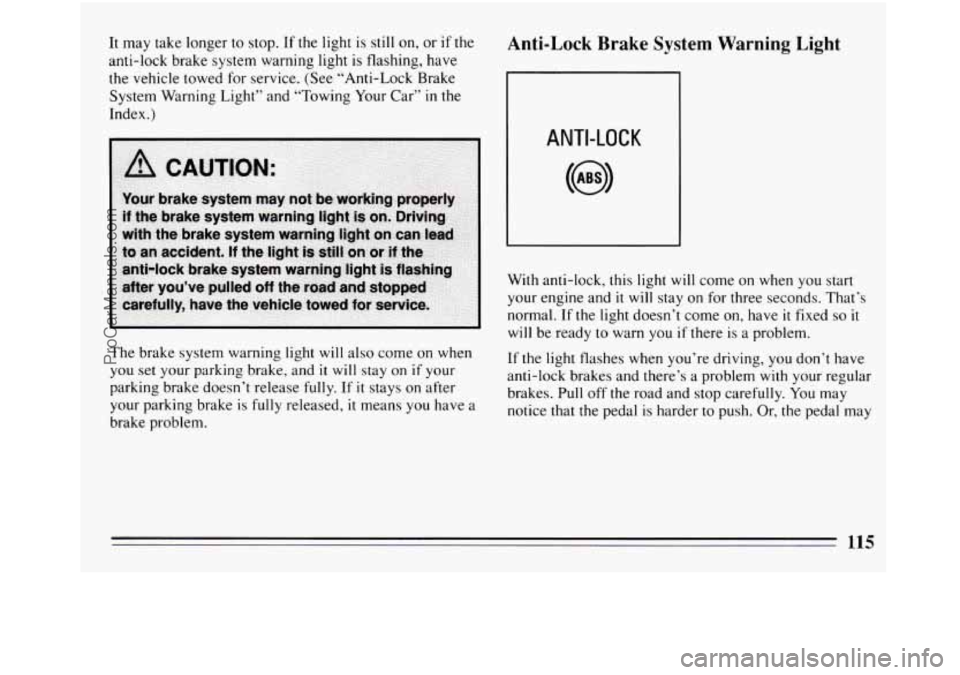
Anti-Lock Brake System Warning Light
ANTI-LOCK
With anti-lock, this light will come on when you start
your engine and
it will stay on for three seconds. That’s
normal. If the light doesn’t come on, have
it fixed so it
will be ready to warn you if there is a problem.
If the light flashes when you’re driving, you don’t have
anti-lock brakes and there’s a problem with your regular
brakes. Pull
off the road and stop carefully. You may
notice that the pedal is harder to push. Or, the pedal may
115
ProCarManuals.com
Page 118 of 308
go closer to the floor. It may take longer to stop. Have
the vehicle towed for service. (See “Towing Your Car”
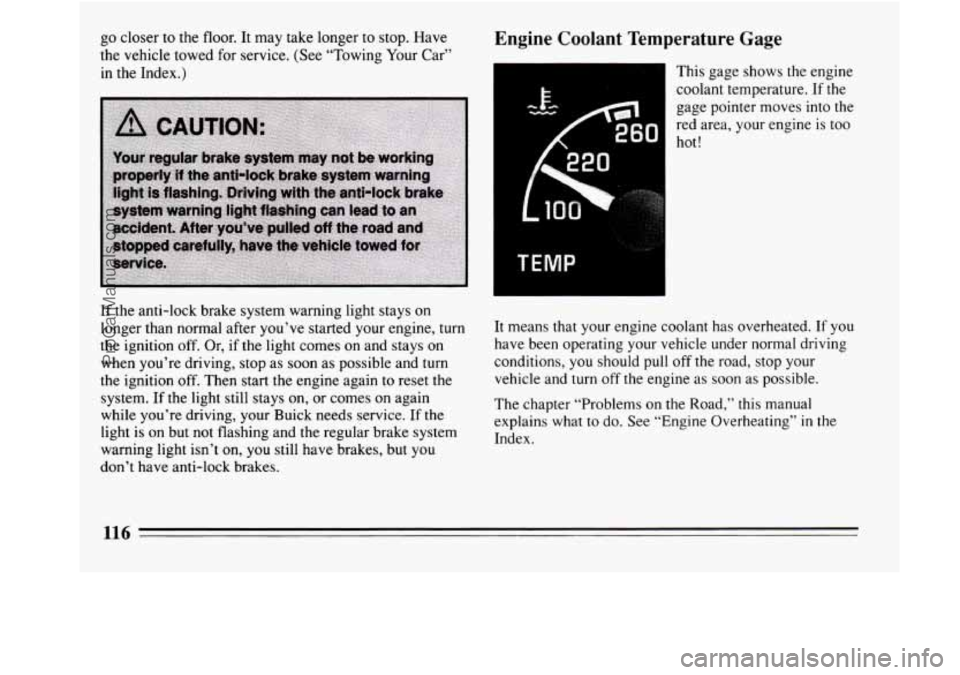
in the Index.) Engine Coolant Temperature Gage
This gage shows the engine
coolant temperature. If the
gage pointer moves into the
red area, your engine
is too
hot!
If the anti-lock brake system warning light stays on
longer than normal after you’ve started your engine, turn
the ignition off. Or,
if the light comes on and stays on
when you’re driving, stop as soon as possible and turn
the ignition off. Then start the engine again to reset the
system. If the light still stays on, or comes on again
while you’re driving, your Buick needs service. If the
light is on but not flashing and the regular brake system
warning light isn’t on,
you still have brakes, but you
don’t have anti-lock brakes. It means
that your engine coolant has overheated. If you
have been operating your vehicle under normal driving
conditions,
you should pull off the road, stop your
vehicle and turn off the engine as soon as possible.
The chapter “Problems on the Road,” this manual
explains what to do. See “Engine Overheating”
in the
Index.
116
ProCarManuals.com
Page 123 of 308
Part 3 Comfort Controls and Audio Systems
In this part you’ll find out how to operate the comfort control systems and audio systems offered with your Buick . Be
sure to read about the particular system supplied with your vehicle .
Part 3 includes:
Comfort Control System ............................................................ 122
Heater
and Defroster ........................................................... 124
AirConditione
l- ............................................................... 123
Rear Window Defogger
........................................................ 125
Ventil~tio1.1 ................................................................... 124
AudioSystems
.................................................................... 125
Understanding Radio Reception
.................................................. 126
Setting the Clock
........................................................... 128.132
RadioControls
............................................................ 127. 131
Tape Player Controls ........................................................ 128. 132
CD Player Controls ............................................................ 129
Care 01’ Cassette Tape Player and Tapes ............................................ 125
Care
of Compact Discs ......................................................... 136
Antenna Care
...................................................... ........ 136
ProCarManuals.com
Page 130 of 308
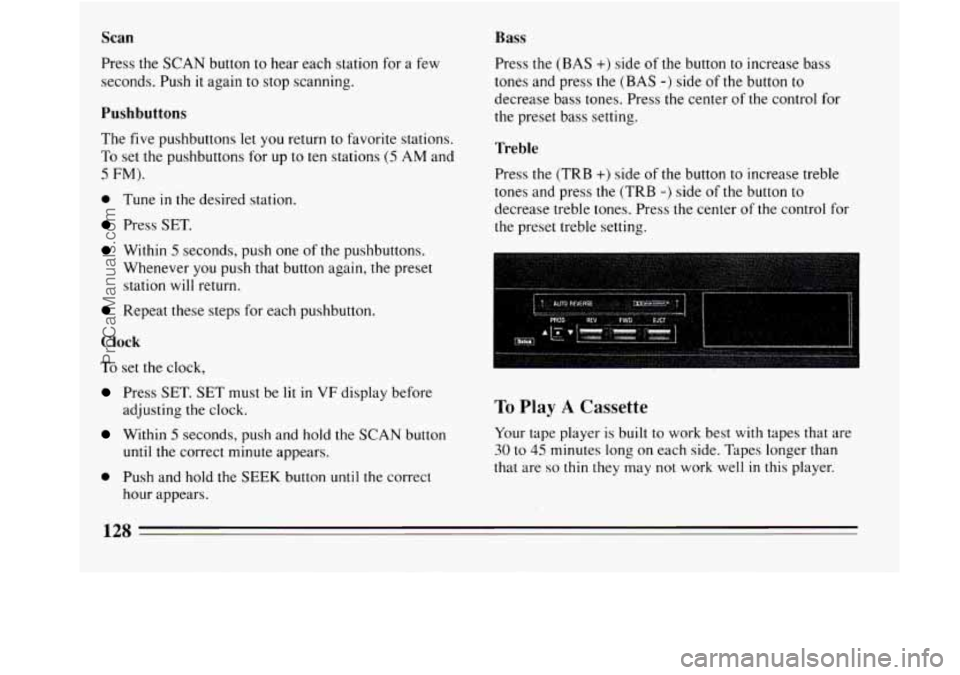
Scan
Press the SCAN button to hear each station for a few
seconds. Push it again
to stop scanning,
Pushbuttons
The five pushbuttons let you return to favorite stations.
To set the pushbuttons for up to ten stations (5 AM and
5 FM).
0 Tune in the desired station.
Press SET.
Within 5 seconds, push one of the pushbuttons.
Whenever
you push that button again, the preset
station
will return.
Repeat these steps for each pushbutton.
Clock
To set the clock,
Press SET. SET must be lit in VF displa
adjusting the clock. lefore
Within 5 seconds,
push and hold the SCAN button
until the correct minute appears.
0 Push and hold the SEEK button until the correct
hour appears.
Bass
Press the (BAS +) side of the button to increase bass
tones and press the
(BAS -) side of the button to
decrease bass tones. Press the center of the control for
the preset bass setting.
Treble
Press the (TRB +) side of the button to increase treble
tones and press the (TRB
-) side of the button to
decrease treble tones. Press the center of the control for
the preset treble setting.
To Play A Cassette
Your tape player is built to work best with tapes that are
30 to 45 minutes long on each side. Tapes longer than
that are
so thin they may not work well in this player.
128
ProCarManuals.com
Page 134 of 308
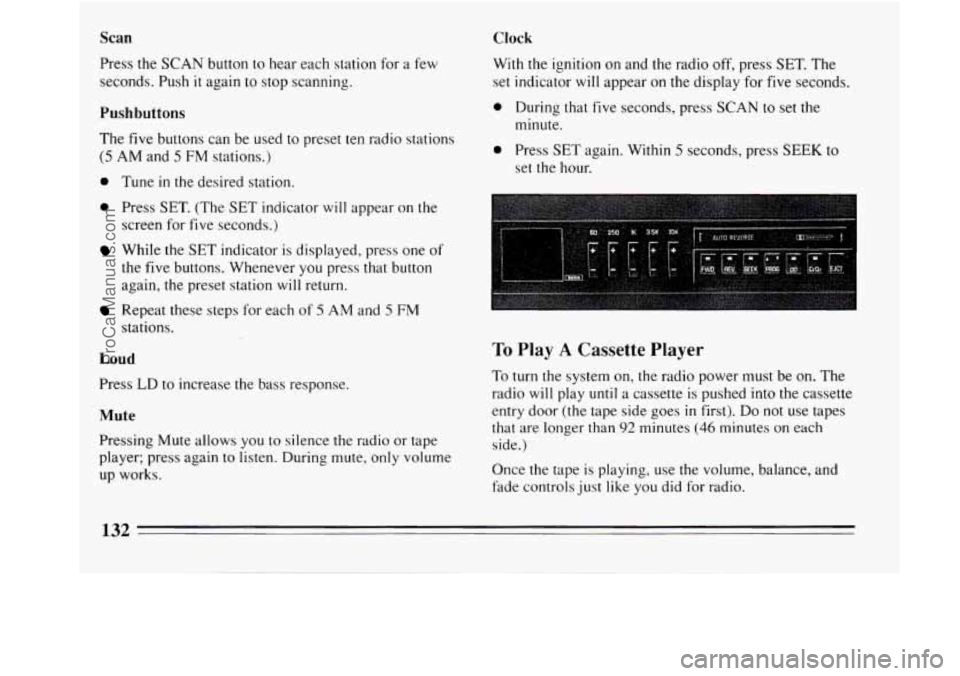
Scan
Press the SCAN button to hear each station for a few
seconds. Push
it again to stop scanning.
Pushbuttons
The five buttons can be used to preset ten radio stations
(5 AM and 5 FM stations.)
0 Tune in the desired station.
0 Press SET. (The SET indicator will appear on the
screen for five seconds.)
While the SET indicator is displayed, press one of
the five buttons. Whenever you press that button
again, the preset station
will return.
Repeat these steps for each of 5 AM and 5 FM
stations.
Loud
Press LD to increase the bass response.
Mute
Pressing Mute allows you to silence the radio or tape
player; press again to listen. During mute, only volume
up works.
Clock
With the ignition on and the radio off, press SET. The
set indicator
will appear on the display for five seconds.
0 During that five seconds, press SCAN to set the
minute.
0 Press SET again. Within 5 seconds, press SEEK to
set the hour.
To Play A Cassette Player
To turn the system on, the radio power must be on. The
radio
will play until a cassette is pushed into the cassette
entry door (the tape side goes
in first). Do not use tapes
that are longer than
92 minutes (46 minutes on each
side.)
Once the tape is playing, use the volume, balance, and
fade controls just like you did for radio.
132
ProCarManuals.com
Page 147 of 308
Anti-Lock Brakes (ABS)
Your Buick has an advanced electronic braking system
that will help prevent skidding.
ANTI-LOCK
This light on the
instrument panel will
go on when you start
your vehicle.
When you start your vehicle, or when you begin to drive
away, you may hear a momentary motor or clicking
noise. And
you may even notice that your brake pedal
moves a little while this is going on. This is the
ABS
system testing itself. If there’s a problem with the
anti-lock brake system, the anti-lock brake system
warning light
will stay on or flash.
See “Anti-lock Brake System Warning Light”
in the
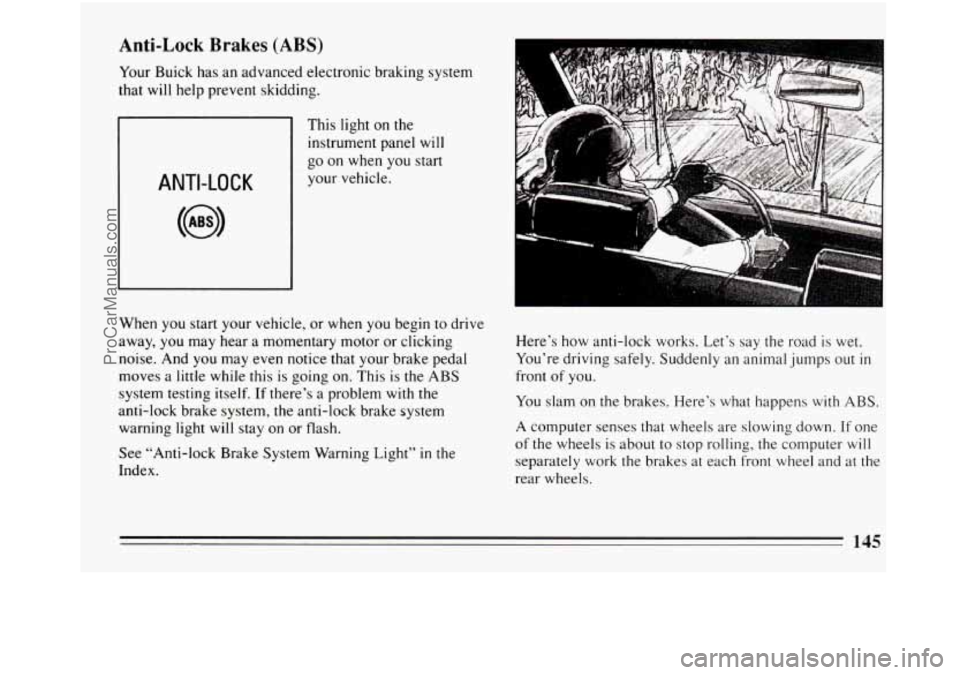
Index. Here’s how
anti-lock works. Let’s say the road is wet.
You’re driving safely. Suddenly an animal jumps out
in
front of you.
You slam on the brakes. Here’s what happens
with ABS.
A computer senses that wheels are slowing down. If one
of the wheels
is about to stop rolling, the computer will
separately work the brakes at each front wheel and at the
rear wheels.
145
ProCarManuals.com
Page 148 of 308
The anti-lock system can change the brake pressure
faster than any driver could. The computer is
programmed
to make the most of available tire and road
conditions.
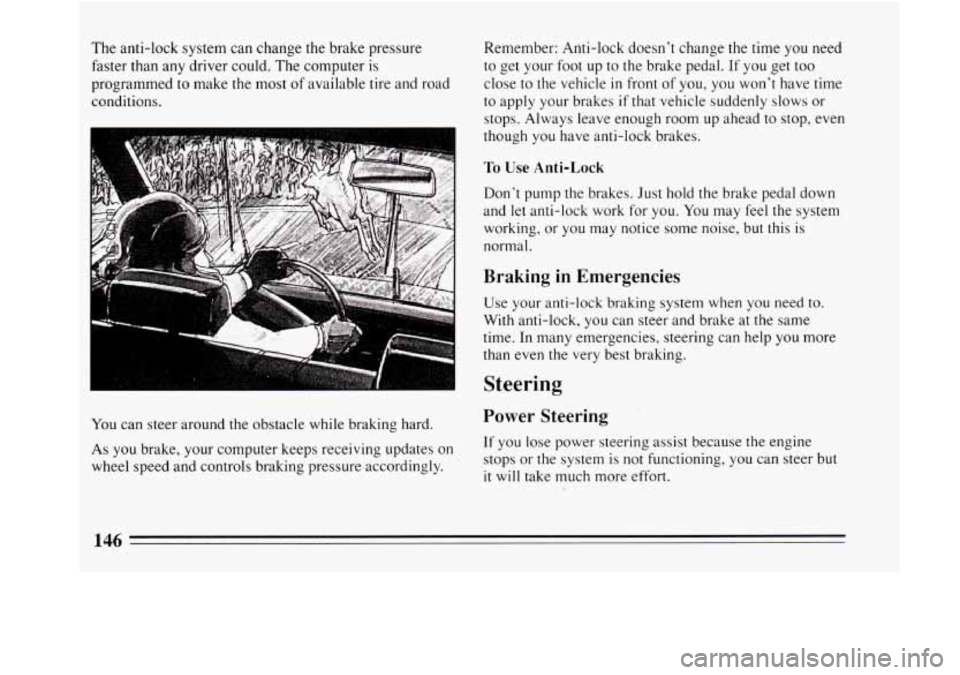
You can steer around the obstacle while braking hard.
As
you brake, your computer keeps receiving updates on
wheel speed and controls braking pressure accordingly. Remember: Anti-lock doesn’t change the time
you need
to get your foot up to
the brake pedal. If you get too
close to the vehicle
in front of you, you won’t have time
to apply your brakes
if that vehicle suddenly slows or
stops. Always leave enough room up ahead to stop, even
though
you have anti-lock brakes.
To Use Anti-Lock
Don’t pump the brakes. Just hold the brake pedal down
and
let anti-lock work for you. You may feel the system
working, or you may notice some noise, but this is
normal.
Braking in Emergencies
Use your anti-lock braking system when you need to.
With anti-lock, you can steer and brake at the same
time. In many emergencies, steering can help
you more
than even the very best braking.
Steering
Power Steering
If you lose power steering assist because the engine
stops or the system is not functioning, you can steer but
it will take much more effort.
146
ProCarManuals.com