Page 89 of 308
Parking Brake
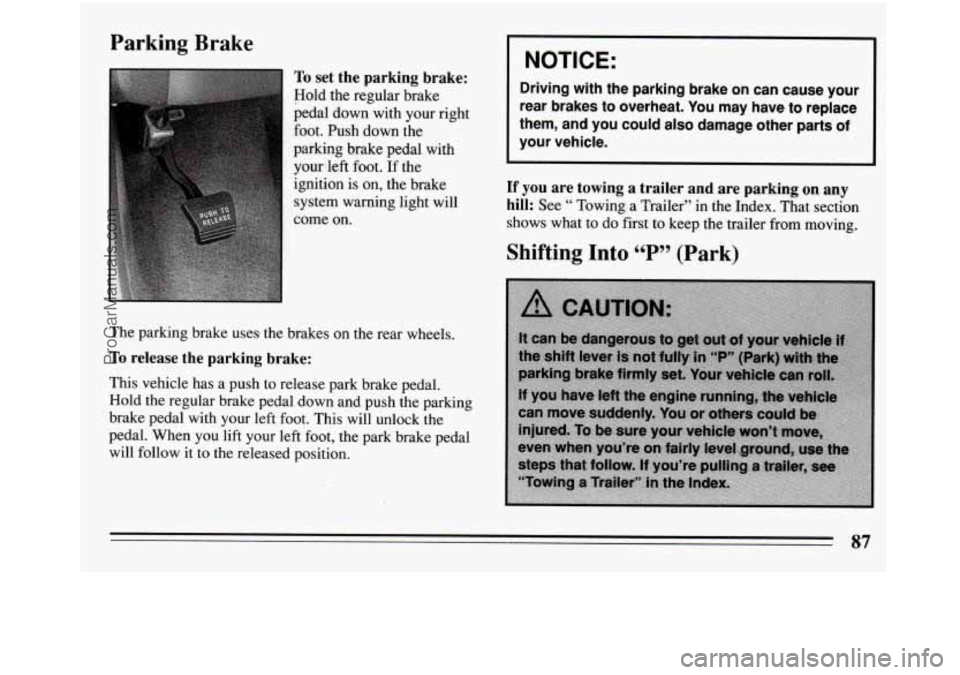
To set the parking brake:
Hold the regular brake
pedal
down with your right
foot. Push down
the
paiking brake pedal with yourleft foot.
If the
ignition is on, the brake
system warning light will
come on.
The parking brake uses the brakes on the rear wheels.
To release the parking brake:
This vehicle has a push to release park brake pedal.
Hold
the regular brake pedal down and push the parking
brake pedal with your left foot. This will unlock the
pedal. When you lift your left foot, the park brake pedal
will follow it to the released position.
I NOTICE: 1
Driving with the parking brake on can cause your
rear brakes to overheat. You may have to replace
them, and you could also damage other parts of
your vehicle.
If you are towing a trailer and are parking on any
hill:
See “ Towing a Trailer” in the Index. That section
shows what to do first to keep the trailer from moving.
87
ProCarManuals.com
Page 96 of 308
The Turn Signal/Headlight Beam
Lever Turn Signal
and Lane Change
Indicator
The lever on the left side of the steering column
includes your:
Turn Signal and Lane Change Indicator
0 Headlight High-Low Beam & Passing Signal
0 Flash-To-Pass Feature
0 Windshield Wipers
0 Windshield Washer
Cruise Control (Option) The
turn signal has two upward (for Right) and two
downward (for Left) positions. These positions allow
you to signal a turn or a lane change.
To signal a turn, move the lever all the way up or down.
When the
turn is finished, the lever will return
automatically.
94
ProCarManuals.com
Page 97 of 308

Q
A green arrow on the
instrument panel will flash
in the direction of the ‘turn
or lane change.
To signal
a lane change, just raise or lower the lever
until the green arrow starts to flash. Hold it there until
you complete your lane change. The lever will return by
itself when you release it.
As you signal a turn or a lane change, if the arrows don’t
flash but just stay on, a signal bulb may
6e burned out
and other drivers won’t see your turn signal.
If a bulb is burned out, replace it to help avoid an
accident. If the green arrows don’t go on at all when you
signal a turn, check the fuse (see “Fuses” in the Index)
and for burned-out bulbs.
Turn Signal ccOn99 Chime
A chime will sound if your turn signal is left on after
having gone
3/4 mile, to remind you to turn off your
signal.
Operation of Lights
Although your vehicle’s lighting system (headlights,
parking lights, fog lamps, side marker lights and
taillights) meets all applicable federal lighting
requirements, certain states and provinces may apply
their own lighting regulations that may require special
attention before you operate these lights.
For example, some jurisdictions may require that you operate your fog lamps only when your lower beam
headlights are also on, or that headlights be turned on
whenever you must use your windshield wipers.
In
addition, most jurisdictions prohibit driving solely with
parking lights, especially at dawn or dusk.
It is
recommended that you check with your own state or
provincial highway authority for applicable lighting
regulations.
95
ProCarManuals.com
Page 98 of 308
Headlight High-Low Beam
To change the headlights
from low beam to high or
high to low, pull the turn
signal lever all the way
toward you. Then release
When the high beams are
on, this blue light on the
instrument panel also will
be on. it.
Flash-To-Pass Feature
You
may have this feature. It lets you use your high
beam headlights to signal a driver in front of you that
you want to pass. It works even if your headlights are
off.
To use it, pull. the headlight beam lever toward you a
little (but not so far that you hear a click). When you do:
If your headlights are off Your high beam headlights
will turn on. They’ll stay on as long as you hold the
lever there. Release the lever to turn them off. You
control the windshield wipers by turning the band
marked
‘‘WIPER’.
96
ProCarManuals.com
Page 99 of 308

For a single wiping cycle, turn the band to “MIST.”
Hold
it there until the wipers start, then let go. The
wipers
will stop after one cycle. If you want more
cycles, hold the band on “MIST” longer.
You can set the wiper speed for a long or short delay
between wipes. This can be very useful
in light rain or
snow. Turn the band to choose the delay time. The
closer to
“LO,” the shorter the delay.
For steady wiping at low speed, turn the band away
from you to the
“LO” position. For high speed wiping,
turn the band further, to “HI.” To stop the wipers, move
the band to “OFF.”
Remember that damaged wiper blades may prevent you
from seeing well enough to drive safely. To avoid
damage, be sure to clear ice and snow from the wiper
blades before using them. If they‘re frozen to the
windshield, carefully loosen or thaw them. If your
blades do become damaged, get new blades or blade
inserts.
Heavy snow or ice can overload your wiper motor.
A
circuit breaker will stop the motor until it cools. Clear
away snow or ice to prevent an overload.
Windshield Washer
At the top of the turn signal/headlight beam lever there’s
a paddle
with the word “PUSH” on it. To spray washer
fluid on the windshield, push the paddle. Unless they are
already turned on, the wipers will operate at low speed
for several sweeps, then
turn off.
Driving without washer fluid can be dangerous.
A bad
mud splash can block your vision. You could
hit another
vehicle or
go off the road. Check your washer fluid level
often.
A CAUTION:
In freezing weather, don’t use your washer until
the windshield
is warmed. Otherwise the washer
fluid can form ice on the windshield, blocking
your vision.
97
ProCarManuals.com
Page 102 of 308
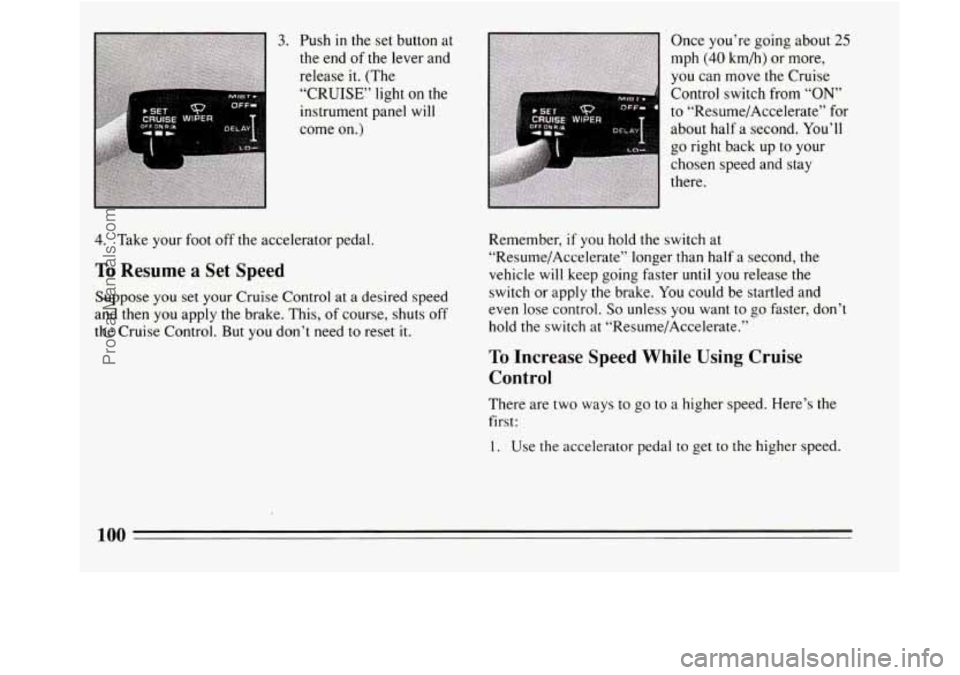
3. Push in the set button at
the end of the lever and
release it. (The
“CRUISE” light
on the
instrument panel will
come
on.)
4. Take your foot off the accelerator pedal.
To Resume a Set Speed
Suppose you set your Cruise Control at a desired speed
and then
you apply the brake. This, of course, shuts off
the Cruise Control. But
you don’t need to reset it. Once
you’re
going about 25
mph (40 km/h) or more,
you can move the Cruise
Control switch from
“ON’
to “Resume/Accelerate” for
about half a second. You’ll
go right back up to your
chosen speed and stay
there.
Remember,
if you hold the switch at
“Resume/Accelerate” longer than half a second, the
vehicle
will keep going faster until you release the
switch or apply the brake.
You could be startled and
even lose control.
So unless you want to go faster, don’t
hold
the switch at “Resume/Accelerate.”
To Increase Speed While Using Cruise
Control
There are two ways to go to a higher speed. Here’s the
first:
1. Use the accelerator pedal to get to the higher speed.
100
ProCarManuals.com
Page 104 of 308
Passing Another Vehicle While Using
Cruise Control
Use the accelerator pedal to increase your speed. When
you take your foot off the pedal, your vehicle
will slow
down
to the Cruise Control speed you set earlier.
Using Cruise Control on Hills
To Get Out of Cruise Control
There are two ways to turn off the Cruise Control:
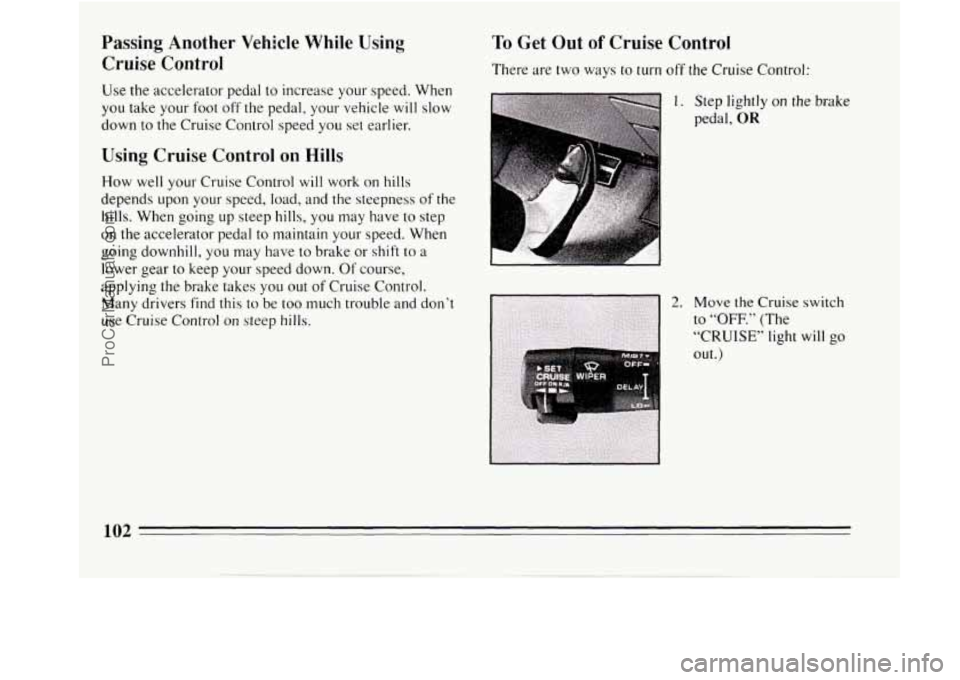
1. Step lightly on the brake
pedal,
OR
102 -
ProCarManuals.com
Page 105 of 308
To Erase Speed Memory
When you turn off the Cruise Control or the ignition, or
shift into
“P” (Park) or “N” (Neutral) your Cruise
Control set speed memory is erased.
Lights
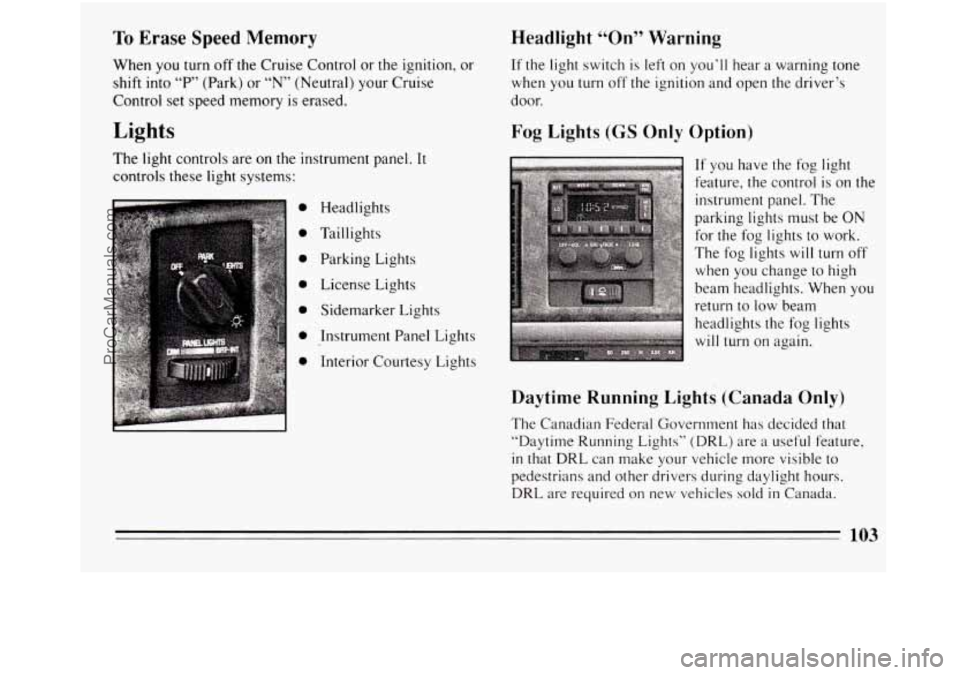
The light controls are on the instrument panel. It
controls these light systems:
0
0
0
0
0
0
0
Headlights
Taillights Parking Lights
License Lights
Sidemarker Lights
Instrument Panel Lights
Interior Courtesy Lights
Headlight “On” Warning
If the light switch is left on you’ll hear a warning tone
when you turn off the ignition and open the driver’s
door.
Fog Lights (GS Only Option)
c
If you have the fog light
feature, the control is on the
instrument panel. The
parking lights must be ON
for the fog lights to work.
The fog lights
will turn off
when you change to high
beam headlights. When you
return to low beam
headlights the fog lights
will turn on again.
Daytime Running Lights (Canada Only)
The Canadian Federal Government has decided that
“Daytime Running Lights” (DRL) are
a useful feature,
in that DRL can make your vehicle more visible to
pedestrians and other drivers during daylight hours.
DRL are required on new vehicles sold in Canada.
103
ProCarManuals.com