1993 CHEVROLET TRACKER heating
[x] Cancel search: heatingPage 8 of 339

How to Use this Manual
Part 5: Problems on the Road
This part tells you what to do if you
have a problem while driving, such as a
flat tire or engine overheating.
Part 6: Service & Appearance Care
Here the manual tells you how to keep
your Geo running properly and looking
good.
Part 7: Maintenance Schedule
This part tells you when to perform
vehicle maintenance and what fluids and
lubricants
to use.
Part 8: Customer Assistance
Information
This part includes important information
3bout reporting safety defects and gives
you details about the “Roadside
4ssistance” program.
You will also find
mstomer satisfaction phone numbers
(including customer satisfaction numbers
for the hearing and speech impaired) as
well as
the mediationlarbitration
procedure. We’ve also included ordering
information for service publications in
this part.
Service Station Information
This is a quick reference of service
information. You can find it
on the last
page of this manual.
Safety Warnings and Symbols
You will find a number of safety
cautions in this book. We use yellow
and the word CAUTION to tell
you
about things that could hurt you if you
were to ignore the warning.
In the yellow caution area, we tell you
what the hazard is. Then we tell you what
to do to help avoid or reduce the
hazard. Please read these cautions.
If
you don’t, you or others could be hurt.
I.. 6
ProCarManuals.com
Page 48 of 339

Features & Controls
Tailgate
Use your key to lock or unlock your
tailgate.
If you have a convertible, be sure to
unzip
the rear plastic window before
opening
the tailgate. See “Opening and
Closing Your Rear Window” in the
Index. Open the tailgate with the bottom
of the window still attached to the
tailgate.
When closing the tailgate be sure:
Both lower corner canvas top flaps
are facing outward
so they do not get
caught
in the tailgate.
correctly or you could damage your
zipper.
The zipper connector is engaged
It can be dangerous to drive
with the tailgate window
open, Carbon monoxide (CO) gas
can come into your vehicle. You
can’t see or smell CO. It can cause
unconsciousness
and even death.
If you must drive with the taiIgate
window open:
0 Make sure all ather windows an
shut.
Tm the fan on your heating or
cooling system to its highest
speed with the setting on u.
That will force outside air into
your vehicle. See L4C~f~~
Controls” in the Index.
* If you have air vents on or
under tbc’instrument panel, open
them at1 the way*
I
ProCarManuals.com
Page 79 of 339
rn Ashtrays and Lighter
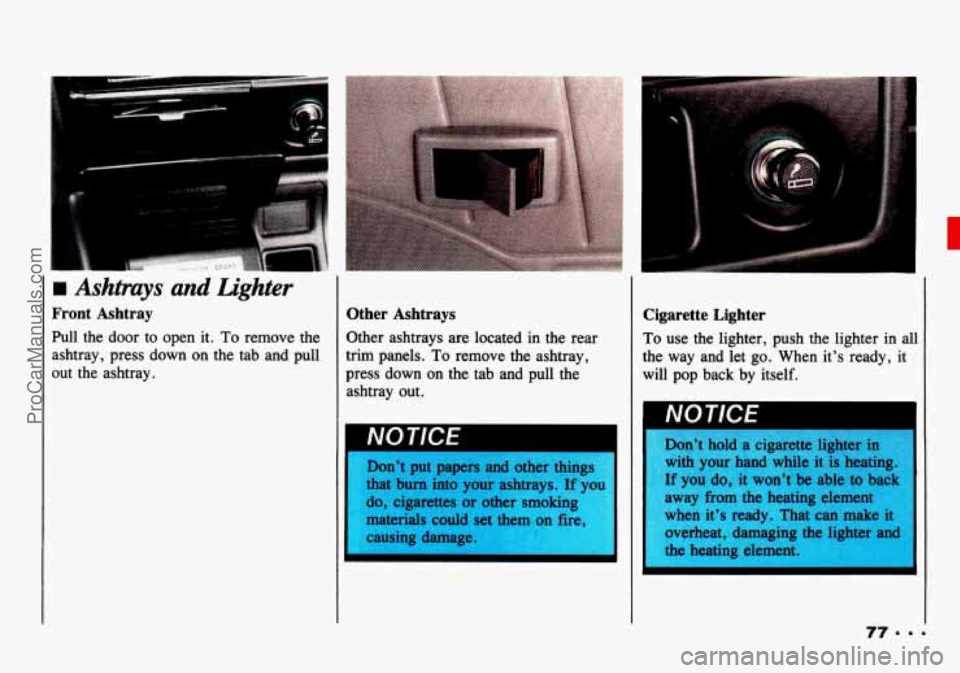
Front Ashtray
Pull the door to open it. To remove the
ashtray, press down on the tab
and pull
out the ashtray.
Other Ashtrays
Other ashtrays are located in the rear
trim panels.
To remove the ashtray,
press down
on the tab and pull the
ashtray out.
I IWL
Don’t put papers and other things
that bum into your ashtrays. If you
do, cigarettes or other smoking
materials could set them on fire,
causing damage.
I
I I
I
Cigarette Lighter
To use the lighter, push the lighter in all
the way and let
go. When it’s ready, it
will pop back by itself.
Don’t hold a cigarette lighter in
with your hand while it is heating.
If you do, it won’t be able to back
away from the heating element
when it’s ready. That can make it overheat, damaging the lighter and
the heating element
I
I
ProCarManuals.com
Page 87 of 339

Engine Coolant Temperature Gage
This gage shows the engine coolant
temperature. If the gage pointer moves
to the “H” (red) side, your engine is
too hot! It means that your engine
coolant has overheated and you should
stop your vehicle and turn off the engine
as soon as possible.
HOT
COOLANT CAN BURN YOU
BADLY!
In “Problems on the Road, ” this
manual shows what to do. See “Engine
Overheating’’
in the Index.
-I
I L
Charging System Light
This light will come on briefly when
you turn on
the ignition, but the engine
is not running, as a check to show you it
is working. Then it should go out when
the engine starts. If it stays on, or
comes on while you are driving, you
may
have a problem with the electrical
charging system. It could indicate that
you have a loose generator drive belt, or
another electrical problem. Have
it
checked right away. Driving while this
light
is on could drain your battery.
If you must drive a short distance with
the light
on, be certain to turn off
all your accessories, such as the radio
and air conditioner.
Malfunction Indicator Lamp (Check
Engine Light)
A computer monitors operation of your
fuel, ignition and emission control
systems. The light should come on when
the ignition is on, but the engine is not
running, as a check to show you
it is
working. If
it does not come on at all,
have it fixed right away. If it stays
on,
or comes on while you are driving, the
computer is indicating that you have
a
problem. You should take your vehicle
in for service soon.
85.9.
ProCarManuals.com
Page 93 of 339

A
It can be dangerous to drive
with the rear window open or
removed. Carbon monoxide (CO)
gas can come into your vehicle.
You can’t see it or smell CO. It
can cause unconsciousness and
even death.
If you must drive with the rear
window open:
Make sure all other windows arc
shut.
Turn the fan on your heating or
cooling system to its highest
speed with the setting on=
.
That will force outside air into
your vehicle. See “Comfort
Controls” in the Index.
If you have air vents on or
under the instrument panel, open
them all the way.
Reverse the steps to close the rear
window. Be sure that it is completely
closed.
Removing and Installing Your Rear
Window
1. Unfasten the lower corner flaps on
2. There are two places on the canvas
both
sides.
on the tailgate marked
PULL. Pull at
each place to unhook the rear
window frame from the tailgate.
Also, pull the canvas at the center
of
the tailgate.
I 3. Unzip and remove the rear window.
4. Lay the rear window inside-up on a
clean, dry, flat surface and roll the
rear window
from the bottom to the
top.
Reverse the steps
to install the rear
window. Be sure the rear window
is
completely closed before driving.
Removing and Installing Your Canvas
TOP
1. Lower your antenna and swing your
sun visors down.
91 ..-
2. Remove your rear window. See
“Removing and Installing Your Rear
Window” in this section.
ProCarManuals.com
Page 103 of 339

In this part you'll find out how to
operate the comfort control
system and audio systems
offered with your Geo
. Be sure to
read about the particular system
supplied with your vehicle
.
Part 3
Comfort Controls &
Audio Systems
Comfort Controls ...............................................
Heater Controls ...............................................
Heating ......................................................
..... 102
..... 102
..... 103
Bi-LevelHeating
................................................... 103
Ventilation
........................................................ 103
Defogging and Defrosting Windows
................................... 104
Air Conditioner Controls
............................................ 104
Cooling
........................................................... 104
Dehumidifying
..................................................... 105
Rearwindow Defogger
............................................. 105
Flow-Through Ventilation System
..................................... 106
Audiosystems
....................................................... 106
Setting the Clock
................................................... 107
AM/FM Stereo
.................................................... 108
AM/FM Stereo with Cassette Tape Player
.............................. 110
Understanding Radio Reception
....................................... 115
Care
of Your Cassette Tape Player .................................... 115
Antenna
.......................................................... 116
101
ProCarManuals.com
Page 104 of 339

Comfort Controls & Audio Systems
urnfort Controls
With this system, you can control the
heating and ventilation in your Geo. If
you have
the air conditioning option,
you can also control cooling,
Your vehicle also has the flow-through
ventilation system described later
in this
section.
Heater Controls
Air Intake Lever
a: Choose this position to recirculate
the inside air through the comfort
control system.
m: Choose this position to circulate
outside air through
the comfort control
system.
Airflow Lever
Use this lever to direct the airflow.
*; : This position directs the airflow
through the instrument panel vents.
\# : This position directs air through do
the instrument panel vents and toward
the floor.
WP : This position directs air toward
the
floor.
-9 : This position directs air toward
the floor, the windshield and side
windows.
till, : This position directs air to the
windshield.
Temperature Control Lever
Slide the lever to change the temperature
of the air flowing from the heating
system. Move
it toward the right for
warmer air and to the
left for cooler air.
The temperature
of the air can not be
less than the temperature of the outside
air.
Fan Control Lever
: Slide this lever to turn the heating
system on or
off. Move the lever toward
to increase
the fan's speed.
ProCarManuals.com
Page 105 of 339
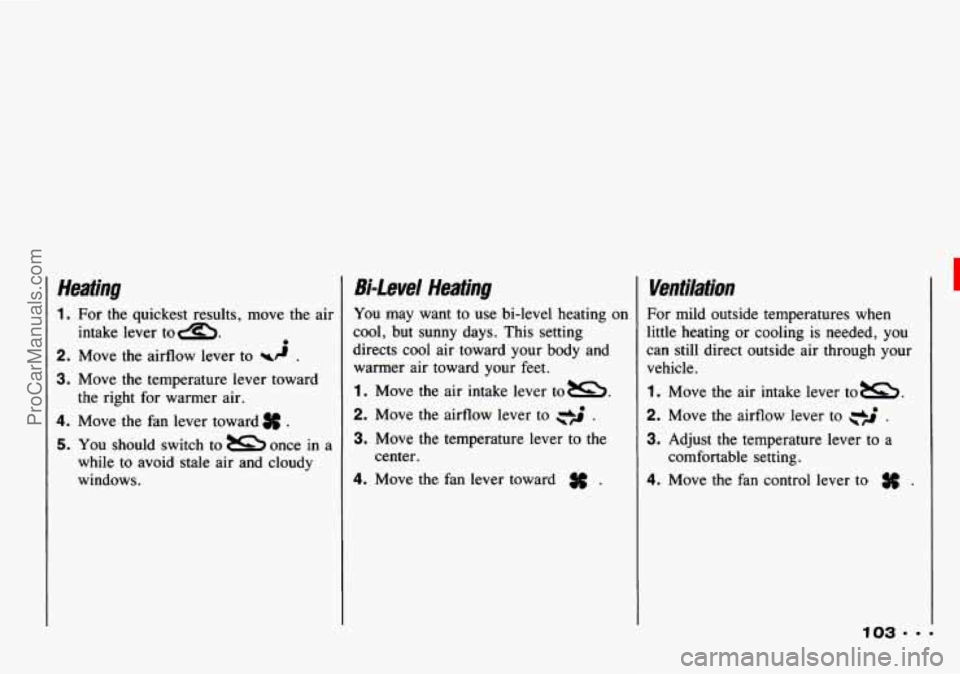
Heating
1. For the quickest results, move the air
2. Move the airflow lever to wd .
3. Move the temperature lever toward
4. Move the fan lever toward # .
5. You should switch to once in a
while to avoid stale air and cloudy
windows. intake
lever
tom. 0
the right for warmer air.
Bi-Level Heating
You may want to use bi-level heating on
cool, but sunny days. This setting
directs cool air toward your body and
warmer air toward your feet.
1. Move the air intake lever tom.
2. Move the airflow lever to .
3. Move the temperature lever to the
4. Move the fan lever toward # .
center.
Ventilation
For mild outside temperatures when
little heating or cooling is needed, you
can still direct outside air through your
vehicle.
1 . Move the air intake lever tom.
2. Move the airflow lever to .
3. Adjust the temperature lever to a
4. Move the fan control lever to .
comfortable setting.
ProCarManuals.com