1993 CHEVROLET CORVETTE lock
[x] Cancel search: lockPage 136 of 370
Downloaded from www.Manualslib.com manuals search engine T
1
P
!
....
Y3080
1 n this part you'll find out how to
operate the comfort control systems
and audio systems offered with your
Corvette. Be sure to read about the
particular system supplied with your
vehicle.
.Co,mfort 'I I
Climate Control ........................................................................\
........................ 136
Automatic Electronic Climate Control .......................................................... 140
Setting the Clock ........................................................................\
...................... 148
AM/FM Stereo with Cassette Player 149
AM/FM Stereo with Cassette Player (Delco-Bose@- Music System) ............. 152
AM/FM Stereo with Cas.sette/CD Player (Delco-Base@ Music System) ...... 155
Care o€Your Cassette Tape Player ................................................................. 160
Care of Your Compact Discs ........................................................................\
.. 160
Power
Antenna Mast Care ........................................................................\
...... 161
4
..............................................................
Understanding Radio Reception .................................................................... 159
Page 138 of 370
Downloaded from www.Manualslib.com manuals search engine i
! I
r I
p"
p"
p" 1 !
F
Heating and VentMion
In these settings, the air conditioner
compressor doesn't
run. Outside air
enters the vehicle as indicated. For each
setting, adjust the temperature control
lever and
-fan speed as desired.
flows through the instrument panel
outlets.
*A (Hwt): .In this setting, most air
flows through heater ducts near the
floor. Some
air will also flow through
the defroster vents.
If your vehicle has an engine block
heater and you use it during cold
weather,
0°F (-18°C) or lower, your
heating system will more quickly
provide ,heat
because the engine coolant
is already warmed. See the Index under
Engine Block Heater.
4
(Vent): In this setting, outside air
Defogging and Defrosting
YoUr vehicle has two settings for
clearing your windows. The-air
conditioner
compressor will run in both
of these settings to remove moisture
from the air when the temperature is
above freezing. For each setting, adjust
the temperature control
lever and fan
speed as desired.
(@ (Defrost): This setting directs
90% of the air through the windshield
defroster vents
and the side window
vents, and 10% though the floor heater
ducts.
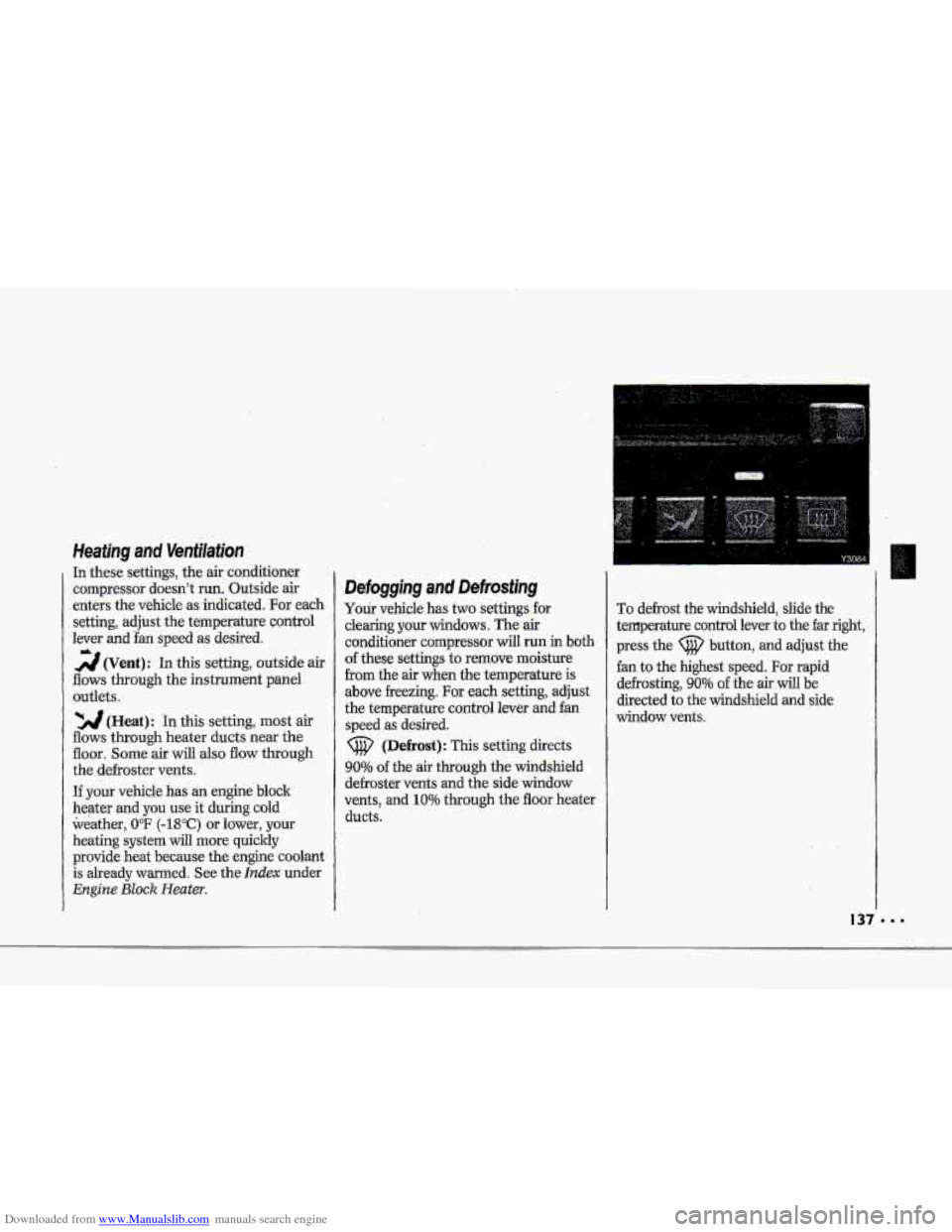
To defrost the windshield, slide the
temperature control lever
to the far right,
press the (@ button, and adjust the
fan to the highest speed.
For rapid
defrosting,
90% of the air will be
directed to the windshield and side
window vents.
Page 142 of 370
Downloaded from www.Manualslib.com manuals search engine 4
$"
i i
I i
?- i
i
i I
r I
r"
!
The outside ternperatufe sensor reading
is filtered (to minimize false readings)
as follows:
If- the outside temperature decreases,
the -&splayed temperature
will update
immediately.
I€- the outside temperature increases
(such as when stopped in traffic), the
displayed temperature will not update
until one
of the following eonditiom
is met:
Vehicle speed is above 25 mph
Vehicle speed 'is above 45 mph
Updates will occur continuously as long
as the vehicle speed remains above
25 mph (40 Wh).
zf the ignition is turned off for more
than three hours, the current outside air
tempepature when the vehicle is restarted
will be stored in the system immediately.
The third sensor
is the in-vehicle
tempefature sensor, located
in-the
center air outlet on the passenger side.
If you block or cover either interior
sensor, the sensor
will give your system
a false reading.
(40 ,nn/h) for at least 3 minutes, or
(72 krn/h) for 1% minutes.
AUTO (Automatic): This system
autmnatically
adjusts to the
temperature range you select.
rt stays
at. this temperature
with the least
possible noise level
and it will select
the best mode (Heater,
Air
Conditioning or Bi-Level) and fm
speed to keep you comfortable. The
fan blower
will vary its speed
automatically unless you ovenide
it
with theVqrAbutton,
1 .I Set the temperature you want with
2. Press AUTO. An indicator light will
3. Press A (Vent) to allow outside. air
the
TEMP SET switch.
glow above
this.hutton.
to
flaw into the vehicle.
d
Page 144 of 370
Downloaded from www.Manualslib.com manuals search engine h
P
To Reset Your System:
1. Turn your ignition.lrey to Off or
Lock.
2. Pull the Courtesy Lights Fuse and
Radio Fuse .out of the- main fuse
panel for
one minute.
3. Put-the fuses back in and start your
vehicle. Your system shuuld be
working.
If you still have a problem,
see your deder,
.For
fuse location, see the Index under
Fuses E. CircuitBreakers and Fuse
.Panel.
Directional Controls
When the €allowing buttons are pressed,
an indicator light.
will glow above .the
button and the fan speed will go to
AUTO 3f unless you select a dBerent
speed. When the system is'changed
€rum
OFF tu any mode, the inside
temperature setting is displayed for
several seconds before the .outside
temperature is again displayed.
& (Maximum A/C): Use for
maximum cooling
or quick cool-down
on very hot days..
This setting will not
operate when outside temperatures are
below
40°F (5°C) I
-2 (Bi-Level): This setting lets air
inte the vehicle only through the
.heater and air conditioner outlets and
brings.the temperature
to the range
you choose. It controls the fan blower
speed by using t-he input signals.
Bi-Level al.so
defogs the side windows,
You can. override the,fan blower speed
by using
the V and A buttons.
a(Vent): In this setting, the
compressor
will not. mn. The-system
will adju-st
to the temperature you
choose, but it cannot cool the vehicle
to a temperature colder than the
outside air temperature, This setting
Page 145 of 370
Downloaded from www.Manualslib.com manuals search engine ...
Comfort Controls & Audio Systems
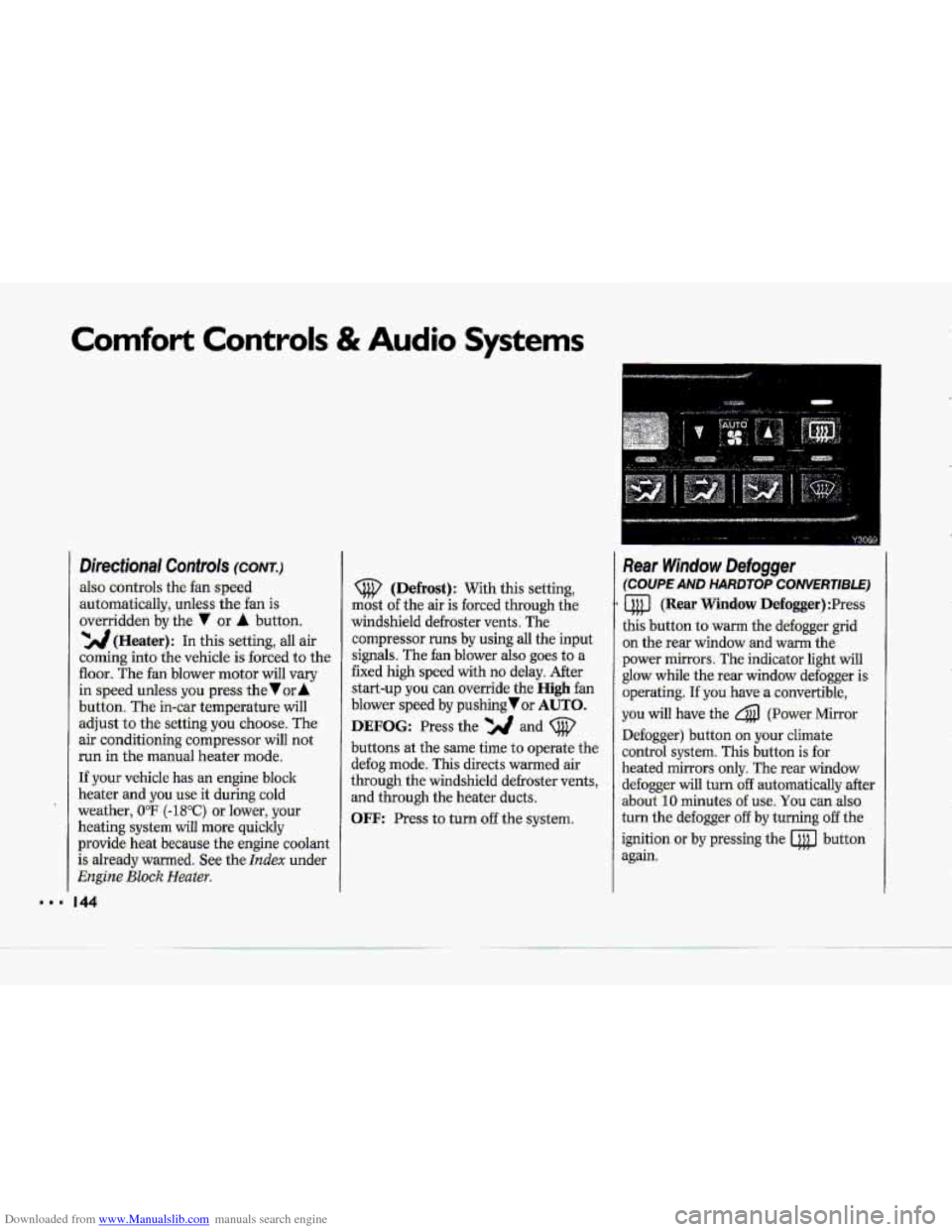
Directional Controls (CONT.)
also controls the fan speed
-automaticallyy, unless the fan is
overridden
by the 7 or A button.
'YJJ(Heater): In this setting, all air
coming into the vehicle. is forced to the
floor. The fan blower motor will vary
in speed unless yowpress the Vur A
button. The in-car temperature will
adjust to the setting you choose. The
air conditioning compressor will not.
run in the manual heater mode.
If .your vehicle has an
engine block
heater
and you.use .it during cold
weather,
UoF (-18°C) or lower, your
heating system will .more quickly
provide heat became the engine coolant
is already warmed. See the
Index under
Engine Bluck Heater.
44
(Defrost): With this setting,
mast
of the air is forced. through the
windshield defroster vents. The
cornpressor
runs by using all the input
signals. The fan blower also .goes to a
fixed
high speed with no delay. After
start-up you can override the High fan
blower speed by pushing or AUTO.
DEFOG: Press the and (@'
buttons at the same time to operate the
defog mode. This directs warmed air
through the windshield defroster
vents,
and through the heater ducts.
OFF: Press to turn off the system.
Rear Window Defogger
(COUPE AND HARDTOP CONVERTlBLE)
a (Rear Window Defogger) :Press
this button to warm the defogger grid
on the rear window and
warm the
power mirrors. The indicator light will
glow while the rear window defogger is
operating.
If you have a convertible,
you. will have the 4 (Power Mirror
Defogger) button .on your climate
control system. This button
is for
heated mirrors only. The -rear window
defogger
will turn:off automatically after.
about
10 minutes. of use, You can also-
turn the defogger
off by turning off the
ignition
or by pressing the @ button
again.
Page 149 of 370
Downloaded from www.Manualslib.com manuals search engine Comfort Controls & Audio Systems
Accessory Wiring Plug (CONTJ
This Wiring Plug has Three Separate
Wires:
The orange wire connects to the
battery.
The pink wire connects to the ignition
(power
is only available in the Run
position).
ground.
The black wire connects to the
When.using $he.accessory wiring
Don't splice wires -directly into
the
accessory plug wire. If done
incmrectly, splicing might cause
damage.to pur electrical system.
The maximum bad dany ' , .
electric,al,equipment..shauld.not
exceed I15 amps, . .
.Be sure to turn off any electricai
equipment when-not-in
use..
Leaving electrical equipment on
€or extended periods ..can drain
your battery.
electrical equipment
you're using
requires frequent connecting and disconnecting. This may
cause
excessive wear on the accessory
plug
and damage your eiectricai
system.
.plug:
Do not use this plug if the
Y3074
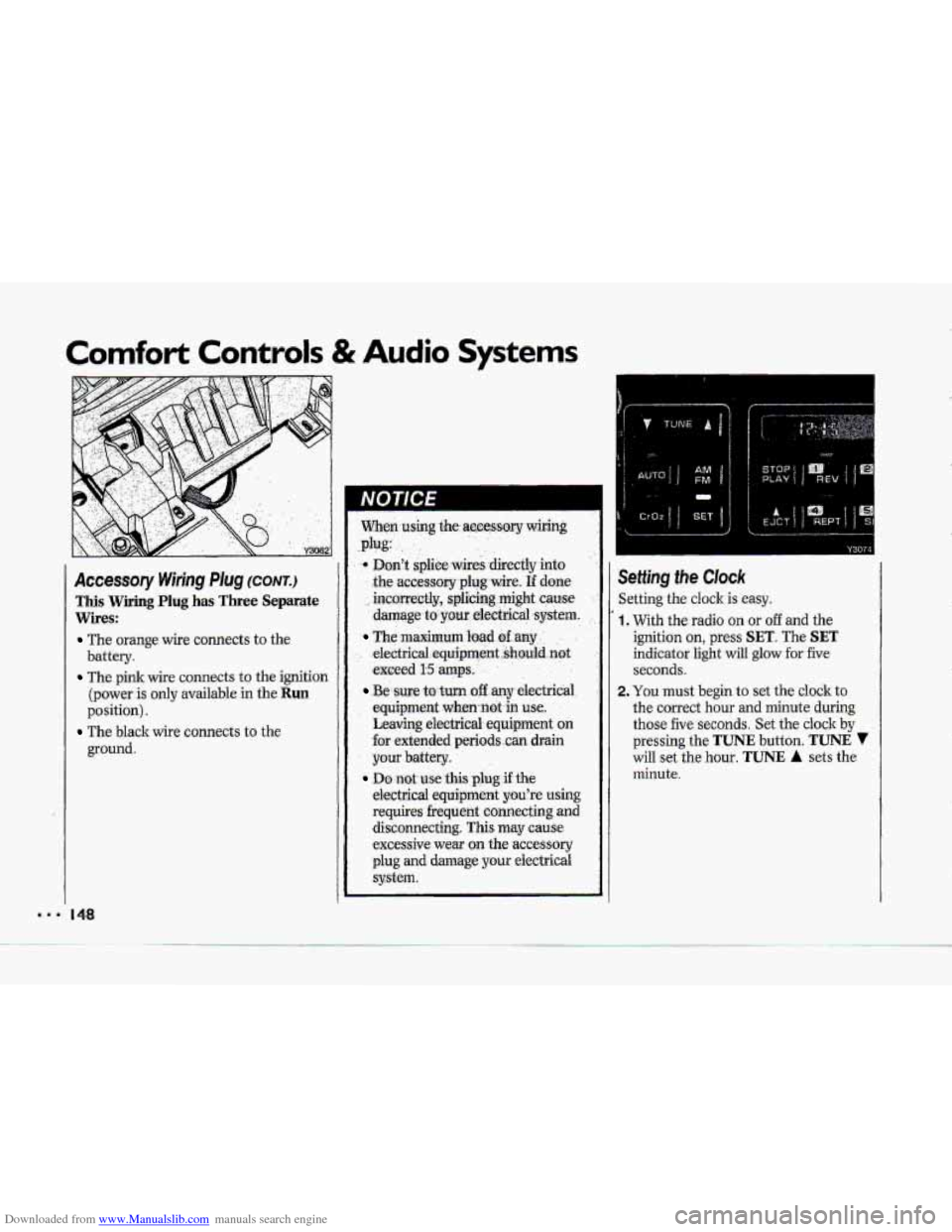
ietting the Clock
ietting the cloclc is easy.
, With the radio on or off and the
ignition on, press
SET. The SET
indicator light will glow for five
seconds.
!. You must begin to set the clock to
the correct hour and minute during
those five seconds. Set the clock
by
pressing the TUNE button. TUNE 7
will set the hour. TUNE A sets the
minute.
Page 150 of 370
Downloaded from www.Manualslib.com manuals search engine P
E""
F
IMjFM Stereo wjth Cassette
'layer
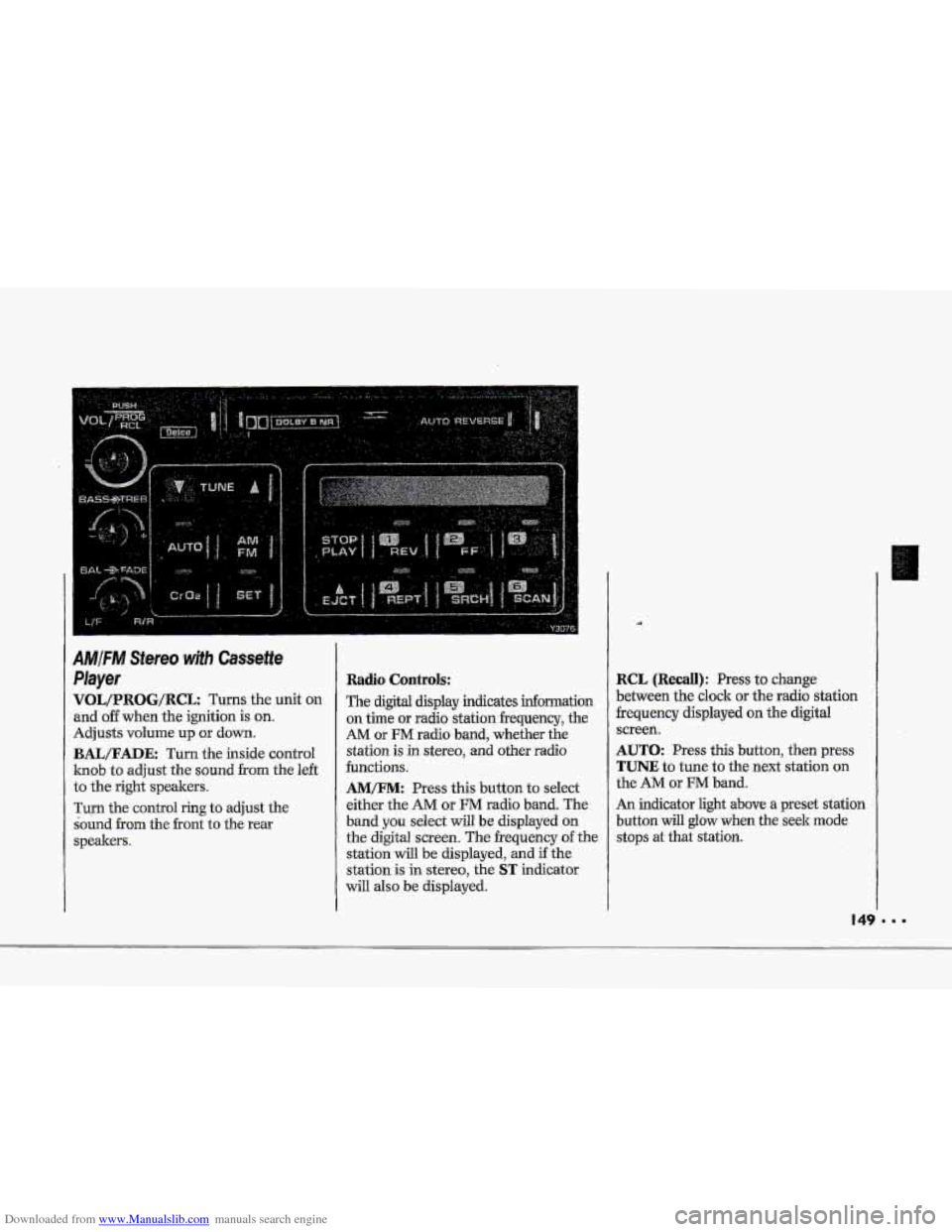
qOL/PROG/RCL Turns the unit on
md off when the ignition is on.
Idjusts volume up or down.
BAIJFADE: Turn the inside control
mob to adjust the sound from the left
:o the right speakers.
rum the control ring to adjust the
bund
from the front to the rear
;peakem.
Radio Controls:
The digital display indicates infomation
on time or radio stationfrequency, the
AM or FM radio band, whether the
station is
in stereo, and other radio
functions.
AMEM: Press this button to select
either the
AM or FM radio band. The
band
you select will be displayed on
the digital screen. The frequency of the
station
will be displayed, and if the
station is in stereo, the
ST indicator
will also be displayed.
RCL (Recall): Press to change
between the clock or the radio station
frequency displayed on the digital
screen.
AUTO: Press this button, then press
TUNE to tune to the next station on
the AM or FM band.
An indicator light above
a preset station
button
will glow when the seek mode
stops at that station.
Page 153 of 370
Downloaded from www.Manualslib.com manuals search engine Comfort Controls & Audio Systems
AMIFIW Stereo wifh Cassette
Player (Delco-Bose@ Music
System)
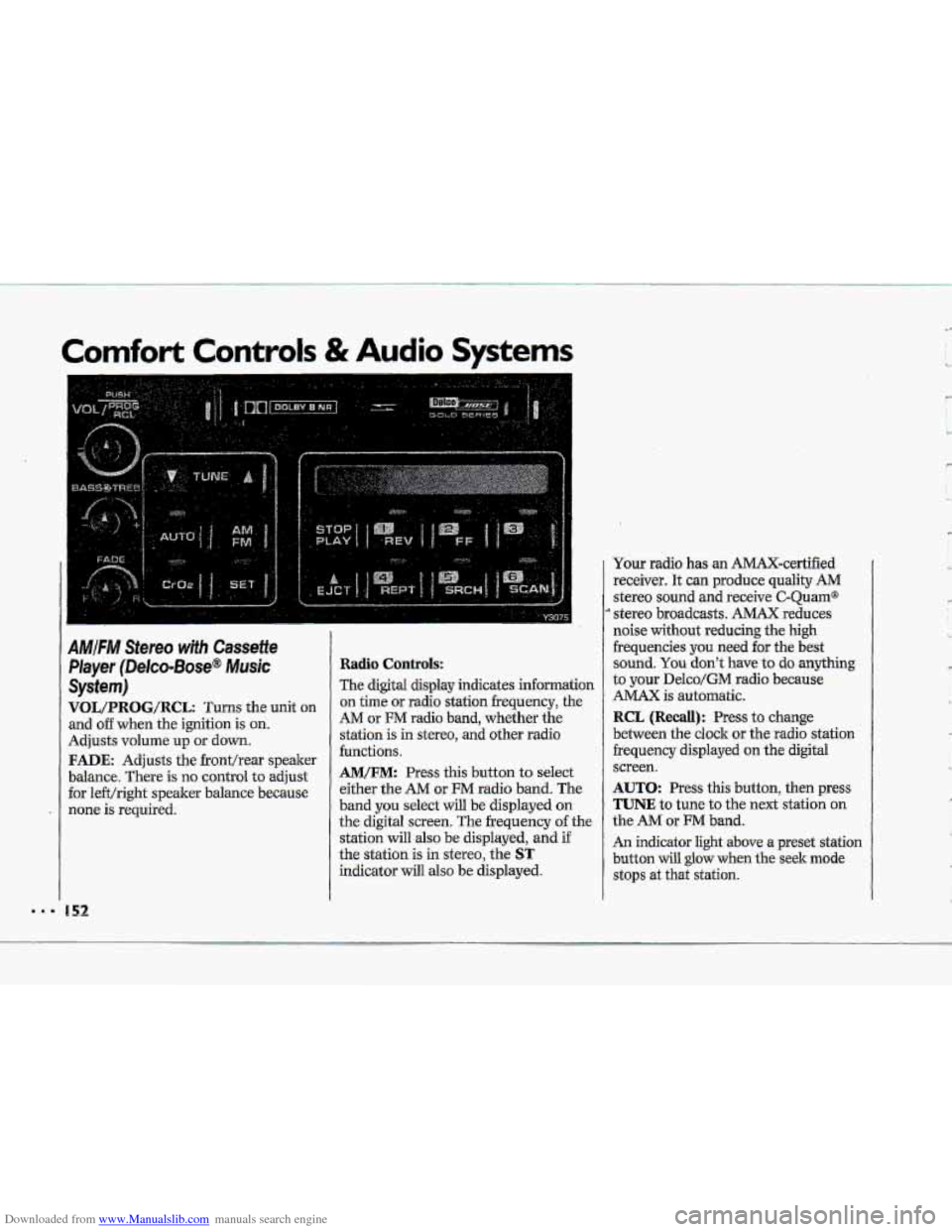
VOL/PRBG/R@L: Turns the unit on
and o€€ when the ignition is on.
Adjusts volume up or down.
FADE: Adjusts the fronthear speaker
balance. There is no control
to adjust
for le€t/right speaker balance because
none is required.
Radio Controls:
The digital display indicates information
on time or radio station frequency, the
AM or FM radio band, whether the
station is in stereo,
and other radio
functions.
AM/FM: Press this button to select
either the
AM or FM radio band. The
band
you select will be displayed on
the digital screen. The frequency of the
station
will also be displayed, and if
the station is in stereo, the
ST
indicator will also be displayed. Your radio
has an AMAX-certified
receiver. It can produce quality
AM
stereo sound and receive C-Quam@
stereo broadcasts. AMAX reduces
noise
without reducing the high
frequencies you
need for the best
sound.
You don't have to do anything
to your Delco/GM radio because
AMAX is automatic.
RCL (Recall): Press to change
between the clock or the radio station
frequency displayed
on the digital
screen.
AUTO: Press this button, then press
TUNE to tune to the next station on
the AM or FM band.
An indicator light above a preset station
button will
glow when the seek mode
stops at that station.
'w
' ,- I
c
L,
R
'k