1993 CHEVROLET CORVETTE lock
[x] Cancel search: lockPage 157 of 370
Downloaded from www.Manualslib.com manuals search engine .I.
Comfort Controls & Audio Systems
AMIFM Stereo with CassettelCD
Player (Delco-Bose@ Music
System) (CONT.)
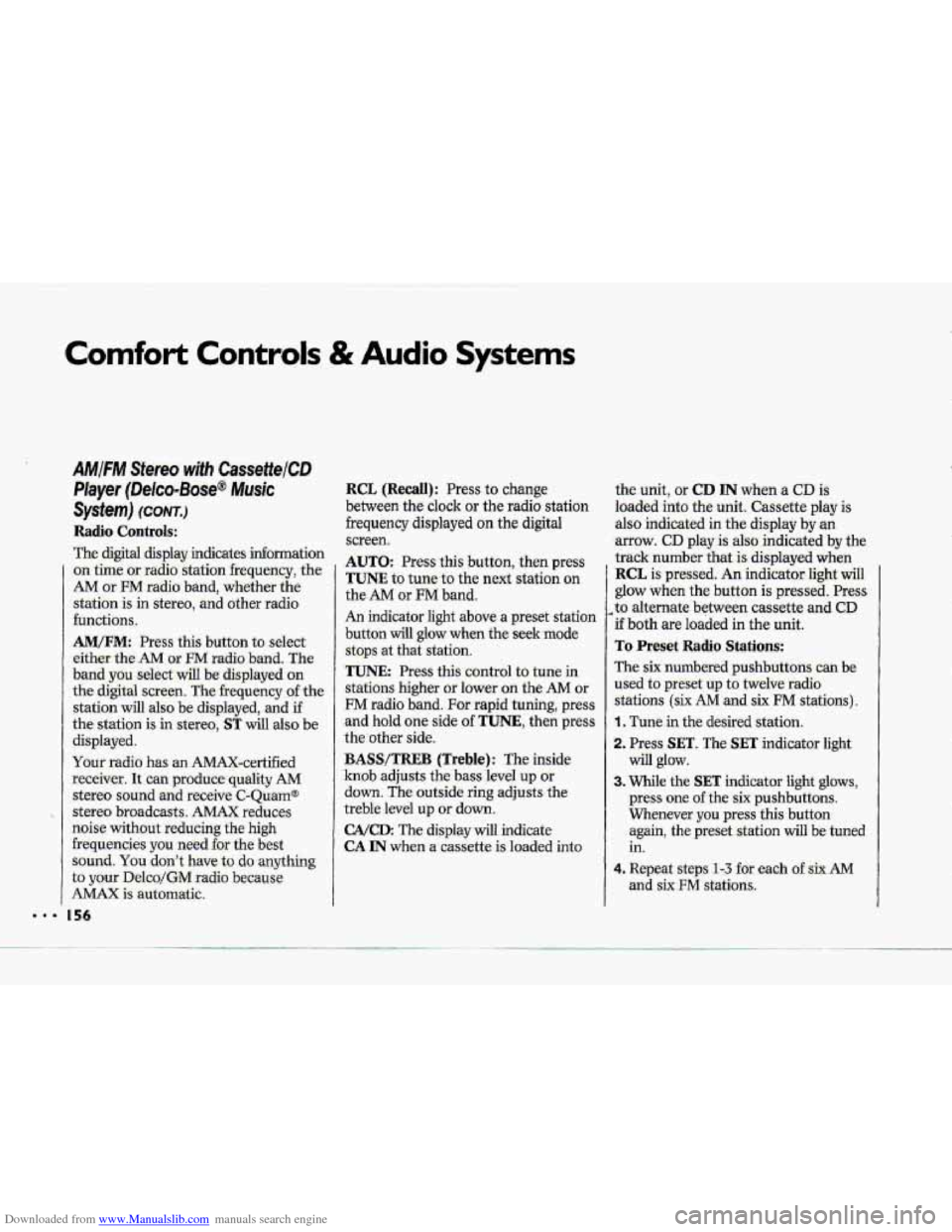
Radio Contro~s:
-The digitd display indicates information
on- time or radio station frequency, the
AM or FM radio- band, whether the
station
is in stereo, and other radio
functions..
AMtFM: Press this button to select
either
-the AM OF FM radio- band. The
band you -select-will be displayed on
the digital screen. The frequency -of the
station will also
be displayed, and if
the station is in. stereo,
ST will-:also be
displayed.
Ywr radio has an AMAX-certified
.receiver. .It can produce quality AM
stereo sound and receive C-Qu.am@
stereo broadcasts. AMAX reduces
noise with0u.t reducing
the high
frequencies. you need
for the best
sound. You don't Jiave,to do anything
to your Delco/GM radio because.
AMAX is automatic.
156
RCL (Recall): Press to change
between the clock or the radio station
frequency displayed
on the digital
screen.
AUTO: Press this button, then press
TUNE to tune to the next station on
the
AM or FM band.
An indicator light above a preset station
b-utton will glow when the seekmode
stops .at that station.
TUNE: Press this control to tune in
stations higher or lower
on the AM or
FM radio band. .For rapid tuning, press
and hold one side of TUNE, then press
the other side.
BASS/TREB (Treble): The inside
knob adjusts the bass level up or
down. The outside ring adjusts the
treble bel up or down,
GA/cD: The .display will indicate
CA IN when a cassette is loaded into the unit, or
CD IN when a CD is
loaded into the unit. Cassette play is
also indicated in
the display by an
arrow. CD play.is also .indicated by the
track number
that is displayed when
RCL is pressed. An indicator light will
glow when the button is pressed. Press
,to alternate between cassette and CD
if both are loaded in the unit.
To Preset Radio Stations:
The six numbered pushbuttons can be.
used to preset up to twelve radio
:stations
(six AM and six FM stations).
1. Tune in the desired station.
-2. Press: SET. The SET indicator light
3. While the SET indicator light glows,
press one of the six pushbuttons.
Whenever
you press this button
again,
the preset station will be tuned
in.
will glow.
4. Repeat steps 1 --? for each o€.sirr AM
Page 164 of 370
Downloaded from www.Manualslib.com manuals search engine R-
Here you'll find .information about
ddvmg on different kinds of ro.ads
and in varying weather conditions.
We've also included many other
useful tips on driving.
Part 4
Your Driving and the Road
Road Signs .. . ... . . . . .. ..... . . ,... . .. . . . .. . _. . . .. . . . . . .+. . . . . . ... . .. .. . . . . . . . . . . ... .. . . . . . . .. . . . . . . ... . .. . .... . . . . 164
Defensive Driving. . .... . . . . . . . .... . . .. . . . . &. . . . .. . ... . . . .. .. . . . . . , . . . . . . . +. . . , . , -. . . . . . . . . . . . . . . . . . . . .*. . .+ ... 168
Drunken Driving . . . . . . . . . -. . . . . . . . . . -. . . . . . . . . . . . . .I +, . , . . *. . . . . , , . . . . . . . . . , . . . . . . . . . . . . . . . . . . . ... . <.. . . . . . . . 169
Control.:of a Vehicle .. . . . . . . . . . .. . . . . . . . . . . . . . . . . . ... . . . . , . . , +. . .. . . . . . . _. . . . . . . *. . .. . . . . . . . . . . . . .. . . ... . .. . .. 17 1
Braking ........................................................................\
................................... 172
hti-Lock Brakes (ABS) ..................~.........,...........................................\
.. '.. 173
ASR (Acceleration Slip Regulation) System .............................................. 175
Steering Tips .. .. . . .. . . ... . . . . . . . . . .. . .. . . . . . . . . . . . . . . . . ._. . . . . . . . . . . . , . . ... . . . . , . . . *. . -, . , , . . . , , , , . . . ... . . , . . 179
Steering in Emergencies .... -. . . ?. . . . . , .. .. .. . . . . . . . . . . ... . . . . . . , . . . . , . . . ... . . .. .. . . . ..-. - ..... ..-. .. . . -180
Driviqp Mght ........................................................................\
......... .....,......... 184
Driving in the kin ..._....,....... .....+... +.... ......... + ................................................. 186
Driving-in Fog, Misl and Haze .... . . ._.._. . . . . . . . . . . . , . . , . . . . . . ... . . .+_. . . . . . . . . . .. . . . . . . . . . . . . . . . . . . 189
City Dnvi~i.lng _._..._.I.._._..__.___ _.___: ... ._ _.__. ............ ... . . ... .. .............. . .... . ........................ 190
-Freeway Dnvang __. . . . .. _._ ._. __. .__ . . . . -. . .. . __._ . . . . . . . . . . . . . . . ... . . . . . . -. . . . . . . . . . . . . . . . . . . . . .. . .. . .-. . ... . . 19 1
Driving a Long Distance ._ ._ _. __._ ._ _._ . . .. . . . . -. . . . . . . . . . . . . . . . . . . . . . . . -. .. . . . -.-._. . . ... . . _. . . . . . .. . . . ... . 193
Hill and hiloramai~ Rmds ........................................................................\
........ 195
Parking on Hills. I..X.1.........__.l.....I..............................................~\
...................... 196
Winter Driving __ ..._.._____... ._. ._ ._. ._. .. . ..... .. . . .. . ... . . . . . . . . . . . .... . . . . . . . . . . . , . , . . . . . . . . . . . . . .... . . . . 198
Passing *I*..* ..................................................................... -: ......... a. ..i;..i.r- .e... ;... 181 7,
2.. .
Page 174 of 370
Downloaded from www.Manualslib.com manuals search engine A,,
“Riding” yom brakes. can
cause them to overheat $u:,~&e
point that they.won’t work well.
You might not be able to-stop .your
vehicle in time -to avoid an accident.
If you “ride” your bides,. they w3’i
get, suhot they :direquire a bt of
pedal force to slow you down.
Avoid “riding” the’brakes.
INoTIcE .
If you keep pace with the traffic and
allow realistic following distances, you
will eliminate a lot of unnecessary
braking. That means better braking and
longer brake
life.
If your engine ever stops while you’re
driving, brake normally but don’t
pump your brakes. If you do, the
pedal may get harder to push down. If
your engine stops, you wilI still have
some power brake assist. But you will
use it when you brake. Once the
power assist is used up, it may take
Homgez ta stop and the brake pedal will
be harder to push.
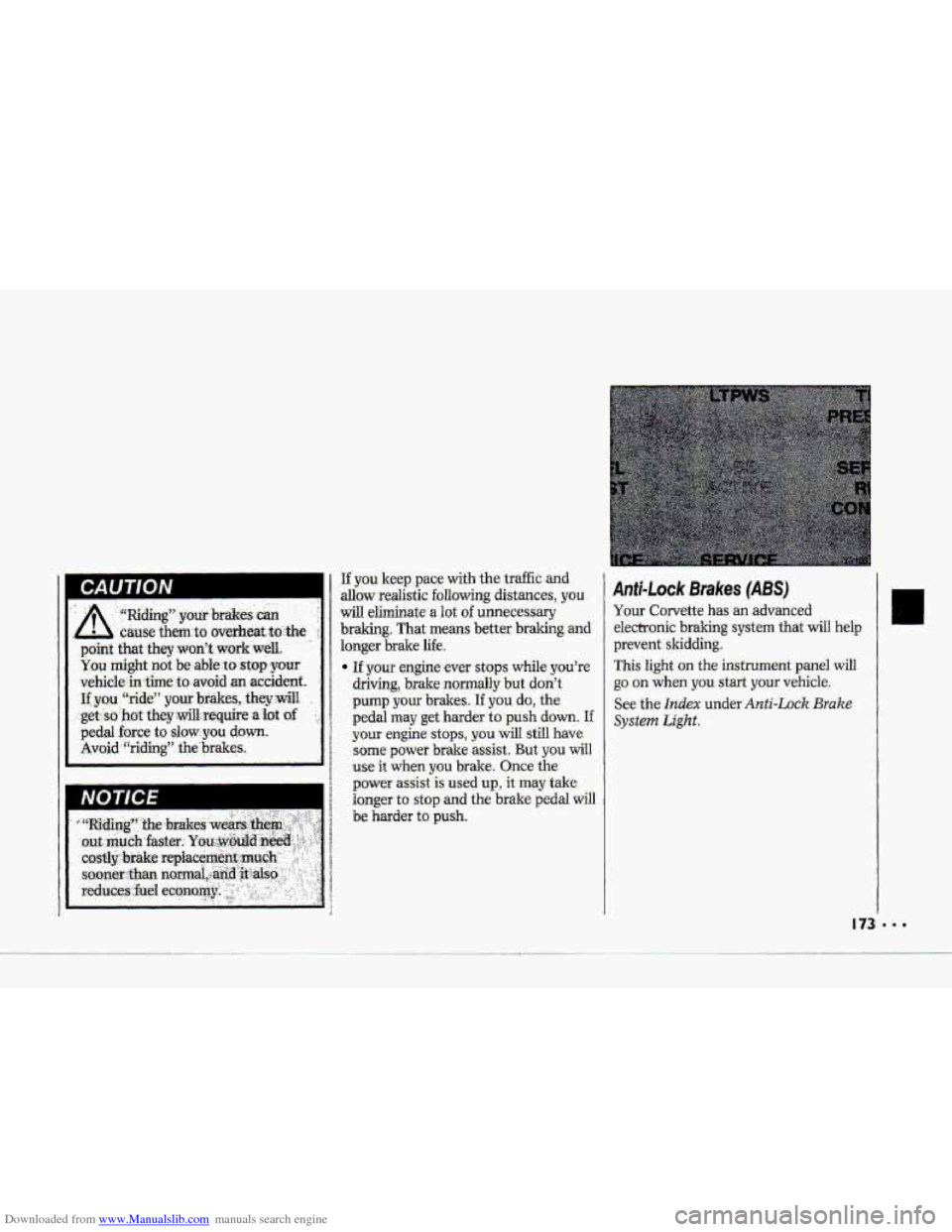
Anti-L~ck Brakes (ABS)
Your Corvette has an advanced
electronic braking system that will help
prevent skidding.
This light on the instrument panel will
go on when you start your vehicle.
See the Index under Anti-Lock Brake
System Light.
Page 175 of 370
Downloaded from www.Manualslib.com manuals search engine Your Driving and the Road
L.l
Anfi-Lock Brakes (CONT.)
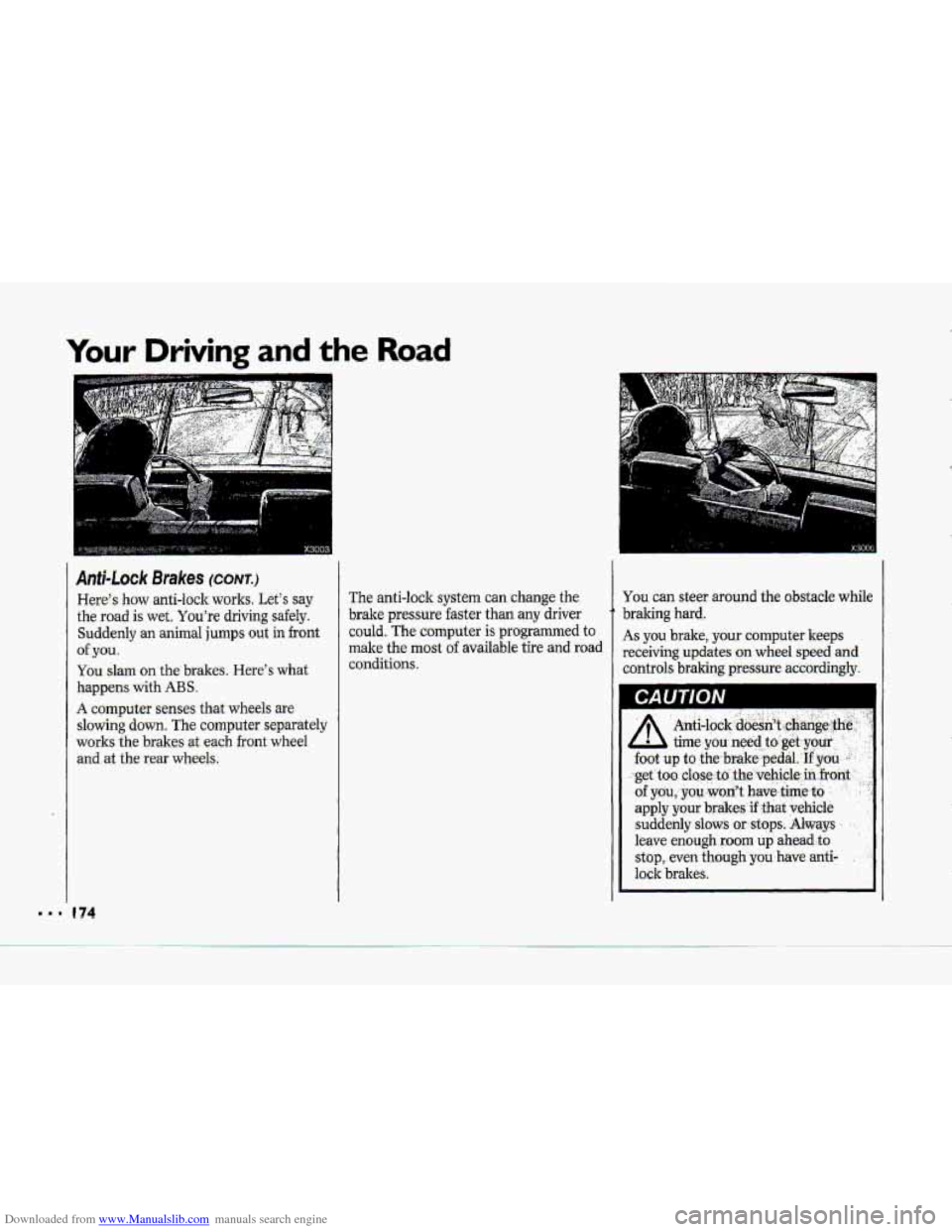
Here's haw anti-lock works. Let's say
the road is wet. You're driving safely.
Suddenly an animal jumps out in front
of ,you.
You slam on the brakes. ,Here's what
happens with ABS .
A computer senses that wheels are
slowing down. The computer separately
works
the brakesat each front wheel
and at the .rear wheels.
e 74
The anti-lock system can change the
brake pressure faster than
any driver
could. The computer
is programmed to
make the most of available tire alid road
conditions.
You can steer around the obstacle while
braking hard.
As you brake, your computer keeps
receiving
updates on wheel speed ad
controls braking pressure accordingly.
CAUTION
Page 176 of 370
Downloaded from www.Manualslib.com manuals search engine P TO Use Anti-L.ock:
Don't pump the brakes. Just hold the
brake pedal downand let anti-lock
work for you. You may feel the brake
pedal
vibrate, or you -may notice some
noise,
but thi.s is normal.
When the ABS is active, the ABS
ACTIVE light- conies on to-indicate luw
traction conditions.
Adjust your -driving
accordingly.
When
you start your vehicle and begin
to drive away, you may hear a
momentary motsr Qr .clicking, noise-and
you. my even notice that, yow bmke
pedd -moves a little while this is going
on.
This is the ABS test-ing itself. You-
may also hear and feel this durihg a
hard stop.
Corvette ASR (Acceleration SIip
R.egulati0.n) System
Yo& vehicle has an ASR system that
limits wheel
spin. This is especially
useful in slippery road conditions. The
ASR system works at all speeds. It
limits
wheel spin by reducing englne
torque
by cLusing the throttle and
managing
sp'ark and .applyiag the rear
brakes. You may €&el the system
working., .or
you may notice some noise,
but this is normal.
Page 179 of 370
Downloaded from www.Manualslib.com manuals search engine --
Your Driving and the Road
Brake Pedal Travel Brake Adjustment
See your dealer if the brake pedal does
not return to normal height, Qr if there
AS you make brake stops, your disc
couid be a sign of brake trouble
is
a rapid- increase in pedal travel. This
brakes automatically adjust .for wear. , .. .
178
Braking In Emergencies
Use your .anti-lock braking system when
you-need to. With,anti-lock, you can
steer and brake at the same time.. In
many.emagencies, steering can help
you more than even the very best
braking;.
Page 181 of 370
Downloaded from www.Manualslib.com manuals search engine ..I
Your Driving and the Road
’I
Steering Tips-Driving on Curves
(CONT.)
Speed limit signs near curves warm that
you should adjust your speed.
Of
course, the posted speeds are based on
good weather and road conditions.
Under less favorable conditions you’ll
want to
go slower.
If you need to reduce your speed as you
approach
a curve, do it before you enter
the curve, while your hont wheels are
straight ahead.
Try
to adjust your speed so you can
Wive” through the curve. Maintain a
reasonable, steady speed. Wait to
accelerate until you are out
of the curve,
and then accelerate gently into the
straightaway.
When you drive into
a curve at night,
it’s harder to see the road ahead
of you
because it bends away
from the straight
beams
of your lights. This is one good
reason to drive slower.
I80
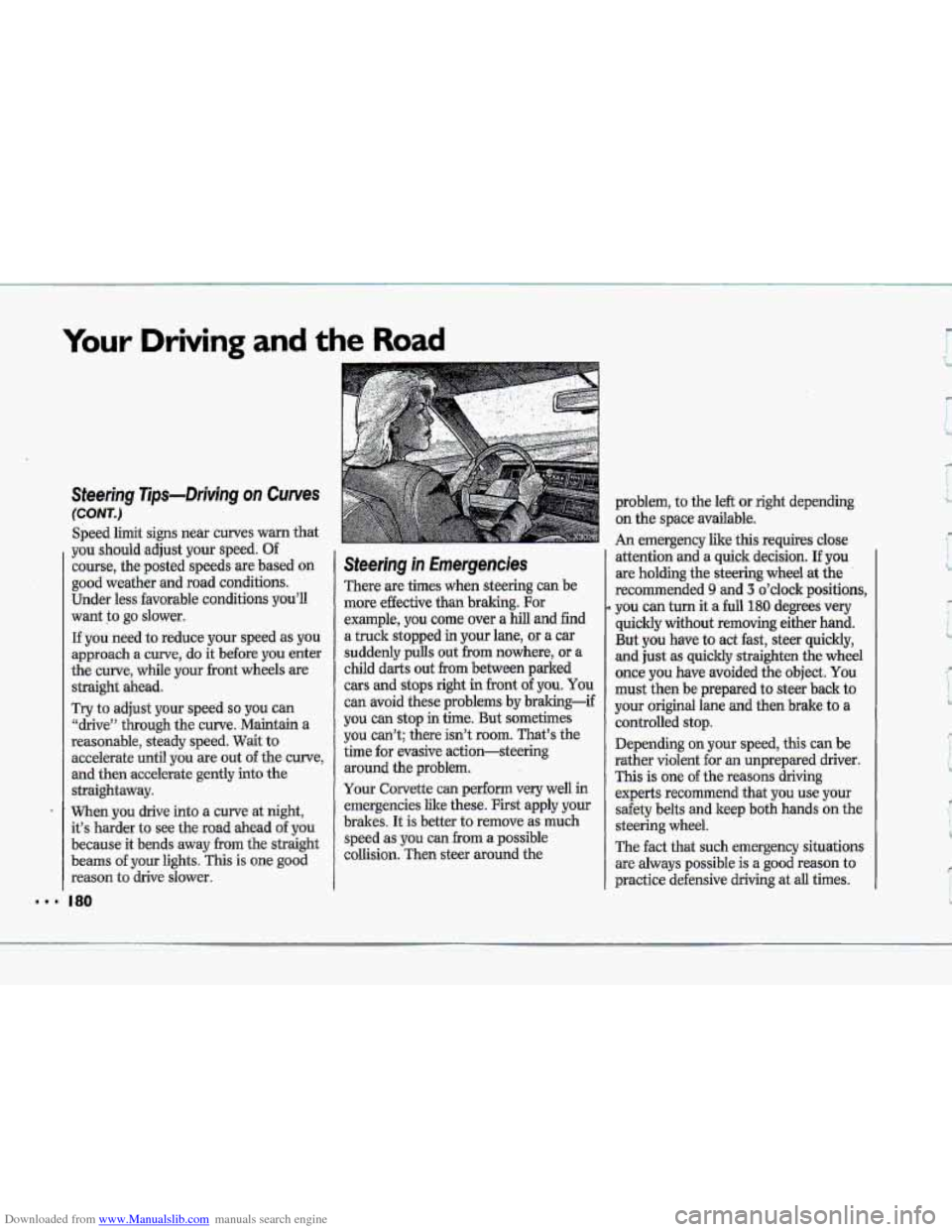
Steering in Emergencies
There are times when steering can be
more effective than braking. For
example,
you come over a hill and find
a truck stopped
in your lane, or a car
suddenly pulls out
€ram nowhere, or a
child darts out from between parked
cars and stops right in front of you. You
can avoid these problems by braking-if
you can stop in time. But sometimes
you can’t; there isn’t
room. That’s the
time for evasive action-steering
around the problem.
Your Corvette
can perform very well in
emergencies like these. First apply your
brakes. It is better
to remove as much
speed as you can
from a possible
collision. Then steer around the
9
problem, to the left or right depending
on the space available.
An emergency like this requires close
attention and a quick decision.
If you
are holding the steering wheel at the
recommended
9 and 3 o’clock positions,
you can turn it a full 180 degrees very
quickly without removing either hand.
But you have to act fast, steer quickly,
and just as quickly straighten the wheel
once
you have avoided the object. You
must then be prepared to steer back to
your original lane and then brake to a
controlled stop.
Depending on your speed, this can be
rather violent for an unprepared driver.
This is one of the reasons driving
experts recommend that you use your
safety belts and keep both hands
on the
steering wheel.
The fact that such emergency situations
are always possible is
a good reason to
practice defensive driving at
all times.
Page 185 of 370
Downloaded from www.Manualslib.com manuals search engine Your Driving and the Road
Skidding (CONT.)
(including engine braking by shifting to
a lower gear). Any sudden change could
cause the tires
to slide. You may not
realize
the surface is slippery until your
vehicle
is skidding. Learn to recognize
warning clues-such as enough water,
ice or packed snow
on the road to make
a ‘‘mirrored surface”-and slow down
when you have any doubt.
Remember: Any anti-lock braking
system
(ABS) helps avoid only the
bralung skid.
Steer the way you want
the vehicle to
go.
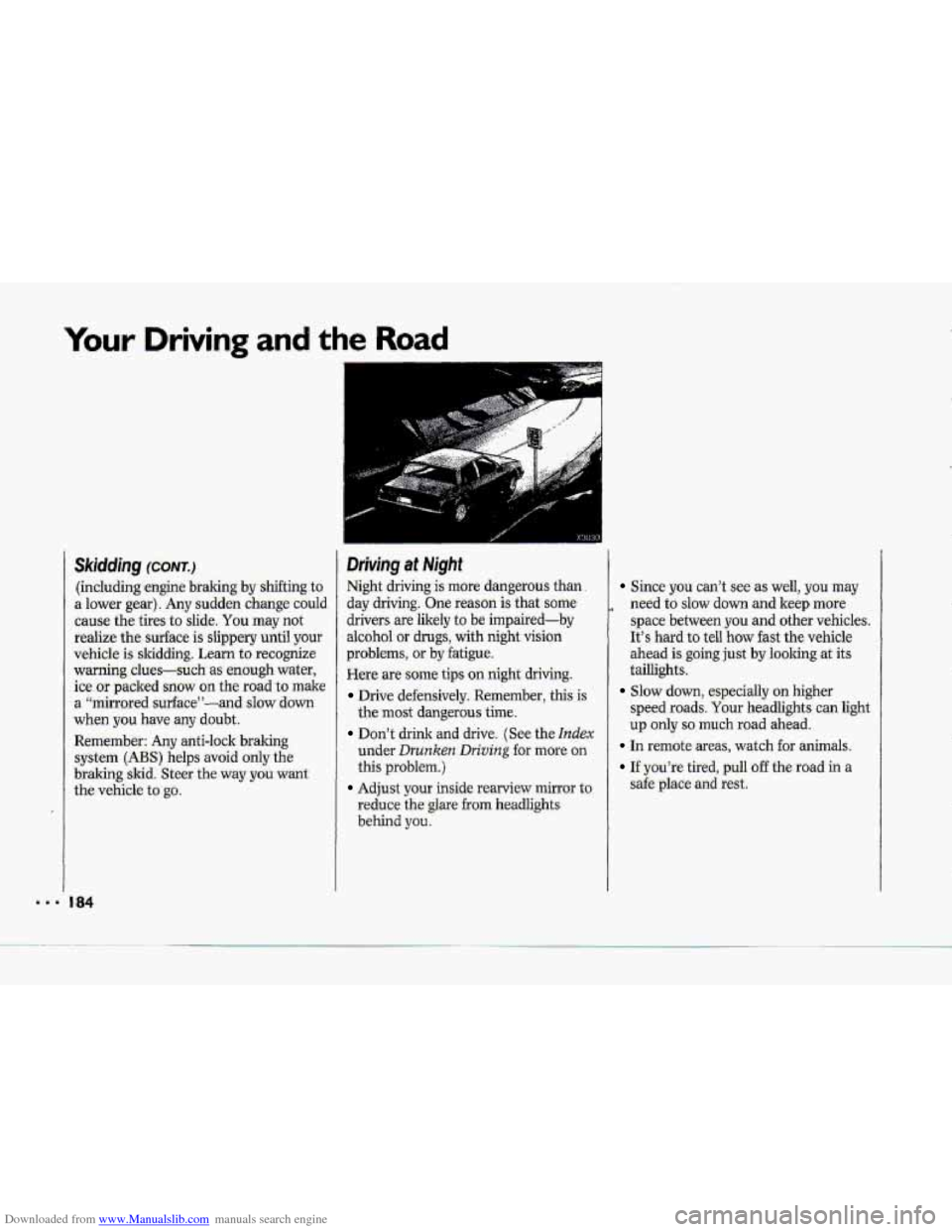
Driving at Night
Night driving is more dangerous than.
day driving. One reason is that some
drivers are likely
to be impaired-by
alcohol or drugs, with night vision
problems, or by fatigue.
Here are some tips
on night driving.
Drive defensively. Remember, this is
the most dangerous time.
Don’t drink and drive. (See the Index
under Drunken Dn’ving for mure on
this problem.)
Adjust your inside rearview mirror to
reduce
the glare from headlights
behind you.
Since you can’t see as well, you may
need
to slow down and keep more
space between you and other vehicles.
It’s hard to teil how fast the vehicle
ahead
is going just by looking at its
taillights.
speed roads. Your headlights can light
up only so much road ahead.
Slow down, especially on higher
In remote areas, watch for animals.
If you’re tired, pull off the road in a
safe place and rest.