1993 CHEVROLET CORVETTE lights
[x] Cancel search: lightsPage 104 of 370
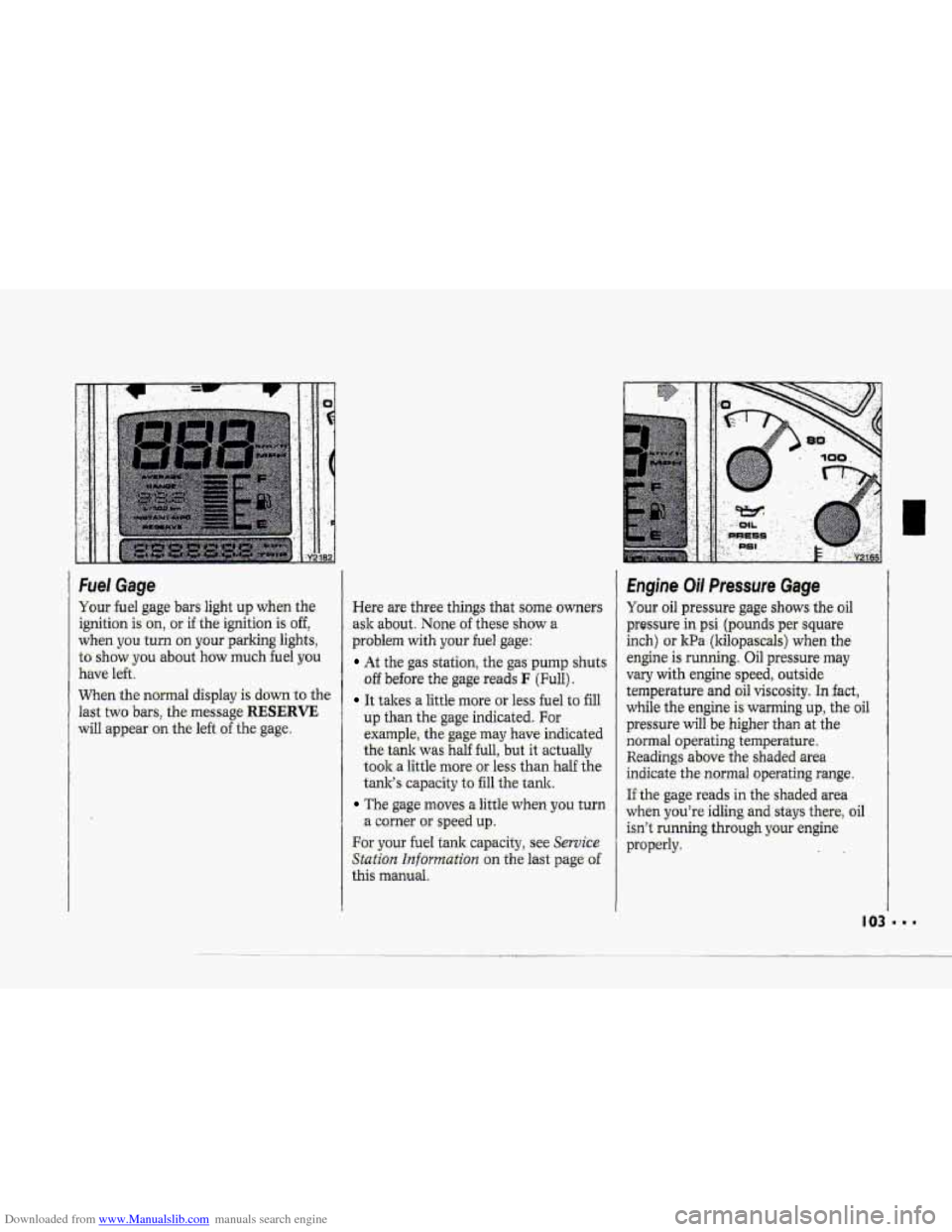
Downloaded from www.Manualslib.com manuals search engine Fuel Gage
Your fuel gage bars light up when the-
ignition ken, -or if the ignition is off,
wken you turn on your.parking lights,
to’ show you about how much fuel you
have left..
When the normal display -is ,down to .the
last
two bars, the message RESERVE
will appear on the left of the-:gag.e.
Here are threethings that some owners
ask about. None of these show a
problem with your bel gage:
At. the gas station, the gas pump shuts
.off be€ore the gage reads F (Full).
It takes a little more or. less fu.el to fill
up than the gage indicated. For
.example., the gage may have. indicated
-t-he tank was half full, but it actually
t0.olr.a 1.ittle more or. less than half the
tanlr’s capacity to ‘fill the tank.
The gage moves a lit& whmyau turn
.a c-arner or spee.d up.
For your fuel tank cap,acity, see Service
Station Information an the last page of-
this manual.
Engine Oil Preesure Gage
Your oil pressure gage shows the oil
pressute .in psi (ptiunds per. s-quare
inch)
or l
vary with engine -speed, outside
temperature and .oil viscosity. In fact,
while the engine Is warmirig tip, the oil
pressure will be higher than at the
:normal operating ternpaature,
Readings ab.ove-.the shaded area
indicate the.,normal operating range.
If.the gage reads in the shaded area
when you’re idling and stays therej oil
isn’t running thrDugh your engine
properly.
Page 112 of 370
Downloaded from www.Manualslib.com manuals search engine hm
TRIP OD0 Press. this button to.
change the odometer. Ee,ading to- a trip
odometer--teading. P1es.s again ta-retm
the display to the odometer reading.,
The trip odometer can be u-sehl to
measure the actual distance you travel
on a trip. TQ -set it to zero, see TRIP
RESET below. The..adometer will.
ihrninate
with the fgni"tion off .and the
parkifig lights on.
TRIP RESET: With TRIP OD0
selected for, dis.play, .p ms ..and hold.the
TRJP button for two seconds to change
the trip odometer ,reading to zero.
ENG MET This batton chaqp the
display from customary .Uaited States
measures. (English) tu Canadian
measures (mettic).
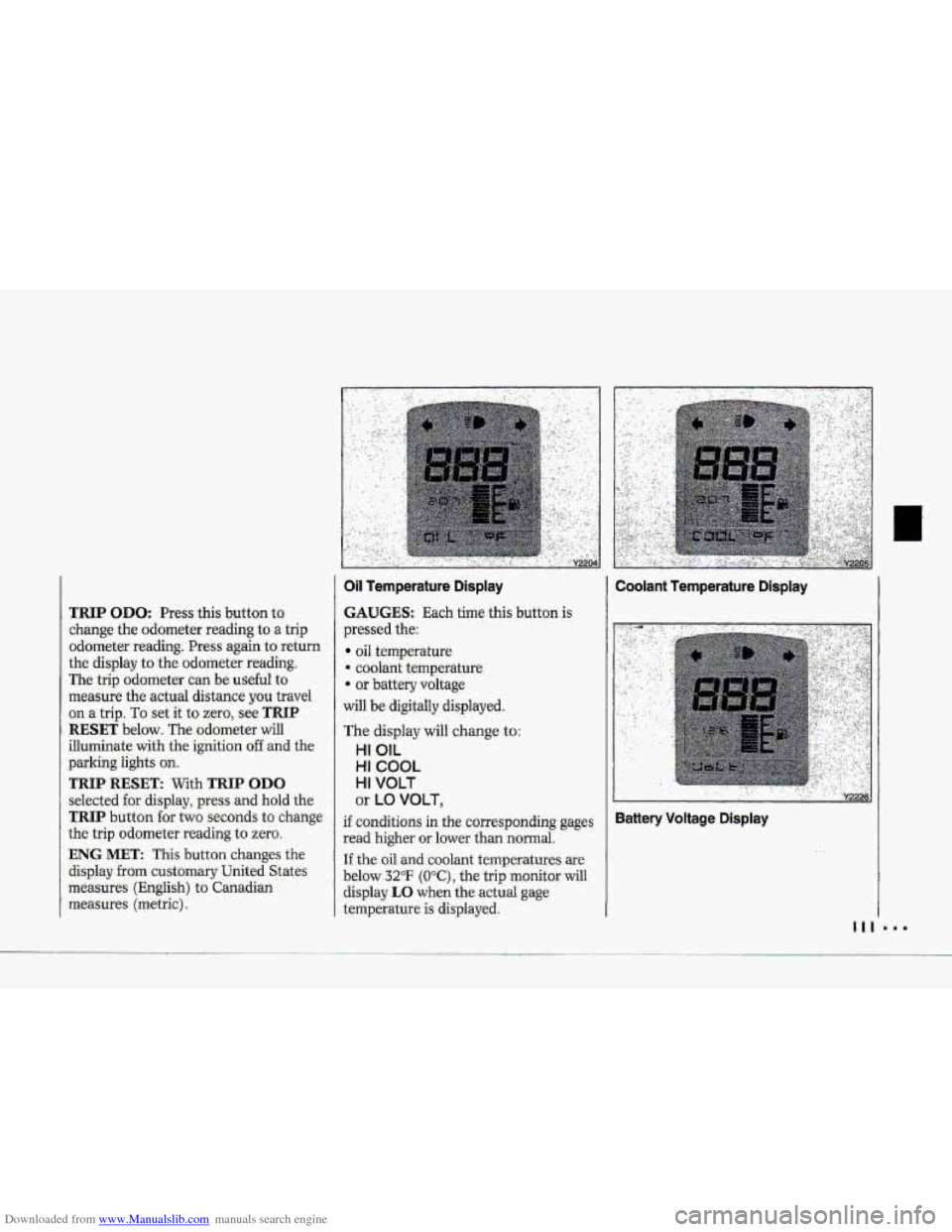
OH femperature Display
GAUGES: E+& time this button is
prwsed the:
oil temperature
-4 coolant temperature.
.- or battery voltage
will be- digitally displayed.
The displey will change to:
HI OIL
HI COUL
HI VOLT
or LO VOLT,
.If conditions in the. c.prresponding gages
read higher or lower th.m normal.
If the oil mdxoolant ternpxatur.e$ arc
below 32°F (O,*C), the trip monitor will
display LO when the,actual gage
ternpiratwe is displayed I
Coolant Temperature Dtsplay
Battery Voltage Displ,ay
Page 113 of 370
Downloaded from www.Manualslib.com manuals search engine Features & Controls
..I I
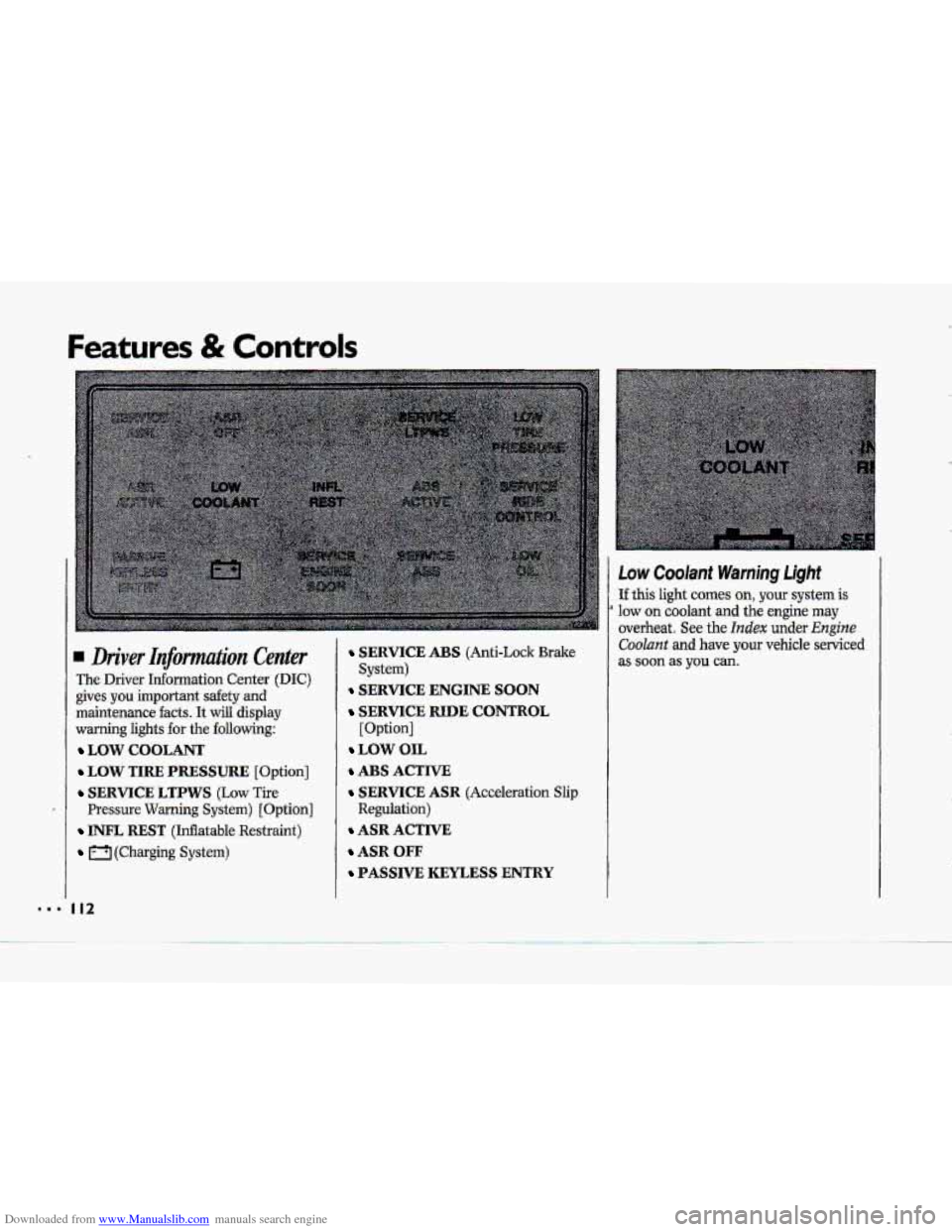
Low Coolant Warning Light
If this light comes on, your system is
overheat. See the Index under Engine
Coolant and have your vehicle serviced
a low on coolant and the engine may
Driver Infomtation Center
The Driver Information Center (DIC)
gives you important safety and
maintenance
facts. It will display
warning lights
€or the following:
LOW COOLANT
LOW TIRE PRESSURE [Option]
SERVICE LTPWS (Low Tire
Pressure Warning System) [Option]
INFL REST (Inflatable Restraint)
(Charging System)
I12
SERVICE ABS (Anti-Lock Brake
SERVICE ENGINE SOON
SERVICE RIDE CONTROL
[Option]
LOW OIL
ABS ACTIVE
SERVICE ASR (Acceleration Slip
Regulation)
ASR ACTIVE
ASR OFF
PASSIVE KEYLESS ENTRY
System) as soon as you can.
Page 116 of 370
Downloaded from www.Manualslib.com manuals search engine ...-
I
I
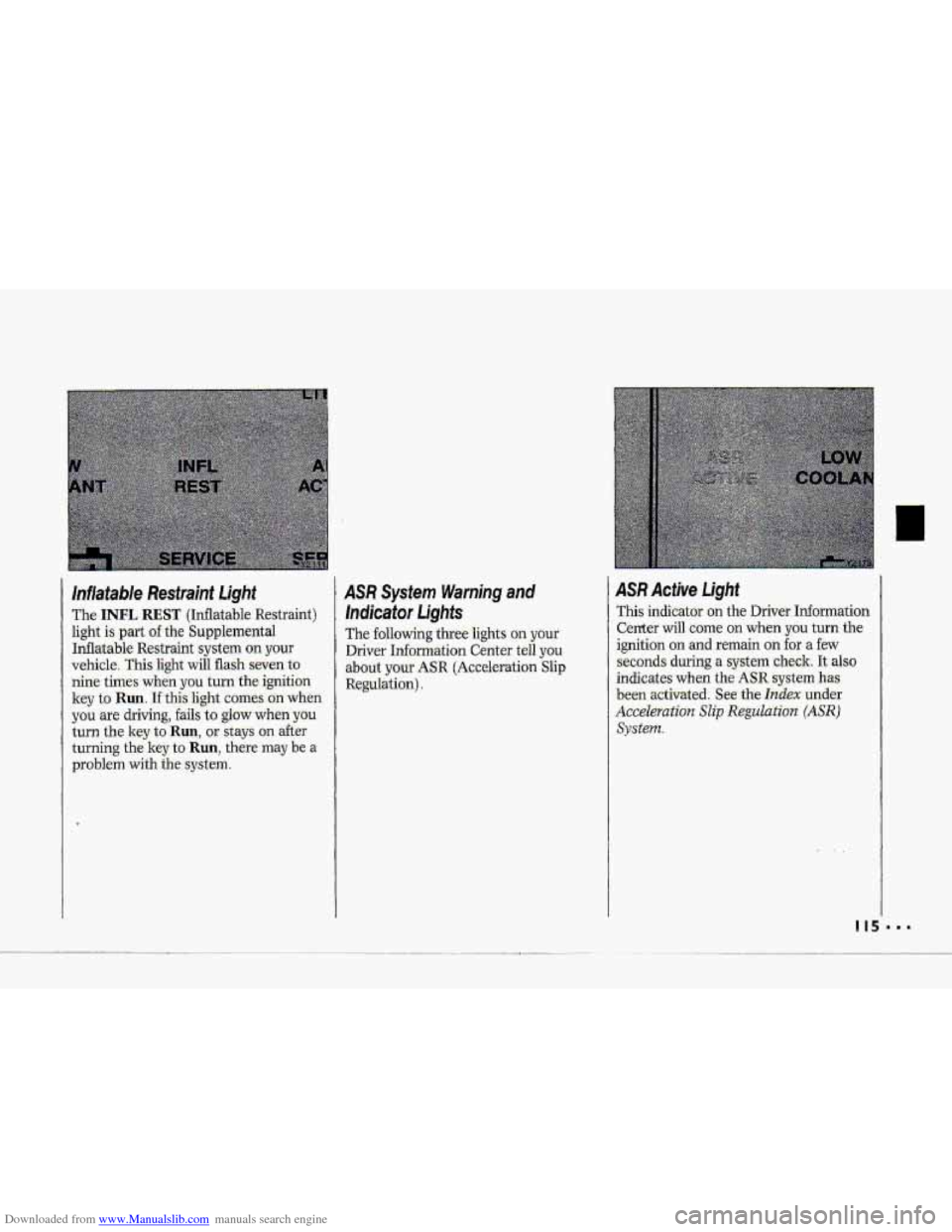
/iflatable Restraint light
The. INFL REST (Inflatable. Re'str'aint)
light
Is part ofthe Supplemental
Inflatable
Restraint system on your
vehicle. This light will flash -seven t,o
hine ti-mes when you turn the ignition
key
to Ruil. If: thklight comes oh.when
you are driving, fails to glow when you
turn the key to Run, or stays on after
turning the key to Run, there may be a
problem with the system.
.ASR System. Warning and
lndicator Lights
The following three 1ights.m your
Driver Information Center tell you
abo.ut your .ASR (Ac.ce1eratio.n Slip
Regulation),
ASR Acfive Light
This indicator on the Driver- Information
Center will
come on when you turn the
ignition
on and remain on for a few
seconds during
a system check. It also
indicates when the ASR system has
been activated. See the Index under
Accel@rution Slip Regulation. (ASR)
System.
Page 144 of 370
Downloaded from www.Manualslib.com manuals search engine h
P
To Reset Your System:
1. Turn your ignition.lrey to Off or
Lock.
2. Pull the Courtesy Lights Fuse and
Radio Fuse .out of the- main fuse
panel for
one minute.
3. Put-the fuses back in and start your
vehicle. Your system shuuld be
working.
If you still have a problem,
see your deder,
.For
fuse location, see the Index under
Fuses E. CircuitBreakers and Fuse
.Panel.
Directional Controls
When the €allowing buttons are pressed,
an indicator light.
will glow above .the
button and the fan speed will go to
AUTO 3f unless you select a dBerent
speed. When the system is'changed
€rum
OFF tu any mode, the inside
temperature setting is displayed for
several seconds before the .outside
temperature is again displayed.
& (Maximum A/C): Use for
maximum cooling
or quick cool-down
on very hot days..
This setting will not
operate when outside temperatures are
below
40°F (5°C) I
-2 (Bi-Level): This setting lets air
inte the vehicle only through the
.heater and air conditioner outlets and
brings.the temperature
to the range
you choose. It controls the fan blower
speed by using t-he input signals.
Bi-Level al.so
defogs the side windows,
You can. override the,fan blower speed
by using
the V and A buttons.
a(Vent): In this setting, the
compressor
will not. mn. The-system
will adju-st
to the temperature you
choose, but it cannot cool the vehicle
to a temperature colder than the
outside air temperature, This setting
Page 167 of 370
Downloaded from www.Manualslib.com manuals search engine Your Driving and the Road
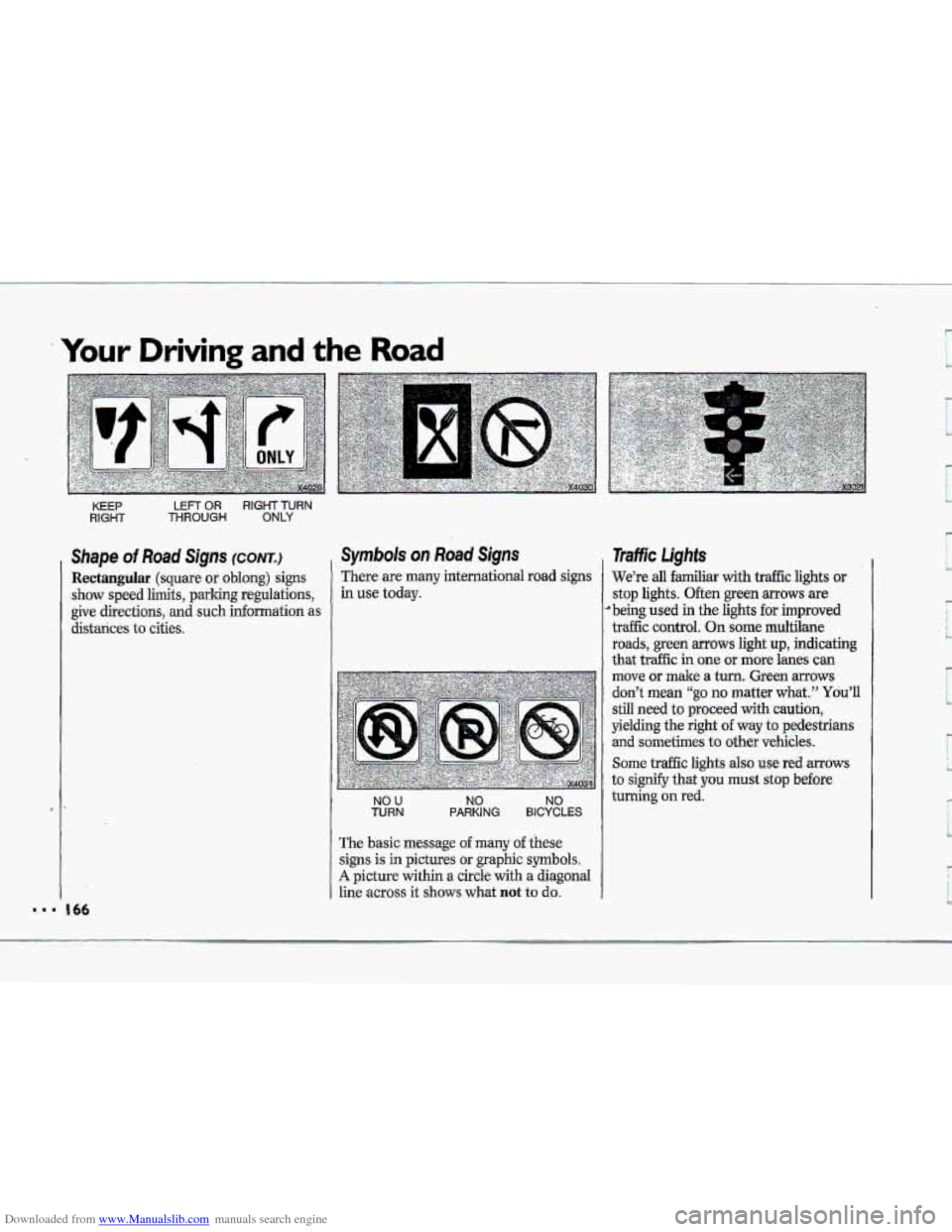
KEEP LEFT OR RIGHT TURN
RIGHT THROUGH ONLY
Shape of Road Signs (CONTJ
Rectangular (square or oblong) signs
show speed limits, parking regulations,
give directions, and such information as
distances
to cities.
Symbols on Road Signs
There are many international road signs
in use today.
NO U TURN NO NO PARKING BICYCLES
The basic message o€ many of these
signs is in pictures or graphic symbols.
A picture within a circle with a diagonal
line
across it shows what not to do.
1
Traffic Lights
We’re all familiar with traffic lights or
stop lights. Often green arrows are
’being used in the lights for improved
traffic control.
On some multilane
roads, green
arrows light up, indicating
that traffic in one or more lanes can
move
or make a turn. Green mows
don’t mean “go no matter what.” You’ll
still need to proceed with caution,
yielding the right of way to pedestrians
and sometimes to other vehicles.
Some traffic lights also use red arrows
to signify that you must stop before
turning on red.
Page 168 of 370
Downloaded from www.Manualslib.com manuals search engine c
R
II
I
1 .---
I I
1
,, -' , . x3022
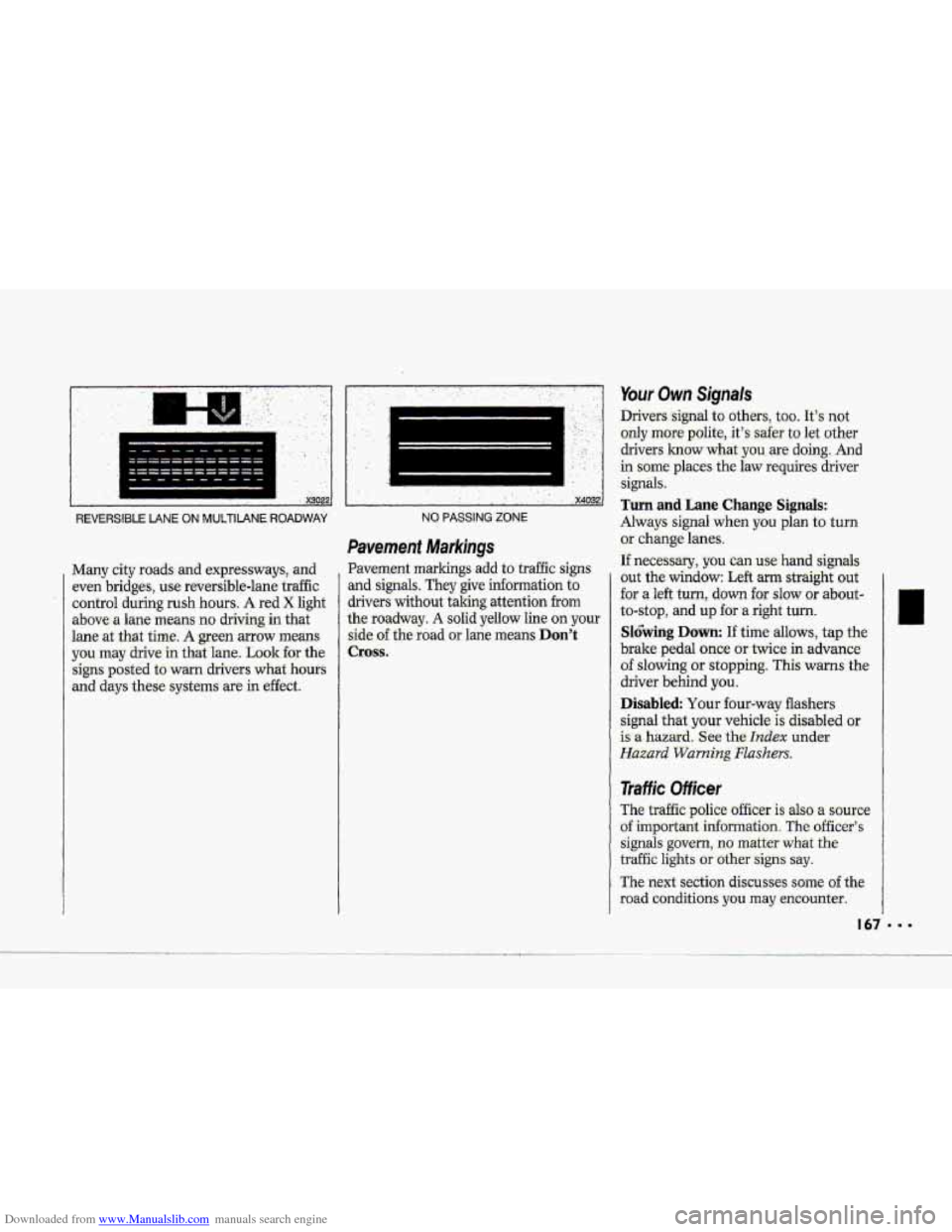
REVERSIBLE LANE ON MUlTIIANE ROADWAY
Many city roads: and expressways, and
even bridges, use reuersible-lane traffic
control during
rush hours. A red X light
above- a lane means no driving in that
lane
at .that time. A green mow means
you may drive in that lane. Look €or the
signs posted to warn drivers
what hours
and days these = ,-.. systems are in effect.
.. ........... ........................ ... ,. ., ,. . ... . ' .' '. , ..
! ' x4032
NO PASSING ZONE
Pavement Markings
Pavement markings add to traffic signs
and signals. They give information to
drivers without iaking attention
from
the roadway. A solid yellow line on your
side of the road or lane means Don't
Cross.
Your Own Signals
Drivers -signal to other.s, too. It's not
only more polite.,. it's safer to let other
drivers
1mow what-you are doing-. And
in some' places the law requires driver
signals:
Turn and Lane Change Signals:
Always signal when you plan to turn
or .change lanes.
If neces-ssary, you can use hand signals
out the window: Left arm straight out
'for a left turn, down for slow :or about-
to-stop, and up for .a right turn.
Sl6bing Down: If time allows, tap the
brake pedal once or twice in advance.
of slowing or stopping. This warns the
driver behind
you.
Disabled Your four-wtiy flashers
signal
that. your vehicle is disabled or
is a hazard. See the hdex under
Hazard Warning Flashers.
Traffic Officer
The traffic police officer is also a source
of important information The officer's
signals govern, no matter what the
traffic lights or othersigns say.
The next section discusses some of the
road conditions you may encounter.
Page 181 of 370
Downloaded from www.Manualslib.com manuals search engine ..I
Your Driving and the Road
’I
Steering Tips-Driving on Curves
(CONT.)
Speed limit signs near curves warm that
you should adjust your speed.
Of
course, the posted speeds are based on
good weather and road conditions.
Under less favorable conditions you’ll
want to
go slower.
If you need to reduce your speed as you
approach
a curve, do it before you enter
the curve, while your hont wheels are
straight ahead.
Try
to adjust your speed so you can
Wive” through the curve. Maintain a
reasonable, steady speed. Wait to
accelerate until you are out
of the curve,
and then accelerate gently into the
straightaway.
When you drive into
a curve at night,
it’s harder to see the road ahead
of you
because it bends away
from the straight
beams
of your lights. This is one good
reason to drive slower.
I80
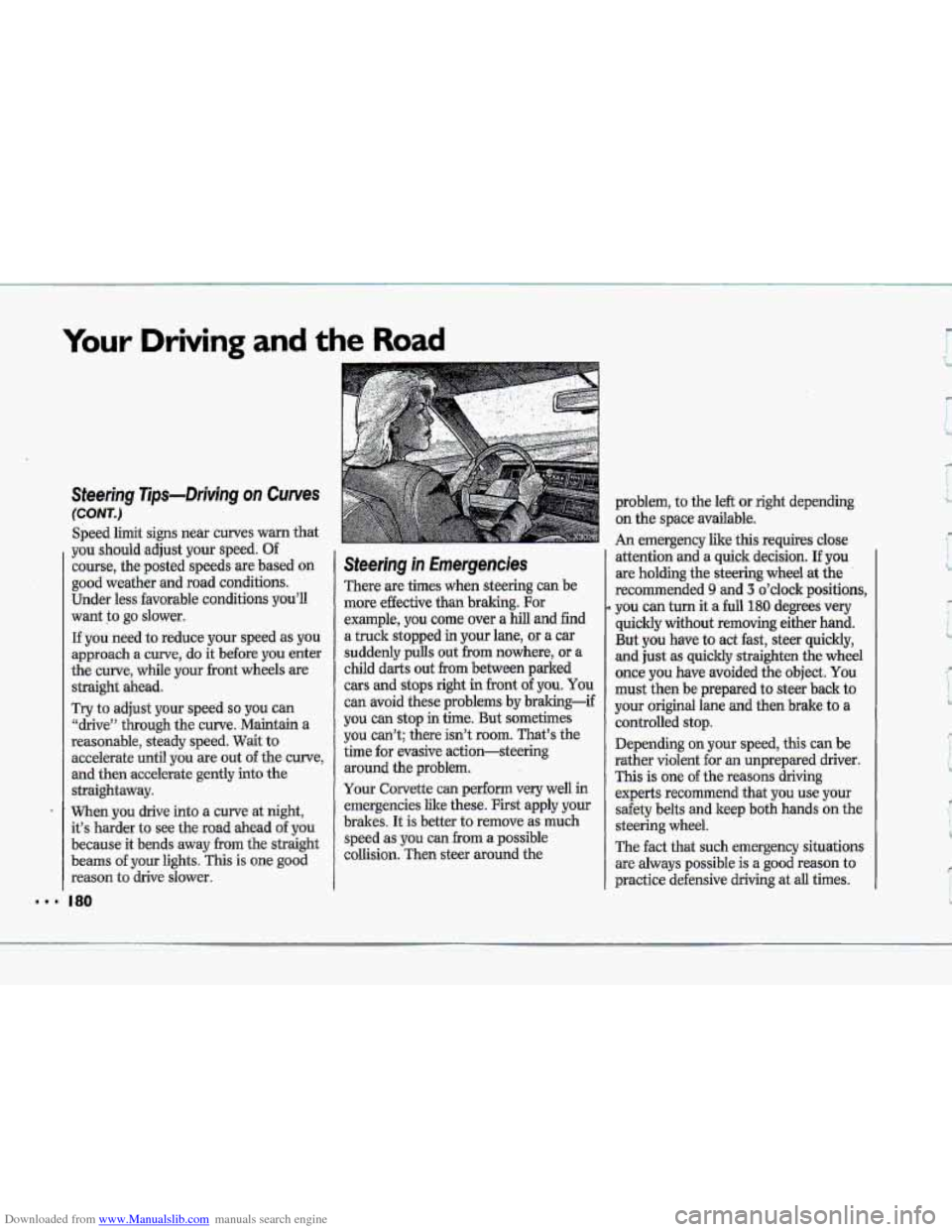
Steering in Emergencies
There are times when steering can be
more effective than braking. For
example,
you come over a hill and find
a truck stopped
in your lane, or a car
suddenly pulls out
€ram nowhere, or a
child darts out from between parked
cars and stops right in front of you. You
can avoid these problems by braking-if
you can stop in time. But sometimes
you can’t; there isn’t
room. That’s the
time for evasive action-steering
around the problem.
Your Corvette
can perform very well in
emergencies like these. First apply your
brakes. It is better
to remove as much
speed as you can
from a possible
collision. Then steer around the
9
problem, to the left or right depending
on the space available.
An emergency like this requires close
attention and a quick decision.
If you
are holding the steering wheel at the
recommended
9 and 3 o’clock positions,
you can turn it a full 180 degrees very
quickly without removing either hand.
But you have to act fast, steer quickly,
and just as quickly straighten the wheel
once
you have avoided the object. You
must then be prepared to steer back to
your original lane and then brake to a
controlled stop.
Depending on your speed, this can be
rather violent for an unprepared driver.
This is one of the reasons driving
experts recommend that you use your
safety belts and keep both hands
on the
steering wheel.
The fact that such emergency situations
are always possible is
a good reason to
practice defensive driving at
all times.