Page 90 of 370
Downloaded from www.Manualslib.com manuals search engine ... 4
Acceleration Slip Regulation
(ASR) System
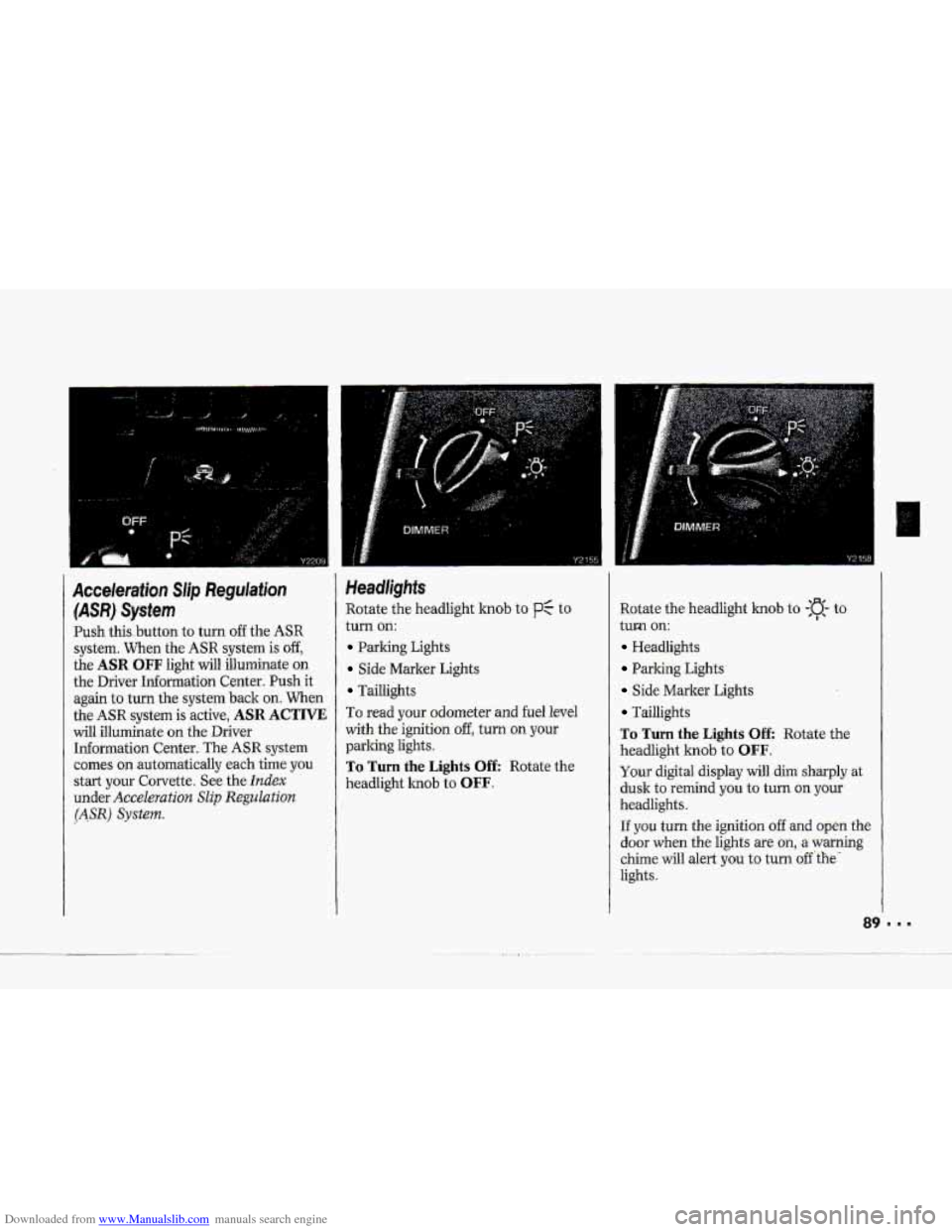
Push this .button to turn off the ASR
system. When the ASR system is off,
the ASR OFF light will illuminate on
the Driver Information Center. Push it
again to turn
the system back on. When
the ASR system is active, ASR ACTIVE
will illuminate on the Driver
Information Center. The ASR system
comes
on automatically each time you
start your Corvette. See the
Index
under Acceleration Slip Regulation
(ASR) System.
Headlights
Rotate the headlight knob to p: to
turn
on:
Parking Lights
Side Marker Lights
Tadlights
To read your odometer and
fuel level
with
the ignition off, turn on your
parking lights.
To Turn the Lights Off: Rotate the
headlight
knob to OFF.
Rotate the headlight knob to -:a- to
turm
on:
Headlights
Parking Lights
Side Marker Lights
Taillights
To Turn the Lights Off: Rotate the
headlight
knob to OFF.
Your digital display will dim sharply at
dusk to remind you to turn on your
headlights.
If you turn the ignition of€ and open the
door when the lights are on, a warning
chime will alert
you to turn off 'the'
lights.
Page 91 of 370

Downloaded from www.Manualslib.com manuals search engine us.
Features & Controls
Operation of Lights
Although your vehicle’s lighting system
(headlamps, parking lamps,
fog lamps,
side marker lamps and taillamps) meets
all applicable federal lighting
requirements, certain states
and
provinces may apply their own lighting
regulations that may require special
attention before
you operate these
lamps. For exampk, some jurisdictions
may require
that you operate your lower
beam lamps with fog lamps at all times,
or that headlamps be turned on
whenever
you must use your windshield
wipers. In addition, most jurisdictions
prohibit driving solely
with parking
lamps, especially at dawn or dusk It is
recommended that you check with your
own state or provincial highway
authority
for applicable lighting
regulations.
?O
Concealed Headlights
The headlights of your vehicle are
concealed behind protective doors. The
doors open when the headlights are
turned
on.
Do not force the doors open or closed.
To open them manually, turn the
manual hob
on the inside of each
headlight assembly countercloclnvise
until the doors are open.
Daytime Running Lights
(CANADA ONLY)
, The Canadian Federal Government has
decided that Daytime Running Lights
(Dm) are a useful feature, in that DRL
can make your vehicle more visible to
pedestrians and other drivers during
daylight hours.
DRL are required on
new vehicles sold in Canada,
Your
DRL work with a light sensor on
tap of the instrument panel. Don’t
1 come
cover
it
up.
Both front turn. signal lightswil
on in daylight when:
The ignition is on
The headlight switch.is &,-and
The parking brake is released.
Page 92 of 370
Downloaded from www.Manualslib.com manuals search engine P
I
P
At dusk, the exterior lights will come on
automatically and both front turn 9ignal
lights
will go out. At dawn, the exterior
lights will
go out and both front turn
signal lights
will come on (if the
headlight switch is
off).
Of course, you may still turn on the
headlights any time you need to.
To idle your vehicle with the DRL off,
set the parking brake while the ignition
is in the Off or Lock position. Then
start the vehicle. The DRL will stay off
until you release the parking brake.
Changer
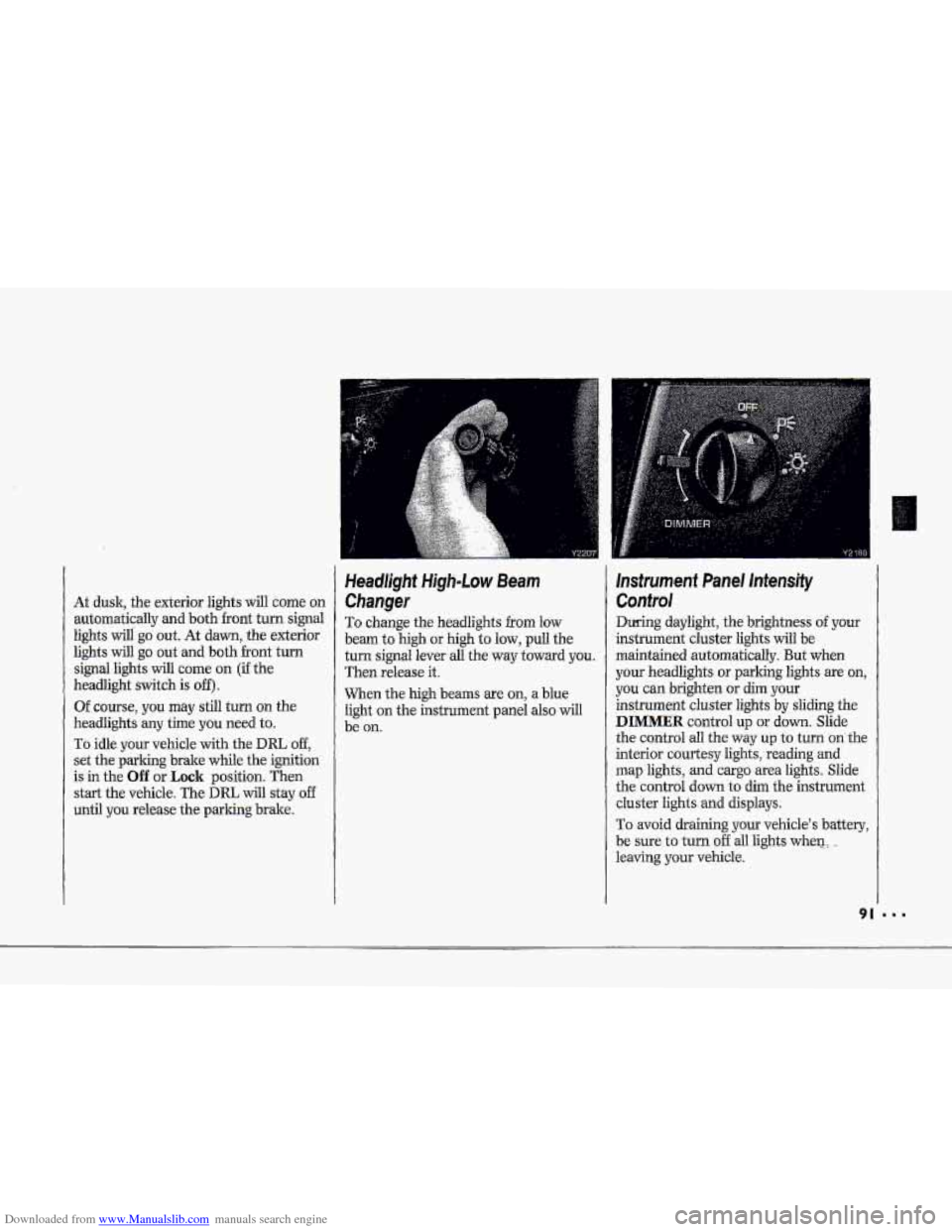
To change the headlights from low
beam to
high or high to low, pull the
turn signal lever all the
way toward you.
Then release it.
When the
high beams are on, a blue
light
on the instrument panel also will
be
on.
Instrument Panel Intensity
Confro!
During daylight, the brightness of your
instrument cluster lights will be
maintained automatically. But when
your headlights or parking lights are on,
you can brighten or dim your
instrument cluster lights by
sliding the
DIMMER control up or down. Slide
the control all
the way up to turn on the
interim courtesy lights,
reading and
map lights, and cargo area lights. Slide
the control
down to dim the instrument
cluster lights and displays.
To avoid draining.your vehicle's battery,
be sure to turn off all lights when.:. -
leaving your vehicleA
Page 93 of 370
Downloaded from www.Manualslib.com manuals search engine Features & Controls
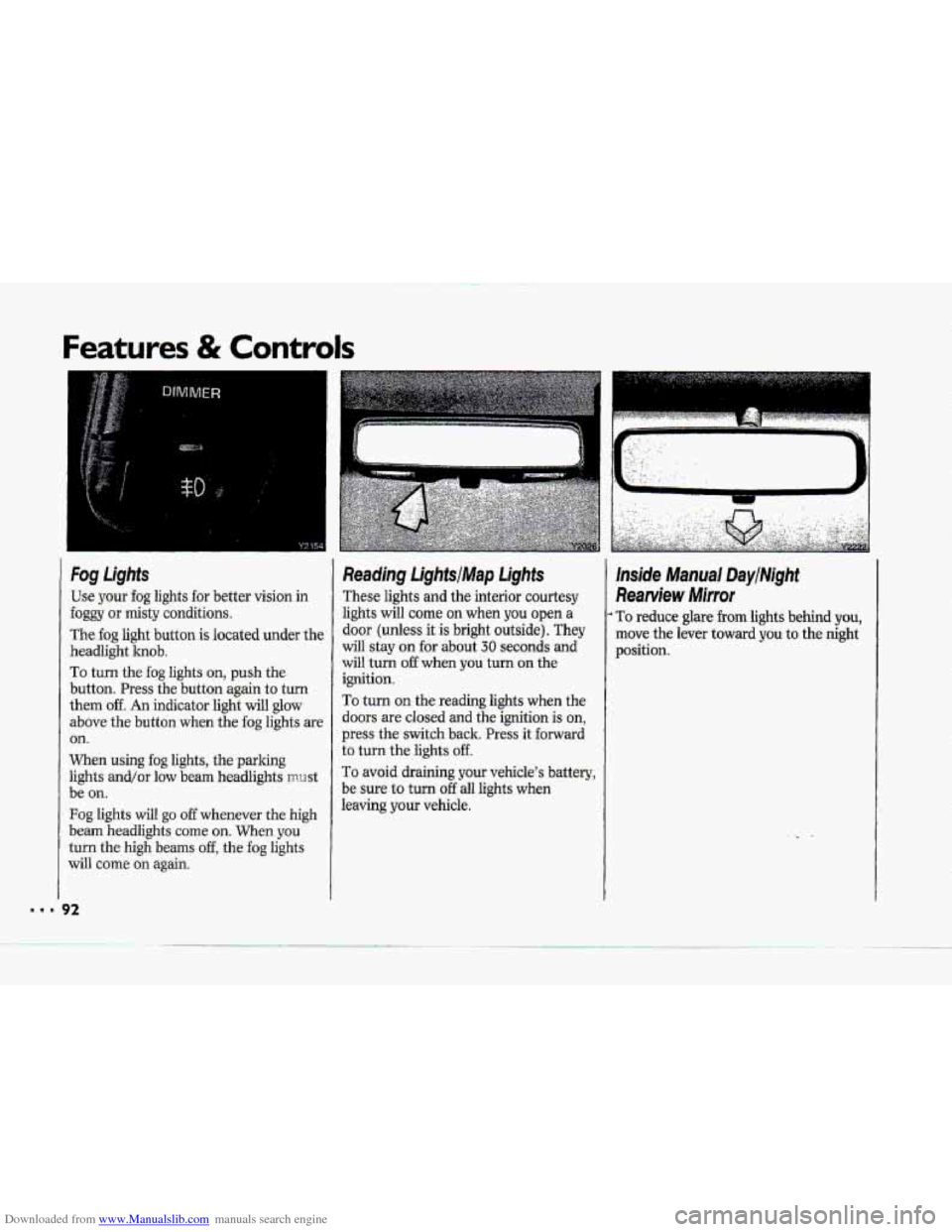
Fog Lights
Use your fog lights for better vision in
foggy or misty conditions.
The fog light button is located under the
headlight knob.
To turn the fog lights on, push the
button. Press the button again
to turn
them off. An indicator light will glow
above the button when the fog lights are
on.
When using fog lights, the parlung
lights and/or low beam headlights mrrst
be
on.
Fog lights will go off whenever the high
beam headlights
come on. When you
turn the high beams off, the fog lights
will come
on again.
Reading LightsIMap Lights
These lights and the interior courtesy
lights will corne
on when you open a
door (unless it is bright outside). They
will stay on for about 30 seconds and
will turn
off when you turn on the
ignition.
To turn on the reading lights when the
doors
are closed and the ignition is on,
press the switch back. Press it forward
to turn the lights off.
To avoid draining your vehicle's battery,
be sure to turn
off all lights when
leaving
your vehicle.
lnside Manual DaytMght
Rearview Mirror
To reduce glare from lights behind you,
move the lever toward you to the night
position.
Page 95 of 370
Downloaded from www.Manualslib.com manuals search engine Features & Controls
I
Visor Vanity Mirrors
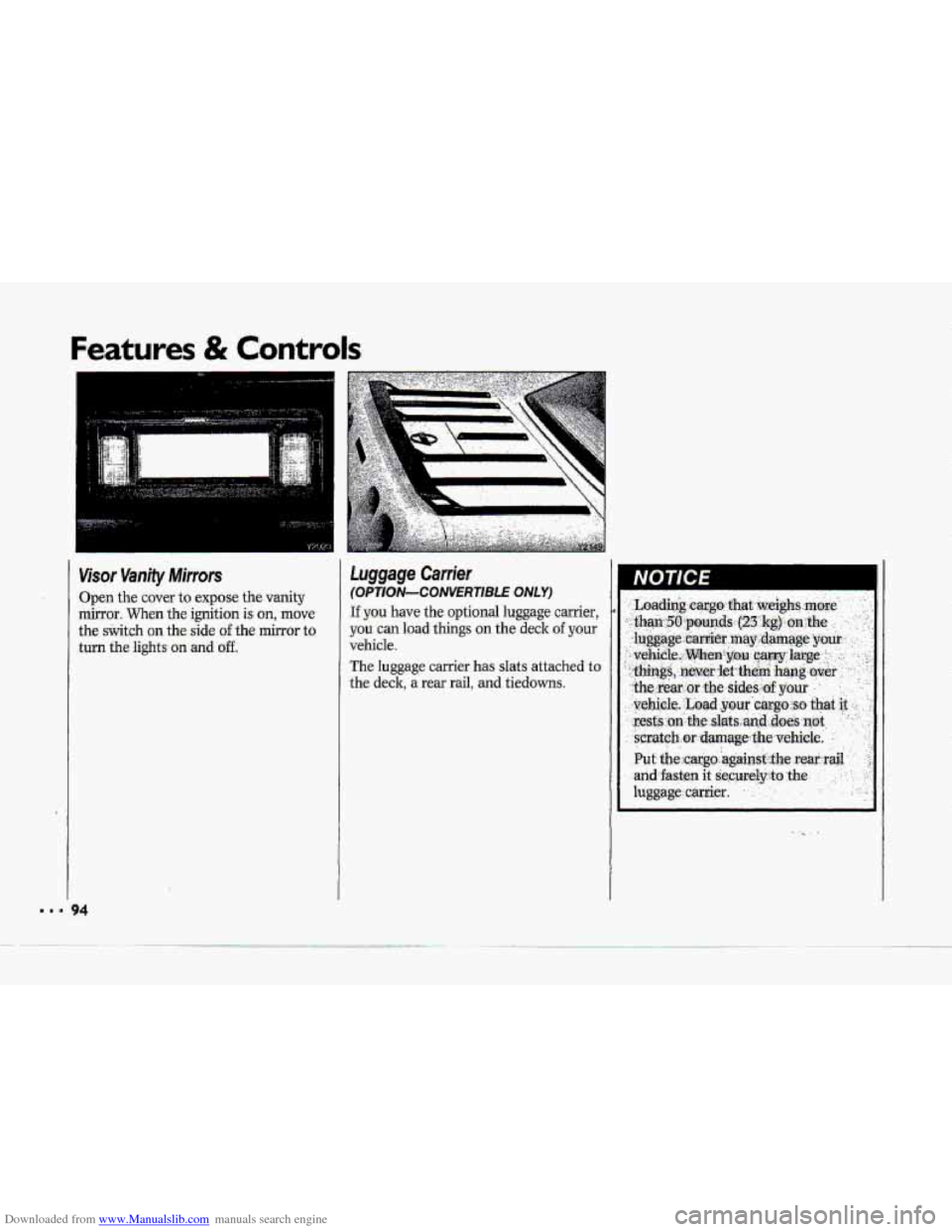
Open the cover to expose the vanity
mirror. When the ignition is on, move
the srIvitch on the. side of the mirror to
turn the lights
on and off.
, , .... .,. _. . -
luggage Carrier
(OPT/ON-CONVERTlBl.E ONLY)
If you have the optional luggage carrier,
y-ou'can load things on the deck oflyour
vehicle.
The luggage carrier has slats attached to
the deck, a rear rail, and tiedowns.
Page 100 of 370
Downloaded from www.Manualslib.com manuals search engine i
P
r
F"
i I
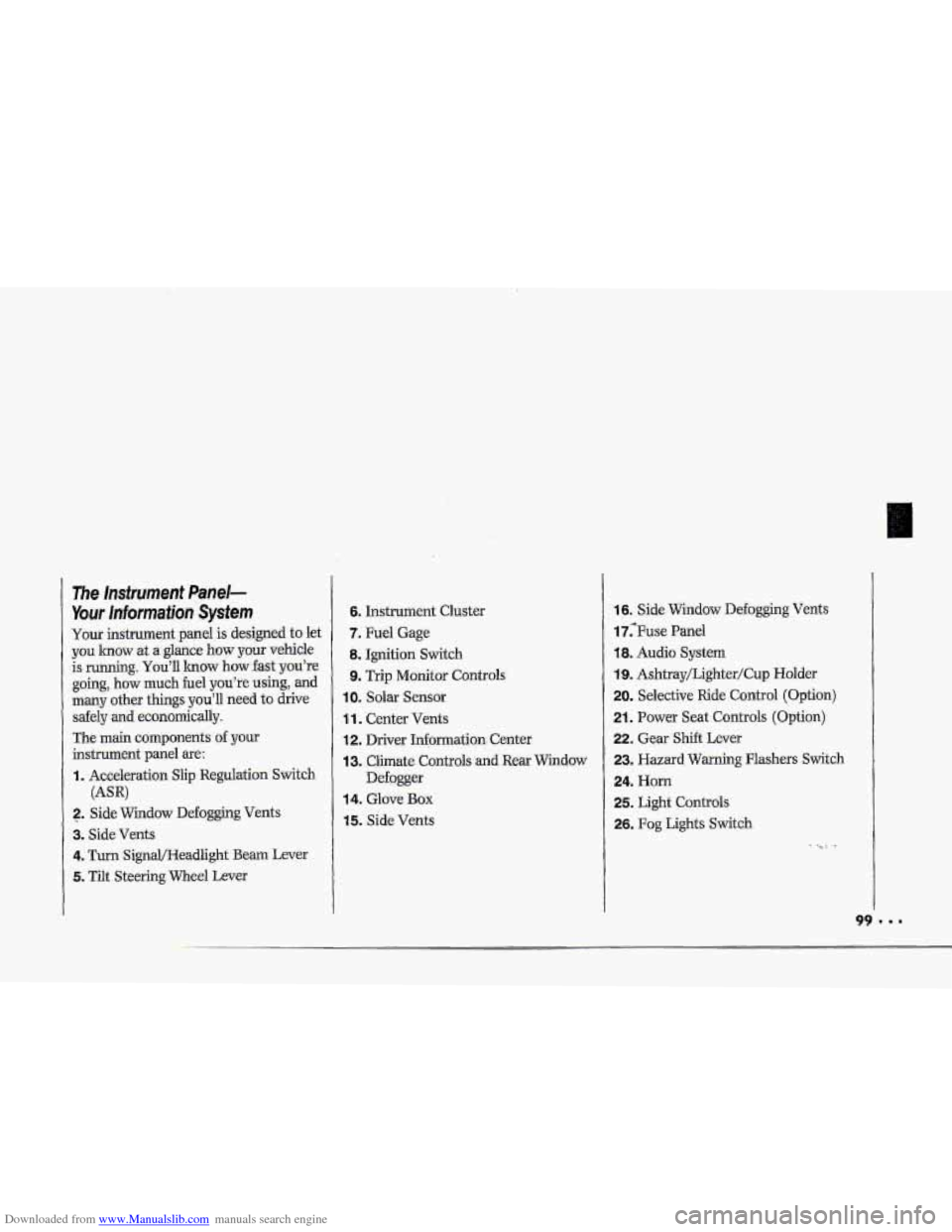
The Insfrument Panel-
Your lnformaiion System
Your instrument panel is designed to let
you lmow at a glance how your vehicle
is running.
You'll lrnow how fast you're
going, how much fuel
you're using, and
many other things you'll need to drive
safely
and economically.
The main components
of your
instrument panel are:
I. Acceleration Slip Regulation Switch
2. ,Side Widow Defogging Vents
3. Side Vents
4. Turn SignQHeadlight Beam Lever
5. Tilt Steering Wheel Lever
(AW
6. Instrument Cluster
7. Fuel Gage
8. Ignition Switch
9. Trip Monitor Controls
IOm Solar Sensor
1 1. Center Vents
12. Driver Information. Center
13. Climate Controls and Rear Window
Defogger
14. Glove Box
15. Side Vents
16. Side Window Defogging Vents
17;Fuse Panel
18. Audio System
19. Ashtray/Lighter/Cup Holder
20. Selective Ride Control (Option)
21. Power Seat Controls (Option)
22. Gear Shift Lever
23. Hazard Warning Flashers Switch
24. Horn
25. Light Controls
26. Fog Lights Switch
-. .
Page 101 of 370
Downloaded from www.Manualslib.com manuals search engine Features & Controls
I..
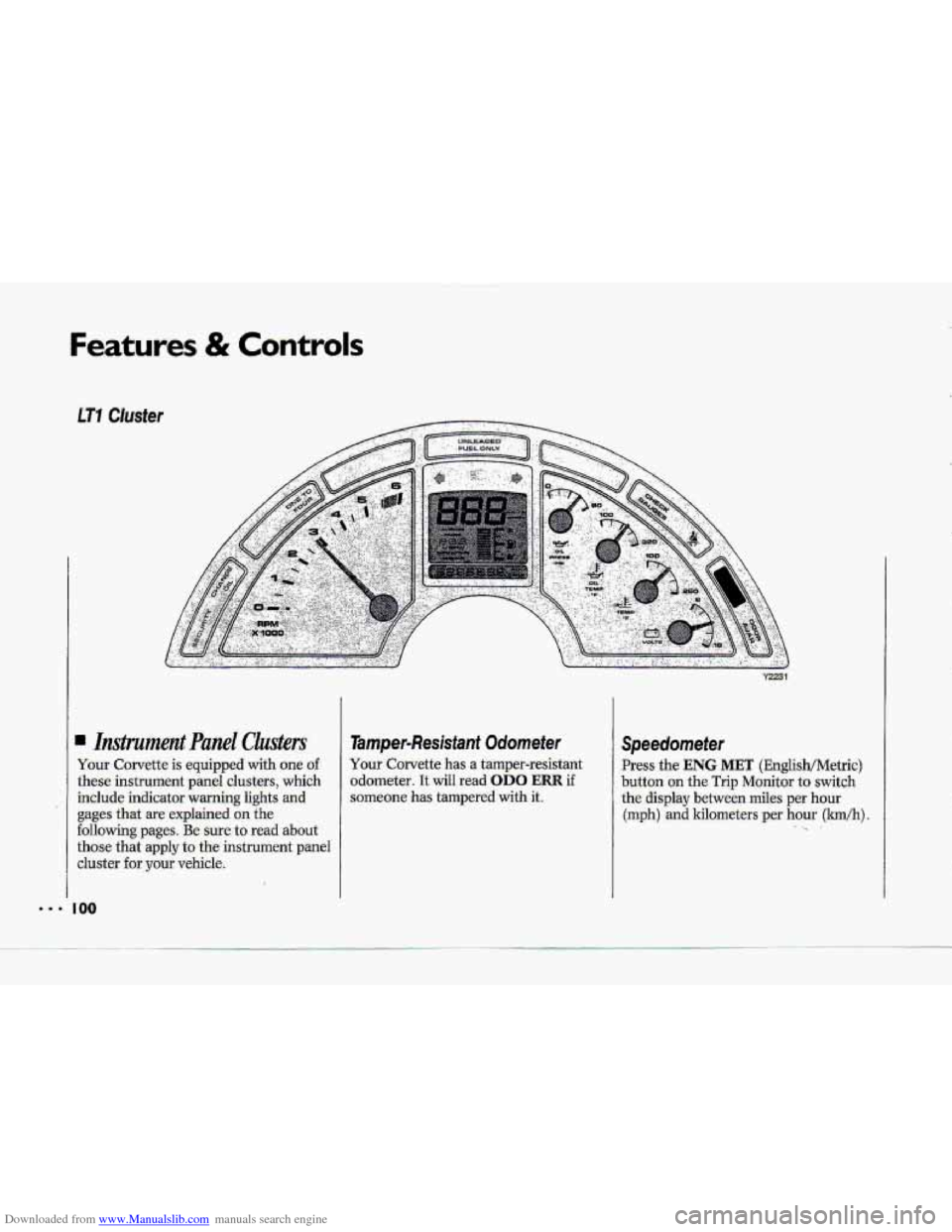
Your Corvette is equipped with -one of.
these instrument panel clusters, which
include indicator warning lights and
gages that are explained on the
following pages. Be sure to rad about
those that apply to the instrument panel
cluster for your vehicle.
coo
Tamper-Resisfaant Odornefer
Your-Corvette has a tamper-resistant
,odometer.
It wiII read OD0 ERR if
someone has tampered with it.
Speedometer
Press the ENG MET (EnglisWMetric)
button
on the Trip Monitor to switch
the di-splay b.etween miles per hour
(mph)
and kilometers per hour (lmkh). .. .
Page 103 of 370

Downloaded from www.Manualslib.com manuals search engine Features & Controls
Gages can indicate when there may be
or 3s a problem with one of your
vehicle’s functions.. Often gages and
,warning lights work together to let you
how when theze’s
a, problem with your
vehicle,
When
one of the warning lights comes
on and stays on when youwe driving,
or when one of-the gages shows there
may be
a problem, check the section
that tells you what to de about itr Please
follow
the manuaI’s advice. Waiting to
.do repairs can be costly-and even
dangerous. So please get ta how your
warning lights
and gages. They’wa big
help.
Your vehicle also has a Driver Infomation,
Center that
works .along with the
warning lights
and gages. See the Index
under Driver Infomzatlcrn Center.
Gage Markings
The analog .gages pgovide a quick visual
reference to the actual measurements
of
these gages. However, they &e non-
linear, which means that the middle
hash marks on the analog gages do not
represent median
measurements for
these .gage
For accurate gage measurements refer
to the
GAUGES button .on the Trip
Mo,nitor (see the
Index under Trip
Monitor).
..