Page 77 of 370
Downloaded from www.Manualslib.com manuals search engine Features & Controls
Of-Road Track Use
See your Warranty Booklet before using
your Corvette
for off-road track use.
NOTICE I
..
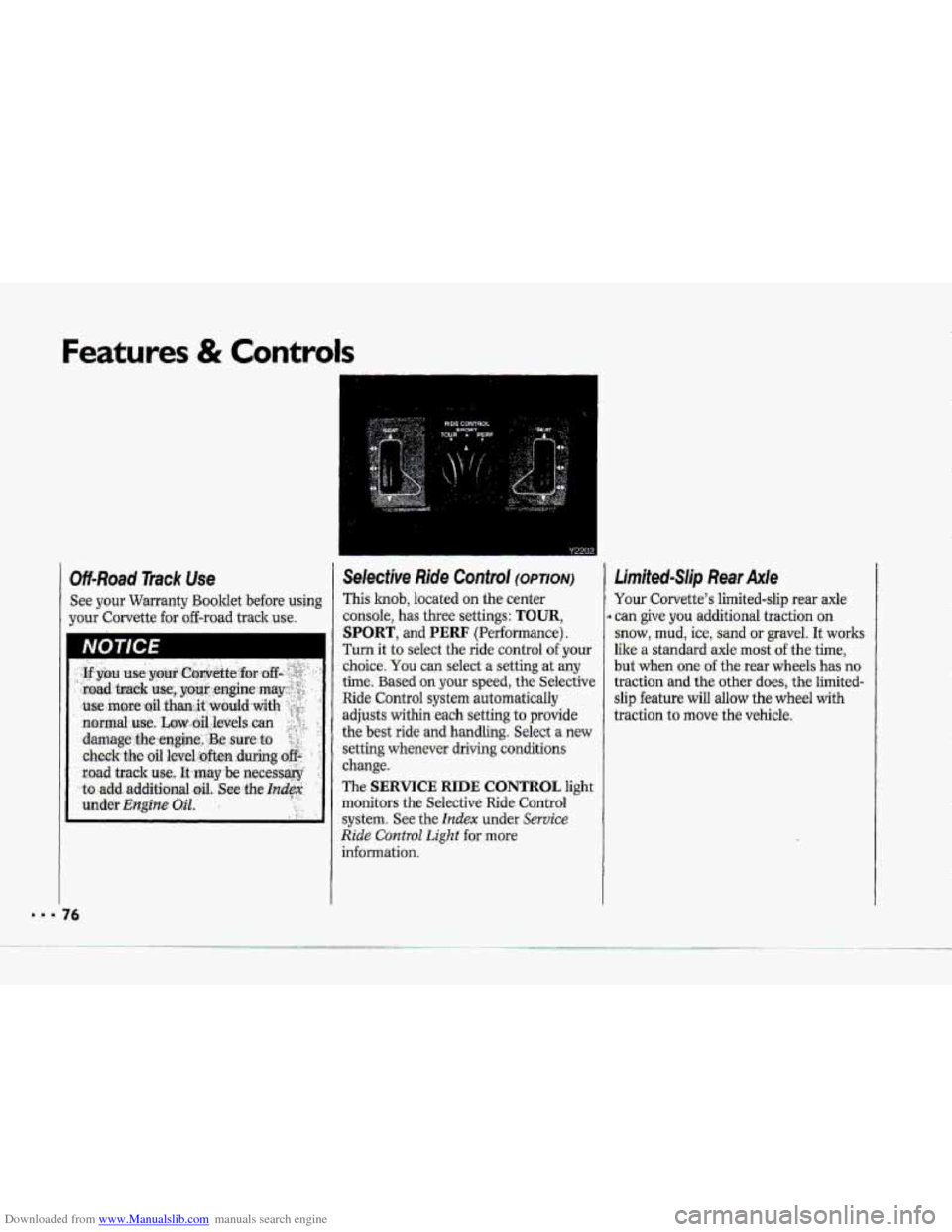
Selective. Ride Control (OPTION)
This knob, located on the center
consoIe,
has three settings: TOUR,
SPORT, and PERF (Performance).
Turn it to select the ride control of your
choice. You can select .a setting at my
time. Based your speed, the Selective
Ride Control system automatically
adjusts within each setting to provide
the best ride
and handling. Select a new
setting whenever driving conditions
change.
The
SERVICE RIDE CONTROL light
monitors
the Selective Ride Control
system. See the Index under Service
Ride Control Light €or more
information.
4
Limited-Slip Rear Axle
Your Corvette's limited-slip rear axle
can give
you additional traction on
snow, mud, ice, sand or gravel. It works
like a standard axle most of the time,
but when one of the rear whe.els has no
traction and the other does, the Iirnited-
slip feature will allow the wheel with
traction
to move the vehicle.
76
Page 82 of 370
Downloaded from www.Manualslib.com manuals search engine Horn
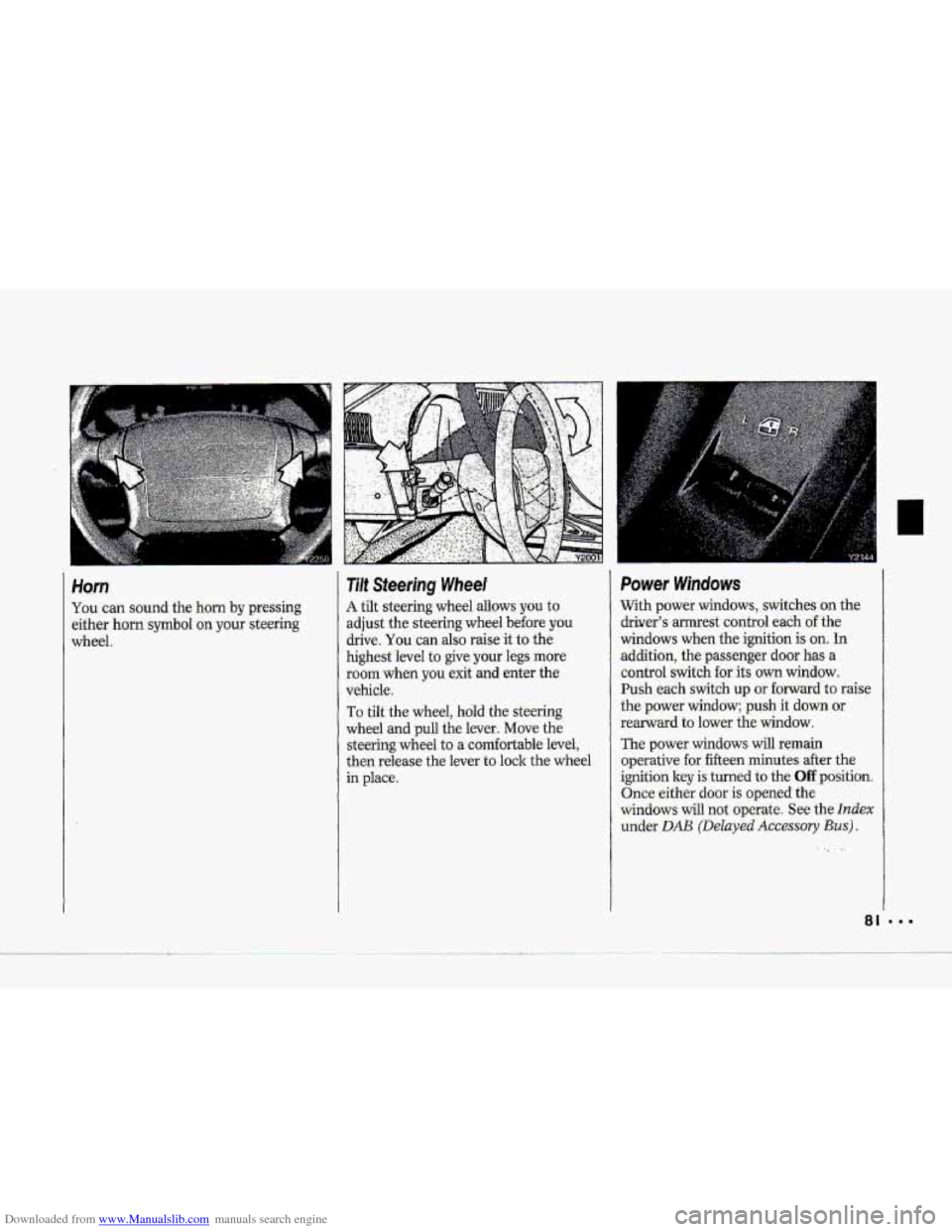
You can sound the horn by pressing
either horn
symbol on your steering
wheel.
Tilt Steering Wheel
A tilt steering wheel allows you to
adjust the steering wheel before
you
drive, You can also raise it to the.
highest level to give your
legs more.
room when
you exit and enter the
vehicle.
To tilt the wheel, hold the- steering
wheel
and .pull the lever. Move the
steering wheel to a corn€wtable level,
then release the lever to lock: the wheel
in place.
Power Windows
With power windows, switches on the.
driver’s amest control
each of the
windows when the ignition is on. In
addition, the passenger door has a
control switch €or its, own window.
Push each s~tch up
or forward to raise
the power window; push it down or
rearward to lower the window.
The power windows
will remain
.operative
for. fifteen minutes after the
ignitionley is turned to the Off position.
Once eithgr door is opened the
windows will not operate. See the
Index
under DAB (Delayed Accessory Bus).
~. ..
81
Page 96 of 370
Downloaded from www.Manualslib.com manuals search engine ,.-
Don't exceed the maximum vehicle
capacity
when loading your Corvette.
For more information on vehicle
capacity and loading, .see the Index
under Loadhtg Your Vehicle.
To prevent damage-or loss of cargo as
you're driving, check now and then to.
make sue the'luggage-Carrie? and cargo
are still securely fasteried.
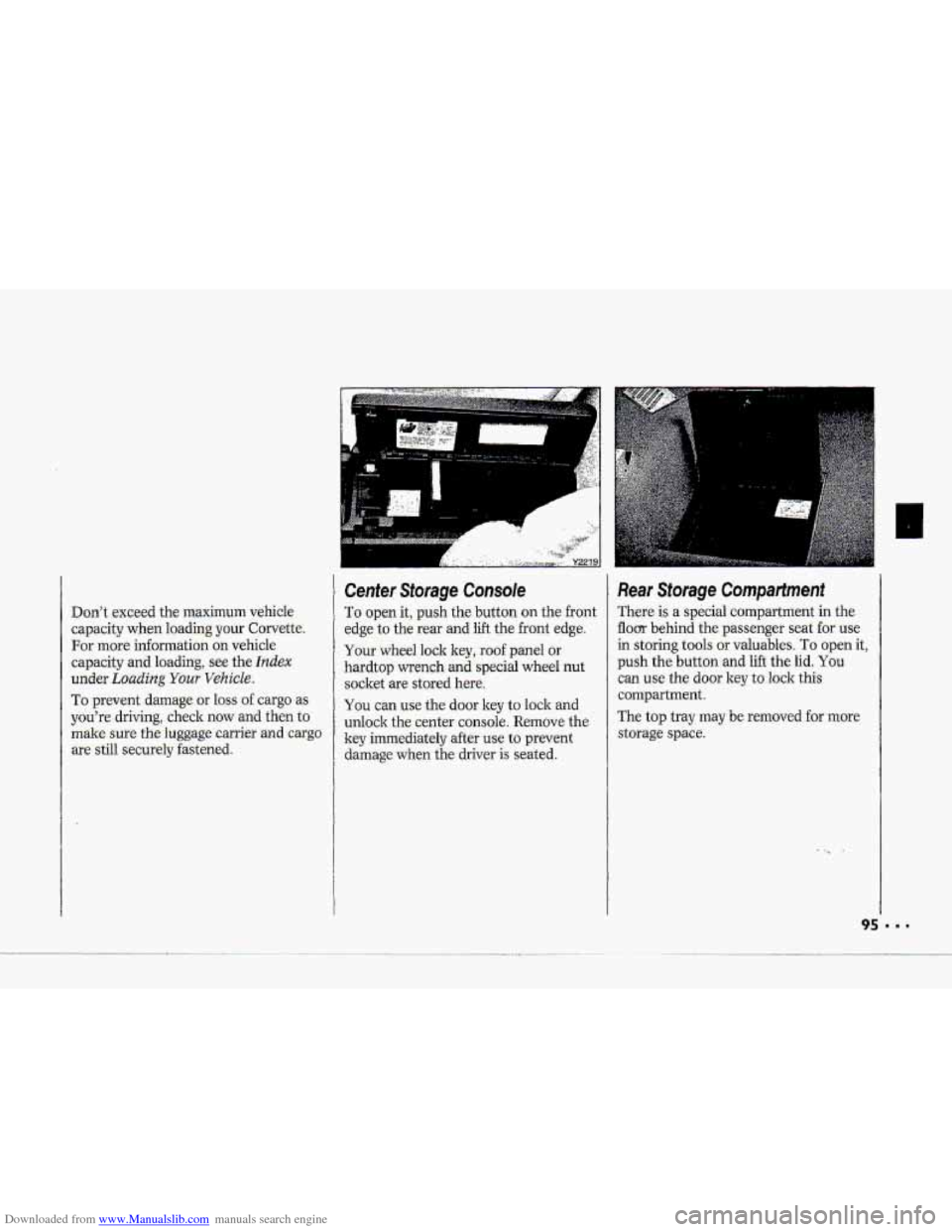
Cenfer Storage Console
To. open it, push the button on the front
edge to the
rear and lift the.front edge.
Your whed lock key, roof panel or
hardtop wrench
and special wheel nut
socket -are stored here.
You can use the door key to lock and
unlock thecenter console. Remove the
ley immediately after
use to prevent
damage.when the driver-is seated.
Re.ar Storage Compartment
There is a special compartment in the-
flom behind the pa-ssenger seat for use
in-storing tools or valuables. 'To open it,
push the. button -and lift the lid. You
can use the dour key t.0 lo-ck this
compartment.
The
top tray may.be removed for more
storage spa-ce.
Page 100 of 370
Downloaded from www.Manualslib.com manuals search engine i
P
r
F"
i I
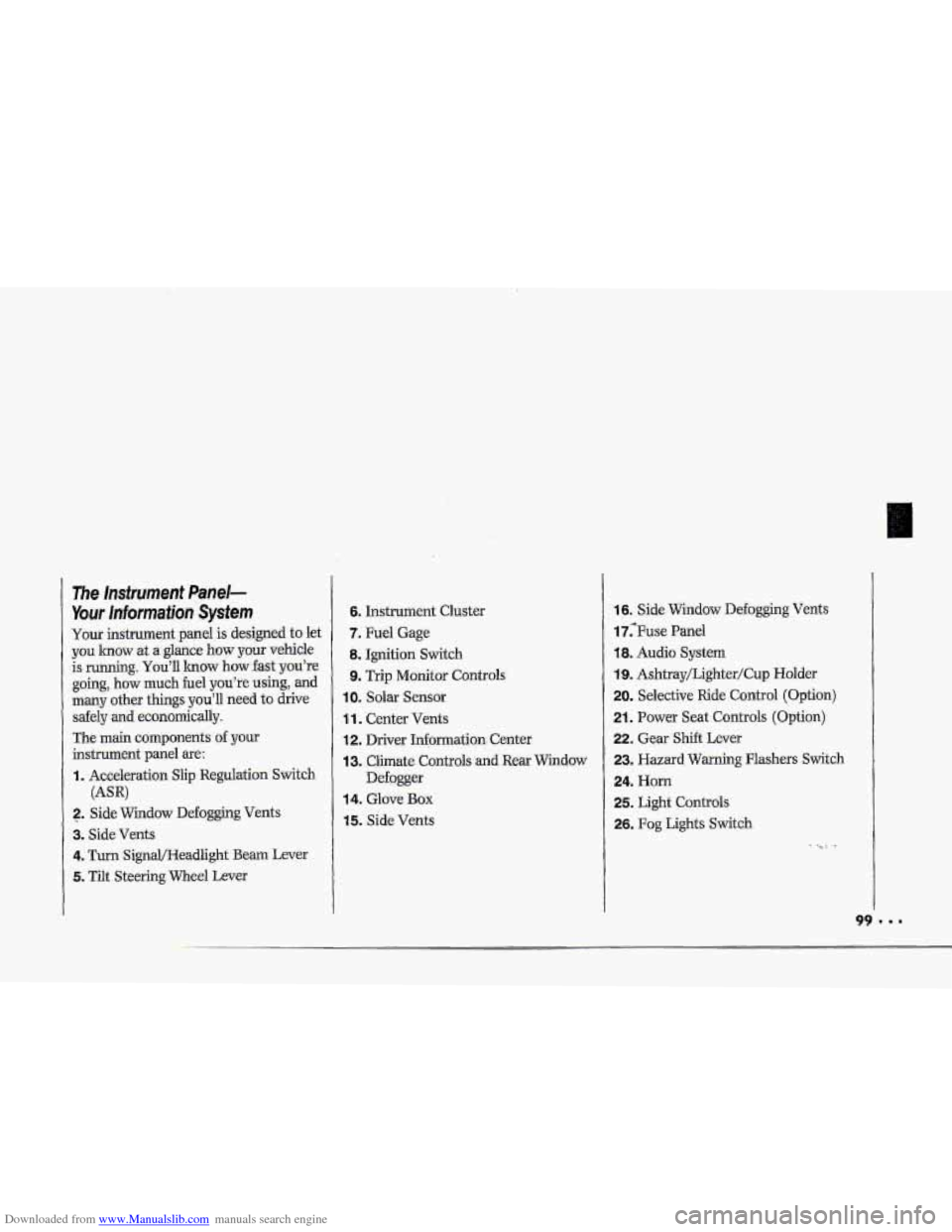
The Insfrument Panel-
Your lnformaiion System
Your instrument panel is designed to let
you lmow at a glance how your vehicle
is running.
You'll lrnow how fast you're
going, how much fuel
you're using, and
many other things you'll need to drive
safely
and economically.
The main components
of your
instrument panel are:
I. Acceleration Slip Regulation Switch
2. ,Side Widow Defogging Vents
3. Side Vents
4. Turn SignQHeadlight Beam Lever
5. Tilt Steering Wheel Lever
(AW
6. Instrument Cluster
7. Fuel Gage
8. Ignition Switch
9. Trip Monitor Controls
IOm Solar Sensor
1 1. Center Vents
12. Driver Information. Center
13. Climate Controls and Rear Window
Defogger
14. Glove Box
15. Side Vents
16. Side Window Defogging Vents
17;Fuse Panel
18. Audio System
19. Ashtray/Lighter/Cup Holder
20. Selective Ride Control (Option)
21. Power Seat Controls (Option)
22. Gear Shift Lever
23. Hazard Warning Flashers Switch
24. Horn
25. Light Controls
26. Fog Lights Switch
-. .
Page 114 of 370
Downloaded from www.Manualslib.com manuals search engine P
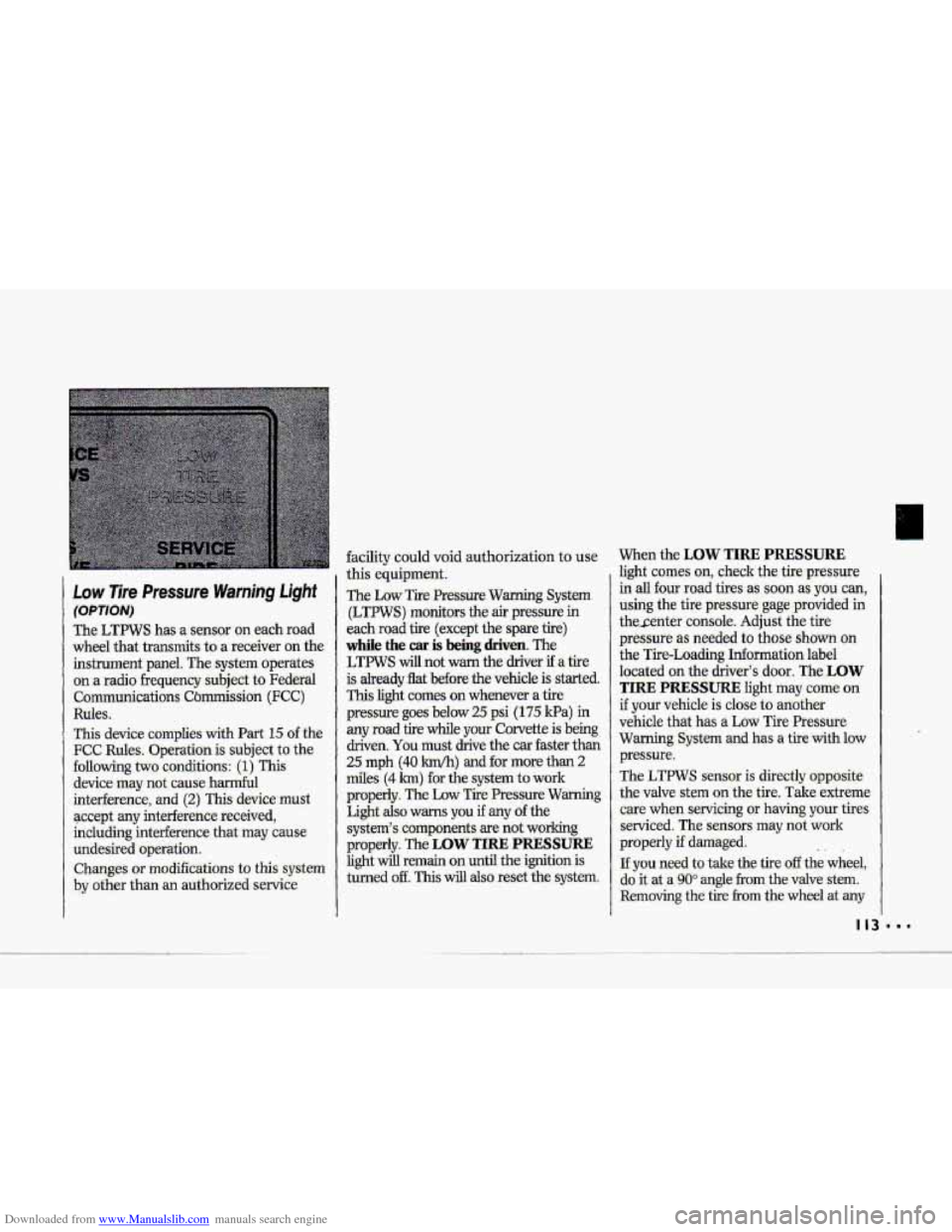
Low 7ire Pressure Warning Light
(OPTION)
The LTPWS has a sensor 'on each road
wheel that transmits-to
a receiver on the
instrument panel.
The system operates
on a radio frequency subject
to Federal
Communications Cbmission
(FCC)
Ruks.
This device complies with Part 15 of the
FCC Rules. Operation is subject to the
following
two conditions: (1) This
device may not cause harmful
interhence,
and (2) This device.must
accept
any interhence received,
including interference that-may cause
undesired operation.
Changes or modifications to- this system
by other than an authorized service
facility could void authorization to use
this equipment.
The Low Tre Pressure Warning System
(LTPWS) monitors the
air pressure in
each road tire (except the spare tire)
while the car is being driven. The
LTFWS will not warn the driver if a tire
is
already flat before the vehicle is started.
This light comes on whenever a tire
pressure
goes below 25 psi (I 75 Ha) in
any road tire while your Corvette is being
driven.
You must drive the car faster than
25 mph (40 km/h) and for more than 2
miles (4 h) -for the system to work
properly.
The Low Tire Pressure Warming
Light also warns you if any of the
system's comp.onents-are not working
properly. The
LOW TIRE PRESSURE
light will remain on until the ignition is
turned
off. This will also reset the system.
When the LOW TIRE PRESSURE
fight comes on, check the tire -pressure
.in
all four road tires as soon as you can,
using the
tire pre:ssure gage.provided in
thesenter console. Adjust the tire
pressure as needed to those shown on
the Tire-Loading Information label
10-cated
on the driver's door, The LOW
TIRE PRESSURE light may come on
if your vehicle is close to aaother
vehicle that has
a Low Tire Pressure
Warning System
and has a tire-with low
pressure.
The LTPWS sensor is directly opposite
the valve stem on the tire. Take extreme
care when servicing or
having your tires
serviced. The sensors may not work
properly
if damaged.
If you need to take the tire off the wheel,
do it at a
90" angle from the valve stem.
Removing the tire from the wheel at any
.. 1
Page 117 of 370
Downloaded from www.Manualslib.com manuals search engine Features & Controls
'I
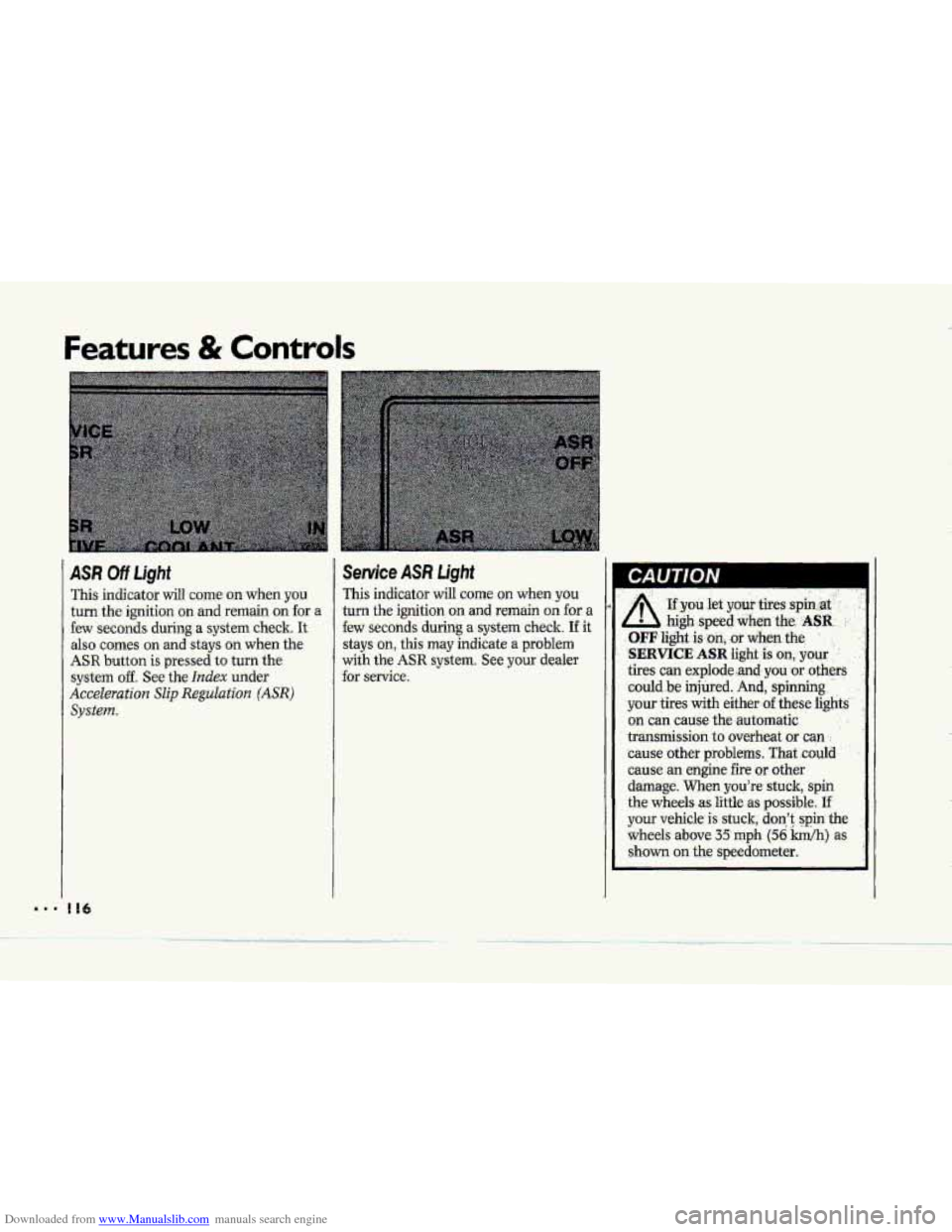
ASR Off Ught
This indicator will coine on when you
turn the ignition on and remain on for a
few seconds during a system check. It
also comes on and stays on when the
ASR button is pressed to turn the
system off. See the Index under
Acceleration Slip Reguluat'a'on (ASR)
system.
I16
Seruice ASR Light
This indicator will come on when you
turn the ignition on and remain on for a
few seconds during a.system check.
If it
stays on, this may indicate a problem
with the ASR system. See your dealer
for
service.
A .'
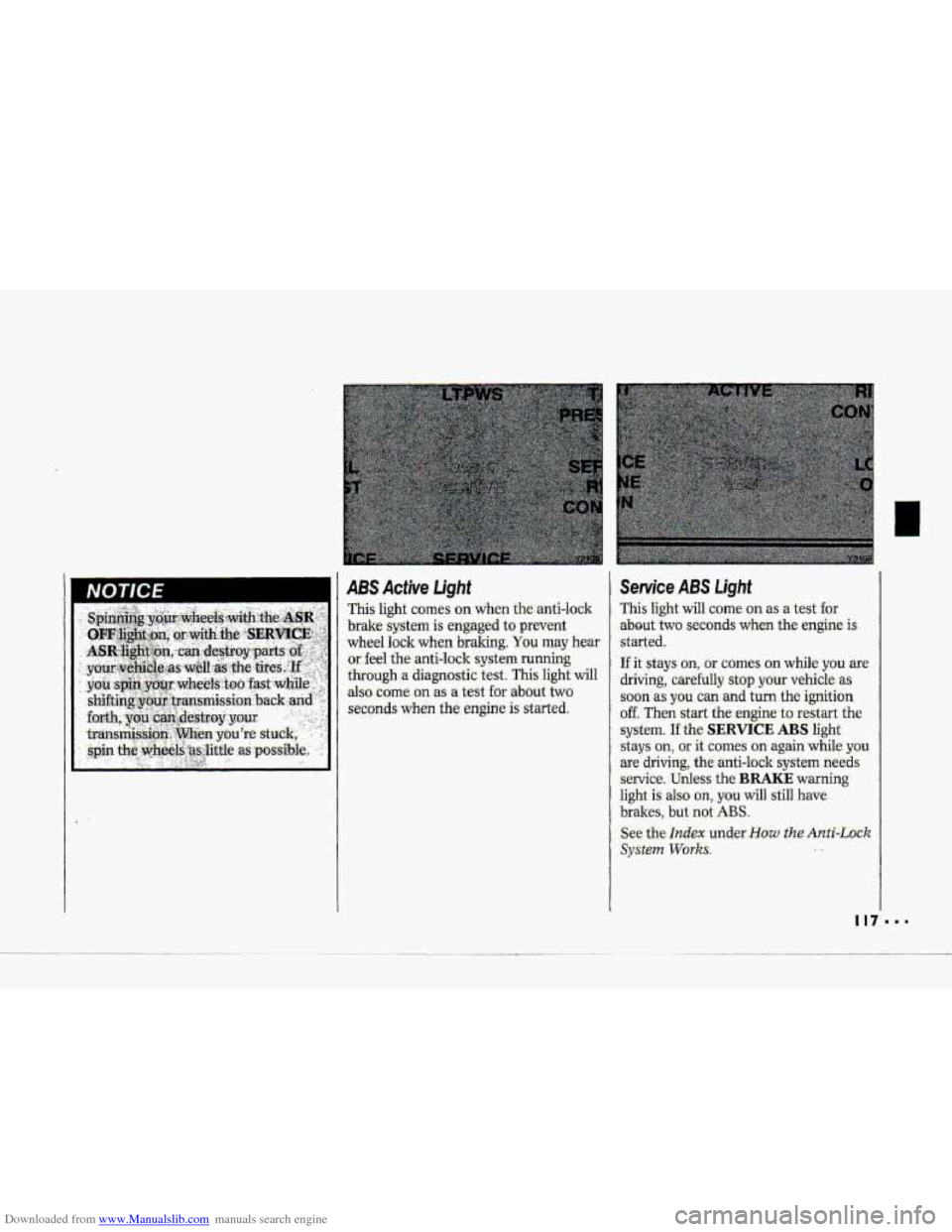
. .. ..
~f you let ymi tires :spin at-
- high .speed when.~e.. .ASR. ..
.OFF light is.:on, :or dieg-the :
',SERVICE ASR Iight ,is on, .your . .'
tires can pplode,.and, you 'or others
could .be injured. And, spinning
your tires
with either- of -these light2
on can cause the-automatic . ;
transmission to overheat or can .:
'cause other problems. That .could
cause an engine fire or other
damage.
When you're stuck, spin
the wheels as little
as possible. If'
your vehicle is stuck; don't: .spin the
wheels above 35 mph (56 Wh) as
shown on the speedometer,
Page 118 of 370
Downloaded from www.Manualslib.com manuals search engine NOTICE i I 1 ABS Active Light
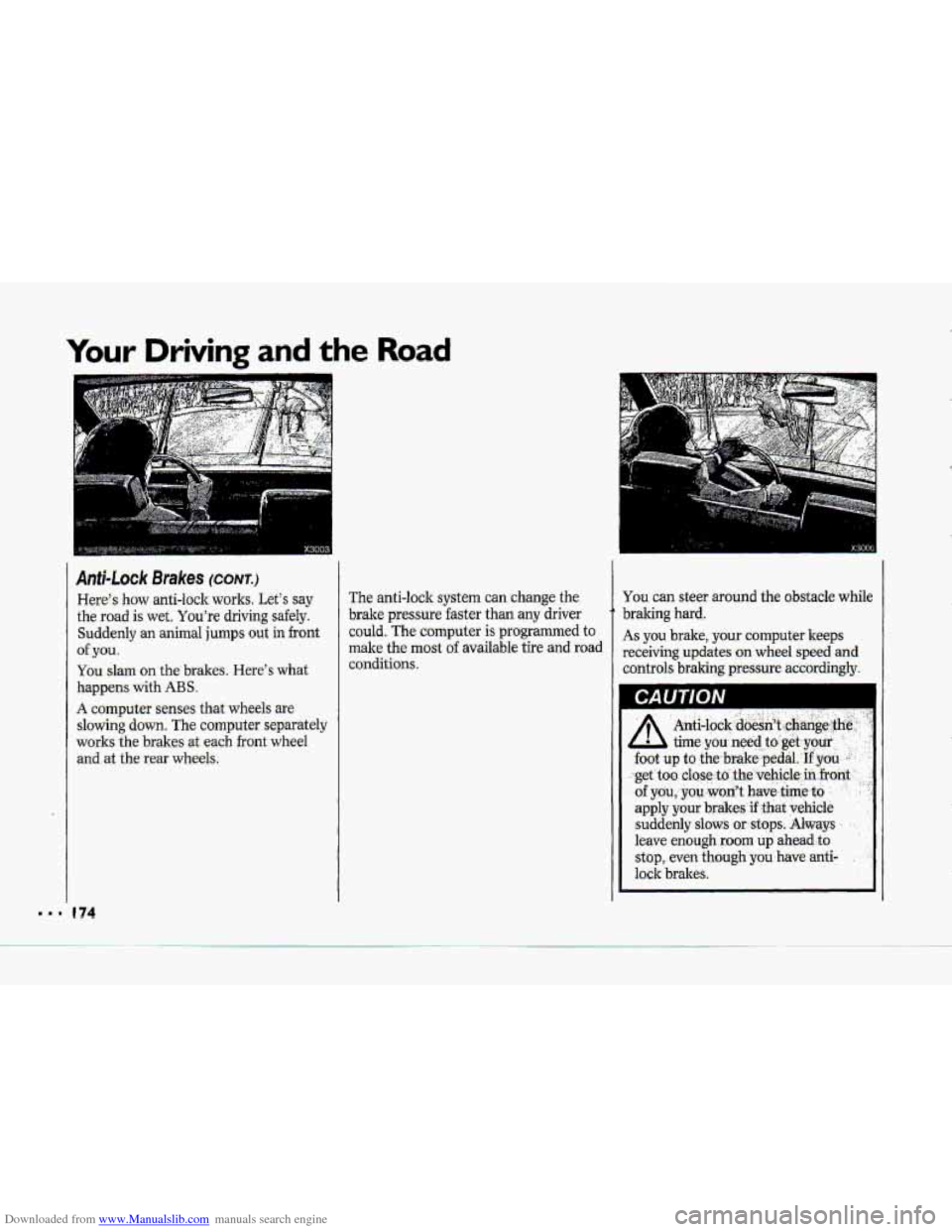
This light c0me.s on when the-anti-lo-clr
brake system is engaged to prevent
wheel lock when
braking. You may hear
or. feel the-anti-lock system running
through a diagnostic test. This light will
also
come on as a test for .about two
seconds
when the engine is ‘started.
Service ABS Light
This light will come on as a test for
.about- two seconds when the engine is
.started.
If it stays on, - or comes an while you are
driving, carefully stop your vehicle as
.soon as you can and turn the ignition
off. Then start the engine to restart the
system.
If the SERVICE ABS light
stays
on, or it comes on again while you
are driving; the anti-lock system needs
service. Unless the BRAKE warning
light is also on,. you will still have
brakes, but not ABS.
See the Index under-How the Anti-Lock
SyStePn Works. ..
Page 175 of 370
Downloaded from www.Manualslib.com manuals search engine Your Driving and the Road
L.l
Anfi-Lock Brakes (CONT.)
Here's haw anti-lock works. Let's say
the road is wet. You're driving safely.
Suddenly an animal jumps out in front
of ,you.
You slam on the brakes. ,Here's what
happens with ABS .
A computer senses that wheels are
slowing down. The computer separately
works
the brakesat each front wheel
and at the .rear wheels.
e 74
The anti-lock system can change the
brake pressure faster than
any driver
could. The computer
is programmed to
make the most of available tire alid road
conditions.
You can steer around the obstacle while
braking hard.
As you brake, your computer keeps
receiving
updates on wheel speed ad
controls braking pressure accordingly.
CAUTION