1993 CHEVROLET CORVETTE warning
[x] Cancel search: warningPage 11 of 370
Downloaded from www.Manualslib.com manuals search engine How to Use this Manual
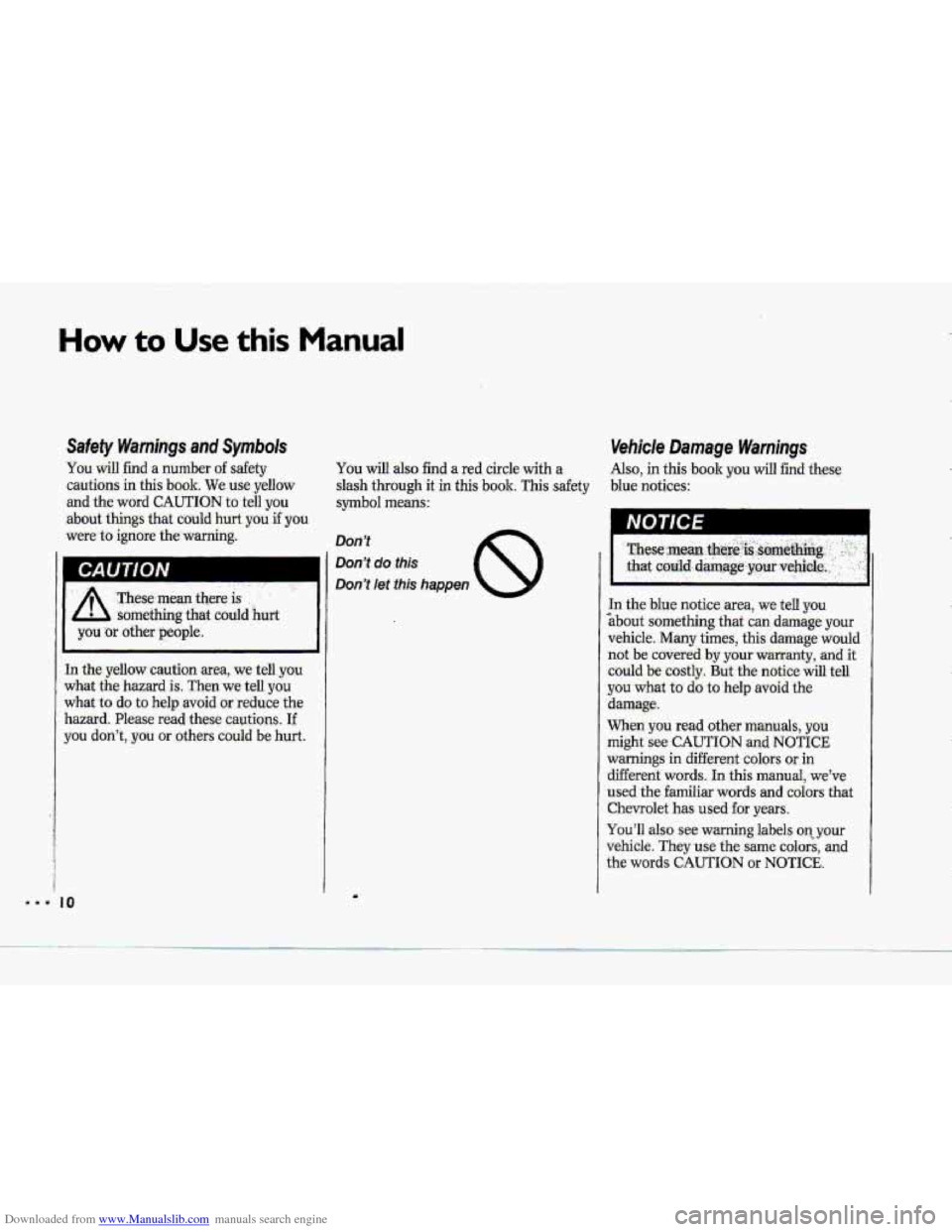
Safety Warnings anal Symbok
You will find .a number of safety
cautions in this book. We:use yellow
and. the-
word CAUTION to tell you
about things that could -hurt you 3 you
were.to IgnGre the warning.
h CAUTION I
In the yeflow cautjon area, we tell you
what the hazard is. Then we tell you
what to do to help avoid or-reduce the
hazard. Please-read these cautions, If
you don't, you OF others could be. hurt.
You will also find a red circle with a
slash through it in-this book; This safety
symbol means:
Vehicle Damage Warnings
Als.0, in this book-you will find these
blue
notices:
In the blue notice area, we tell you
>bout something that can damage your
vehicle. Many times, this damage would
not be covered
by your warranty, and it
could be costly. But the notice
will tell
you what to do to help avoid the
damage.
When you
read other manuals, you
might see CAUTION and NOTICE
warnings in different colors or in
different
words. In this manual, we've
used the
familiar words and colors that
Chevrolet has
used for years.
You'll also see warning labels on.your
vehicle. They
use the same colors, and
the words CAUTION or NOTICE.
Page 12 of 370
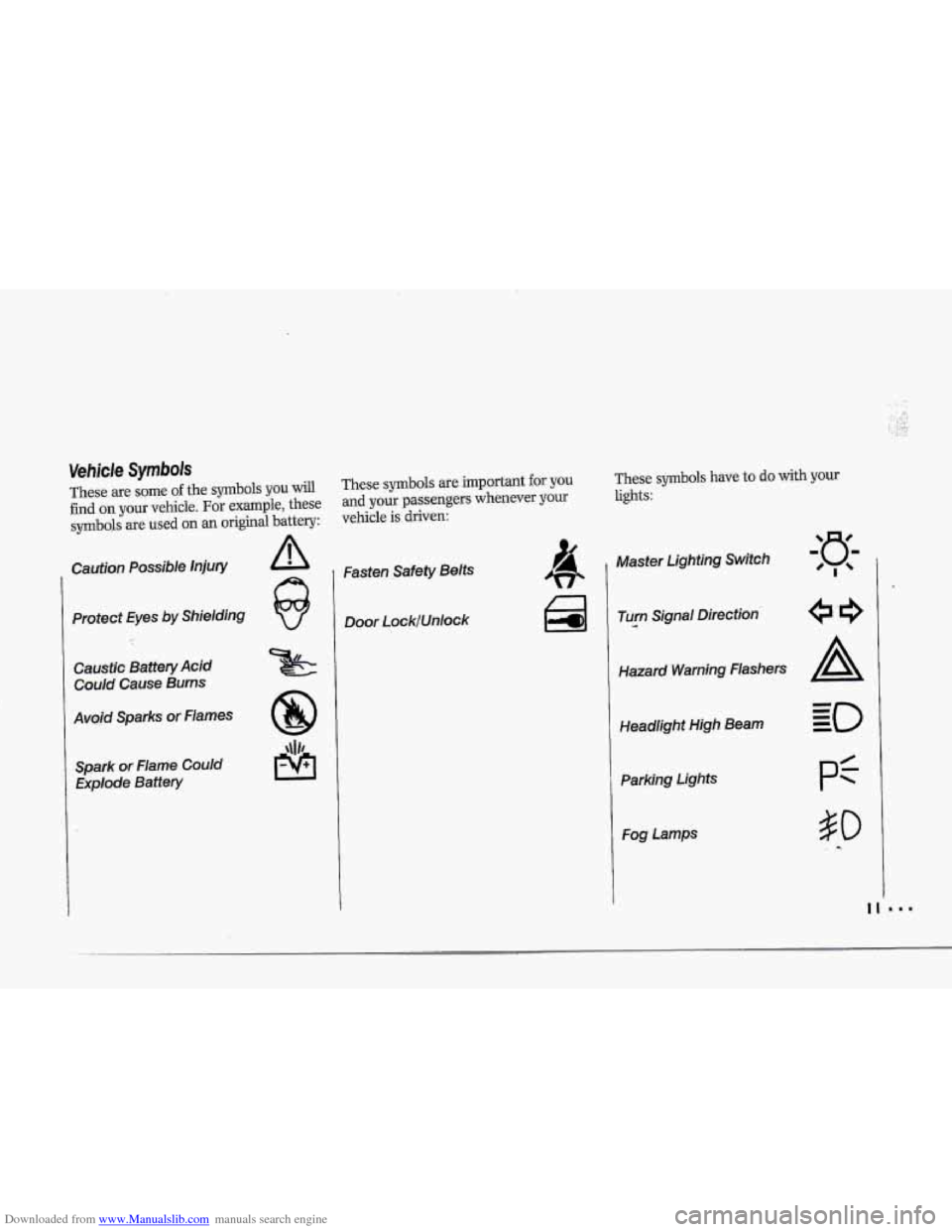
Downloaded from www.Manualslib.com manuals search engine These are some of the symbols you will
find on your vehicle. For example, these
symboJs are used on an original battery:
Caution Possible injury
Protect Eyes by Shielding
Caustic Battery Acid
Could Cause Burns
Avoid Sparks or Flames Spark or Flame Could Explode Battery
These symbols are important for you These symbols have to do with yow
and your passengers whenever your lights:
vehicle is driven:
Fasten Safety Belts
Door LocklUnlock 1 Master Lighting Switch
Turn
.--a Signal Direction
Hazard Warning flashers
Headlight High
Beam
Parking Lights
Fog Lamps
Page 42 of 370
Downloaded from www.Manualslib.com manuals search engine !
....
+-
Here you can learn about the
many standard and optional features
on your Corvette. and information on
starting. shifting and braking . Also
explained are the instrument panel
and the warning systems that tell you
if everything is working properly-
and what to do if you have a
problem .
Part 2
Features & Controls
Keys ........................................................................\
........................................... 42
Locks ........................................................................\
......................................... 43
Passive Keyless Entry System ........................................................................\
... 44
Glove Box ........................................................................\
.................................. 59
Starting Your Engine ........................................................................\
.................. 61
Engine Block Heater ........................................................................\
................. 66
Shifting the Transmission ........................................................................\
......... 67
Parlring Brake ............................................... .................................................... 77
Turn SignaVHeadlight Beam Lever .................................................................. 82
Windshield Wipers~asher ........................................................................\
....... 83
Cruise Control ........................................................................\
............................ 84
PASS-Key'" ........................................................................\
....................................... 55
Ignition ........................................................................\
...................................... 60
Windows ........................................................................\
..................................... 81.
Headlights ........................................................................\
.................................. 89
Interior Lights ........................................................................\
........................... 91
Storage Compartments ........................................................................\
............. 95
Mirrors 92
Sun Visors ........................................................................\
................................. 93
Ashtray and Lighter ........................................................................\
................... 96
Instrument Panel ........................................................................\
...................... 98
Warning Lights, Gages and Indicators ........................................................... 1 02
........................................................................\
.......................................
Trip Monitor ........................................................................\
............................. 1 IO
Driver Information Center ........................................................................\
. .:. .... 112
Convertible Hardtop ........................................................................\
................ 128
Removable Roof Panel ........................................................................\
............ 120
Convertible Top ........................................................................\
...................... 124
41
Page 61 of 370
Downloaded from www.Manualslib.com manuals search engine Features & Controls
Ignition Switch
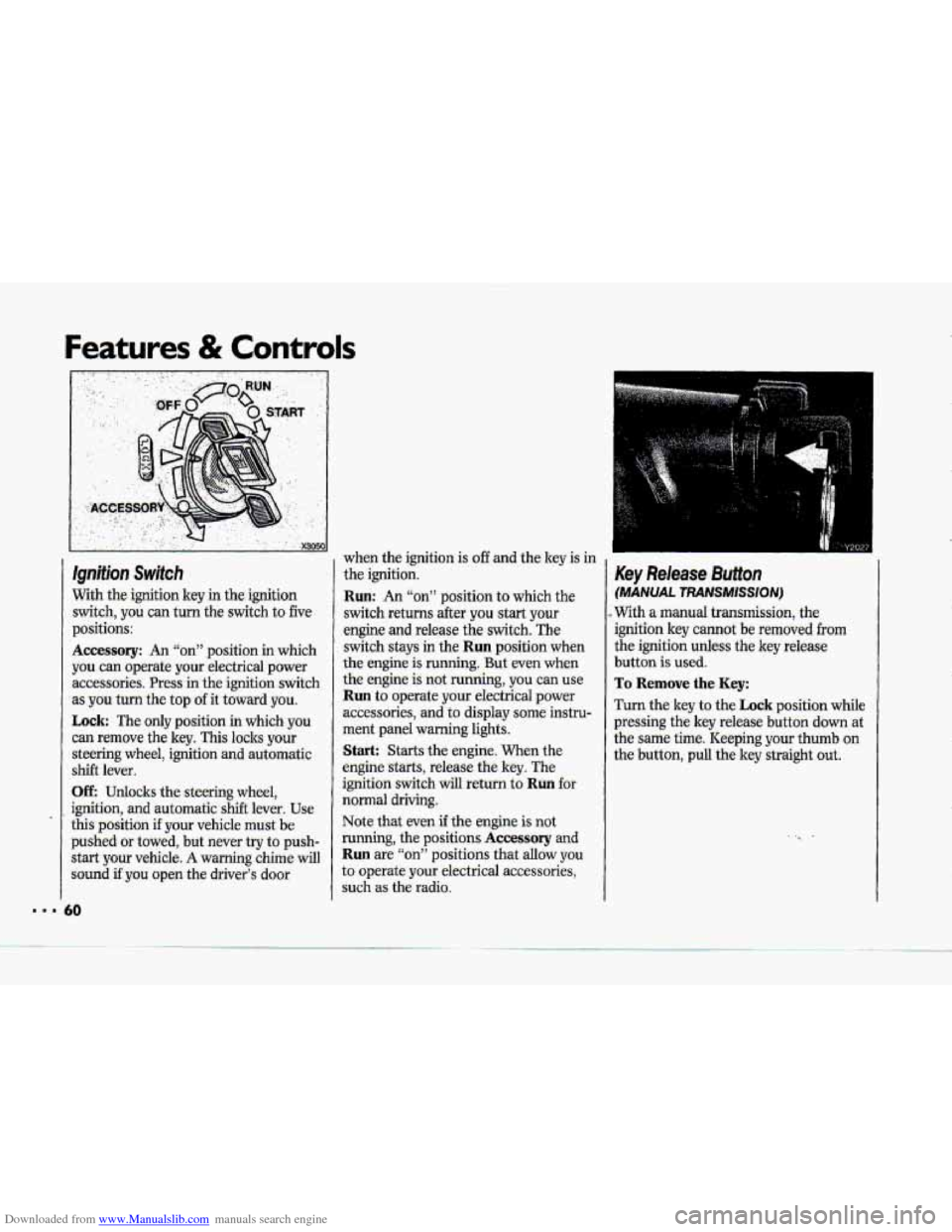
With the-ignition key in the ignition
switch, you can turn
the switch to five
p.ositions:
Accessory: An “on” position in which
you
can operate your .electrical power
accessories. Press in the-ignition .switch
as
you turn the top of it toward you.
Lock: The only position in which you
can remove the key. This locks your
steering wheel, ignition. and automatic
shift lever.
UE Udo:cks the steering wheel,
ignition, and automatic shift lever. Use
this pasition if your vehicle must be
pushed or towed, but never try to push-
start your vehicle-.
A warning chime will
sound if you open the driver’s door when
the ignition is
off and the key is in
the ignition.
Run: An “on” position to which the
switch returns after you start your
engine and release the switch. The
switch stays in
the Run position when
the engine is running. But -even when
the engine is-not running, you can use.
Run to operate your electrical power
accessories,
and to display some instru-
ment panel warning lights.
Start: Starts the engine, When the
engine starts, release the key. The
ignition switch will return to
Ruil fot
noma1 driving.
Note
that even if the engine is not
running, the positions
Accessory and
Run are “on” positions that allow y0.u
to operate your electrical accessories,
such
as the radio.
Key Release Button
(MANUAL TRANSMISSION)
..With a manual transmission, the
ignition key c-ot be removed from
the ignition unless the key release
button is used.
To Remove the Key:
Turn the key to the Lock position while
pressing the
key release buttoa down at
the same time. Keeping your thumb on
the button, pull the key straight out.
Page 78 of 370
Downloaded from www.Manualslib.com manuals search engine , ,
Y216i
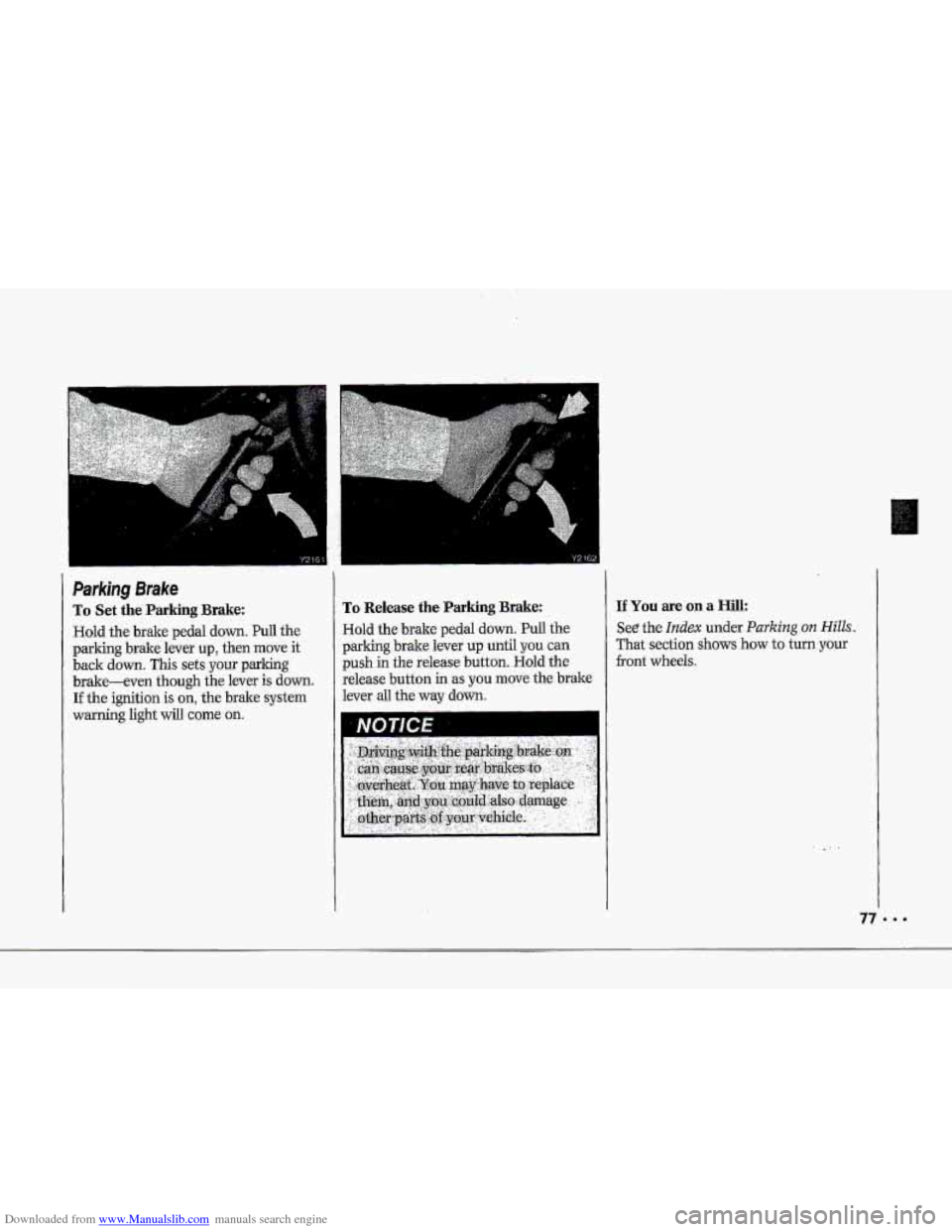
Parking Brake
To Set the Parking Brake:
Hold the brake pedal down. PuIl the
pdking brake lever up, then move it
back down. This sets your parking
brake-even though the lever is down.
If the ignition is on, the bxake system
warning light will come on.
Y 2132
To Release the Parking Brake:
Hold the brde pedal down. Pull the
parking brake lever up until you can
push in the release button. Hold the
release button
in 'as you move the bt&e
lever ad the way dawn.
IfYoumeonaHill:
See the Indm under Parking 012 Hills.
That section shows how to tum.your
front wheeTs.
Page 83 of 370

Downloaded from www.Manualslib.com manuals search engine ..a
Features & Controls
Turn Signal/Headlight Beam
Lever
The lever on the left side of the steering
column includes your:
. Turn Signal and Lane Change
4 Headlight 'High-Low Beam Changer
Windshield Wipers
Windshield Washer
Cruise Control
The High-Low Beam feature is
discussed under
HeadZights. See the
Index under Headlights.
Indicator
32
E
Turn Signal and fane Change
Indicator
The turn signal has two upward (for
Right) -and two downward (for
Left)
positions. These positions allow you to
signal a turn or a lane change.
TO signal a turn, move the lever all the
way up
01- down. When the.turn is
finished, the lever will return
automatically.
A green arrow on the instrument panel
will flash in the direction af the turn or
lane change.
To signal
a lane change, just raise or
lower the lever until the-green arrow
starts
to flash. Hold it there until you
complete your lane change. The lever
will return
by itself when you release it.
As you~ignal a turn or a lane change, if
the arrows don't flash but just stay on, a
signal bulb may be burned out and
other drivers
won't see your turn signa1.
If a bulb is burned out, replace it to help
avoid .an accident. If the green
arrows
don't-go on at all when you signal a
turn, check the fuse (see the Index
under Fuses G Circuit Breizkers) and
for burned-out bulbs.
A warning chime will remind you if you
have left your turnsignal cm for more
than 1 mile (1.6 km) 'of driving.
Page 90 of 370
Downloaded from www.Manualslib.com manuals search engine ... 4
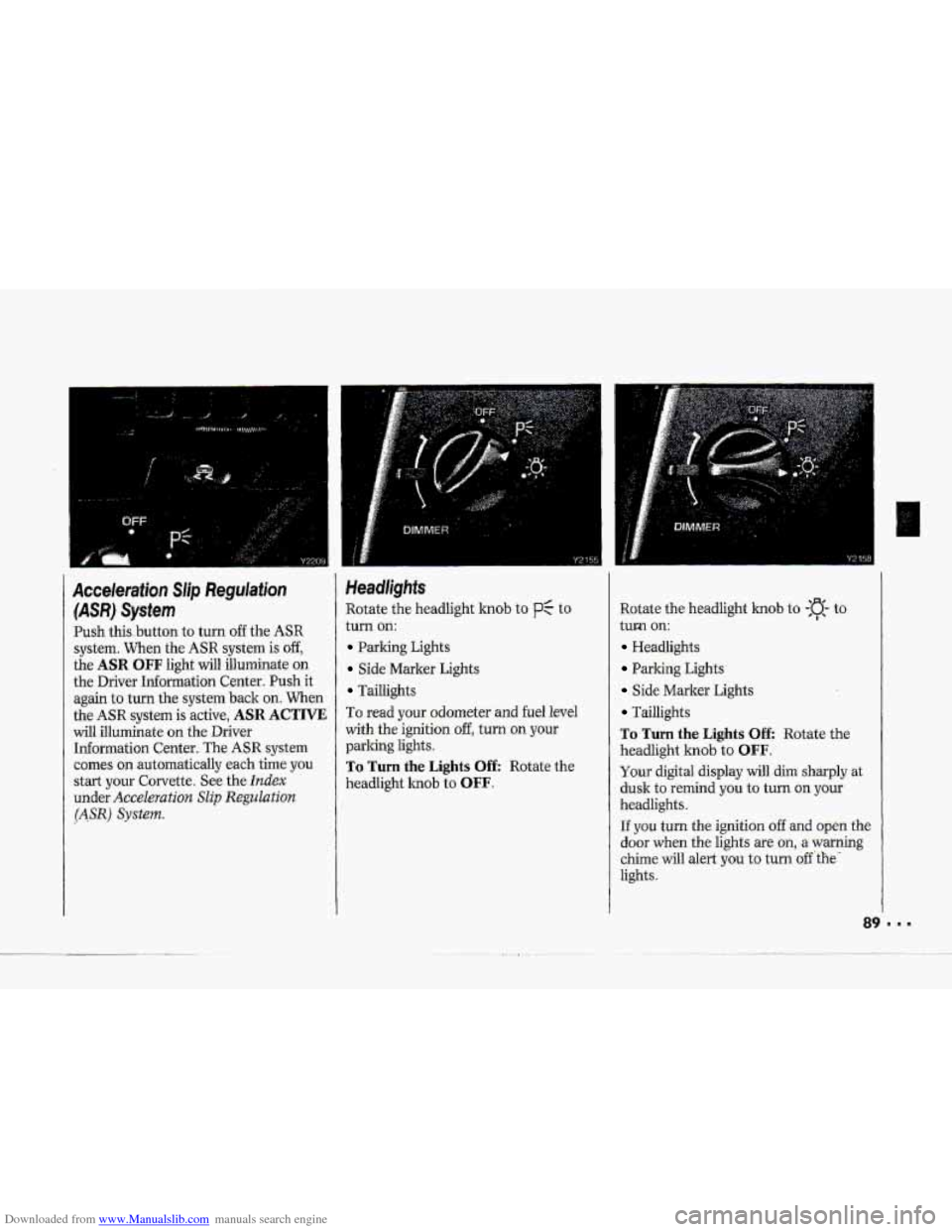
Acceleration Slip Regulation
(ASR) System
Push this .button to turn off the ASR
system. When the ASR system is off,
the ASR OFF light will illuminate on
the Driver Information Center. Push it
again to turn
the system back on. When
the ASR system is active, ASR ACTIVE
will illuminate on the Driver
Information Center. The ASR system
comes
on automatically each time you
start your Corvette. See the
Index
under Acceleration Slip Regulation
(ASR) System.
Headlights
Rotate the headlight knob to p: to
turn
on:
Parking Lights
Side Marker Lights
Tadlights
To read your odometer and
fuel level
with
the ignition off, turn on your
parking lights.
To Turn the Lights Off: Rotate the
headlight
knob to OFF.
Rotate the headlight knob to -:a- to
turm
on:
Headlights
Parking Lights
Side Marker Lights
Taillights
To Turn the Lights Off: Rotate the
headlight
knob to OFF.
Your digital display will dim sharply at
dusk to remind you to turn on your
headlights.
If you turn the ignition of€ and open the
door when the lights are on, a warning
chime will alert
you to turn off 'the'
lights.
Page 100 of 370
Downloaded from www.Manualslib.com manuals search engine i
P
r
F"
i I
The Insfrument Panel-
Your lnformaiion System
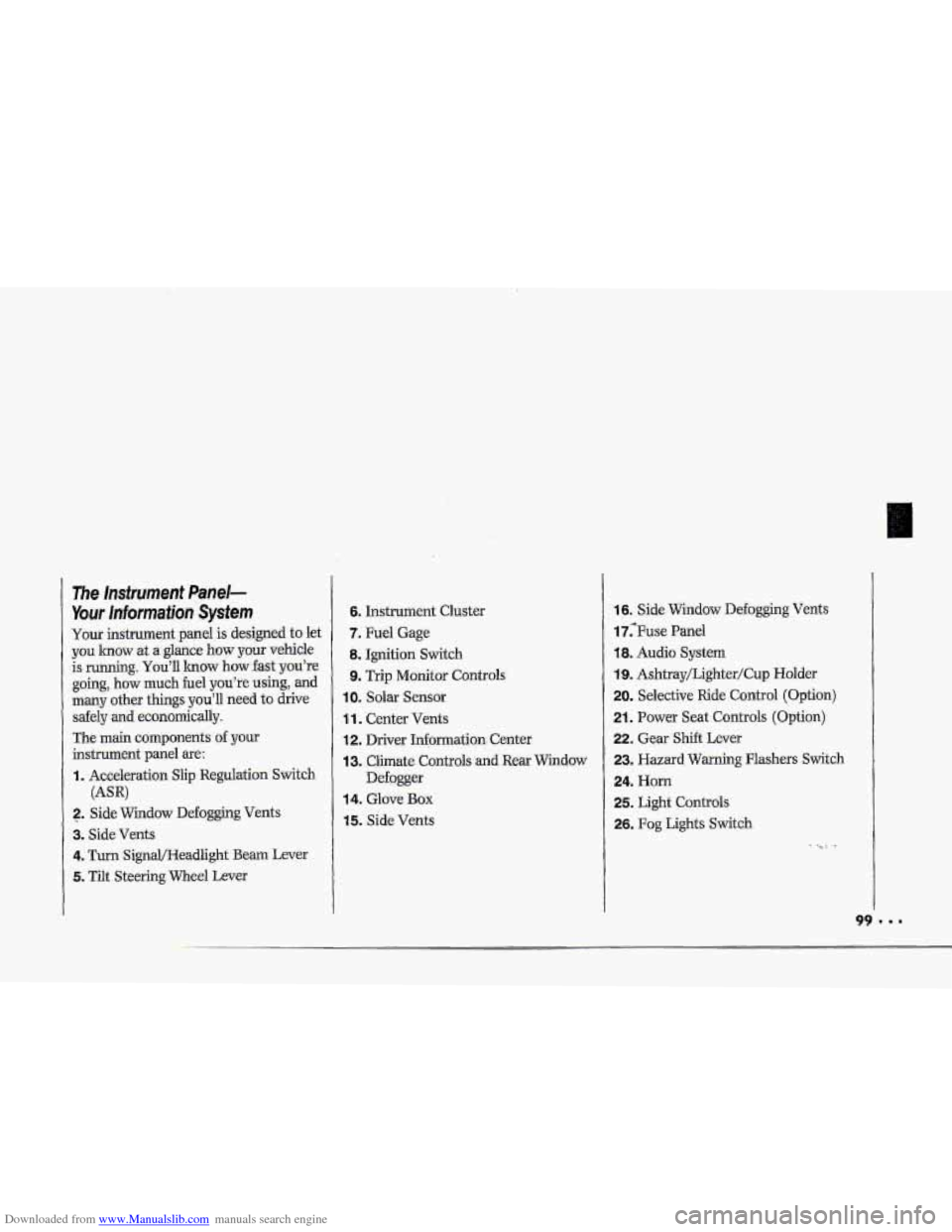
Your instrument panel is designed to let
you lmow at a glance how your vehicle
is running.
You'll lrnow how fast you're
going, how much fuel
you're using, and
many other things you'll need to drive
safely
and economically.
The main components
of your
instrument panel are:
I. Acceleration Slip Regulation Switch
2. ,Side Widow Defogging Vents
3. Side Vents
4. Turn SignQHeadlight Beam Lever
5. Tilt Steering Wheel Lever
(AW
6. Instrument Cluster
7. Fuel Gage
8. Ignition Switch
9. Trip Monitor Controls
IOm Solar Sensor
1 1. Center Vents
12. Driver Information. Center
13. Climate Controls and Rear Window
Defogger
14. Glove Box
15. Side Vents
16. Side Window Defogging Vents
17;Fuse Panel
18. Audio System
19. Ashtray/Lighter/Cup Holder
20. Selective Ride Control (Option)
21. Power Seat Controls (Option)
22. Gear Shift Lever
23. Hazard Warning Flashers Switch
24. Horn
25. Light Controls
26. Fog Lights Switch
-. .