1993 CHEVROLET CAVALIER steering
[x] Cancel search: steeringPage 55 of 308
Downloaded from www.Manualslib.com manuals search engine Theft
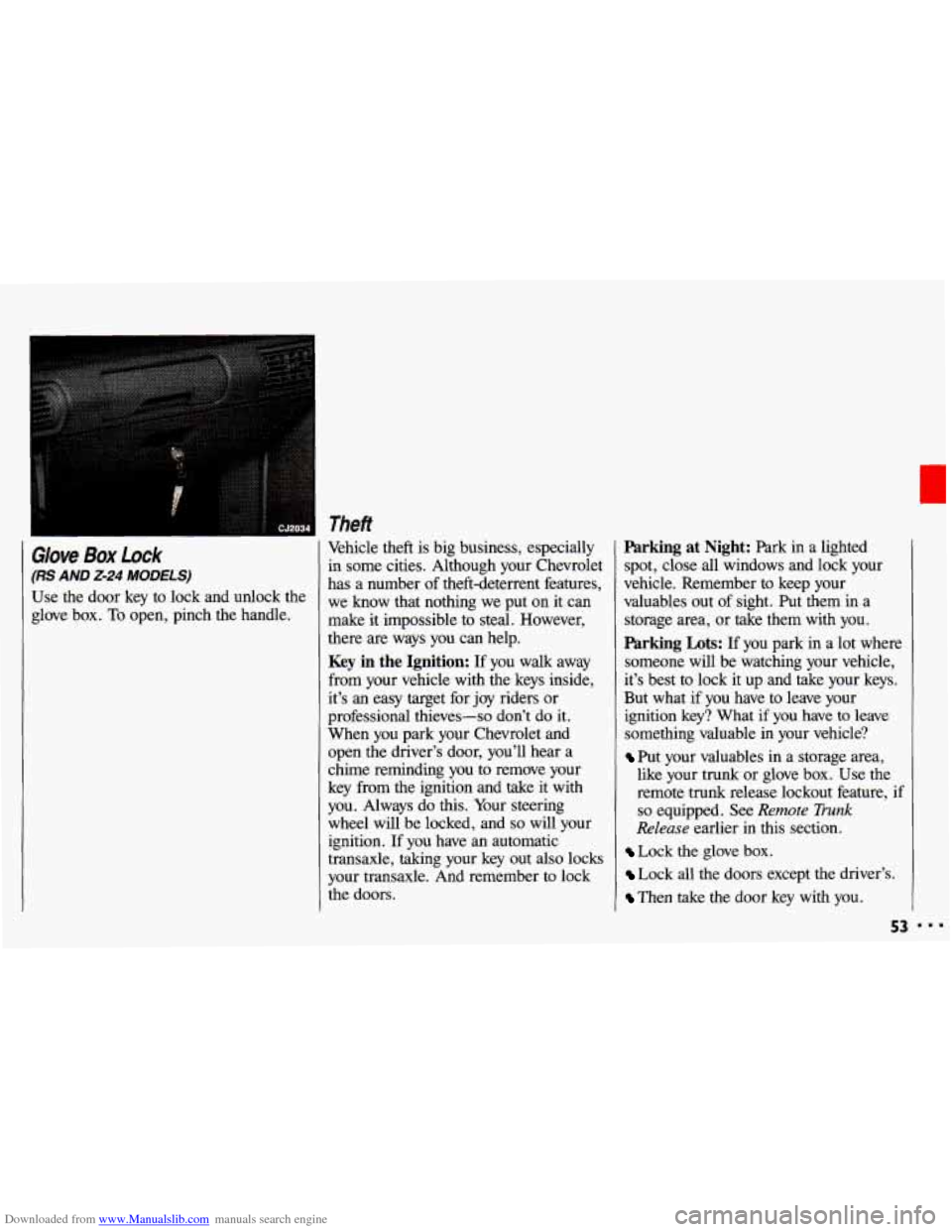
Glove Box Lock
(RS AND 2-24 MODELS)
Use the door key to lock and unlock the
glove box.
To open, pinch the handle, Vehicle theft
is big business, especially
in some cities. Although your Chevrolet
has a number of theft-deterrent features,
we know that nothing we put on it can
make it impossible to steal. However,
there are ways you can help.
Key in the Ignition: If you walk away
from your vehicle with the keys inside,
it’s an easy target for joy riders or
professional thieves-so don’t do it.
When you park your Chevrolet and
open the driver’s door, you’ll hear a
chime reminding you
to remove your
key from the ignition and take
it with
you. Always do this. Your steering
wheel will be locked, and
so will your
ignition. If you have an automatic
transaxle, taking your key out also locks
your transaxle. And remember to lock
the doors.
Parking at Night: Park in a lighted
spot, close all windows and lock your
vehicle. Remember to keep your
valuables out of sight. Put them in a
storage area, or take them with you.
Parking Lots: If you park in a lot where
someone will be watching your vehicle,
it’s best
to lock it up and take your keys.
But what if you have to leave your
ignition key? What if you have to leave
something valuable in your vehicle?
Put your valuables in a storage area,
like your trunk or glove box. Use the
remote trunk release lockout feature,
if
so equipped. See Remote Trunk
Release earlier in this section.
Lock the glove box.
Lock all the doors except the driver’s.
Then take the door key with you.
53
Page 57 of 308
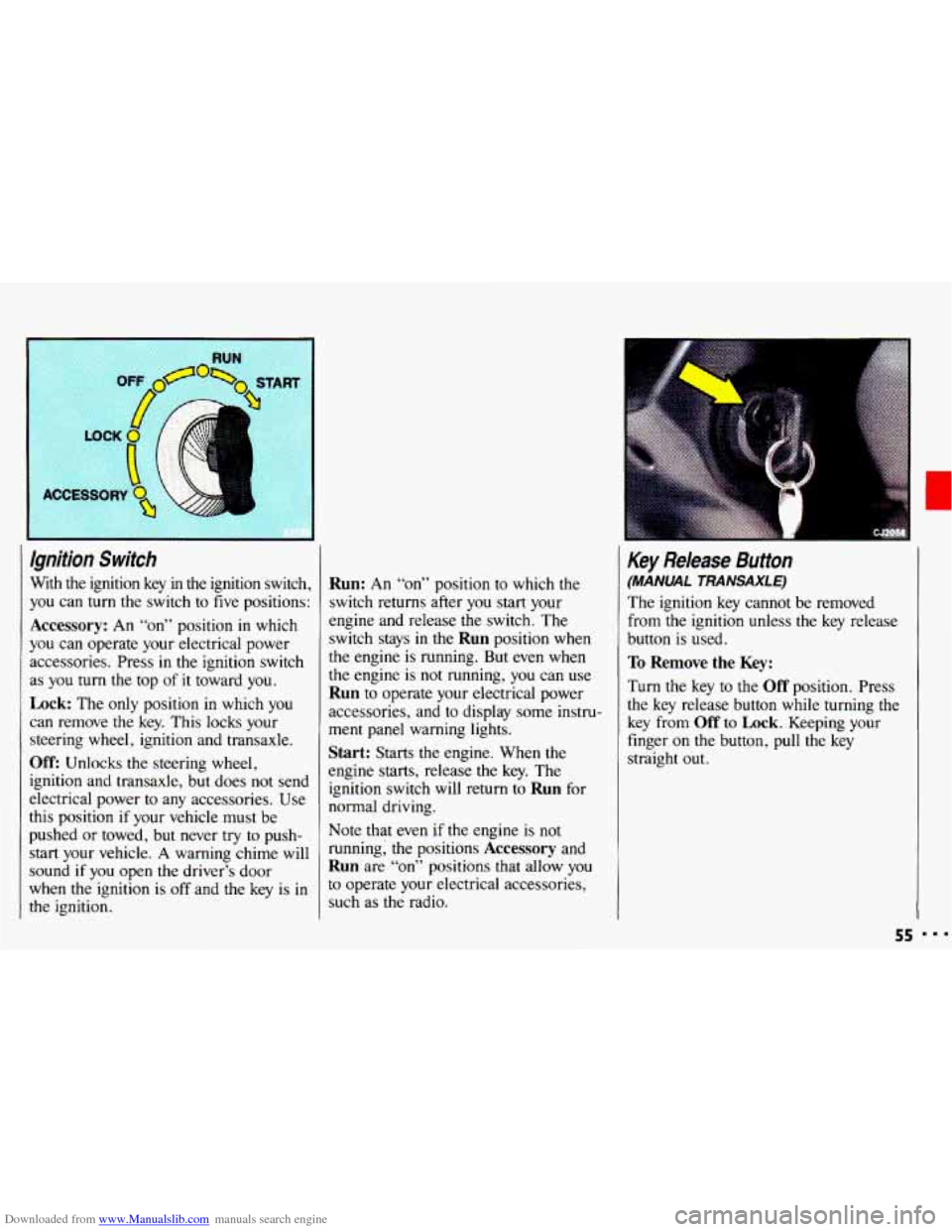
Downloaded from www.Manualslib.com manuals search engine Ignition Switch
With the ignition key in the ignition switch,
you can
turn the switch to five positions:
Accessory: An “on” position in which
you can operate your electrical power
accessories. Press in the ignition switch
as
you turn the top of it toward you.
Lock: The only position in which you
can remove the key. This locks your
steering wheel, ignition and transaxle.
Off: Unlocks the steering wheel,
ignition and transaxle, but does not send
electrical power
to any accessories. Use
this position
if your vehicle must be
pushed
or towed, but never try to push-
start your vehicle.
A warning chime will
sound
if you open the driver’s door
when the ignition is
off and the key is in
the ignition.
Run: An “on” position to which the
switch returns after
you start your
engine and release the switch. The
switch stays in
the Run position when
the engine is running. But even when
the engine is not running, you can use
Run to operate your electrical power
accessories, and to display some instru-
ment panel warning lights.
Start: Starts the engine. When the
engine starts, release the key. The
ignition switch will return to
Run for
normal driving.
Note that even
if the engine is not
running; the positions
Accessory and
Run are “on” positions that allow you
to operate your electrical accessories,
such as the radio.
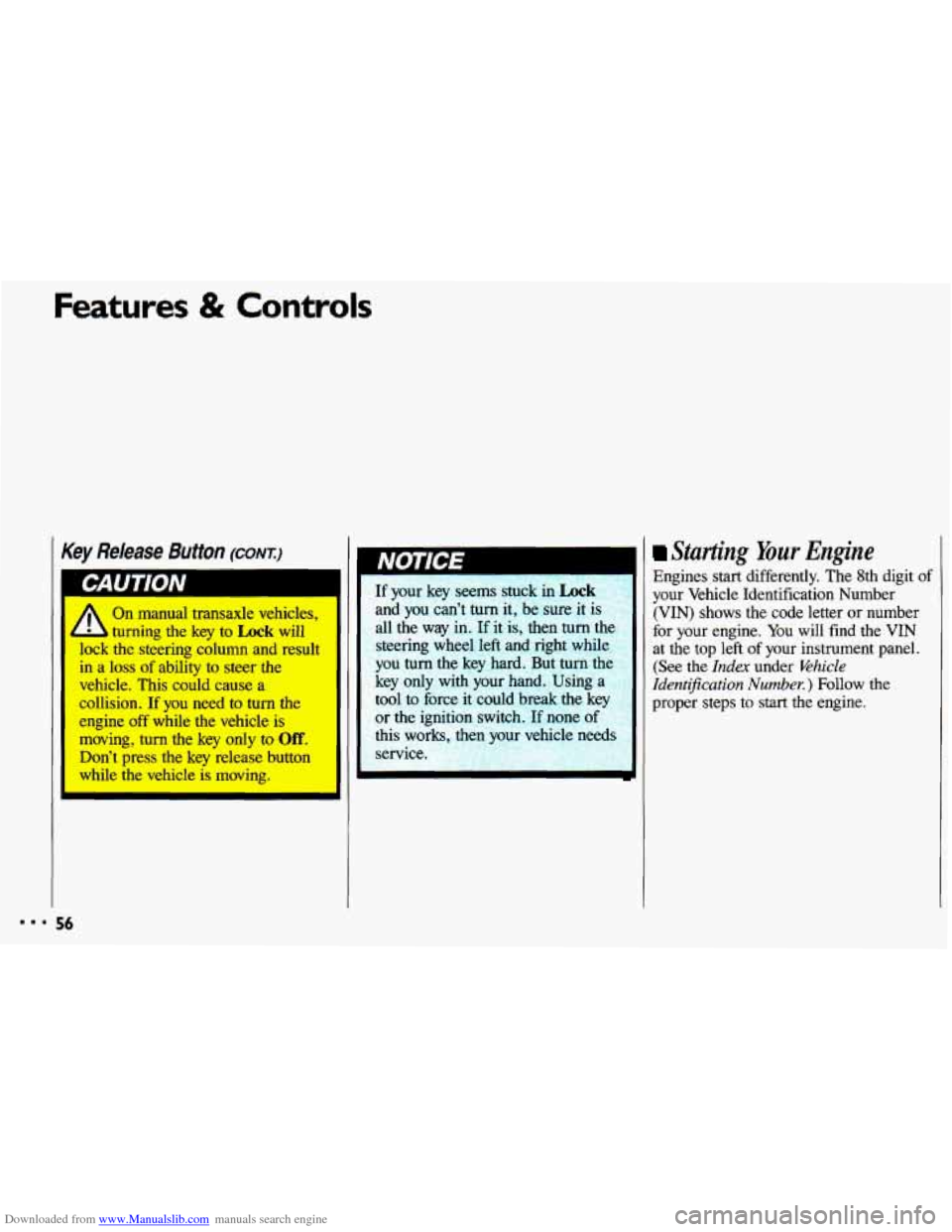
Key Release Button
(MANUAL TRANSAXLE)
The ignition key cannot be removed
from
the ignition unless the key release
button is used.
To Remove the Key:
Turn the key to the Off position. Press
the key release button while turning the
key from
Off to Lock. Keeping your
finger
on the button, pull the key
straight
out.
55
Page 58 of 308
Downloaded from www.Manualslib.com manuals search engine Features & Contr
Key Release Button (CONT.)
On manual transaxle vehicles,
- udng the key ta Lock will
lock the shMg column and result
in a loss of ability to steer the
vehicle. This could cause a
collision, If you need to tum the
engine off while the vehicle is
moving, turn the key only to Off.
Don’t press the key release button
while the vehicle is mcwing.
If your key seems stuck in Lock
and you can’t turn it, be sure it is
all the way in.
If it is, then turn tl
steering wheel left and right while
you
turn the key hard. But turn the
key only with your hand. Using a
tool to force it could break the
key
or the ignition switch. If none
this works,
t 1 yc vehicle needs
service.
Starting Your Engine
Engines start differently. The 8th digit of
your Vehicle Identification Number
(VIN) shows the code letter or number
for your engine. You will find the
VIN
at the top left of your instrument panel.
(See the Index under &hick
Ident@cation Number. ) Follow the
proper steps to start the engine.
56
Page 74 of 308
Downloaded from www.Manualslib.com manuals search engine Features & Controls
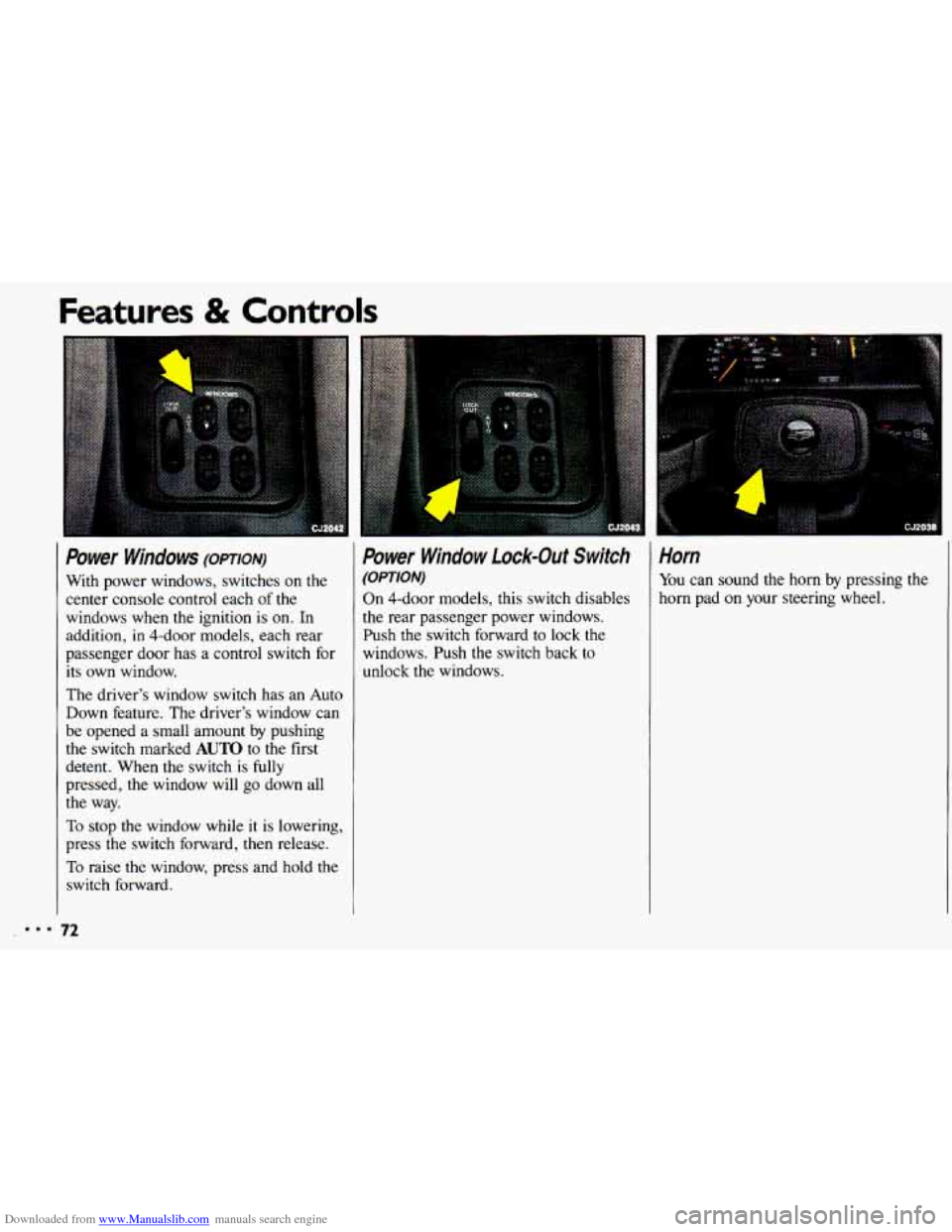
I Power Windows (opTIoN)
With power windows, switches on the
center console control each
of the
windows when the ignition is
on. In
addition, in 4-dOOr models, each rear
passenger door has a control switch for
its own window.
The driver’s window switch has an Auto
Down feature. The driver’s window can
be opened a small amount by pushing
the switch marked
AUTO to the first
detent. When the switch
is fully
pressed, the window will go down all
the way.
To stop the window while it is lowering,
press the switch forward, then release.
To raise the window, press and hold the
switch forward.
Power Window Lock-Out Switch
(OPTION)
On 4-dOOr models, this switch disables
the rear passenger power windows.
Push the switch forward to lock the
windows. Push the switch back to
unlock the windows.
1
i . :i .............. : ....... ,~,.
Horn
You can sound the horn by pressing the
horn pad
on your steering wheel.
:.. 72
Page 75 of 308
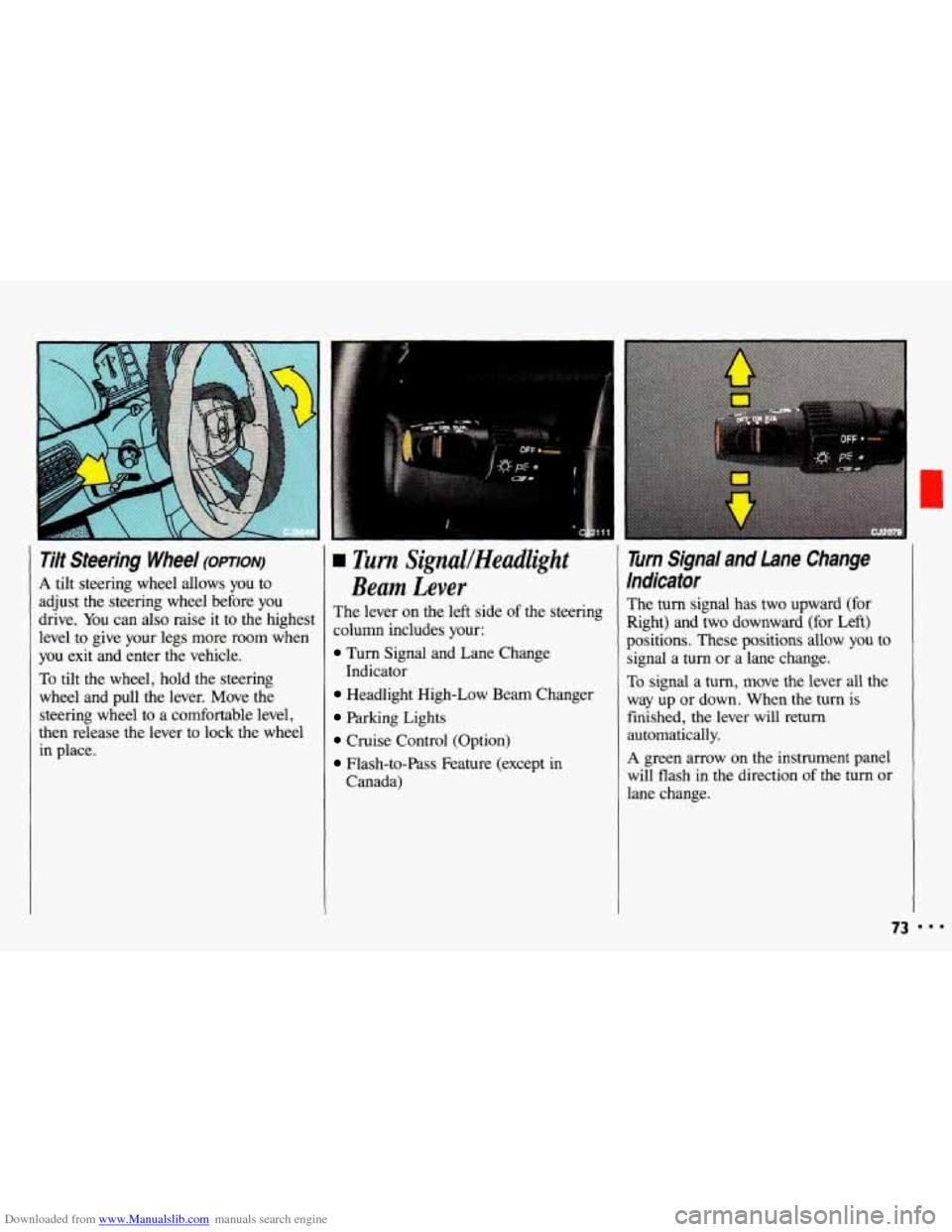
Downloaded from www.Manualslib.com manuals search engine Tilt Steering Wheel (OPTION)
A tilt steering wheel allows you to
adjust the steering wheel before you
drive. You can also raise it to the highest
level to give your legs more room when
you exit and enter the vehicle.
To tilt the wheel, hold the steering
wheel and pull the lever. Move the steering wheel to a comfortable level,
then release the lever
to lock the wheel
in place.
L rim SignuUHeadlight
Beam Lever
The lever on the left side of the steering
column includes your:
Turn Signal and Lane Change
Headlight High-Low Beam Changer
Parking Lights
Cruise Control (Option)
Flash-to-Pass Feature (except in
Indicator
Canada)
Turn Signal and Lane Change
Indicator
The turn signal has two upward (for
Right) and two downward (for Left)
positions. These positions allow you to
signal a turn or a lane change.
To signal a turn, move the lever all the
way up or down. When the turn is
finished, the lever will return
automatically.
A green arrow on the instrument panel
will flash in the direction
of the turn or
lane change.
73
Page 95 of 308
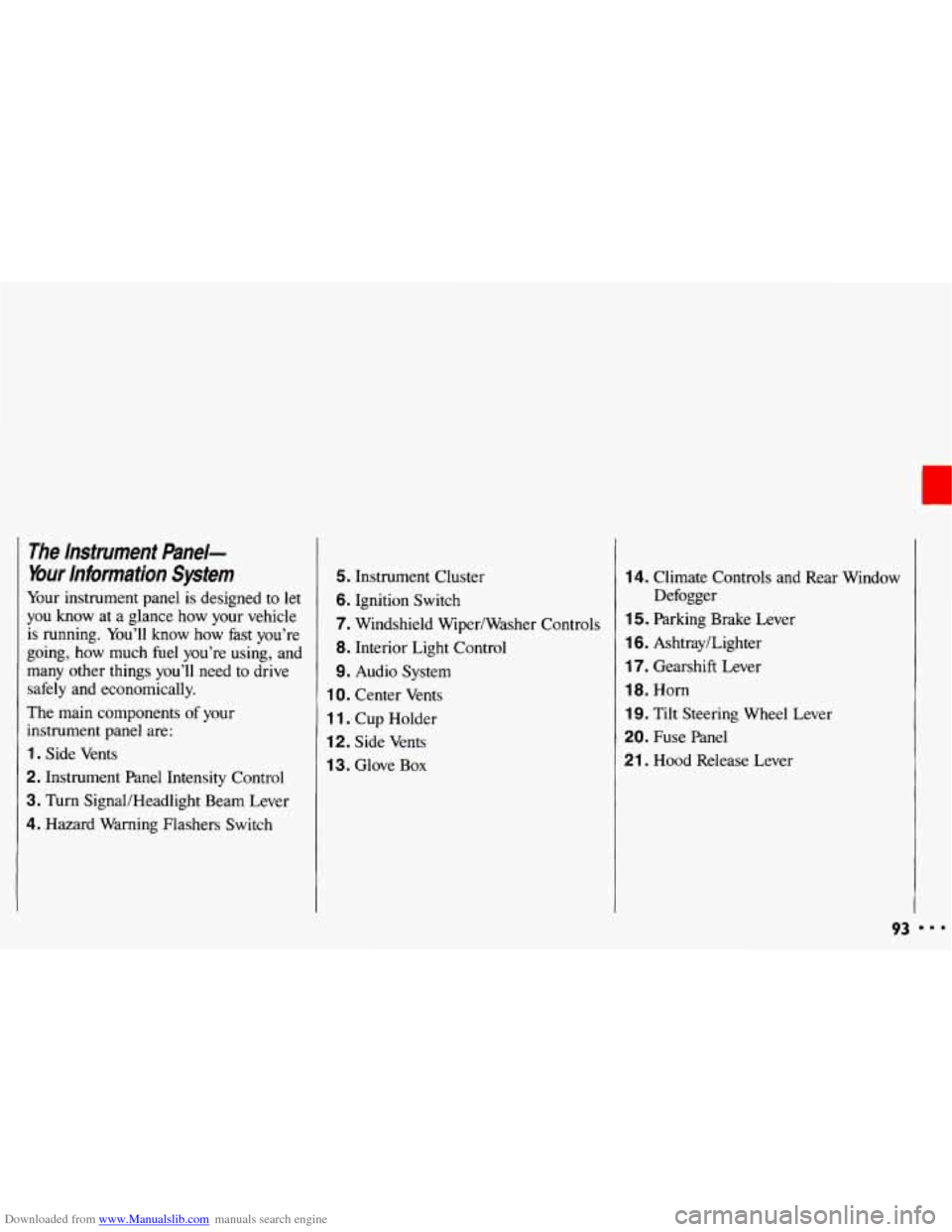
Downloaded from www.Manualslib.com manuals search engine The lnstrument Panel-
Your information System
Your instrument panel is designed to let
you know at a glance how your vehicle
is running. You’ll know how fast you’re
going, how much fuel you’re using, and
many other things you’ll need to drive
safely and economically.
The main components
of your
instrument panel are:
1. Side Vents
2. Instrument Panel Intensity Control
3. Turn SignaVHeadlight Beam Lever
4. Hazard Warning Flashers Switch
5. Instrument Cluster
6. Ignition Switch
7. Windshield Wiper/Washer Controls
8. Interior Light Control
9. Audio System
1 0. Center Vents
1 1. Cup Holder
12. Side Vents
1 3. Glove Box
14. Climate Controls and Rear Window
1 5. Parking Brake Lever
16. Ashtray/Lighter
17. Gearshift Lever
18. Horn
19. Tilt Steering Wheel Lever
20. Fuse Panel
21 . Hood Release Lever Defogger
93 I..
Page 125 of 308
Downloaded from www.Manualslib.com manuals search engine Part 4
Here you’ll find information about
driving on different kinds of roads
and in varying weather conditions
.
We’ve also included many other
useful tips on driving
.
Your Driving and the Road
Roadsigns ...................................................... 124
Defensive Driving ................................................ 128
Drunken Driving ................................................. 129
Control of a Vehicle ............................................... 131
Braking ....................................................... 132
Anti-Lock Brakes ............................................... 134
Steering Tips ................................................... 138
Steering in Emergencies .......................................... 139
Passing ....................................................... 140
DrivingatNight
.................................................. 143
Driving in the Rain ............................................... 145
Driving in Fog, Mist and Haze ...................................... 148
CityDriving ...................................................... 149
Freeway Driving ................................................. 150
Driving a Long Distance ........................................... 152
HillandMountainRoads ........................................... 154
ParkingonHills .................................................. 155
Winter Driving ................................................... 157
TowingaTrailer .................................................. 161
I23
Page 133 of 308

Downloaded from www.Manualslib.com manuals search engine “I’ll be careful” isn’t the right answer.
What
if there’s an emergency, a need to
take sudden action, as
when a child
darts into the street?
A person with a
higher
BAC might not be able to react
quickly enough
to avoid the collision.
There’s something else about drinking
and driving
that many people don’t
know. Medical research shows that
alcohol
in a person’s system can make
crash injuries worse. That’s especially
true for brain, spinal cord and heart
injuries. That means
that if anyone who
has been drinking-driver or
passenger-is
in a crash, the chance of
being killed or permanently disabled is
higher than
if that person had not been
drinking. And we’ve already seen that the chance
of a crash itself is higher for
drinking drivers.
CAUTION I
Drinking and then driving is
very dangerous. Your reflexes,
perceptions, and judgment
will be
affected
by even a small amount of
alcohol. You could have a
serious-or even fatal-accident
if
you drive after drinking. Please
don’t drink and drive or ride
with a
driver who has been drinking.
Ride home
in a cab; or if you’re
with a group, designate a driver
who will
not drink.
I Control of a Vehicle
You have three systems that make your
vehicle go where you want
it to go.
They are the brakes, the steering and the
accelerator.
All three systems have to do
their work at the places where the tires
meet
the road.
Sometimes, as when you’re driving
on
snow or ice, it’s easy to ask more of
those control systems than the tires and
road can provide. That means
you can
lose control of your vehicle.
I31