Downloaded from www.Manualslib.com manuals search engine Fuel Data Panel
6 i
c
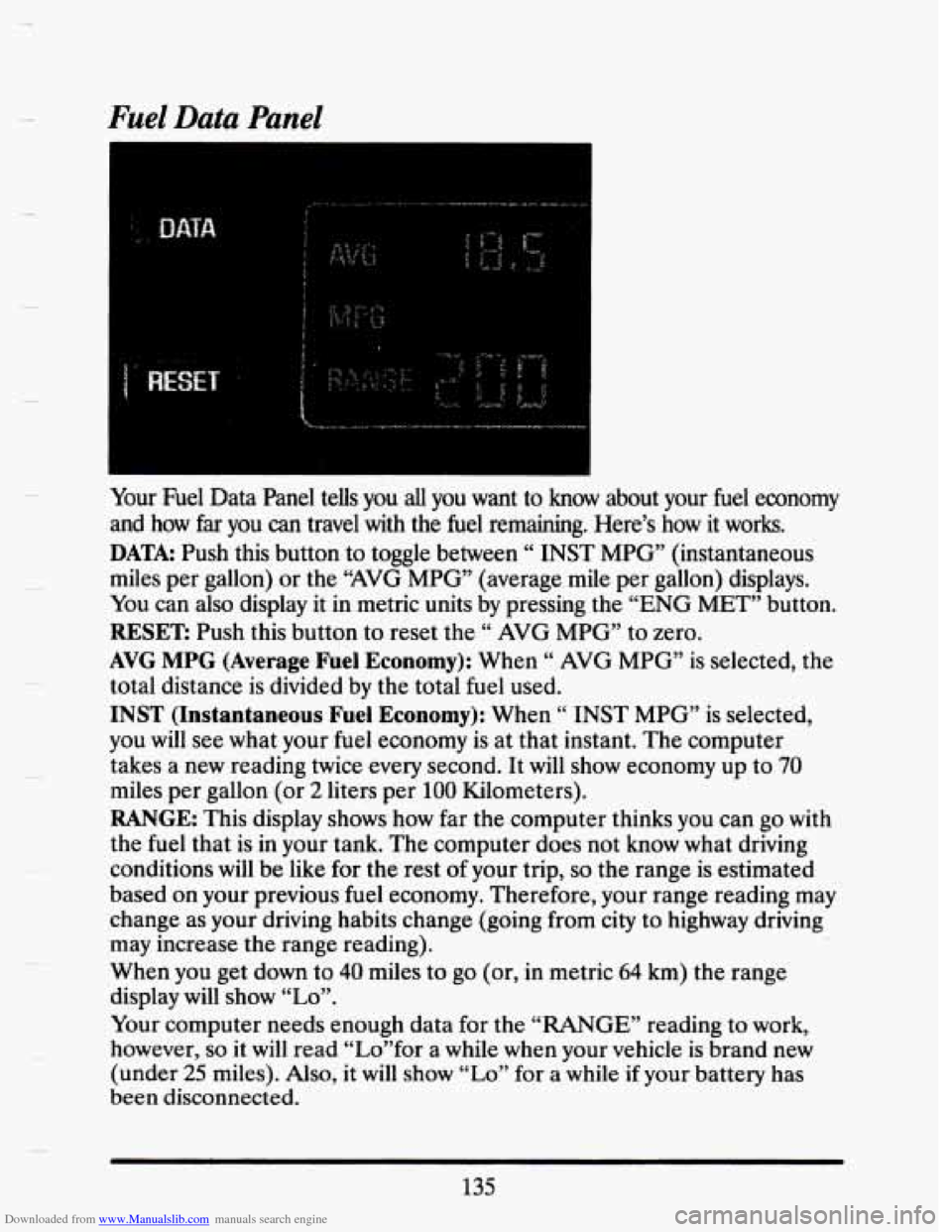
Your Fuel Data Panel teUs you all you want to know about your fuel economy
and how
far you can travel with the fuel remaining. Here’s how it works.
DATA: Push this button to toggle between “ INST MPG” (instantaneous
miles per gallon) or the “AVG MPG” (average mile per gallon) displays.
You can also display it in metric units by pressing the “ENG MET” button.
RESET: Push this button to reset the “ AVG MPG” to zero.
AVG MPG (Average Fuel Economy): When “ AVG MPG” is selected, the
total distance is divided by the total fuel used.
INST (Instantaneous Fuel Economy): When “ INST MPG” is selected,
you
will see what your fuel economy is at that instant. The computer
takes a new reading twice
every second. It will show economy up to 70
miles per gallon (or 2 liters per 100 Kilometers).
RANGE: This display shows how far the computer thinks you can go with
the fuel that is in your tank. The computer does not know what driving
conditions
will be like for the rest of your trip, so the range is estimated
based on your previous fuel economy. Therefore, your range reading may
change as your driving habits change (going from city to highway driving
may increase the range reading).
When you get down to
40 miles to go (or, in metric 64 km) the range
display will show
“Lo”.
Your computer needs enough data for the “RANGE” reading to work,
however,
so it will read “Lo”for a while when your vehicle is brand new
(under
25 miles). Also, it will show “Lo” for a while if your battery has
been disconnected.
135