2023 TOYOTA SUPRA wheel
[x] Cancel search: wheelPage 99 of 372

993-1. CONTROLS
3
CONTROLS
This chapter describes all stan-
dard, country-specific and
optional features offered with
the series. It also describes fea-
tures and functions that are not
necessarily available in your
vehicle, e.g., due to the selected
options or country versions. This
also applies to safety-related
functions and systems. When
using these functions and sys-
tems, the applicable laws and
regulations must be observed.
An ideal seating position that
meets the needs of the occu-
pants can make a vital contribu-
tion to relaxed, fatigue-free
driving.
In the event of an accident, the
correct seating position plays an
important role. Follow the infor-
mation in the following chapters:
• Seats, refer to page 99.
• Safety belts, refer to page 103.
• Head restraints, refer to page 108.
• Airbags, refer to page 164.
Seats, mirrors, and
steering wheel
Vehicle features and
options
Sitting safely
Seats
Safety information
WARNING
Seat adjustments while driving
can lead to unexpected move-
ments of the seat. Vehicle control
could be lost. There is a risk of an
accident. Only adjust the seat on
the driver's side when the vehicle
is stationary.
WARNING
With a backrest inclined too far to
the rear, the efficacy of the safety
belt can no longer be ensured.
There is a risk of sliding under the
safety belt in an accident. There is
a risk of injuries or danger to life.
Adjust the seat prior to starting the
trip. Adjust the backrest so that it
is in the most upright position as
possible and do not adjust again
while driving.
WARNING
There is a risk of jamming when
moving the seats. There is a risk
of injury or risk of damage to prop-
erty. Make sure that the area of
movement of the seat is clear
prior to any adjustment.
Page 106 of 372

1063-1. CONTROLS
Position the head restraint so that the center of it is at the same
height as the top of your ears
Make sure that the seat belt is not twisted
Adjust the seat so that your arms bend slightly at the elbow when
gripping the upper part of the steering wheel
Make sure that the seat belt is snug and not loose at any point
Position the lap belt as low as possible over the hips
Sit well back in the seat with the seatback upright
Sit so your entire back is in contact with the seatback
Position the shoulder belt so that it does not contact your nec k or
slide off your shoulderA
B
C
D
E
F
G
H
WARNING
Do not recline the seatback
excessively while driving.
To reduce the risk of sliding under
the lap belt during a collision, do
not recline the seat more than
necessary. If the seat is too
reclined, the lap belt may slide
past the hips and apply restraint
forces directly to the abdomen, or
your neck may contact the shoul-
der belt, increasing the risk of
death or serious injury in the
event of an accident. Adjustments
should not be made while driving
as the seat may unexpectedly
move and cause the driver to lose
control of the vehicle.
WARNING
Make sure that all passengers
wear their seat belt correctly.
Use of seat belts may be manda-
tory under local laws and regula-
tions. If a seat belt is not worn
properly, an occupant may con-
tact interior parts or be thrown
from the vehicle in the case of
sudden braking or a collision, pos-
sibly resulting in death or serious
injury. Also, if an occupant has an
incorrect riding posture, the air-
bags will be ineffectual as occu-
pant protection devices and may
actually cause injuries when they
deploy.
Page 110 of 372
1103-1. CONTROLS
If reverse gear is engaged, the
mirror glass on the front passen-
ger side is tilted downward. This
improves your view of the curb
and other low-lying obstacles
when parking, for instance.
1 Slide the switch to the
driver's side mirror position.
2 Engage selector lever posi-
tion R.
Slide the switch to the passen-
ger's side mirror position.
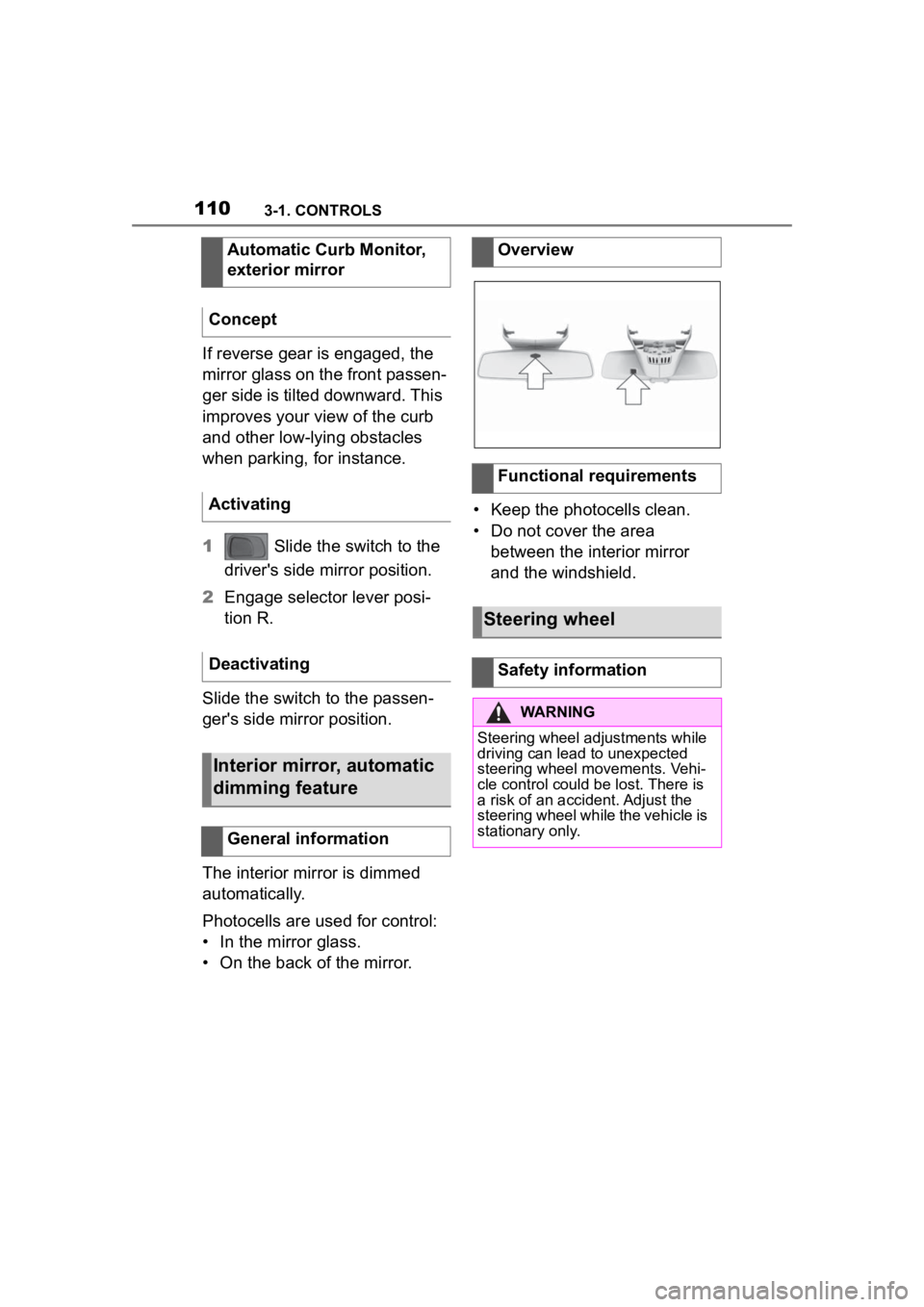
The interior mirror is dimmed
automatically.
Photocells are used for control:
• In the mirror glass.
• On the back of the mirror. • Keep the photocells clean.
• Do not cover the area
between the interior mirror
and the windshield.
Automatic Curb Monitor,
exterior mirror
Concept
Activating
Deactivating
Interior mirror, automatic
dimming feature
General information
Overview
Functional requirements
Steering wheel
Safety information
WARNING
Steering wheel adjustments while
driving can lead to unexpected
steering wheel movements. Vehi-
cle control could be lost. There is
a risk of an accident. Adjust the
steering wheel while the vehicle is
stationary only.
Page 111 of 372
1113-1. CONTROLS
3
CONTROLS
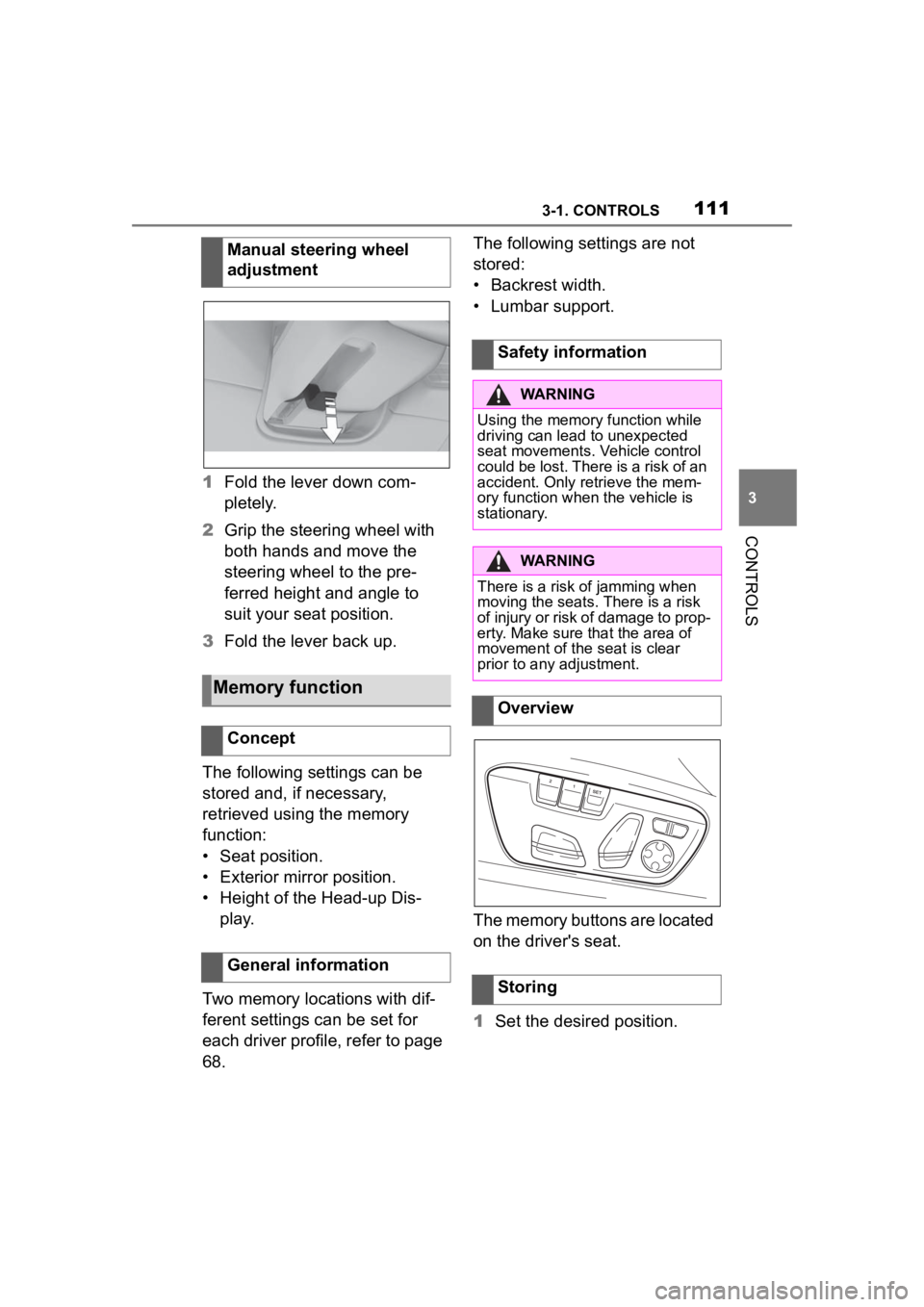
1Fold the lever down com-
pletely.
2 Grip the steering wheel with
both hands and move the
steering wheel to the pre-
ferred height and angle to
suit your seat position.
3 Fold the lever back up.
The following settings can be
stored and, if necessary,
retrieved using the memory
function:
• Seat position.
• Exterior mirror position.
• Height of the Head-up Dis- play.
Two memory locations with dif-
ferent settings can be set for
each driver profile, refer to page
68. The following settings are not
stored:
• Backrest width.
• Lumbar support.
The memory buttons are located
on the driver's seat.
1
Set the desired position.
Manual steering wheel
adjustment
Memory function
Concept
General information
Safety information
WARNING
Using the memory function while
driving can lead to unexpected
seat movements. Vehicle control
could be lost. There is a risk of an
accident. Only retrieve the mem-
ory function when
the vehicle is
stationary.
WARNING
There is a risk of jamming when
moving the seats. There is a risk
of injury or risk of damage to prop-
erty. Make sure that the area of
movement of the seat is clear
prior to any adjustment.
Overview
Storing
Page 121 of 372

1213-1. CONTROLS
3
CONTROLS
required level.
Where there is a risk of win-
dow condensation when the
automatic air conditioning is
switched on.
Engine or other parts not at
operating temperature.
Engine cooling is required.
The wheels are at a sharp
angle or the steering wheel is
being turned.
Vehicle battery is heavily dis-
charged.
At higher elevations.
The hood is unlocked.
The parking assistant is acti-
vated.
Stop-and-go traffic.
Selector lever position in N or
R.
After driving in reverse.
Use of fuel with high ethanol
content.
Manual transmission
The engine starts automatically
under the following precondi-
tions:
By releasing th e clutch pedal.
Automatic transmission
The engine starts automatically under the following precondi-
tions:
By releasing the brake pedal.
After the engine starts, acceler-
ate as usual.
After the engine switches off
automatically, it will not start
again automatically if any one of
the following conditions are met:
The driver's safety belt is
unbuckled and the driver's
door is open.
The hood was unlocked.
Some indicator lights light up for
a varied length of time.
The engine can only be started
via the Start/Stop button.
Even if driving off was not
intended, the deactivated
engine starts up automatically in
the following situations:
Excessive warming of the
car's interior when the air con-
ditioning is switched on.
Excessive cooling of the car's
interior when the heating is
switched on.
Where there is a risk of win-
dow condensation when the
Starting the engine
Functional requirements
Driving off
Safety mode
System limits
Page 122 of 372
1223-1. CONTROLS
automatic air conditioning is
switched on.
The steering wheel is turned.
Change from selector lever
position D to N or R.
Change from selector lever
position P to N, D, or R.
Vehicle battery is heavily dis-
charged.
Start of an oil level measure-
ment.
Depending on the vehicle equip-
ment and country-specific ver-
sion, the vehicle features a
variety of sensors for assessing
the traffic situation. The Auto
Start/Stop function uses this
information to adapt to various
traffic situations in a proactive
manner.
For instance, this applies to the
following situations:
If a situation is detected in
which the stopping time is
expected to be very short, the
engine is not switched off
automatically. A message
appears on the Control Dis-
play, depending on the situa-
tion.
If a situation is detected in
which the vehicle needs to
drive off immediately, the
engine is started automati- cally.
The function may be restricted if
the navigation data is invalid,
outdated or not available, for
example.
The engine is not automatically
switched off.
The engine is started during an
automatic engine stop.
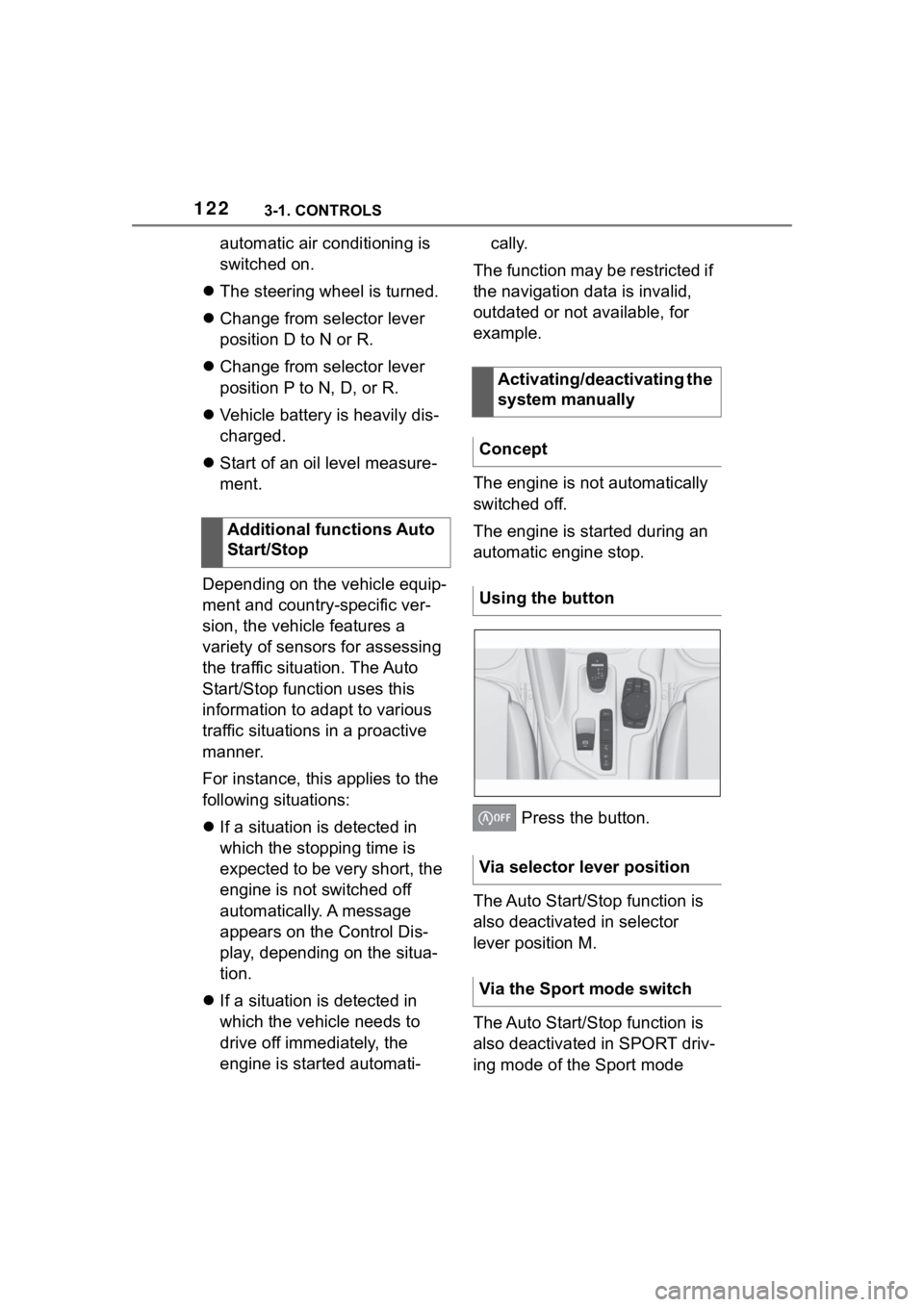
Press the button.
The Auto Start/Stop function is
also deactivated in selector
lever position M.
The Auto Start/Stop function is
also deactivated in SPORT driv-
ing mode of the Sport mode
Additional functions Auto
Start/Stop
Activating/deactivating the
system manually
Concept
Using the button
Via selector lever position
Via the Sport mode switch
Page 123 of 372

1233-1. CONTROLS
3
CONTROLS
switch.
■General information
During an automatic engine
stop, the vehicle can be
switched off permanently, for
instance when leaving it.
■Manual transmission
1 Press the Start/Stop button.
Drive-ready state is switched
off.
Standby state is switched on.
2 Shift into first gear or reverse.
3 Set the parking brake.
■Automatic transmission
1 Press the Start/Stop button.
Drive-ready state is switched
off.
Standby state is switched on.
Selector lever position P is
engaged automatically.
2 Set the parking brake.
In certain situations, the Auto
Start/Stop function is deacti-
vated automatically for safety
reasons, for instance if no driver
is detected. The Auto Start/Stop function no
longer switches off the engine
automatically. A vehicle mes-
sage is displayed. It is possible
to continue driving. Have the
system checked by your Toyota
dealer.
The parking brake is used to
prevent the vehicle from rolling
when it is parked.
Switching off the vehicle
during an automatic engine
stop
Automatic deactivation
General information
Malfunction
Parking brake
Concept
Safety information
WARNING
An unsecured vehicle can begin
to move and possibly roll away.
There is a risk of an accident.
Before exiting, secure the vehicle
against rolling.
In order to ensure that the vehicle
is secured against rolling away,
follow the following:
●Set the parking brake.
●On uphill grades or on a down-
hill slope, turn the front wheels
in the direction of the curb.
●On uphill grades or on a down-
hill slope, also secure the vehi-
cle, for instanc e with a wheel
chock.
Page 125 of 372
1253-1. CONTROLS
3
CONTROLS
press the switch while the
brake is pressed or selector
lever position P is set.
The LED and indicator light go out.
The parking brake is released.
The parking brake is released
automatically when you drive
away.
The LED and indicator light go
out.
In the event of a failure or mal-
function of the parking brake:
Secure the vehicle against roll-
ing away, for instance with a
wheel chock, after existing the
vehicle.
To reestablish parking brake
functionality after a power fail-
ure:
1Switch on standby state.
2 Pull the switch while
stepping on the brake pedal
or selector lever position P is
set and then push.
This process may take a few
seconds. Any sounds associ-
ated with this are normal. When driving and during opera-
tion of the turn signals or hazard
warning system, do not fold in
the exterior mirrors, so that the
signal lights on the exterior mir-
ror are easy to see.
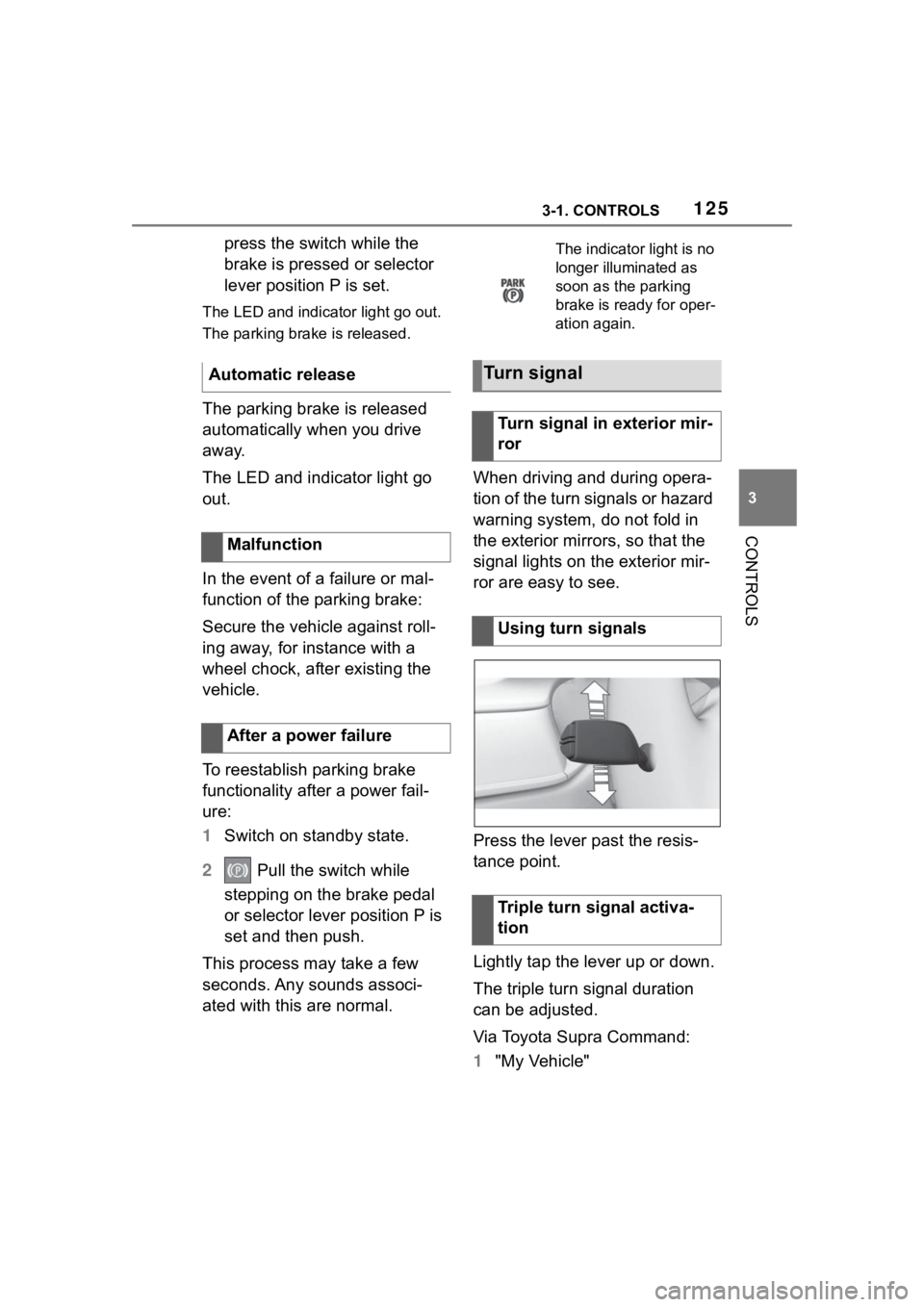
Press the lever past the resis-
tance point.
Lightly tap the lever up or down.
The triple turn signal duration
can be adjusted.
Via Toyota Supra Command:
1
"My Vehicle"
Automatic release
Malfunction
After a power failure
The indicator light is no
longer illuminated as
soon as the parking
brake is ready for oper-
ation again.
Turn signal
Turn signal in exterior mir-
ror
Using turn signals
Triple turn signal activa-
tion