2023 TOYOTA SUPRA transmission
[x] Cancel search: transmissionPage 136 of 372
1363-1. CONTROLS
Do not use Launch Control
during the break-in, refer to
page 258, period.
Do not steer the steering wheel
when driving off with Launch
Control.
Launch Control is available
when the engine is at operating
temperature. The engine is at
operating temperature after an
uninterrupted trip of at least 6
miles/10 km.
1Switch on drive-ready state.
2 Press the sport button.
SPORT will be dis played on the
instrument cluster, indicating sport
mode has been selected.
3 Press the button.
TRACTION will be displayed on the
instrument cluster and the VSC
OFF indicator la mp will illuminate.
4Select the D selector lever
position.
5 Firmly depress the brake
pedal with your left foot.
6 Fully depress and hold the
accelerator pedal at the kick-
down position.
A flag symbol will be shown in the
instrument cluster.
7The engine speed will be
adjusted for launching. Release the brake pedal
within 3 seconds.
After Launch Control has been
used, the transmission must
cool down for approx. 5 minutes
before Launch Control can be
used again. Launch Control
adjusts to the surrounding con-
ditions, when used again.
To increase vehicle stability,
activate VSC Vehicle Stability
Control System again as soon
as possible.
An experienced driver may be
able to achieve better accelera-
tion values in VSC OFF mode.
The Sport mode button influ-
ences the driving dynamics
properties of the vehicle.
The following systems are
affected, for instance:
Engine characteristics.
Automatic transmission.
Functional requirements
Start with launch control
Repeated use during a trip
After using Launch Control
System limits
Sport mode button
Concept
General information
Page 138 of 372

1383-1. CONTROLS
This chapter describes all stan-
dard, country-specific and
optional features offered with
the series. It also describes fea-
tures and functions that are not
necessarily available in your
vehicle, e.g., due to the selected
options or country versions. This
also applies to safety-related
functions and systems. When
using these functions and sys-
tems, the applicable laws and
regulations must be observed.
The instrument cluster is a vari-
able display. When the sport
mode switch is used to change
the driving mode, the instrument
cluster displays change to
match the driving mode.
The display change in the instru-
ment cluster can be deactivated
via Toyota Supra Command.
Some of the displays in the
instrument cluster may differ
from the illustrations in this
Owner's Manual.
If the displays on the instrument
cluster fail, do not use the vehicle.
There may be a risk of accident or
risk of damage to property. Immedi-
ately park the vehicle in a safe man-
ner.If drive readiness is switched off
and on again, the malfunction may
be rectified and i t may be possible
to continue driving. If the malfunc-
tion cannot be remedied, have the
system checked by your Toyota
dealer.
1 Fuel gauge P.144
2 Speedometer
3 Tachometer P.145
Status, Sport mode switch
P. 1 3 6
4 Time P.63
5 Variable displays P.139
6 External temperature P.146
7 Engine coolant temperature
P. 1 4 6
8 Vehicle messages P.139
Range P.146
9 Transmission display P.131
10Variable displays P.139 Speed Limit Info
Displays
Vehicle features and
options
Instrument cluster
Concept
General information
Safety information
Overview
Page 145 of 372

1453-1. CONTROLS
3
CONTROLS
Always avoid engine speeds in
the red warning field. In this
range, the fuel supply is reduced
to protect the engine.
Depending on the vehicle equip-
ment, the shift position indica-
tors on the instrument cluster
indicates the maximum shift
point at which the best possible
acceleration can be achieved.
Depending on the equipment
and nationalmarket version, the
Shift lights are active in the sport
mode of the Automatic transmis-
sion and with manual transmis-
sion.
When the selected driving mode
is sport mode, a shift light will be
displayed.
Automatic transmission:
1Select SPORT using the
sport mode switch.
2 Activate manual mode of the
transmission. • Successive orange illumi-
nated fields indicate the
upcoming shift moment.
• The field lights up red. Do not wait any further to shift.
When the maximum speed is
reached, the entire display
flashes red and the supply of
fuel is interrupted in order to
protect the engine.
For further information, see Idle
state, standby state, and
drive-ready state, refer to page
Tachometer
Shift lights
Concept
General information
Functional requirement
Switching on shift lights
Display
Standby state and
drive-ready state
The lettering OFF in
the instrument cluster
indicates that
drive-ready state is
switched off and
standby state is
switched on.
The lettering READY in
the instrument cluster
indicates that the
drive-ready state is
switched on.
Page 148 of 372

1483-1. CONTROLS
Via Toyota Supra Command:
1"My vehicle"
2 "Vehicle status"
3 "Service required"
4 "Date:"
5 Select the desired setting.
The gear shift indicator recom-
mends the optimal gear for the
current driving situation and
supports an efficient driving
style.
Depending on the vehicle equip-
ment and country version, the
gear shift indicator is active in
the manual mode of the auto-
matic transmission and with
manual transmission.
Suggestions to shift gear up or
down are displayed in the instru-
ment cluster.
On vehicles without a gear shift
indicator, the engaged gear is
displayed. Suggestions to shift gear up or
down are displayed in the instru-
ment cluster.
On vehicles without a gear shift
indicator, the engaged gear is
displayed.
The display can be operated
when necessary.
Entertainment source.
Current audio source.
List of most recent telephone
calls.
If necessary, the corresponding
menu will open on the Control
Display.
Gear shift indicator
Concept
General information
Manual transmission: dis-
playing
ExampleDescription
Efficient gear is set.
Shift into efficient gear.
Automatic transmission:
displaying
ExampleDescription
Efficient gear is set.
Shift into efficient gear.
Selection lists
Concept
Page 181 of 372

1813-1. CONTROLS
3
CONTROLS
If a prewarning is provided,
respond by braking as war-
ranted.
An acute warning is displayed in
case of the imminent danger of
a collision when the vehicle
approaches another object at a
high differential speed.
Intervene in the case of an
acute warning. Depending on
the driving situation and the
equipment version, the acute
warning may be accompanied
by a brief activation of the brak-
ing system.
With the warning time setting
"late" the brief activation of the
braking system is omitted.
If an acute warning is provided,
the system may also provide
assistance, such as through
braking, when there is risk of
collision.
Acute warnings may be pro-
vided even when there has been
no prior warning.
The warning prompts the driver
to intervene. When the brake
pedal is pressed quickly and
hard, the maximum braking
force of the vehicle is used.
The system may also assist in braking if there is a risk of colli-
sion.
When the vehicle is traveling at
a low speed, the vehicle may
come to a complete stop.
Manual transmission: during a
brake intervention up to a com-
plete stop, the engine may be
shut down.
City brake function: the braking
intervention occurs to up to
approx. 53 mph/85 km/h.
With radar sensor: the braking
intervention occurs to up to
approx. 155 mph/250 km/h.
At speeds above approx. 130
mph/210 km/h, the braking inter-
vention occurs as a brief braking
pressure. No automatic delay
occurs.
The driver may interrupt the
braking intervention function by
stepping on the accelerator
pedal or by actively moving the
steering wheel.
The system’s ability to detect
objects may be limited in some
circumstances. Refer to the
information in this Owner’s Man-
ual regarding the limitations of
the system and actively inter-
vene as warranted.
Acute warning with braking
function
Braking intervention
Page 186 of 372

1863-1. CONTROLS
ing or make an evasive maneu-
ver.
The warning prompts the driver
to intervene. When the brake
pedal is pressed quickly and
hard, the maximum braking
force of the vehicle is used.
If there is a risk of collision, the
system may also assist with
brake intervention.
When the vehicle is traveling at
a low speed, the vehicle may
come to a complete stop.
Manual transmission: during a
brake intervention up to a com-
plete stop, the engine may be
shut down.
The braking intervention can be
interrupted by stepping on the
accelerator pedal with sufficient
force or by actively moving the
steering wheel.The system responds to pedes-
trians and cyclists when the
speed of the vehicle is below
approx. 53 mph/85 km/h.
The system's detection potential
is limited.
Thus, a warning might not be
issued or be issued late.
The following situations may not
be detected, for instance:
Partially covered pedestrians.
Pedestrians that are not
detected as such because of
the viewing angle or contour.
Pedestrians outside of the
detection range.
Pedestrians having a body
size less than 32 in/80 cm.
Braking interventionSystem limits
Safety information
WARNING
The system is designed to oper-
ate in certain conditions and cir-
cumstances. Due to conditions or
other factors, the system may not
respond. There may be a risk of
accident or risk of damage to
property. Actively intervene as
warranted. Refer to the informa-
tion in this Owner’s Manual
regarding the scope of the sys-
tem’s operation and limitations.
Upper speed limit
Detection range
Page 207 of 372

2073-1. CONTROLS
3
CONTROLS
The indicator will come on.
Cruise control is active. The cur-
rent speed is maintained and
stored as desired speed.
VSC Vehicle Stability Control
System is switched on, if neces-
sary.
The displays go out. The stored
desired speed is deleted.
The system is automatically
interrupted in the following situa-
tions, for example:
When the driver applies the
brakes.
Manual transmission: the
clutch pedal is depressed for
a few seconds or released while a gear is not engaged.
Manual transmission: if the
gear engaged is too high for
the current speed.
Automatic transmission:
selector lever position D is
disengaged.
Traction mode is activated or
VSC Vehicle Stability Control
System is deactivated.
If VSC Vehicle Stability Con-
trol System intervenes.
Press the rocker switch up or
down once while the system is
interrupted.
When the system is switched
on, the current speed is main-
tained and stored as the desired
speed.
The stored speed is displayed,
refer to page 209, on the speed-
ometer.
VSC Vehicle Stability Control
Switching cruise control
on/off
Switching on
Press the button on the
steering wheel.
Switching off
Press the button on the
steering wheel.
Pausing cruise control
Interrupting manually
When active, press the
button.
Interrupting automatically
Setting the speed
Maintaining and storing the
speed
Page 212 of 372
2123-1. CONTROLS
the same time.
Press the following button on
the steering wheel again:
The displays go out. The stored
desired speed is deleted.
When active, press the following
button on the steering wheel:
If interrupting the system while
stationary, press on the brake
pedal at the same time.
The system is automatically
interrupted in the following situa-
tions:
When the driver applies the
brakes.
Manual transmission: the
clutch pedal is depressed for
a few seconds or released
while a gear is not engaged.
Manual transmission: if the
gear engaged is too high for
the current speed.
Automatic transmission:selec-
tor lever position D isdisen-
gaged.
Traction mode is activated or
VSC Vehicle Stability Control
System is deactivated.
If VSC Vehicle Stability Con-
trol System intervenes.
If the safety belt is unbuckled
and the driver's door is
opened while the vehicle is
standing still.
If the system has not detected
objects for an extended
period, for instance on a road
with very little traffic without
curb or shoulder markings.
If the detection range of the
radar is impaired, for instance
by dirt or heavy fog.
After a longer stationary
period when the vehicle has
been braked to a stop by the
system.
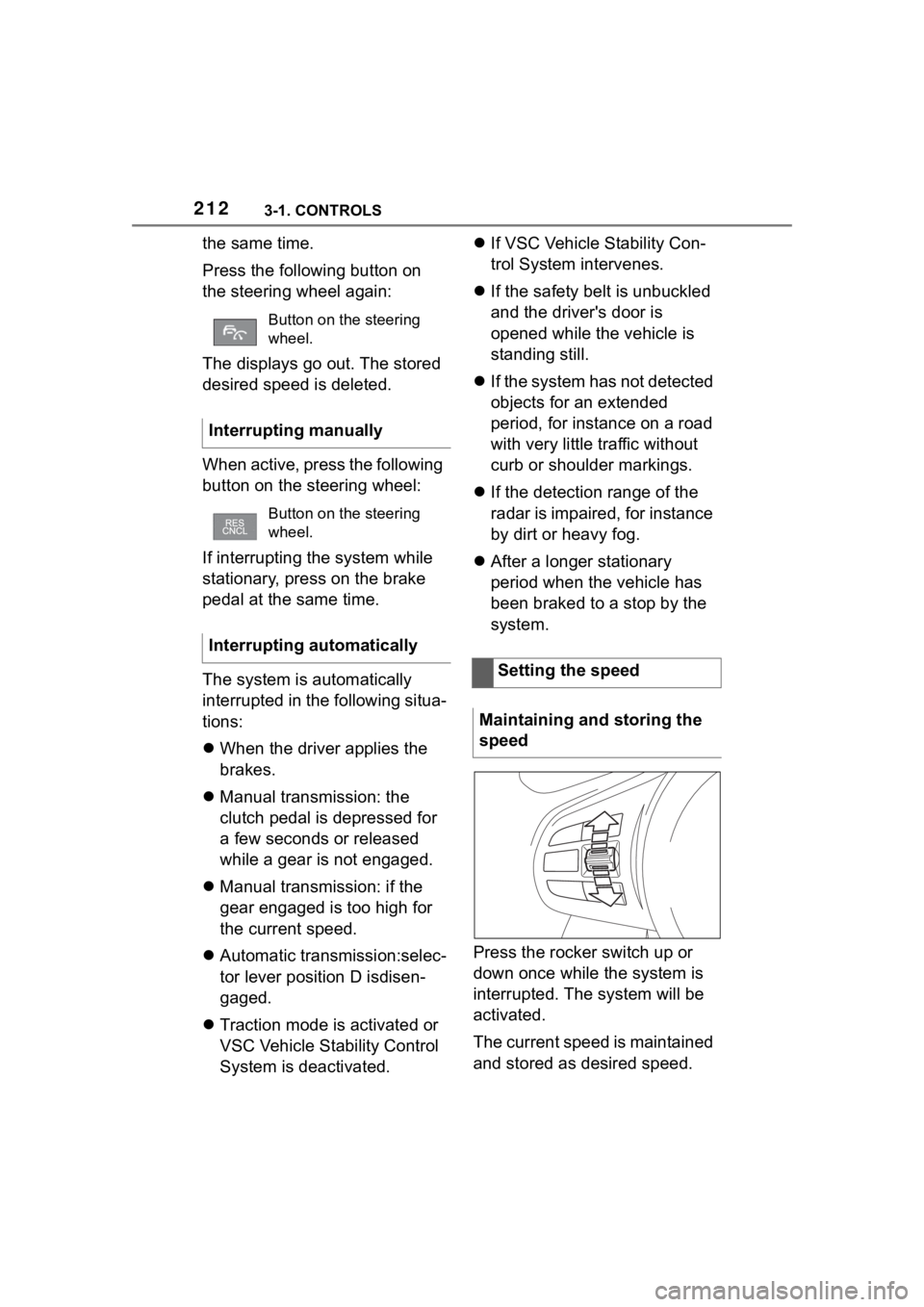
Press the rocker switch up or
down once while the system is
interrupted. The system will be
activated.
The current speed is maintained
and stored as desired speed.
Button on the steering
wheel.
Interrupting manually
Button on the steering
wheel.
Interrupting automatically
Setting the speed
Maintaining and storing the
speed