2023 TOYOTA SUPRA check engine
[x] Cancel search: check enginePage 151 of 372

1513-1. CONTROLS
3
CONTROLS
■Display
■Concept
The current consumption dis-
plays the current consumption
of fuel. Check whether you are
currently driving in an efficient
and environmentally friendly
manner.
■General information
The current fuel consumption is
displayed on the instrument
cluster as a bar display.
■Display
■General information
Average speed and average consumption are calculated for
the distance traveled since the
last reset in the Onboard Com-
puter.
Periods in which the vehicle is
parked with the engine manually
stopped are not included in the
calculation of the average
speed.
■Resetting average values
Press and hold the button on the
turn signal lever.
■Display
The Onboard Computer dis-
plays different vehicle data on
the Control Display, such as
Consumption display
Average speed and average
consumption
Onboard Computer on the
Control Display
Concept
Page 153 of 372

1533-1. CONTROLS
3
CONTROLS
Via Toyota Supra Command:
1"My vehicle"
2 "Sport displays"
A speed limit can be set that
when reached will cause a
warning to be issued.
The warning is repeated if the
vehicle speed exceeds the set
speed limit again, after it has
dropped below it by 3 mph/5
km/h.
Via Toyota Supra Command:
1 "My Vehicle"
2 "Vehicle settings"
3 "Speed warning"
4 "Warning at:"
5 Turn the Controller until the
desired speed is displayed.
6 Press the Controller.
Via Toyota Supra Command: 1
"My Vehicle"
2 "Vehicle settings"
3 "Speed warning"
4 "Speed warning"
Via Toyota Supra Command:
1 "My Vehicle"
2 "Vehicle settings"
3 "Speed warning"
4 "Select current speed"
The status can be displayed and
actions performed for several
systems.
Via Toyota Supra Command:
1 "My vehicle"
2 "Vehicle status"
"Tire Pressure Monitor":
Status of the Tire Pressure
Monitor, refer to page 287.
"Engine oil level": Elec-
tronic engine oil level check,
refer to page 302.
"Vehicle messages": Vehi-
Displays
Speed warning
Concept
General information
Configuring the speed
limit warning
Activating/deactivating the
speed warning
Setting your current speed
as the speed warning
Vehicle status
General information
Opening the vehicle status
Information at a glance
Page 264 of 372

2644-1. DRIVING TIPS
Additional weight increases fuel
consumption.
Attached parts on the vehicle
impair the aerodynamics and
increase the fuel consumption.
Open windows increase air
resistance and therefore lead to
greater fuel consumption.
Tires can affect consumption in
various ways, for instance tire
size may influence consump-
tion.
Check and, if needed, correct
the tire inflation pressure at least
twice a month and before start-
ing on a long trip.
Low tire inflation pressure
increases rolling resistance and
thus raises fuel consumption
and tire wear.Do not wait for the engine to
warm-up while the vehicle
remains stationary. Start driving
right away, but at moderate
engine speeds.
This is the quickest way of
warming the cold engine up to
operating temperature.
Driving smoothly and proactively
reduces fuel consumption.
Avoid unnecessary acceleration
and braking.
By maintaining a suitable dis-
tance to the vehicle driving
ahead of you.
Driving at low engine speeds
lowers fuel consumption and
reduces wear.
If necessary, observe the vehi-
cle's gear shift indicator, refer to
page 148.
When approaching a red light,
take your foot off the accelerator
and let the vehicle coast to a
halt.
For going downhill take your foot
off the accelerator and let the
Remove unnecessary
cargo
Remove attached parts fol-
lowing use
Closing the windows
Tires
General information
Check the tire inflation pres-
sure regularly
Drive away without delay
Look well ahead when
driving
Avoid high engine speeds
Use coasting conditions
Page 285 of 372
2855-1. MOBILITY
5
MOBILITY
into the power socket inside
the vehicle.
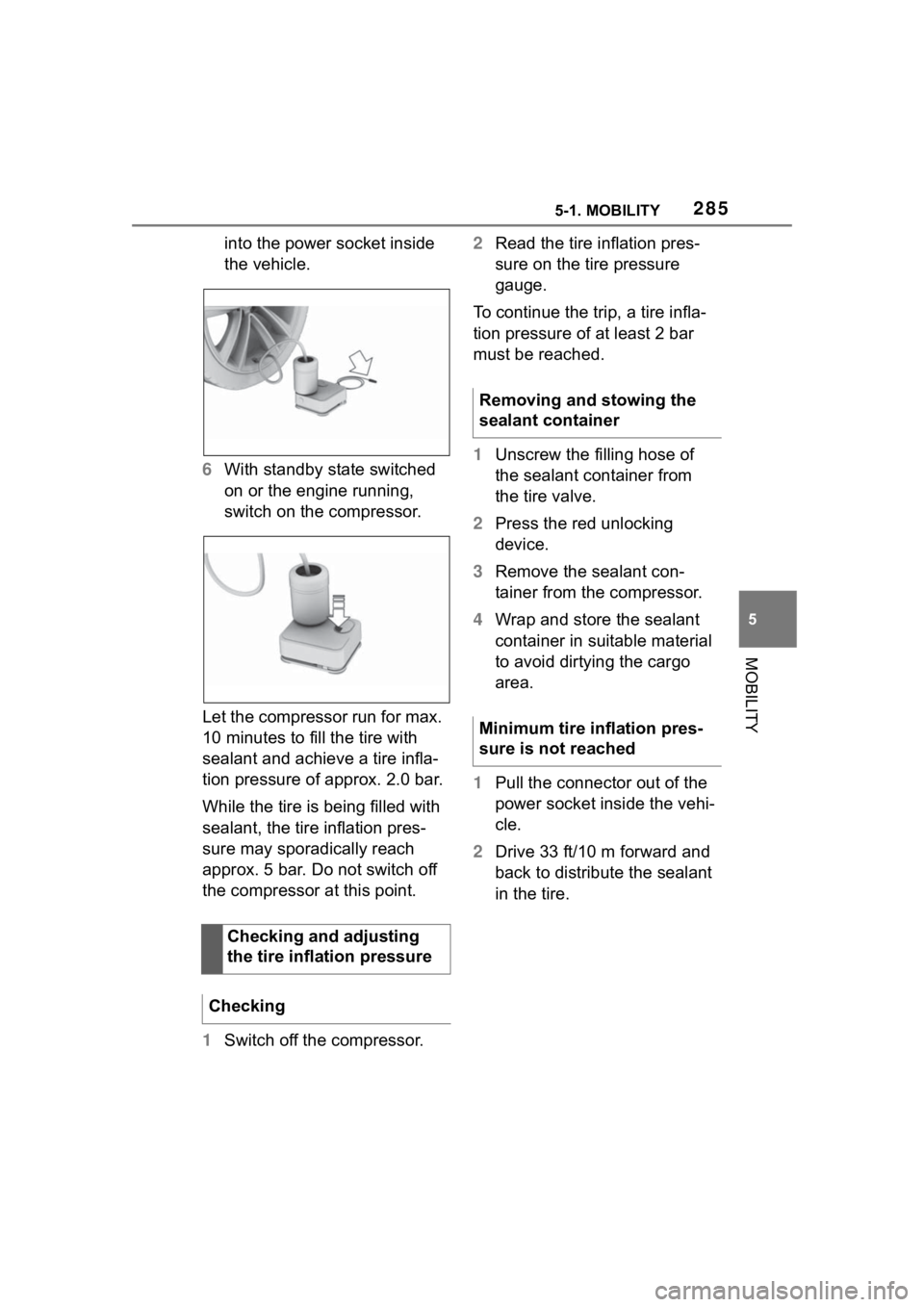
6 With standby state switched
on or the engine running,
switch on the compressor.
Let the compressor run for max.
10 minutes to fill the tire with
sealant and achieve a tire infla-
tion pressure of approx. 2.0 bar.
While the tire is being filled with
sealant, the tire inflation pres-
sure may sporadically reach
approx. 5 bar. Do not switch off
the compressor at this point.
1 Switch off the compressor. 2
Read the tire inflation pres-
sure on the tire pressure
gauge.
To continue the trip, a tire infla-
tion pressure of at least 2 bar
must be reached.
1 Unscrew the filling hose of
the sealant container from
the tire valve.
2 Press the red unlocking
device.
3 Remove the sealant con-
tainer from the compressor.
4 Wrap and store the sealant
container in suitable material
to avoid dirtying the cargo
area.
1 Pull the connector out of the
power socket inside the vehi-
cle.
2 Drive 33 ft/10 m forward and
back to distribute the sealant
in the tire.
Checking and adjusting
the tire inflation pressure
Checking
Removing and stowing the
sealant container
Minimum tire inflation pres-
sure is not reached
Page 302 of 372

3025-1. MOBILITY
instance, due to the selected
options or country versions. This
also applies to safety-related
functions and systems. When
using these functions and sys-
tems, the applicable laws and
regulations must be observed.
The engine oil consumption is
dependent on your driving style
and driving conditions.
Therefore, regularly check the
engine oil level after refueling by
taking a detailed measurement.
The engine oil consumption can
increase in the following situa-
tions, for example:
• Sporty driving style.
• Break-in of the engine.
• Idling of the engine.
• With use of engine oil types that are classified as not suit-
able.
Different vehicle messages
appear on the Control Display
depending on the engine oil
level. The electronic oil measurement
has two measuring principles:
• Monitoring.
• Detailed measurement.
When making frequent
short-distance trips or using a
sporty driving style, for instance
when taking curves aggres-
sively, regularly perform a
detailed measurement.
■Concept
The engine oil level is monitored
electronically while driving and
can be shown on the Control
Display.
If the engine oil level is outside
its permissible operating range,
a vehicle message is displayed.
■Functional requirements
A current measured value is
available after approx. 30 min-
utes of normal driving.
General information
Safety information
NOTICE
An engine oil level
that is too low
causes engine damage. There is
a risk of damage to property.
Immediately add engine oil.
NOTICE
Too much engine oil can damage
the engine or the catalytic con-
verter. There is a risk of damage
to property. Do not add too much
engine oil. When too much engine
oil is added, have the engine oil
level corrected by your Toyota
dealer.
Electronic oil measure-
ment
General information
Monitoring
Page 303 of 372
3035-1. MOBILITY
5
MOBILITY
■Displaying the engine oil
level
Via Toyota Supra Command:
1 "My Vehicle"
2 "Vehicle status"
3 "Engine oil level"
The engine oil leve l is displayed.
■System limits
When making frequent
short-distance trips or using a
sporty driving style, it may not
be possible to calculate a mea-
sured value. In this case, the
measured value for the last, suf-
ficiently long trip is displayed.
■Concept
The engine oil level is checked
when the vehicle is stationary
and displayed via a scale.
If the engine oil level is outside
its permissible operating range,
a vehicle message is displayed.
■General information
During the measurement, the
idle speed is increased some-
what.
■Functional requirements
• Vehicle is parked in a horizon- tal position.
• Manual transmission: gear- shift lever in idle position,
clutch and accelerator pedals
not depressed.
• Automatic transmission: selector lever in selector lever
position N or P and accelera-
tor pedal not depressed.
• Engine is running and is at operating temperature.
■Performing a detailed mea-
surement
Via Toyota Supra Command:
1 "My Vehicle"
2 "Vehicle status"
3 "Engine oil level"
4 "Measure engine oil level"
5 "Start measurement"
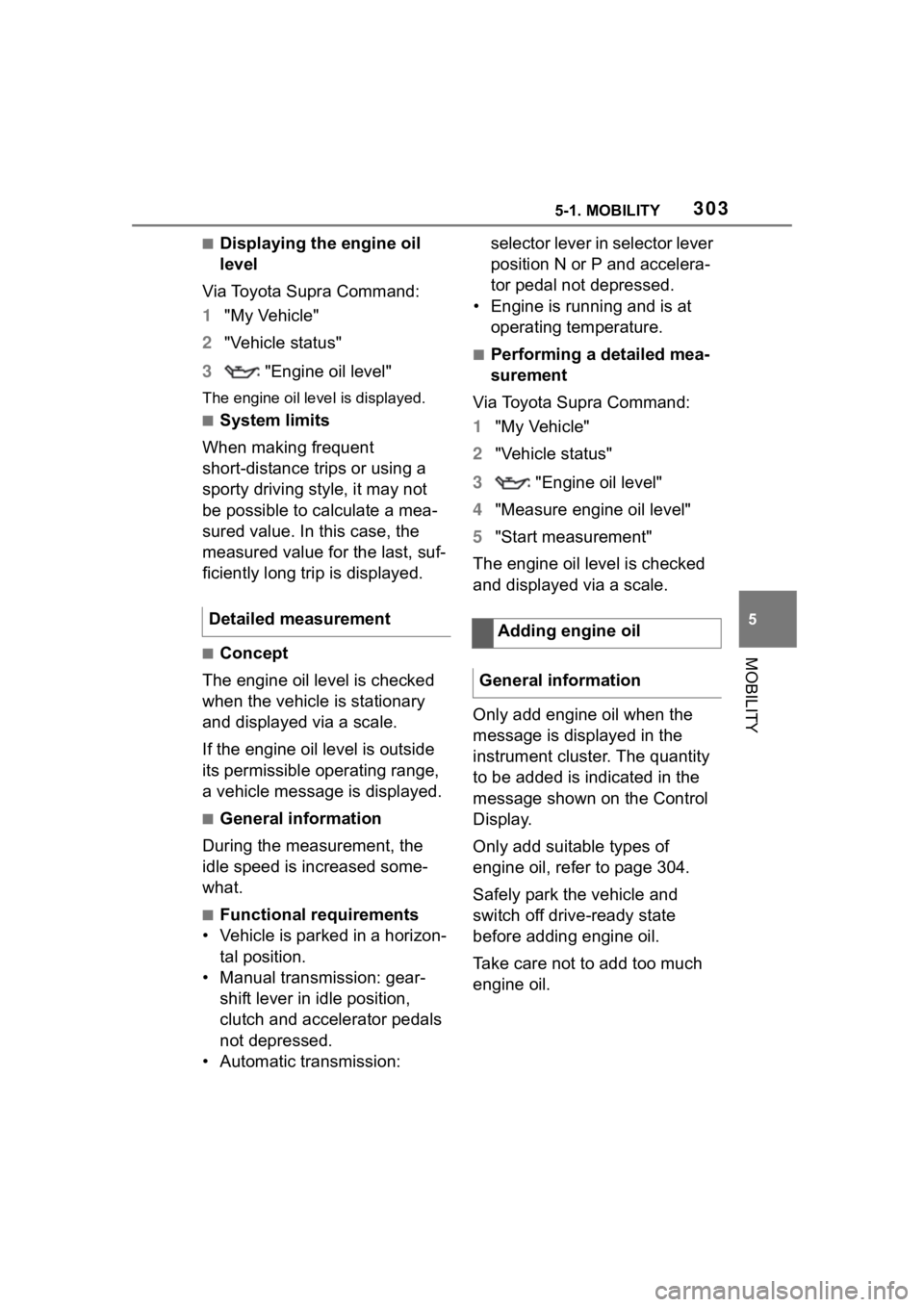
The engine oil level is checked
and displayed via a scale.
Only add engine oil when the
message is displayed in the
instrument cluster. The quantity
to be added is indicated in the
message shown on the Control
Display.
Only add suitable types of
engine oil, refer to page 304.
Safely park the vehicle and
switch off drive-ready state
before adding engine oil.
Take care not to add too much
engine oil.
Detailed measurement
Adding engine oil
General information
Page 306 of 372

3065-1. MOBILITY
mercially available additives are
suitable for the vehicle. The
vehicle manufacturer recom-
mends using coolant with the
BMW LC-18 specification. Do
not mix additives of different col-
ors. Observe the water - additive
mixture ratio of 50:50. Informa-
tion about suitable additives is
available from your Toyota
dealer.
Depending on the motorization,
there are up to two coolant res-
ervoirs in the engine compart-
ment. Check and top up the
coolant levels on a regular
basis.The coolant may be overfilled in
the coolant reservoir when the
vehicle is delivered from the fac-
tory. The normal coolant level is
achieved by operating the vehi-
cle for a longer period.
The coolant level is indicated
using the maximum mark in the
filler neck of the coolant reser-
voir.
Additional information:
For an overview, refer to page
298.
1
Let the engine cool.
2 Open the hood, refer to page
299.
3 Turn the lid of the coolant
reservoir slightly counter-
clockwise to allow any
excess pressure to dissi-
pate, then open it.
4 Open the coolant reservoir
lid.
5 The coolant level is correct
when it is just below the max-
imum mark in the filler neck.
Safety information
WARNING
With the engine hot and the cool-
ing system open, coolant can
escape and lead to scalding.
There is a risk of injury. Only open
the cooling system with the
engine cooled down.
WARNING
Additives are harmful and incor-
rect additives can damage the
engine. There is a risk of injury
and risk of damage to property.
Do not allow additives to come
into contact with skin, eyes or arti-
cles of clothing. Use suitable addi-
tives only.
Coolant level
General information
Checking the coolant level
Page 309 of 372

3095-1. MOBILITY
5
MOBILITY
Condition Based Service CBS
determines the maintenance
recommendation using sensors
and special algorithms that take
into account the driving condi-
tions of the vehicle.
The system makes it possible to
adapt the amount of mainte-
nance corresponding to your
user profile.
Information on service notifica-
tions, refer to page 147, can be
displayed on the Control Dis-
play.
Storage periods during which
the vehicle battery was discon-
nected are not taken into
account.
If this occurs, have a Toyota
dealer update the time-depen-
dent maintenance procedures,
such as checking brake fluid
and, if necessary, changing the
engine oil and the microfil-
ter/activated-charcoal filter.Please consult “Owner's War-
ranty Information Booklet” or
“Owner's Manual Supplement”
for additional information on ser-
vice and maintenance work.
The manufacturer of your vehi-
cle recommends that mainte-
nance and repair be performed
by a Toyota dealer. Records of
regular maintenance and repair
work should be retained.
Scheduled maintenance should
be performed at specified inter-
vals according to the mainte-
nance schedule.
For details about maintenance
items and schedules, refer to
the "Scheduled Maintenance
Guide" or "Owner's Manual Sup-
plement".
Devices connected to the OBD
socket trigger the alarm system
when the vehicle is locked.
Remove any devices con-
nected at the OBD socket
Condition Based Service
CBS
Concept
General information
Storage periods
"Owner's Warranty Infor-
mation Booklet" or
"Owner's Manual Supple-
ment"
Scheduled maintenance
Socket for OBD Onboard
Diagnosis
General information