Page 215 of 372

2153-1. CONTROLS
3
CONTROLS
As soon as the detected vehicle
drives off, the vehicle symbol in
the distance indicator will move
away.
To accelerate, activate ACC, for
instance by briefly stepping on
the accelerator pedal or press-
ing the rocker switch.Some system information can
also be displayed in the
Head-up Display.
Detected vehicle
SymbolDescription
Green symbol:
A vehicle has been
detected ahead of
you. The system
maintains the set dis-
tance to the vehicle
in front.
Indicator/warning lights
SymbolDescription
Indicator light green:
system is active.
No indicator light:
system is switched
off.
Vehicle symbol
flashes:
The conditions are
not adequate for the
system to work.
The system was
deactivated but
applies the brakes
until you actively
resume control by
pressing on the
brake pedal or accel-
erator pedal.
The vehicle symbol
and distance bars
flash red and an
acoustic signal
sounds:
Brake and make an
evasive maneuver, if
necessary.
Displays in the Head-up
Display
Desired speed
Page 216 of 372

2163-1. CONTROLS
The distance information is
active in the following situations:
Dynamic radar cruise control
switched off.
Display in the Head-up Dis-
play selected, refer to page
154.
Distance too short.
Speed greater than approx.
40 mph/70 km/h.
Additional information:
• Cameras, refer to page 42.
• Radar sensors, refer to page 43. The detection capacity of the
system and the automatic brak-
ing capacity are limited.
Two-wheeled vehicles for
instance might not be detected.
The system does not decelerate
in the following situations:
For pedestrians or similarly
slow-moving road users.
For red traffic lights.
For cross traffic.
For oncoming traffic.
If a vehicle driving ahead of you
suddenly swerves into your
The symbol is displayed
when the set desired
speed is reached.
Distance information
The symbol is displayed
when the distance from
the vehicle traveling
ahead is too short.
System limits
System limits of the sensors
Detection range
Deceleration
Swerving vehicles
Page 217 of 372
2173-1. CONTROLS
3
CONTROLS
lane, the system may not be
able to automatically restore the
selected distance. It may not be
possible to restore the selected
distance in certain situations,
including if you are driving sig-
nificantly faster than vehicles
driving ahead of you, for
instance when rapidly approach-
ing a truck. When a vehicle driv-
ing ahead of you is reliably
detected, the system requests
that the driver intervene by brak-
ing and carrying out evasive
maneuvers, if needed.
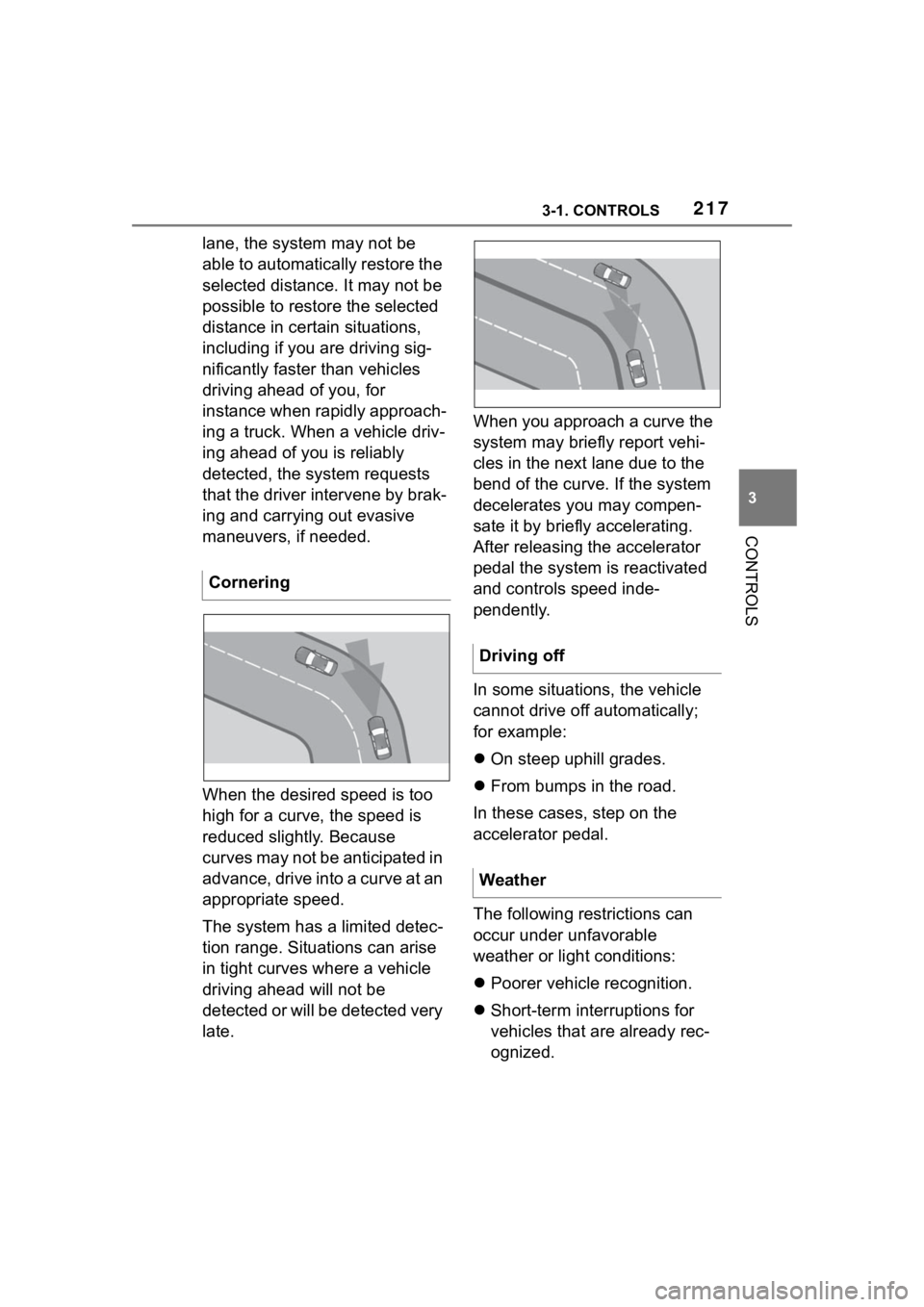
When the desired speed is too
high for a curve, the speed is
reduced slightly. Because
curves may not be anticipated in
advance, drive into a curve at an
appropriate speed.
The system has a limited detec-
tion range. Situations can arise
in tight curves where a vehicle
driving ahead will not be
detected or will be detected very
late.When you approach a curve the
system may briefly report vehi-
cles in the next lane due to the
bend of the curve. If the system
decelerates you may compen-
sate it by briefly accelerating.
After releasing the accelerator
pedal the system is reactivated
and controls speed inde-
pendently.
In some situations, the vehicle
cannot drive off automatically;
for example:
On steep uphill grades.
From bumps in the road.
In these cases, step on the
accelerator pedal.
The following restrictions can
occur under unfavorable
weather or light conditions:
Poorer vehicle recognition.
Short-term interruptions for
vehicles that are already rec-
ognized.
Cornering
Driving off
Weather
Page 219 of 372
2193-1. CONTROLS
3
CONTROLS
4"Notes on speed limits"
Select the desired setting:
"adjust manually": detected
speed limit can be applied
manually.
"Show current limit": detected
speed limits are displayed in
the instrument cluster without
being applied.
"Off": Speed Limit Assist will
be switched off.
A message is indicated in the
instrument cluster when the sys-
tem and cruise control are acti-
vated. It is possible to set whether the
speed limit will be accepted
exactly, or with a tolerance.
Via Toyota Supra Command:
1"My vehicle"
2 "Vehicle settings"
3 "Speed Assistant"
4 "Adjust speed limits"
5 Confirm the desired setting.
Speed Limit Assist is based on
the Speed Limit Info system.
Thus, also observe the system
limits of the Speed Limit Info
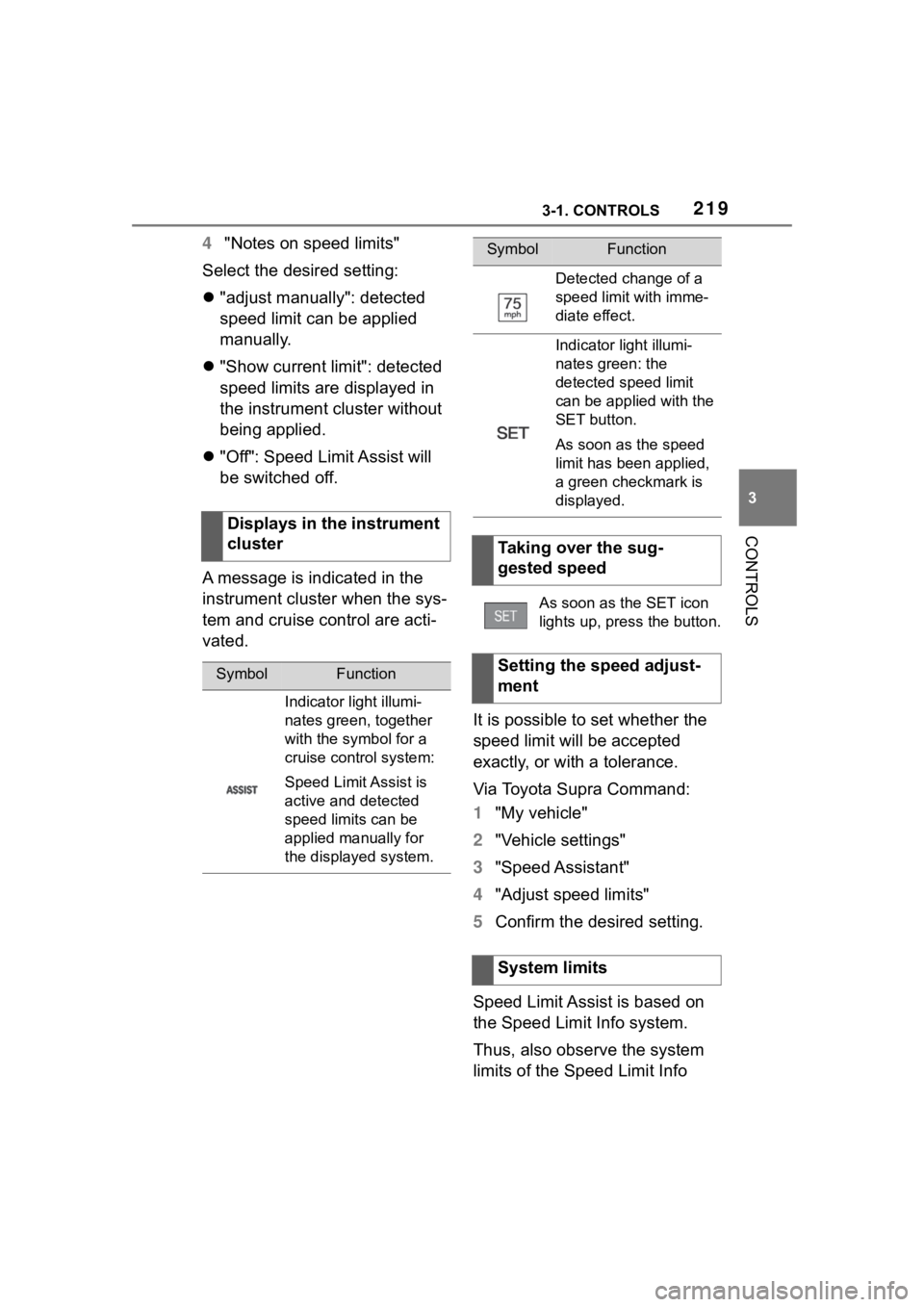
Displays in the instrument
cluster
SymbolFunction
Indicator light illumi-
nates green, together
with the symbol for a
cruise control system:
Speed Limit Assist is
active and detected
speed limits can be
applied manually for
the displayed system.
Detected change of a
speed limit with imme-
diate effect.
Indicator light illumi-
nates green: the
detected speed limit
can be applied with the
SET button.
As soon as the speed
limit has been applied,
a green checkmark is
displayed.
Taking over the sug-
gested speed
As soon as the SET icon
lights up, press the button.
Setting the speed adjust-
ment
System limits
SymbolFunction
Page 221 of 372

2213-1. CONTROLS
3
CONTROLS
The system is controlled using
the following sensors:
• Ultrasonic sensors in the bumpers.
Additional information:
Sensors of the vehicle, refer to
page 42.
The system switches on auto-
matically in the following situa-
tions:
If selector lever position R is
engaged when the engine is
running.
Depending on the equipment
version: while approaching
detected obstacles if the
speed is slower than approx.
2.5 mph/4 km/h. The activa-
tion distance depends on the
situation in question.
You may switch automatic acti-
vation when obstacles are
detected on and off.
Via Toyota Supra Command:
1 "My vehicle"
2 "Vehicle settings"
3 "Parking"
4 Where applicable: "Automatic
Parking Sens. activation" 5
"Automatic Parking Sensors
activ."
Depending on equipment, an
additional camera view is also
switched on.
The system switches off when a
certain driving distance or speed
is exceeded.
Switch the system back on, if
needed.
On: the LED lights up.
Off: the LED goes out.
The rearview camera image is
displayed if the reverse gear is
engaged when pressing the
park assistance button.
Depending on the equipment
version, the system cannot be
switched off manually if the
reverse gear is engaged.
■General information
An intermittent tone indicates
when the vehicle is approaching
an object. For instance, if an
Sensors
Switching on/off
Switching on automatically
Automatic deactivation
during forward travel
Switching on/off manually
Press the park assistance
button.
WARNING
Signal tones
Page 223 of 372

2233-1. CONTROLS
3
CONTROLS
is warned in the Parking Sensor
display against vehicles
approaching in the front or rear
from the side.
The emergency braking function
of Parking Sensor initiates an
emergency braking in case of
acute risk of collision.
Due to system limits, a collision
cannot be prevented under all
circumstances.
The function is available from
walking speed while backing up
or rolling backward.
A press of the accelerator pedal
interrupts the braking interven-
tion.
After emergency braking to a
stop, further creeping toward an
obstacle is possible. To creep
toward the obstacle, lightly
press the accelerator pedal and
release it again.
If the accelerator pedal is heav-
ily depressed, the vehicle drives
off as usual. Manual braking is
possible at any time.The system uses the ultrasound
sensors of Parking Sensor and
parking assistant.
Via Toyota Supra Command:
1
"My vehicle"
2 "Vehicle settings"
3 "Parking"
4 "Park. Sens. w. em. braking
funct."
5 "Park. Sens. w. em. braking
funct."
The system warns of obstacles
on the side of the vehicle.
Depending on the equip-
ment version: emergency
brake function, Parking
Sensors with emergency
braking function
Concept
General information
Safety information
WARNING
The system cannot serve as a
substitute for the driver’s personal
judgment in assessing the traffic
situation. Based on the limits of
the system, it cannot inde-
pendently react to all traffic situa-
tions. There is a risk of accident.
Adjust driving style to traffic condi-
tions. Check surrounding traffic
and vehicle's surroundings
closely and actively intervene
where appropriate.
Activating/deactivating the
system
Side parking aid
Concept
Page 226 of 372
2263-1. CONTROLS
The system is controlled by the
following sensors:
• Rearview camera.
Additional information:
Sensors of the vehicle, refer to
page 42.
The system is switched on auto-
matically if selector lever posi-
tion R is engaged when the
engine is running.
The system switches off when a
certain driving distance or speed is exceeded.
Switch the system back on, if
needed.
On: the LED lights up.
Off: the LED goes out.
The parking assistance func-
tions are shown on the Control
Display.
If the rearview camera view is
not displayed, change the view
via Toyota Supra Command:
1 If necessary, tilt the controller
to the side.
2 "Rear view camera"
The rearview camera image is
displayed.
The rearview camera is
switched on.
Keep the recording range of
the camera clear. Protruding
cargo or roof rack systems
can limit the detection range
of the camera.
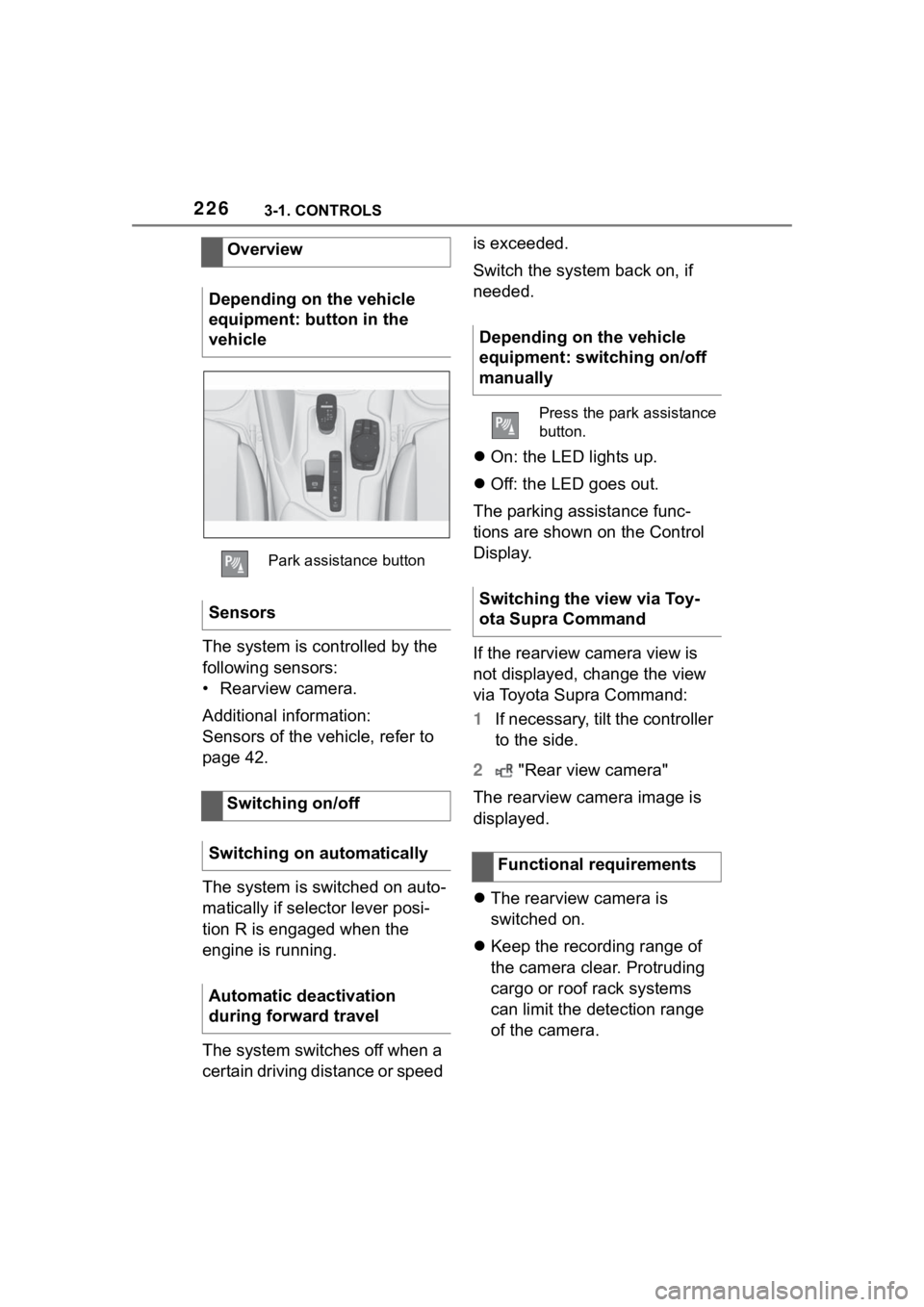
Overview
Depending on the vehicle
equipment: button in the
vehicle
Park assistance button
Sensors
Switching on/off
Switching on automatically
Automatic deactivation
during forward travel
Depending on the vehicle
equipment: switching on/off
manually
Press the park assistance
button.
Switching the view via Toy-
ota Supra Command
Functional requirements
Page 230 of 372

2303-1. CONTROLS
1"My vehicle"
2 "Vehicle settings"
3 "Parking"
4 "Cross traffic alert"
5 "Cross traffic alert"
If the system was activated on
the Control Display, it is auto-
matically switched on as soon
as Parking Sensors or Pan-
orama View is active and a gear
is engaged.
If reverse gear is engaged, the
rear system is switched on.
The system is automatically
switched off in the following situ-
ations:
When the speed exceeds
walking speed.
When a certain driving dis-
tance is exceeded.
With an active parking opera-
tion of the parking assistant.
The respective display is called
up on the Control Display. A sig-
nal tone may sound and the light
in the exterior mirror may flash. The light in the exterior mirror
flashes if vehicles are detected
by the rear sensors and your
own vehicle is moving back-
wards.
In the Parking Sensors view, the
respective boundary area
flashes red, if vehicles are
detected by the sensors.
In addition to the optical indica-
tor, a warning signal sounds if
your own vehicle moves into the
respective direction.
Switching on automatically
Switching off automatically
WARNING
General informationLight in the exterior mirror
Display in the Parking Sen-
sors view
Acoustic warning